Batch Render Queue Pro: Pause, Resume, Per-Camera Batch, Status Report
 MST-9 Tools
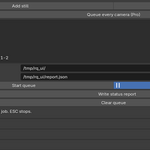
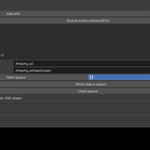
Batch Render Queue Pro 1.0.0
Install: Blender 4.2+, Edit > Preferences > Get Extensions > top-right menu > Install from Disk, pick the zip (do not unzip), enable it.
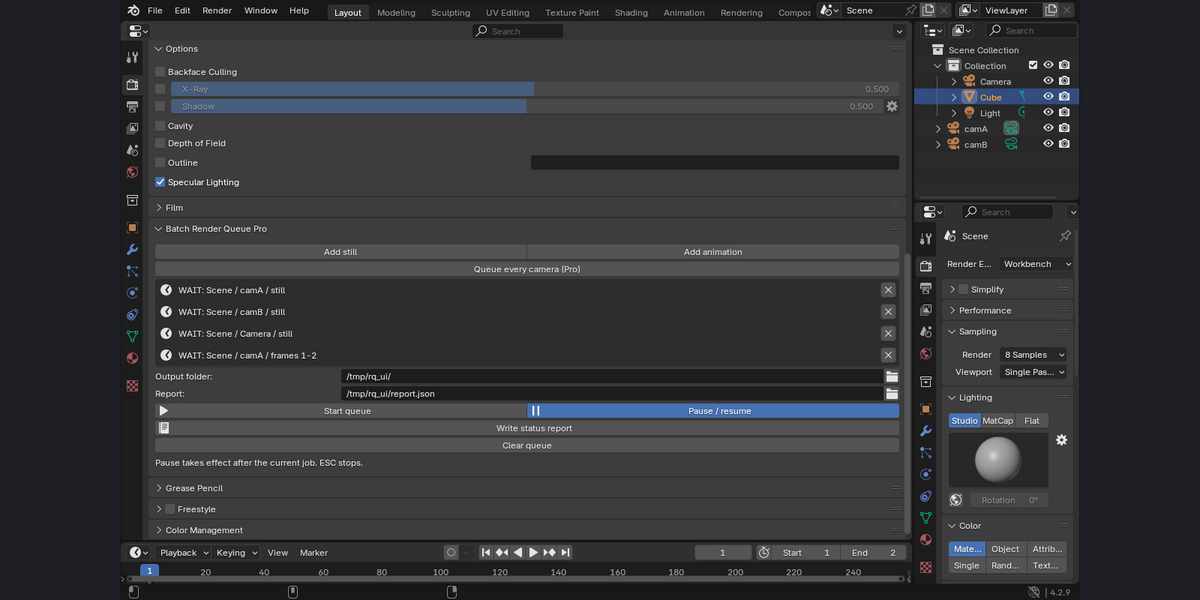
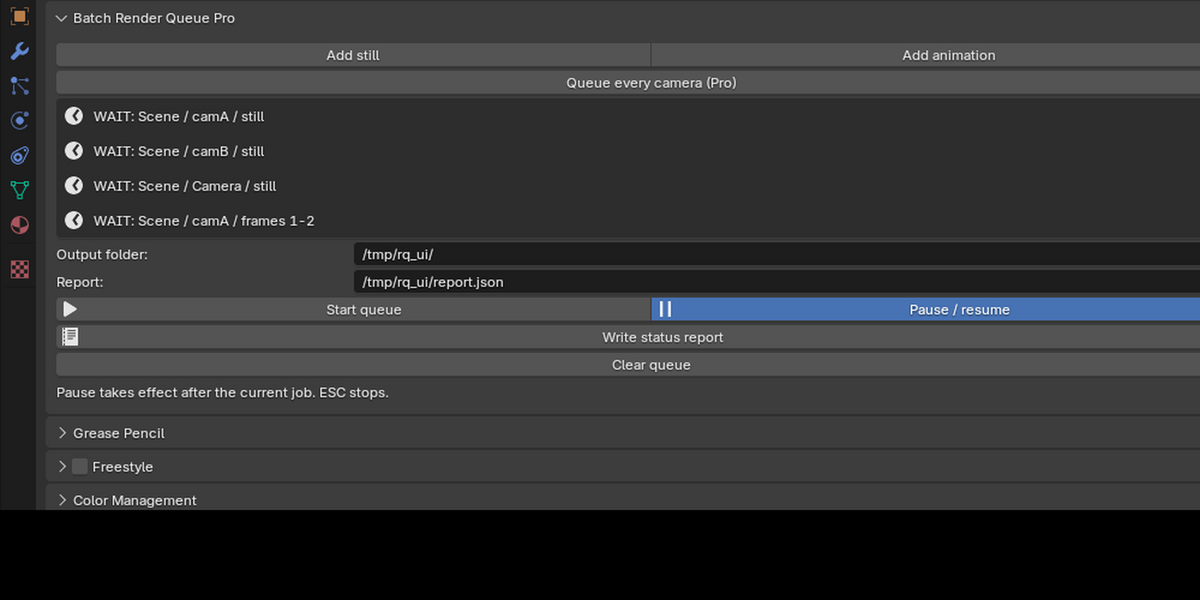
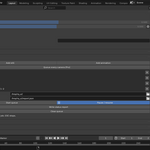
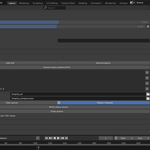
Panel: Properties > Render > Batch Render Queue Pro.
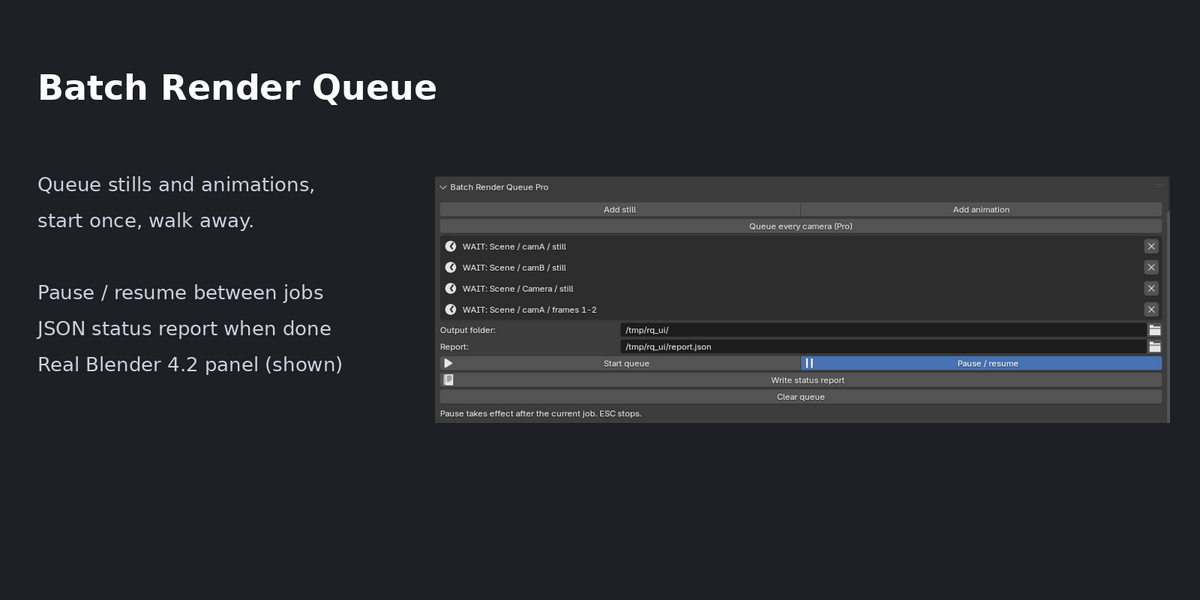
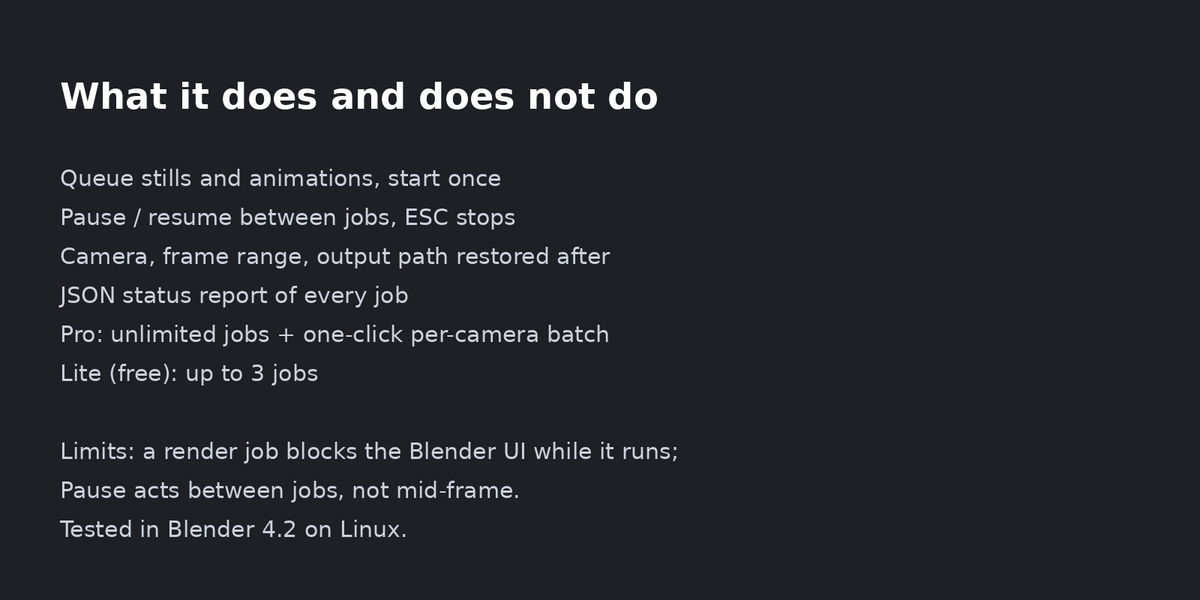
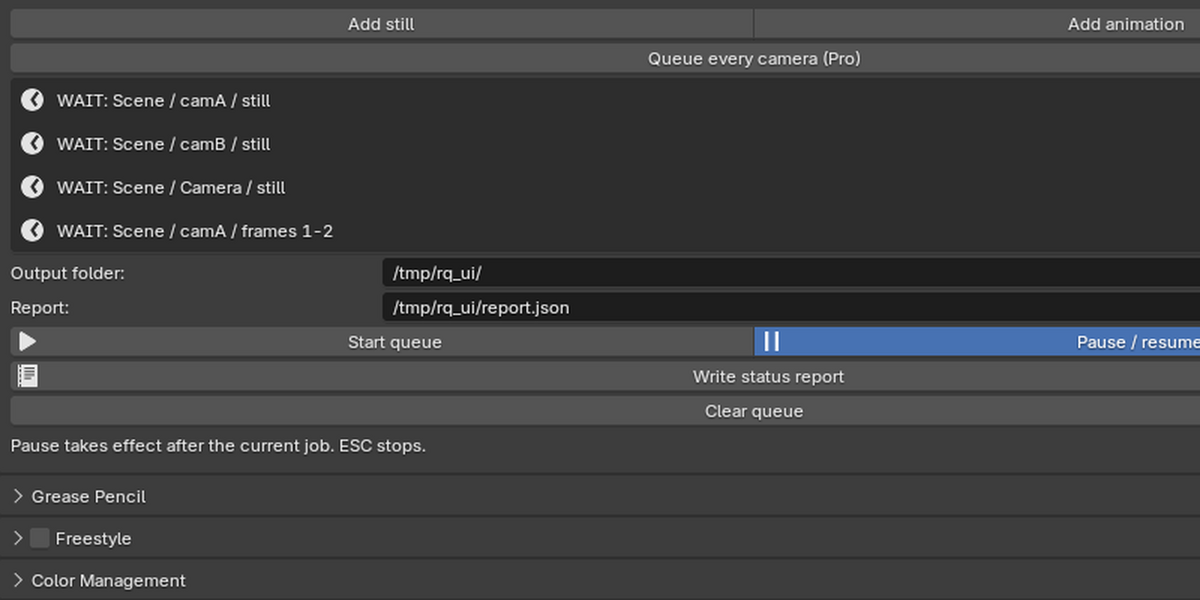
Add still / Add animation: queues the active scene, camera and frame range as a job.
Queue every camera (Pro): one still job per camera in the scene.
Output folder: where PNG stills and frame sequences are written.
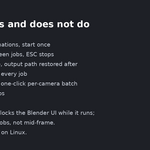
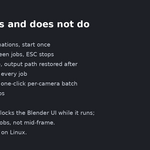
Start queue: runs jobs one after another. Pause / resume holds the queue after the current job. ESC stops.
Write status report: writes report.json with the state of every job.
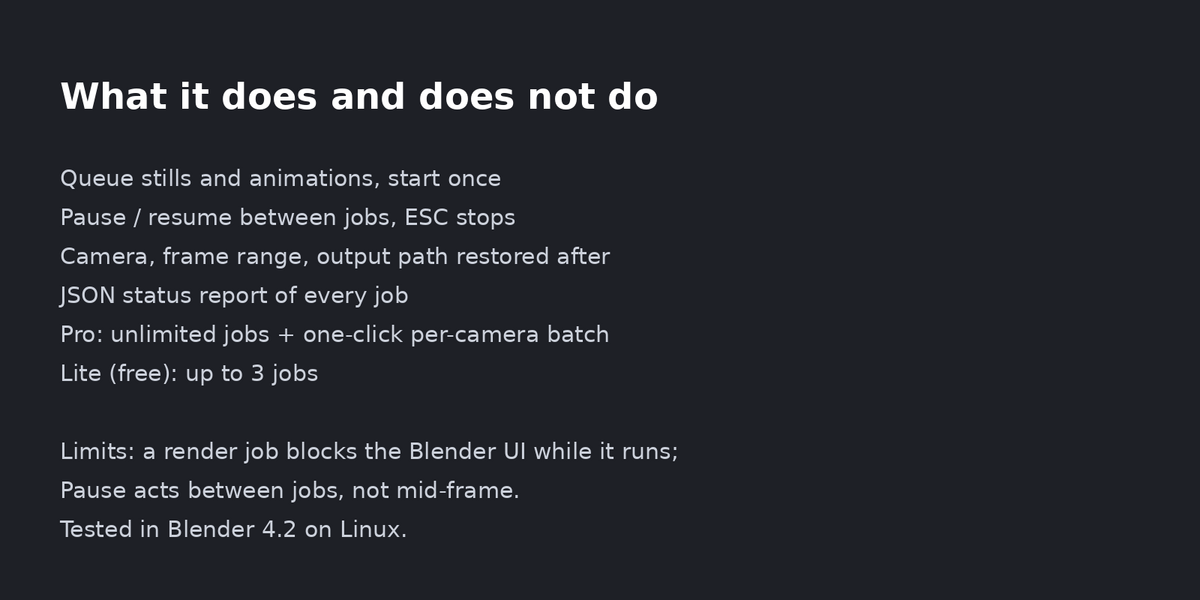
Camera, frame range and output path are restored after each job.
Limits: a render job blocks the Blender UI while it runs; Pause acts between jobs, not mid-frame. Tested in Blender 4.2 on Linux.
Licence: GPL-3.0-or-later.
Have questions about this product?
Login to message
| Blender Extension Compatible | Yes |
| Published | about 14 hours ago |
| Blender Version | 4.2 |
| Extension Type | Add-on |
| License | GPL |

Discover more products like this
camera batch render queue Render Farm pause render batch render