 BENNODES
BBDex for Blender: your asset library in one window.
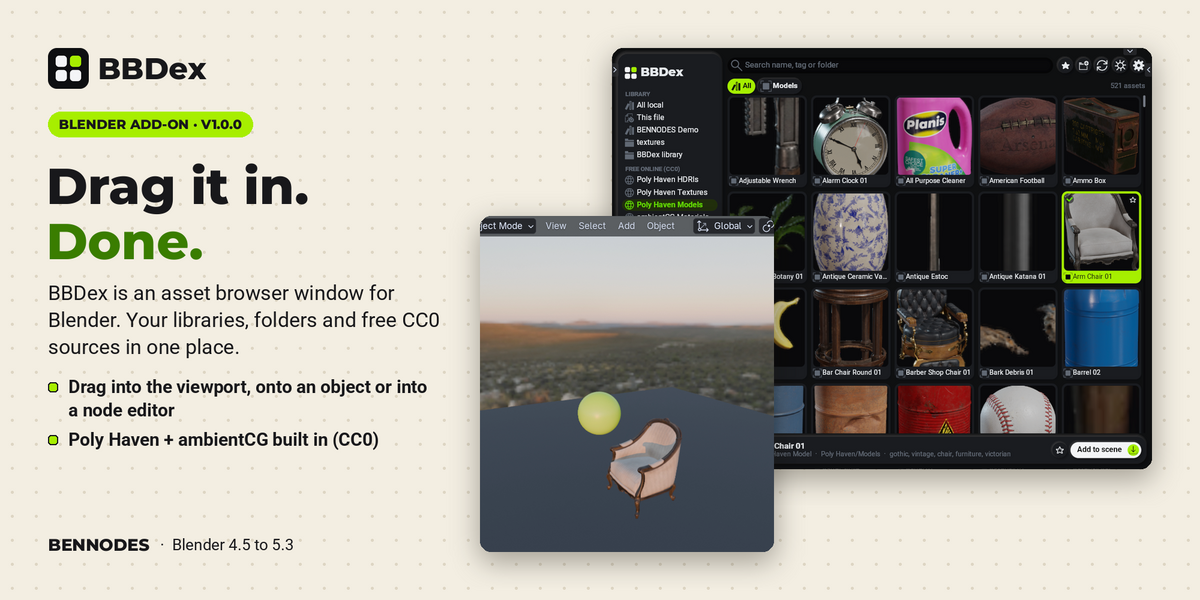
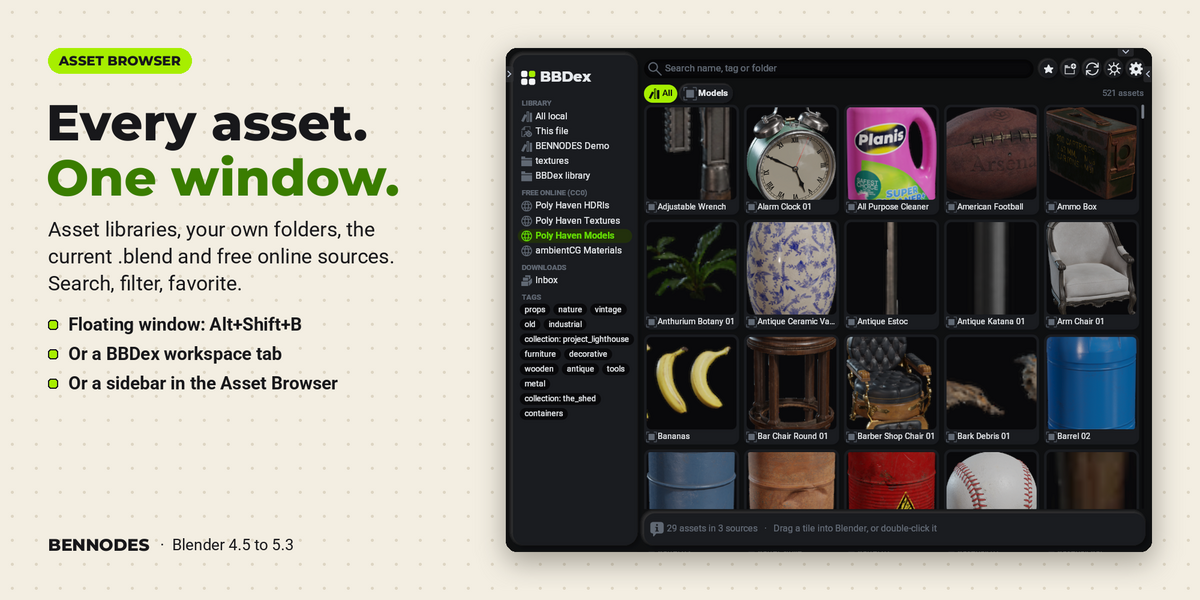
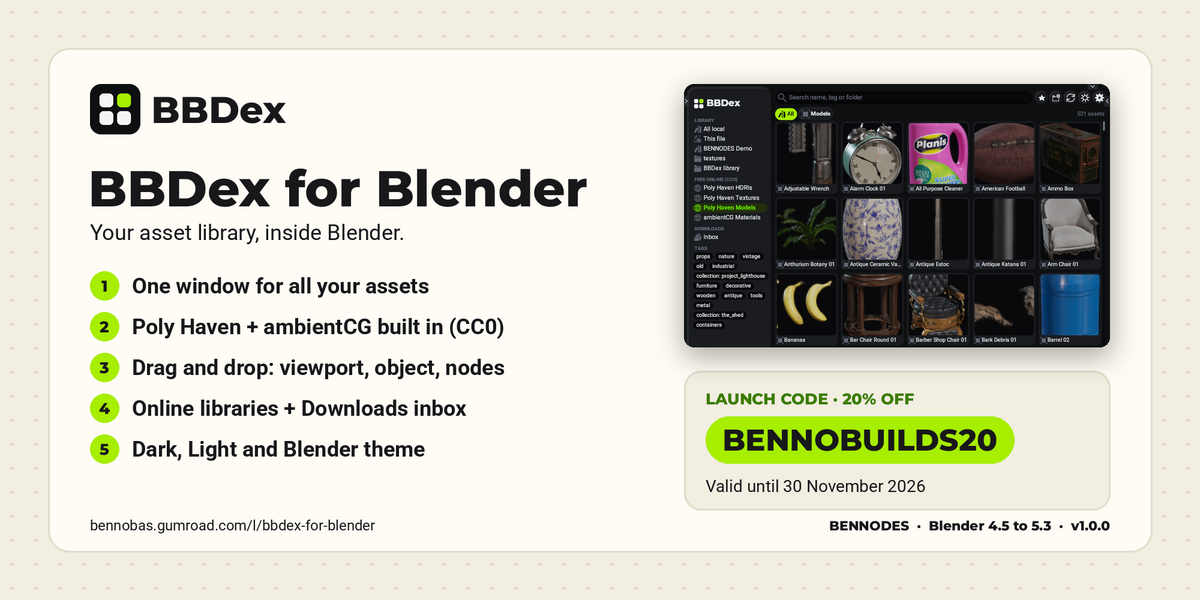
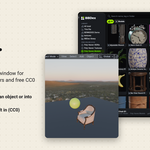
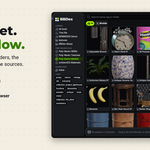
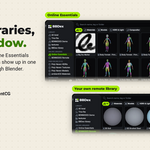
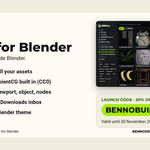
A fast, calm asset browser that lives inside Blender. Your asset libraries, your own folders, the current file, Blender's online asset libraries and free Poly Haven and ambientCG assets, all in one grid. Drag a tile into the viewport, onto an object or into a node editor.
Launch offer: 20% off with code BENNOBUILDS20 (until 30 November 2026).
What it does
| 1 |
One window for everything Registered asset libraries, your own folders (.blend, FBX, OBJ, glTF, USD, STL, PLY, Alembic, HDR/EXR, PBR texture folders) and the current .blend. |
| 2 |
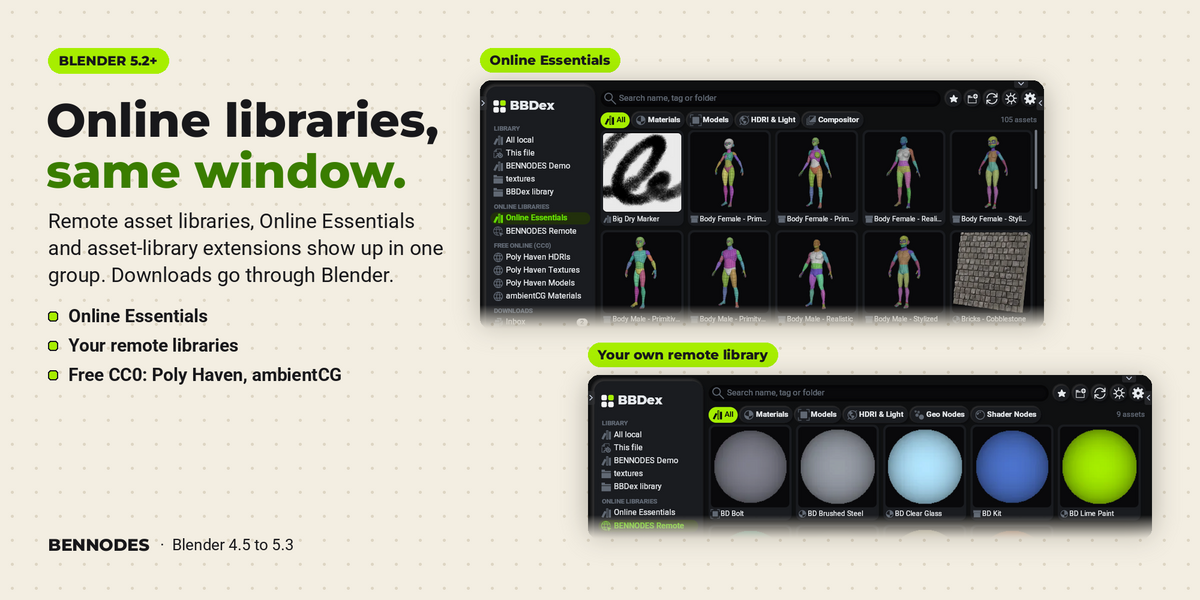
Online asset libraries (Blender 5.2+) Remote libraries, Online Essentials and asset-library extensions show up next to your own. |
| 3 |
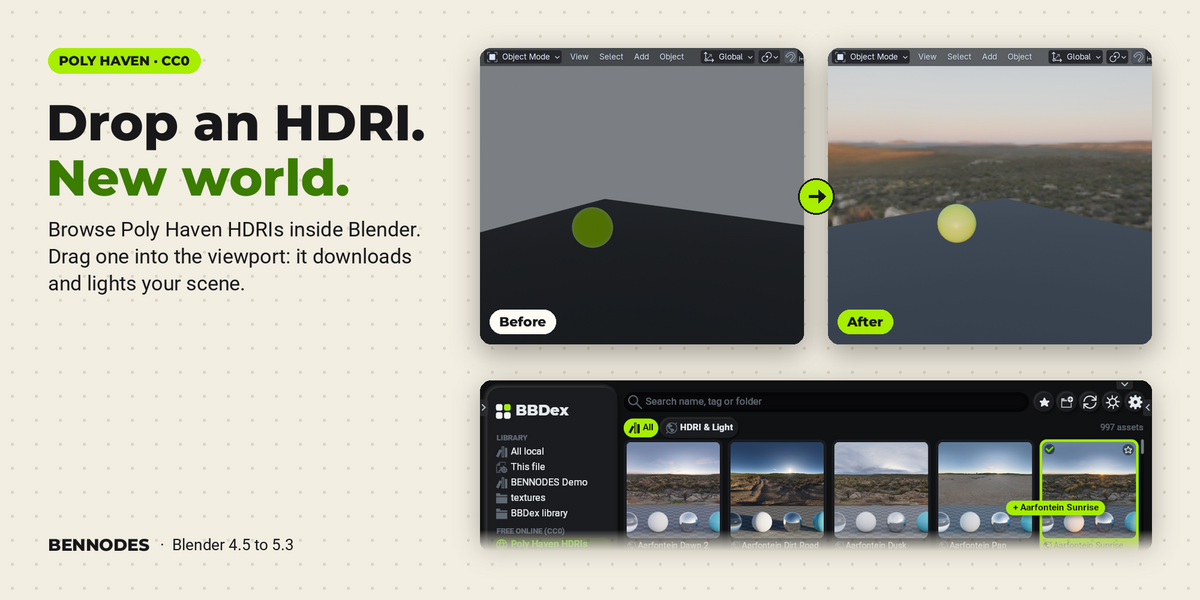
Free CC0 sources Browse and download Poly Haven HDRIs, textures and models and ambientCG materials. Nothing goes online until you allow Online Access. |
| 4 |
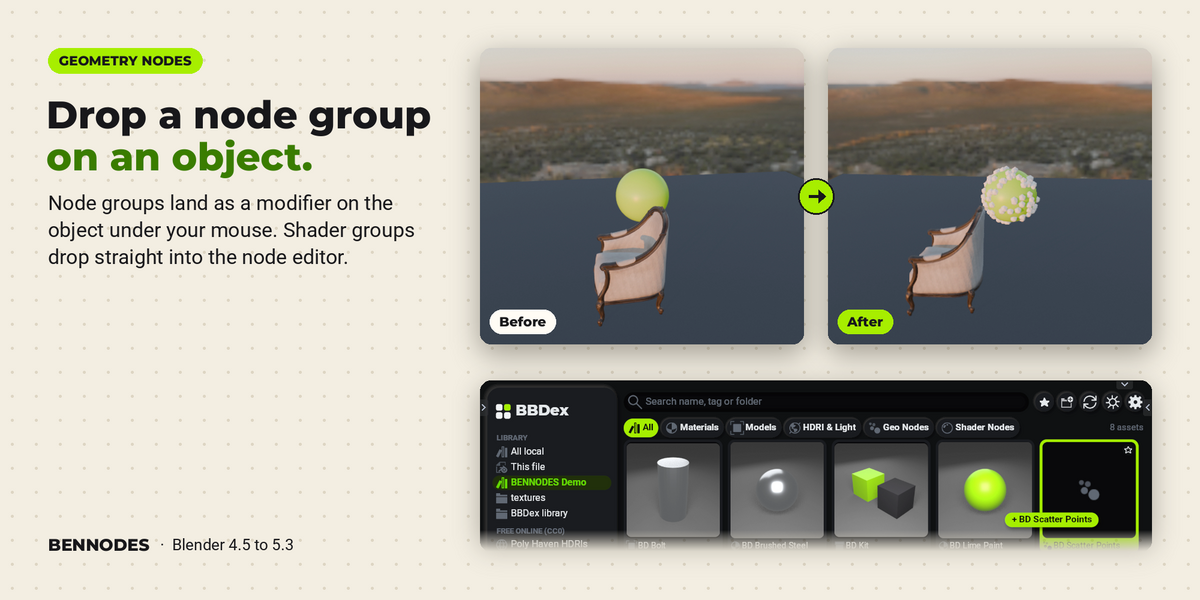
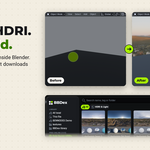
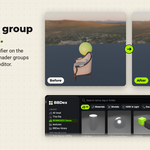
Drag and drop Models into the viewport, HDRIs onto the world, geometry node groups onto an object, shader node groups into the node editor. |
| 5 |
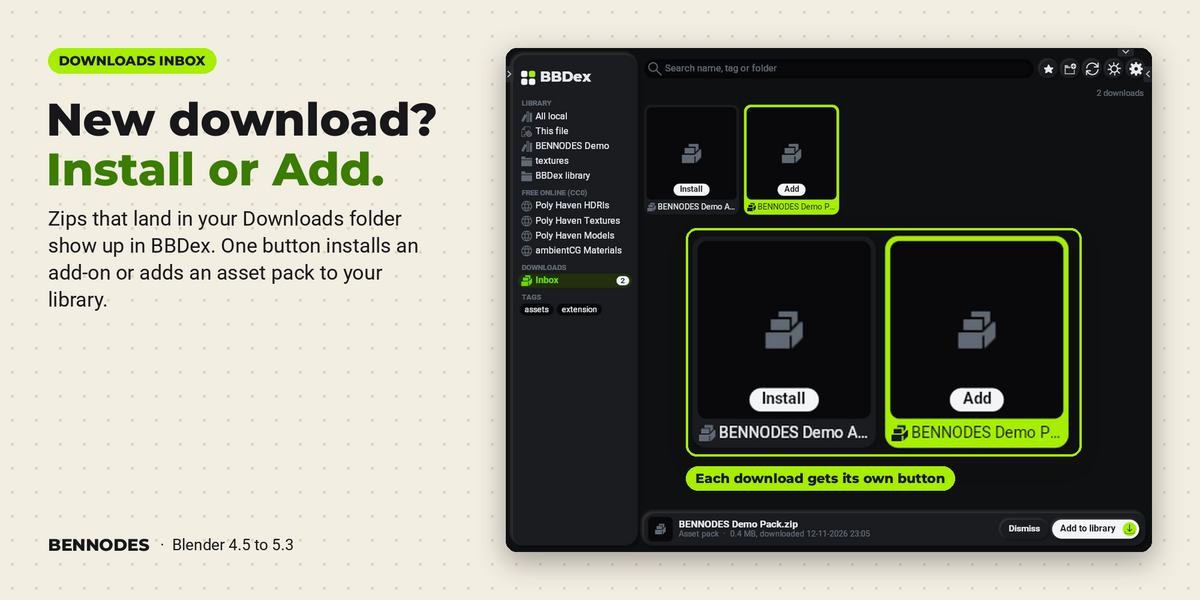
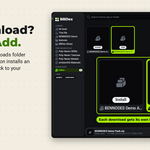
Downloads inbox Bought an asset pack or add-on? BBDex spots the zip in your Downloads folder and unpacks the assets into your library or installs the add-on, after you confirm. |
| 6 |
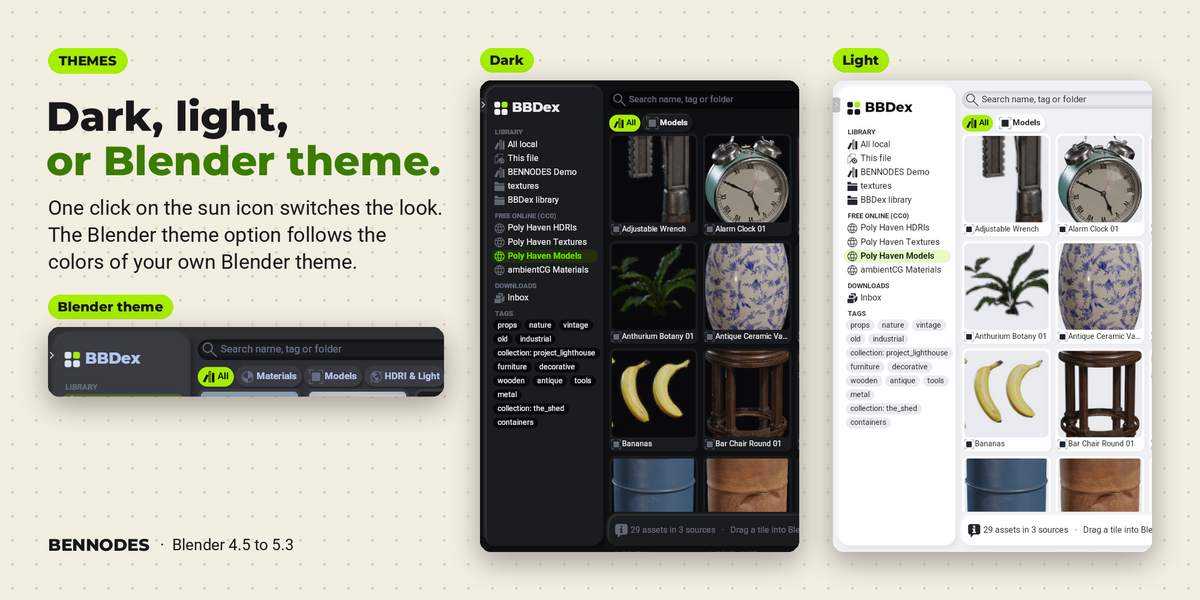
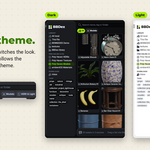
Previews, search and themes Missing thumbnails are rendered in the background. Search, type filters, tags and favorites. Dark, light or Blender theme. |
AI quick actions (optional)
| 1 |
Ask Type what you need in plain language ("rusty metal for a fence") and get the best matches from your library. |
| 2 |
Auto-tag Get tag suggestions for one asset or all untagged assets. You accept or reject each one. |
| 3 |
Suggest material Three materials from your library for the selected object, applied in one click. |
Works with your own API key (Anthropic, OpenAI, OpenRouter, Gemini) or a local Ollama model. Only text is sent (asset names, tags, folder names and types; for materials also the object's name, modifiers and size), never your files. Without a key everything else works as normal.
How it works
| 1 |
Install Edit > Preferences > Get Extensions > Install from Disk, pick the zip. |
| 2 |
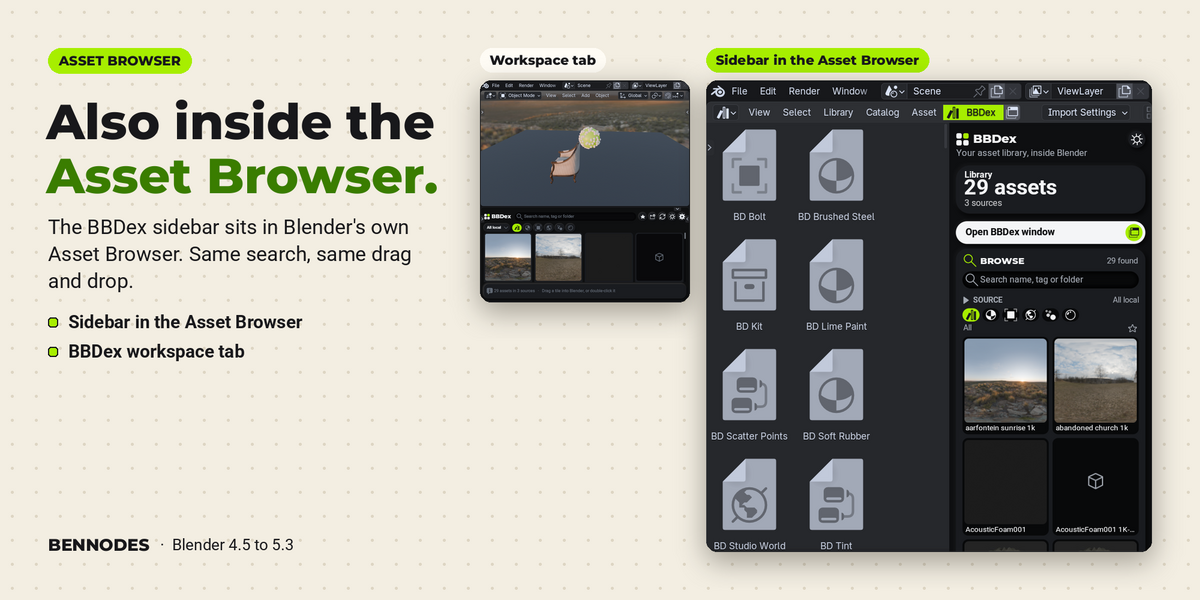
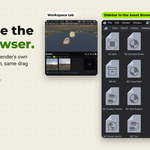
Open Window > BBDex Window (Alt+Shift+B), or open the BBDex workspace tab, or use the BBDex sidebar in the Asset Browser. |
| 3 |
Drag Add your folders under Sources, then drag a tile into Blender. |
Blender 4.5 or newer. Tested in Blender 4.5, 5.2 and 5.3. Online libraries need Blender 5.2+. Tested on Windows 11. Delivered as a normal Blender extension, no separate program.
What you get
The extension zip, README and licence. Licence: GPL-3.0-or-later. Online content keeps its own licence (Poly Haven and ambientCG are CC0).
FAQ
Is this the BBDex Windows app?
No, this is the in-Blender version: no .exe needed. The standalone Windows app stays available separately.
Does it change my files?
No. BBDex reads your files; unpacking or installing from the inbox always asks first.
Does it go online by itself?
No. Poly Haven and ambientCG are only contacted after you allow Online Access.
Which Blender versions?
4.5 or newer; online libraries need 5.2+.
Made by BENNODES: small, honest Blender tools, tested in every supported version. Support: [email protected]
AI costs and privacy?
AI features use your own API key or local model. Costs, data and results are your own responsibility; BENNODES does not see or store anything. Your key is stored in your Blender preferences, never in your scene files.