BBDex for Blender
 BENNODES
Install
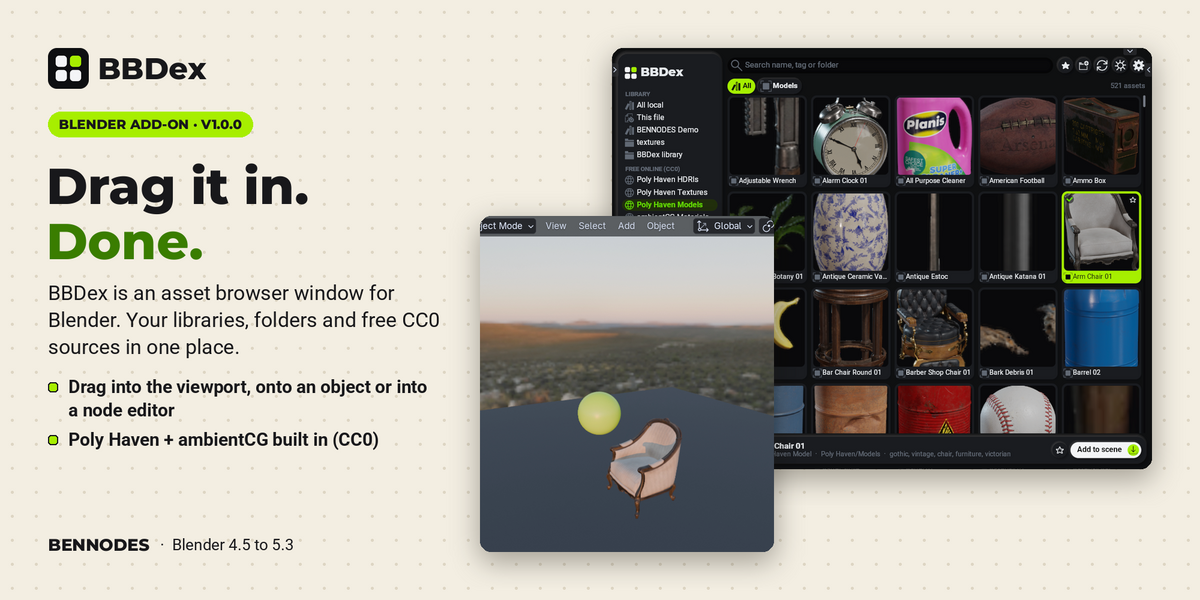
1. Edit > Preferences > Get Extensions > Install from Disk, pick the BBDex zip.
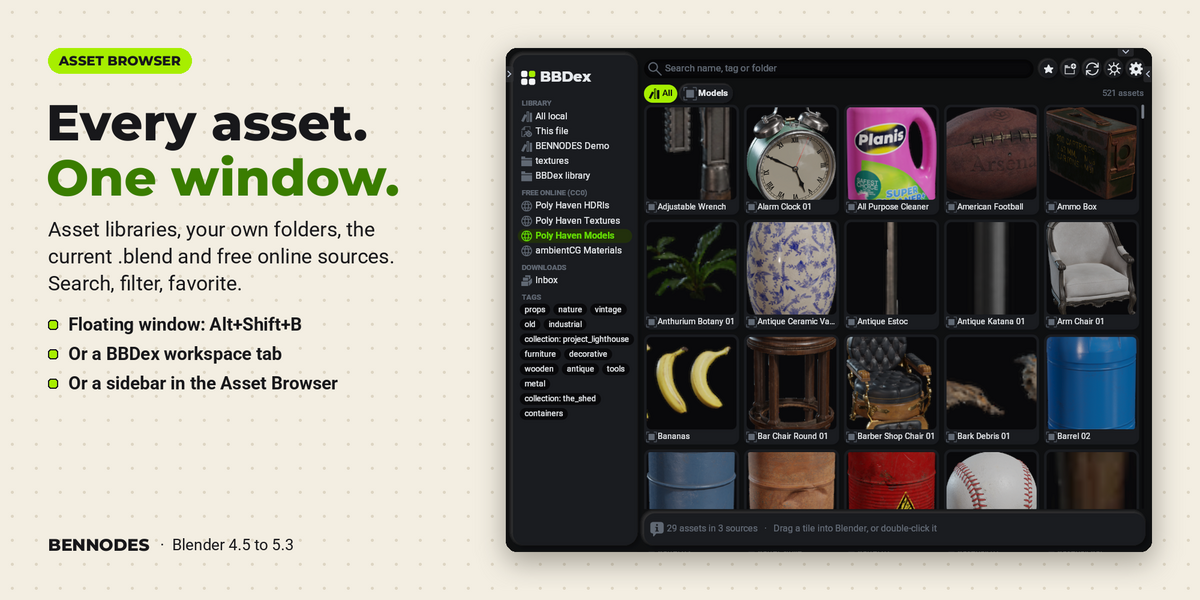
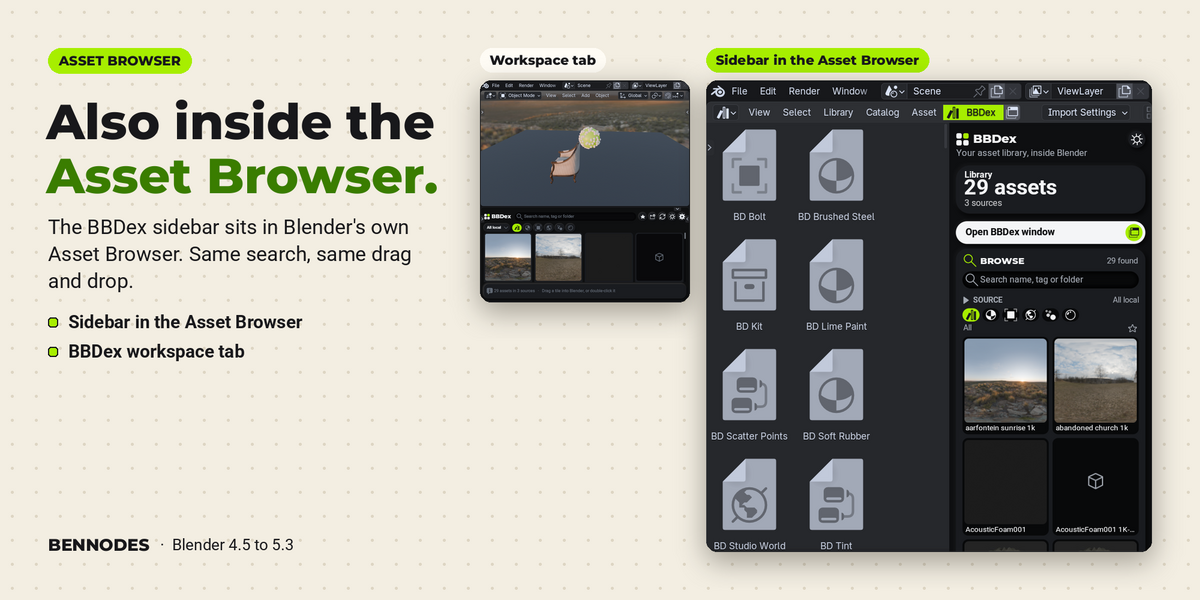
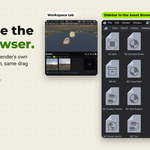
2. Window > BBDex Window (Alt+Shift+B), or open the BBDex workspace tab, or use the BBDex sidebar in the Asset Browser.
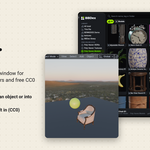
3. Add your folders under Sources, then drag a tile into the viewport, onto an object or into a node editor.
Sources
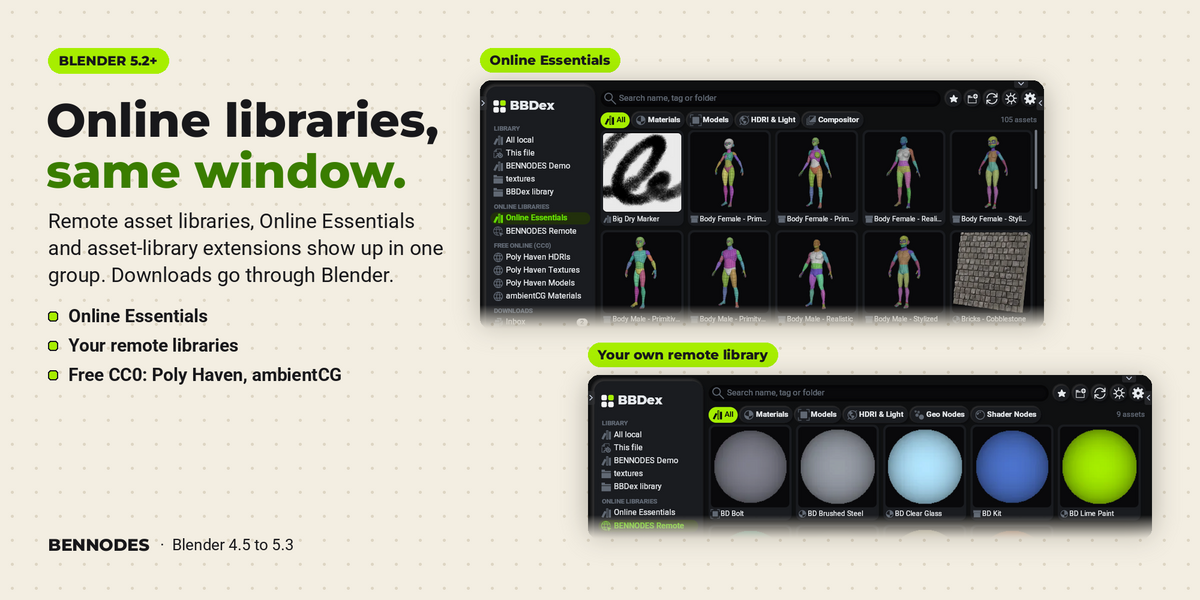
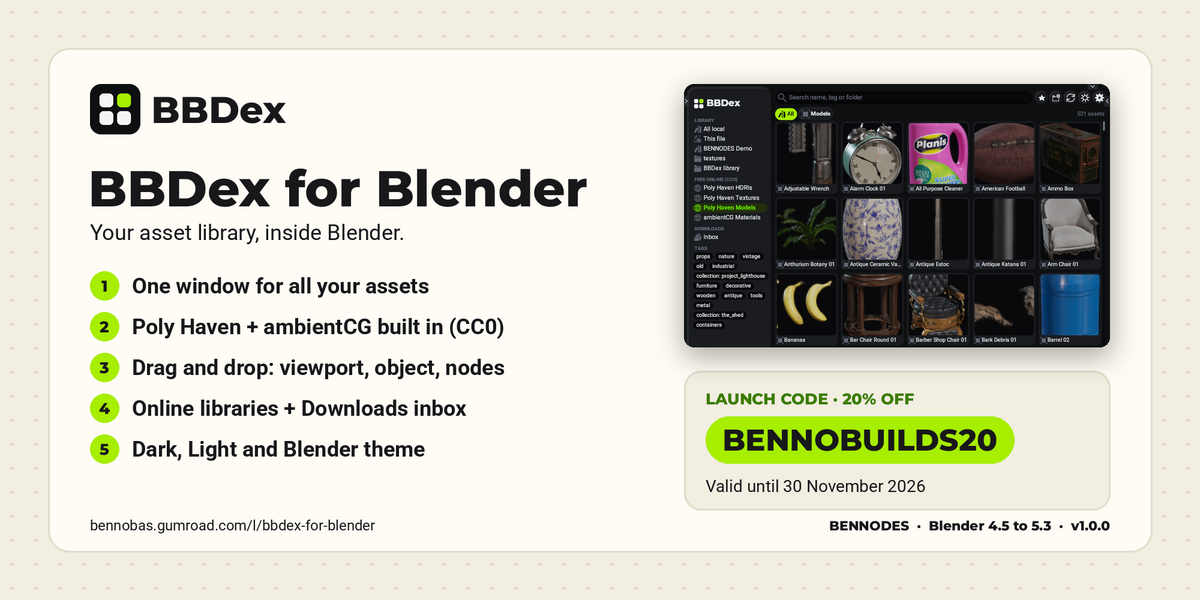
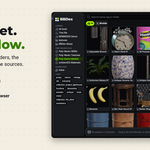
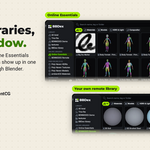
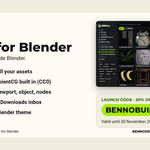
Registered asset libraries, your own folders (.blend, FBX, OBJ, glTF, USD, STL, PLY, Alembic, HDR/EXR, PBR texture folders), the current .blend, Blender online asset libraries (Blender 5.2+), and free CC0 Poly Haven and ambientCG assets. Nothing goes online until you allow Online Access in the preferences.
Drag and drop
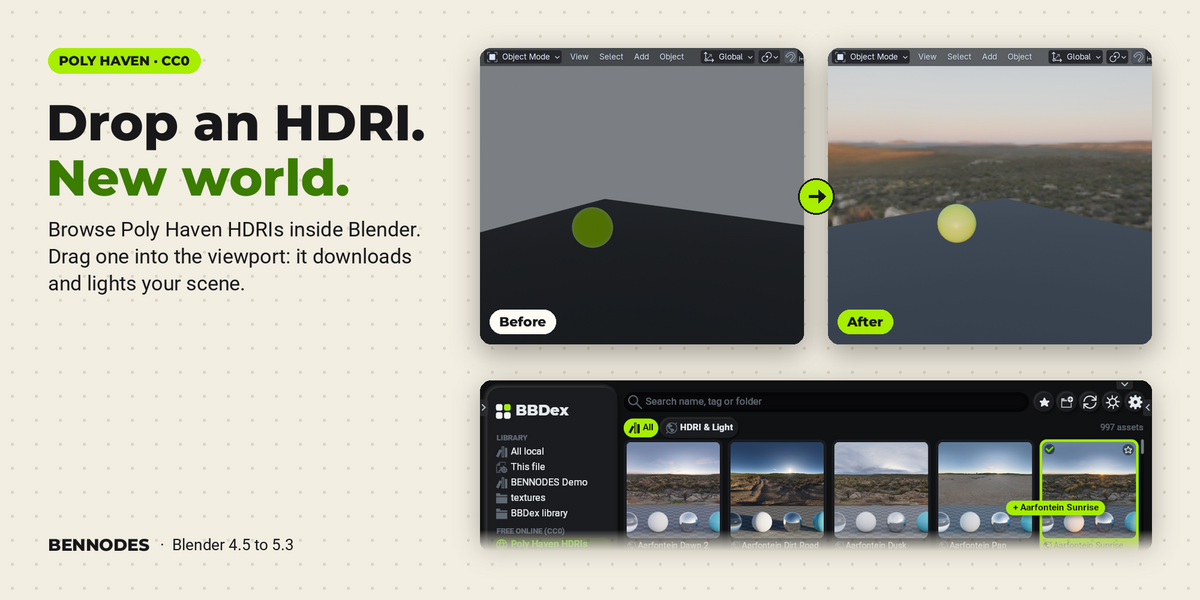
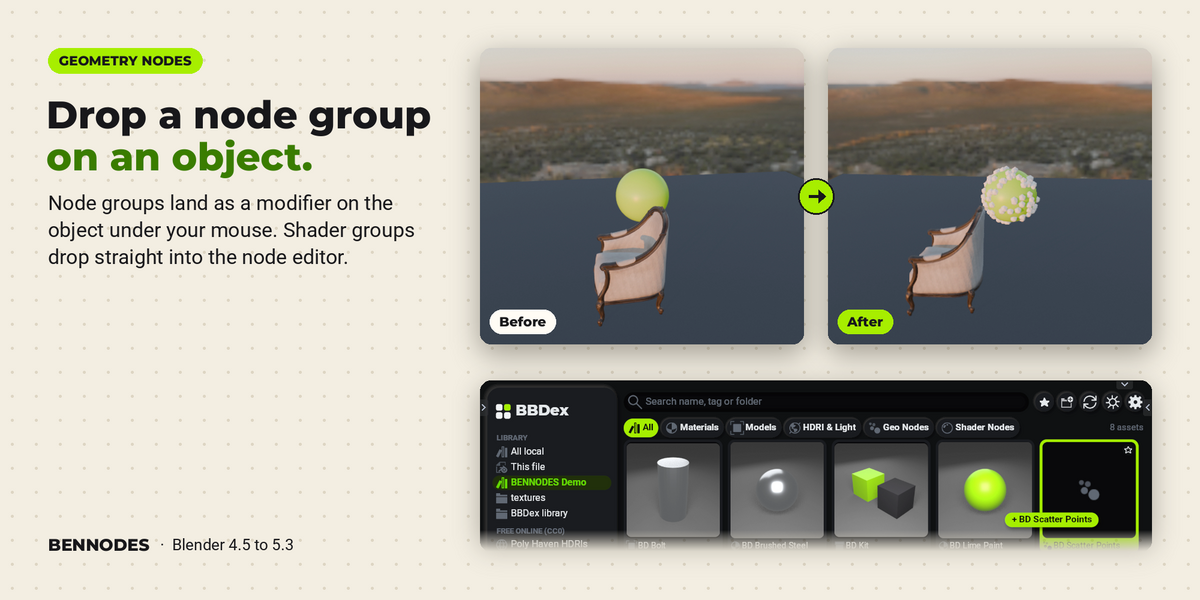
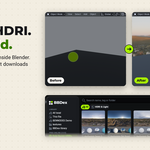
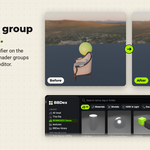
Models go into the viewport, HDRIs onto the world, geometry node groups onto an object, shader node groups into the node editor.
Downloads inbox
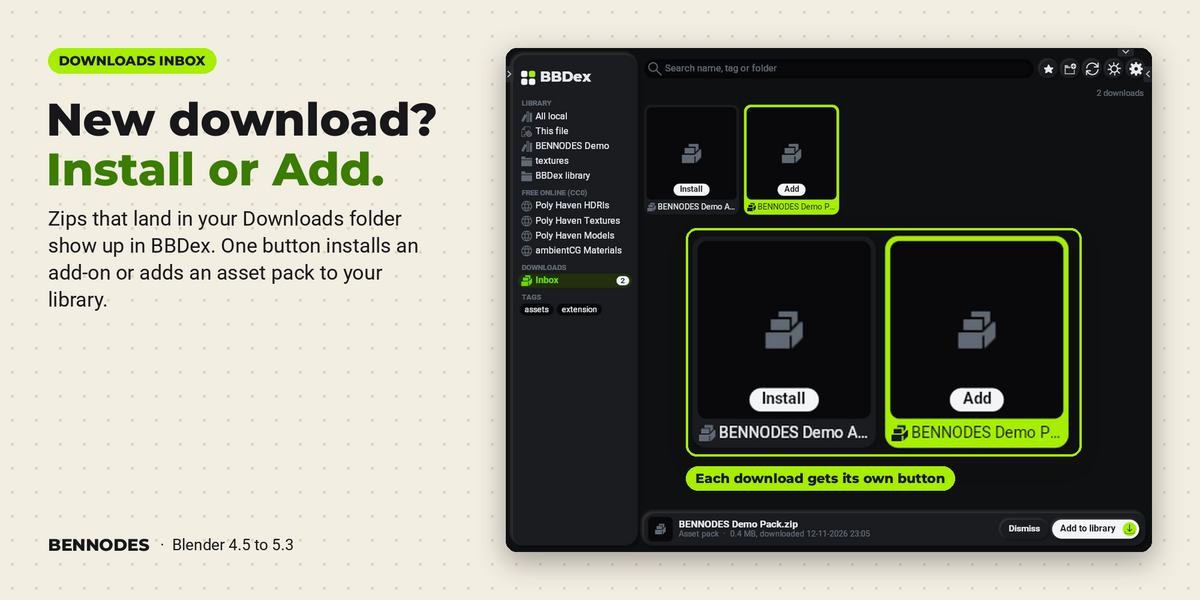
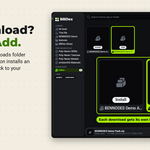
BBDex spots asset-pack and add-on zips in your Downloads folder. Unpacking or installing always asks first.
Themes
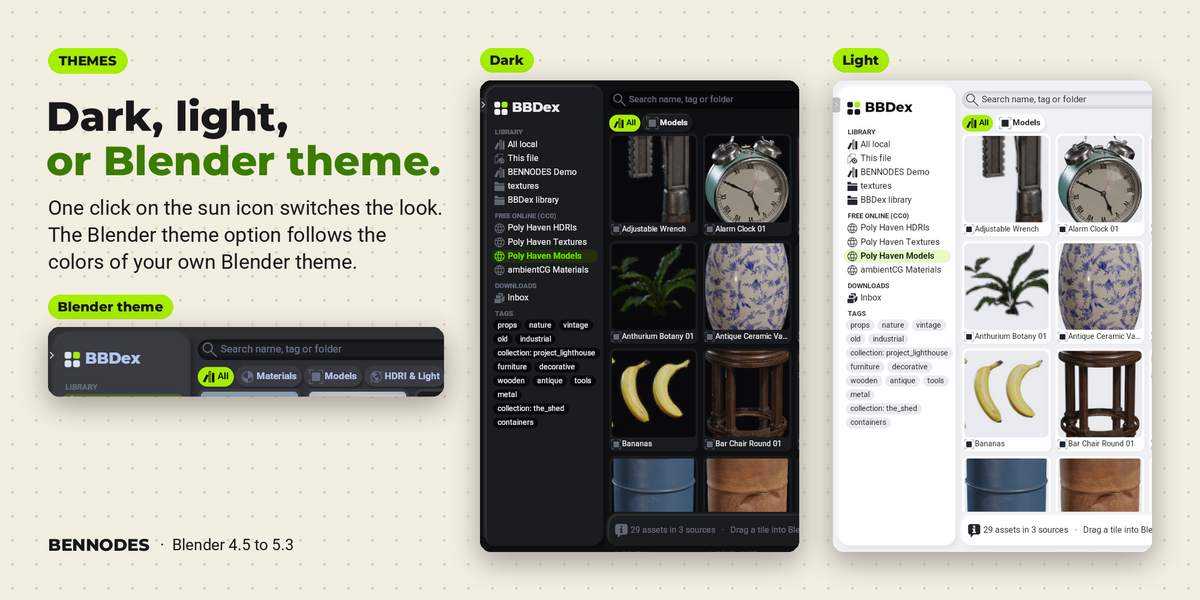
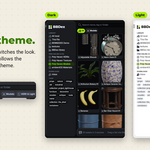
Dark, light or Blender theme, set in the BBDex preferences.
Compatibility
Blender 4.5 or newer. Tested in Blender 4.5, 5.2 and 5.3. Online libraries need 5.2+. Licence GPL-3.0-or-later. Support: [email protected]
Have questions about this product?
Login to message
| Blender Extension Compatible | Yes |
| Published | 41 minutes ago |
| Blender Version | 4.5 - 5.3 |
| Extension Type | Add-on |
| Render Engine Used | Cycles, Eevee |
| License | GPL |
Discover more products like this
ambientcg hdri asset library poly haven asset-browser online libraries drag and drop Asset Manager