 Rasheed's Edit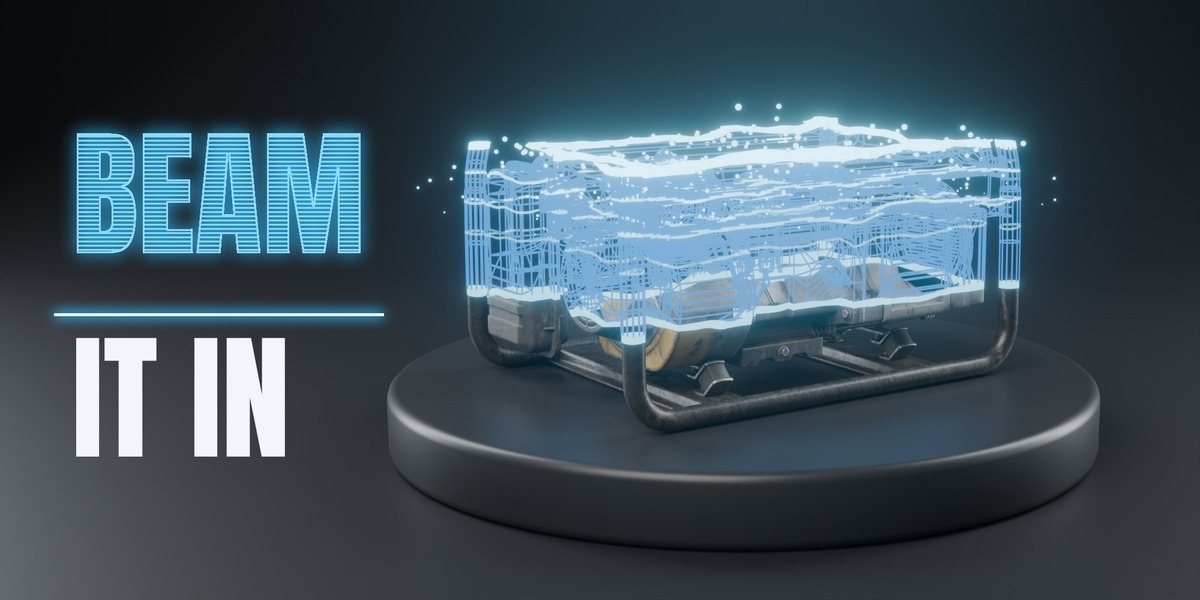
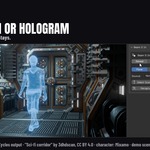
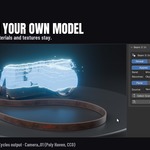

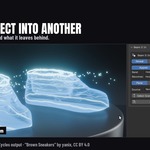
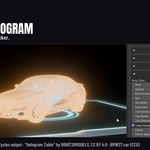
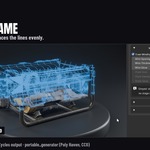

Beam It In puts a scan, a build-up or a hologram on the object you already have. Select it, pick an effect, press Add. It keeps your materials and textures, and it works on a rigged character while it walks.
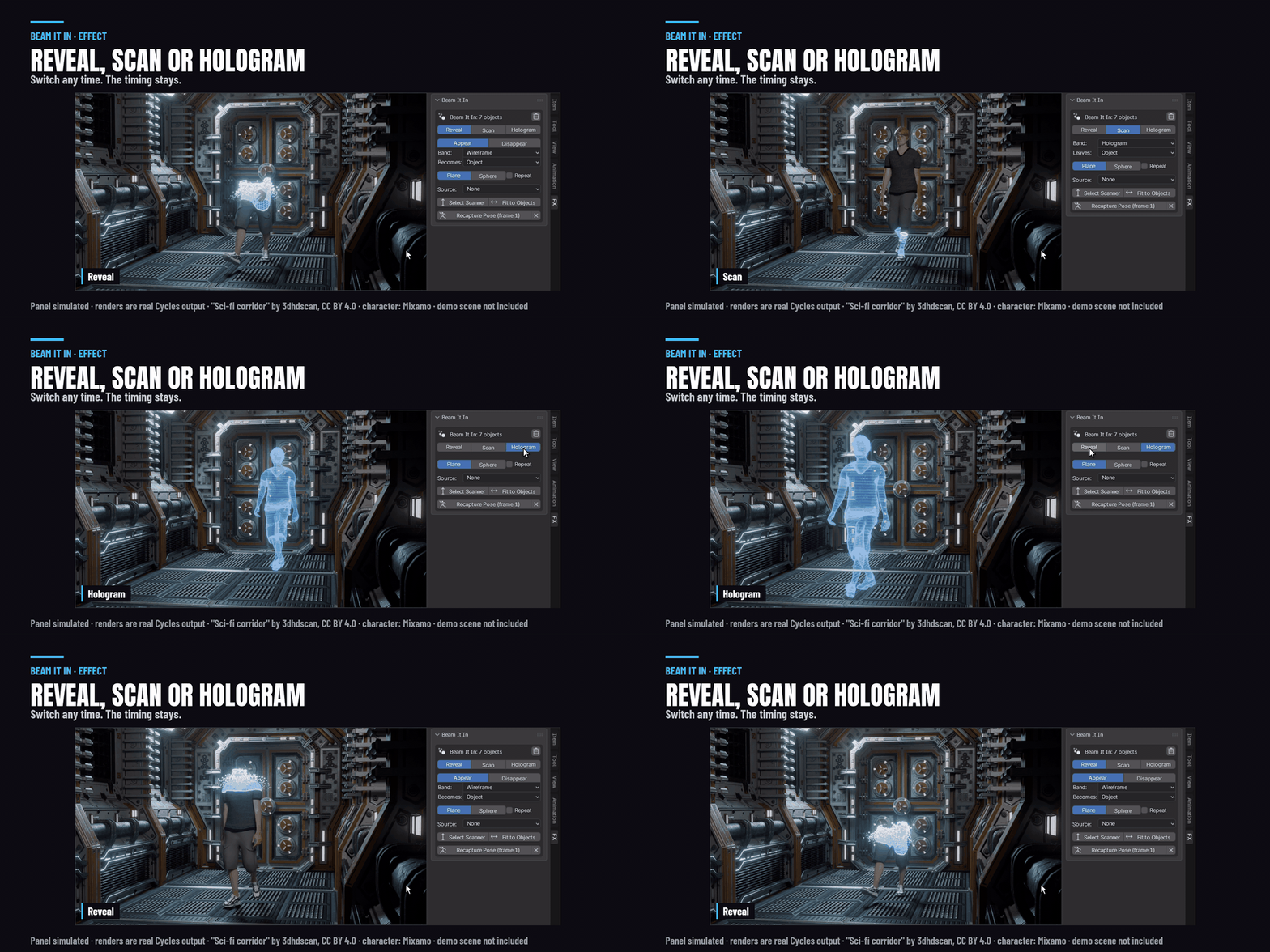
Tested on Blender 4.5, 5.1 and 5.2, in Cycles and EEVEE.
Three effects, one click
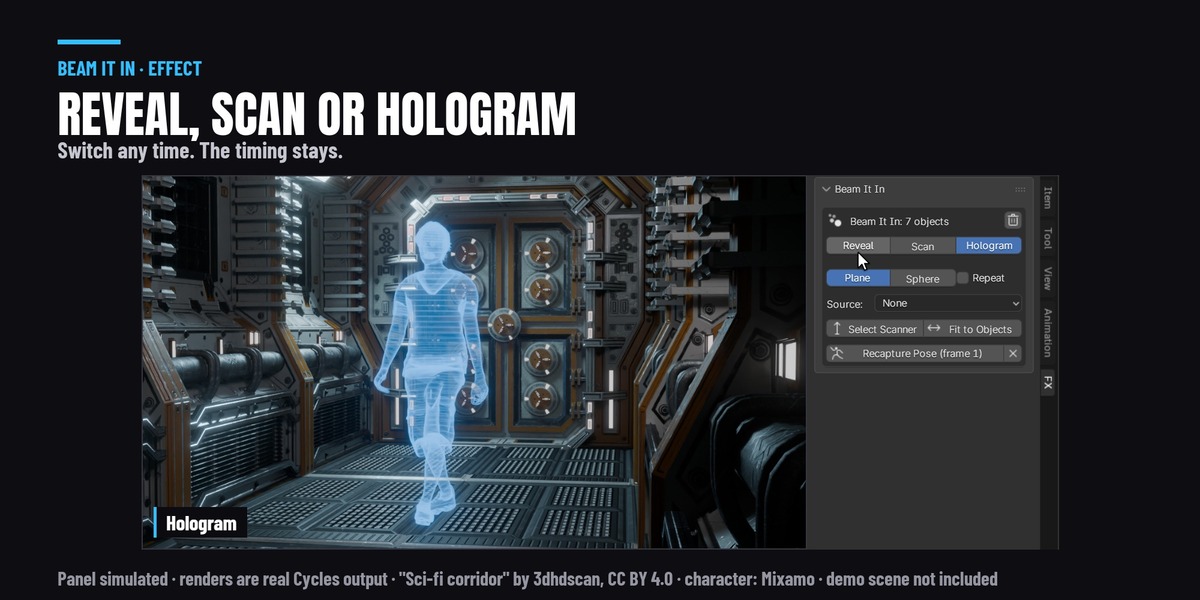
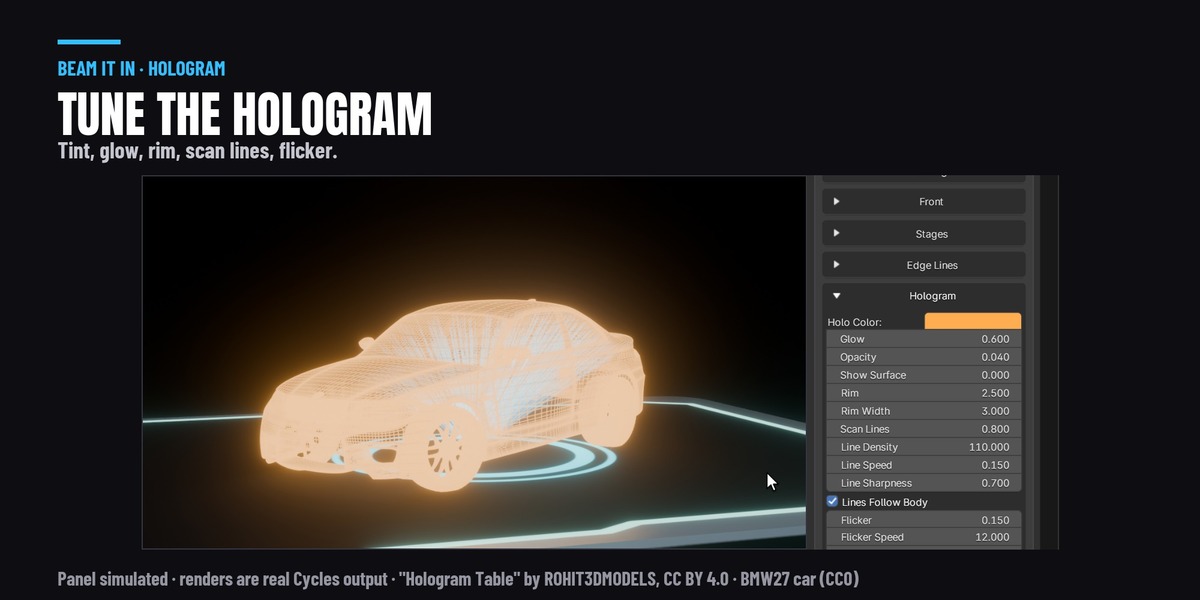
Reveal builds the object up from a glowing wireframe. Scan sweeps a band across it and leaves it as it was, or as a hologram. Hologram turns the whole thing into a see-through hologram with scan lines and a little flicker. Switch between them any time and your timing stays.
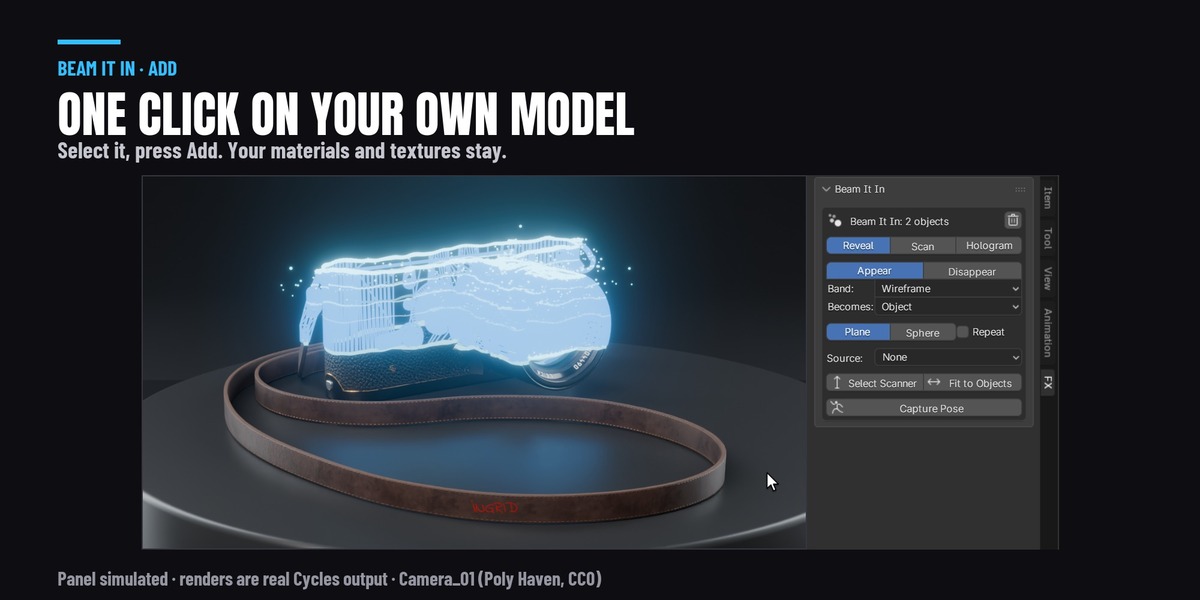
Your models, your materials
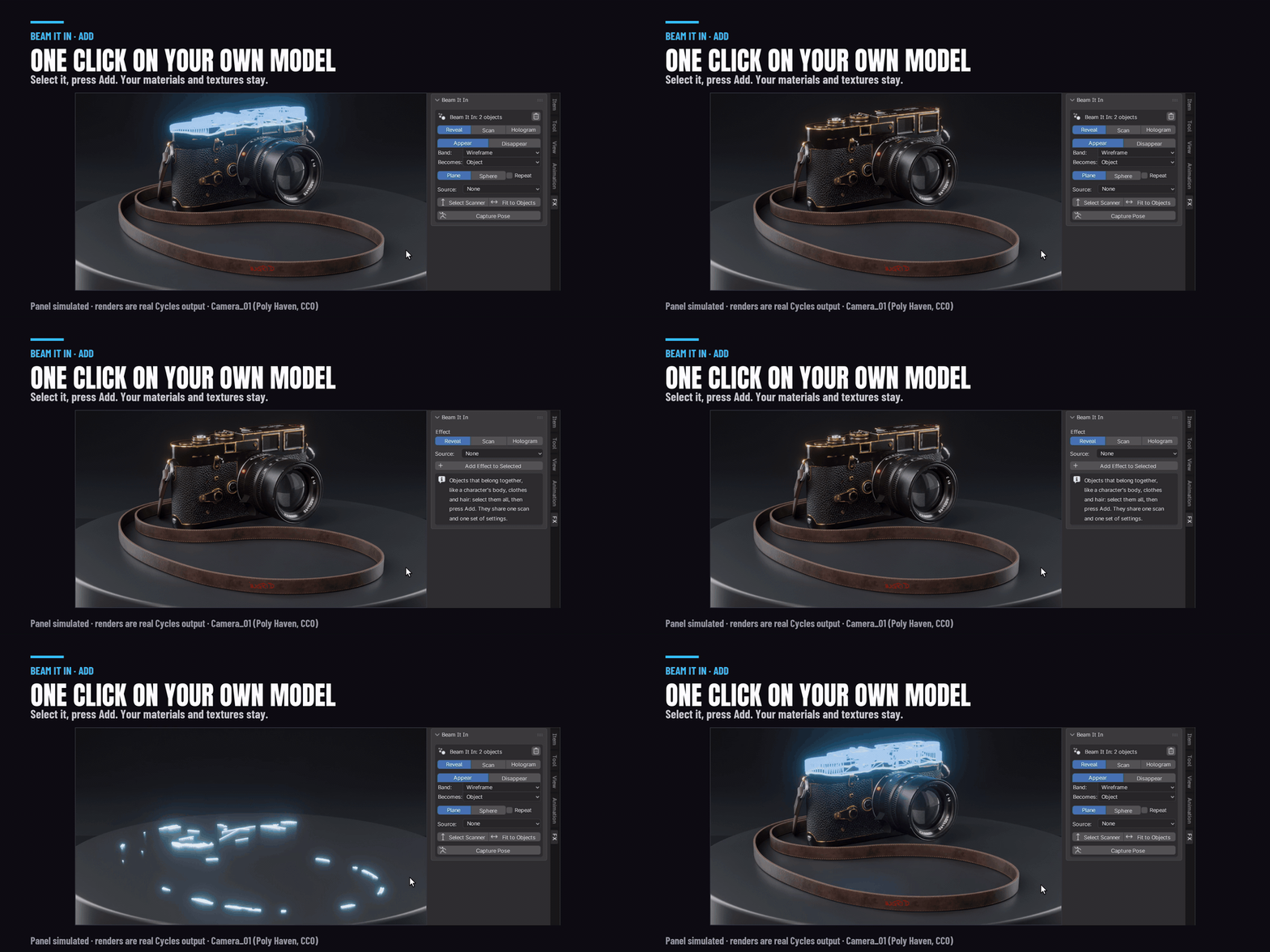
It works through every material slot and keeps your textures. It sizes itself to your object, so a shoe or a camera looks right on the first click, the same as a character. Remove Effect puts everything back the way it was.
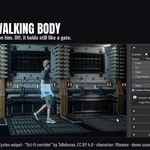
Works on a walking character
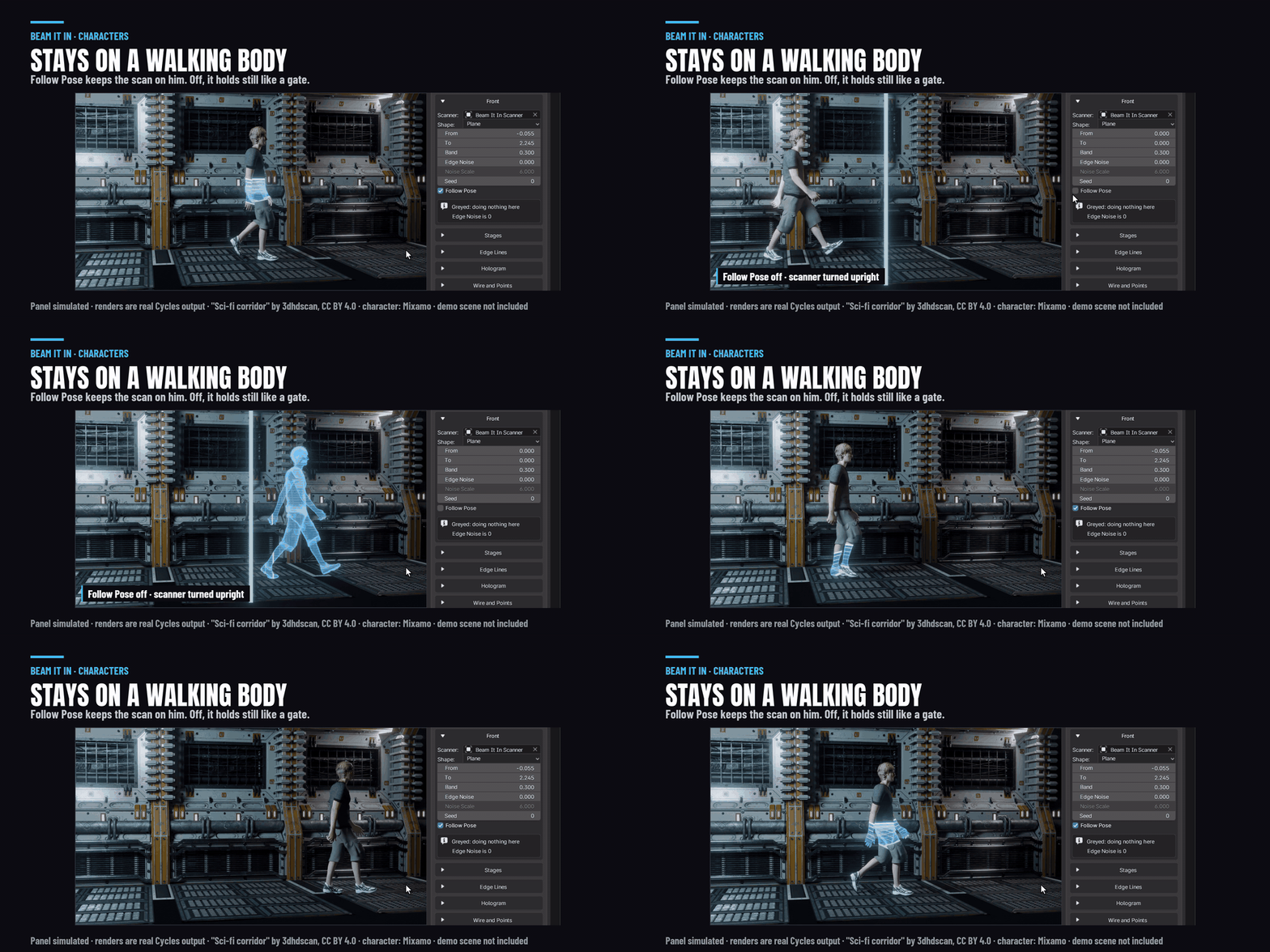
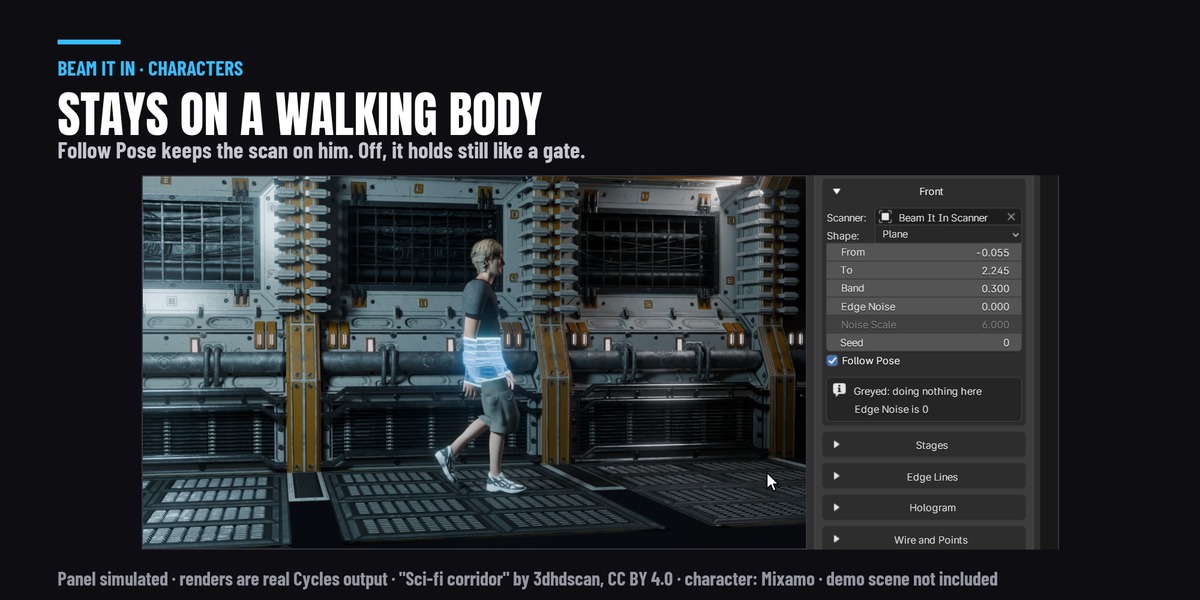
The scan stays on the same part of the body while the character walks. Select every part (body, clothes, hair) before you press Add and they share one scan. Turn Follow Pose off and the scan holds still, like a gate they walk through.
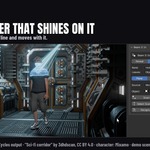
Add a scanner
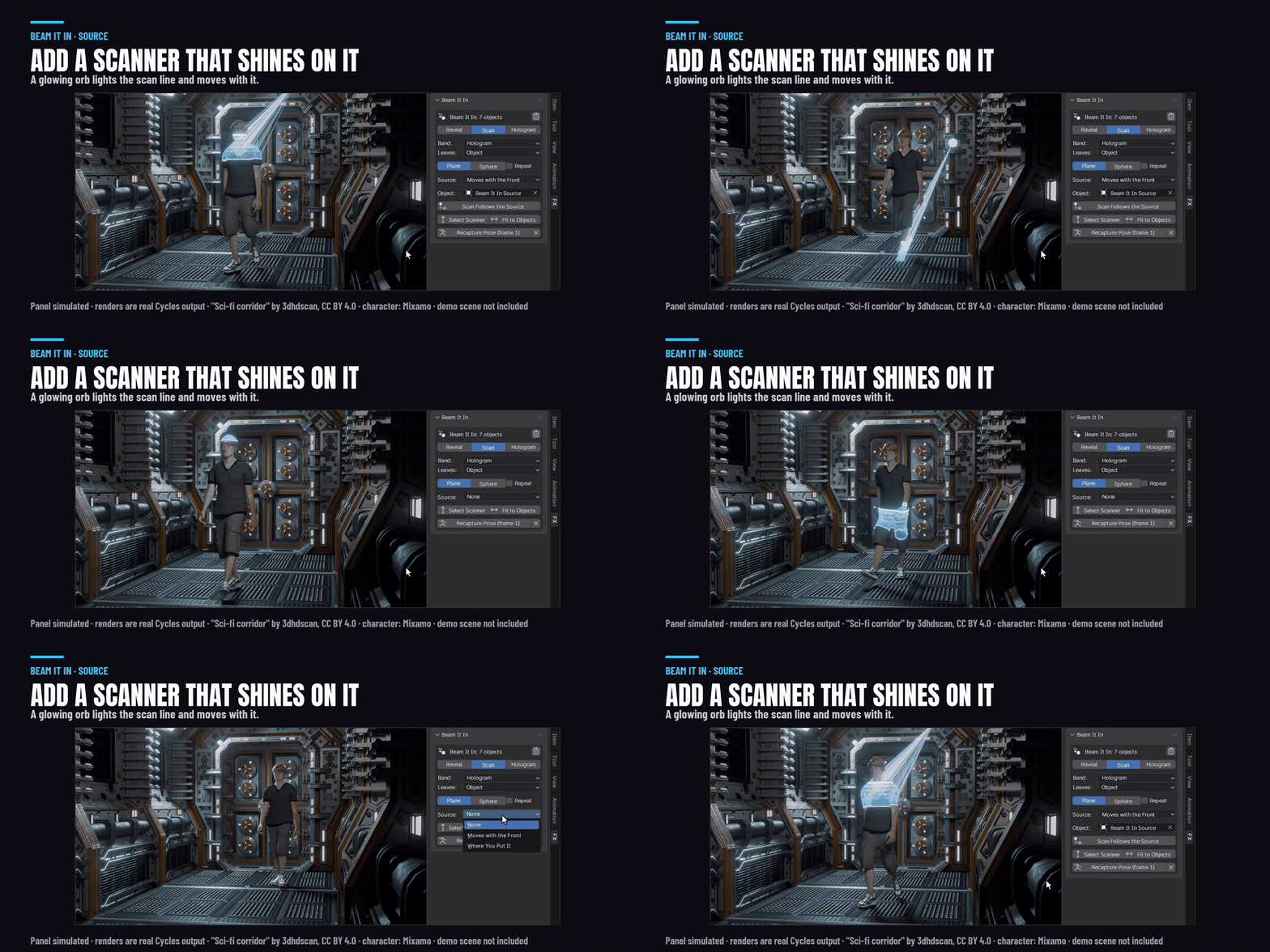
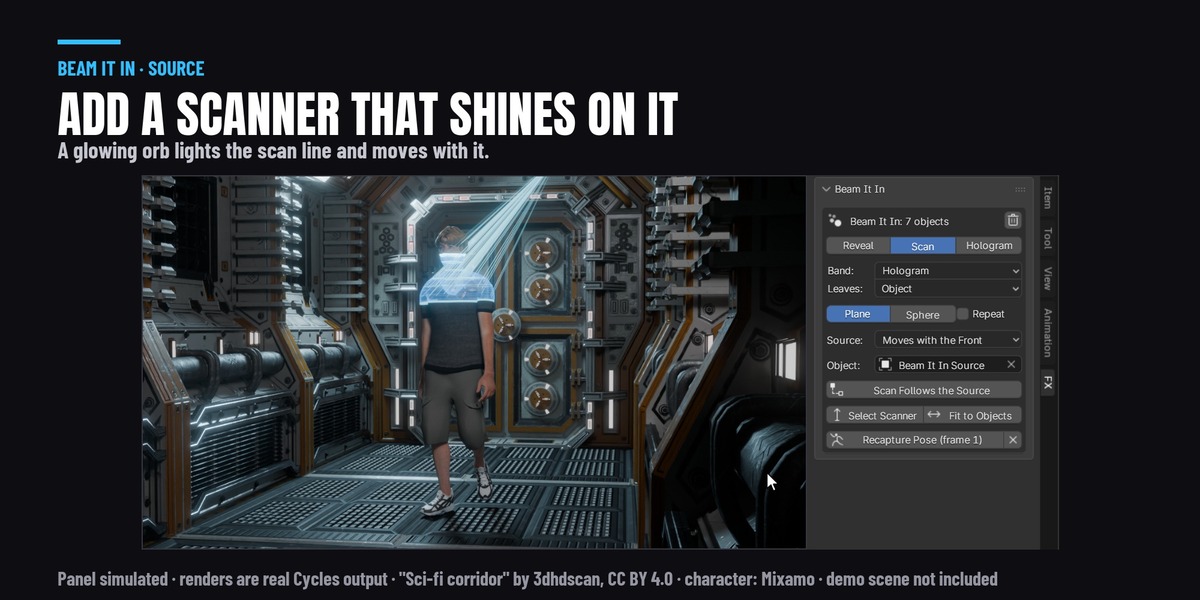
Add our glowing orb. It shines rays onto the scan line and moves with it.
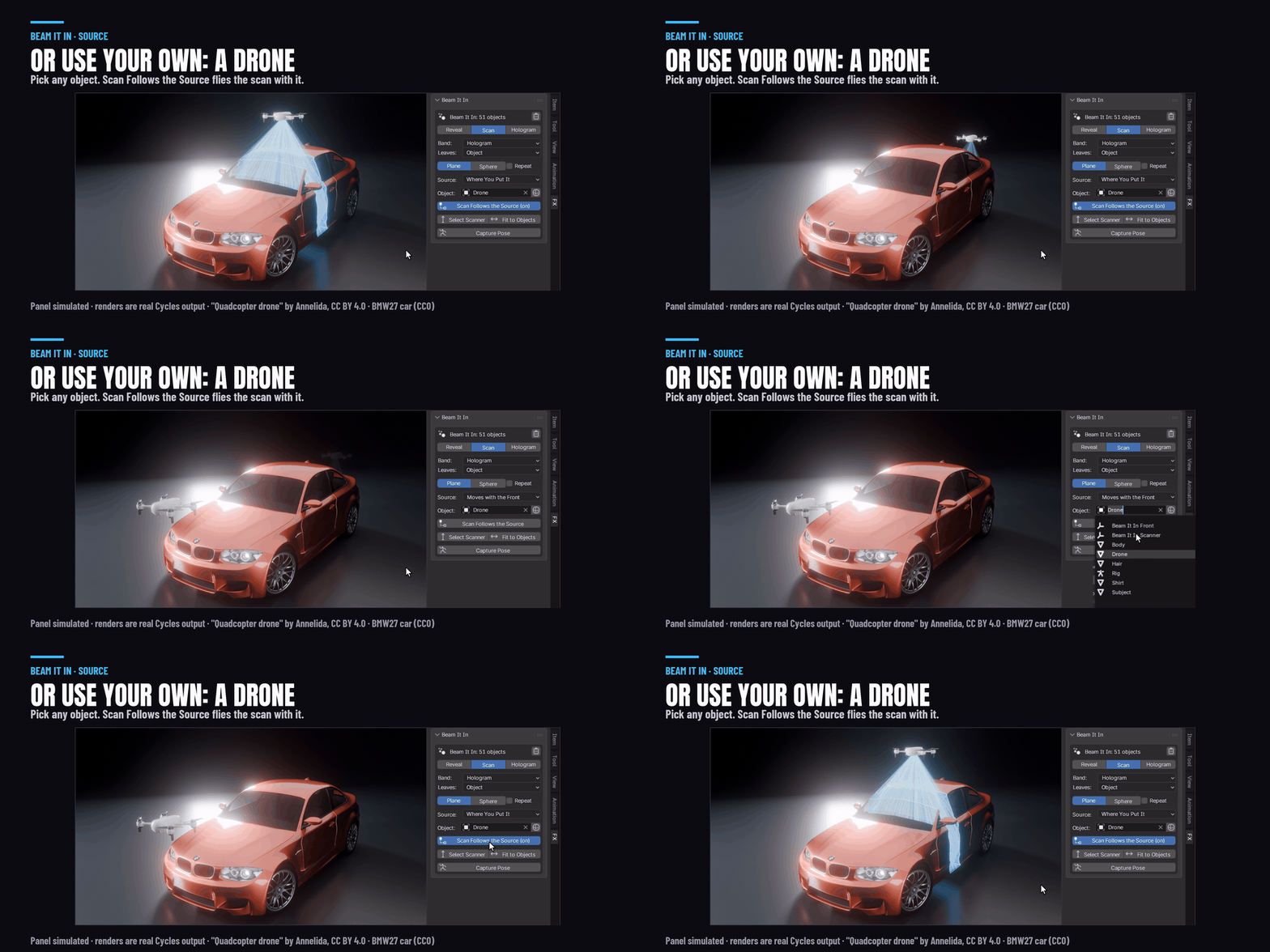
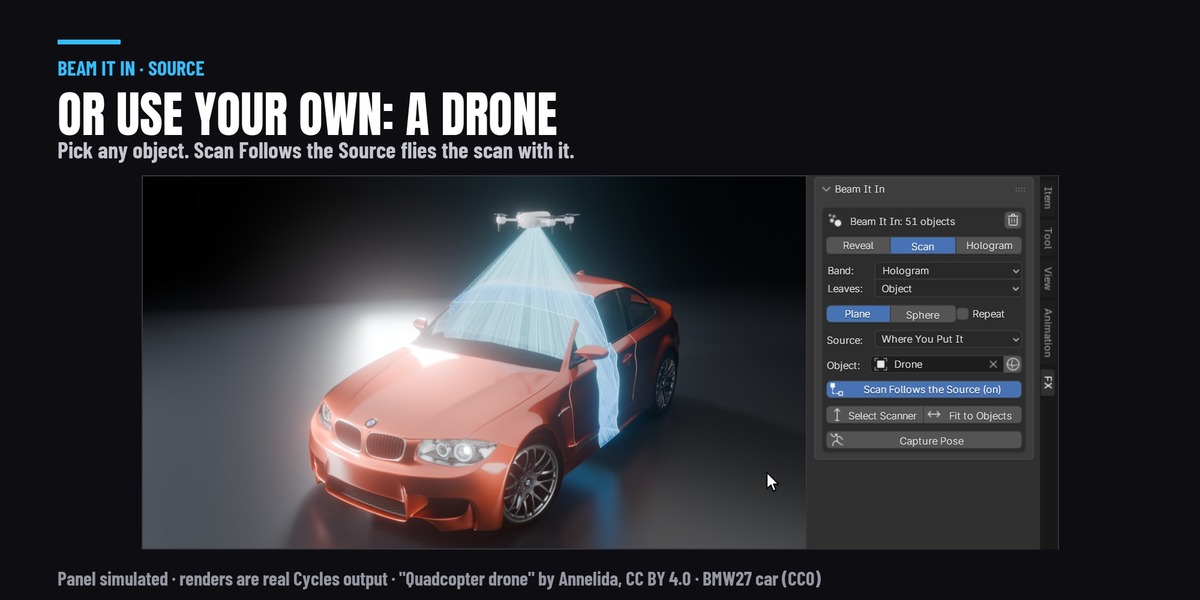
Or use any object of yours as the source: a drone, a lamp, a projector. Scan Follows the Source lets you fly the scanner around the object.
Turn one effect into another
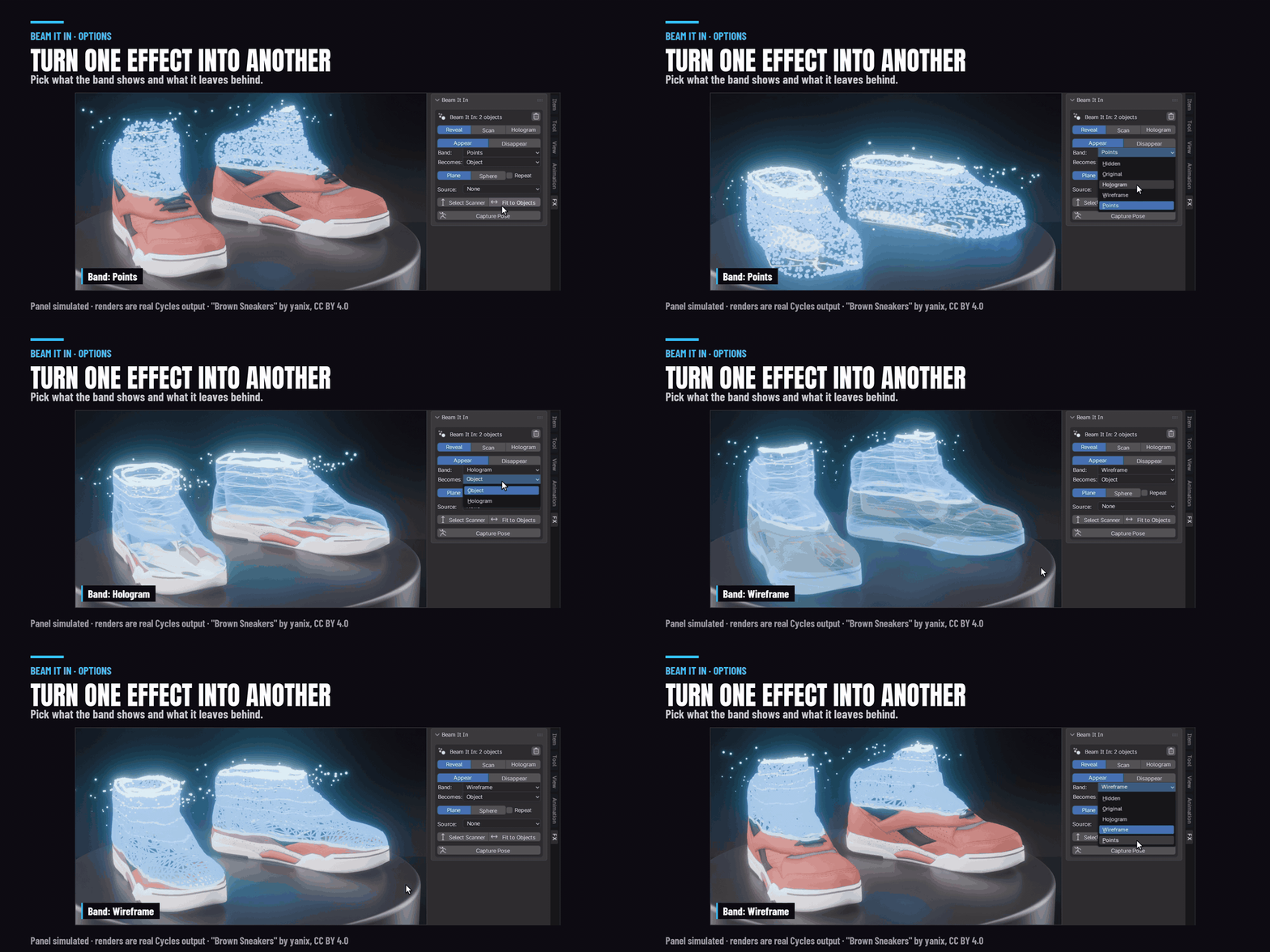
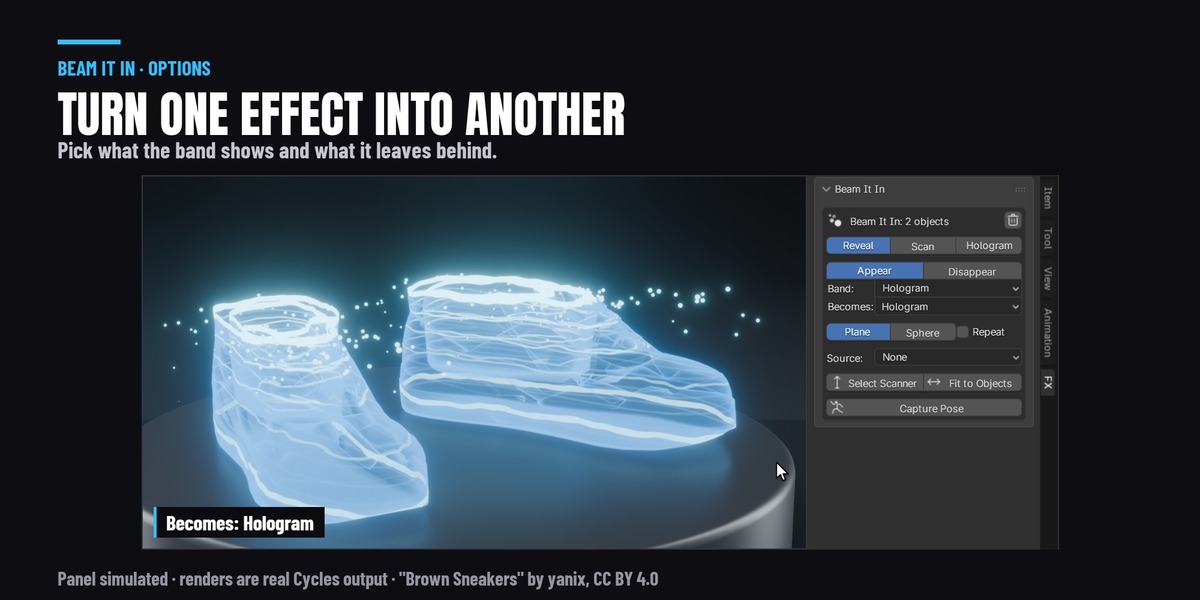
Pick what the band shows (hologram, wireframe or points) and what it leaves behind. That gives you a break down, a scan to hologram, a hologram projected through glowing points, a teleport in from a point, and a pulse scan.
Tune the hologram
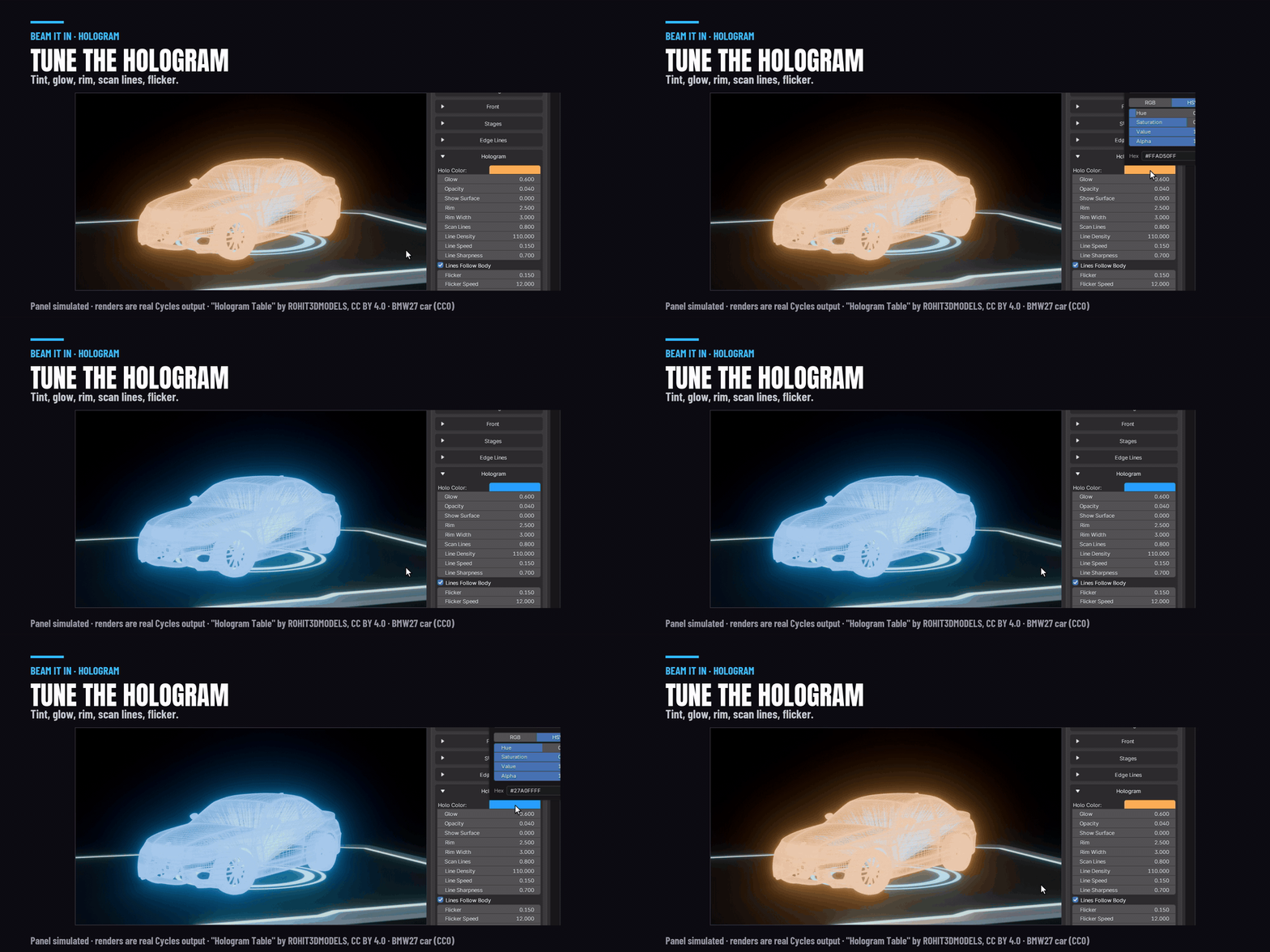
Tint, glow, opacity, rim, scan lines, flicker, grain, glitch, and mesh edges for hard surfaces.
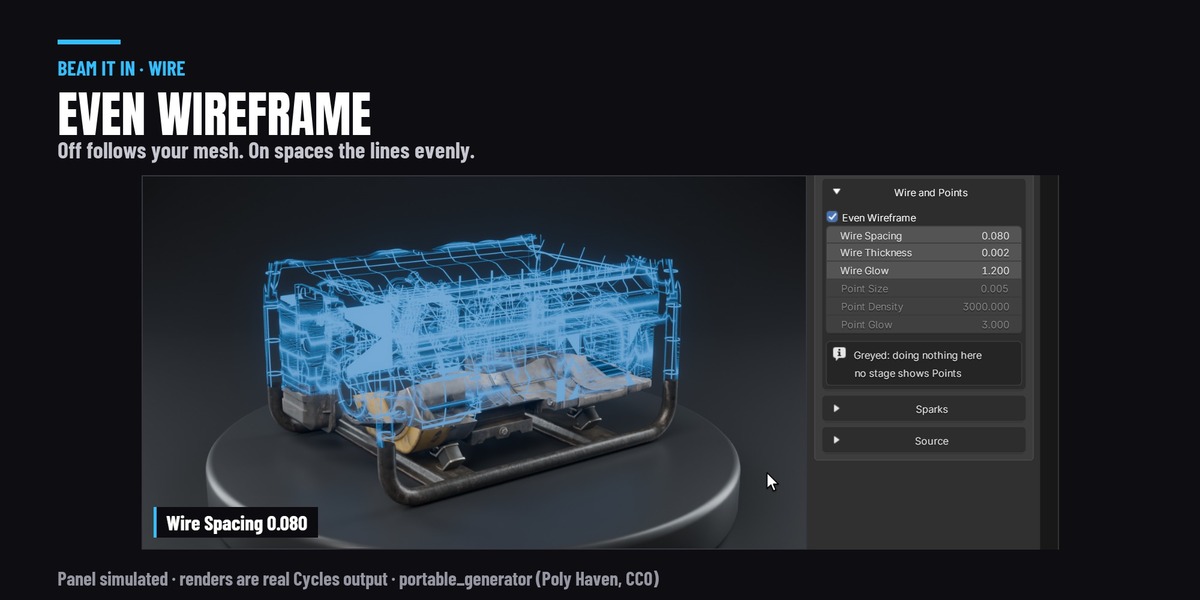
Even wireframe
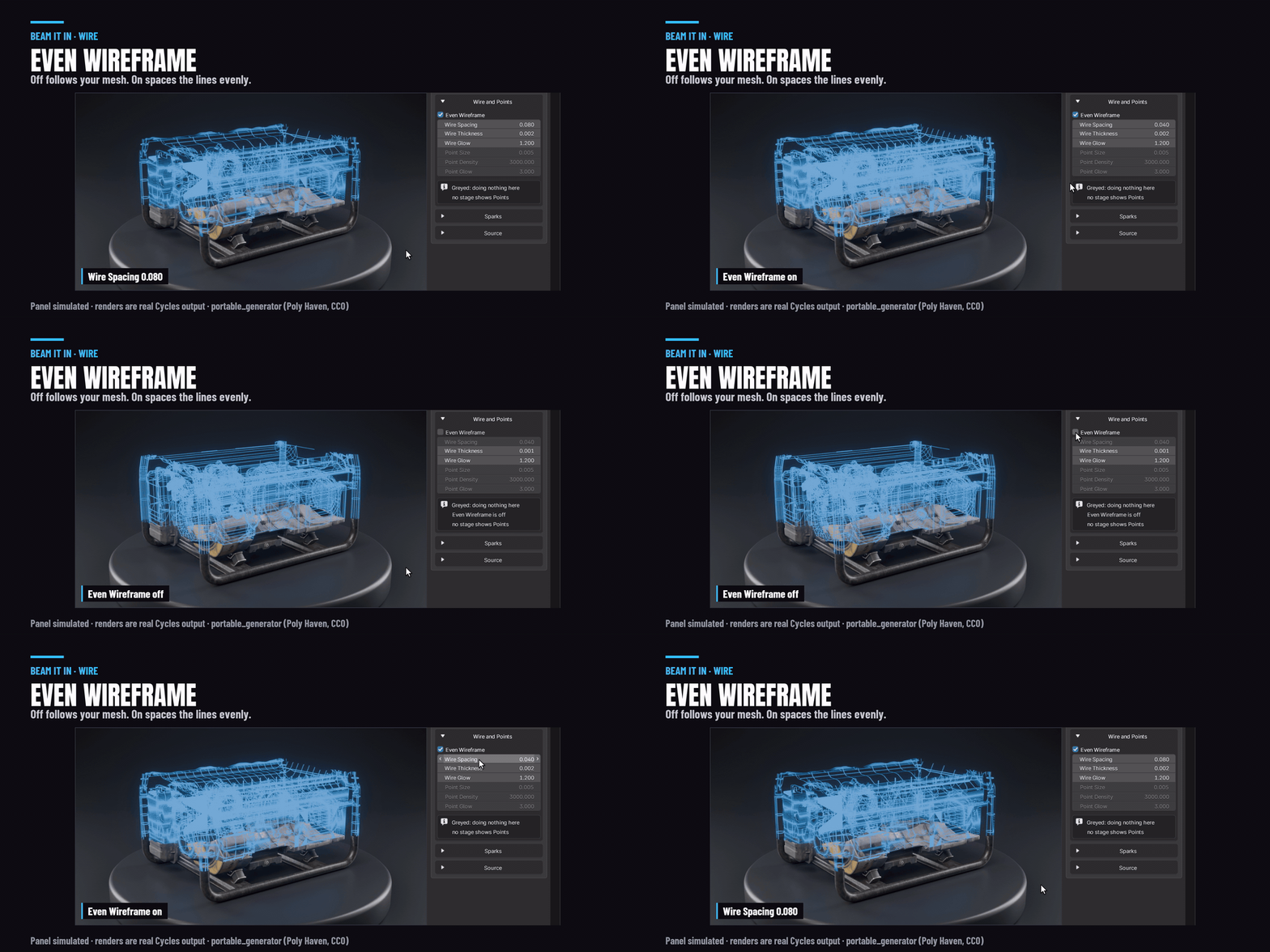
By default the wireframe follows your model's edges, so it is dense on a face and sparse on big panels. Turn on Even Wireframe and the lines are spaced evenly over the whole object.
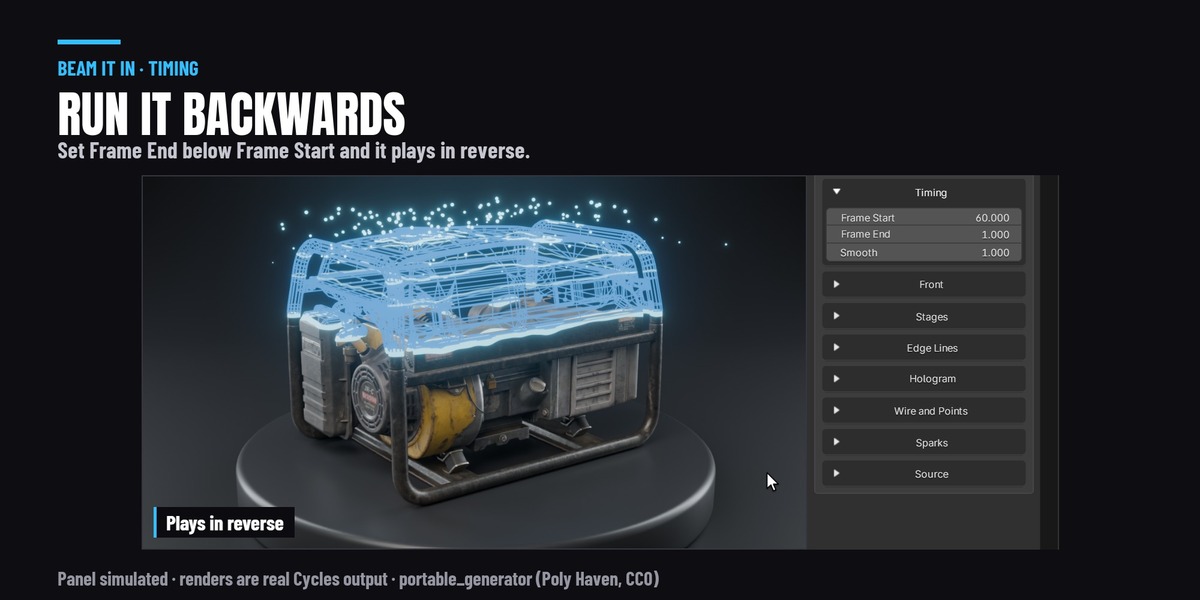
Timing
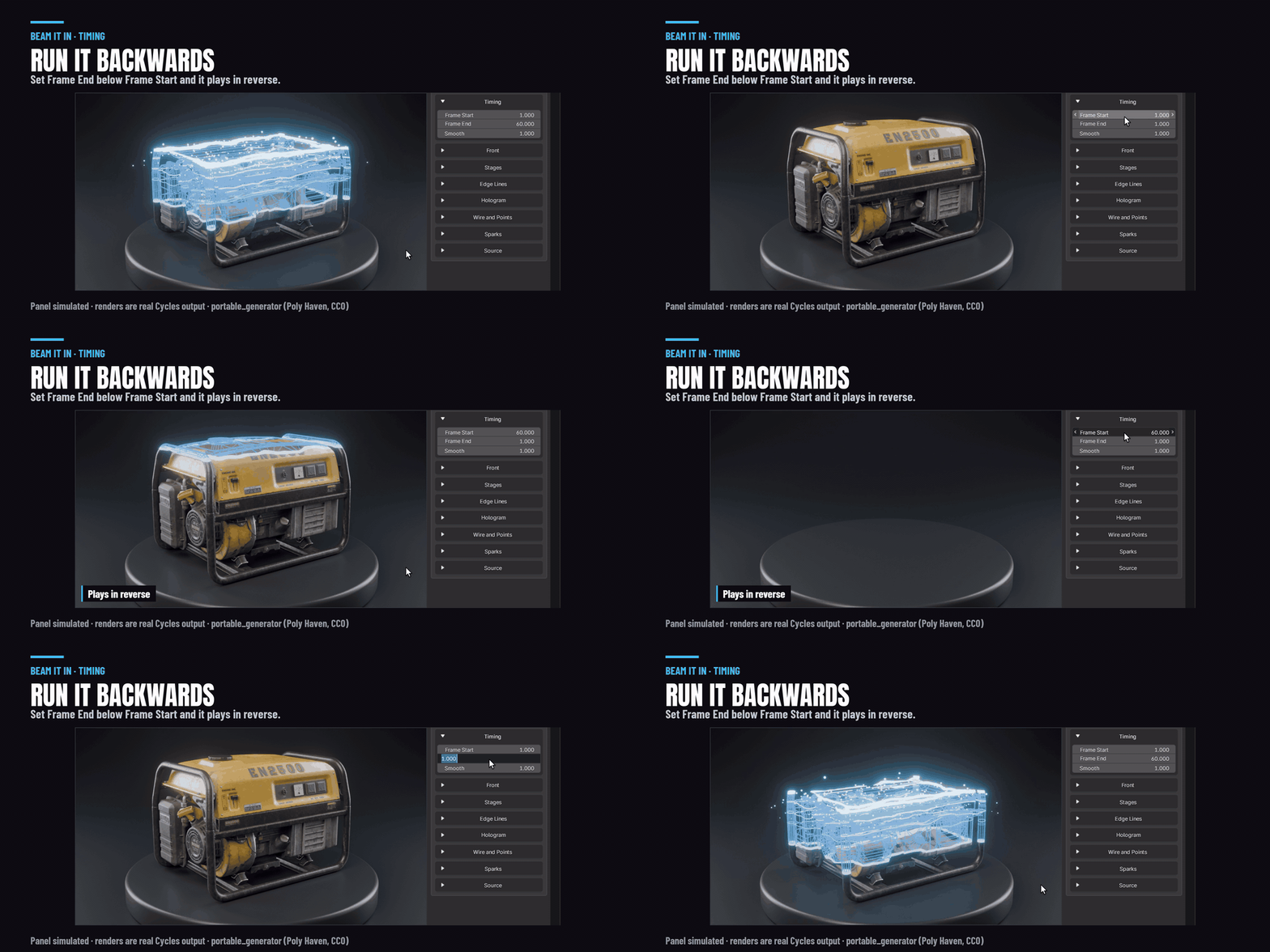
Set Frame Start and Frame End. Put Frame End below Frame Start and it runs backwards. Scrub to any frame, no baking.
Rendering
Add Glow sets up the bloom for you, on Blender 4.5 and 5.x. A transparent background works, so you can composite it. Smooth Transparency gives clean see-through parts in EEVEE. In Cycles it raises Transparent Bounces while you need them and puts your value back afterwards.
What you get
The add-on (3D Viewport sidebar, FX tab) and the manual. Blender 4.5, 5.1 and 5.2. It works alongside Break It Any Way on the same object: beam a character in, then break it apart. Demo scenes are not included.
Scenes in the images: "Sci-fi corridor" by 3dhdscan, "Hologram Table" by ROHIT3DMODELS, "Brown Sneakers" by yanix and "Quadcopter drone" by Annelida, all CC BY 4.0 via sketchfab.com, modified. Camera and generator from Poly Haven and the BMW27 car, CC0. Character and animation from Mixamo.
