 Impression Sunrise
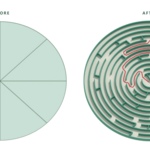
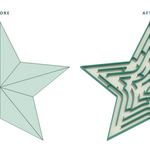
Beautiful Mazes
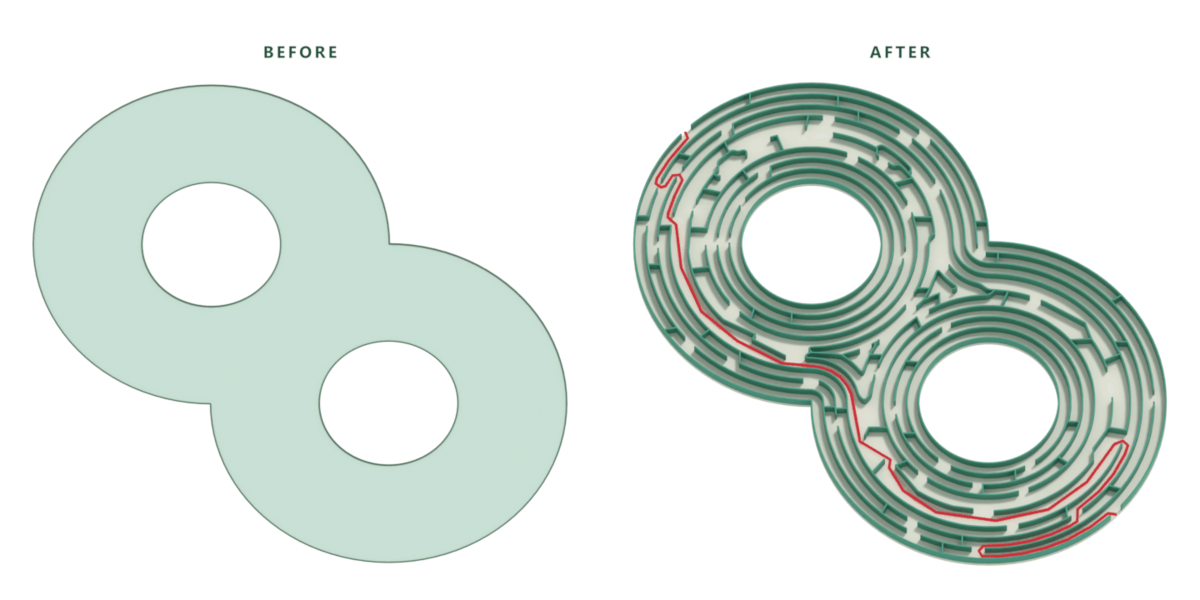
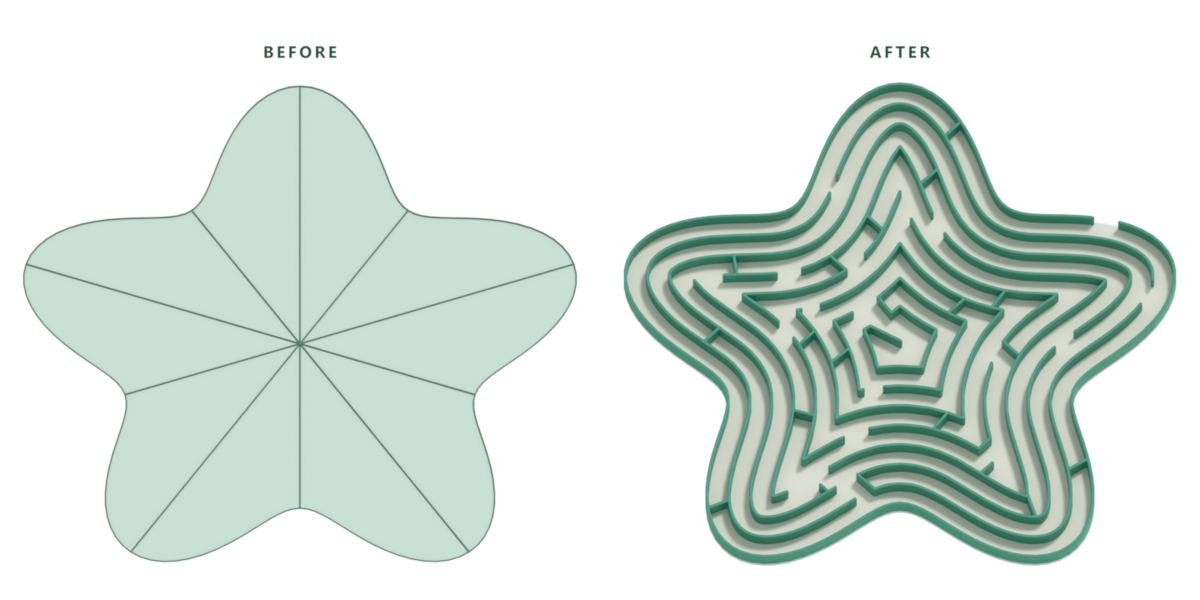
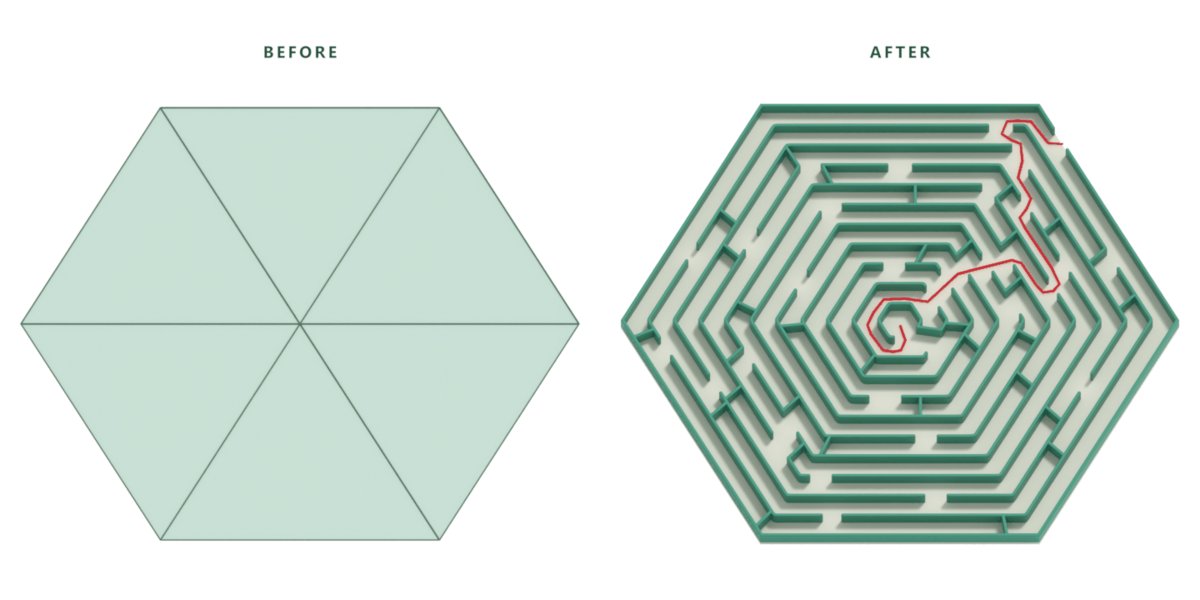
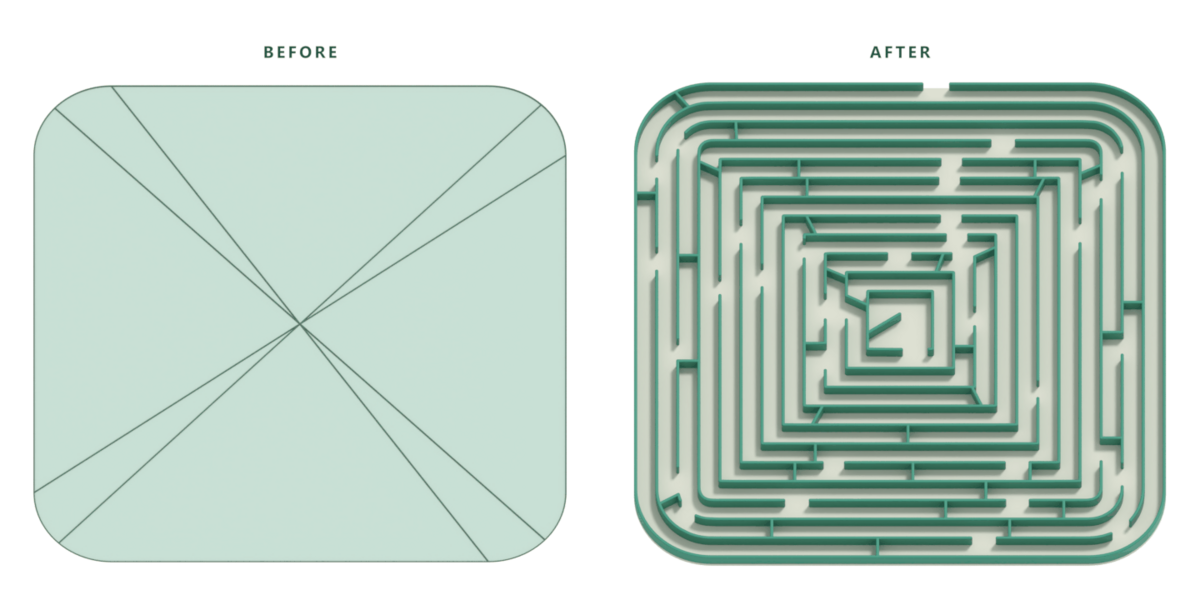
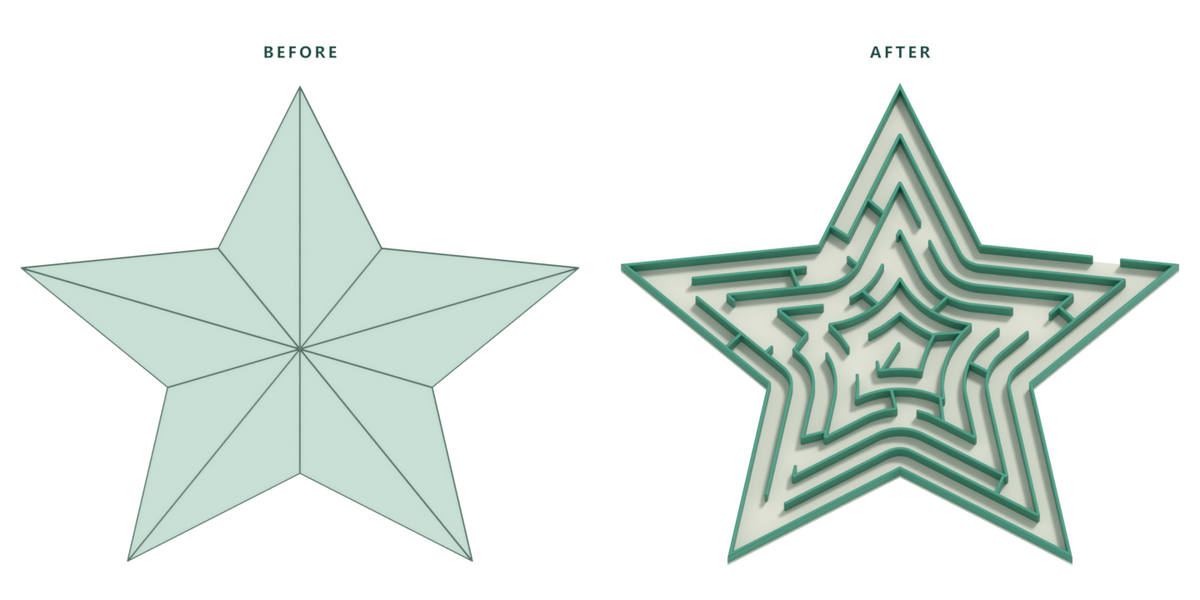
Create beautiful mazes in any shape.
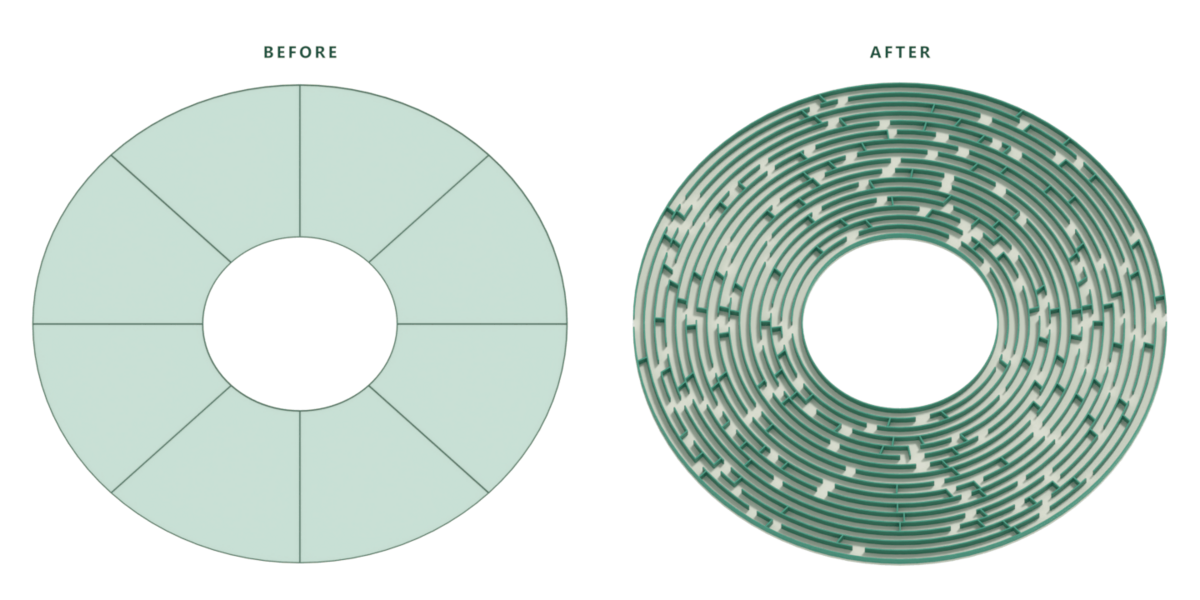
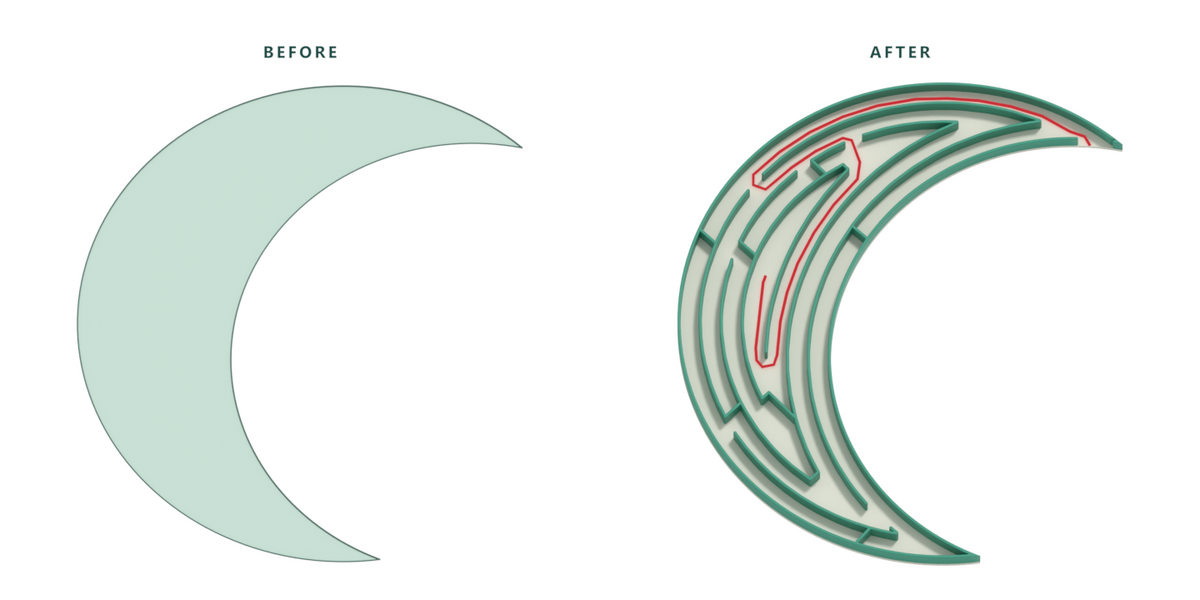
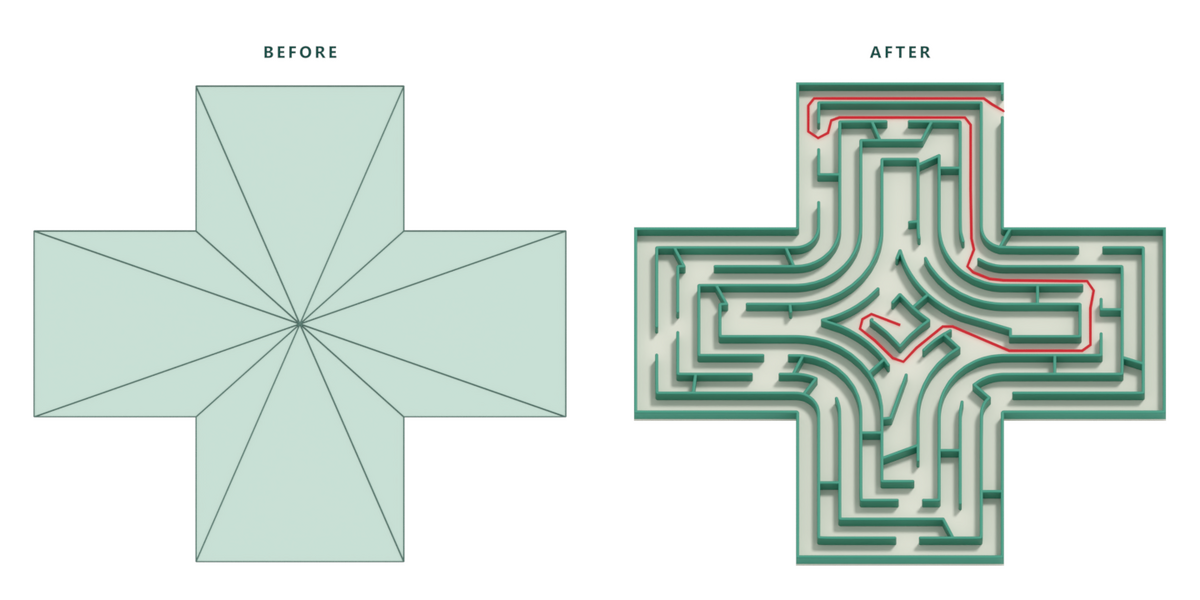
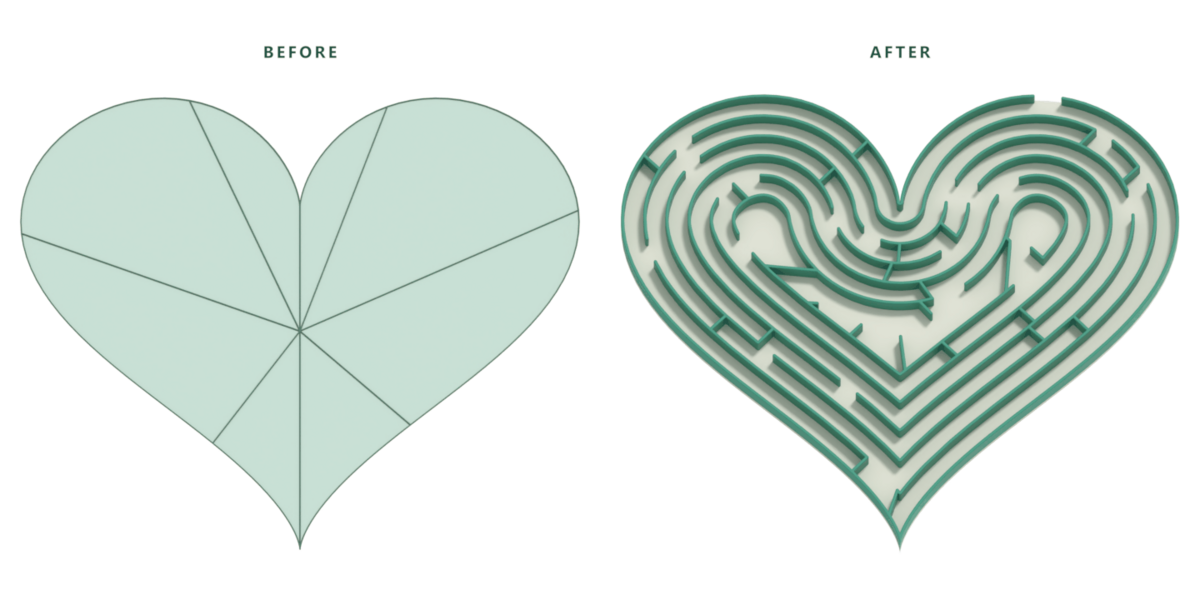
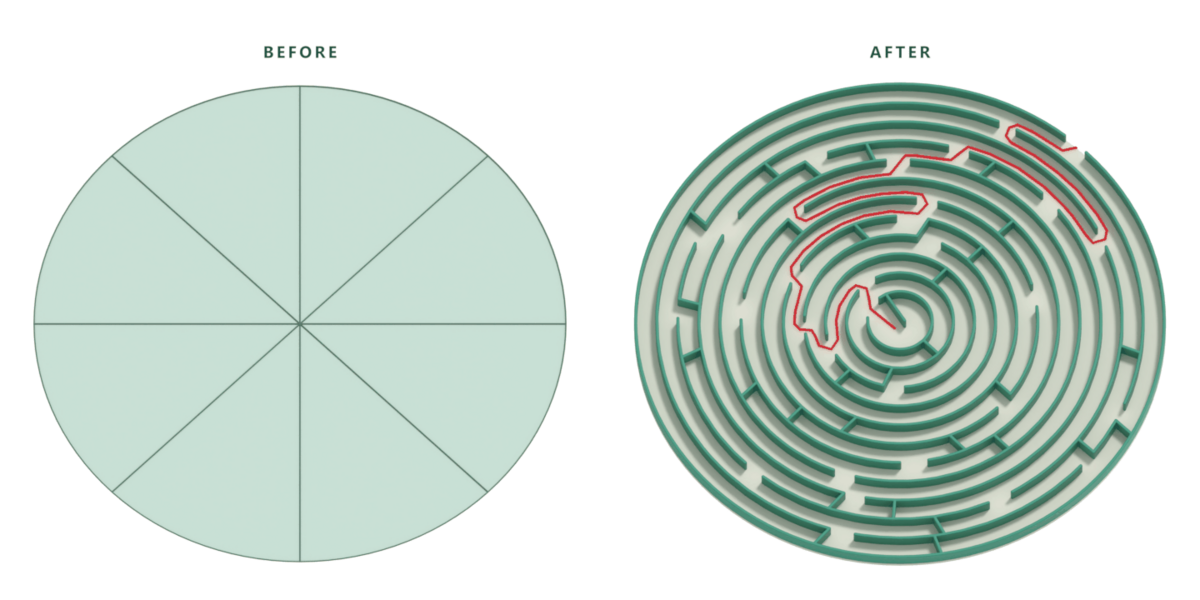
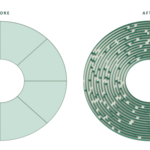
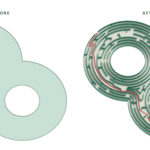
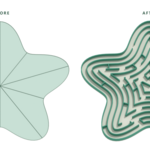
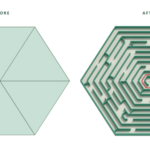
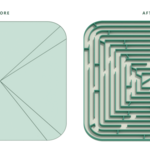
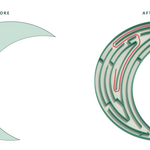
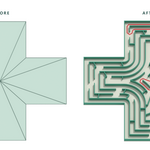
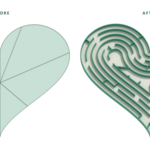
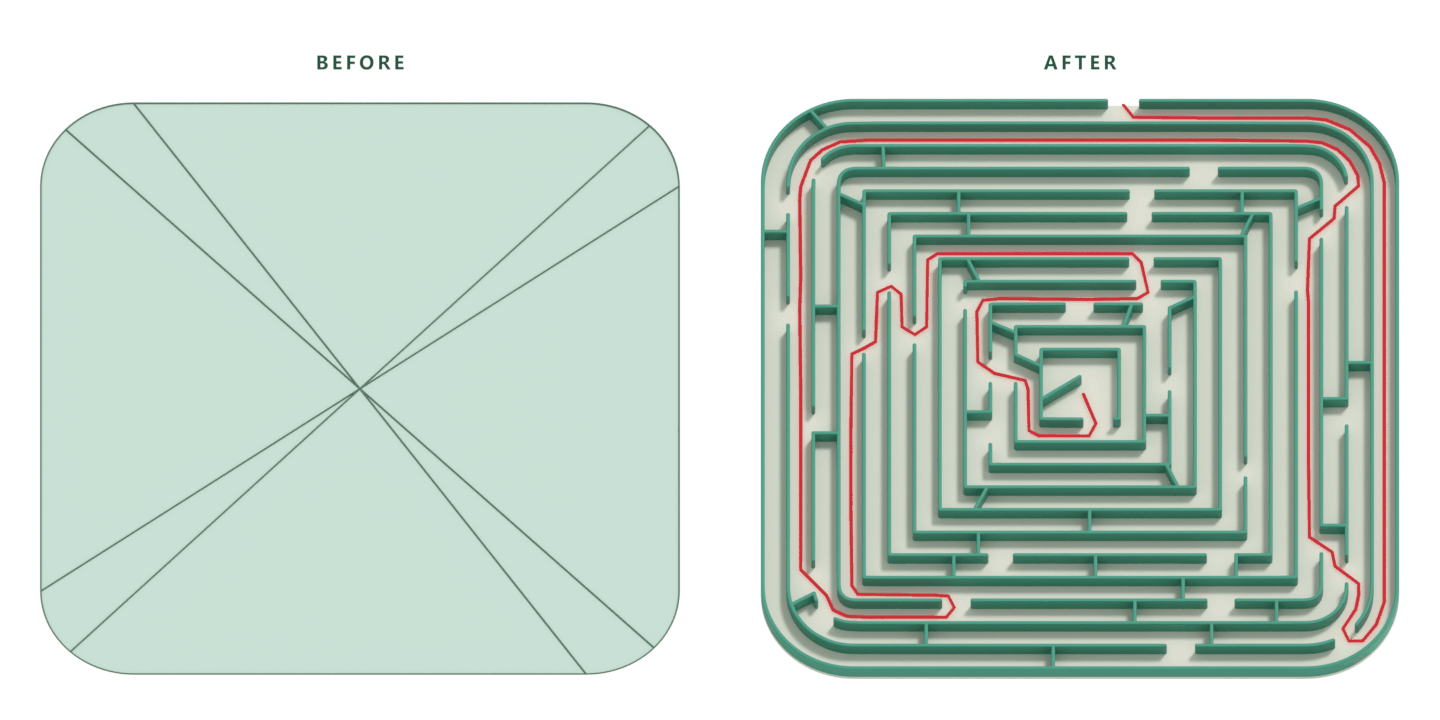
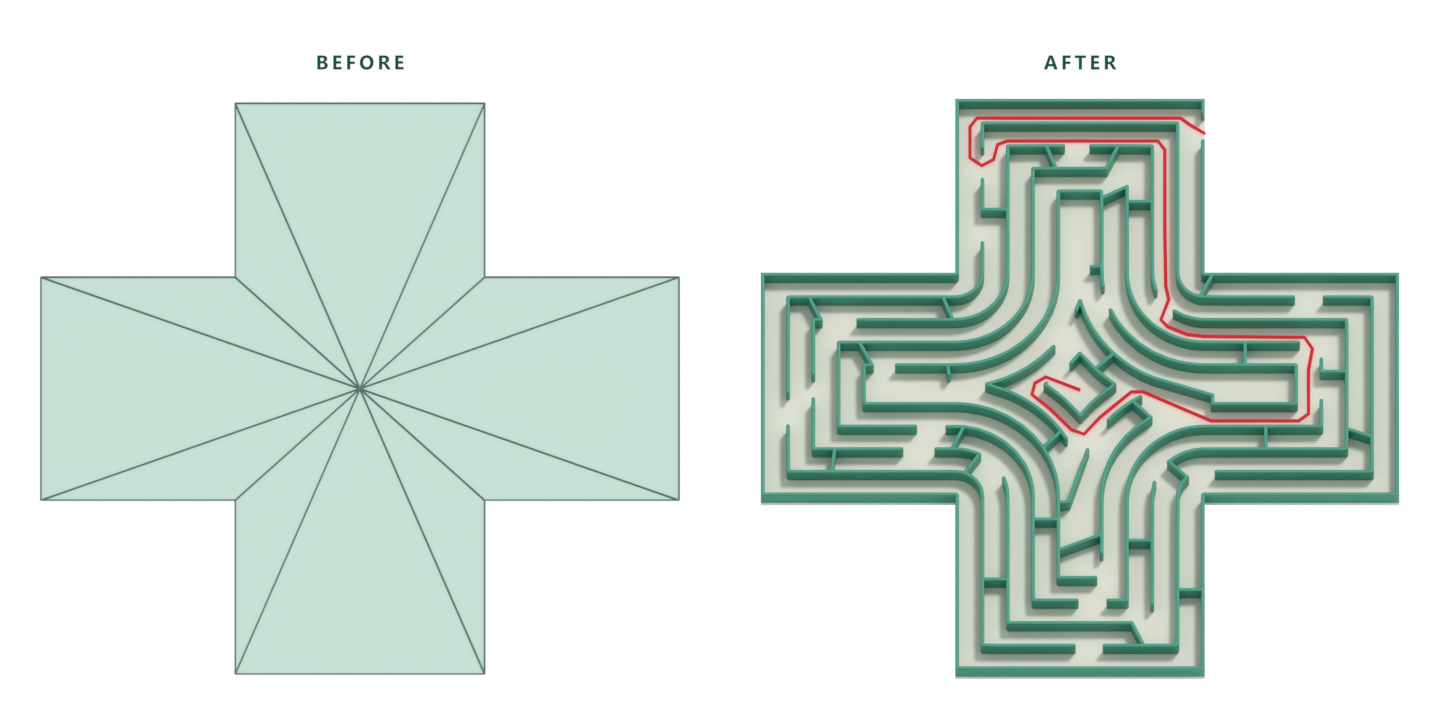
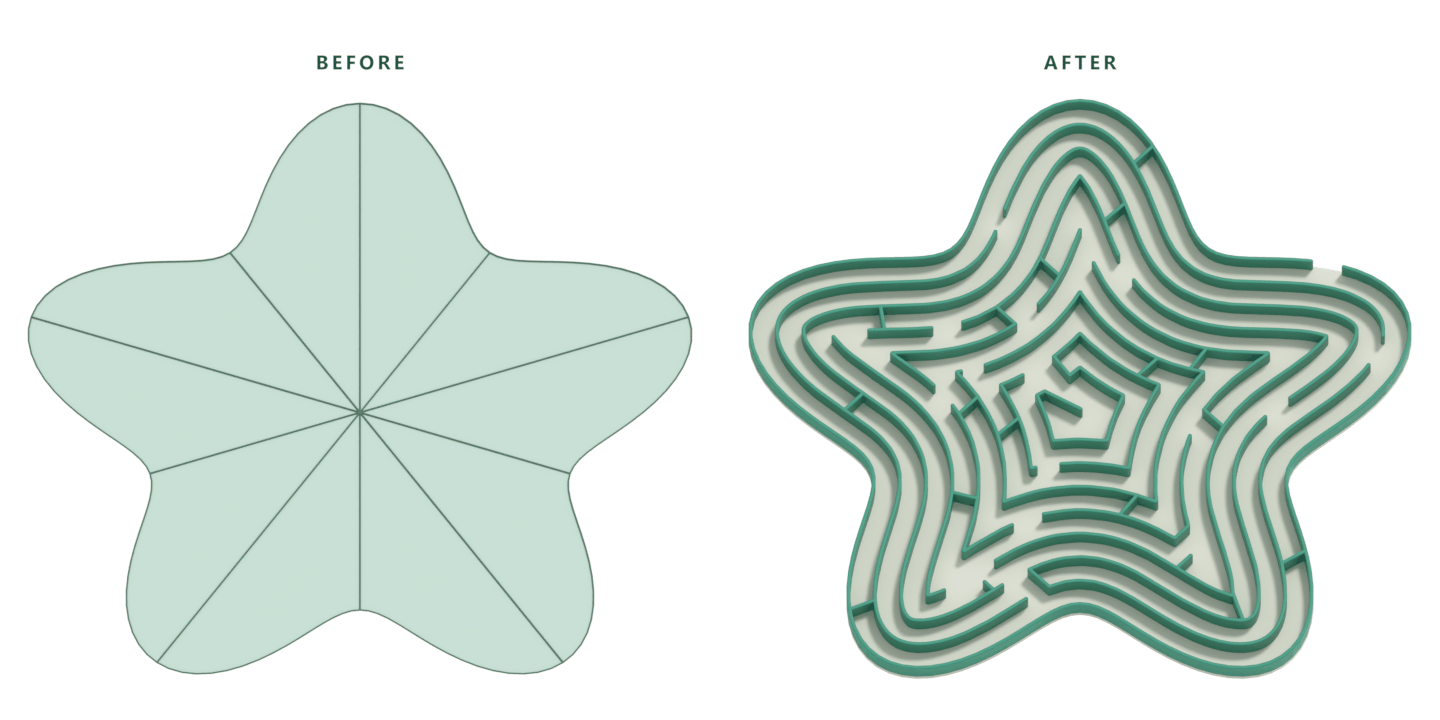
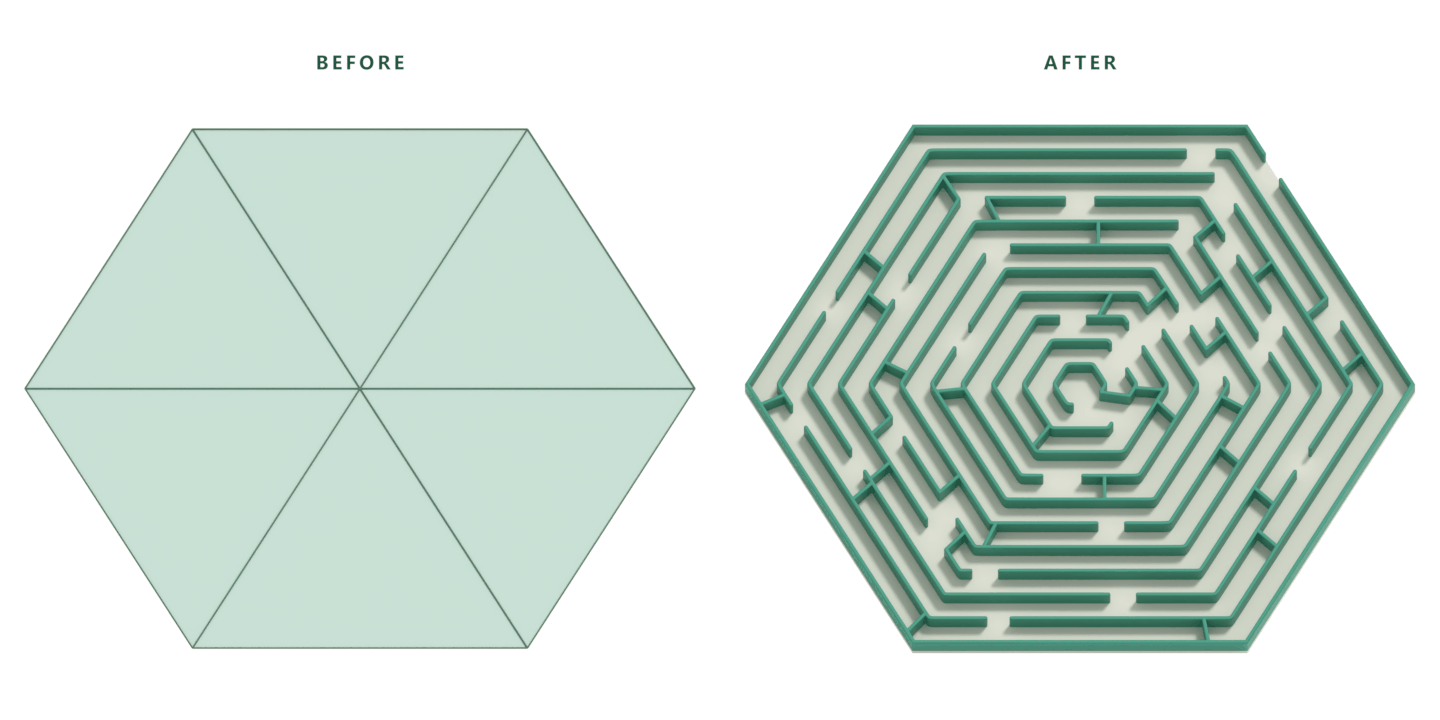
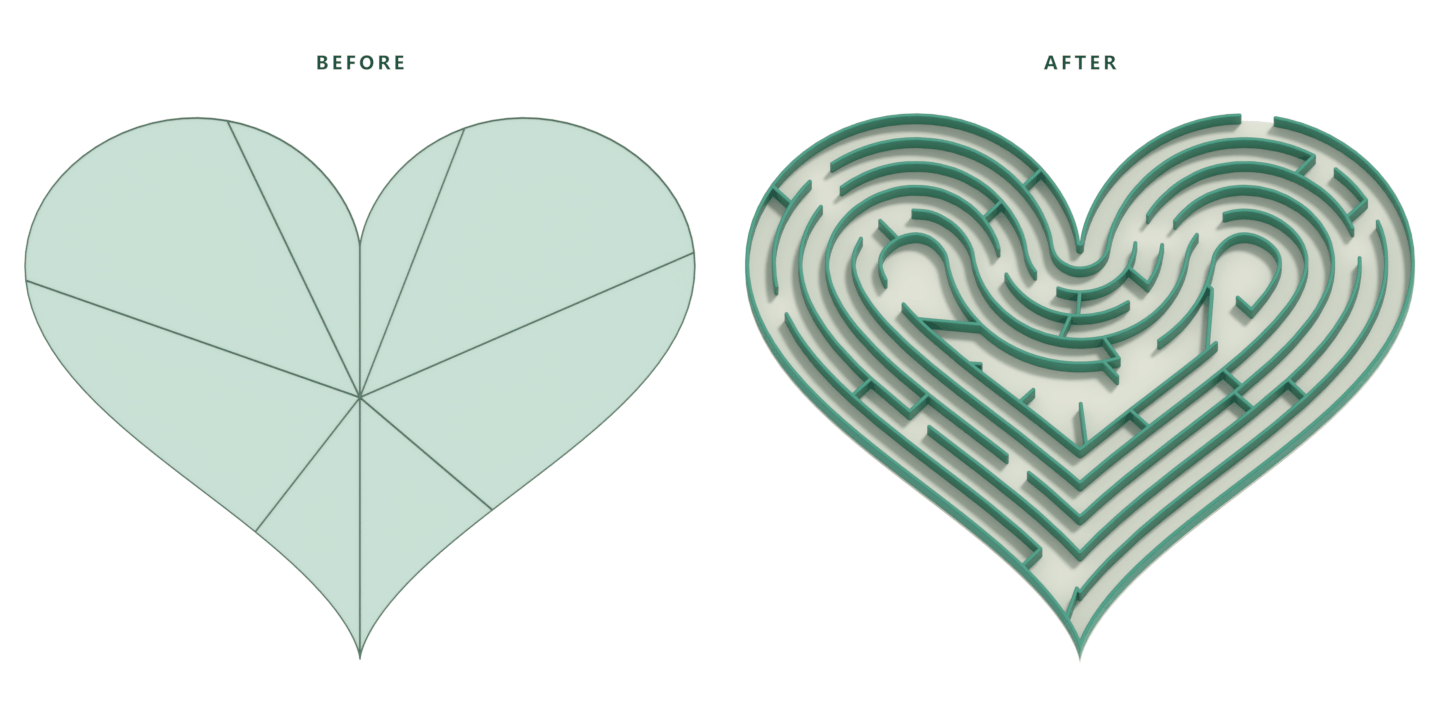
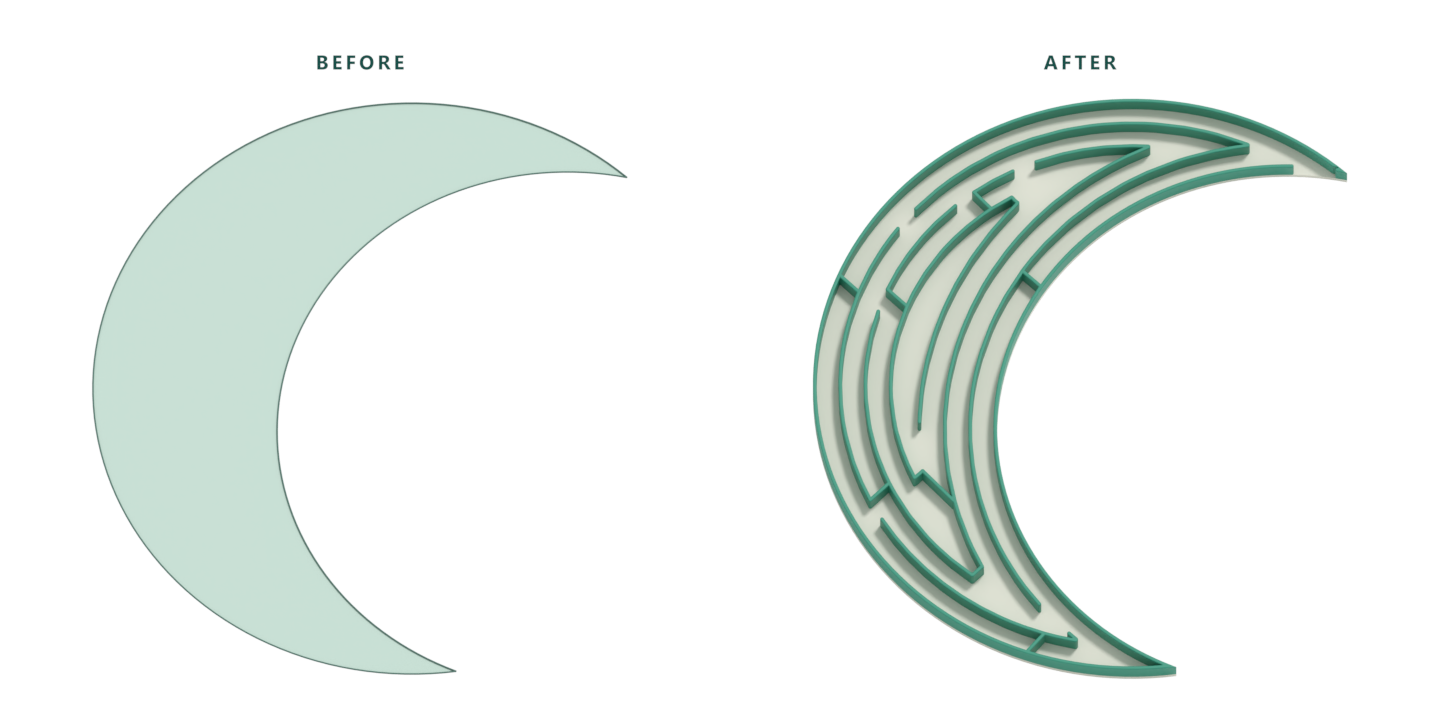
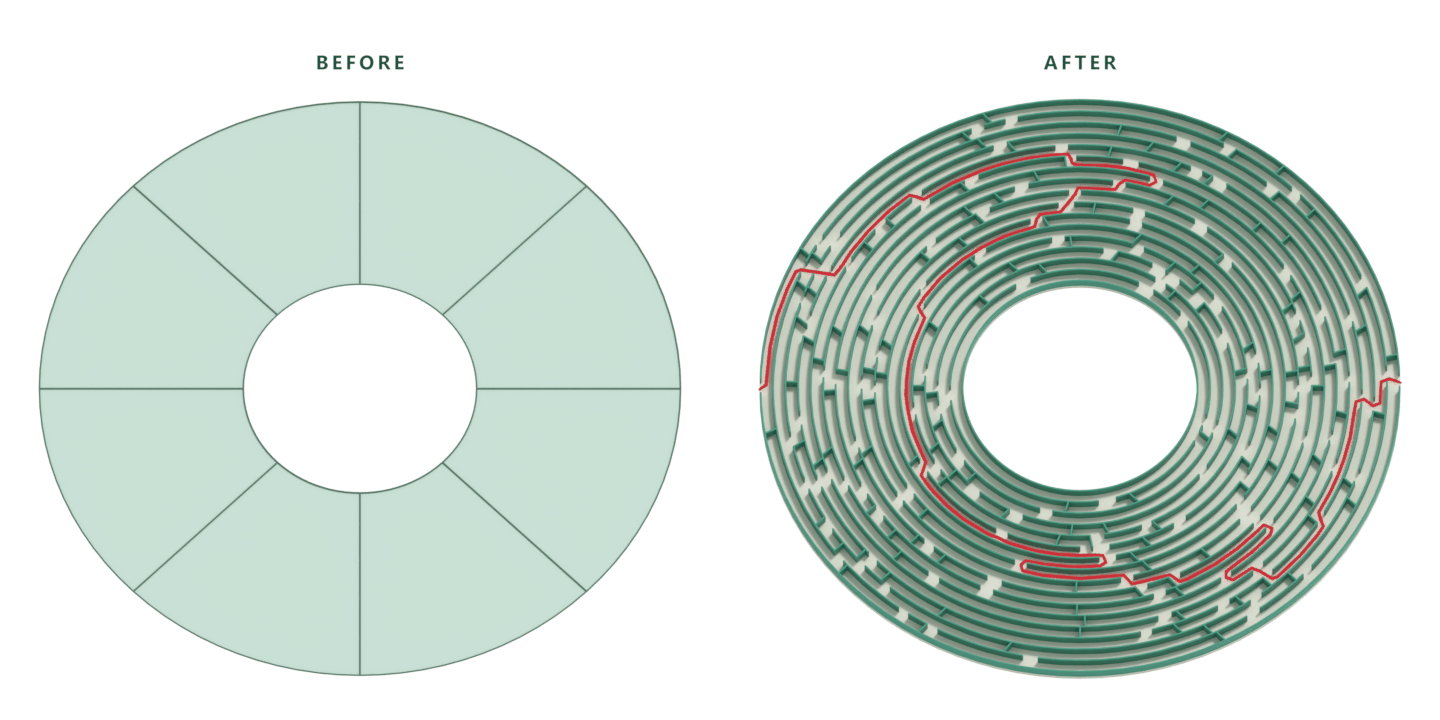
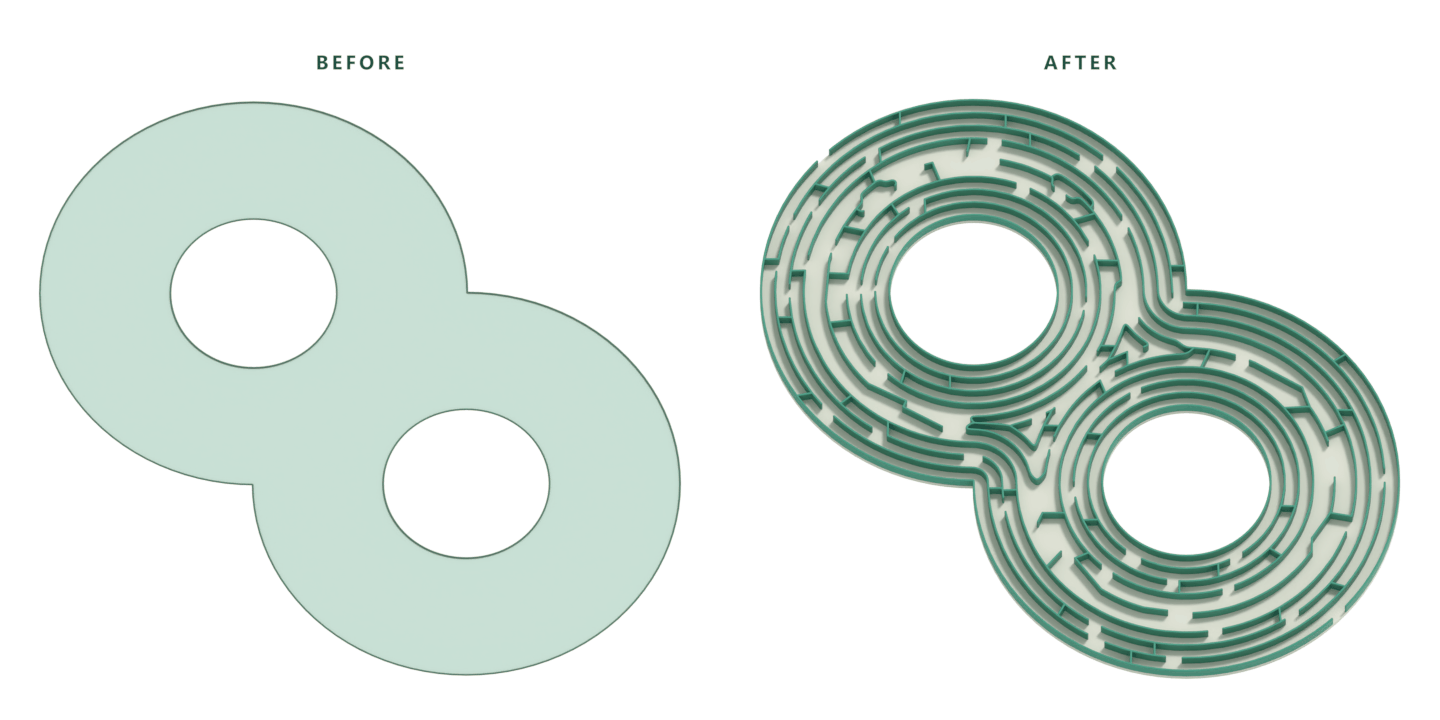
Turn a flat mesh of your own design into a maze that follows its outline. Your plane can contain one face or many—the outer edges shape the maze within.
The addon works with Windows & Linux - Mac is not supported.
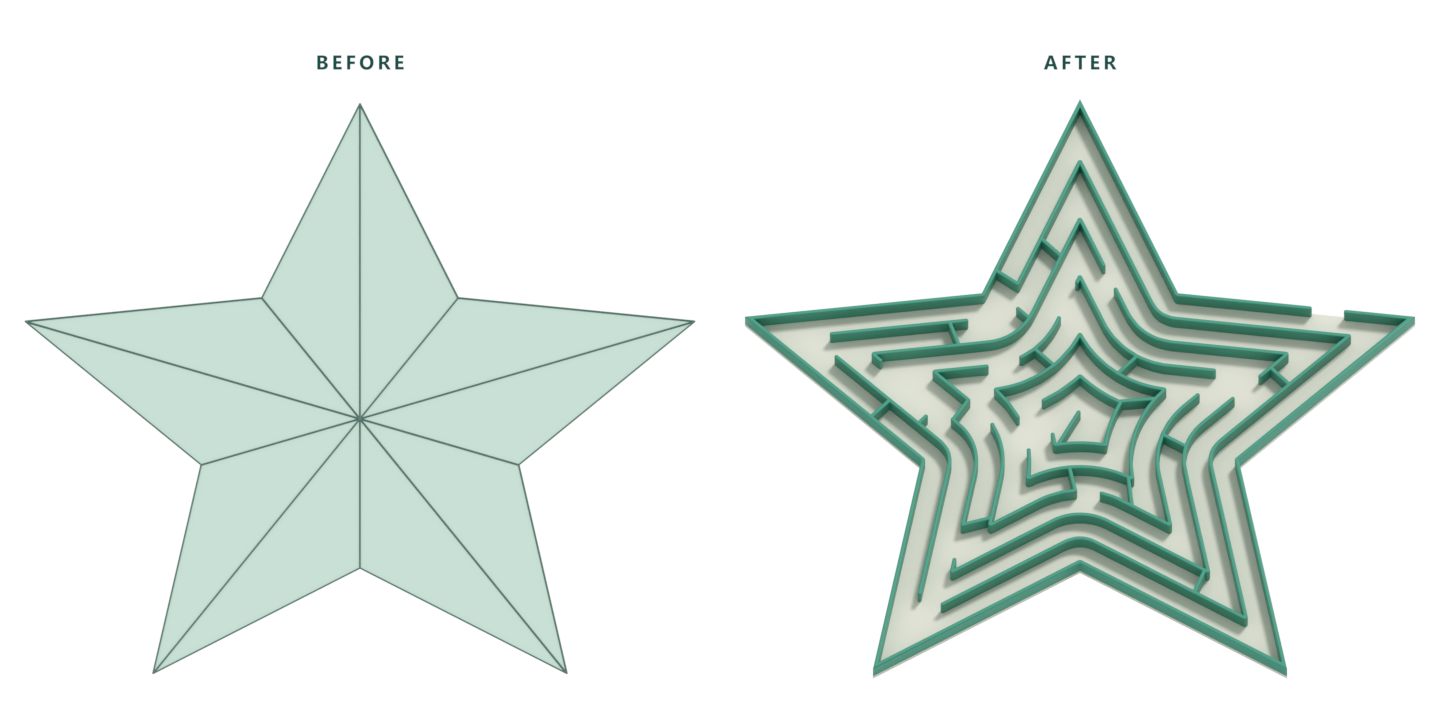
Show the solution
Includes an option to show a separate path object that traces the correct route through your maze.
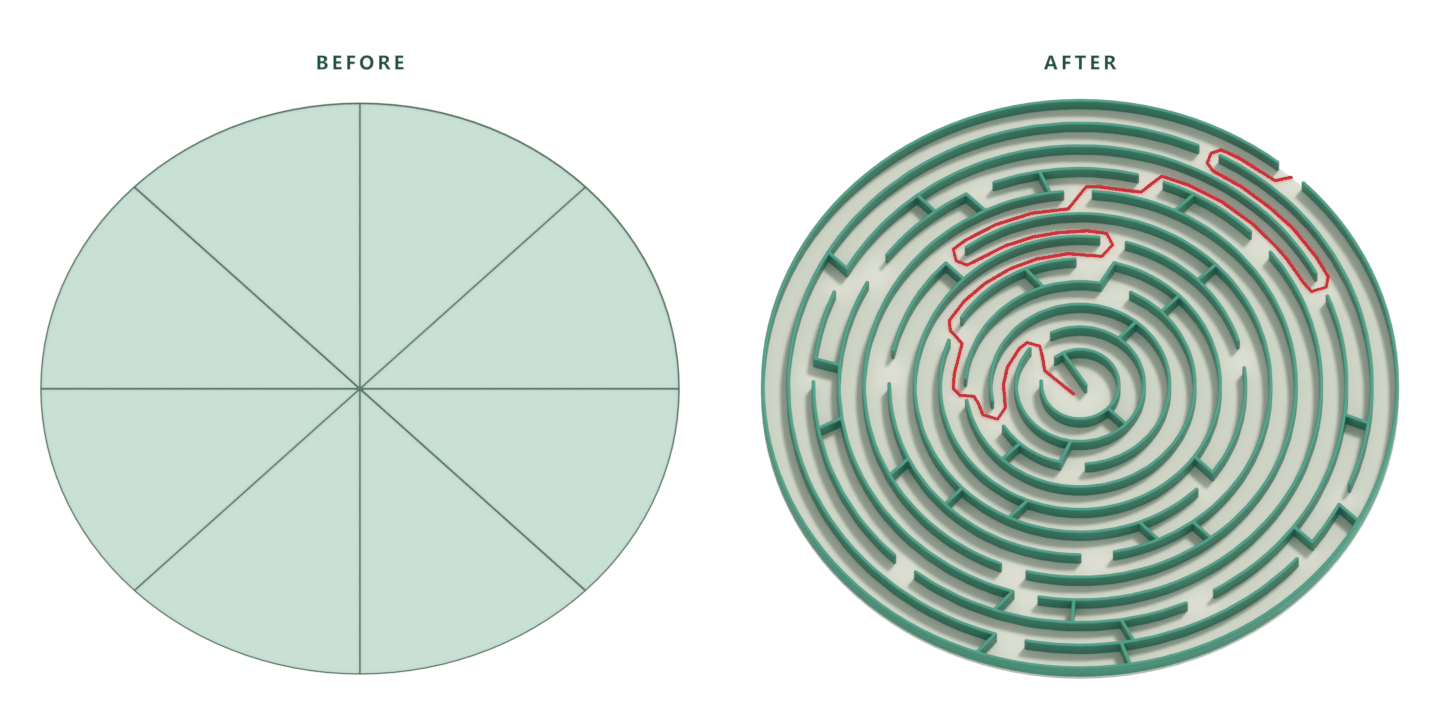
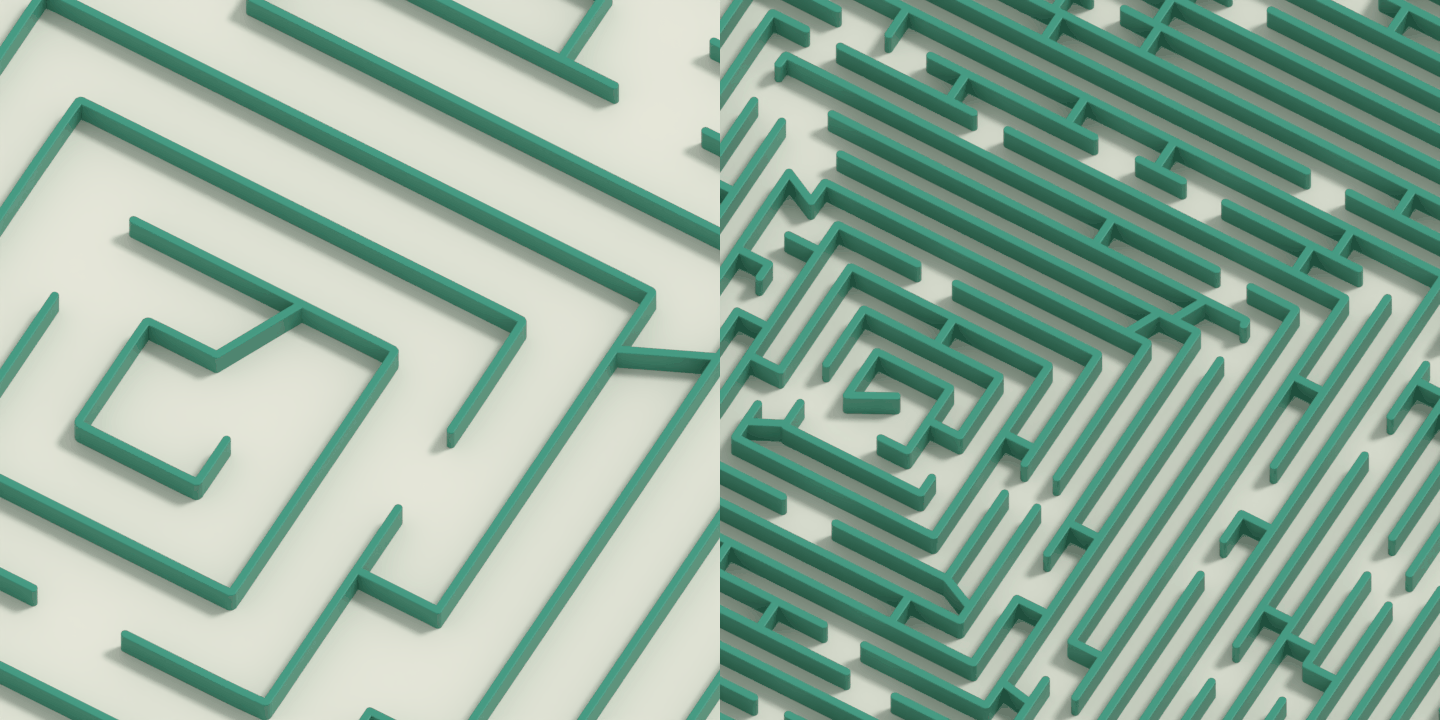
Open or densely packed
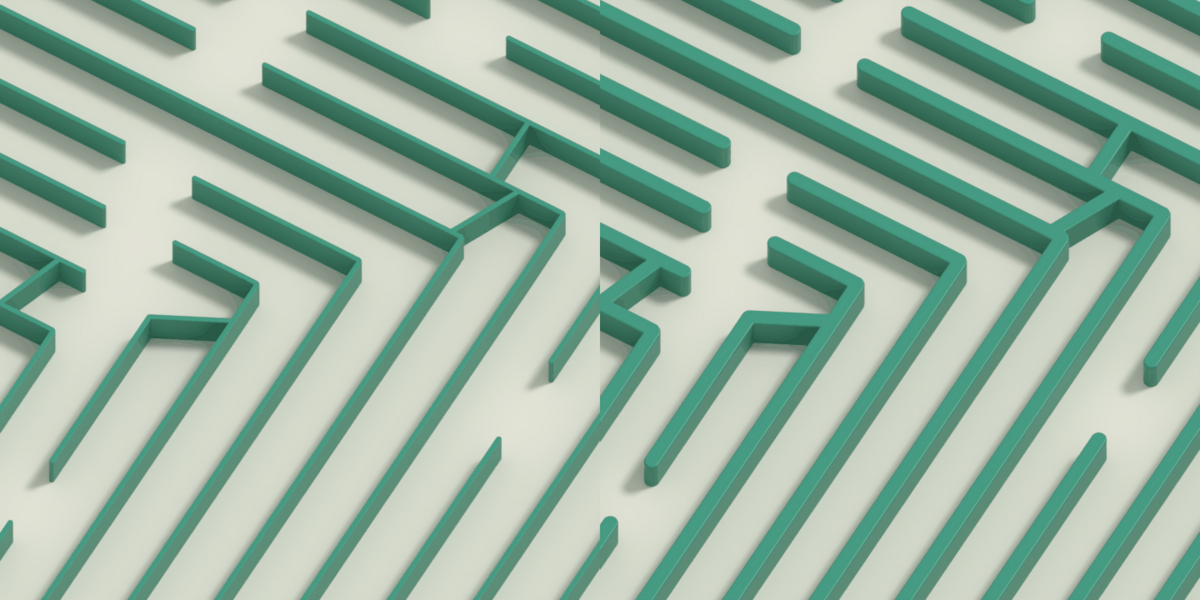
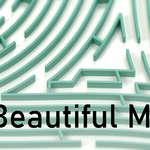
Adjust the ring spacing to give your maze room to breathe - or fit in more turns.
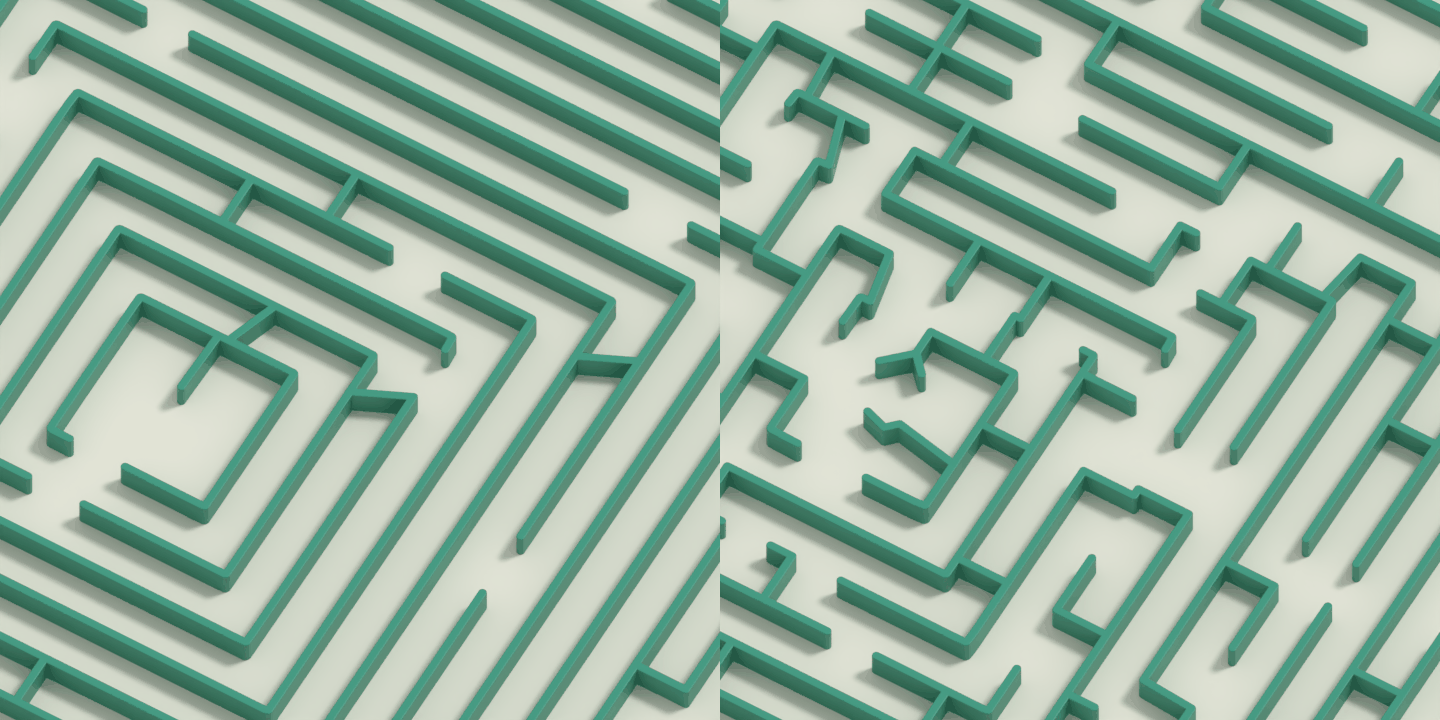
Simple or intricate
Shape the complexity of the pattern to suit your design.
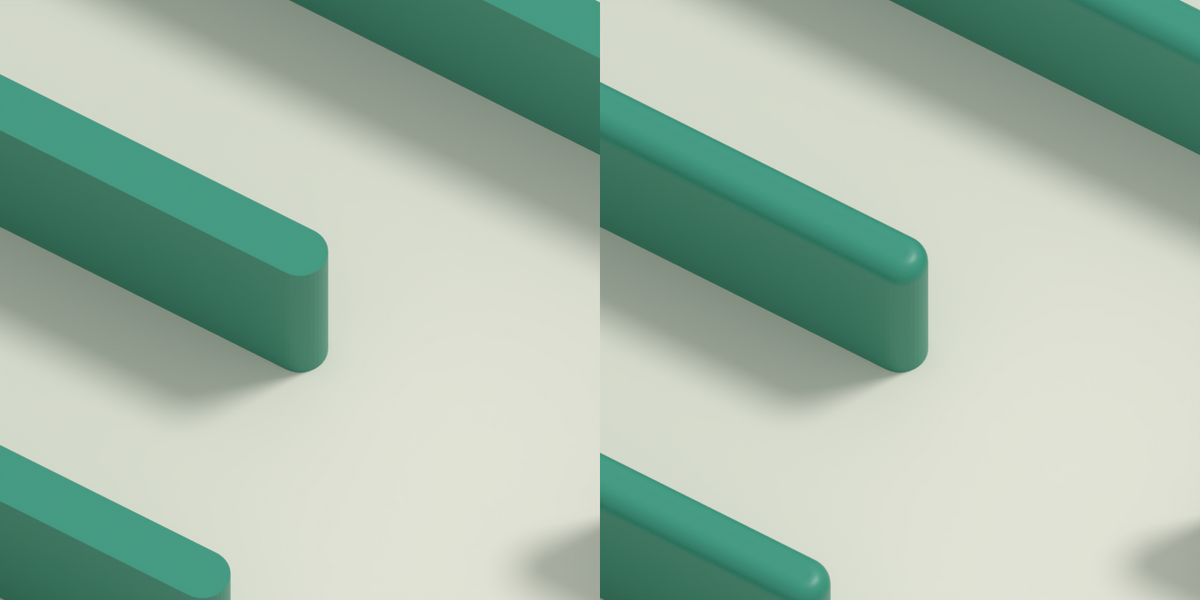
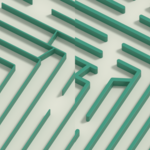
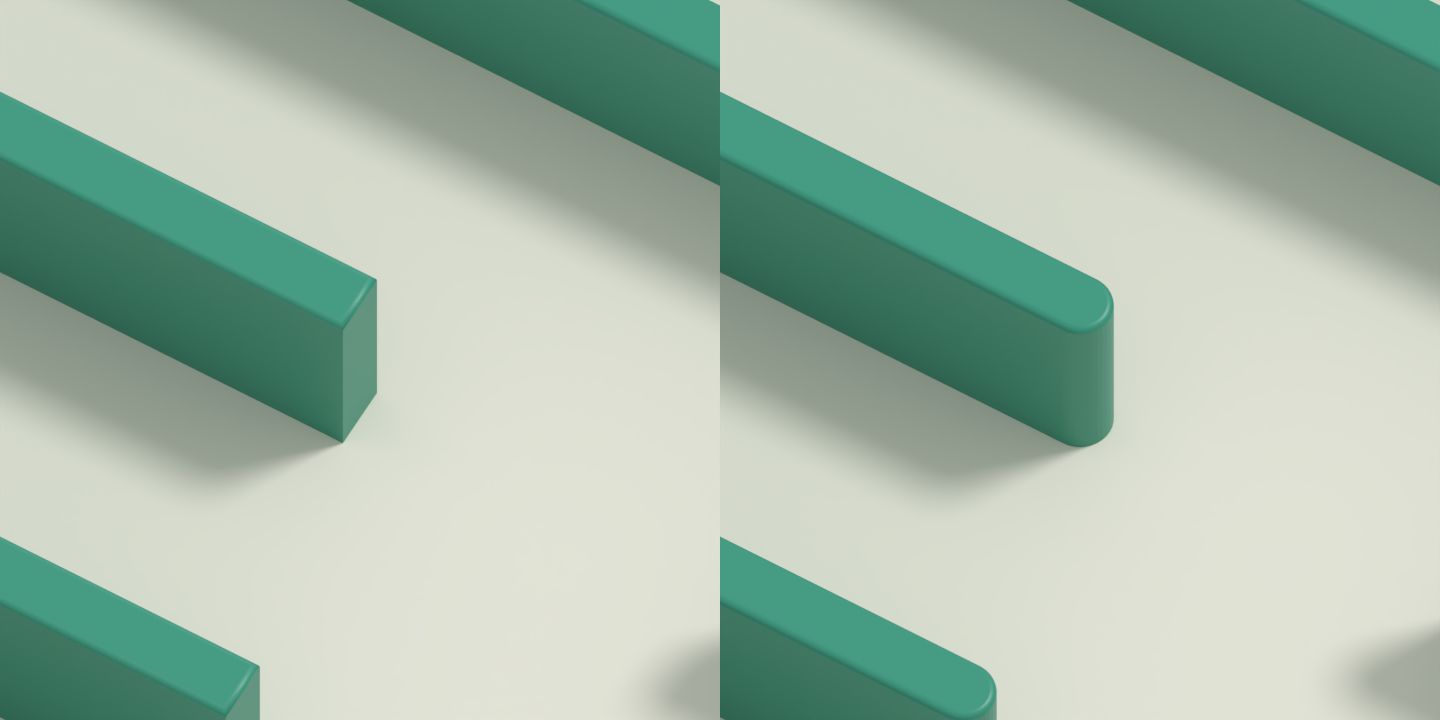
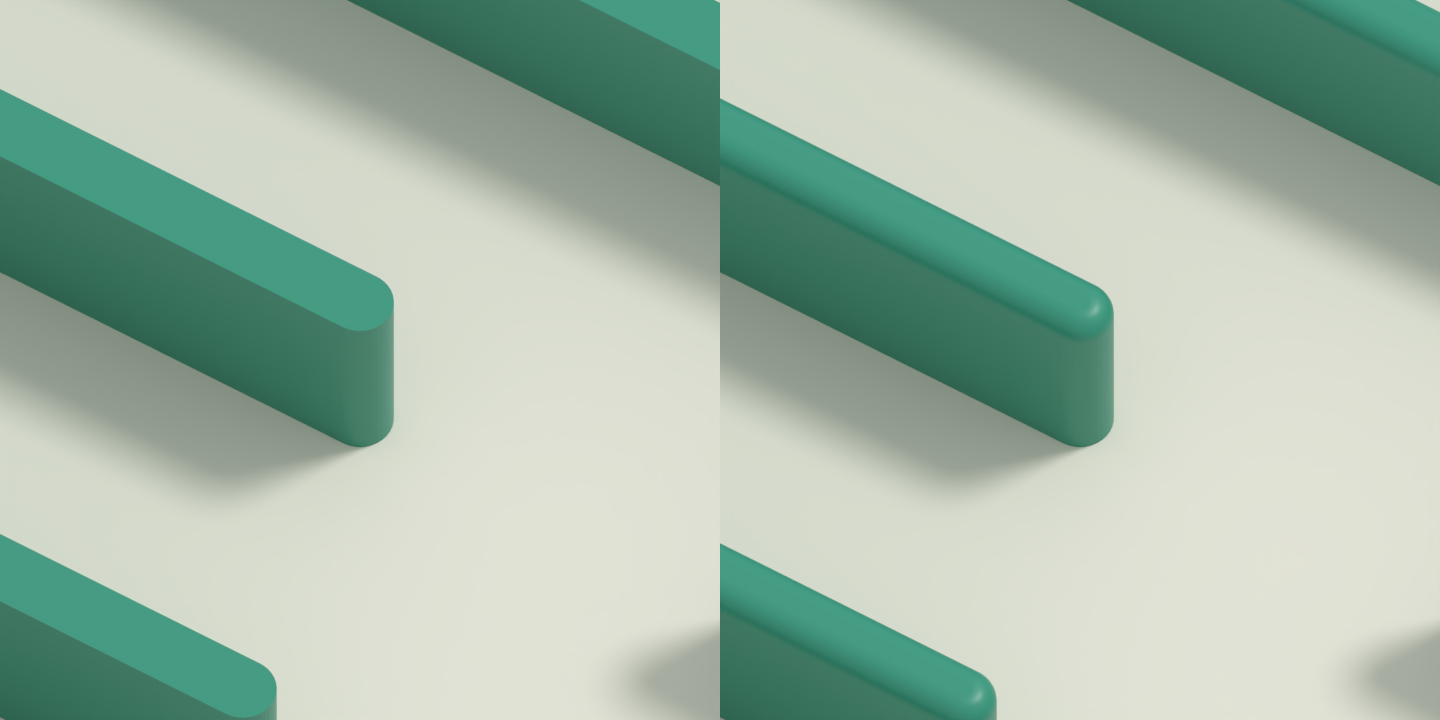
Round or flat ends
Choose rounded end caps or clean, flat finishes.
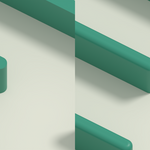
Refine the top edges
Keep the wall tops flat or add a bevel for a softer finish.
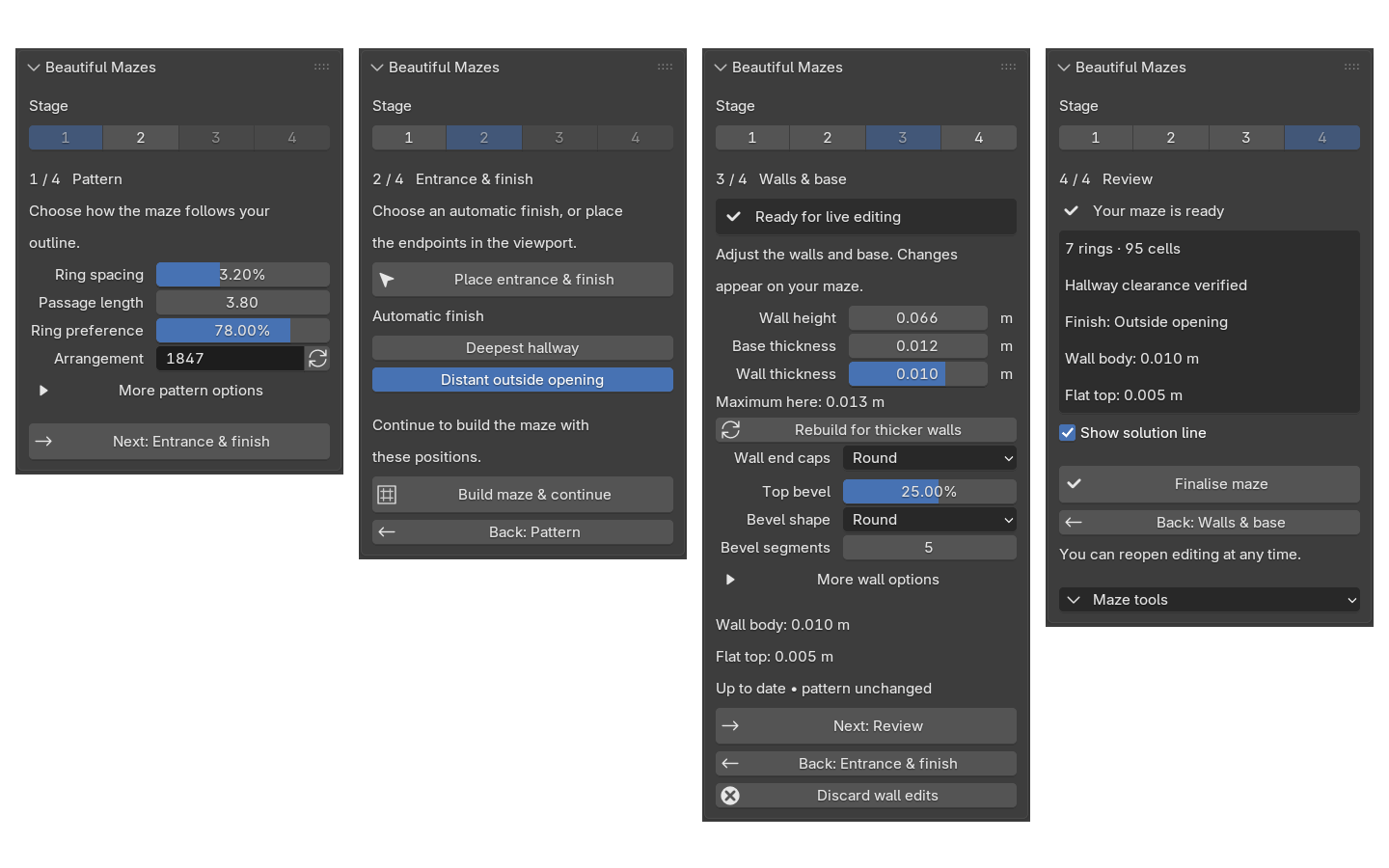
Four clear stages
Create your pattern, place the entrance and finish, adjust the walls, then review your maze.
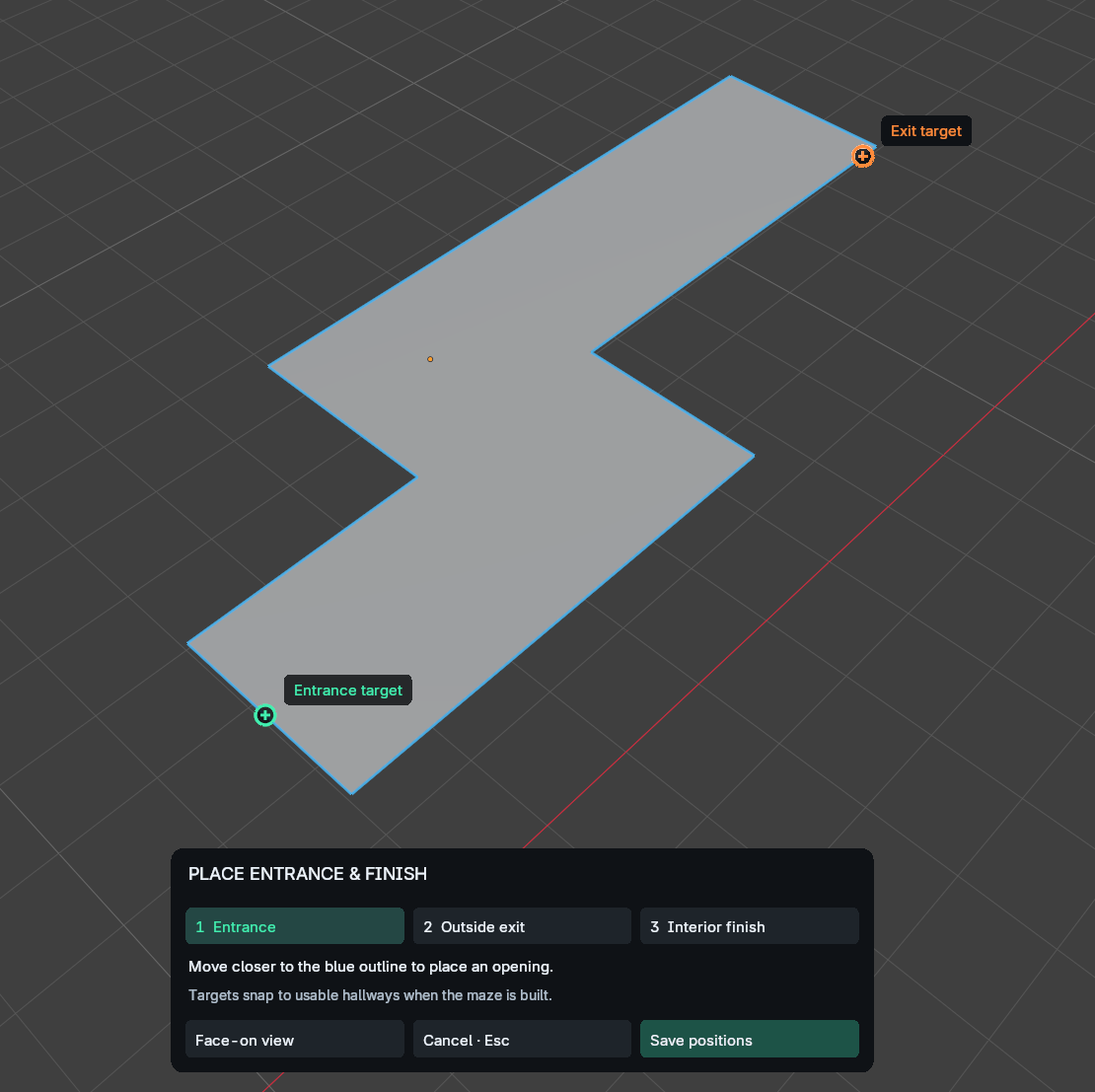
Click to place your endpoints
Choose your entrance and finish directly in Blender’s viewport using the on-screen controls.
More example shapes
If you have any questions or concerns about the product before or after purchase, please do not hesitate to get in contact with me.