 JB FX
JB FX



Beginner Assist For Blender Trailer
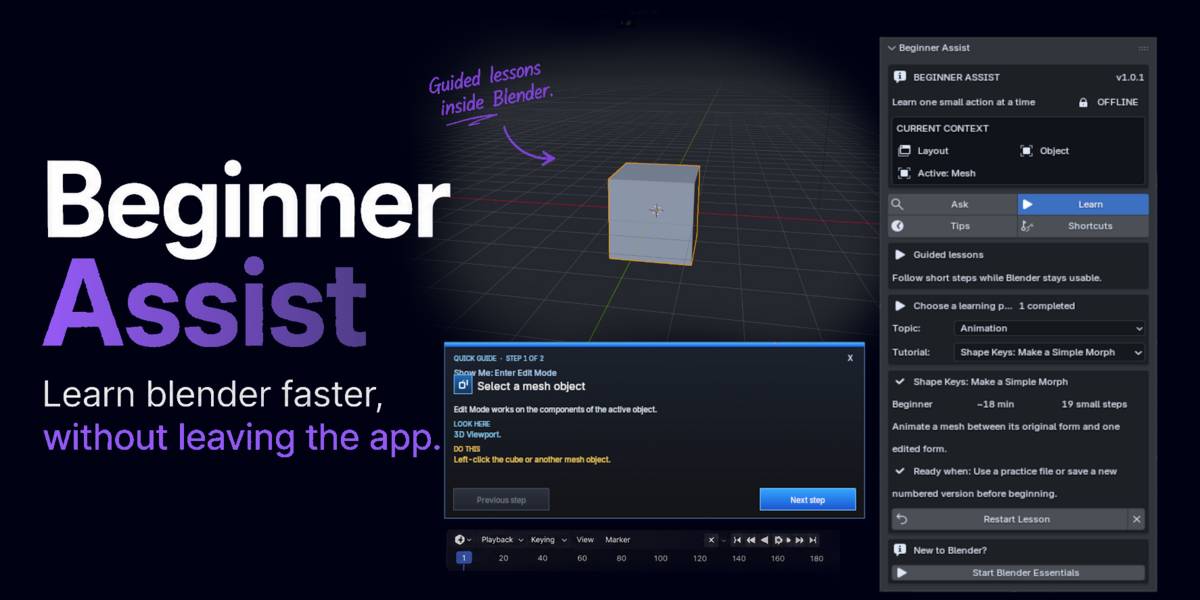
Offline learning assistant for Blender 5.2 LTS
Learn Blender inside Blender.
Beginner Assist turns unfamiliar tools and confusing menus into small, clear actions you can follow without leaving your workspace.
A patient coach that stays out of the way
Keep a lesson visible while you select, navigate, transform, model, and experiment. Responsive arrows identify the relevant editor or control, while the compact Assist panel gives you Ask, Learn, Tips, and Shortcuts in one place.
Six core features
Help appears where the learner needs it.
Clear guidance for learning, troubleshooting, and finding the right command without breaking focus.
Learn one clear step at a time
Guided tutorials divide Blender workflows into small actions. The lesson remains visible while the learner works.
- Simple instructions with visible expected results
- Previous, Next, Close, and Check My Step controls
- Progress saving for continuing later

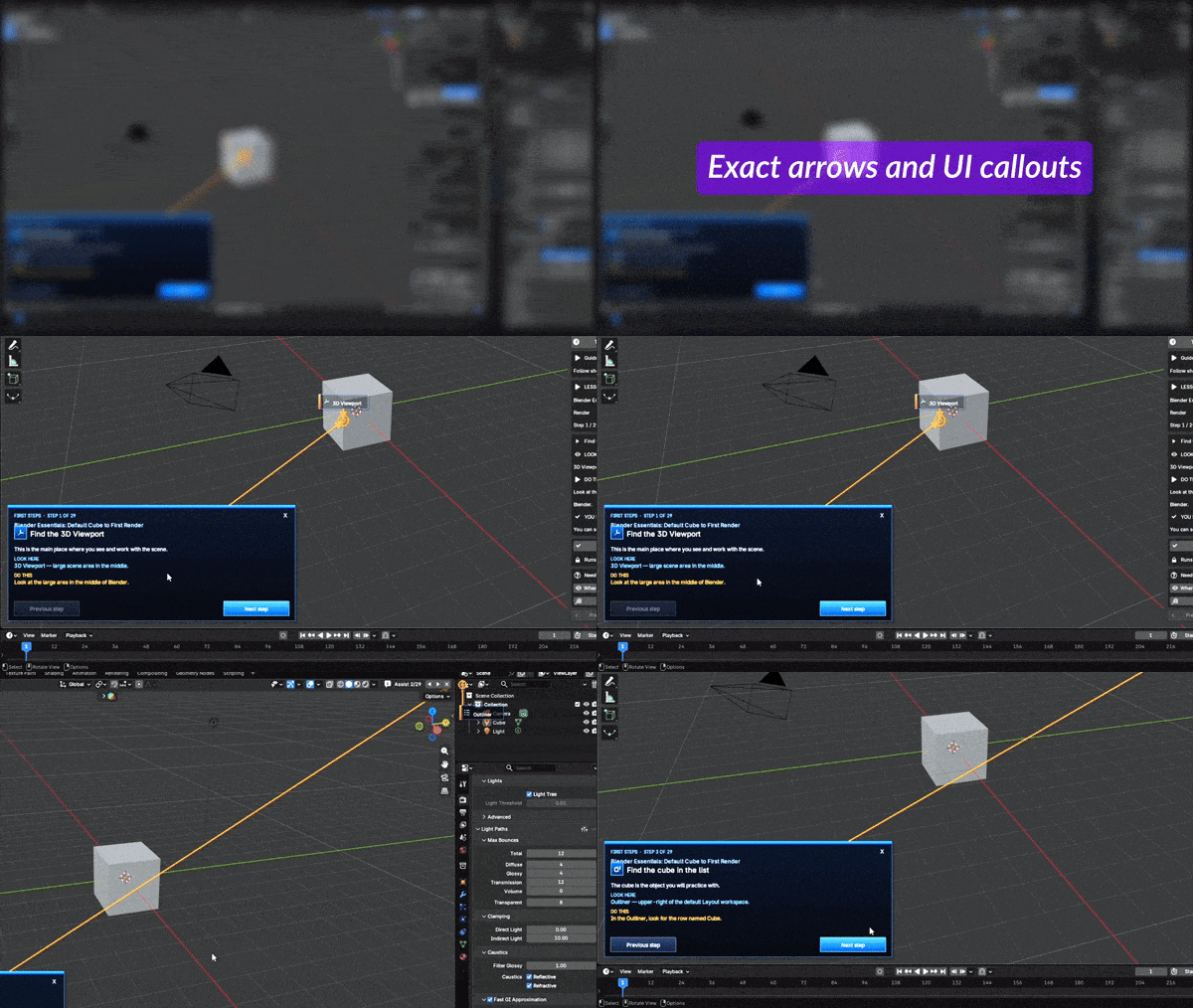
Responsive arrows and UI callouts
Beginner Assist identifies the editor, menu, Properties tab, Outliner item, object, node, or supported control being discussed.
- Placement follows the current Blender layout where possible
- Compact labels avoid covering the instruction card
- Lightweight overlays leave ordinary Blender input available
Ask a Blender question in everyday language
Fast local search connects beginner wording, common symptoms, and synonyms to controlled guidance and useful shortcuts.
- 378 curated beginner answers
- 4,611 deeper offline reference topics
- No cloud request, subscription, or generated repair code
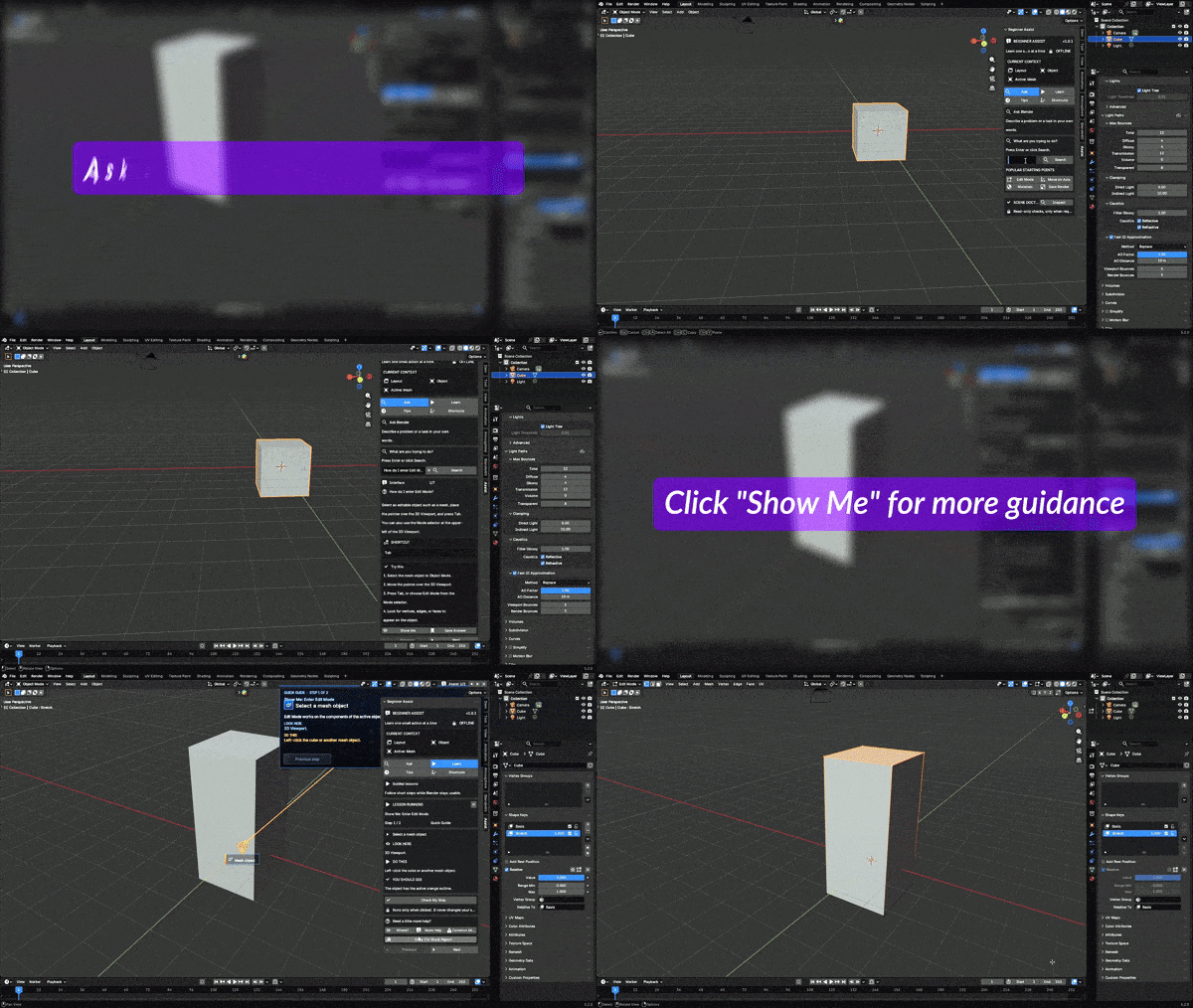
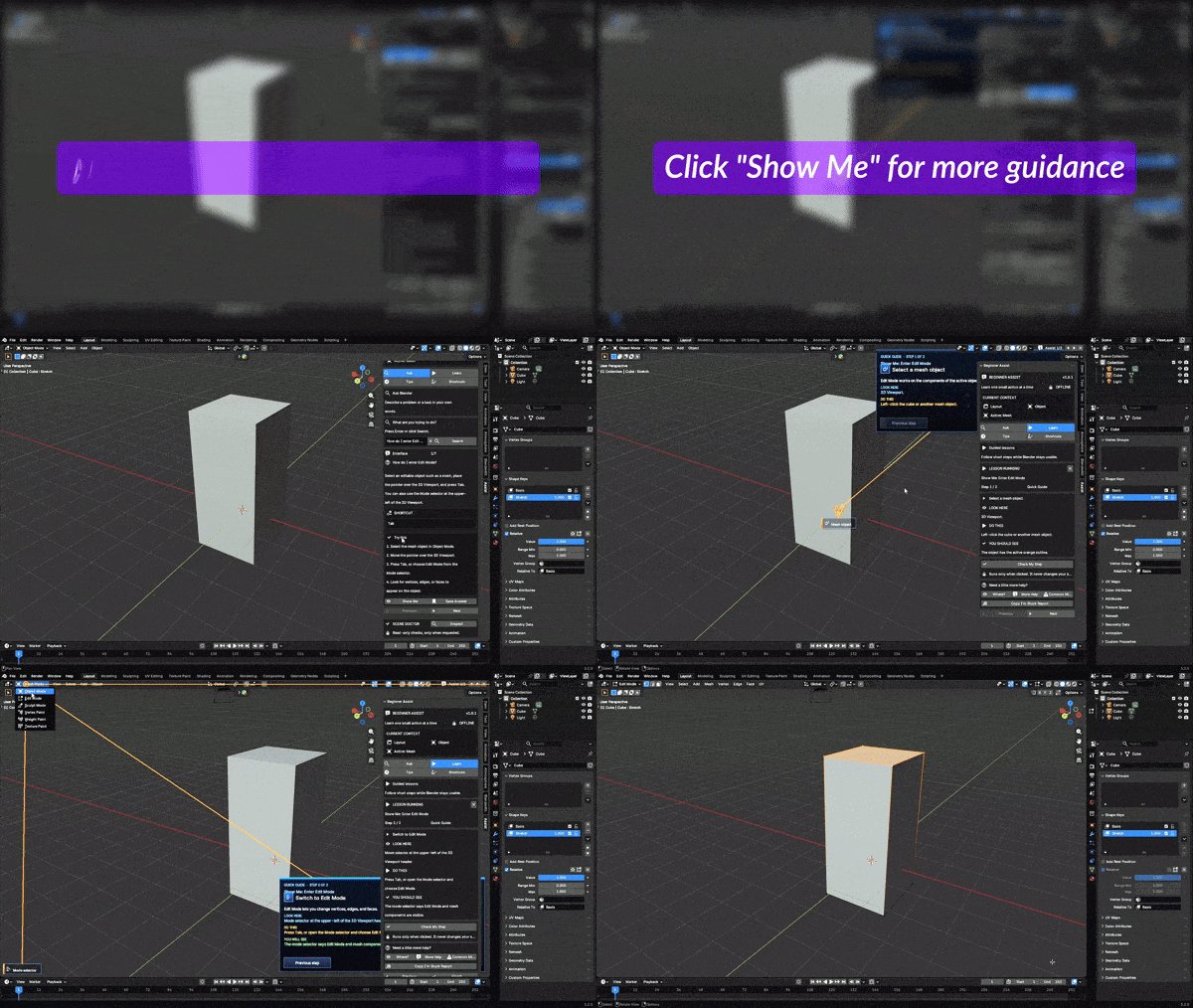
Click “Show Me” for practical guidance
Selected answers can launch a short micro-guide that points to the correct place and turns an explanation into a practical next action.
- 23 compact Show Me guides
- Useful for modes, materials, keyframes, rendering, and nodes
- Read-only Check My Step feedback for supported actions
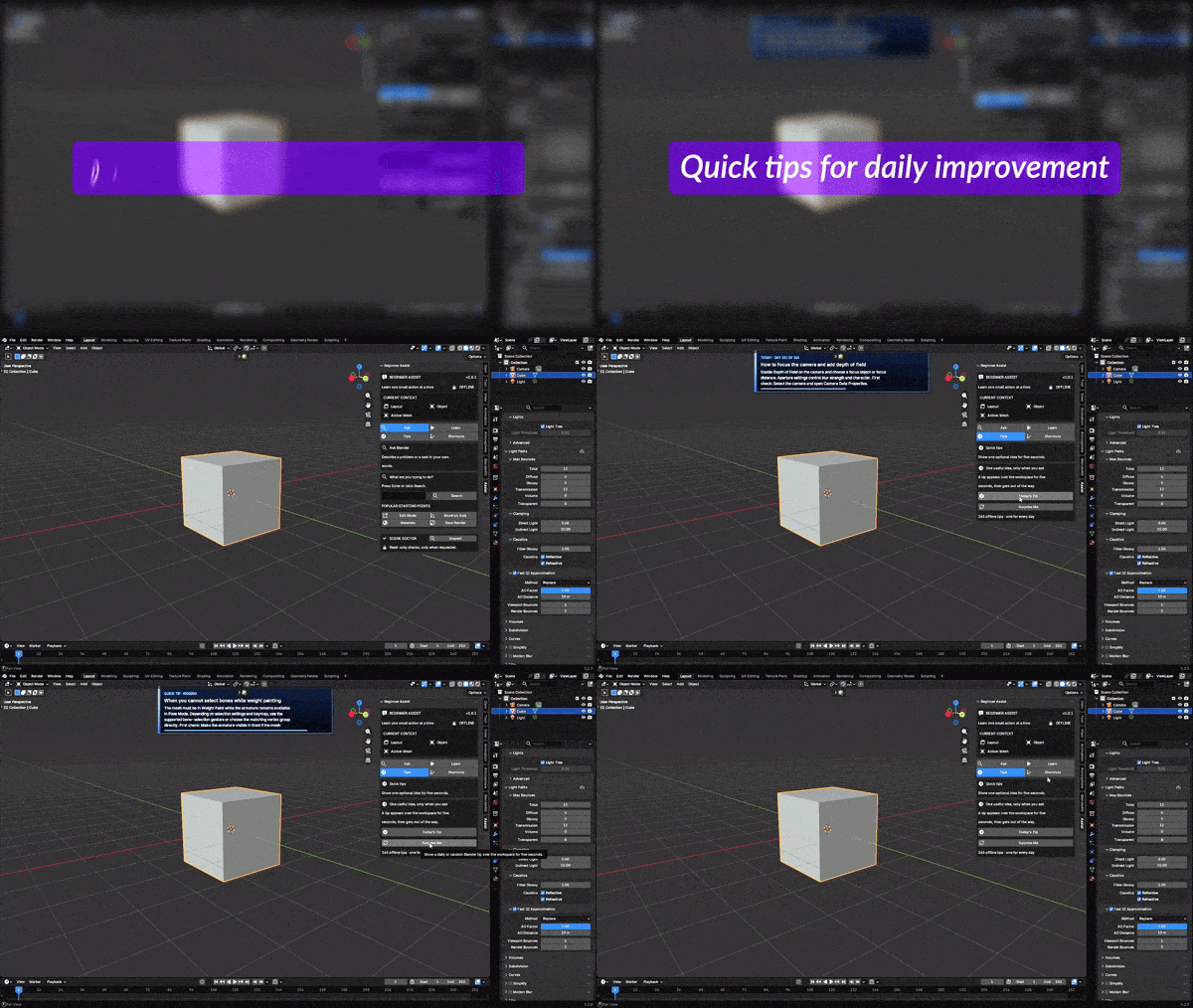
Quick tips for daily improvement
Choose Today’s Tip or request a random tip whenever you want one. The temporary overlay disappears automatically.
- 365 practical tips covering a full year
- Five-second display with no input capture
- No unsolicited startup interruption
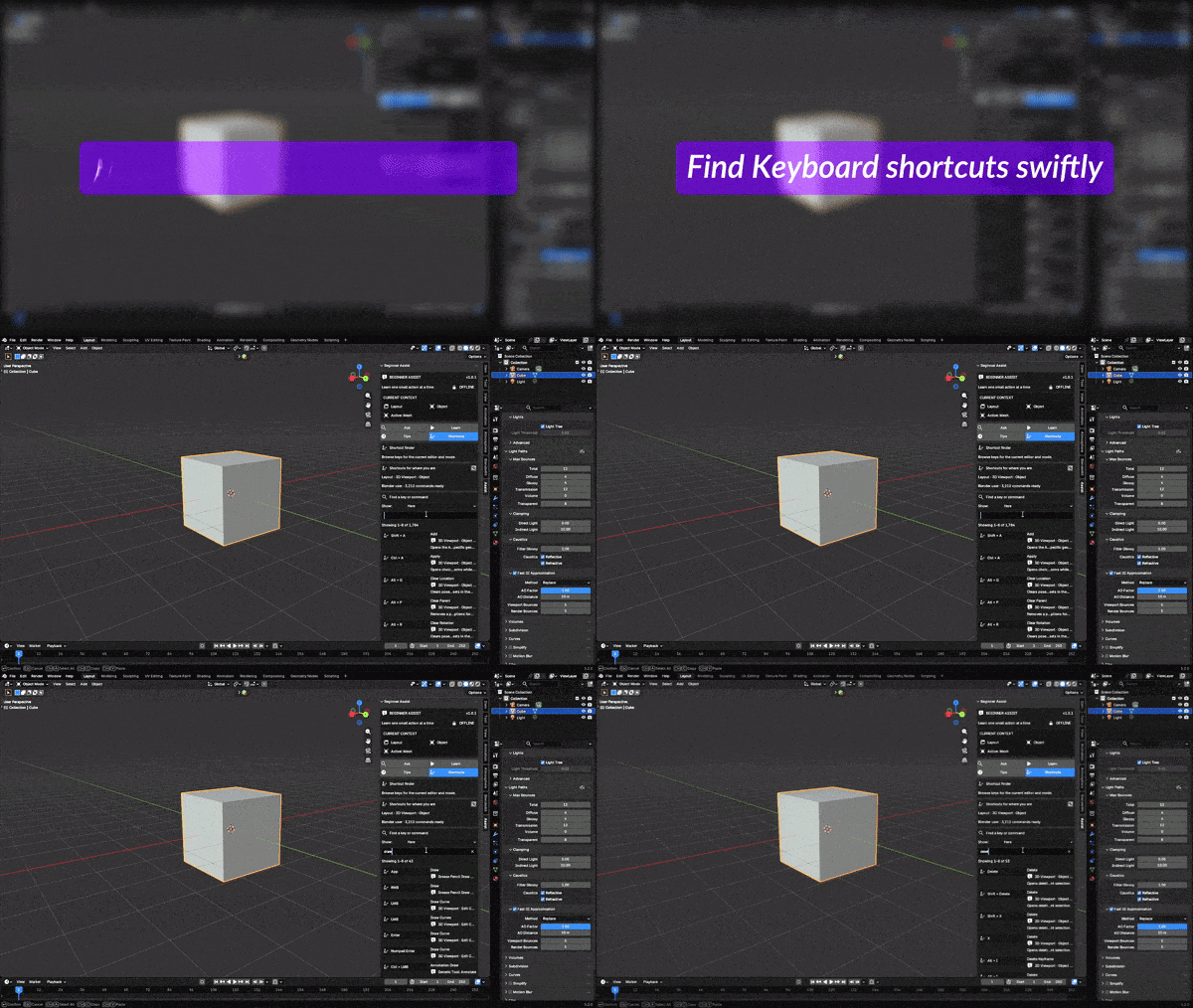
Find keyboard shortcuts swiftly
Search commands or filter shortcuts by the current editor, mode, workspace, global context, or complete active keymap.
- Reads active Blender keymaps, including custom bindings
- Progressive indexing avoids blocking the interface
- 158-entry fallback library is available immediately
Built-in knowledge
A focused interface with a substantial local library.
Local, deterministic, and user-controlled
Beginner Assist explains, highlights, verifies, and diagnoses using local rules and packaged knowledge. Scene Doctor and tutorial checks are read-only. The add-on does not upload project data, execute arbitrary generated instructions, or automatically repair the scene.
Pricing variations
Choose the package that fits your setup.
All packages contain the same GPL-licensed add-on files. Team and Studio add broader onboarding and support coverage.
INDIVIDUAL
$49.95
For one independent artist.
- Complete Beginner Assist add-on
- All tutorials, search, tips, and shortcuts
- Standard product support
- Lifetime updates
TEAM 5
$239.75
Five artists: 5 × $49.95, minus $10.
- Everything in Individual
- Coverage for up to five internal users
- Shared onboarding checklist
- Two named support contacts
STUDIO 15–20
$739.25
15 × $49.95, minus $10; coverage extends to 20 internal users.
- Everything in Team 5
- Coverage for 15–20 internal users
- Priority compatibility triage
Install and start
Ready in a few minutes.
Installation
- Download the Beginner Assist ZIP.
- In Blender, open Edit → Preferences → Extensions.
- Choose Install from Disk and select the ZIP.
- Open the 3D Viewport, press N, and choose Assist.
Compatibility
- Designed for Blender 5.2 LTS
- Blender Extension compatible
- Windows, macOS, and Linux through Blender
- No account, API key, or internet connection
- GPL-3.0-or-later; reference excerpts are CC-BY-SA-4.0-or-later
Frequently asked questions
Know what you are buying.
Does Beginner Assist use cloud AI?
No. Search, guidance, tutorials, tips, and scene checks run locally. No account, API key, or external service is required.
Will it change or repair my scene automatically?
No. Tutorial checks and Scene Doctor are read-only. Beginner Assist explains what it finds and leaves the decision to the user.
Can I keep working while a tutorial is visible?
Yes. The tutorial overlay remains visible while ordinary Blender input passes through to the workspace.
Does shortcut search support custom keymaps?
Yes. The shortcut index reads Blender’s active keymap and loads progressively to keep the interface responsive.
Is this a complete Blender course?
It is an in-app learning assistant rather than a long video course. It teaches practical fundamentals, answers common questions, and guides users to relevant controls.
Spend less time searching for the right button—and more time creating.
Beginner Assist keeps learning inside Blender with clear tutorials, responsive callouts, local answers, practical tips, and fast shortcut lookup.

