Beginners Guide: Model and Animate a 3D Logo
 Harry Helps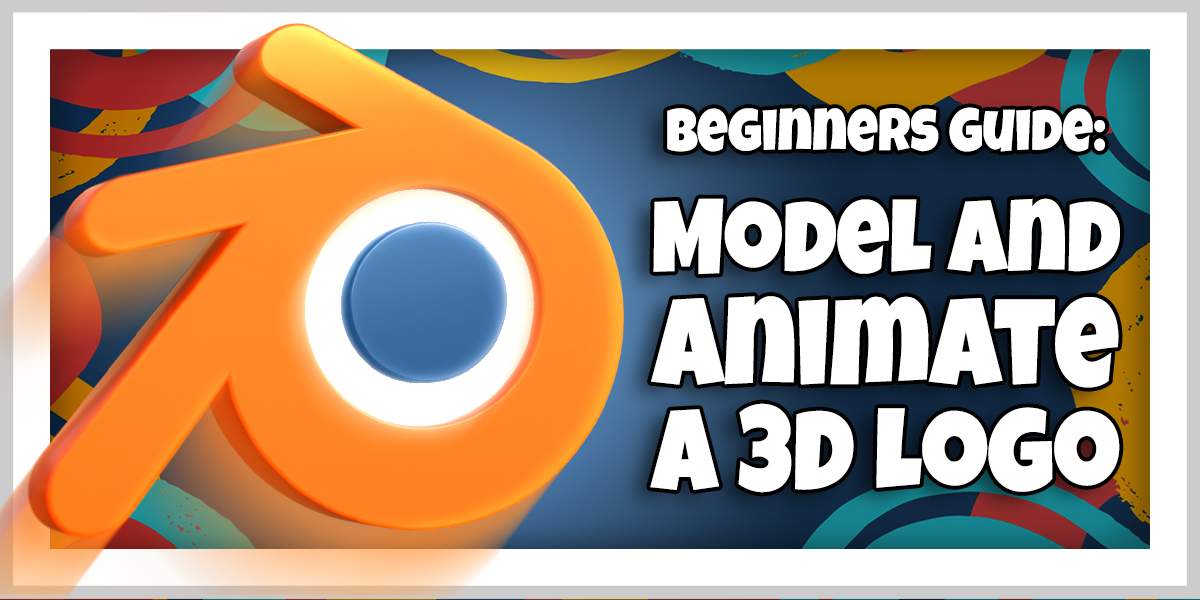

Absolutely! That's the whole purpose of how I structured this class!
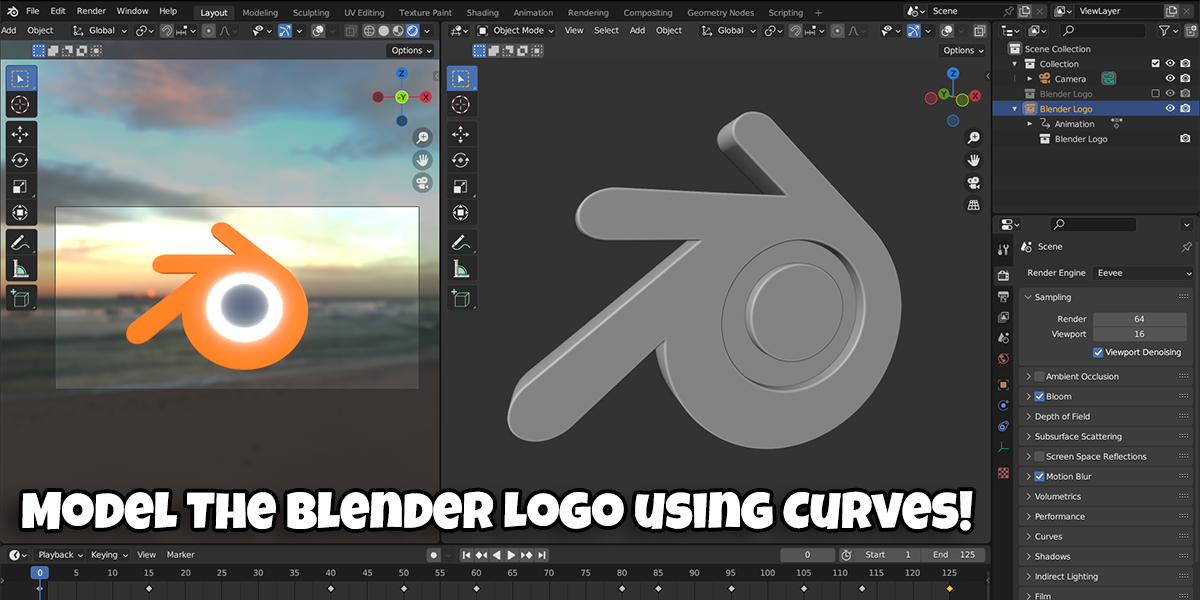
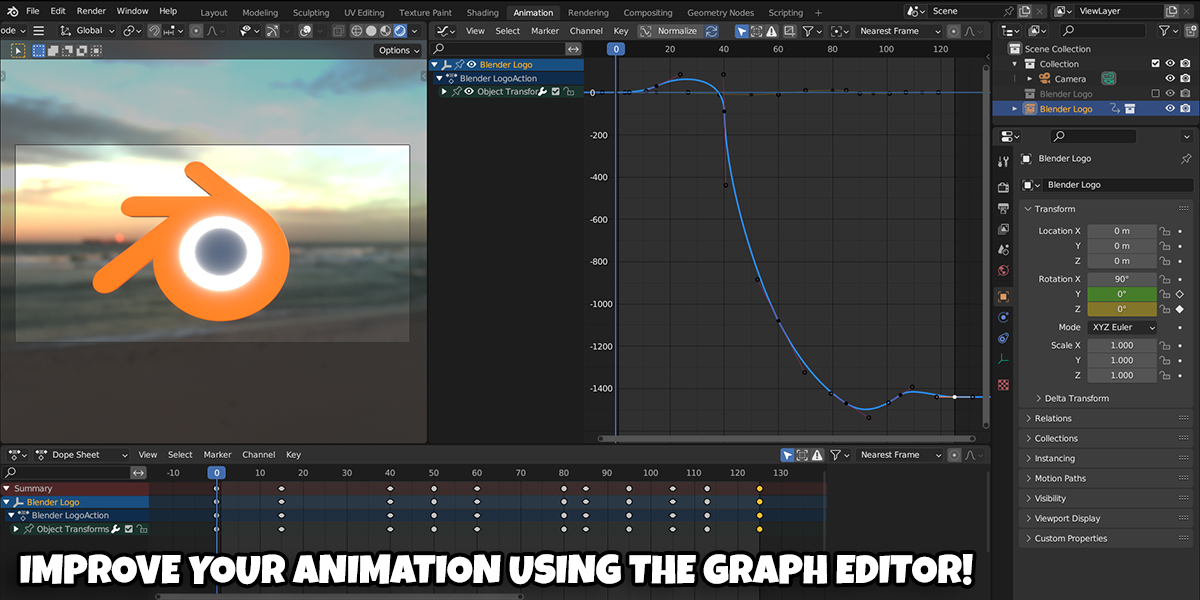
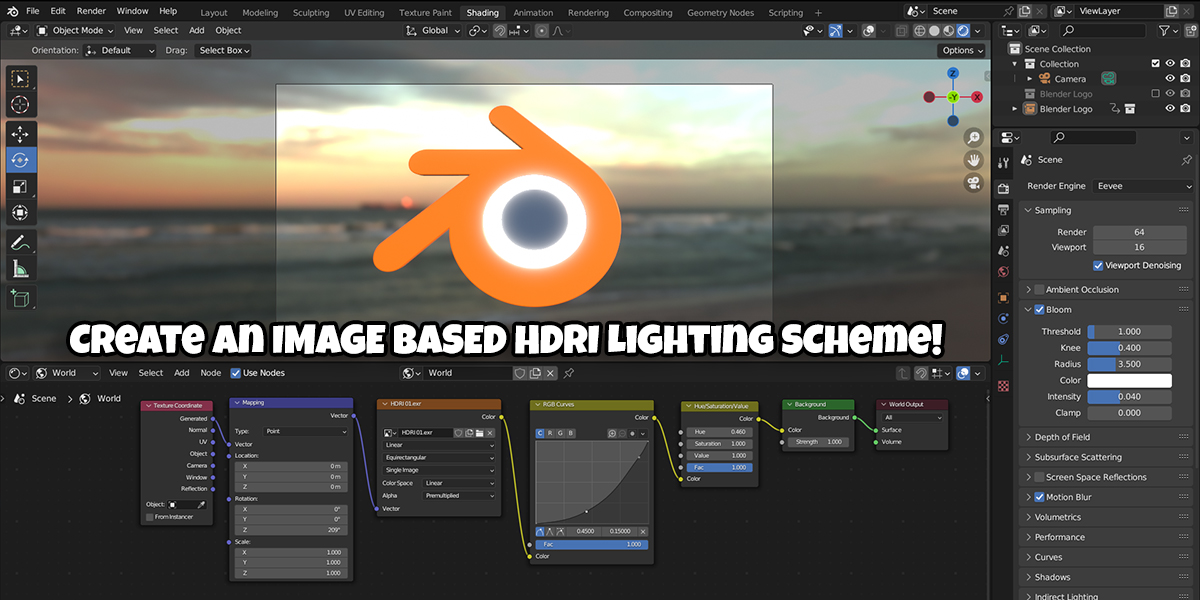
If you're completely new to Blender (or 3d modeling in general), you should have no issues following the lessons provided in this class. I start the class with a quick "Blender Crash Course" to get you up to speed on the most basic tools and interface elements we'll use during the class. Then we progress through each lesson, learning the workflow and going step-by-step as I guide you to the end result.
You don't need to worry about me skipping steps, or moving so fast you can't keep up. I design my classes to be as clear and easy to follow as possible!
You can find more classes just like this on my Blender Market shop! I have a variety of classes that cover a bunch of topics and experience levels!
This class was built with the Eevee render engine. You can look forward to some lightning fast render times!
You can complete this class with Blender 3.0 or newer!
However, if you'd like to utilize the included completed end file, you'll need Blender 3.6 or newer to open it.
You can download the newest version of Blender completely free from https://www.blender.org/download/
Have questions about this product?
Login to message
| Sales | 10+ |
| Dev Fund Contributor | |
| Published | about 3 years ago |
| Blender Version | 3.6, 3.5, 3.4, 3.3, 3.2, 3.1, 3.0 |
| License | Royalty Free |
Discover more products like this
3dmodeling 3d animation video course Blender Beginners animated logo spring24 summer24 3d logo winter24 beginner course loveblender hdri beginners guide harry helps Beginner Tutorial animation blender logo bfcm24 3d modeling tutorial blender logo 3d model Lighting Blender course