 孙堪伟
孙堪伟



Bend Flow X - User Guide
Bend Flow X - User Guide
Installation
Follow these steps to install the Bend Flow X addon in Blender:
- Open Blender and go to Edit > Preferences > Add-ons
- Click the "Install..." button in the top right corner of the window
- Locate and select the Bend Flow X addon file (
.zipformat) - Click "Install Add-on" to install
- Enable the addon by checking the checkbox next to its name
Note for Blender 4.2+: You can also drag and drop the .zip file directly into Blender and confirm the installation.
Key Features
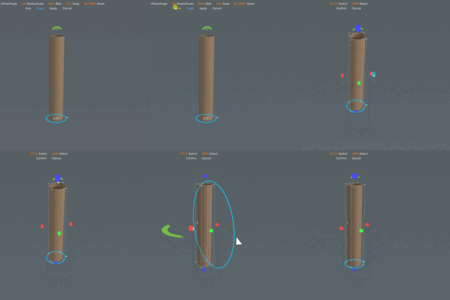
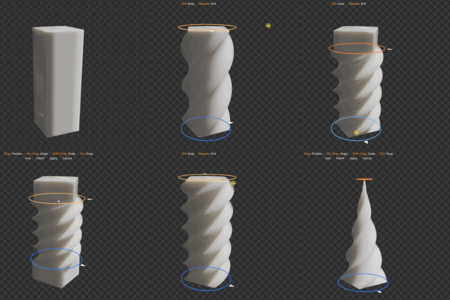
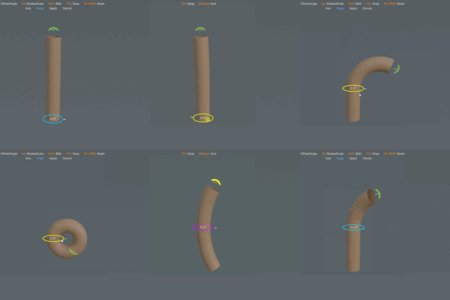
- Interactive Bending Tool: Use intuitive on-screen controllers to bend meshes in real-time
-
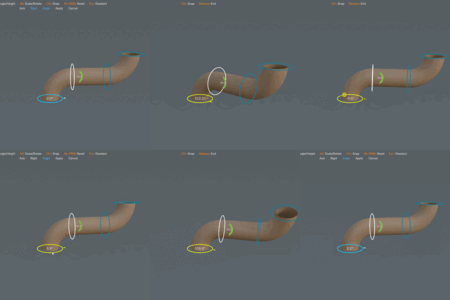
Dual Controller System:
- Bottom controller for pivot position and rotation (drag to rotate, Alt+drag to move pivot)
- Top controller for bend angle and radius (drag for angle, Alt+drag for radius)
- Smart Bending Modes: Toggle between unidirectional and bidirectional bending with Shift+click
- Non-Destructive Workflow: Preserves original geometry, allows reverting or resuming edits anytime
- Session Management: Tracks all bend operations with history panel for easy session restoration
- Visual Feedback: Real-time preview with adaptive UI text and detailed tooltips
- Undo/Redo Support: Full undo history (Ctrl+Z/Ctrl+Y) with snapping functionality (Ctrl+drag)
Quick Start
- Select any mesh object in your scene
- Press J (default hotkey) or find "Interactive Bend Tool" in the menu
- Use the on-screen controllers to bend your mesh interactively
- Access the Bend Manager panel in the sidebar (N-panel) to manage bend sessions
Preferences
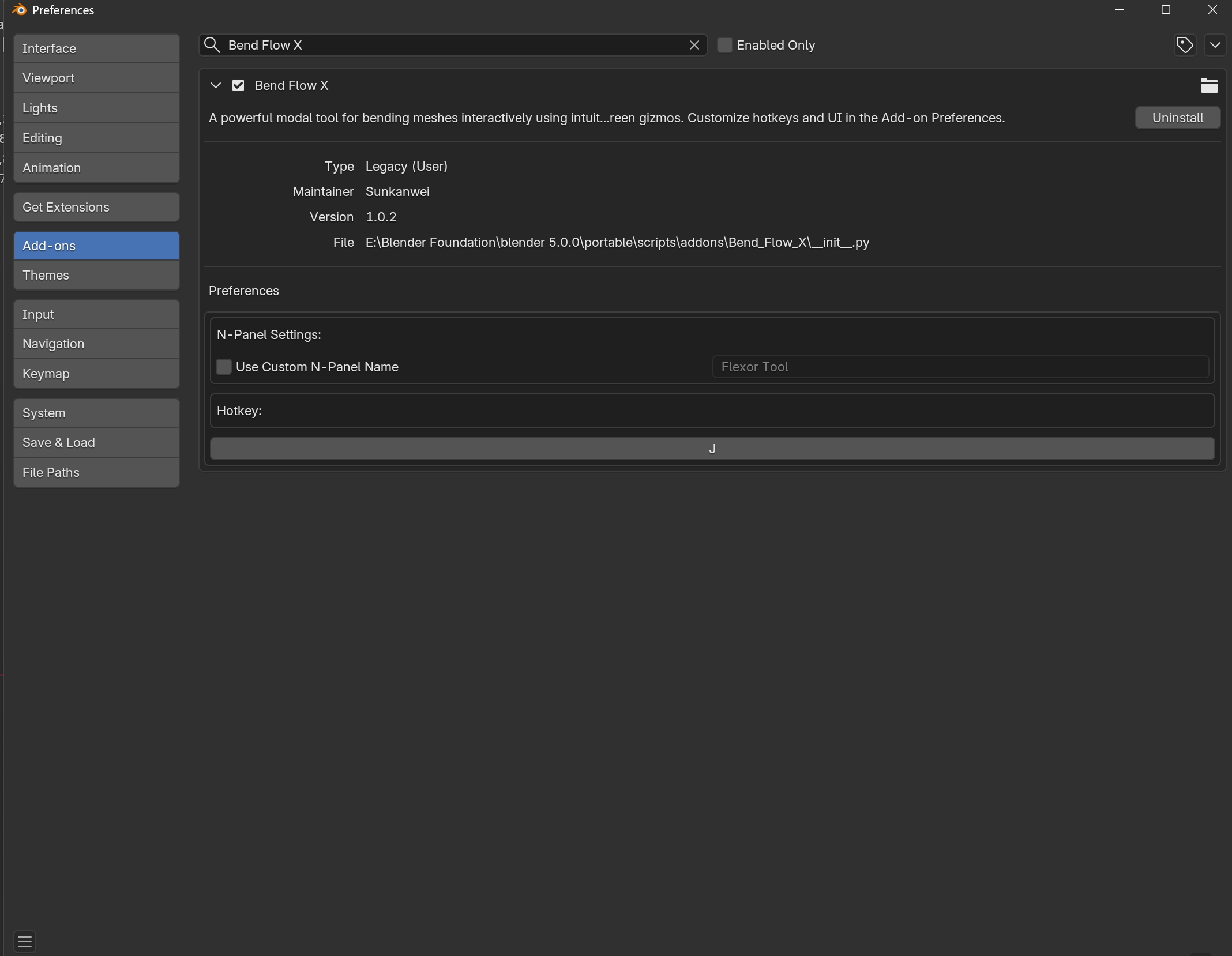
[Add your preferences screenshot here]
Customize the addon behavior through Edit > Preferences > Add-ons > Bend Flow X:
- Custom N-Panel Name: Enable to set a custom category name in the sidebar
- Hotkey Configuration: Change the default activation key (J) to your preferred shortcut
Note: The Bend Flow X addon provides professional-grade bending capabilities with an intuitive interface, making complex mesh deformations accessible to artists of all skill levels.
$5.99
Have questions about this product?
Login to message
Discover more products like this
bend Mesh Bender topology retopology Interactive Bending gizmo winter25 modeling Precision Bending Viewport Controller