 Mark Kingsnorth



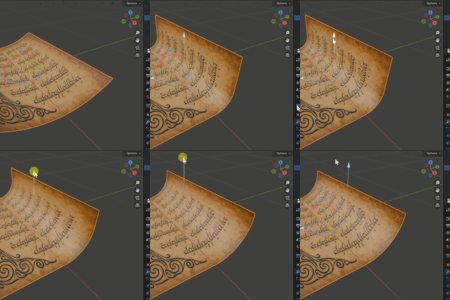


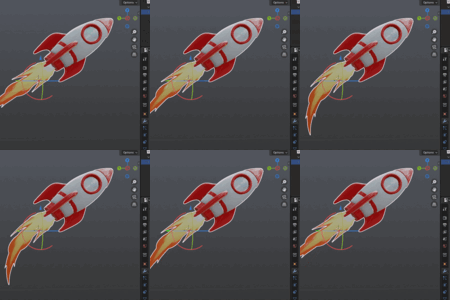
For Blender 4.5 and above.
What is the Bend Modifier?
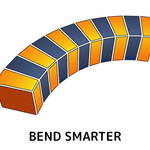
A classic Bend Modifier inspired by the one you may know from 3ds Max, now natively available in Blender’s modifier stack.
Blender’s built-in Simple Deform offers a bend mode, but it’s awkward as it requires 'Empty' objects for placement and takes some time to set up. This add-on gives you a dedicated Bend Modifier asset that’s:
- Easier to use,
- Gizmo-driven,
- Non-destructive,
- Fully compatible with other modifiers, and
-
Kind to your UVs.
Just add it to the modifier stack and bend away...
⚠️ Note: For best results, make sure to Apply All Transforms (Ctrl–A) before bending. Unapplied location, rotation, or scale may cause unexpected results.
Key Features

-
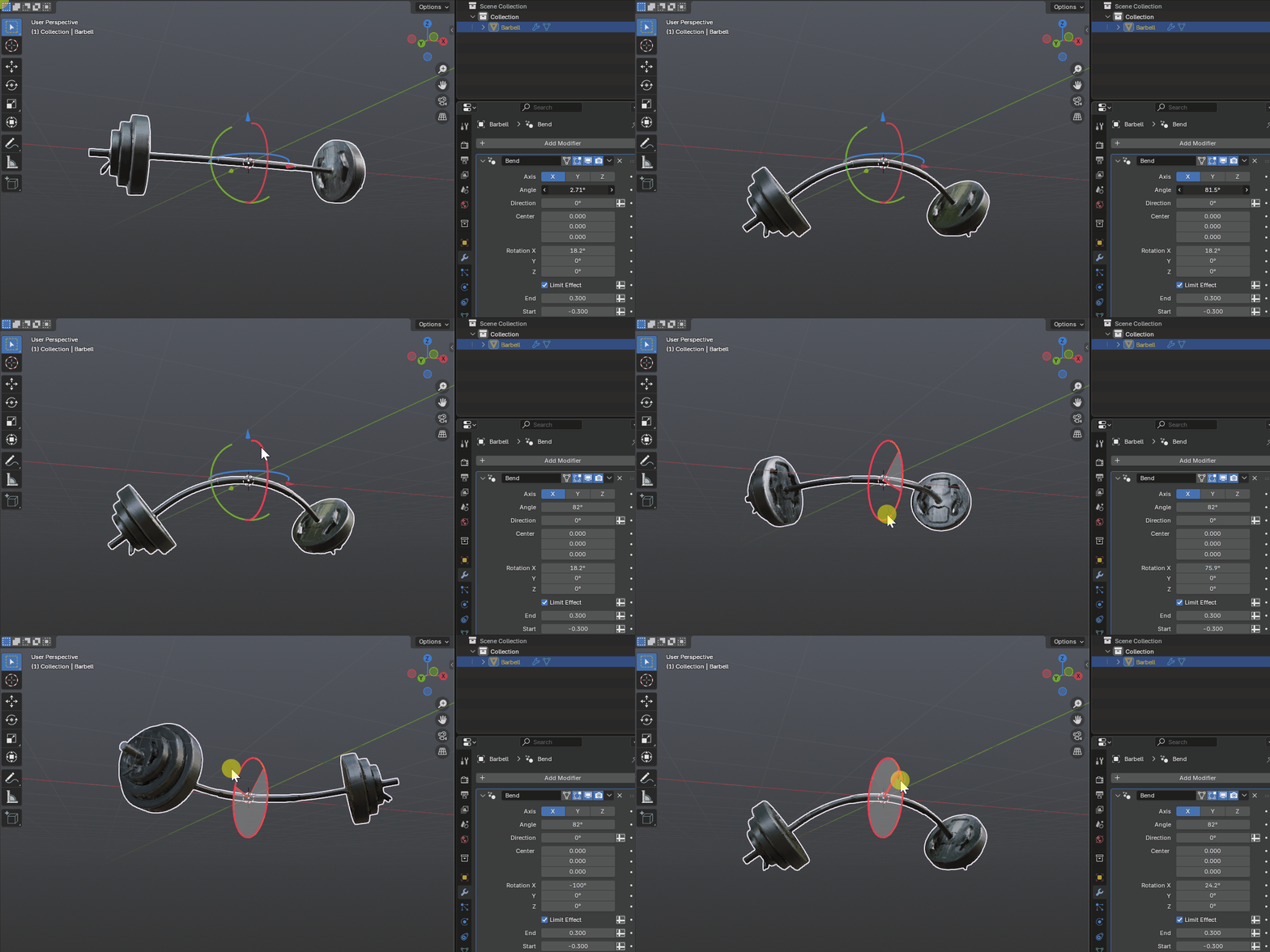
Gizmo-based control — adjust the bend directly with Blender’s built-in modifier gizmo, no empties required.
-
3ds Max-style algorithm — behaves like the Bend modifier Max users are familiar with.
-
Real-unit limits — set Start and End distances along your chosen axis.
-
Straight tails — geometry continues cleanly along the arc tangent, no hard clipping.
-
Non-destructive — sits in the modifier stack, plays nicely with Subdivision, Mirror, Solidify, Array, etc.
-
UV-safe — doesn’t damage existing UV maps.
-
Lightweight & simple — a straightforward tool at a modest price.
FAQs
Q: How is this different from Blender’s Simple Deform (Bend)?
A: Simple Deform is locked to object axes or requires an Empty for orientation. This Bend Modifier is self-contained and has a built-in gizmo.
Q: Do I need an Empty to control the bend?
A: No. The modifier has its own gizmo. You can still drive parameters from objects if you want using Blender's Drivers system, but it’s not required.
Q: Will it damage my UVs?
A: No. The modifier keeps your UV maps intact.
Q: Can I stack it with other modifiers?
A: Yes. It works non-destructively like any other Blender modifier.
Q: Is this Geometry Nodes under the hood?
A: Yes — but packaged as a Modifier, so you don’t need to dive into node trees.
Q: How is it different from other add-on bends I’ve seen?
A: Other solutions are usually node groups or operators. This is a proper Modifier, so you can add it directly to your stack.
Questions?
Documentation

You may also like...
 Fit Curve
 Conform Object
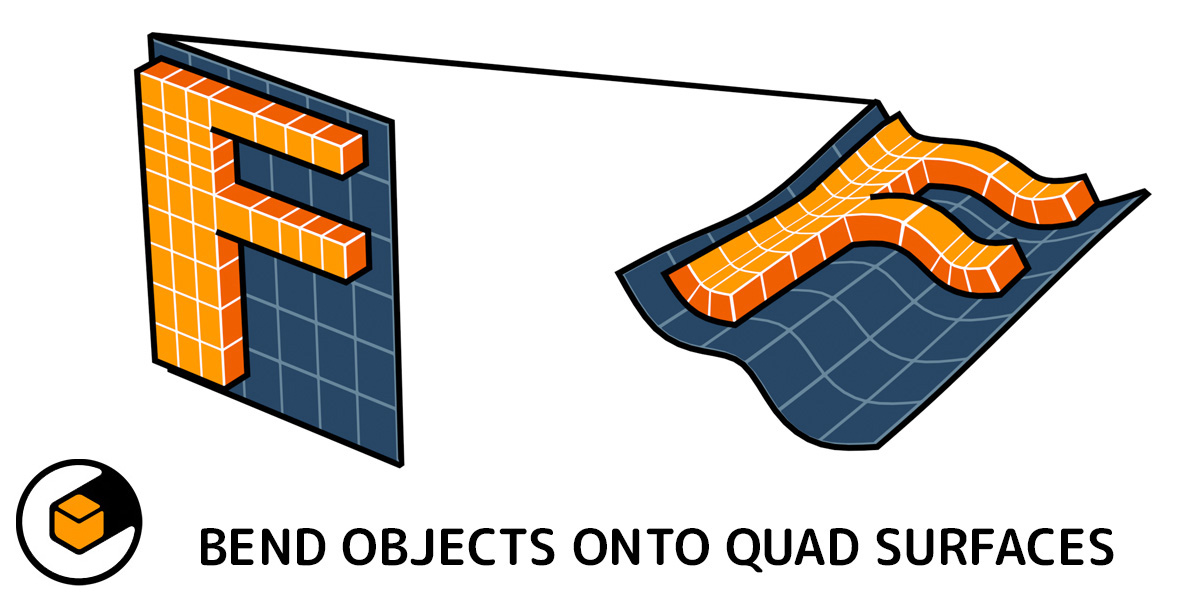 Flowify
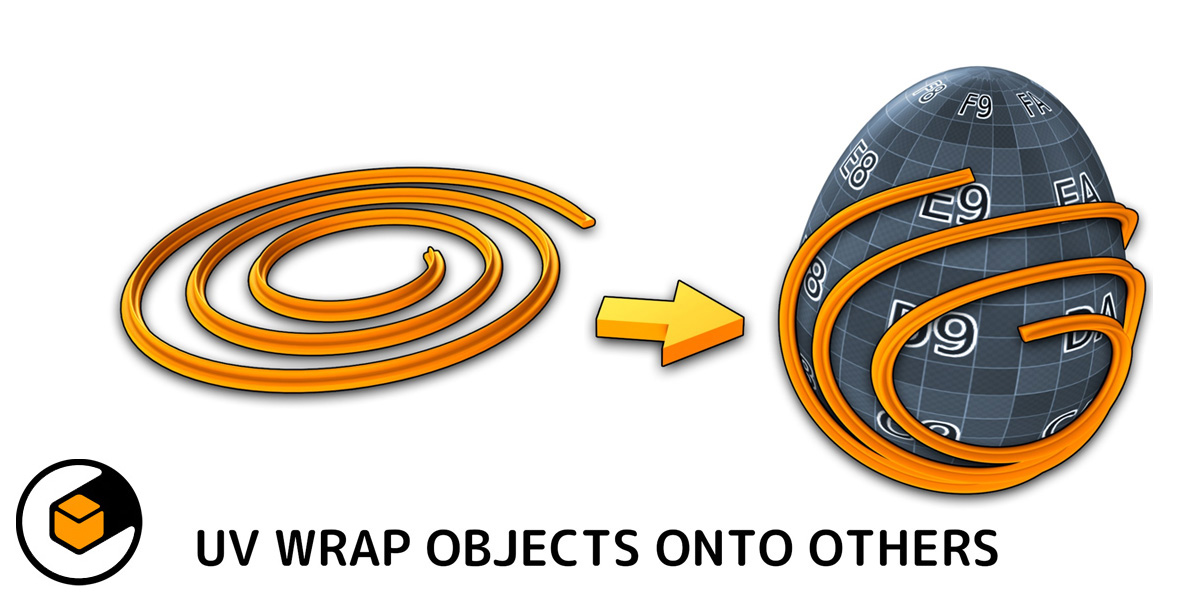 Mesh Materializer
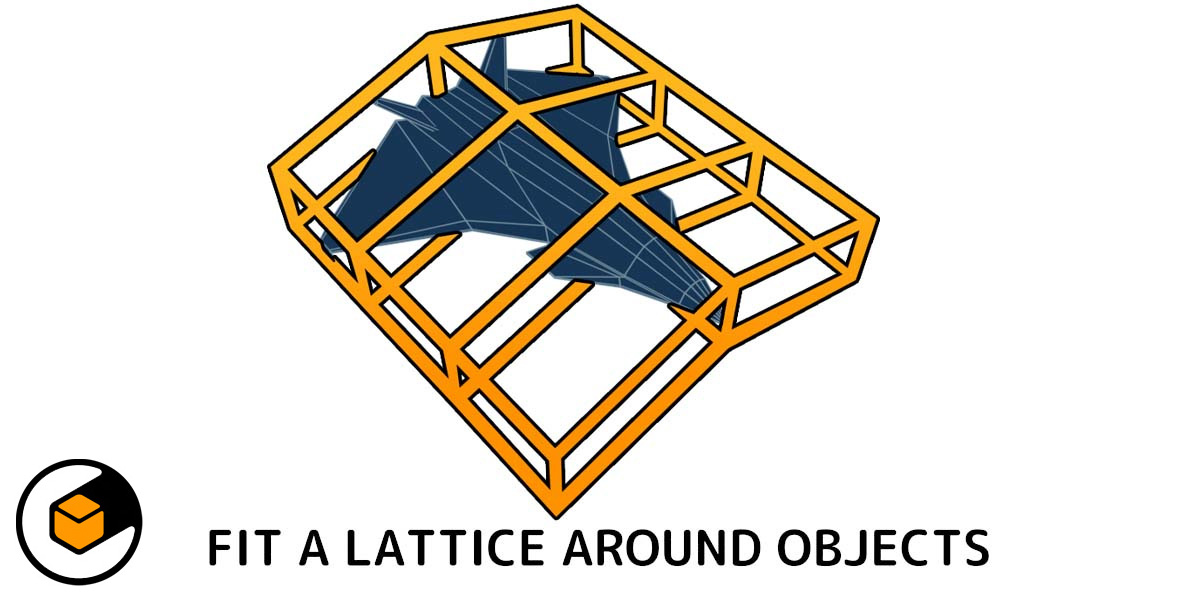 Fit Lattice
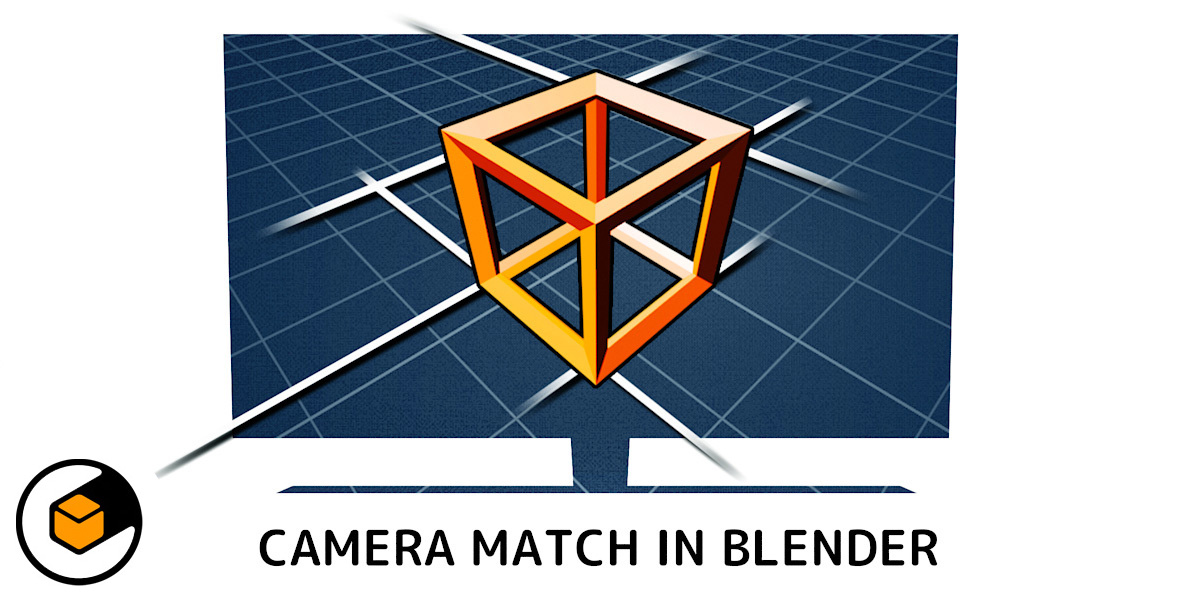 Perspective Plotter
 Quad Maker
...or any of my other add-ons.