Bend Modifier
 Mark Kingsnorth


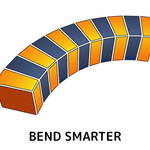

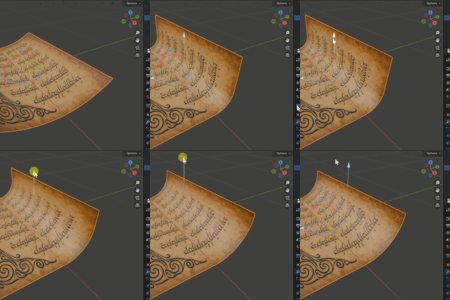


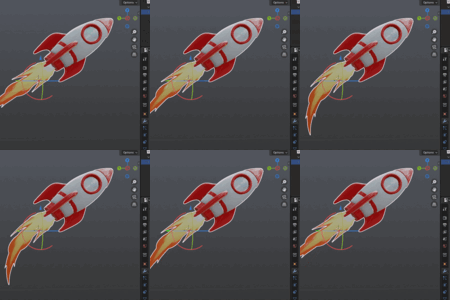
The Bend Modifier works from the object’s transform data. If your object has unapplied location, rotation, or scale, the bend may appear skewed, stretched, or offset.
To fix it:
-
Select your object.
-
Press
Ctrl–A→Apply→All Transforms. -
Re-add or adjust the Bend Modifier.
Applying transforms ensures the modifier works with the object’s true geometry, giving you clean, predictable bends.
Have questions about this product?
Login to message
| Sales | 1800+ |
| Rating | 8 ratings |
| Published | about 1 year ago |
| Blender Version | 4.5 - 5.2 |
| License | Royalty Free |
Discover more products like this
deformation mesh deformation geometry nodes blender tools uv safe bend blender addon modeling workflow bend modifier curve modifier alternative procedural modeling blender modifier gizmo control mesh bending arc bend straight tails Non-Destructive Modeling 3ds max style bend parametric modeling