 Bala
Bala


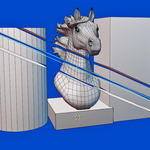
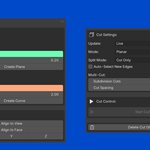
I'm making video tutorial on version 1.1
In the meanwhile if you are struggling how the addon works, i made a quick videos on how the tool works,
in the Version 1.1 i have included a new feature which is face cutter,
Now let me explain everything one by one, if you still have doubts regarding the addon, please feel free to contact me, i will reply as soon as possible,
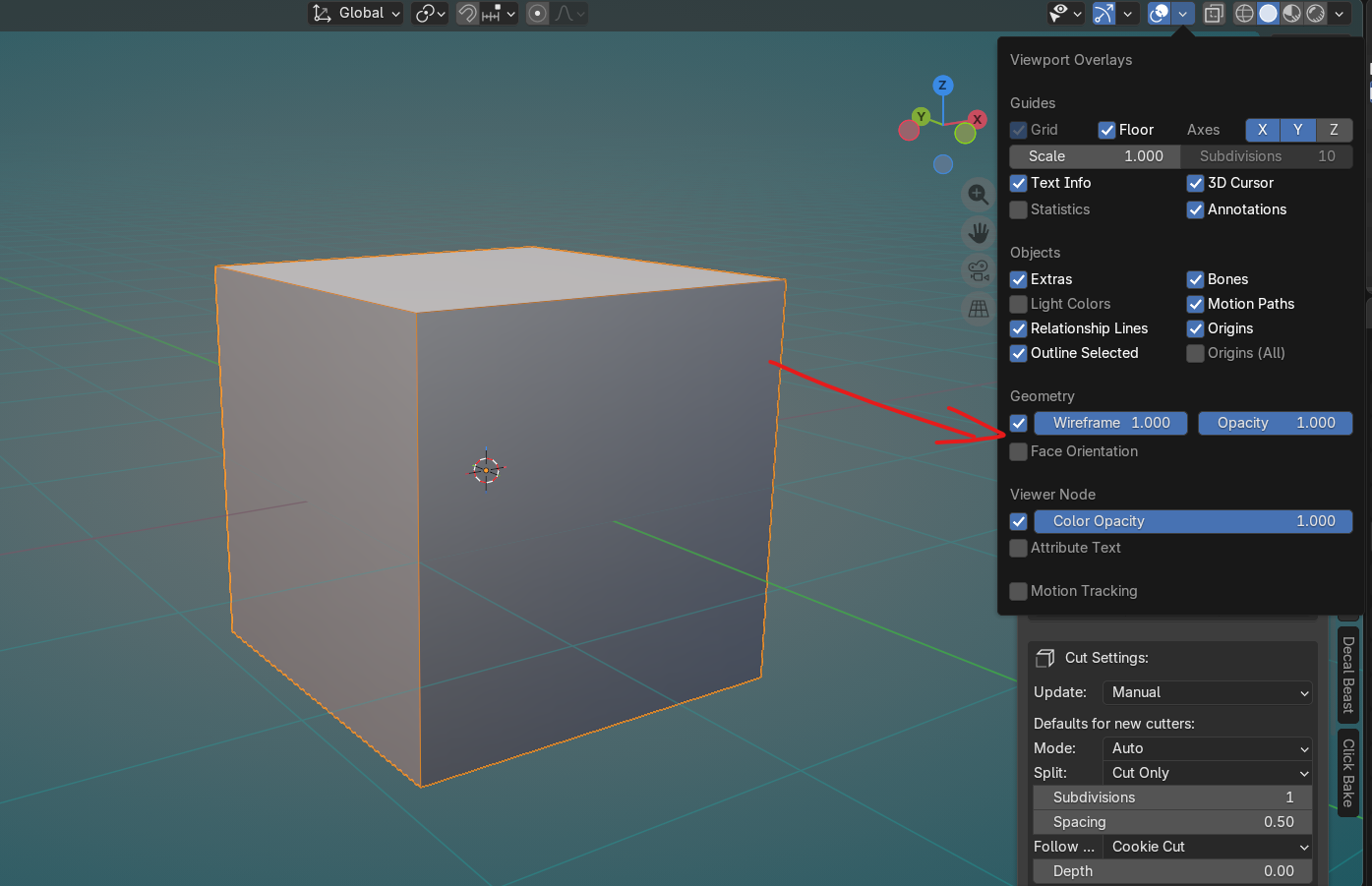
First to see the loopcut you have to enable the wireframe option
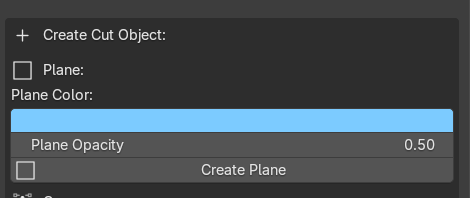
1)What im doing is i just select the cube and click on create a plane and the cutter plane will be created at the object,
once you create the plane the cut is already started
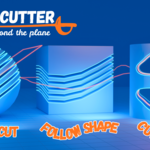
2) Next i'm setting the update method to live and cut mode to follow shape and cutter method to cookie cut, and split mode to split and you will see the cut happening,
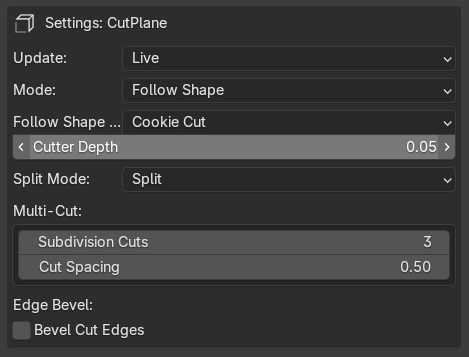
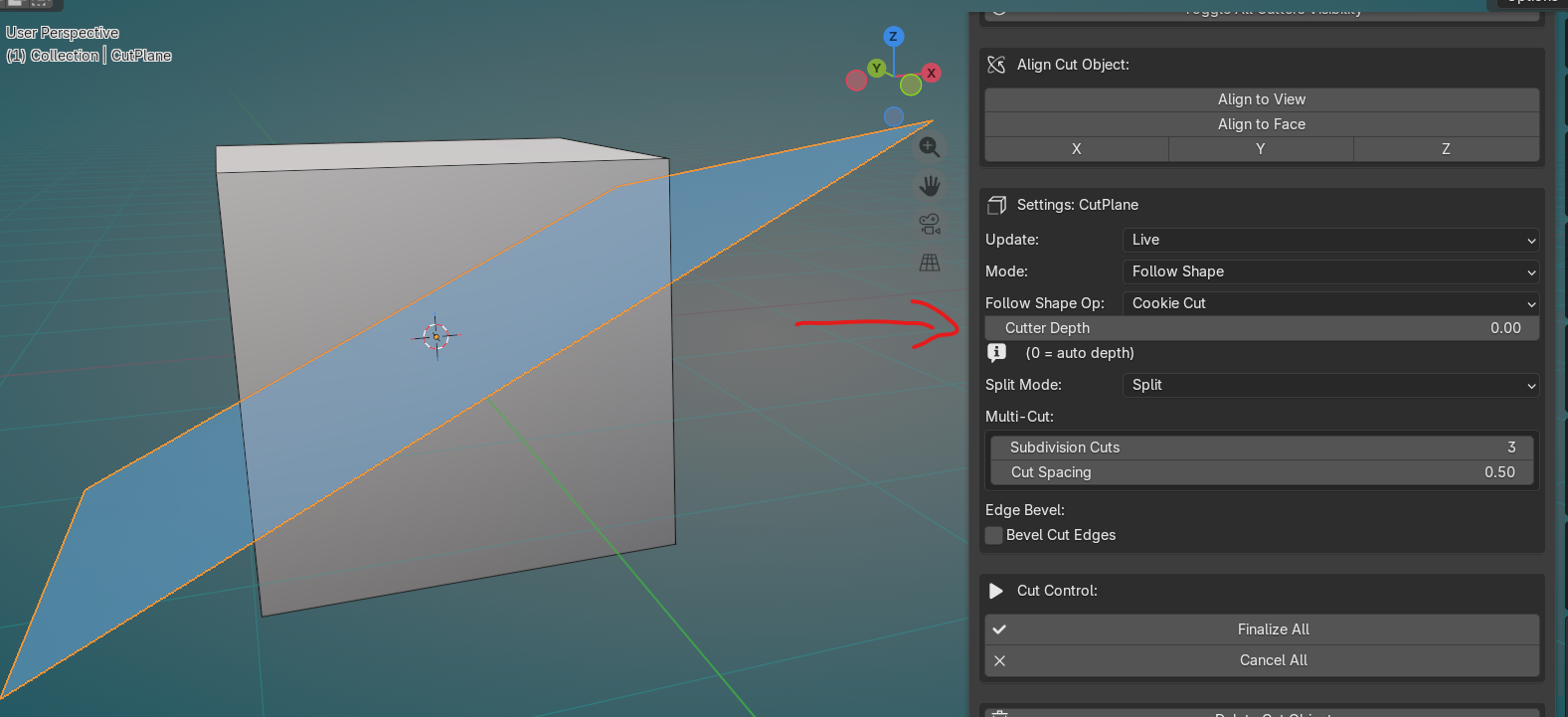
First when you change the cut mode to split you will not see the cut that is because by default the cutter depth is set to 0 and once you increase the depth you will see the cut
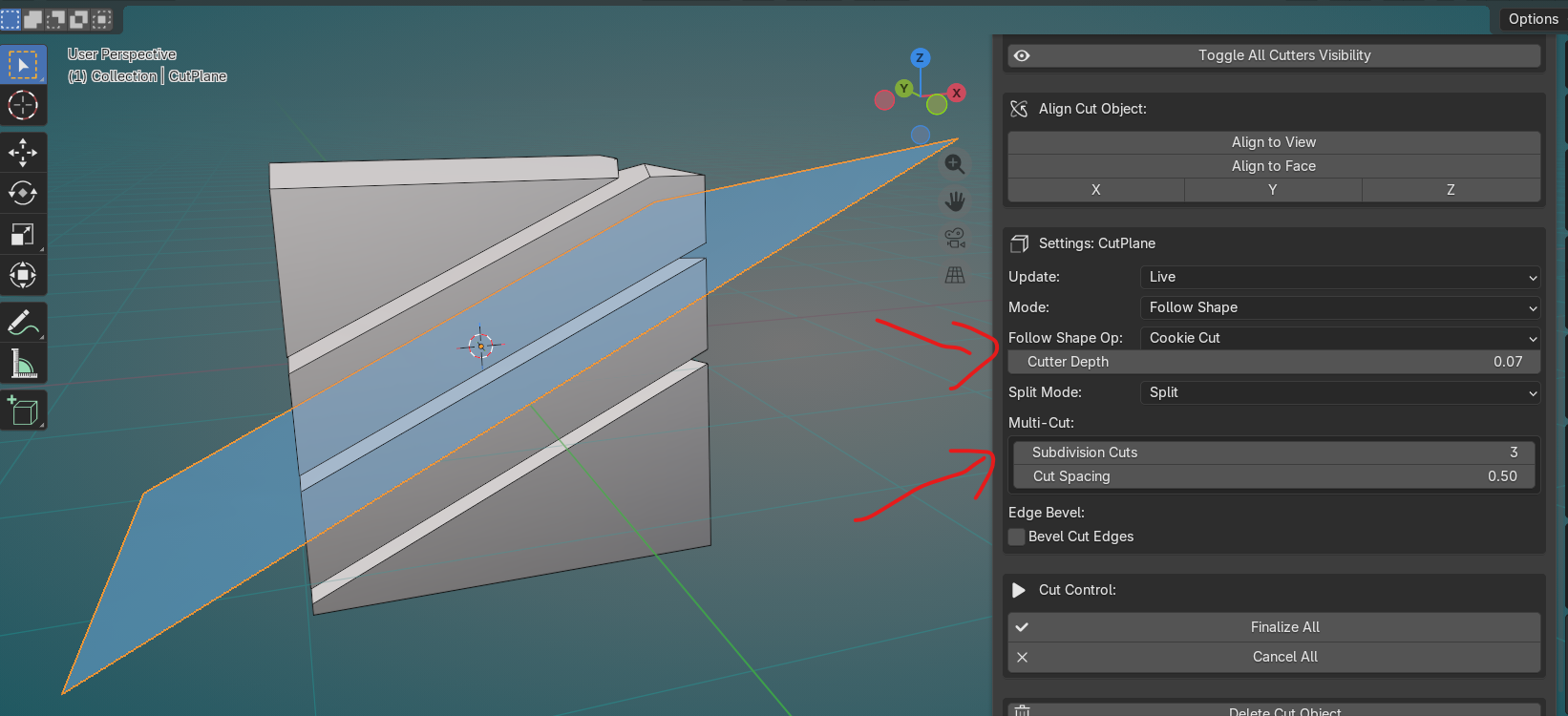
In the second image above i set the cutter depth to 0.07 and the subdivision to 3 so you can see 3 cuts, and if you rotate the plane the cut will update live,
and as you see in the above video, you can select the plane and go to edit mode and edit the shape of the cutter plane and the cut will update based on the shape of the cutter plane which you can clearly see in the video
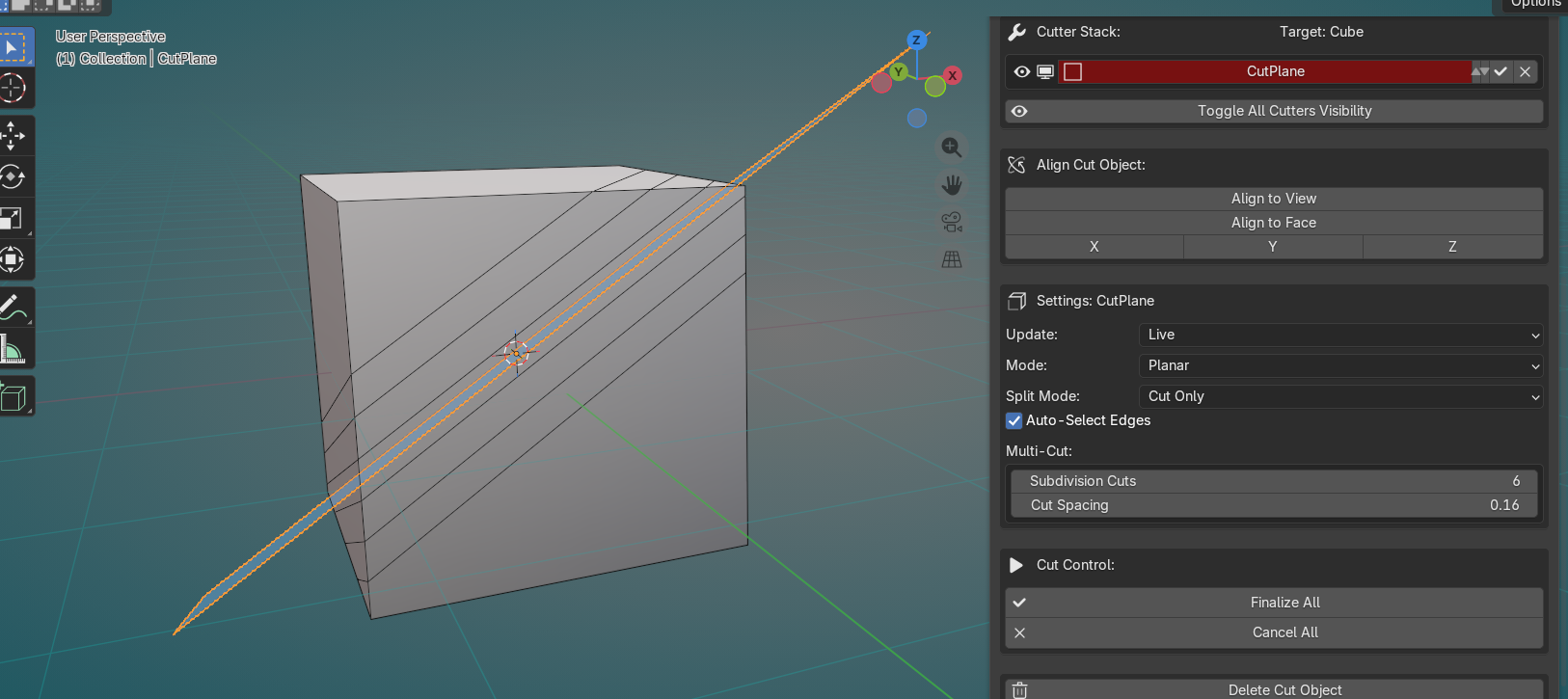
Cut only
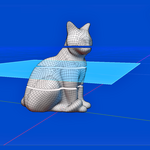
and if you set it to planar and cut only it will create loop cuts instead of splitting the mesh, which is also live updated meas if you roatate the cutter plane the loopcut will update live, the subdivisions can also be adjusted, the best part of this feature it cuts even above the ngons, even if the cube has ngons the loop cuts will happen properly
Curve Cutter
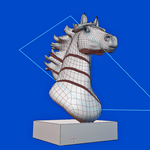
and it is same for the curve cutter as well as you see in the below video, you have to select the cube or any mesh and click on create curve or you can even use your own curve like which is shaped in any form, same way you have to adjust the curve up or down to move the cut in the mesh, one thing to keep in mind is the curve has to be inside the mesh, when you are adjusting the cutter depth if you can't see the cut you can enable the xray mode to see the cut, as you see in this video, also after adding the cut you can select the curve and go to edit mode and shape the curve however you want,
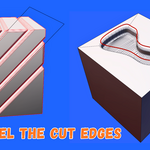
you can click on add bevel and it adds bevel to the edges and like the normal bevel you can increase or decrease the segments
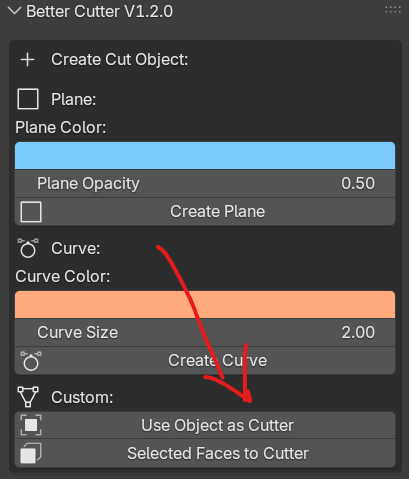
And another feature which is included in version 1.1 is the Face cutter, in which you can go to edit mode and convert any face into a cutter as you see in the video im going to edit mode and selecting a face and click on Selected face to cutter which is right below the create curve option
The beveling option for the face cutter has some issues for now and will be resolved in the next updates.
Hope the explanation is clear, please let me know if you have any doubts or issues in using the addon.
Have questions about this product?
Login to message
Discover more products like this
Blender boolean 3d_hard_surface modeling hard surface blender cutting addon better cutter Loop Cut Bisect