Bevel Mixer
 Bukoros Design


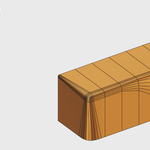
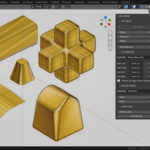
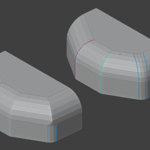
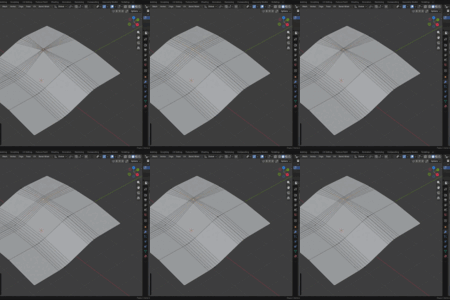
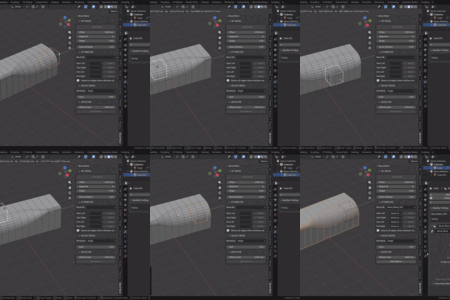
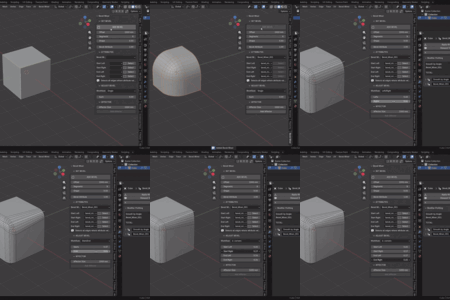
Video Tutorial Link
Installation
Simply drag and drop Addon .zip file into Blender, or install it through preferences
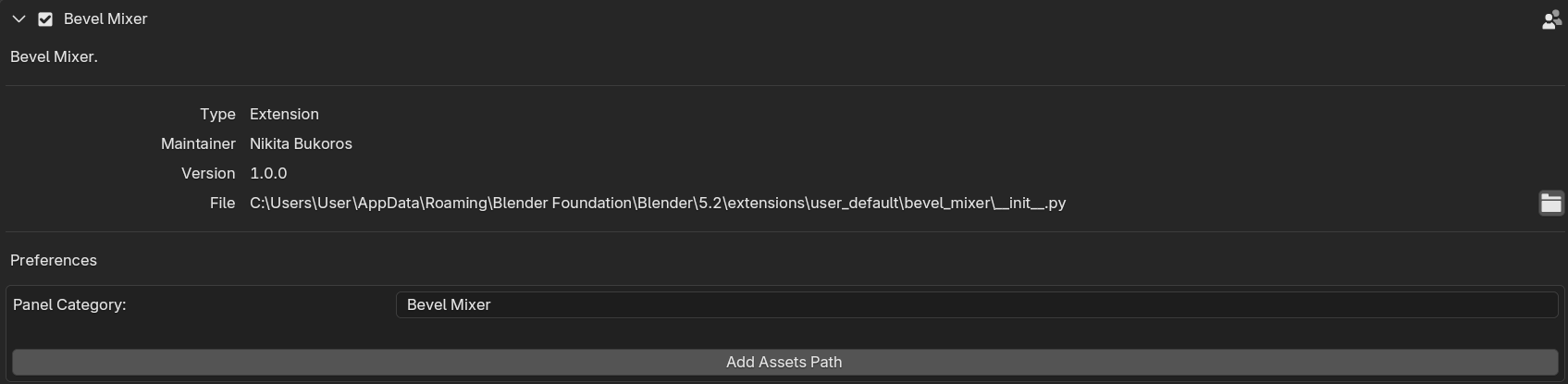
After that in Addon setting click the Add Assets Path to add Bevel Mixer tools in Asset Library
You can also move Addon Panel in any custom Panel
Addon Panel
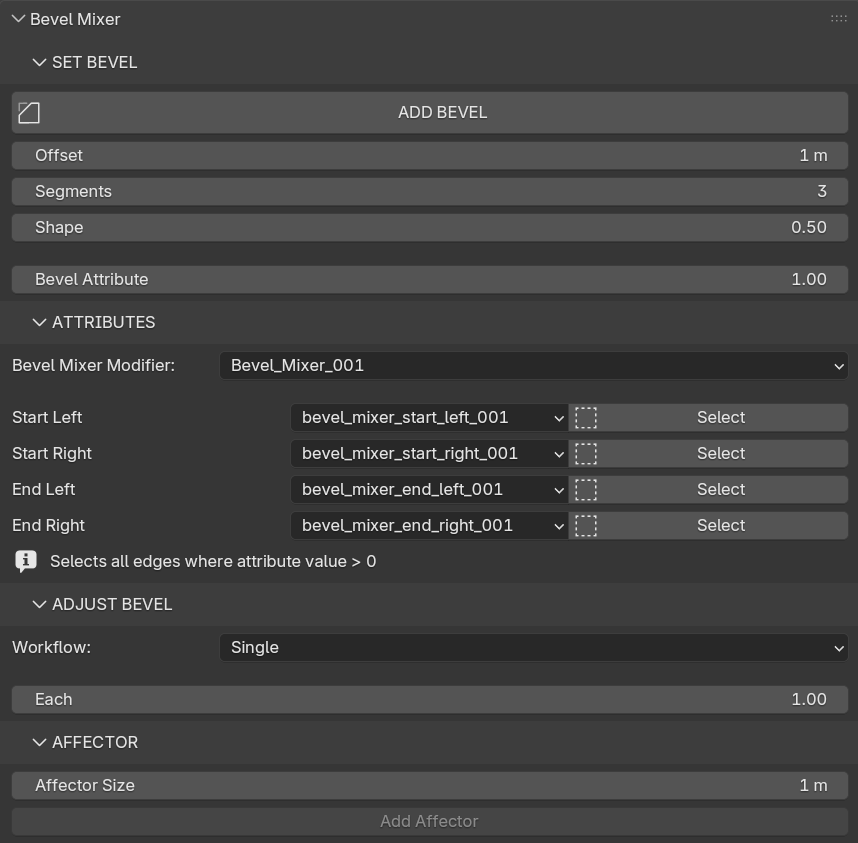
Set Bevel
Add Bevel (Edit Mode) - creates 4 custom Bevel_Mixer attributes on selected edges, assigns a Bevel Mixer modifier with those attributes selected in properties
Offset - starting offset value for created modifier
Segments - starting segments value for created modifier
Shape - starting profile value for created modifier
Bevel Attribute - Starting Value for created attributes
Attributes
In this section you can pick Bevel Mixer modifier on the object to sync corresponding Bevel Attributes to adjust
Also Select button selects all edges with the attribute
Adjust Bevel
Interactively change the attributes value in the Edit mode
Single Mode - Change all 4 attributes together
Left/Right - Change Left and Right side Bevel separately
Start/End - Change starting and ending bevel separately (Primarily for use on single edges)
4 corners - adjust each attribute separately (Primarily for use on single edges)
Affector
Add Affector - creates mesh cube with defined size and sets it as an Affector in corresponding Bevel Mixer Modifier. Created affector turned off for rendering and set to Wire viewport mode. Also set as child to Beveled Object and put in separate Affector Collection
Bevel Mixer Modifier
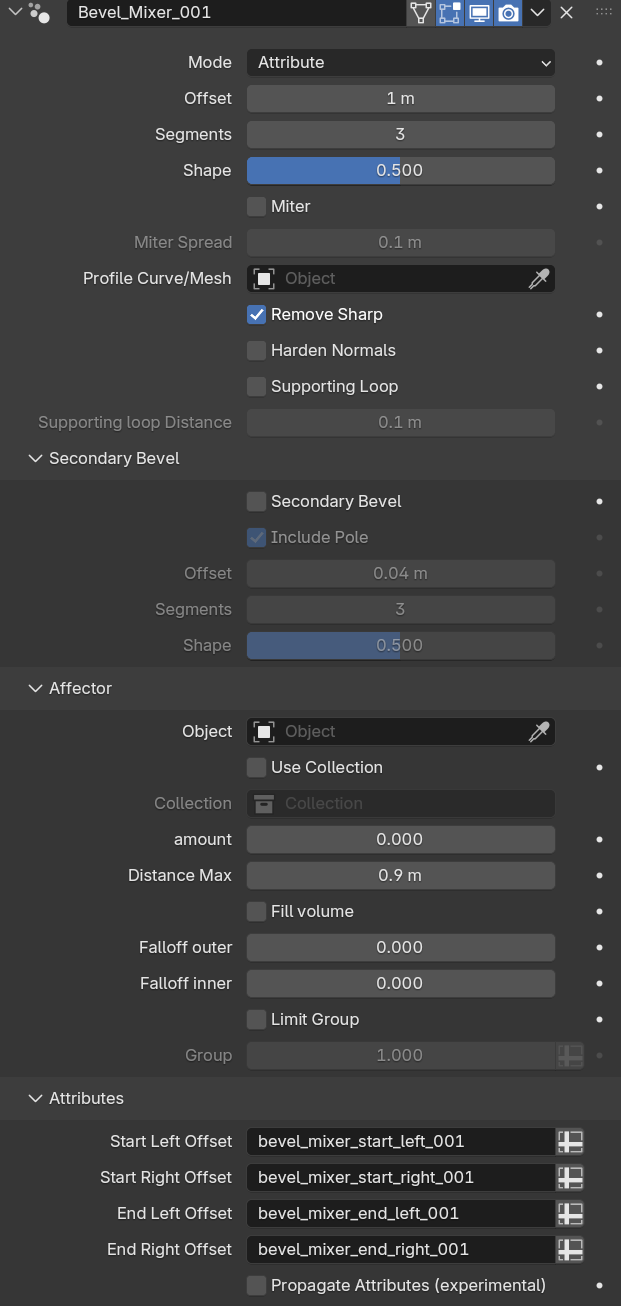 Mode - set which Edges to Bevel
Attribute - use Bevel Mixer attributes to set the bevel weights
Angle - Simple Bevel based on Edge angle
Offset, Segments, Shape - Set Bevel Offset, segments and Profile shape
Miter - allow mitter
Profile Curve/Mesh - Use separate Object as a geometry for Bevel Profile. For proper results better to use mesh object edge curve in X/Y coordinates with 1m size
Remove Sharp - Remove Sharp attribute from Bevel outer edges if exist
Harden Normals - Align Bevel Outer edges normals to original object surface
Supporting Loop - Add extra edge loop outside of Bevel
Secondary Bevel
Creates bevel on outer outer edges of Main Bevel
Affector
Pick Geometry to affect the amount of Bevel through Geometry Proximity distance
Amount - Value to add/subtract to the original bevel
Distance Max - Distance where edges will be affected
Falloff Outer/Inner - values to adjust falloff curve
Limit Group - turn on to limit the effect with vertex group or other attribute
Attributes
Edge attributes used for Bevel Weights
Propagate Attribute - propagate edge attributes from perpendicular to bevel edges onto bevel geometry (Sharp, Seam, Crease, Bevel weight etc.)
Bevel Mixer Tools
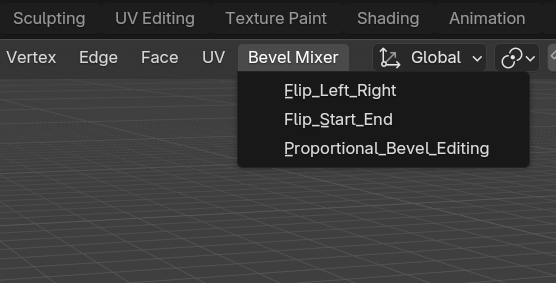
Flip Left Right
Swap Left and Right Bevel Values
Bevel Number - number of Bevel Modifier/Attributes set to apply to
Flip Start End
Swap Left and Right Bevel Values
Bevel Number - number of Bevel Modifier/Attributes set to apply to
Proportional Bevel Editing
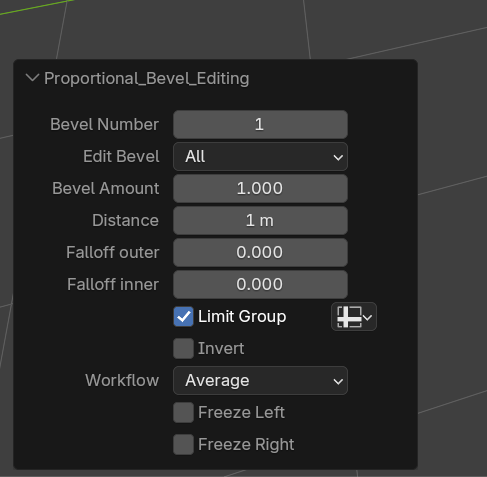 Bevel Number - number of Bevel Modifier/Attributes set to apply to
Edit Bevel - Edit all bevel attributes at once or pick Start/End or Left/Right workflow
Distance - Distance where edges will be affected
Falloff Outer/Inner - values to adjust falloff curve
Limit Group - turn on to limit the effect with vertex group or other attribute
Workflow
Average - Mix Existing and new value according to falloff curve
Additive - adds new value to existing value according to falloff curve
Edit from Vertex
Adjust start/end bevel attributes of neighbour edges at selected vertex
Relax Bevel
Smoothing Bevel attributes among selected edges with attribute bigger than zero