 VIDARIA DESIGNS



Transform from the point you choose
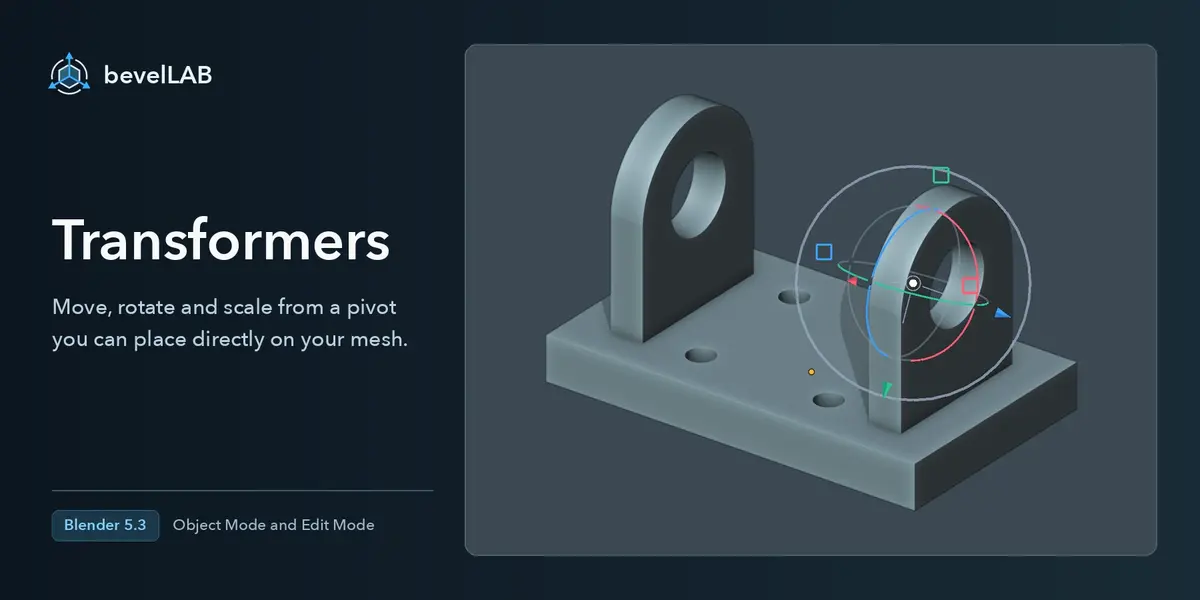
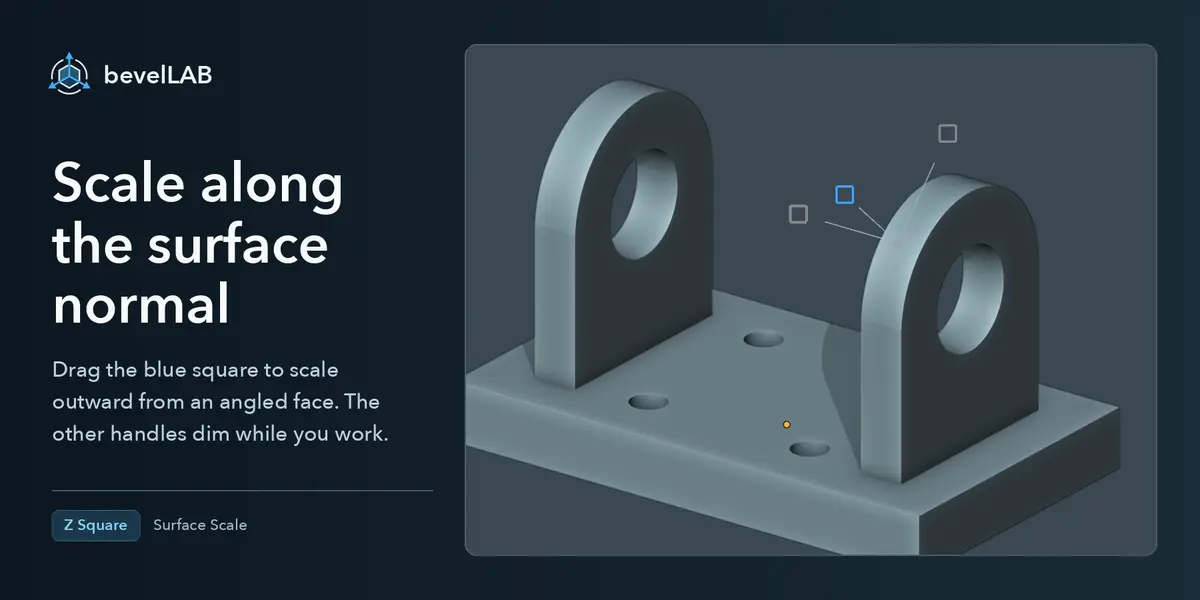
Need to rotate a panel around its sloping edge? Drag the white center of the gizmo onto that edge. The handles line up with the surface so you can rotate the panel around its hinge, slide along the edge, or scale along the face normal.
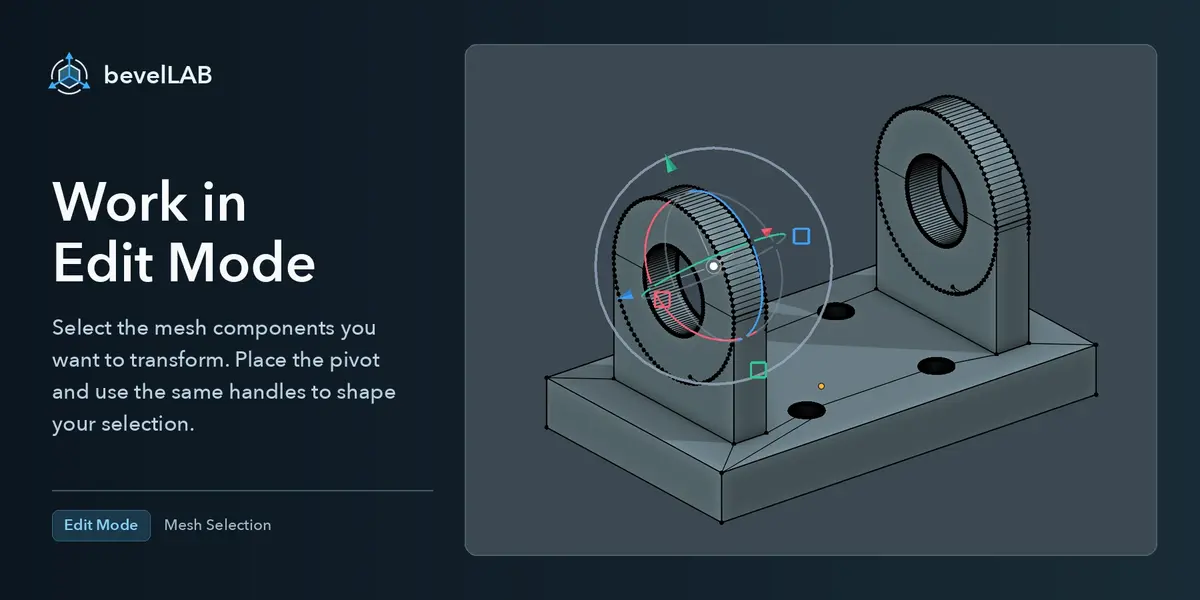
bevelLAB Transformers brings the transform gizmo from the bevelLAB iPad modeling app to Blender’s 3D Viewport. Use it in Object Mode and Mesh Edit Mode.
Included with your purchase
Your purchase includes a PDF with an invitation to beta test bevelLAB on iPad through TestFlight and links to all 27 unlisted bevelLAB videos. Open it on your iPad to join the free beta or tap a lesson to watch. You can also request a free beta invitation through bevelLAB support.
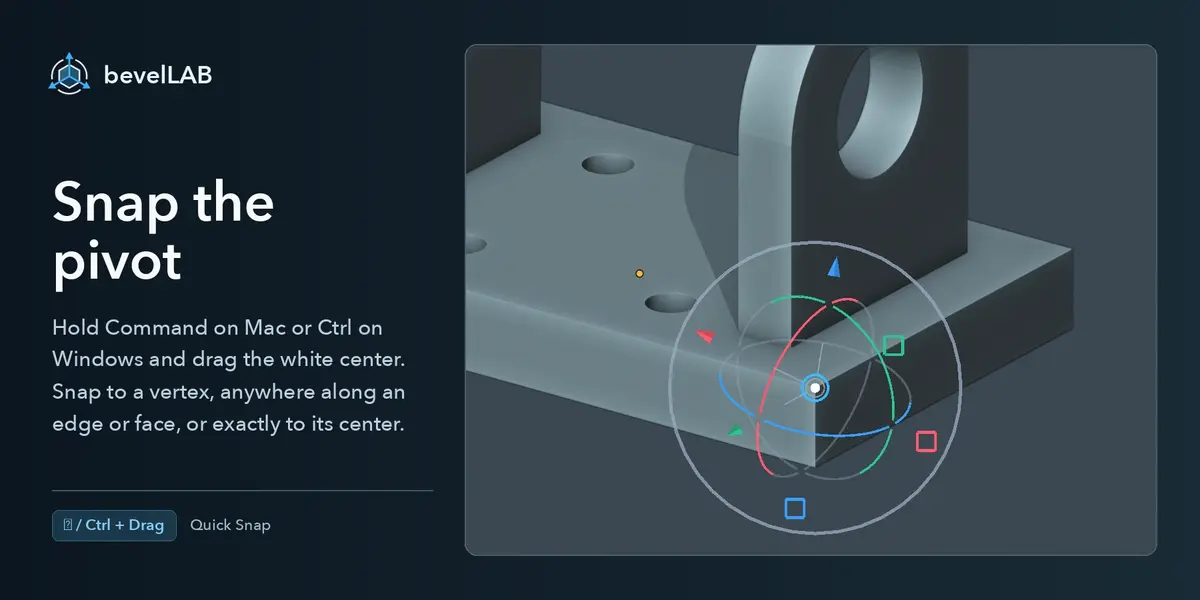
Place the pivot on the mesh
Drag the white center for free surface placement. Hold Command on Mac or Ctrl on Windows during the drag for quick snapping. The picker prioritizes vertices, edge centers, points along edges, face centers, then points on faces. Blender’s existing snap settings stay how you set them.
Move, rotate and scale from one tool
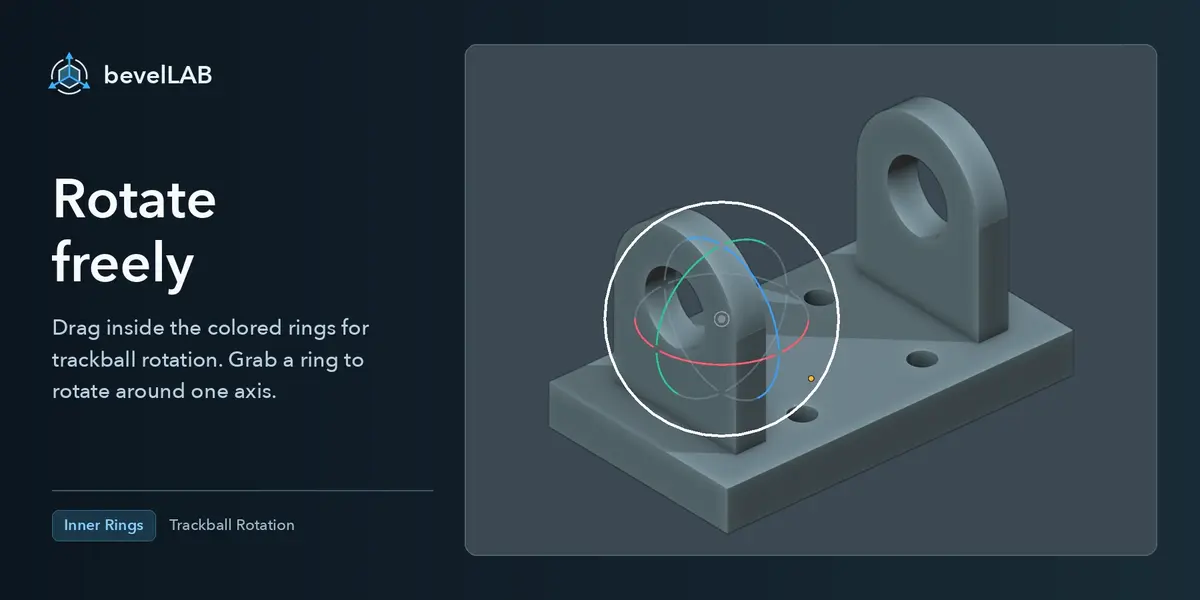
Drag an arrow to move, a square to scale, or a colored ring to rotate around one axis. Drag inside the colored rings for trackball rotation. The active handles stay colored during a transform. Hold Command on Mac or Ctrl on Windows as you start dragging an arrow or scale square to use the plane perpendicular to that handle. For fewer handles, open the Transformers dropdown next to Reset Pivot at the top of the 3D Viewport and choose Move, Rotate or Scale.
Scale along a tilted surface
The gizmo uses Blender’s object transform when it can follow the scale you asked for. If the object’s transform cannot express the stretch, the gizmo edits the mesh in one undoable drag. Linked copies then share that shape edit, just as they do in Edit Mode. The viewport identifies a shared-mesh edit while you drag.
Compatibility
Blender 5.3.x on Apple Silicon Macs and Windows x64 PCs. One installer ZIP covers both platforms. The iPad app is optional.