 ZEG
ZEG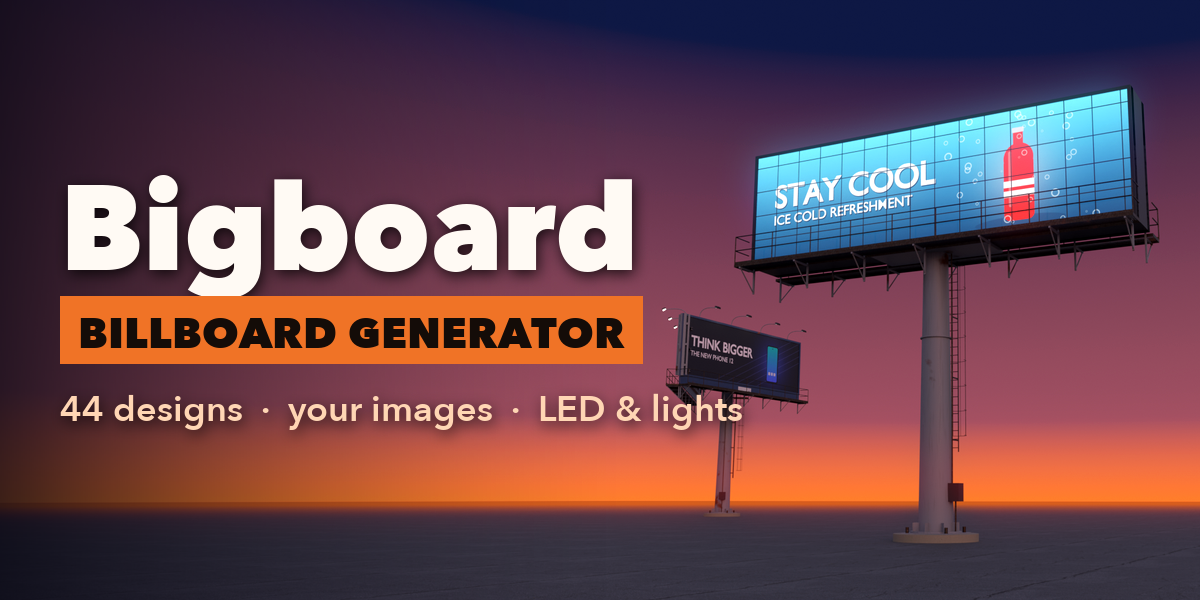
Installation
In Blender open Edit, Preferences, Get Extensions, then use Install from Disk and pick the zip.
Usage
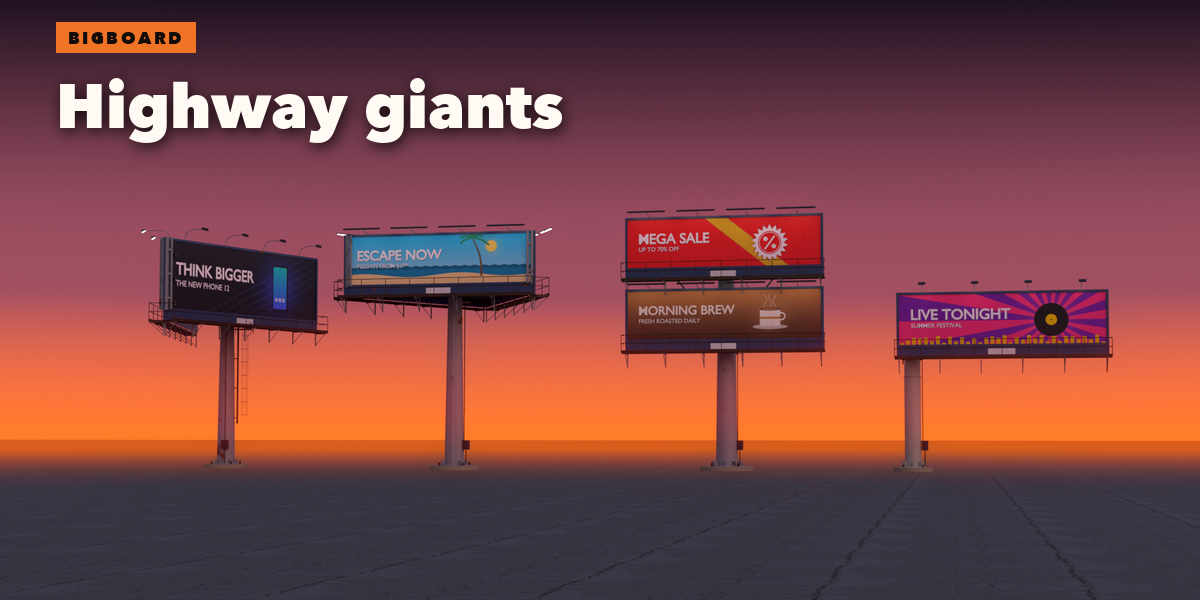
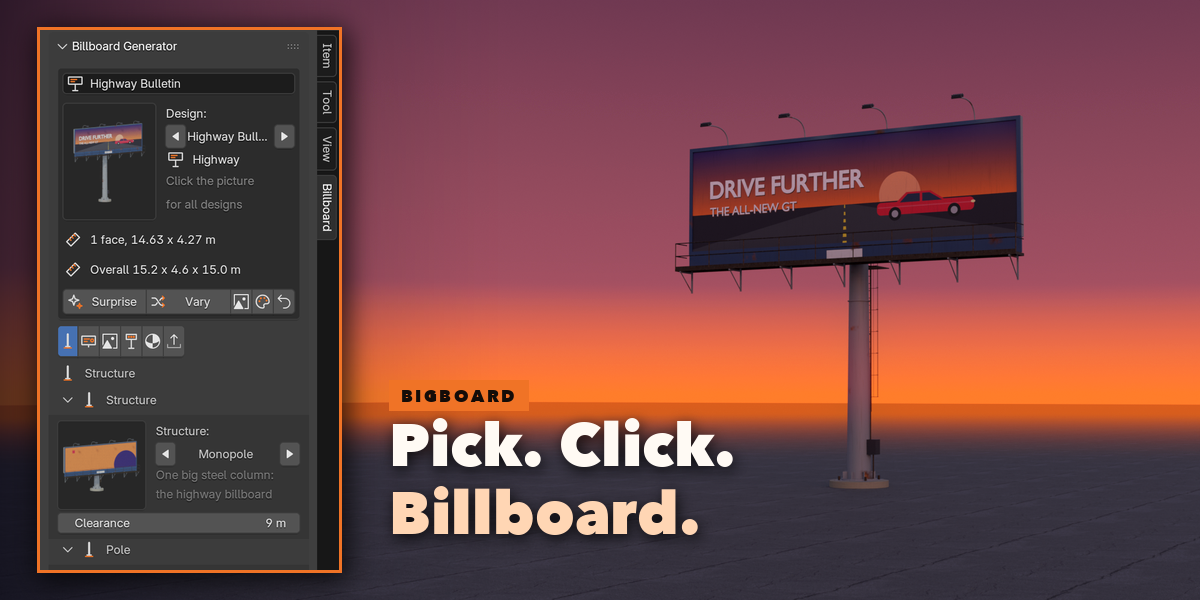
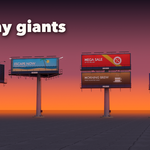
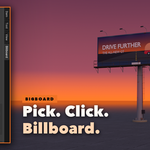
- Open the Billboard tab in the 3D viewport sidebar (N). With nothing selected, click the big picture to browse all 44 designs, then press Add Billboard. You can also use Shift+A, Billboard, or Surprise Me for a random board.
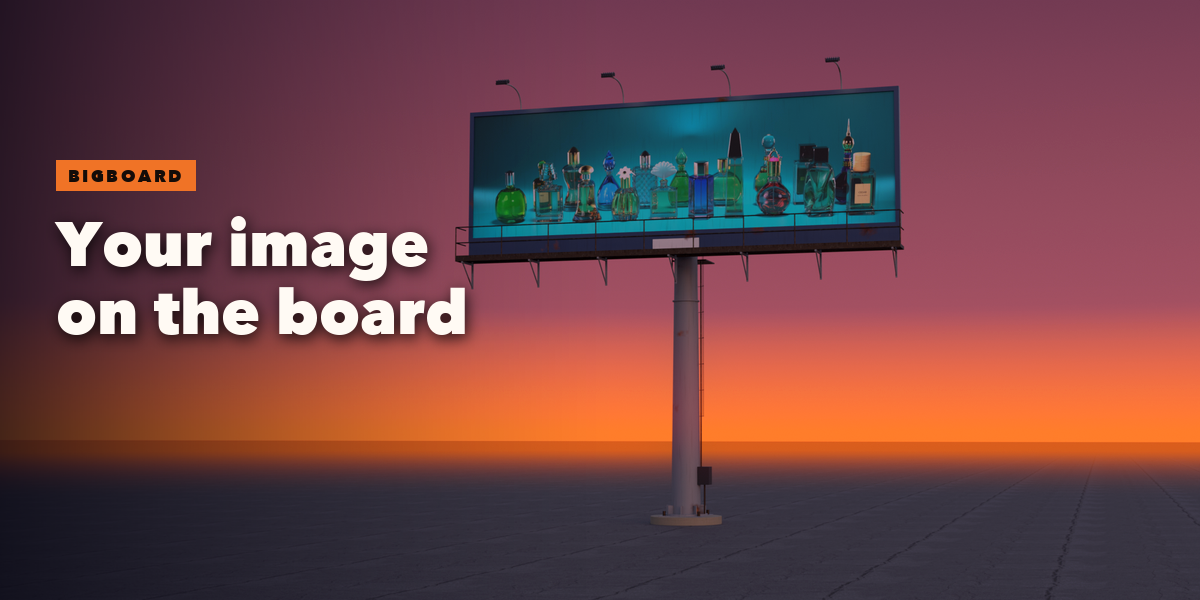
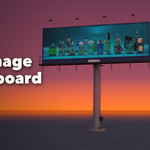
- Your Image adds the chosen design and asks for a picture file at once: your poster, product shot or render goes on the face. Fill crops it, Fit letterboxes it, Stretch fills the face exactly, and Size Face to Image matches the face to the picture.
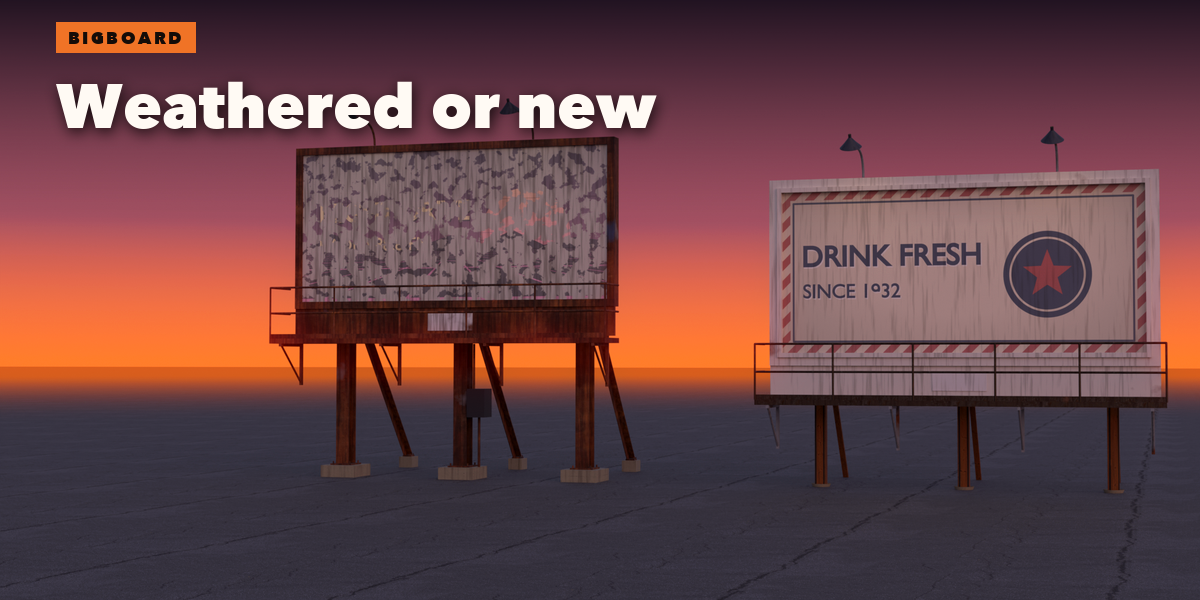
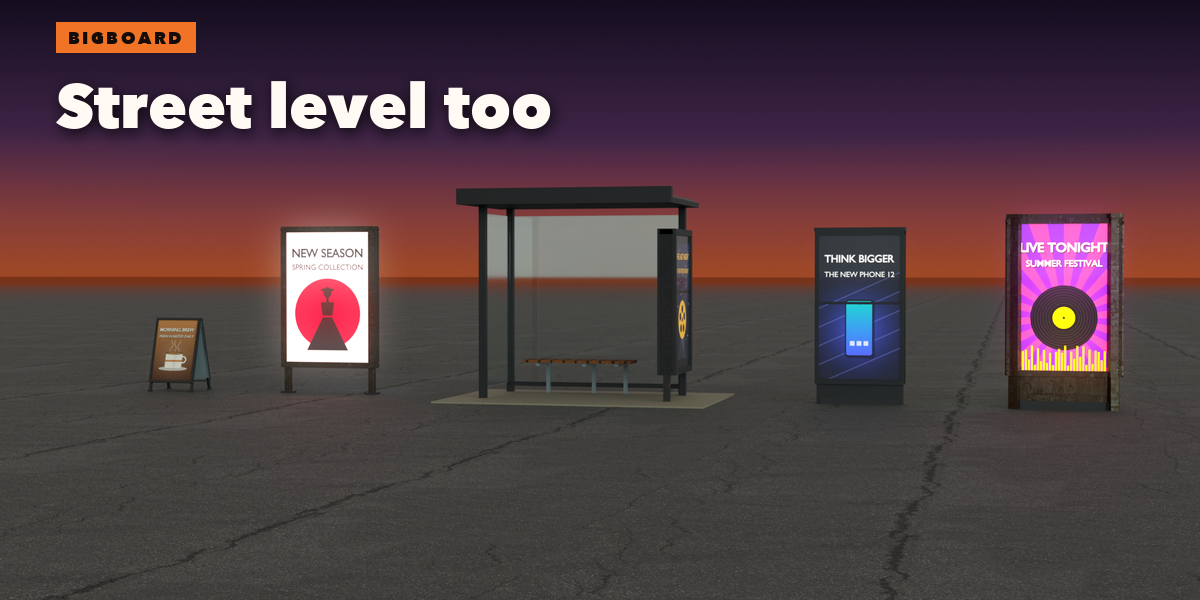
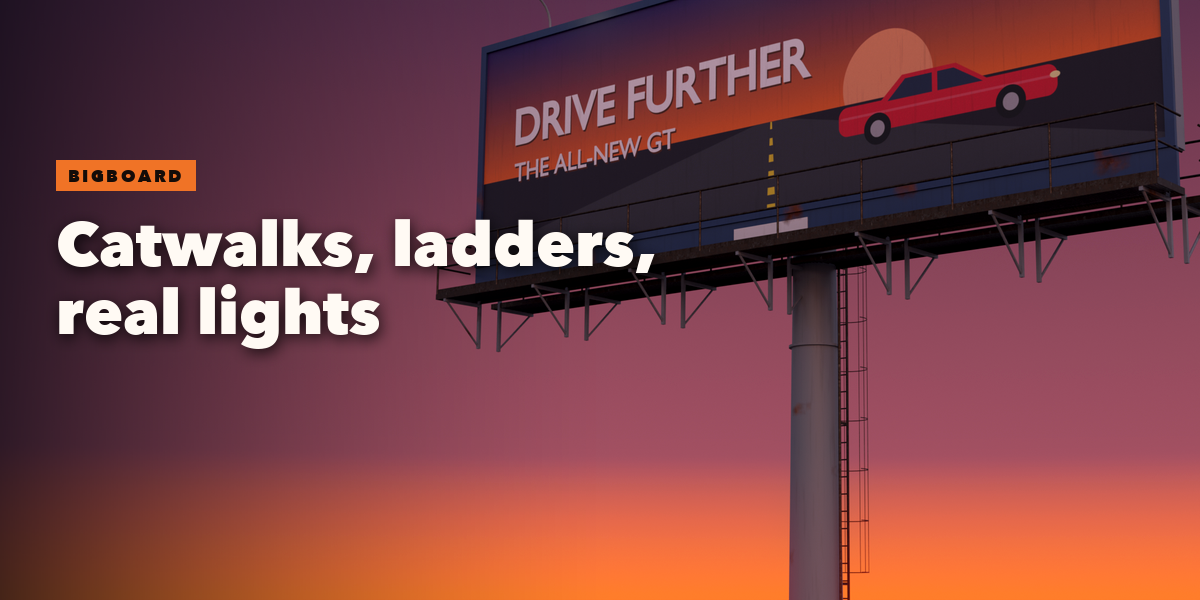
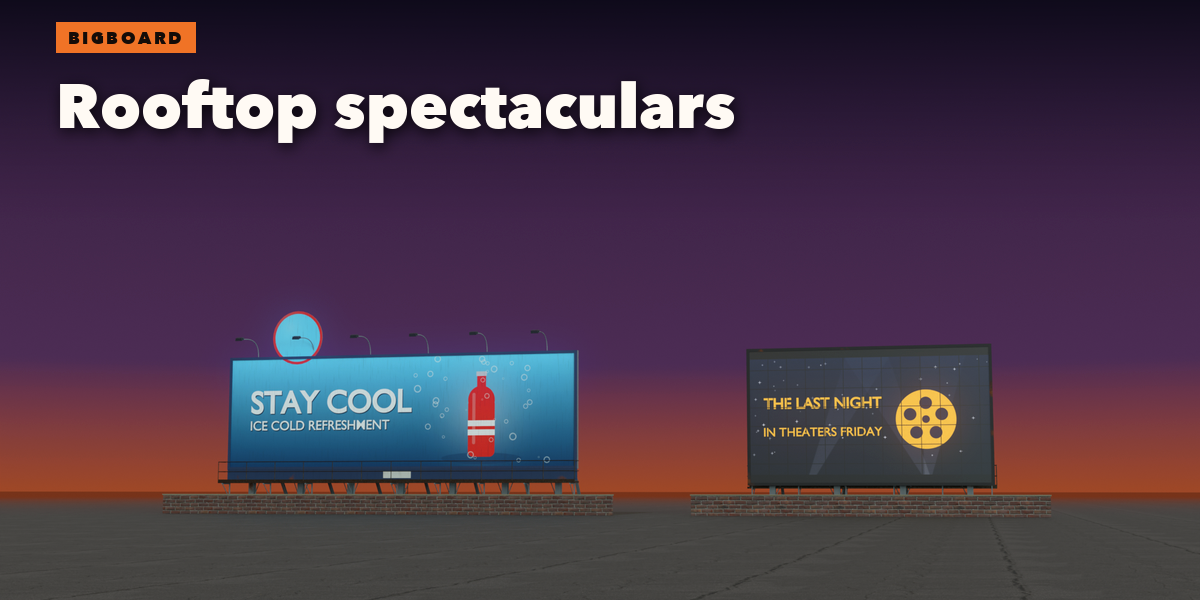
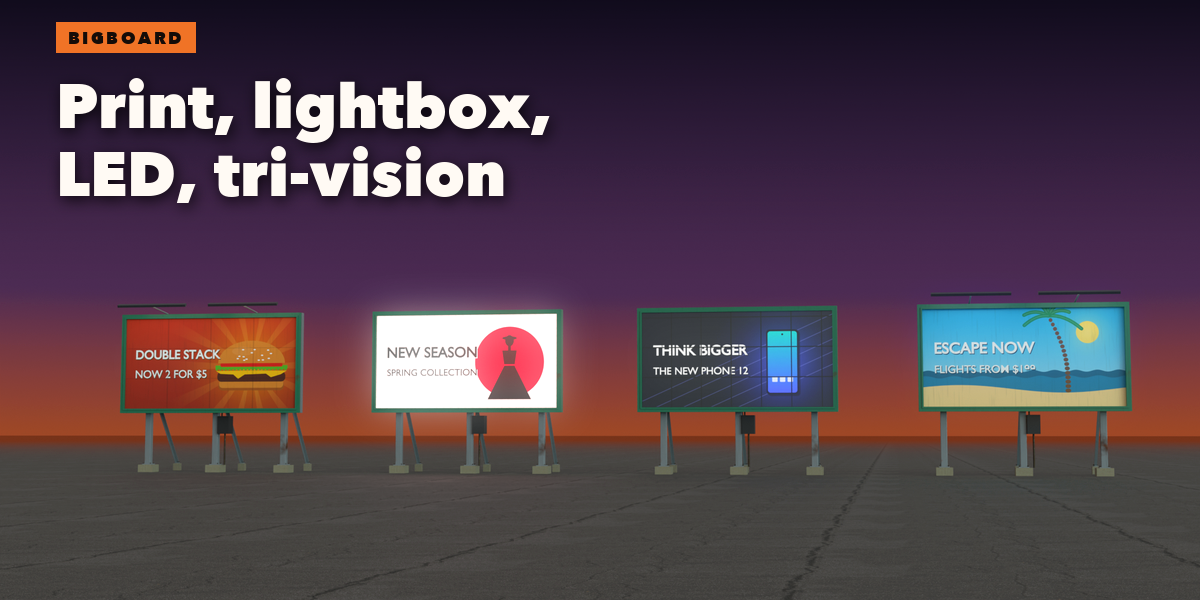
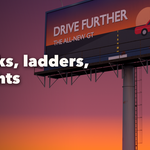
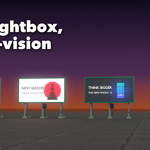
- With a billboard selected, the tabs hold every setting: Structure (monopole, posts, rooftop, wall, legs, totem, A-frame, shelter, hanging; pole and post shapes), Face (display, standard size, layout, frame, apron, extension, tri-vision), Ads (generated designs, colors and headline lettering per face, or your images), Access & Lights (catwalks, railings, ladder, floodlights), Finish (paint, metals, dirt, rust, fade, glow, real spot lights) and Detail & Export.
- Surprise and Vary randomize the whole board or nudge it; the small buttons shuffle only the ads or only the finish. Reset goes back to the picked design.
- Convert to Mesh in Detail & Export keeps the board as a plain mesh for export to game engines; Delete removes it.
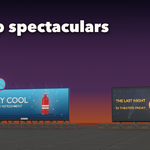
LED screens, lightboxes and city lights glow in both EEVEE and Cycles. Real sizes are in meters, so boards fit roads and buildings in your scene.
Have questions about this product?
Login to message
| Blender Extension Compatible | Yes |
| Published | 2 days ago |
| Blender Version | 4.2 - 5.2 |
| Extension Type | Add-on |
| Render Engine Used | Cycles, Eevee |
| License | GPL |

Discover more products like this
poster procedural led-screen sign advertising highway street props ArchViz urban Billboard city Generator