 Giambattista Von Nettesheim




Bildeform v2: Professional Bas Reliefs Inside Blender
Bildeform is a Blender-native tool designed to generate high-quality bas relief sculptures with a workflow that is fast, controllable, and production friendly.
Two ways to create
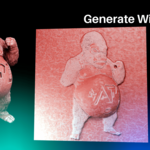
- Generate With Image (NEW in v2): Start from a 2D image and generate a bas relief that you can sculpt, refine, and export.
- Generate With 3D Model: Keep the original pipeline and create bas reliefs from objects in your Blender scene.
Made for real projects (not just demos)
- Bas reliefs in Blender: Create plaques, medallions, engravings, and relief sculptures directly in your scene.
- CNC / 3D printing: Export height maps and use them in specialized software and manufacturing workflows.
- Alpha brushes & stamps: Convert your results into reusable brushes for sculpting and detailing.
Many “relief” solutions in the market come with expensive subscriptions or very high permanent licenses, and they often live outside your main 3D workflow. Bildeform is built around the Blender ecosystem and focuses on delivering a strong quality-to-price advantage.
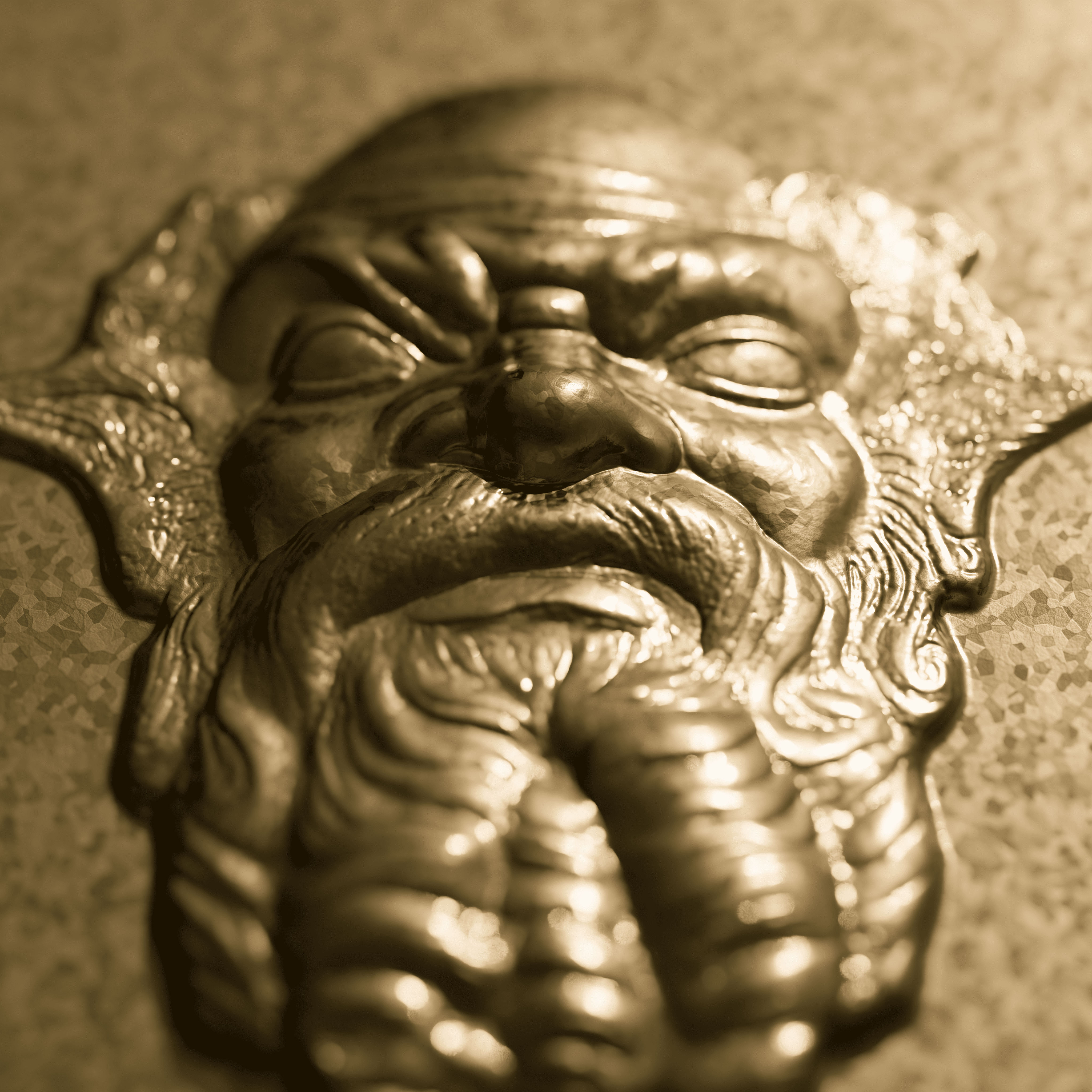
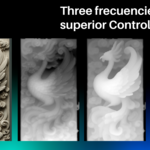
The Key Idea: Frequency Separation (3 Sculptable Layers)
Bildeform does not rely on a single map. It builds a bas relief using separate layers that you can control independently:
- Height: main shape
- Depth: large-scale volume
- Curvature: crisp detail and engraving-like information
Image to Bas Relief (NEW in v2)
Start from an image and generate a bas relief that stays editable: tune strength, soften or sharpen details, and export maps for other workflows.
Input Image
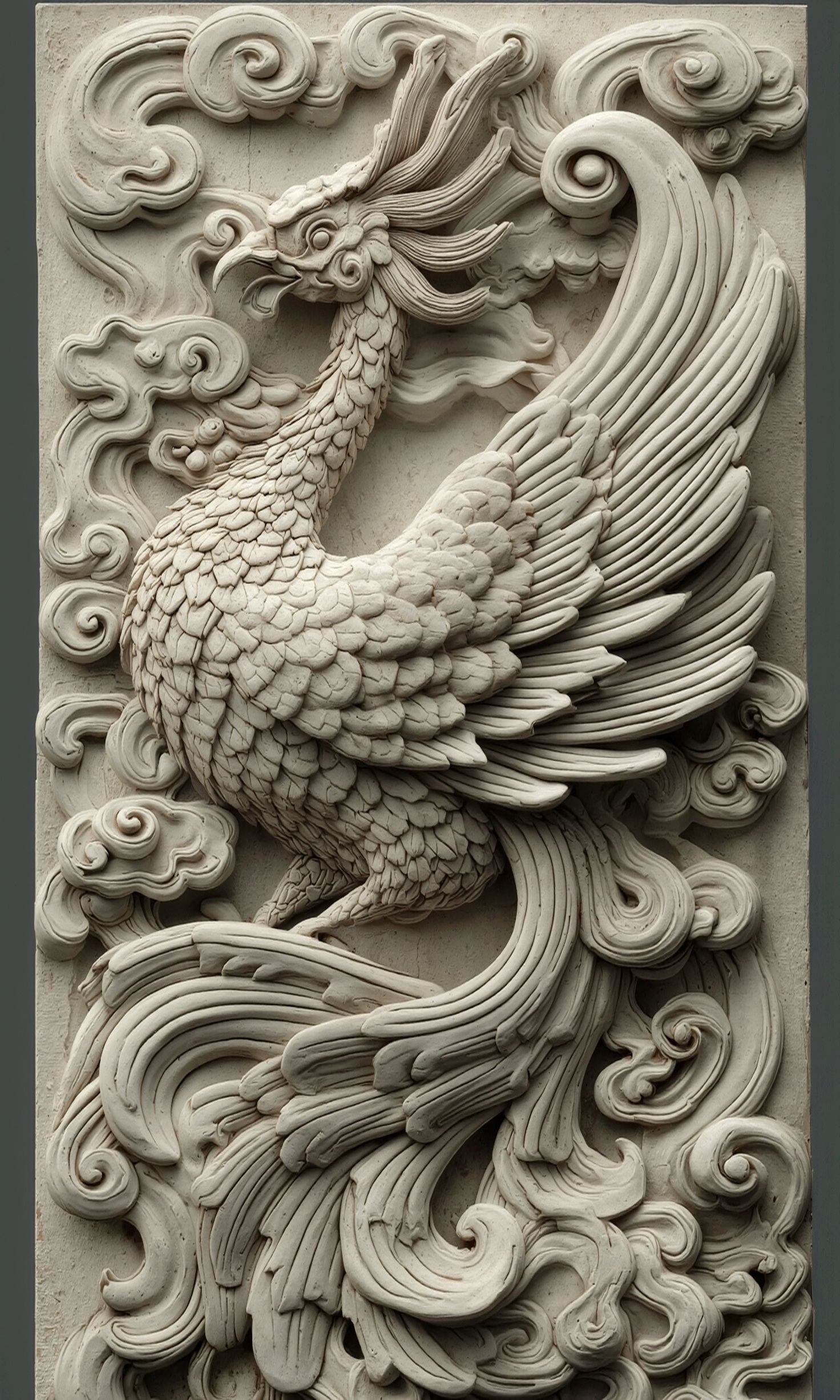
Bas Relief Result
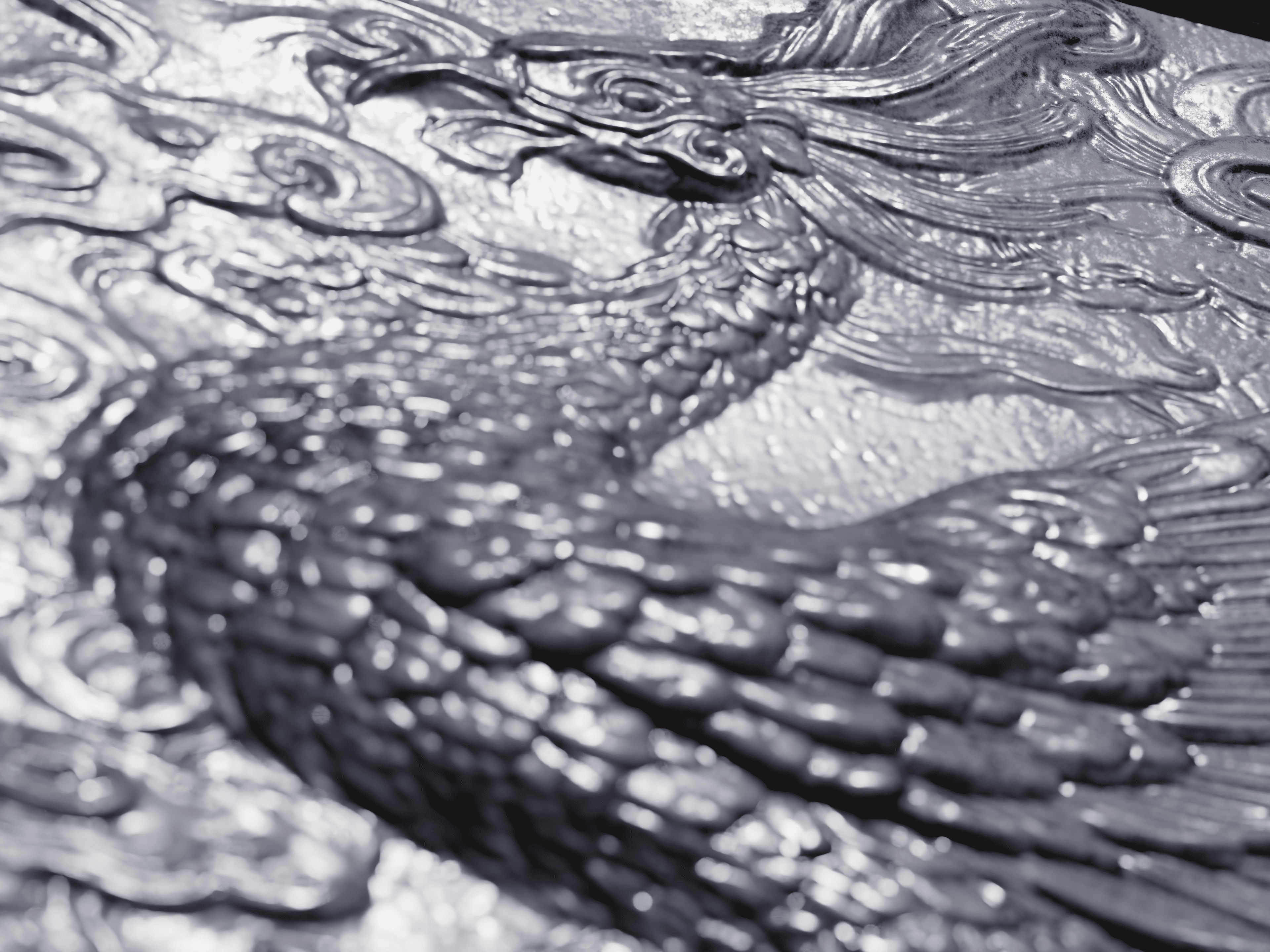
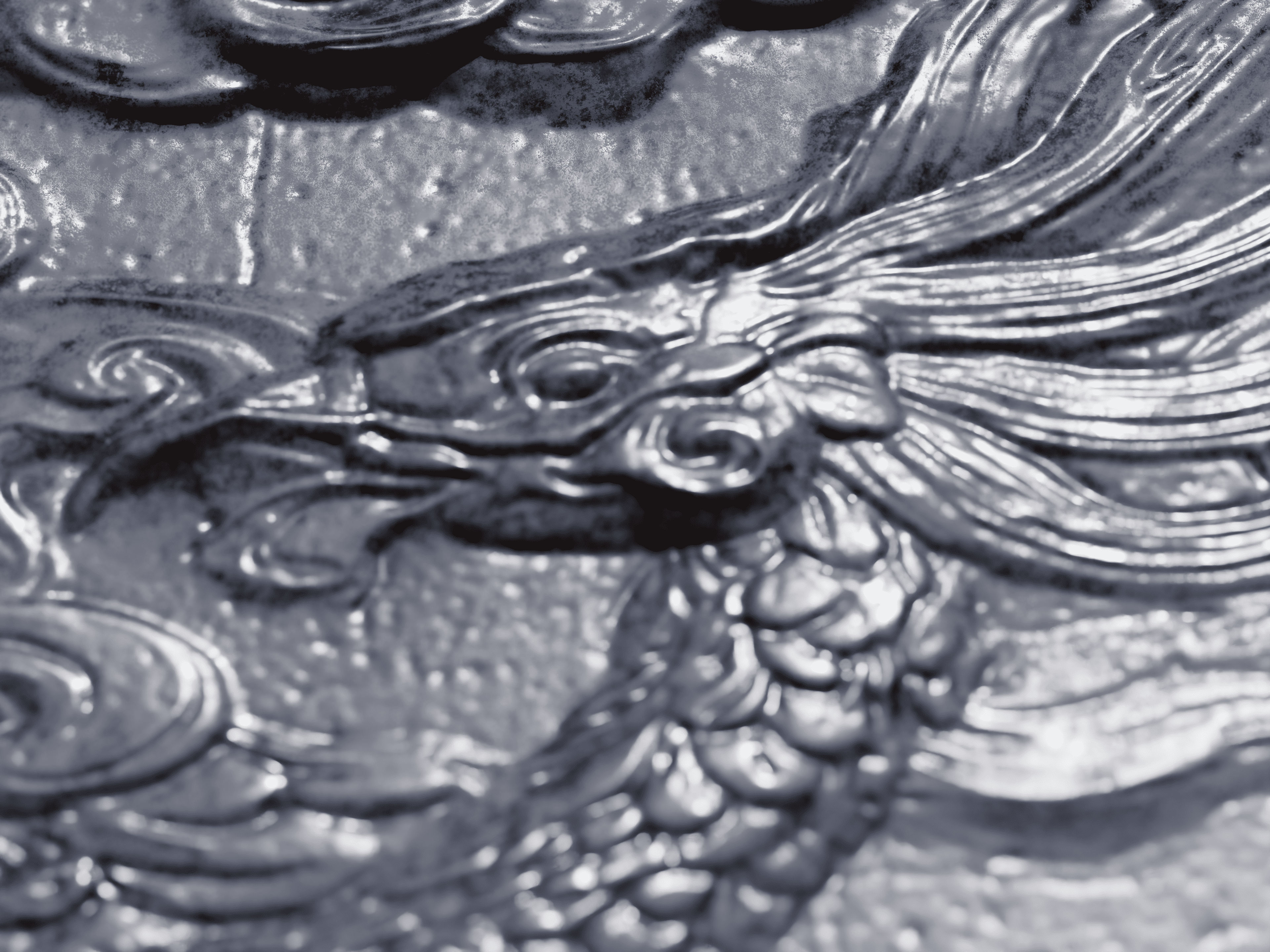
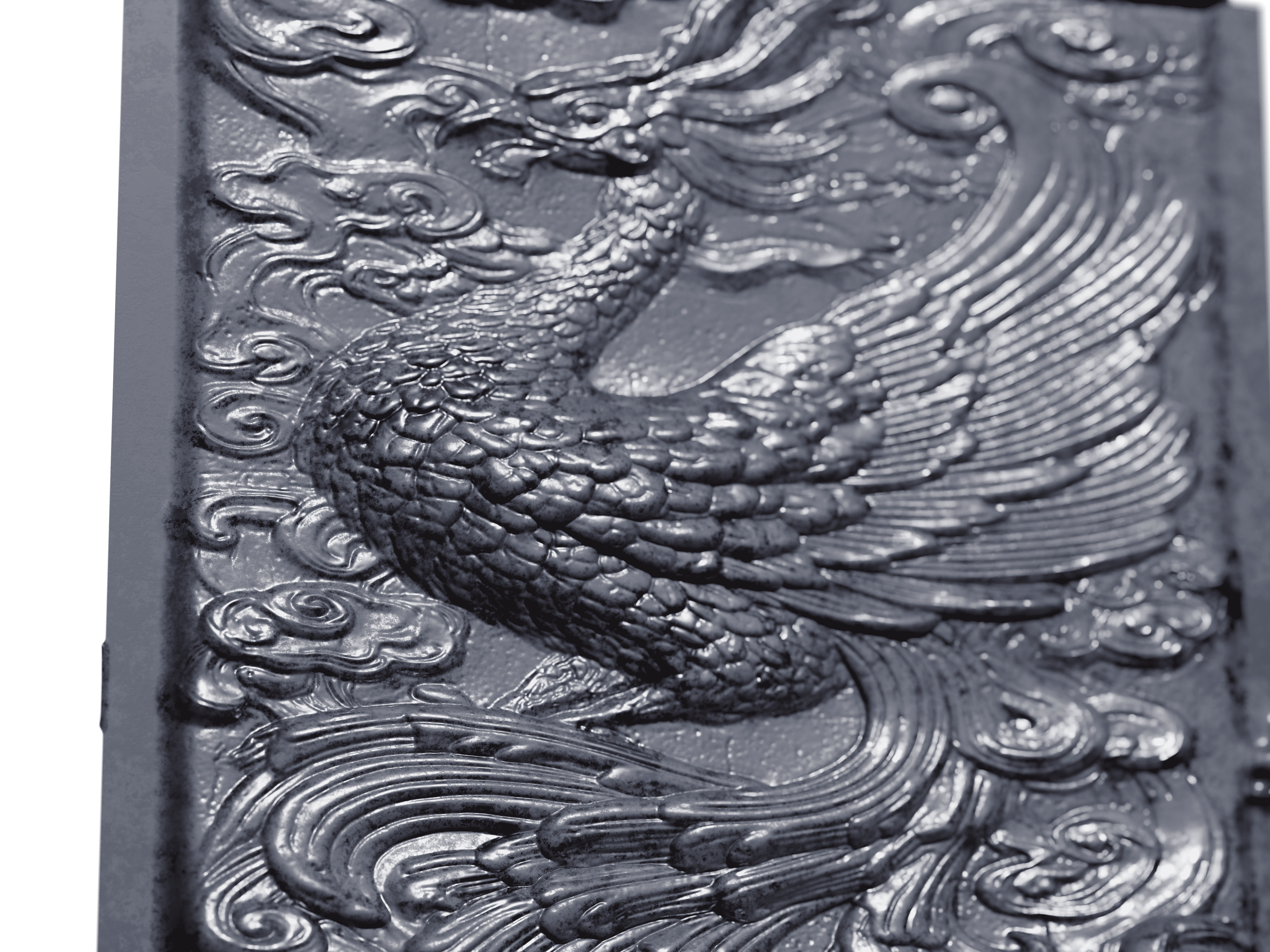
Animated Preview
See Bildeform in Action
From Image to Real 3D Print
See how Bildeform enables a complete workflow from a 2D image to a physical bas relief using 3D printing. Generate your bas relief in Blender, export to STL, slice with OrcaSlicer, and print on your Elegoo (or any resin/FDM printer).
Input Image
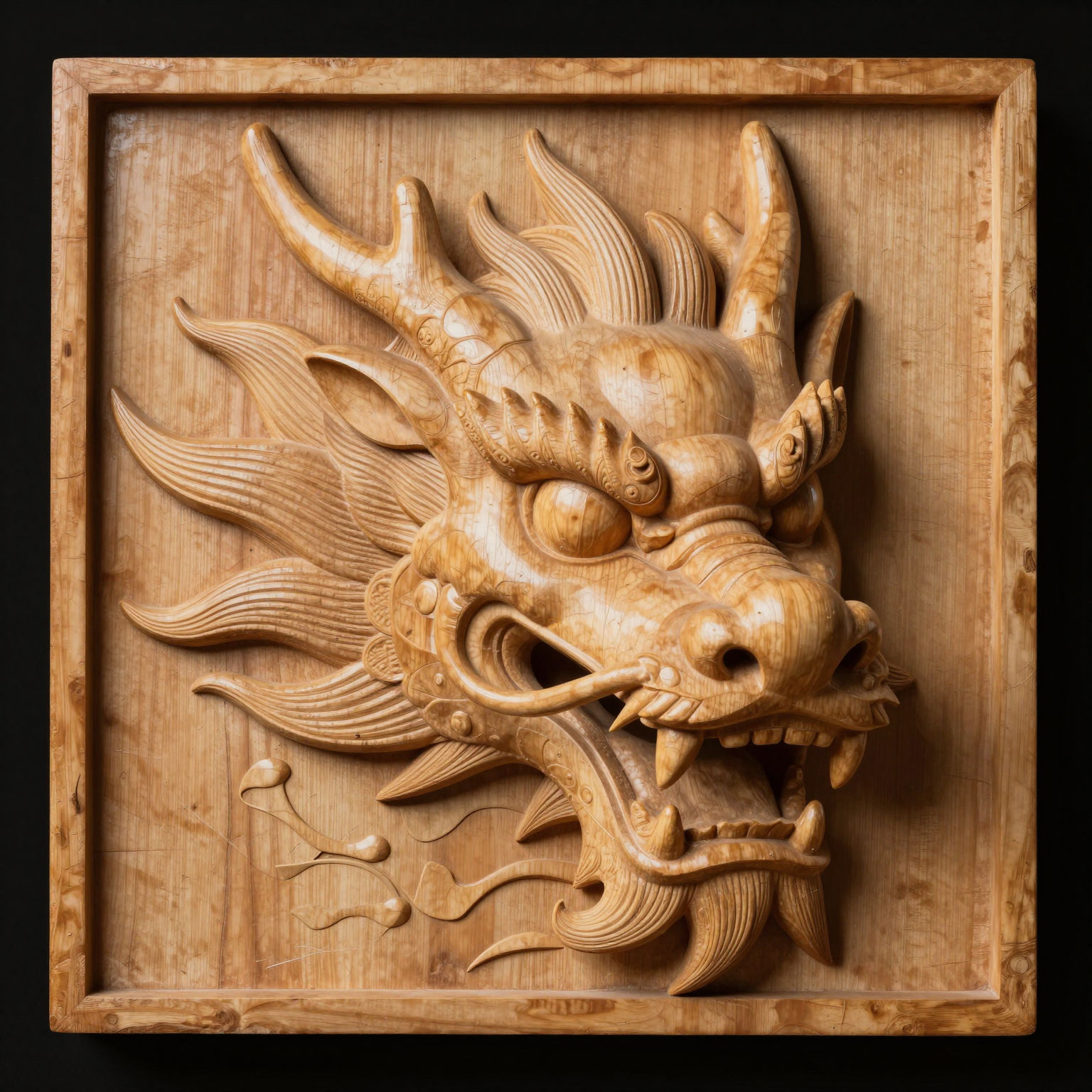
3D Printed Result
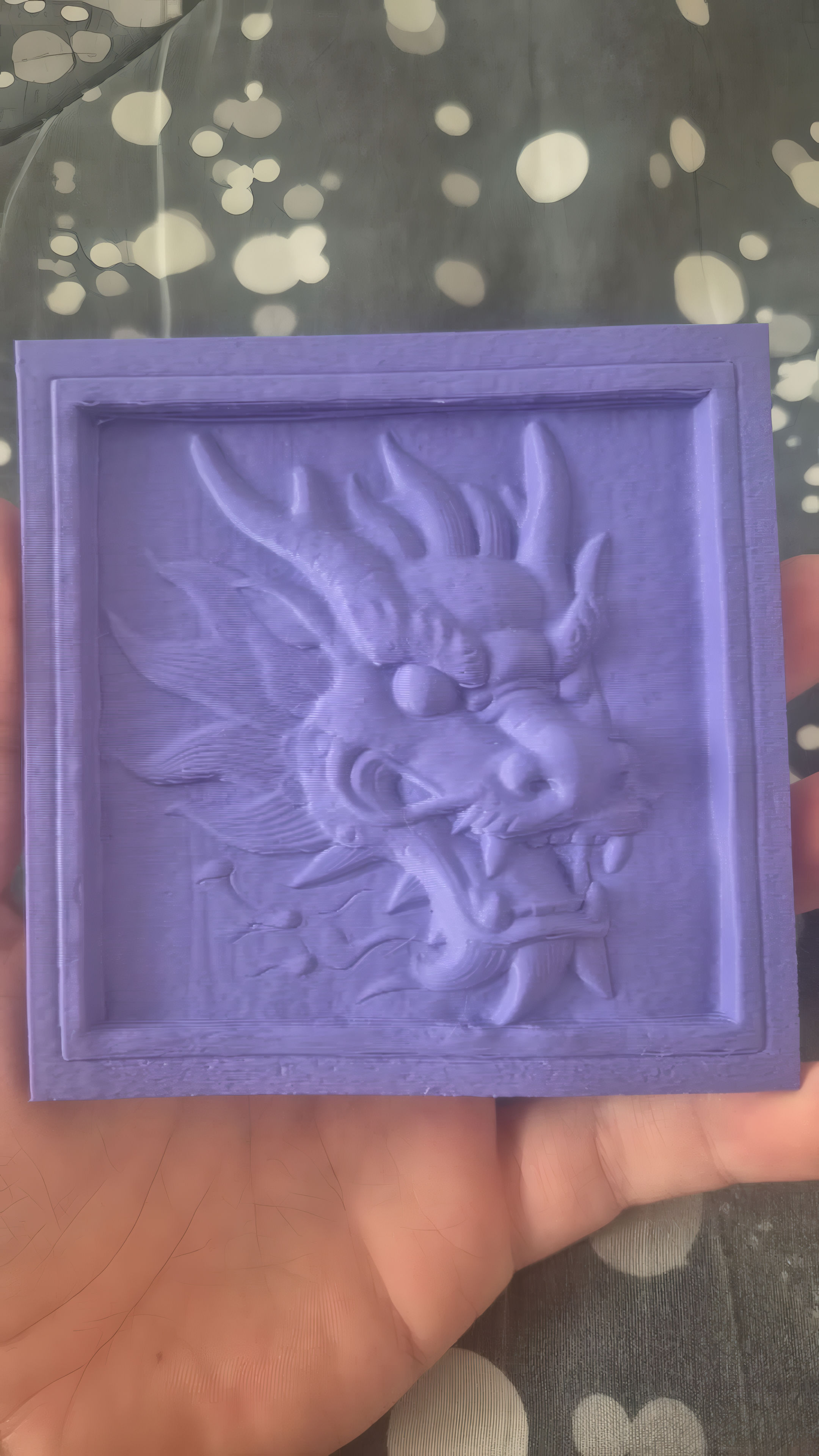
Quick Preview (9 seconds)
Hybrid Workflow: Perfecting Your Bas Relief
Want to push your results even further? This video shows a hybrid workflow with two practical techniques to refine your final bas relief:
- Custom Cavity Map: Instead of using the default curvature map, create your own cavity map directly in Blender's viewport using a MatCap and render settings — it produces smoother, more pleasing surface details.
- White Silhouette Trick: Adding a white border around your 3D model before processing with Bildeform helps the depth map capture edge details much better (e.g. teeth, horns, fine protrusions), preventing them from being lost against a dark background.
More Results (Image Mode)
Input
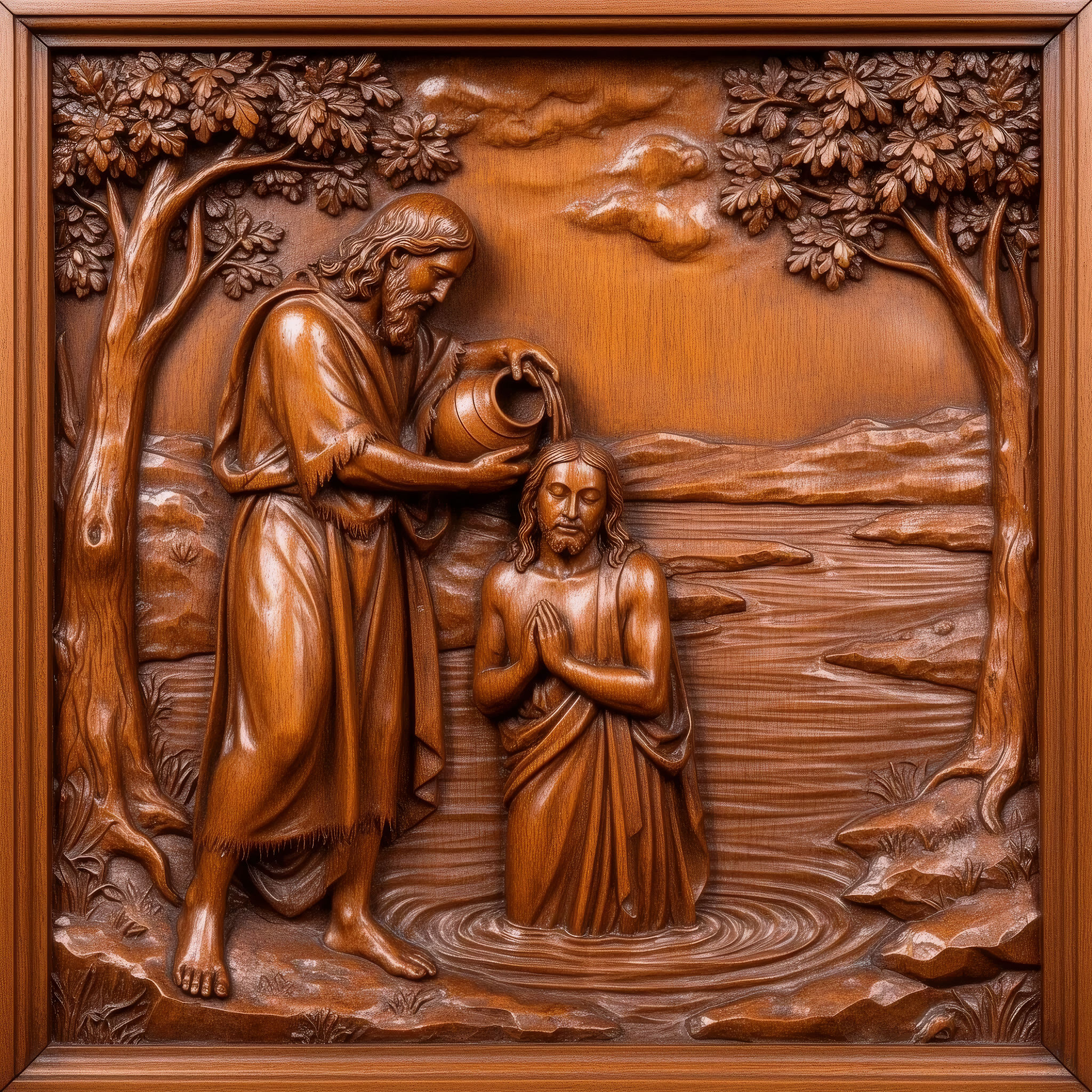
Animated Results
Input

Animated Result
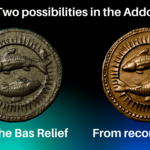
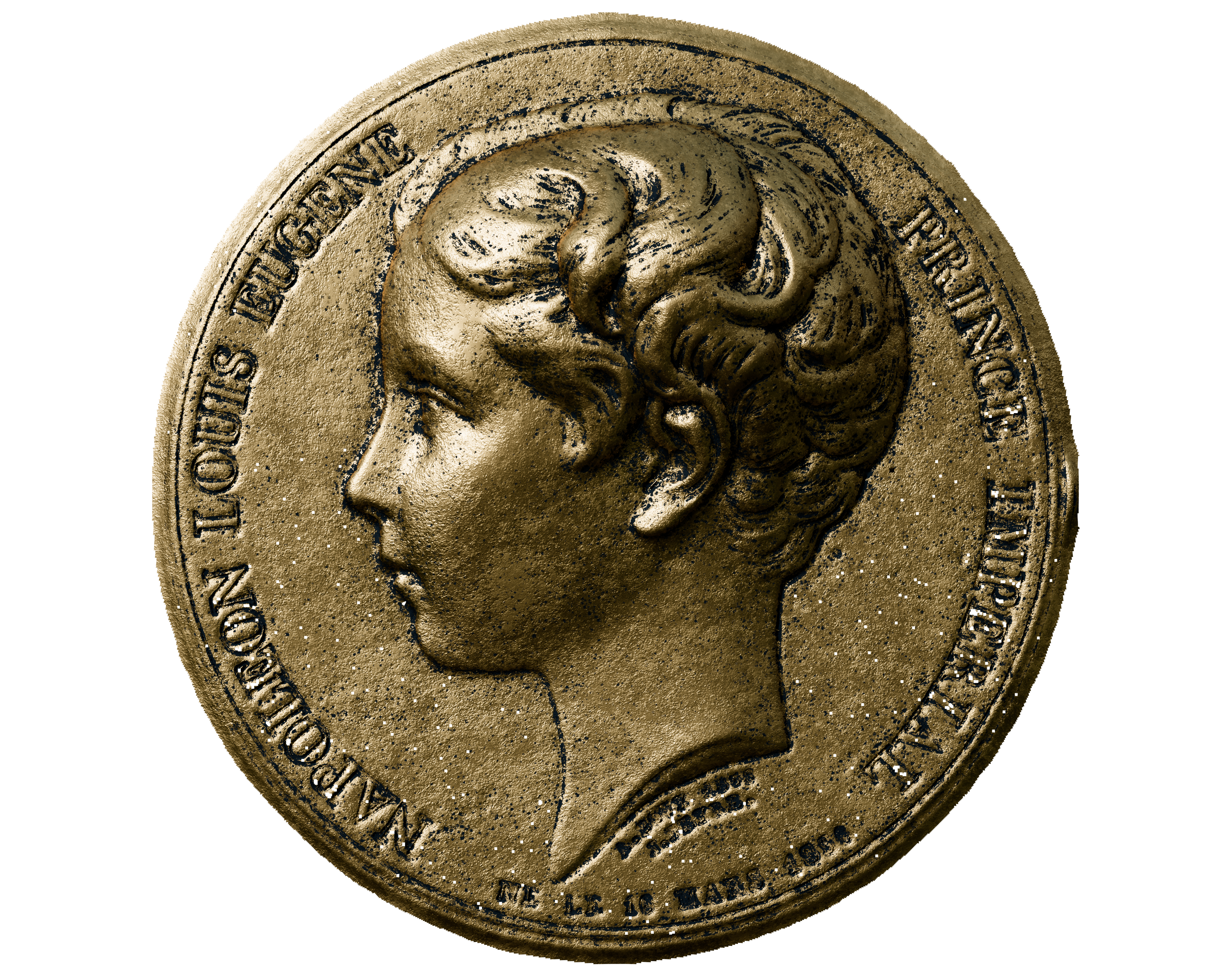
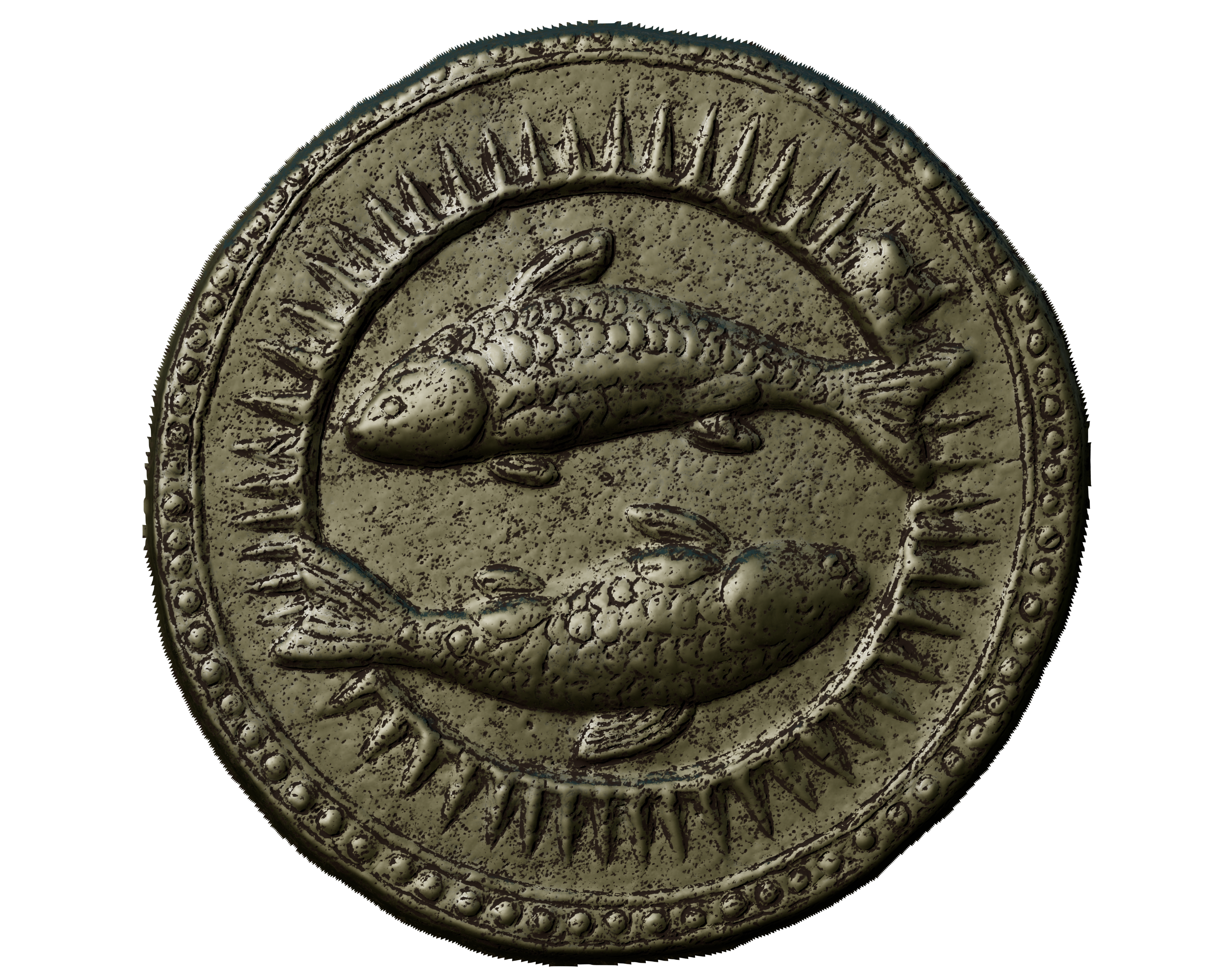
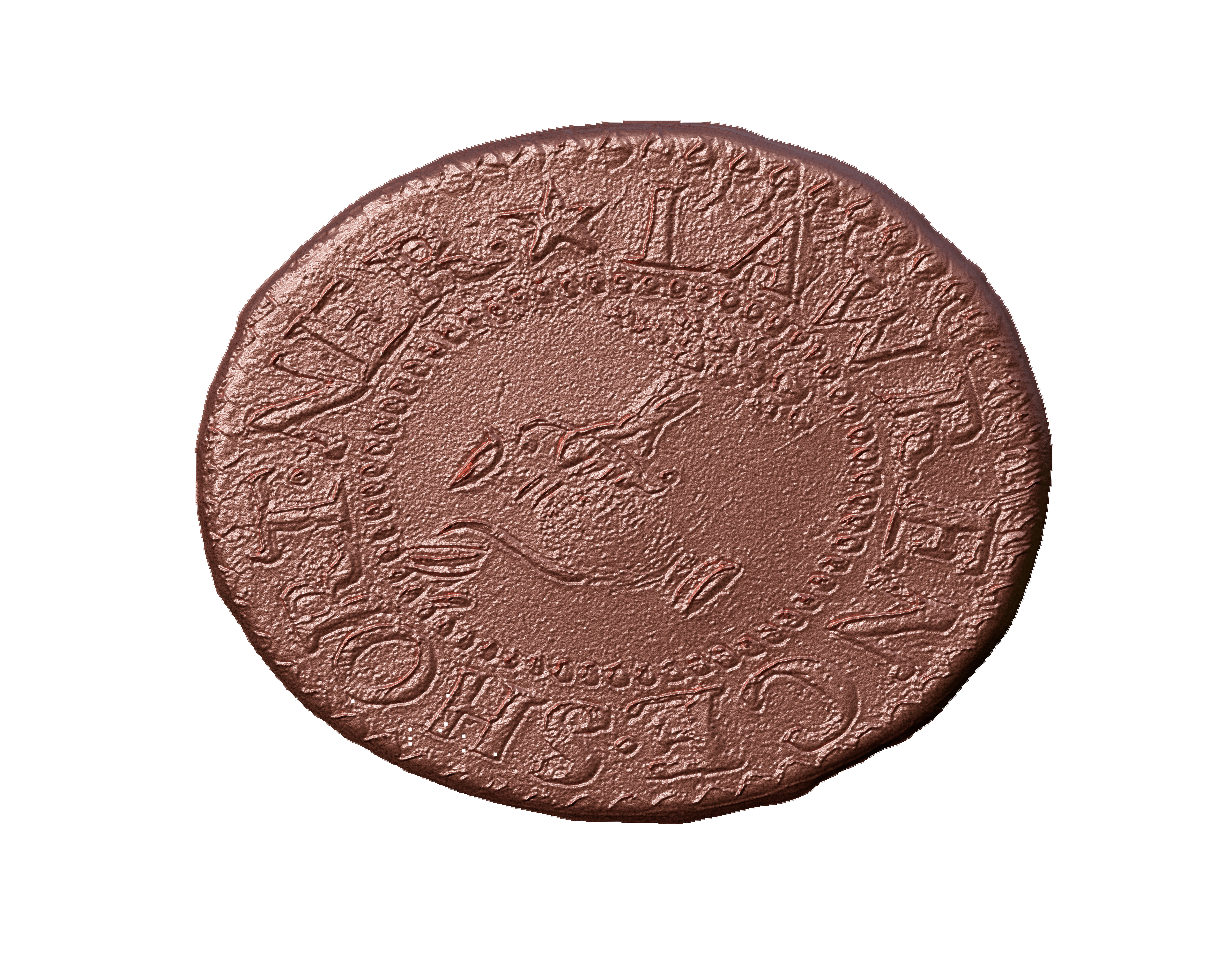
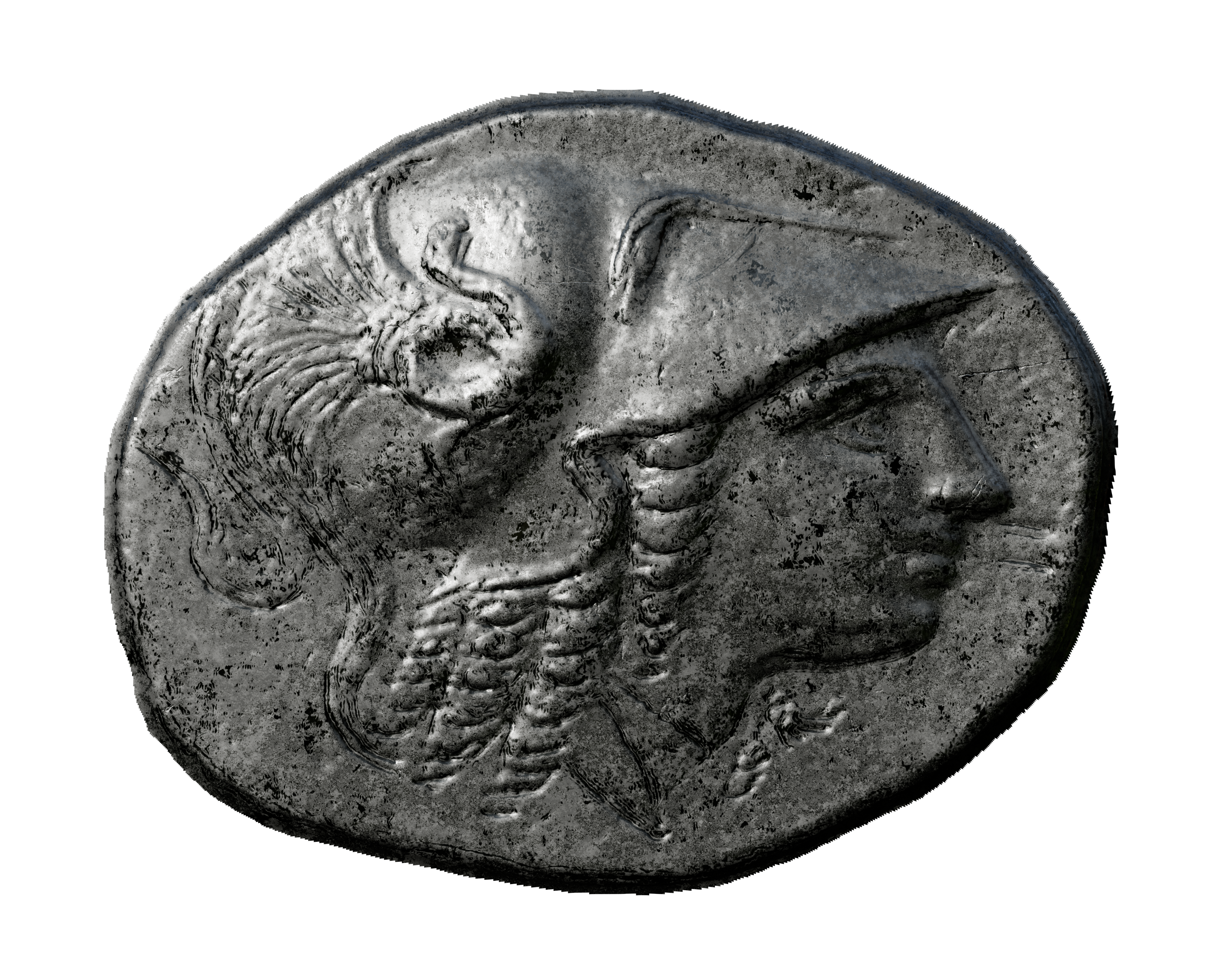
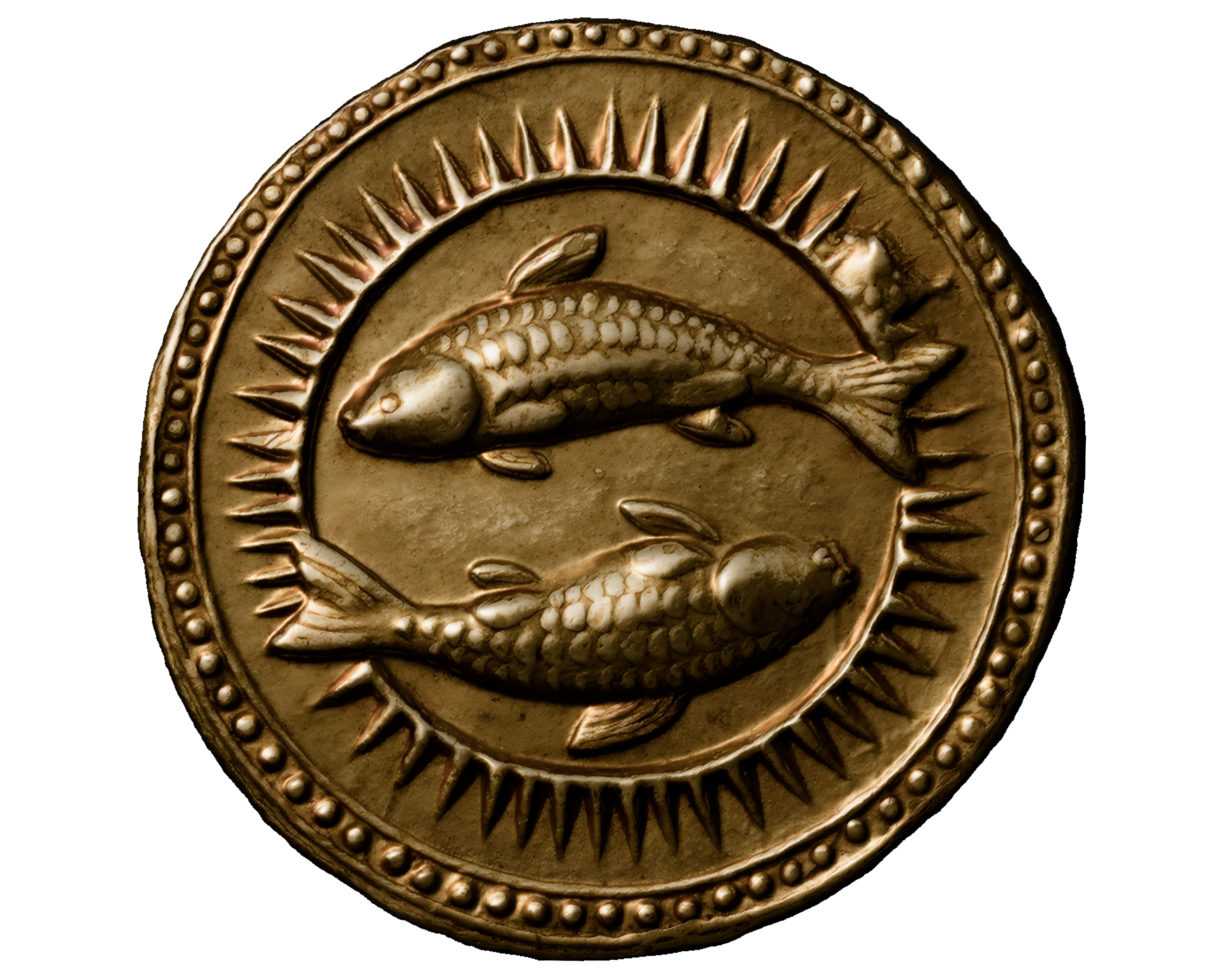
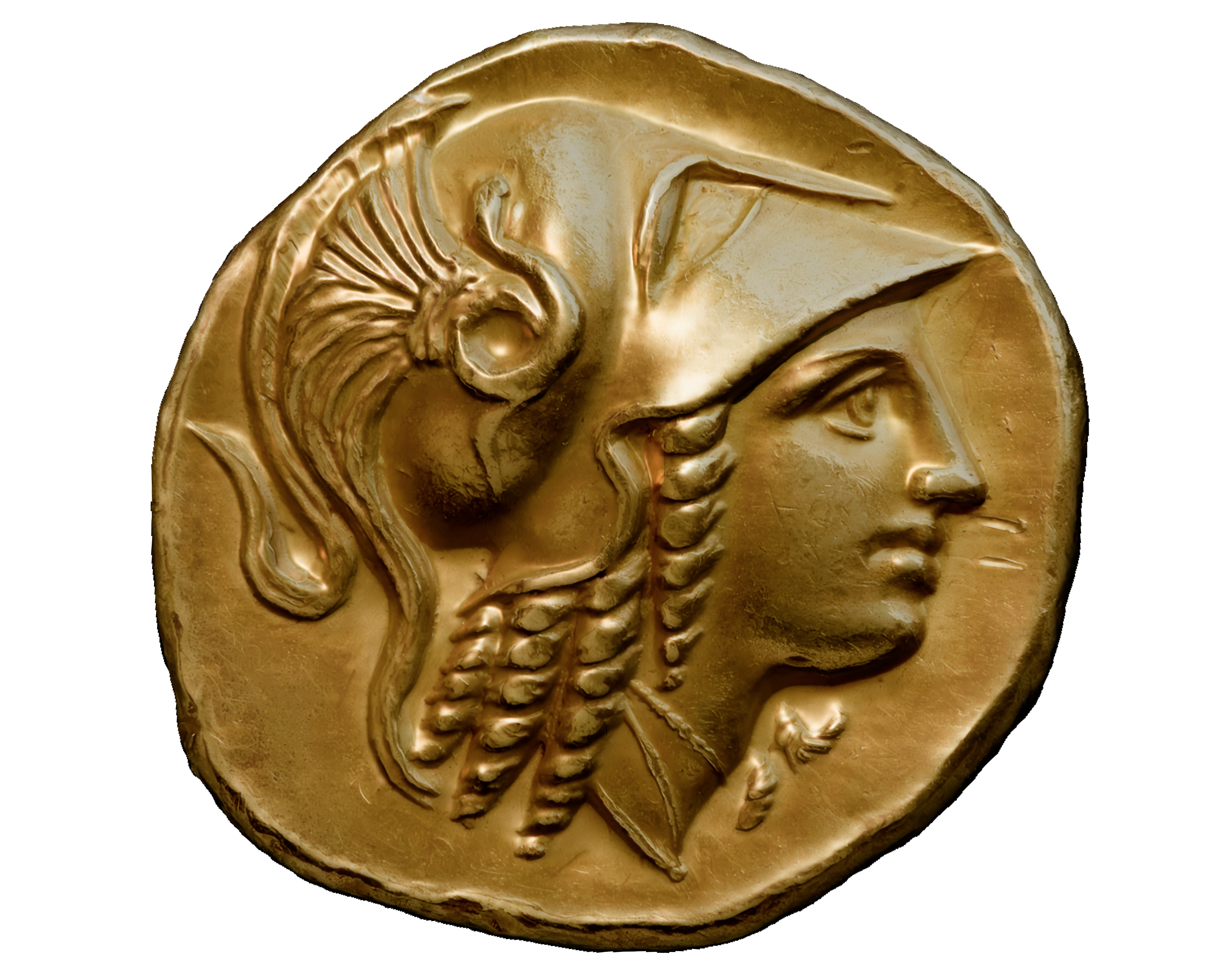
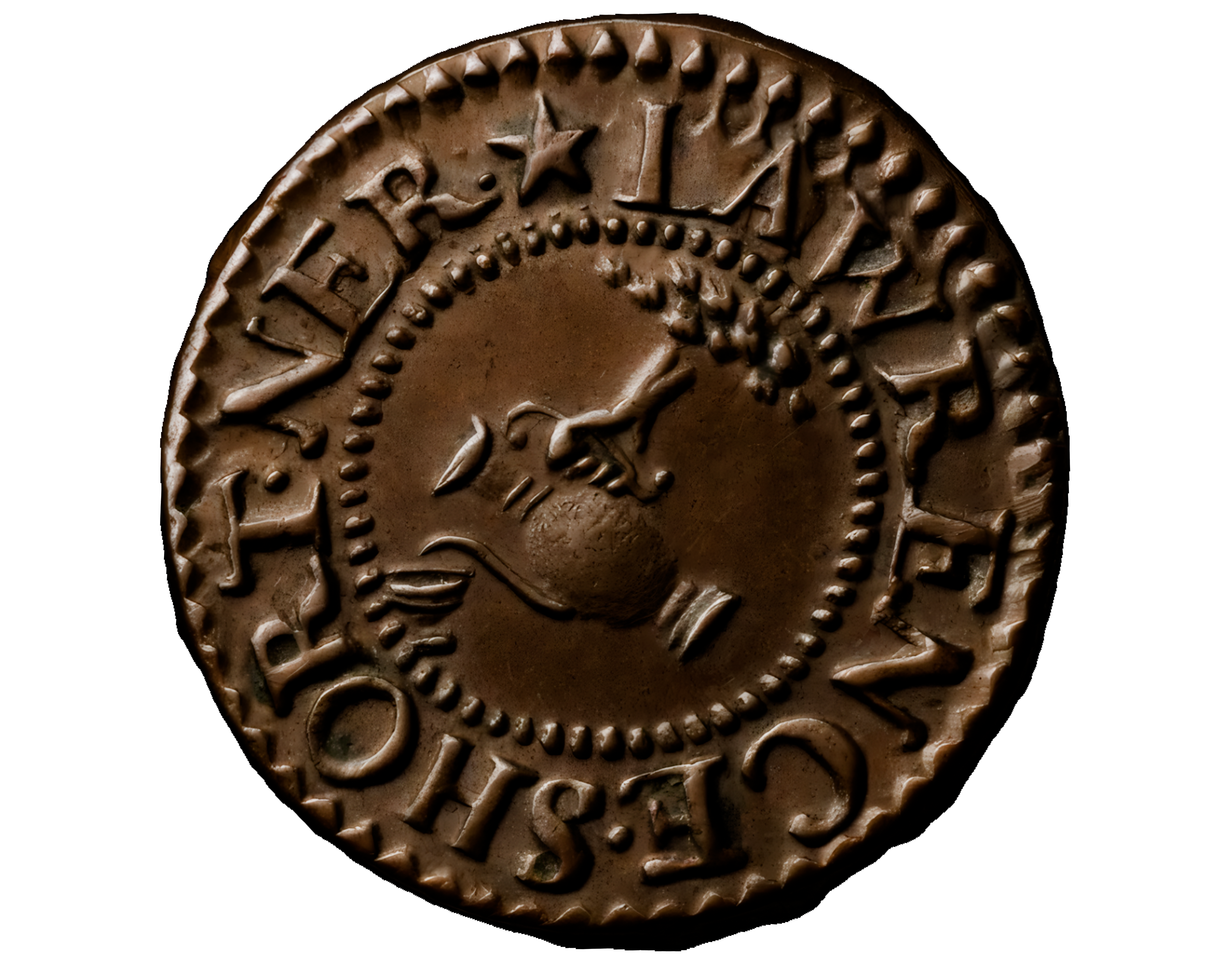
Museum Coin Example (Bas Relief + Reconstruction)
From a single reference image, Bildeform can generate the relief and (optionally) reconstruct a mesh using AI.
Bas Relief Outputs
AI Reconstruction Outputs
Create Alpha Brushes
Turn bas relief maps into alpha brushes and reusable stamps for sculpting and detailing.
From 3D Model to Bas Relief
Keep the classic Bildeform workflow: capture your 3D object and generate a bas relief in Blender.
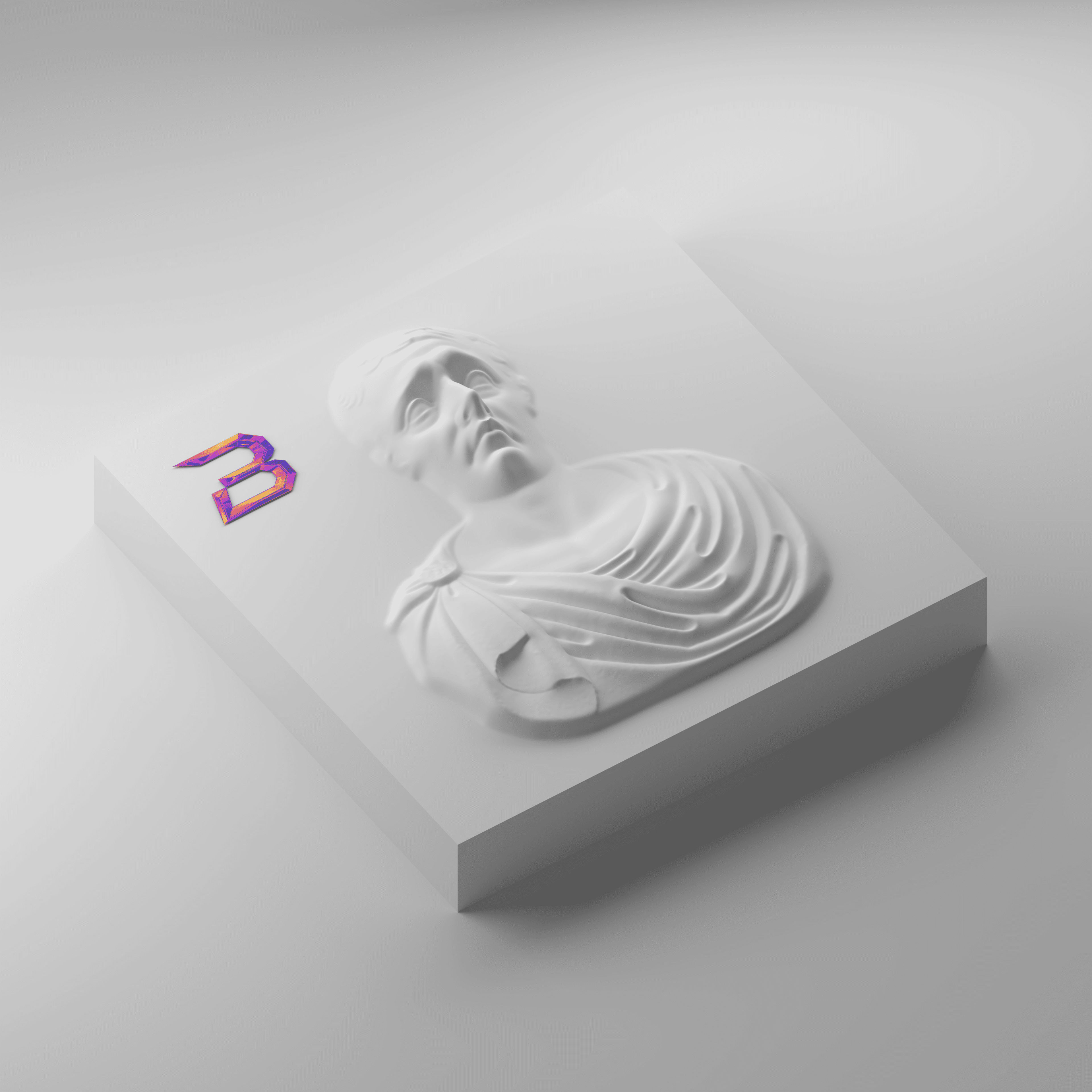
Why It Works Better Than “Traditional” Pipelines
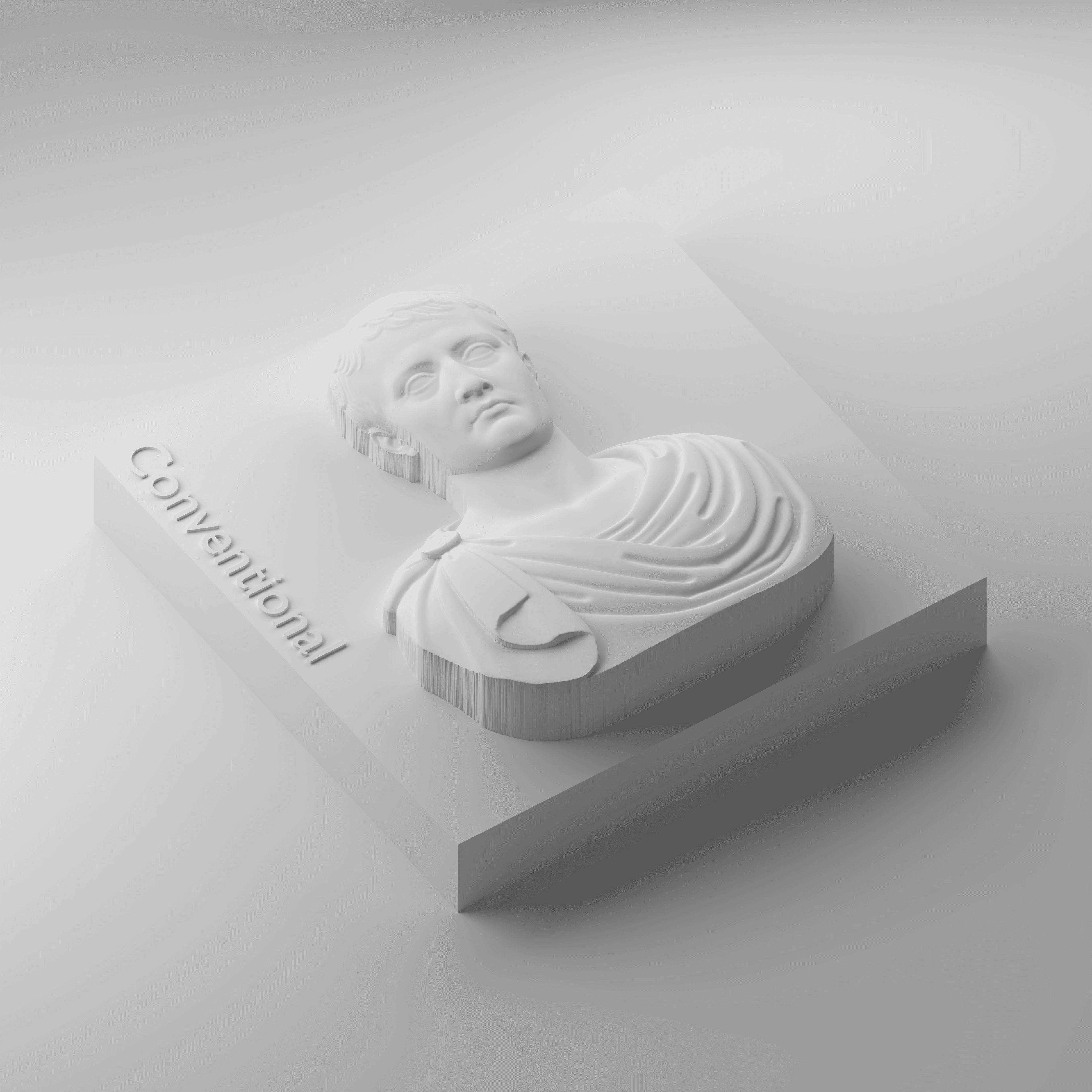
Typical workflow
- ❌ Multiple apps and manual steps
- ❌ Hard to keep quality consistent
- ❌ Little artistic control once baked
- ❌ Often expensive licensing models
With Bildeform
- ✓ Blender-native workflow
- ✓ Editable layers (Height / Depth / Curvature)
- ✓ Strong results from both images and 3D
- ✓ Export maps for CNC / printing / other pipelines
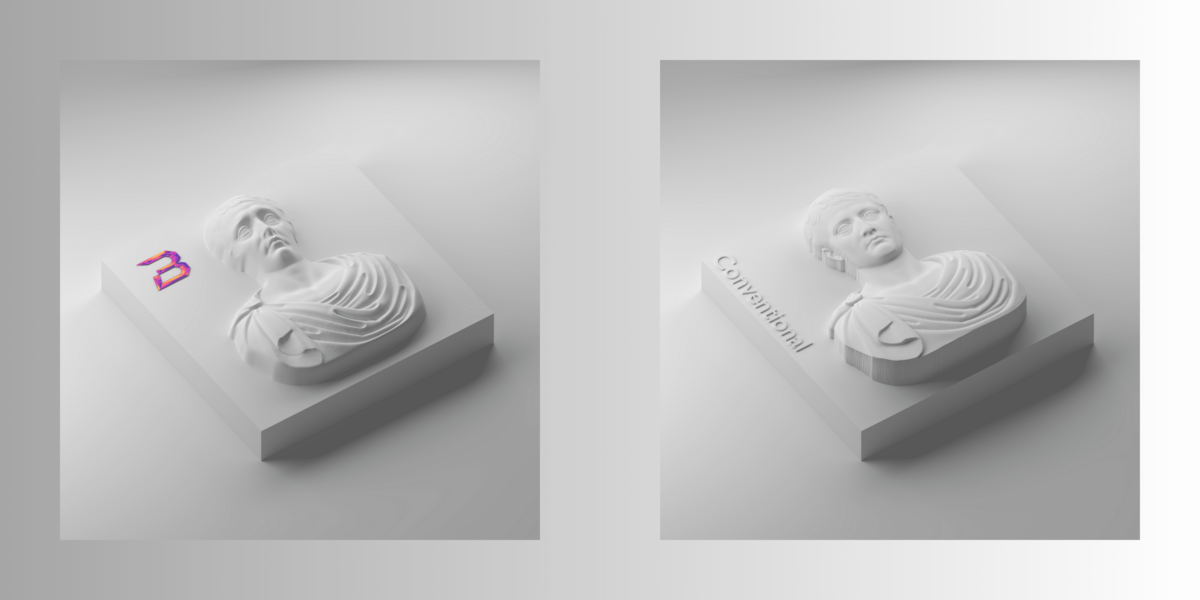
Our Method
Traditional Method
Compatibility
Windows: Supported and fully tested
macOS 13+ (Apple Silicon): Supported and fully tested
Blender Version: 4.2+ and above