 Skava
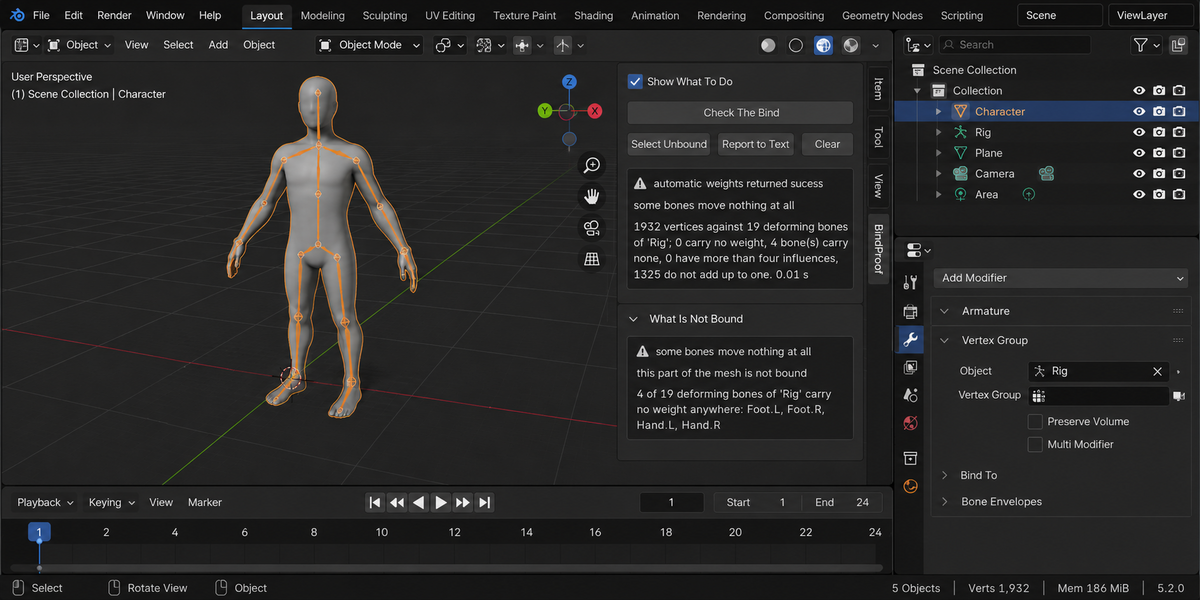
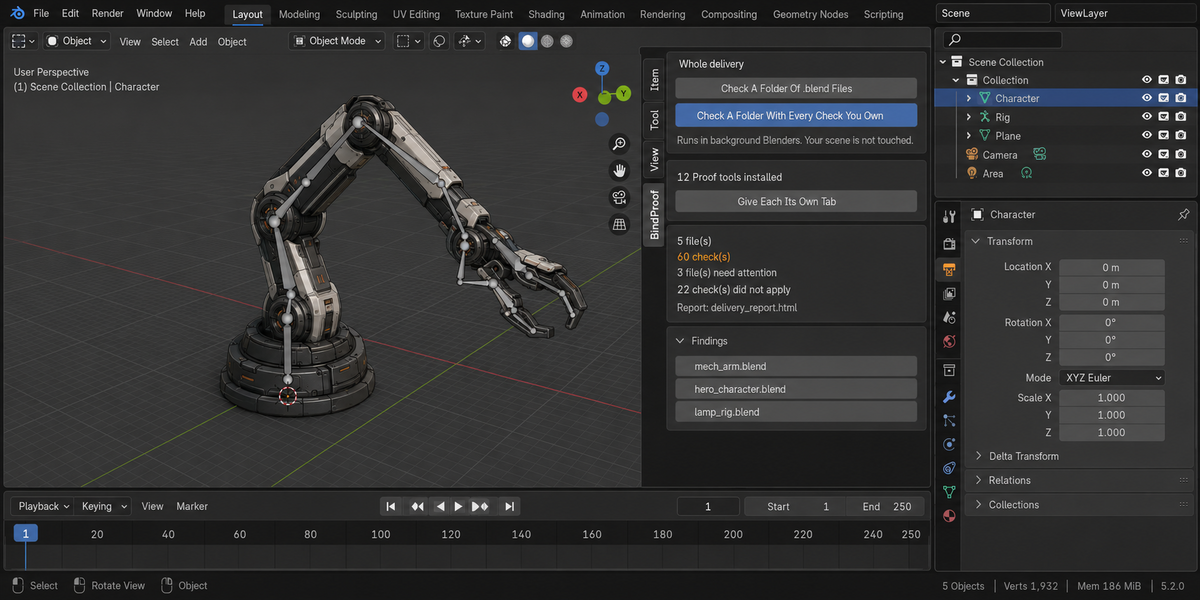

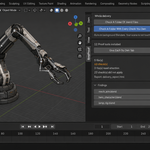
Download the zip and do not unpack it. In Blender open Edit > Preferences > Add-ons, click the drop-down arrow in the top-right corner and choose Install from Disk, then pick the zip. Tick the checkbox next to BindProof. Press N in the 3D Viewport and open the BindProof tab in the sidebar.
Blender 4.2 or newer. The test suite (108 checks) was run on Blender 4.2.9, 5.1 and 5.2.
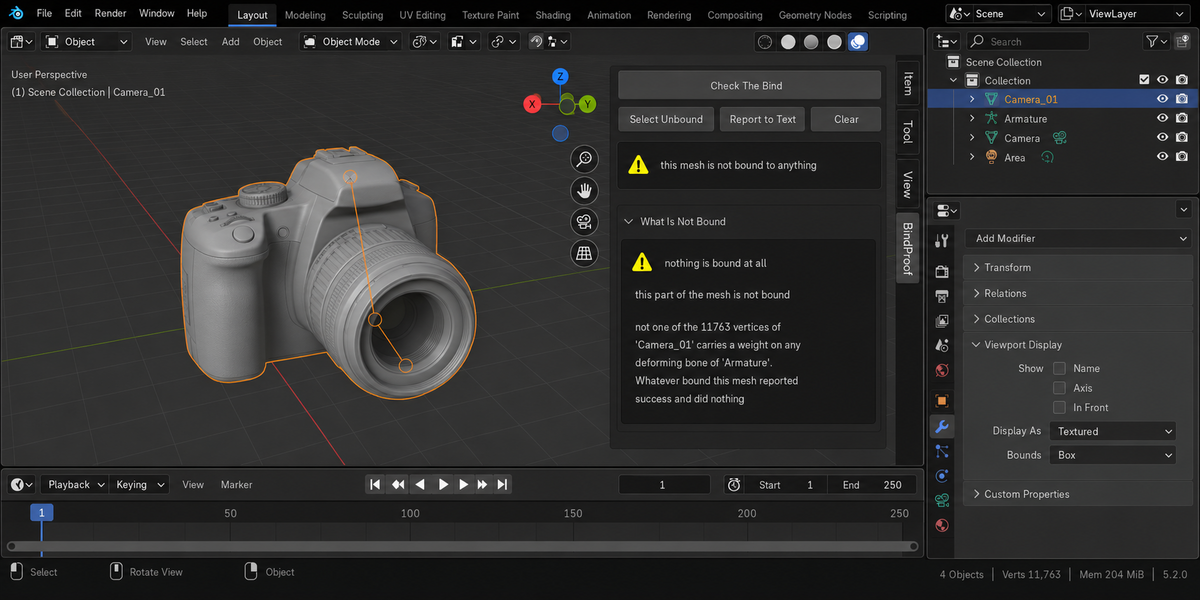
Because Blender says that either way. Measured on an ordinary humanoid, Automatic Weights reported success and left four of nineteen deforming bones empty every time, both hands and both feet, and six on a coarser mesh. On a real production model it reported success having bound none of 11,763 vertices. Select the skinned mesh and press Check The Bind to see what is actually bound.
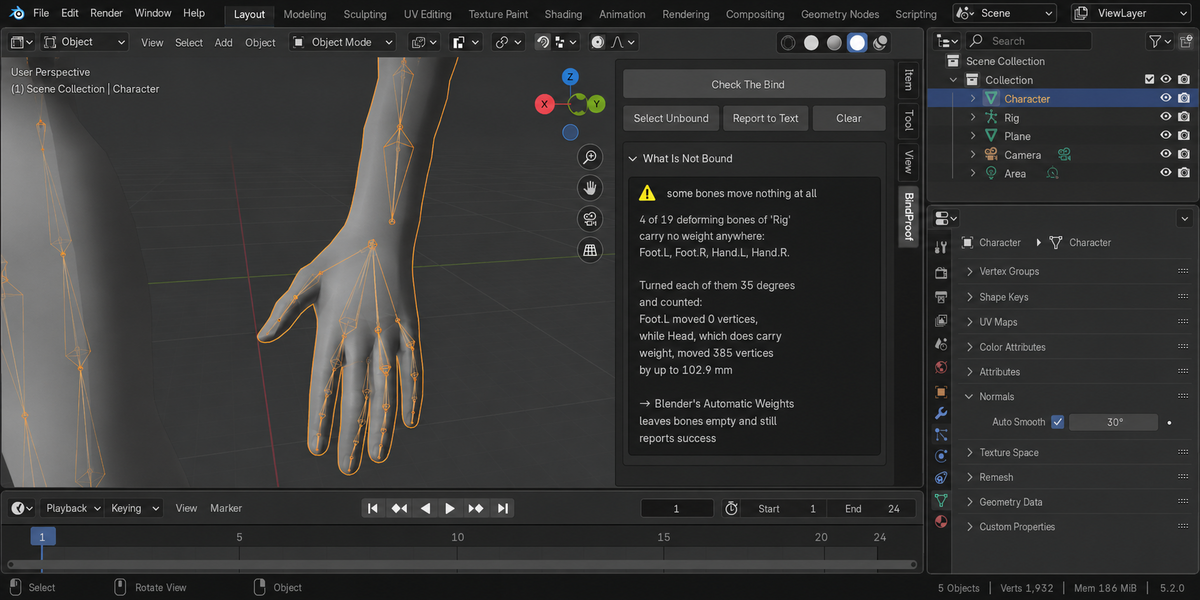
To prove the finding. A weight counter can say a group is empty; it cannot say the bone moves nothing. So each suspect bone is turned 35 degrees, the moved vertices are counted, and the pose is put straight back. Beside it, a bone that does carry weight is shown as the control: on the measured example it moved 385 vertices by up to 102.9 mm. If the control moves nothing (Rest Position, or a control rig where drivers or constraints override the bone, as in Rigify or Auto-Rig Pro), BindProof says it cannot judge instead of printing a zero.
Checking changes nothing: a fingerprint including the weights and the whole pose is taken before and after and the result is shown in the panel. Two buttons write, and only when you press them: Select Unbound changes the selection, and Fix What The Engine Will Drop keeps the four heaviest influences on every vertex that has more, drops the rest and normalises what is left. That repair leaves vertices with no weight and bones with no weight untouched. Report to Text writes a text block called BindProof Report.
Unity, Unreal and Godot read four influences per vertex and drop the rest on import. BindProof counts the vertices over the limit and works out how far the worst one would move when that happens. Weights that do not add up to one are normal inside Blender, which normalises on the fly; they matter on export, and the report says how far the worst vertex would land.
No. The add-on makes no network connections; everything runs on your computer. The only file it can write to disk is the optional HTML report from Check A Folder Of .blend Files in the Whole Delivery panel, which opens each file in a separate background Blender on your machine and saves the report into the folder you picked.
Yes. BindProof is licensed GPL-3.0-or-later; the full text is in LICENSE.txt inside the zip. The license covers the add-on code; what you create with it is yours. Full documentation is on the Documentation & FAQ tab of this product page, and README.txt inside the zip covers install, first run and uninstall.
Have questions about this product?
Login to message
| Published | 2 months ago |
| Blender Version | 4.2 - 5.2 |
| Extension Type | N/A |
| Render Engine Used | Cycles, Eevee |
| License | GPL |