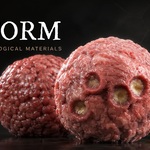
Bioform - Procedural Biological Materials
 Limitless Creative


Nothing happens when I click Apply Material.
You need a mesh object selected first. Select your object, then apply.
Can I apply a material to several objects at once?
Yes. Select all the mesh objects you want, then click Apply Material, it's assigned to every selected mesh.
Which render engine should I use?
Cycles for the highest quality. but the materials work in Eevee as well.
How do I change a material's colour or look?
Apply it, then open the Parameters dropdown and adjust the sliders live. Use Randomize for a fresh variation, or Reset to go back to default.
The material looks different from its thumbnail.
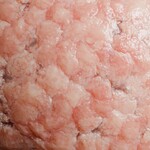
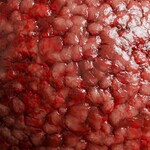
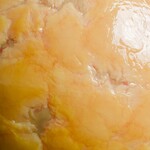
Thumbnails are shot on a sphere under studio lighting. Your scene's lighting, world, and the shape you apply it to can affect how the materials look.
What's the difference between Bioform and Teraform or Dermaform?
The browser applies a specific, ready-made look. Teraform generates a brand-new random tumour each time within a chosen family, so you get endless unique variations.
-
$2.55 $3
Access to 3 Materials
-
$75.65 $89
Procedural Biological Materials
-
$101.15 $119
Full Library + Dermaform and Teraform Engines
Have questions about this product?
Login to message