 BlaternaSoft


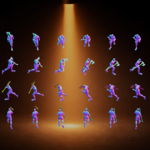
Blaterna Studio – Automate your sprite workflow in Blender
Want to create sprite sheets from 3D assets without hours of manual cleanup?
Blaterna Studio transforms your Blender scenes into clean, ready-to-use game assets.
Imagine clicking render and instantly getting finished sprite sheets — no alpha issues, no manual cropping, and no messy workflow.
Platform Availability!!!
Blaterna Studio is currently available for Linux and Windows
Why Blaterna Studio?
As an indie developer, you quickly lose time on tasks that don’t move your game forward:
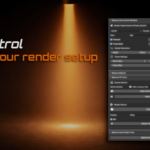
render setup, fixing alpha issues, cropping, and exporting.
Blaterna Studio was built to automate exactly these steps—
so you can focus on what really matters: your game.
“A small portion of each sale supports the Blender Development Fund.”
No More Transparency Issues
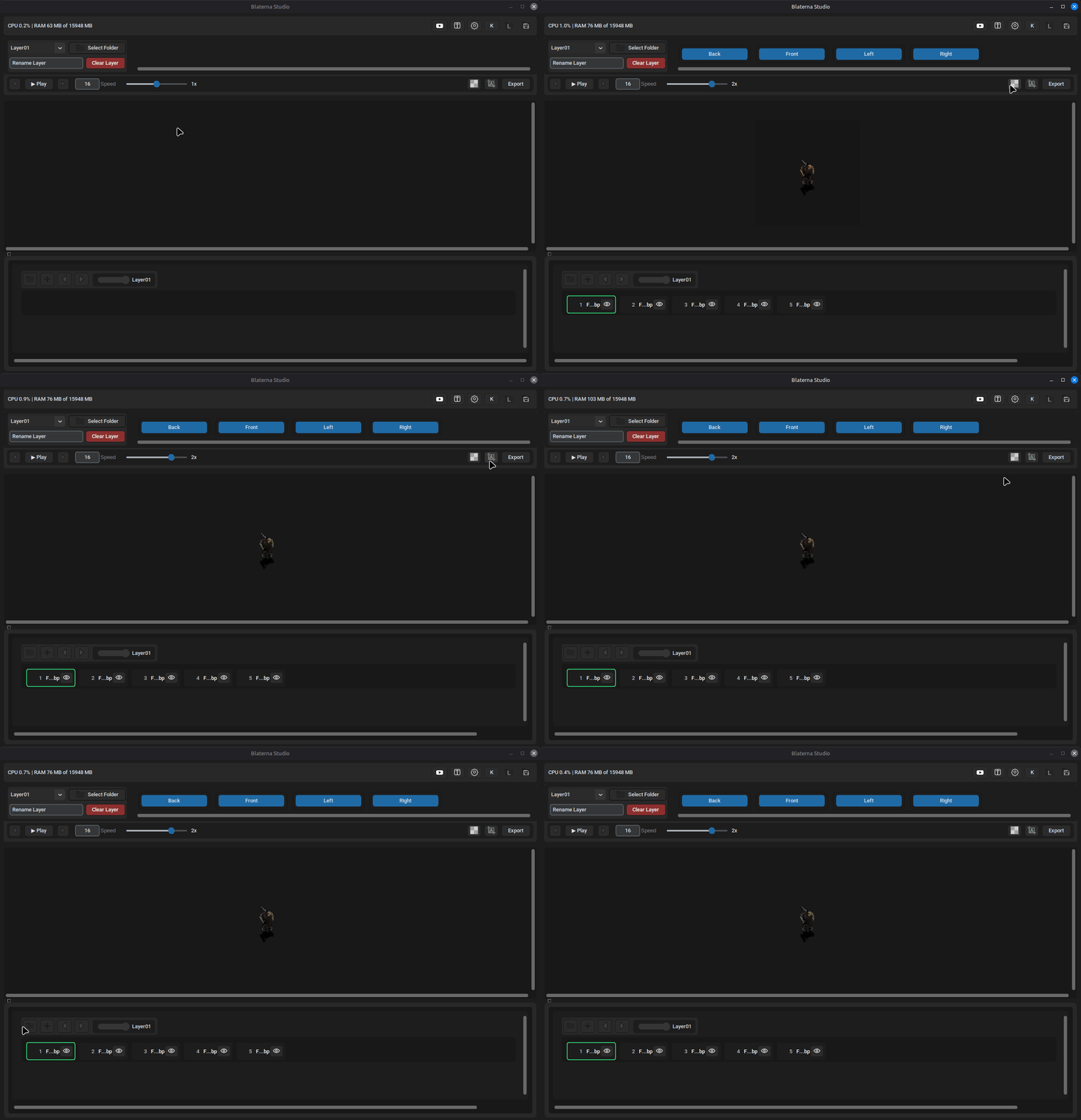
Use object shadows in combined render mode without unwanted artifacts.
Blaterna Studio removes unnecessary semi-transparent areas with a single click—
so only the intended object shadow remains.
Automatic Cropping – No Empty Space
No more unnecessary transparent borders.
Your sprites are automatically reduced to their minimal required size—perfect for performance and organization.
Object-Based Layer Rendering
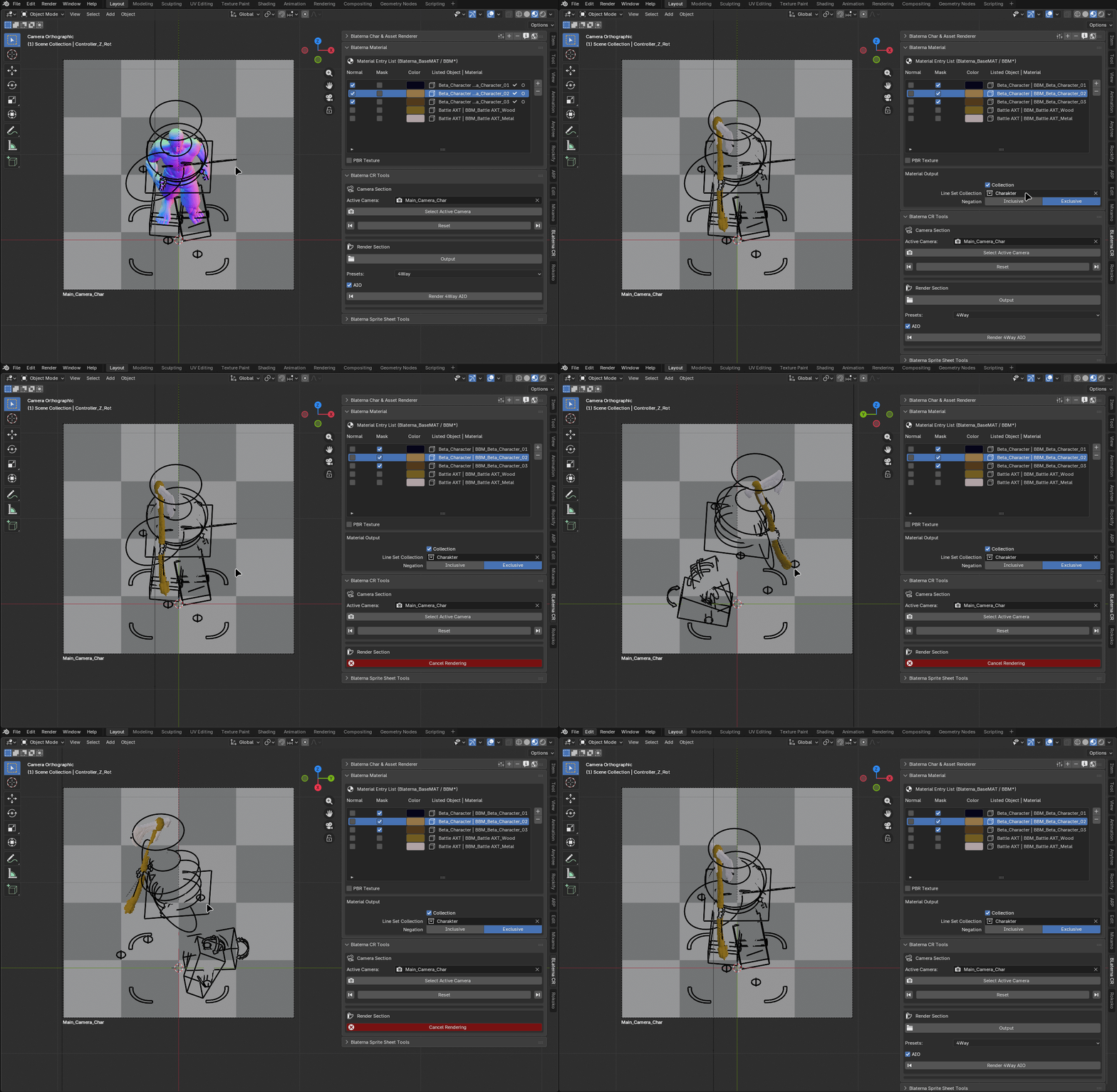
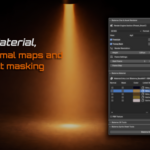
Blaterna Studio supports material-based normal map rendering and fully supports PBR materials.
A built-in masking system enables precise, layer-based rendering for flexible asset creation.
Compatible with both Eevee and Cycles.
Preset System for Fast Setup
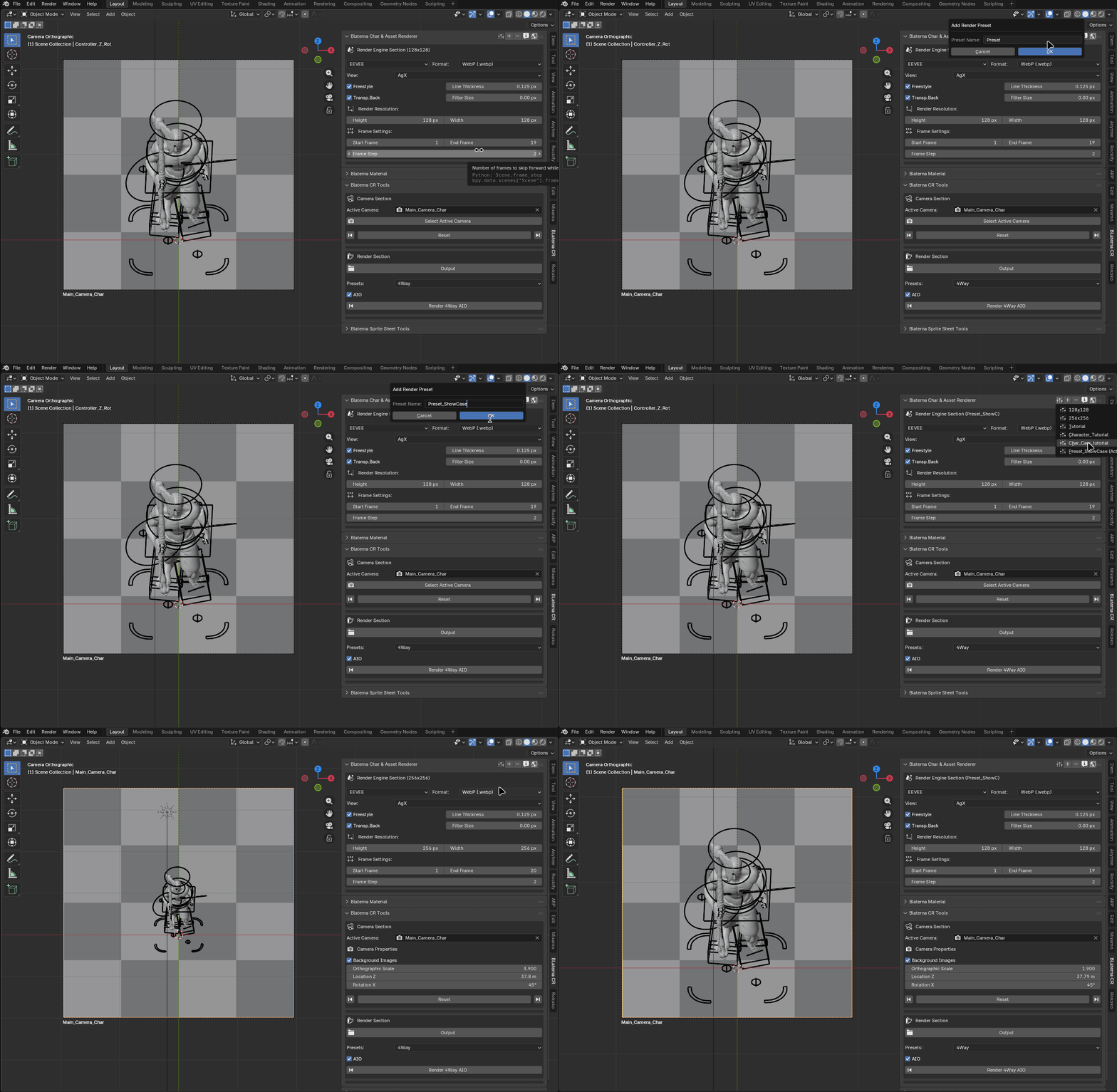
Blaterna Studio includes a powerful preset system for render settings, camera setup, and exporter configurations.
Save your setups once and reuse them anytime—ensuring consistent results and a faster workflow across all your projects.
Bexporter – Ready-to-Use Sprite Export
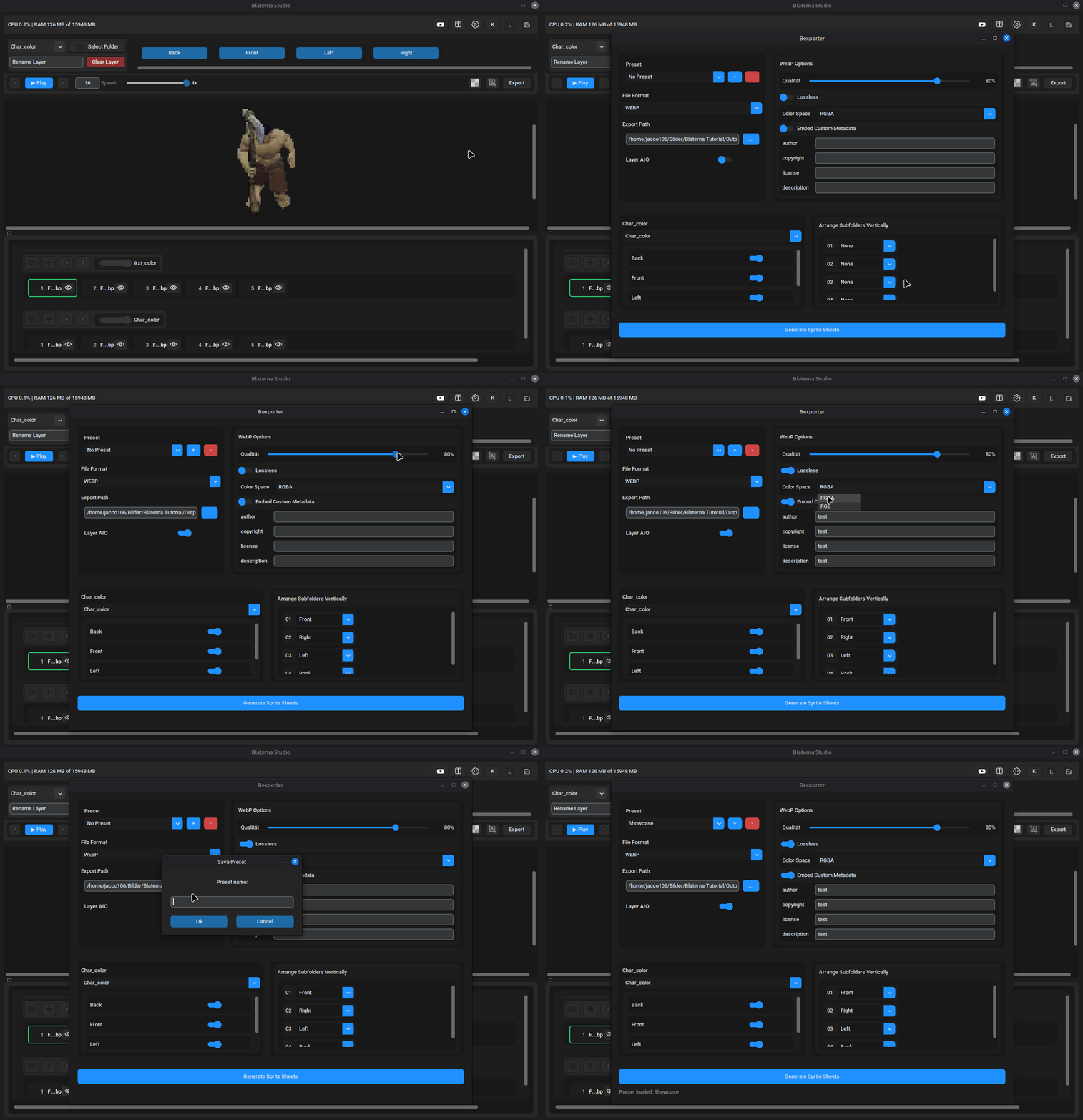
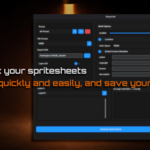
Bexporter is designed for a ready-to-work pipeline, delivering clean, structured sprite sheets directly from your renders.
Each layer is automatically exported into its own dedicated sprite sheet, enabling flexible and modular asset workflows.
It supports metadata embedding, allowing you to store important information directly inside your sprite sheets—perfect for seamless integration into your game workflow. These settings can also be saved within presets for consistent reuse.
The directional layout (e.g. character movement directions) can be freely arranged vertically, giving you full control over how your sprite sheets are organized.
Animation Preview & Frame Editing
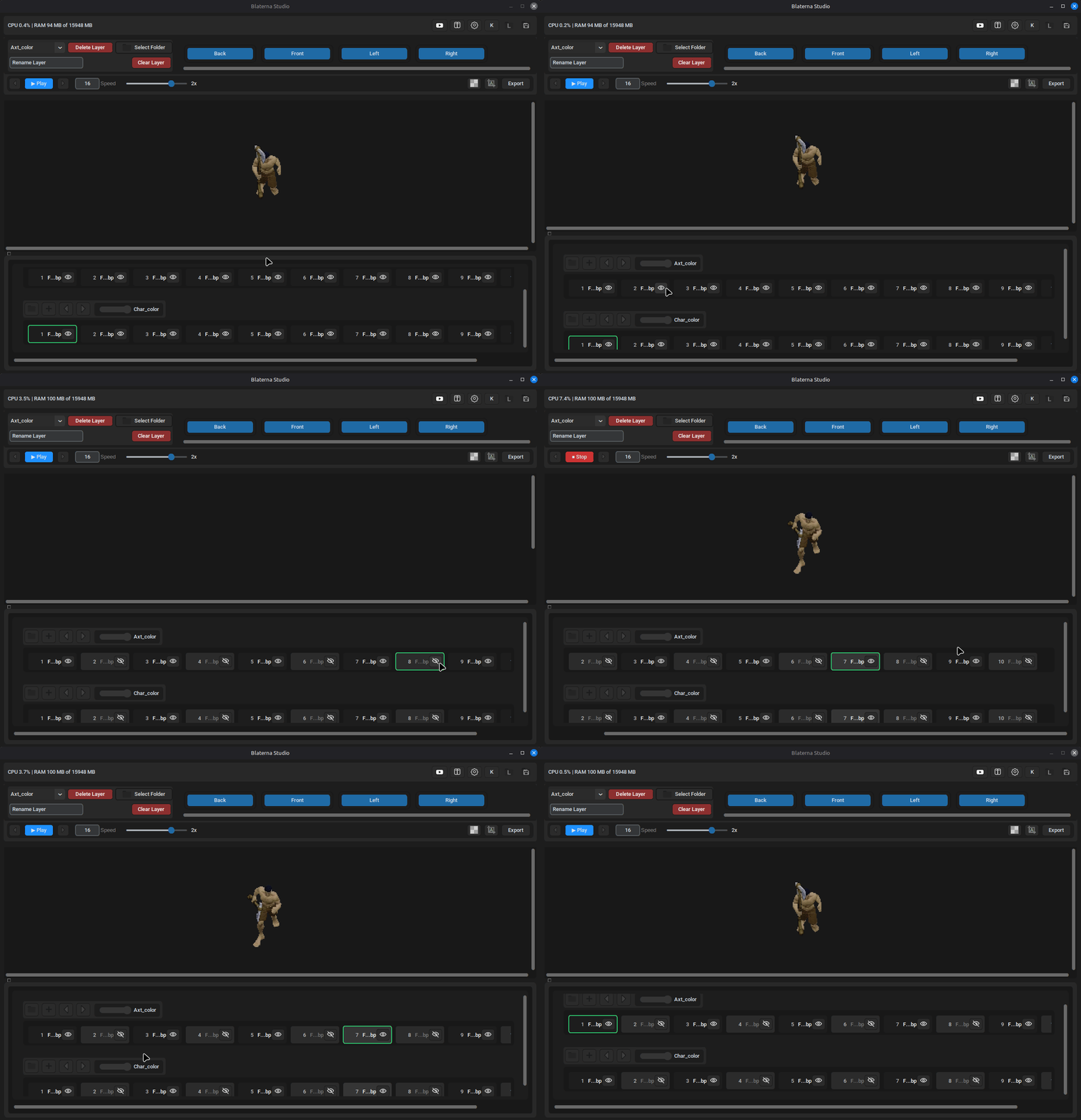
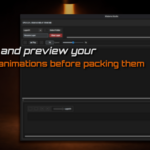
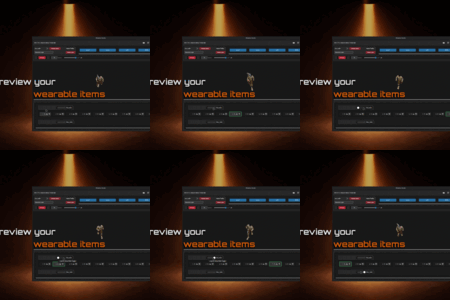
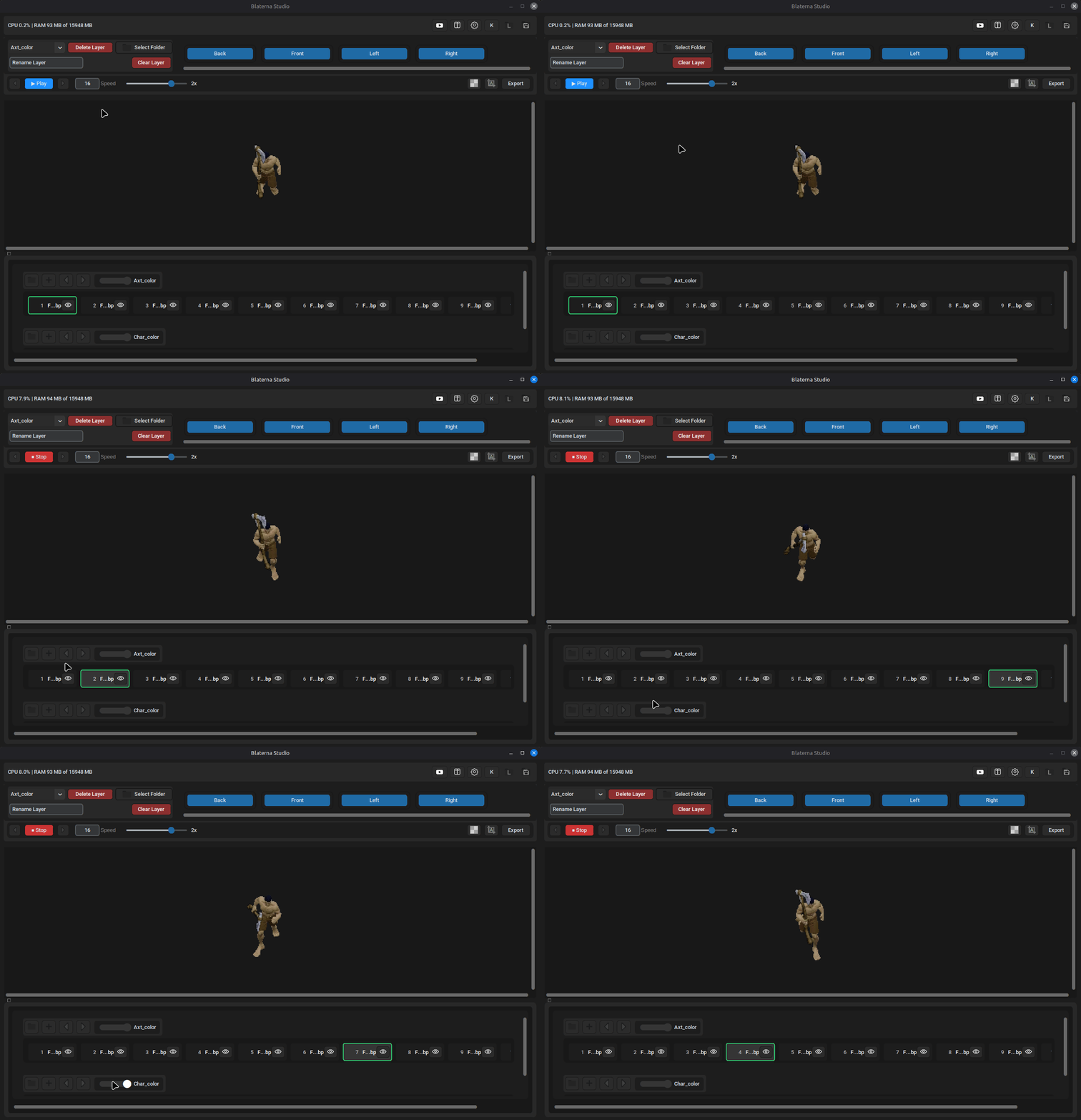
After rendering, Blaterna Studio lets you preview your sprites by movement direction in real time.
You can edit animations individually per direction and per layer—delete unwanted frames, insert new ones, and move them to the exact position you need.
Additionally, frames can be globally disabled across all layers, so they are ignored during playback and export—giving you full control over your final sprite sheets.
Project Snapshots – Save and Restore Your Setup
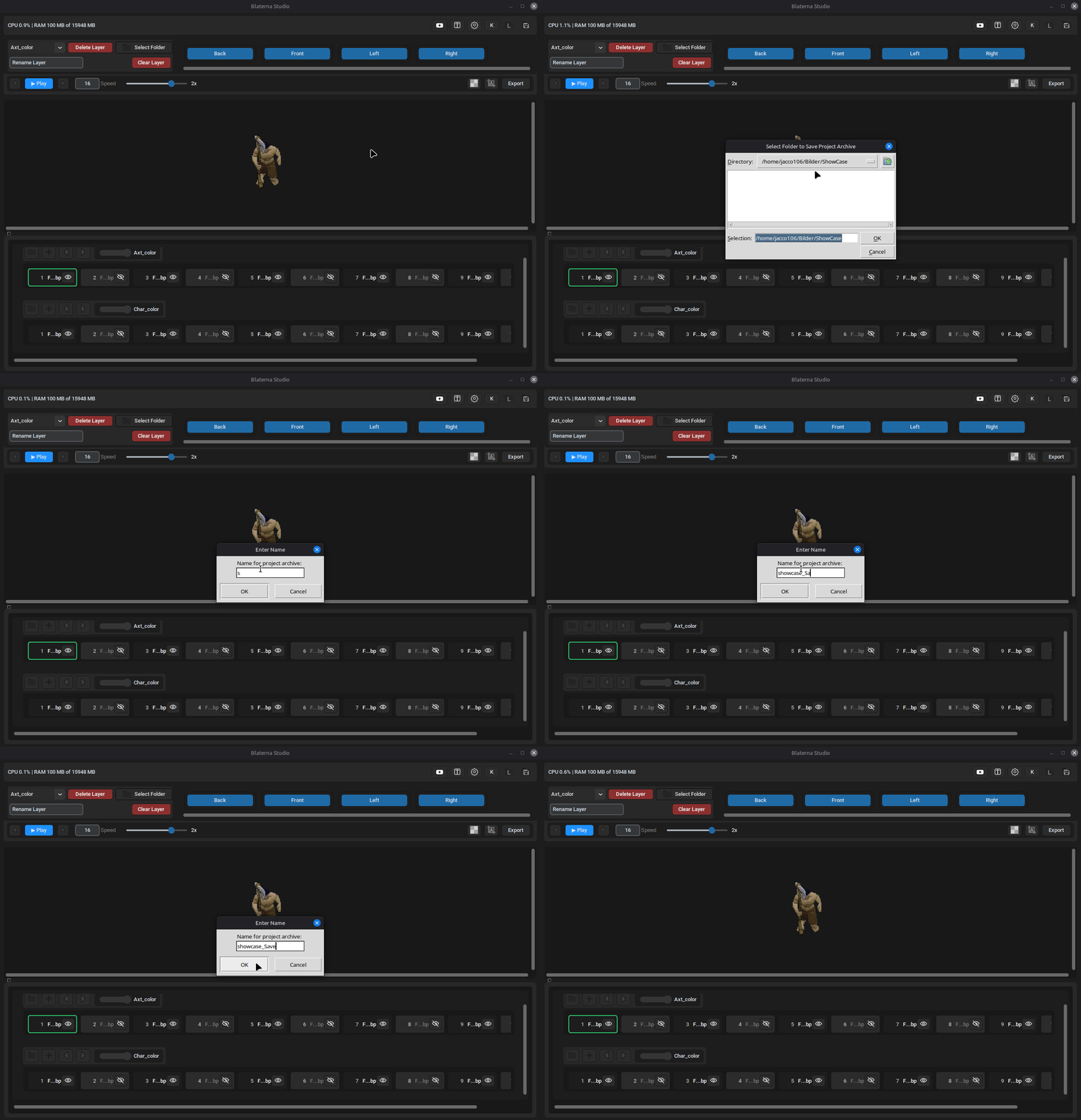
Blaterna Studio includes a snapshot system to quickly save and manage your project states.
A snapshot stores layer names, frame states, playback speed, and all active and inactive frames organized by movement direction—allowing you to restore your setup at any time. Removed frames are not included, keeping your data clean and efficient.
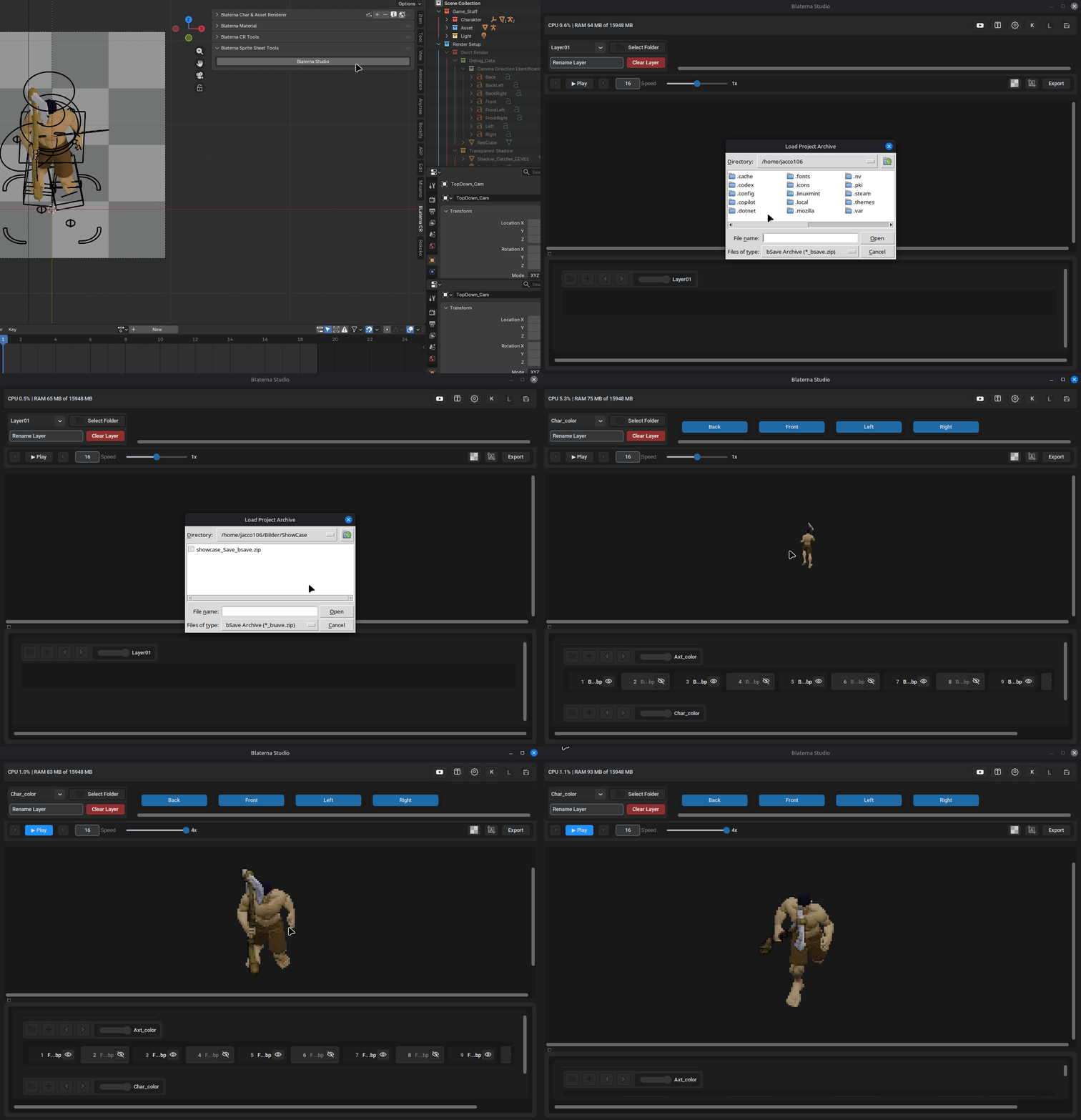
Snapshots are saved as a .zip archive with the “_bsave” extension, containing a JSON file with all relevant information.
This makes it easy to organize, transfer, and reuse project data across your workflow.
Built-in Shortcuts for Faster Workflow
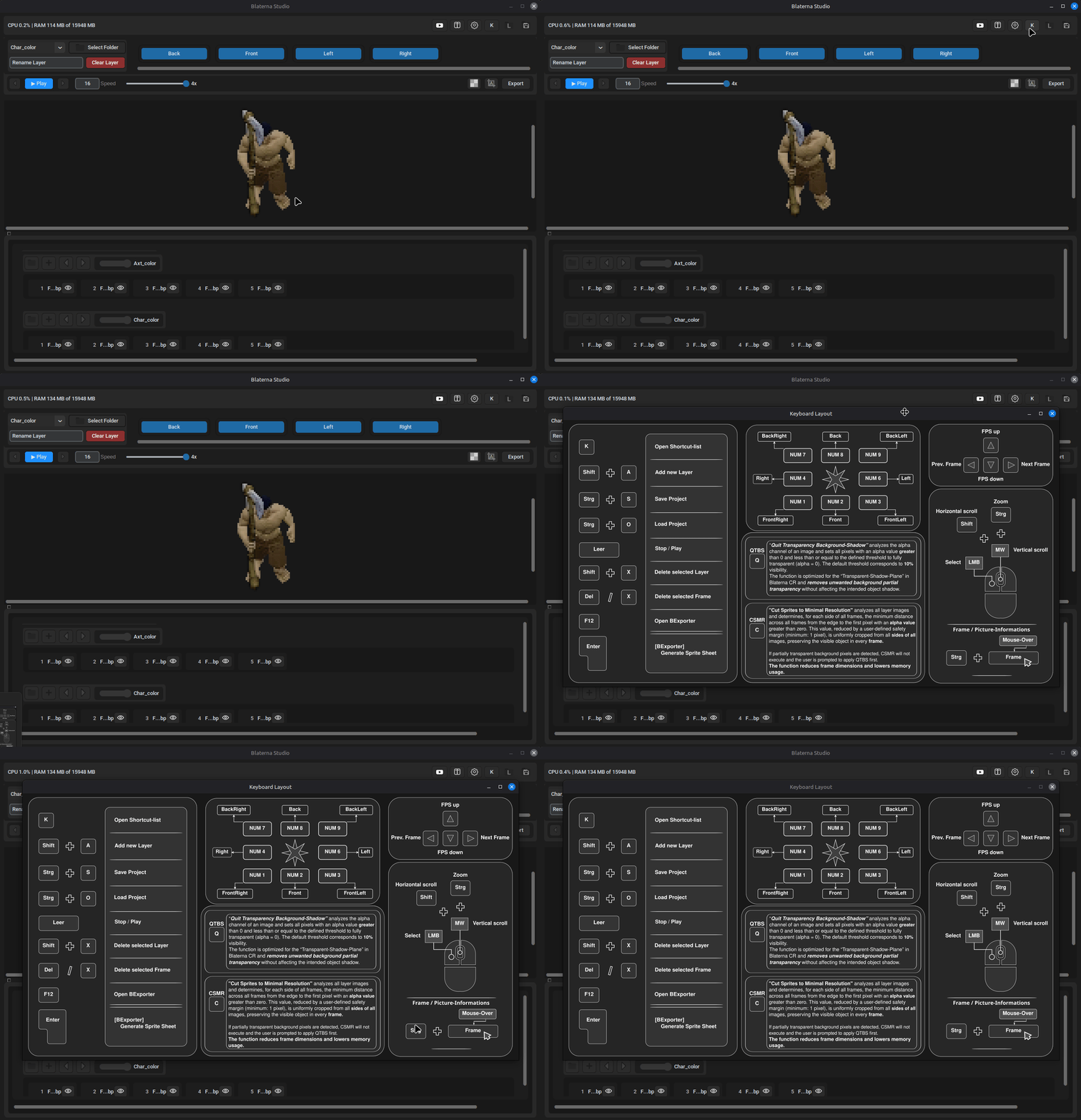
Blaterna Studio supports a range of shortcuts to speed up your workflow and reduce repetitive actions.
You can access the full shortcut overview at any time by pressing the K key or via a dedicated button inside the interface—making it easy to learn and stay efficient while working.
Flexible Camera & Render Directions
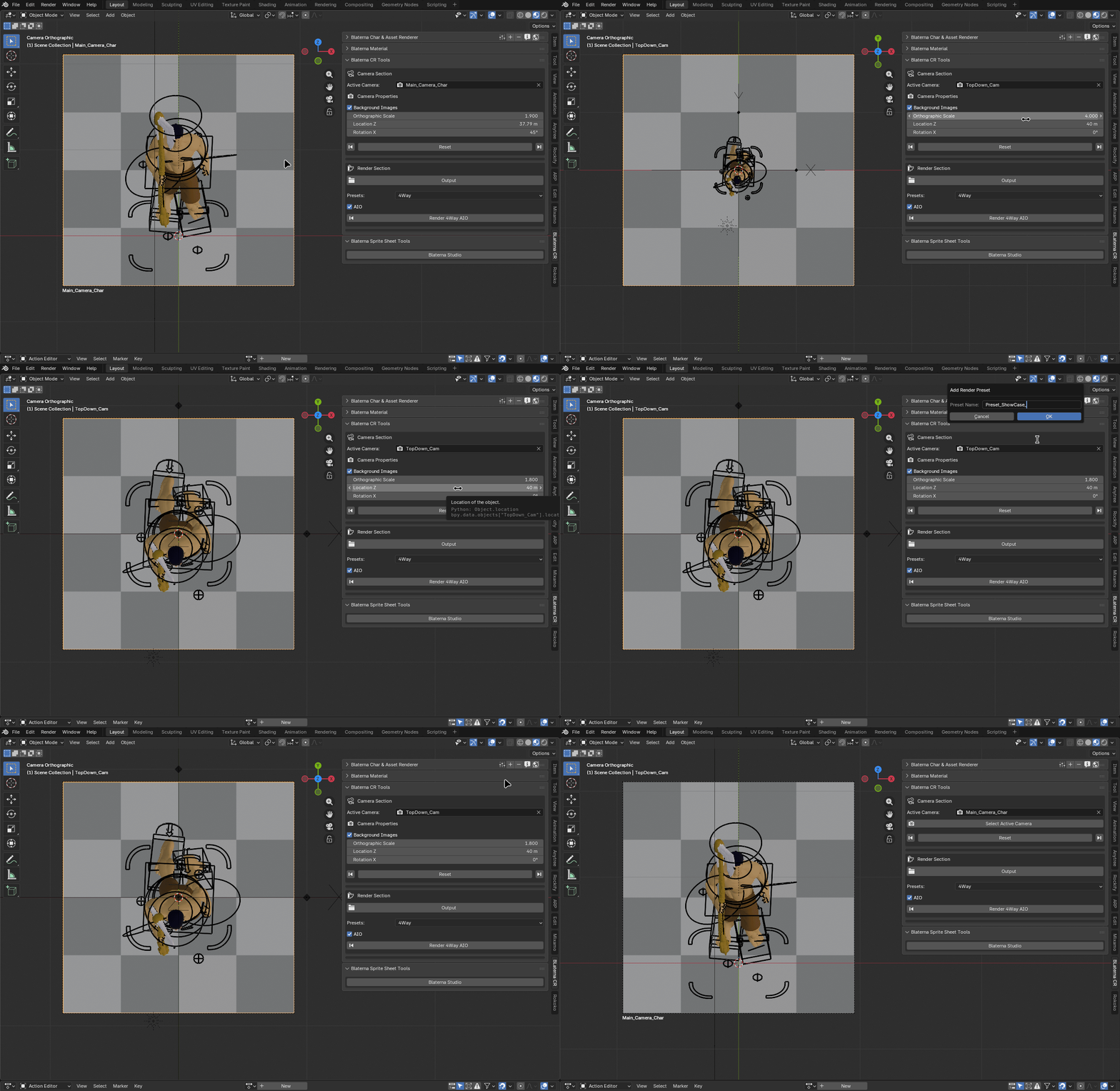
Blaterna Studio works with any camera in Blender, giving you full flexibility in your scene setup.
It also includes built-in top-down and angle-based camera setups, with a default tilt of 45°—ideal for creating consistent, game-ready perspectives.
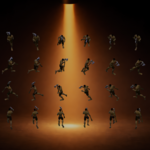
Blaterna Studio provides a wide range of render operators, including 2-direction, 4-direction, 4-direction isometric, and 8-direction setups.
Each mode can be combined with both camera types, giving you full control over your final sprite perspectives.
Free Tutorial & Detailed Feature Overview
A complete free step-by-step tutorial is available on the
BlaternaSoft YouTube Channel.
For a more detailed breakdown of all features, visit the
Blaterna Studio Feature Overview on ArtStation.
Learn how to set up and use Blaterna Studio efficiently—from first setup to final sprite export.