Blend Online – Real-Time Collaboration for Blender
 Blender Procedural
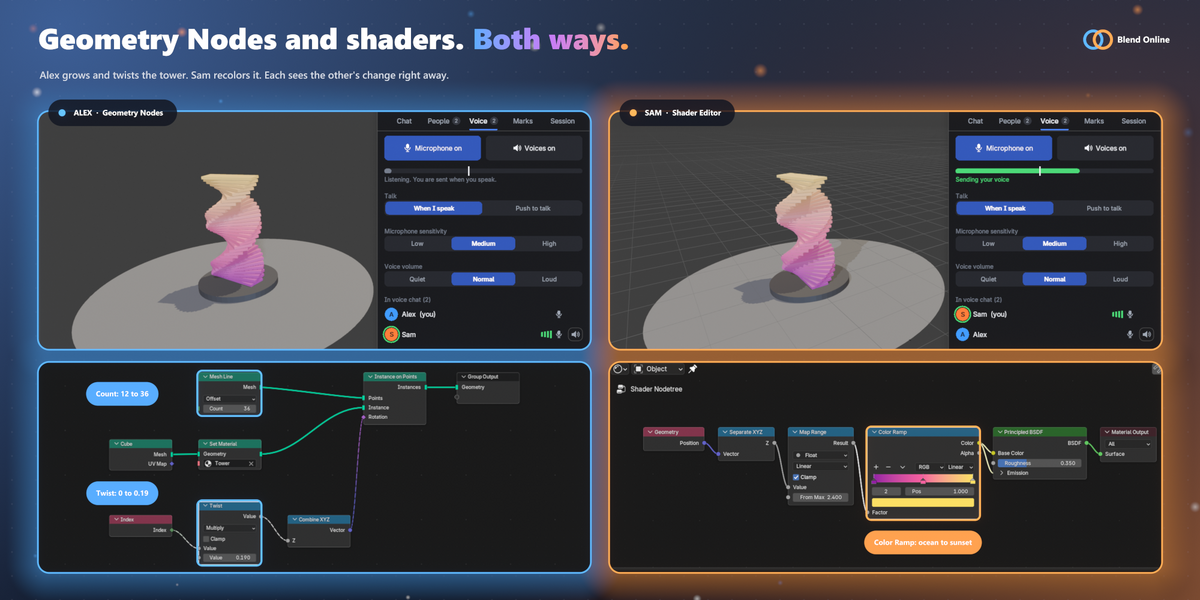
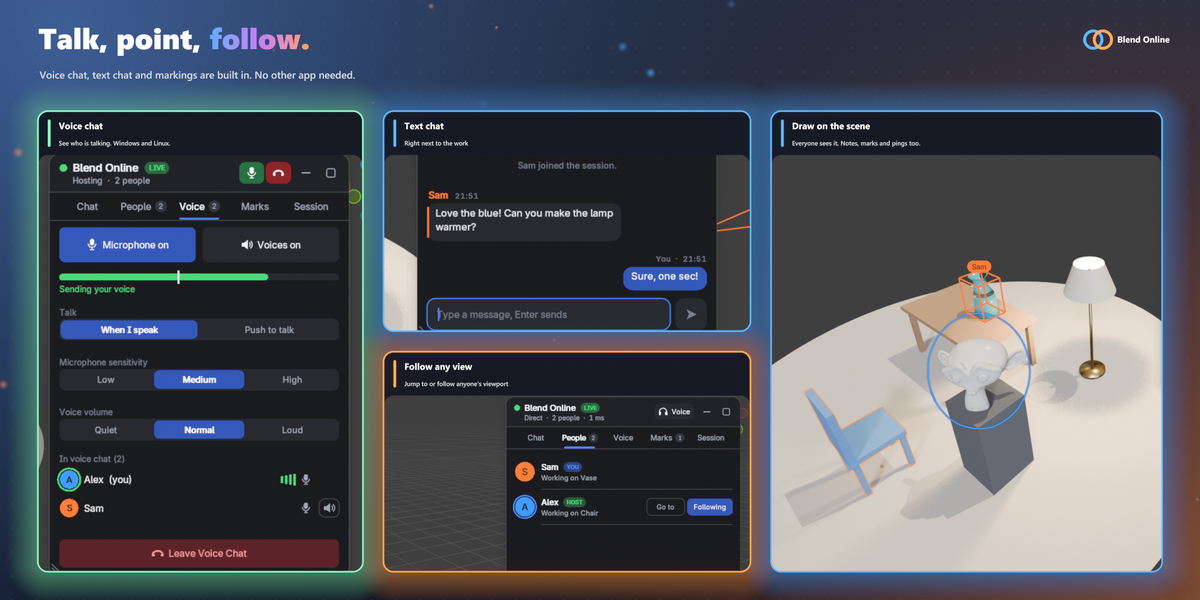

Quick start
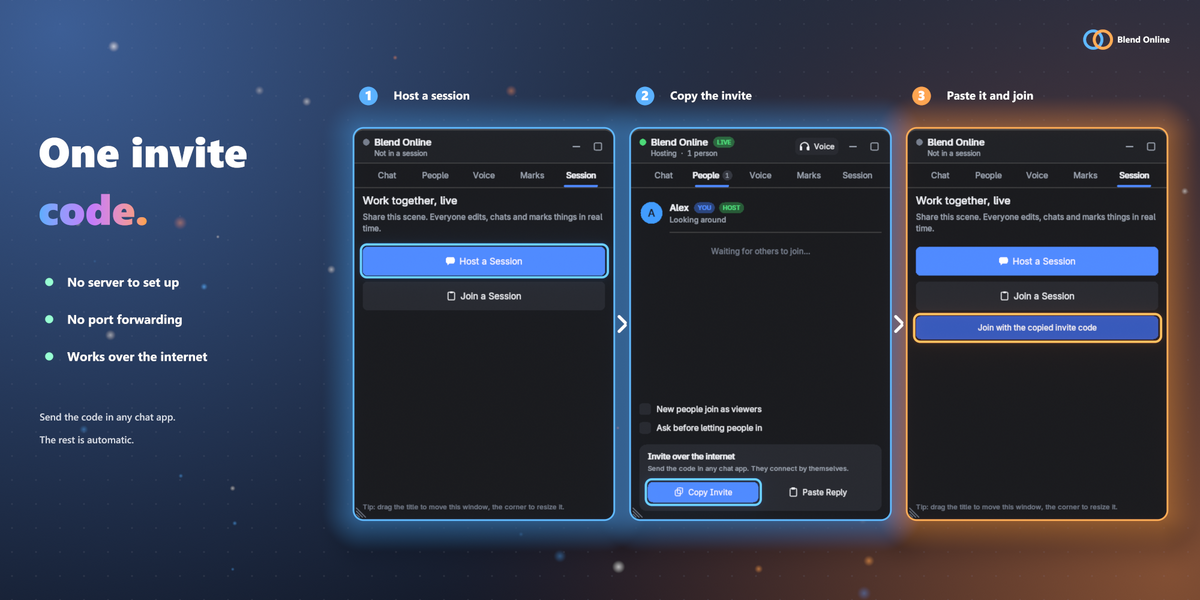
- Install the zip: Edit > Preferences > Get Extensions, the drop-down at the top right, Install from Disk.
- Turn on Allow Online Access in Edit > Preferences > System > Network.
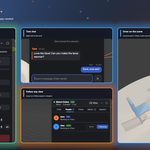
- In the Blend Online window, click Host a Session, then Start Hosting.
- In the People tab, click Copy Invite and send the code in any chat app.
- The other person copies the code and clicks Join with the copied invite code.
Everyone in a session needs the add-on installed. If you can't connect, see "When it doesn't connect" in the documentation above.
 Included
Includes 12 months of
- Support from Blender Procedural
- Product updates
Extend this product’s Support Period +12 months: 50% of product price
Have questions before purchasing?
Login to message
| Blender Extension Compatible | Yes |
| Published | about 3 hours ago |
| Blender Version | 4.2 - 5.2 |
| Extension Type | Add-on |
| Render Engine Used | Cycles, Eevee |
| License | GPL |
Discover more products like this
teamwork blender addon chat voice-chat co-op geometry nodes live editing real-time collaboration multi-user online multiplayer