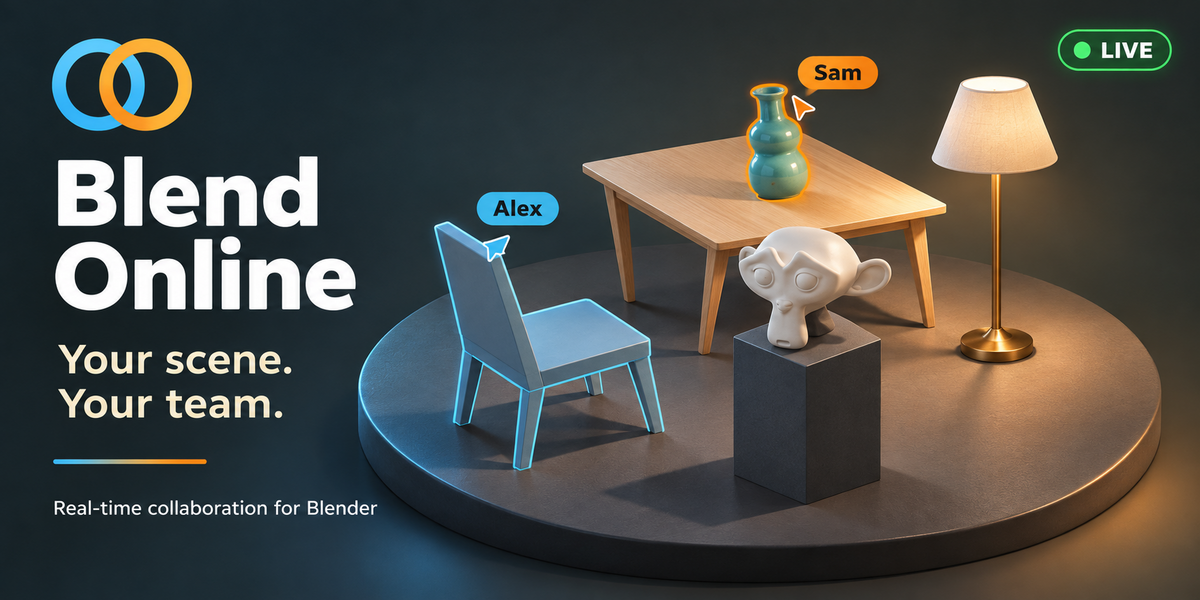
Blend Online – Real-Time Collaboration for Blender
 Blender Procedural
How many people can work together?
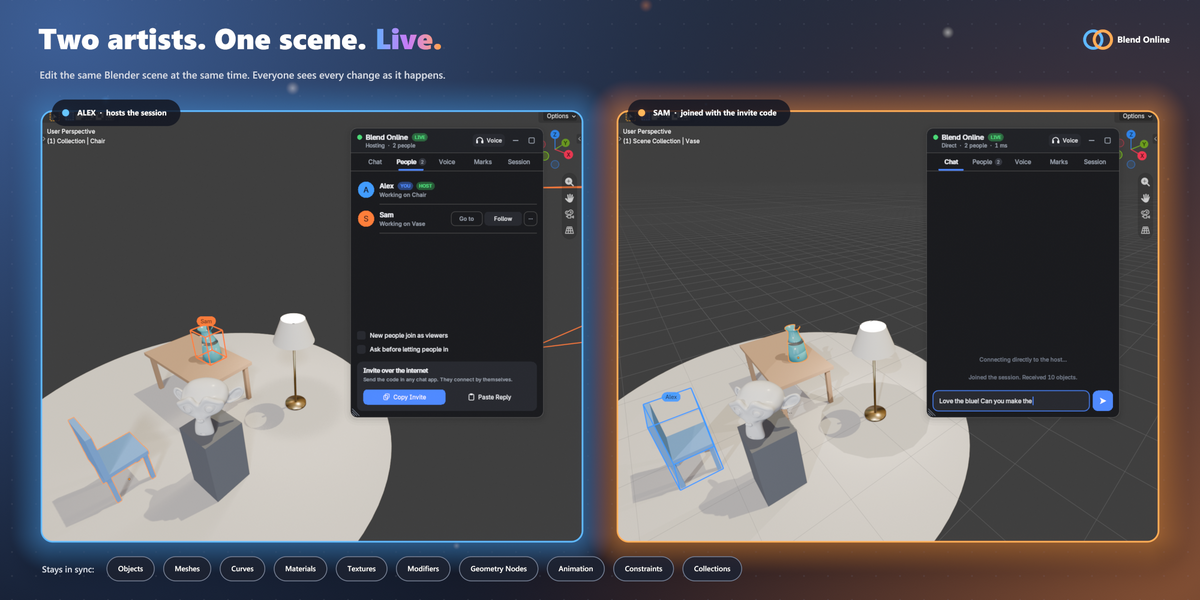
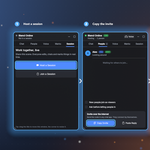
A session holds up to 8 people. The 2 Users license covers you and one other person, the 8 Users license you and up to seven others. Both are the same add-on.
Does everyone need the add-on?
Yes, everyone in a session needs it installed. Send the zip to the people your license covers.
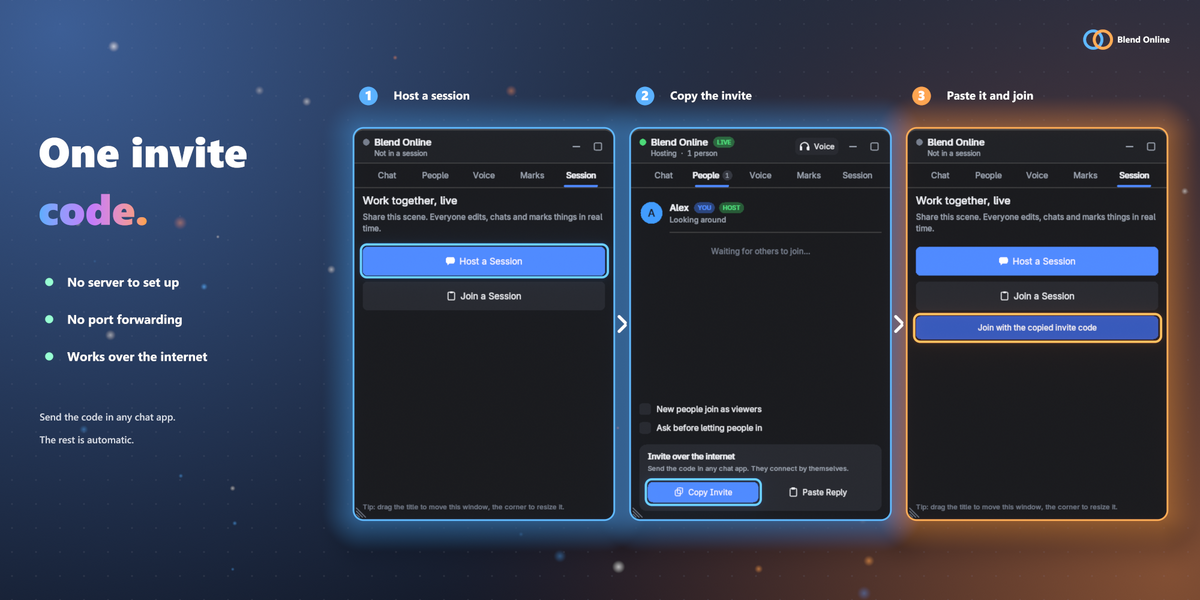
Do we need a server or port forwarding?
No. Host a session, send the invite code, and the other person joins. This works through most routers. When both sides are behind a strict (symmetric) NAT, use the included relay server script or a VPN.
Does voice chat work on macOS?
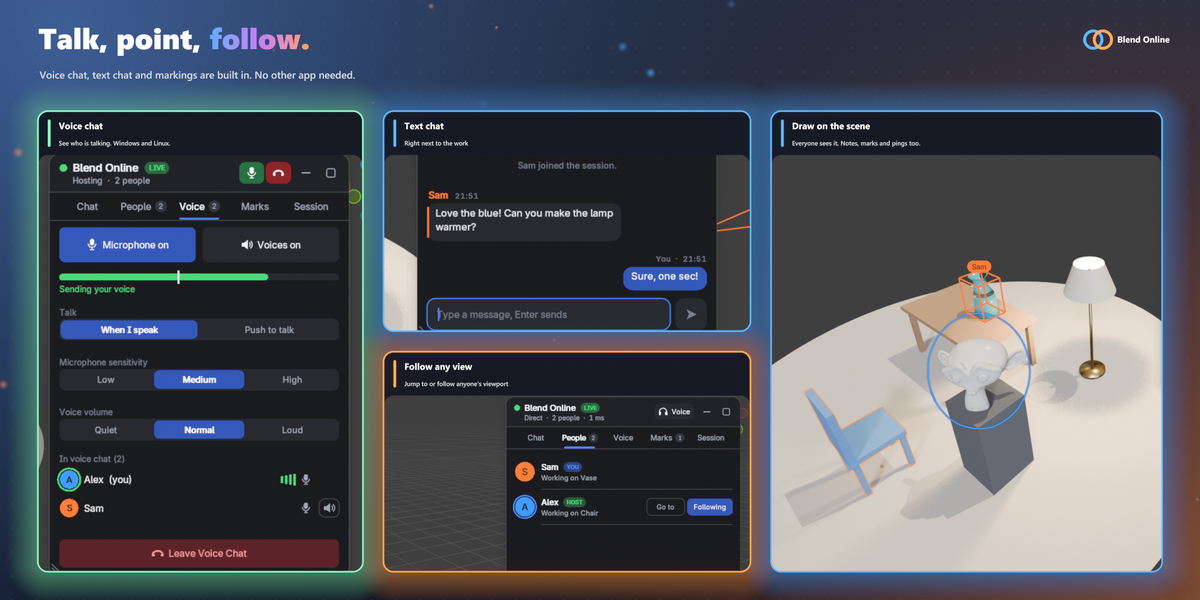
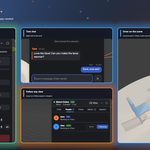
No. Voice chat runs on Windows and Linux. It is not available on macOS, because Blender has no microphone permission there.
What is not shared yet?
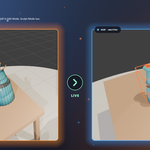
Armatures and poses, Grease Pencil and other object types, shape keys, NLA strips, drivers, animation of materials, worlds and node trees, movies, image sequences and UDIM tiles. The documentation has the full list.
Is my scene stored on a server?
No. Your scene goes directly from computer to computer, and invite code connections are encrypted. Address and relay connections are not encrypted, so use a VPN for confidential work on those.
 Included
Includes 12 months of
- Support from Blender Procedural
- Product updates
Extend this product’s Support Period +12 months: 50% of product price
Have questions before purchasing?
Login to message
| Blender Extension Compatible | Yes |
| Dev Fund Contributor | |
| Published | about 24 hours ago |
| Blender Version | 4.2 - 5.2 |
| Extension Type | Add-on |
| Render Engine Used | Cycles, Eevee |
| License | GPL |
Discover more products like this
voice-chat chat multiplayer real-time multi-user teamwork co-op geometry nodes online blender addon collaboration live editing