Blender 5 Compatibility Report
 Synapse Nodes
1. Install
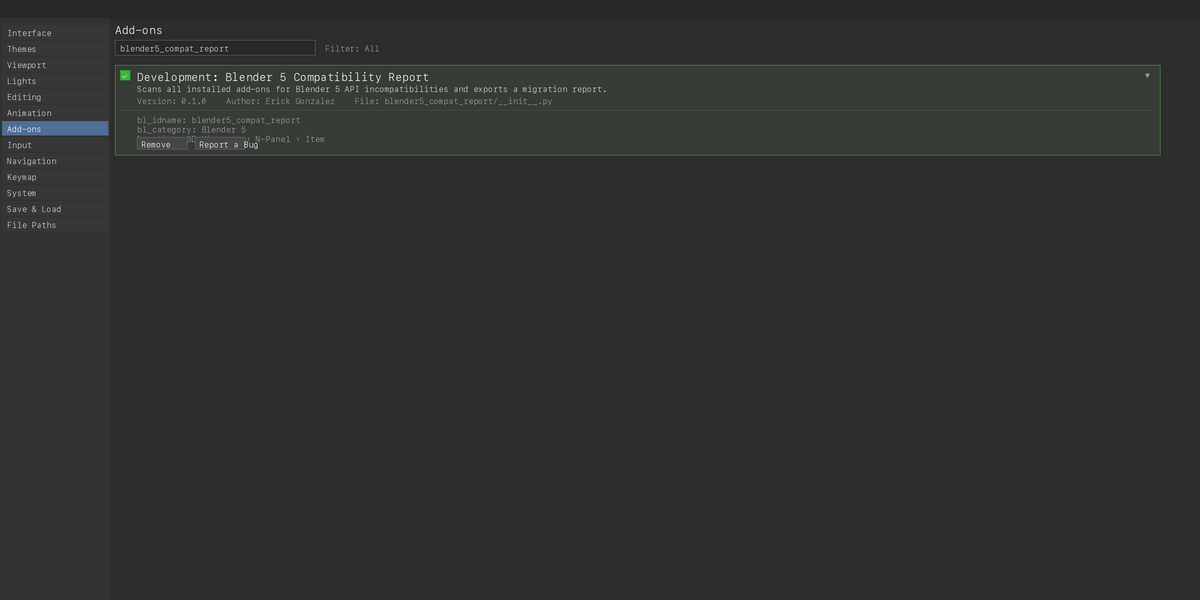
Blender 4.2 or newer (extension): download blender5_compat_report-0.1.0.zip and do not unzip it. Drag it onto the Blender window and confirm, or use Edit › Preferences › Get Extensions › ⌄ › Install from Disk…. Accept the permissions it asks for: reading files (to read your installed add-ons) and the clipboard.
Blender 3.6 to 4.1 (legacy add-on): download blender5_compat_report-0.1.0-legacy-blender-3.6-4.1.zip and do not unzip it. Go to Edit › Preferences › Add-ons › Install…, choose the zip and press Install Add-on. Then enable the checkbox next to "Development: Blender 5 Compatibility Report".
2. Scan your add-ons
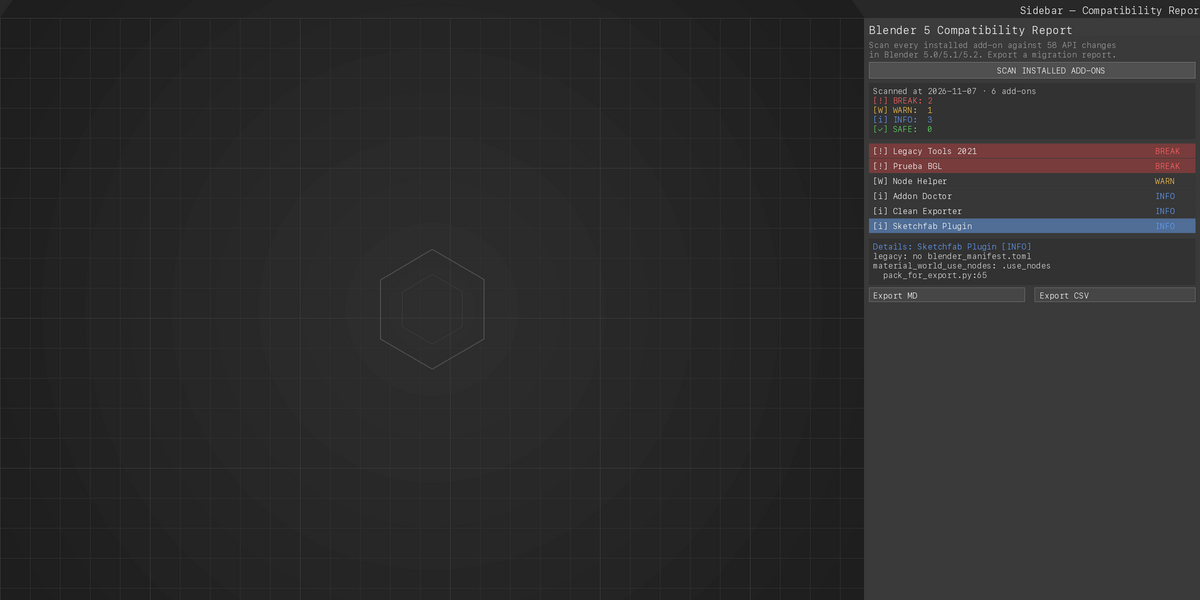
- Hover over the 3D Viewport, press N and open the Blender 5 tab.
- Press SCAN INSTALLED ADD-ONS. Blender stays busy until the scan ends; with many add-ons it can take a while.
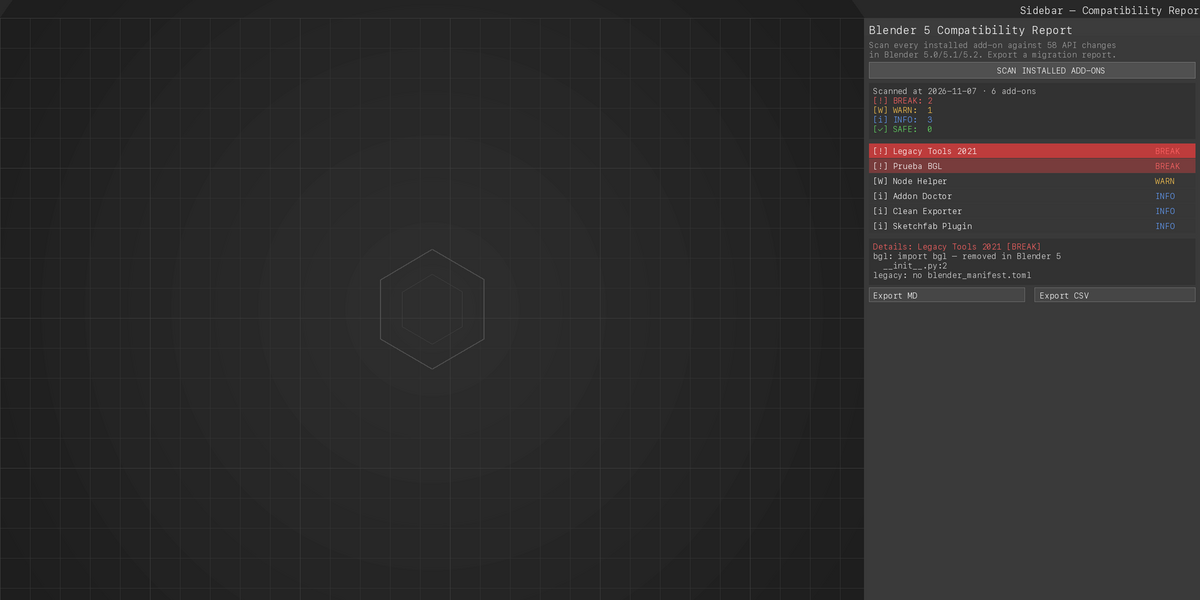
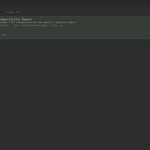
- The box shows how many add-ons are BREAK, WARN, INFO and SAFE. Select an add-on in the list to see its findings.
3. Export the report
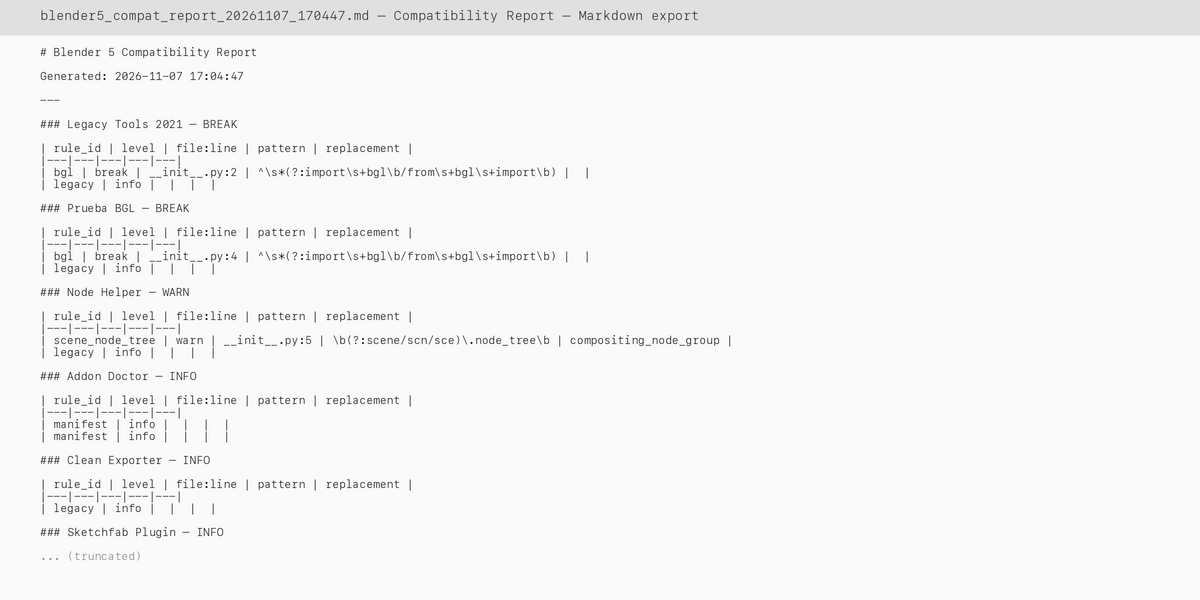
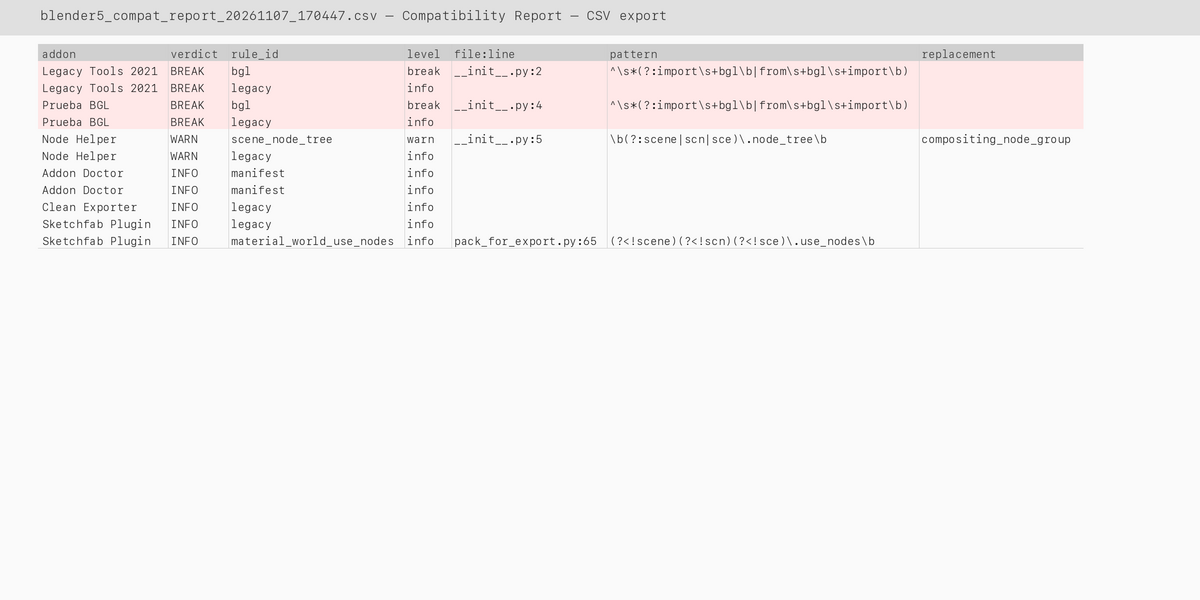
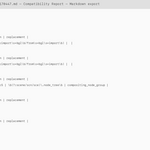
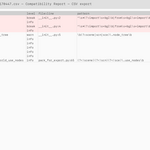
Press EXPORT MD to save a Markdown report to ~/Documents, or EXPORT CSV for a plain CSV. Each row in the detail section shows: rule_id | level | file:line | pattern | replacement.
4. Reading a finding
BREAK means a rule with level rompe matched — this API was removed and the add-on will likely not load. WARN means a rule with level revisar — the API changed behavior or was renamed. INFO means an informational rule — worth reading. Open the reported file at the reported line to confirm.
5. Requirements
Blender 3.6 or newer. Pure Python, no extra libraries, no internet connection.
6. Uninstall
Go to Edit › Preferences › Add-ons (or Get Extensions in 4.2 and newer), search "blender 5 compat", disable it and remove it.
Have questions about this product?
Login to message
| Blender Extension Compatible | Yes |
| Published | about 10 hours ago |
| Blender Version | 3.6 - 5.2 |
| Extension Type | Add-on |
| License | GPL |

Discover more products like this
markdown Export add-on checker diagnostics migration upgrade blender 5 compatibility csv version check python api