 NineLine


Who is this for?
Exporting a large number of objects one by one can be tedious and time-consuming.
With this tool, you can solve that repetitive problem in just a few clicks.
Simply select the objects you want to export, choose your preferred export options, and let the tool handle the rest.
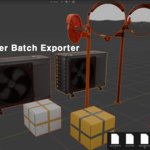
Batch Exporter allows you to export multiple objects individually using the settings you want.
Free yourself from repetitive export work.
=====================================================================
Export multiple selected objects as individual FBX, OBJ, or GLB files using Blender's native exporter.
Blender Batch Exporter also includes utility tools for object renaming, mesh cleanup, and origin adjustment.
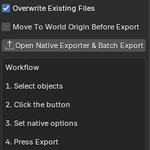
1. Open Native Exporter & Batch Export
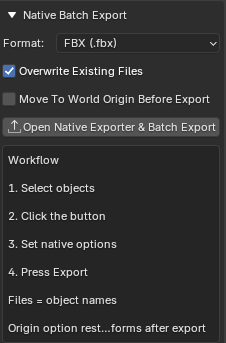
Opens Blender's native export window and prepares batch export for all selected objects.
Each selected object is exported as an individual file using its object name as the file name.
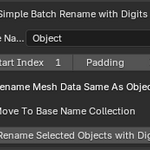
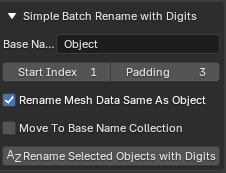
2. Rename Selected Objects with Digits
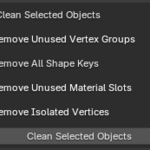
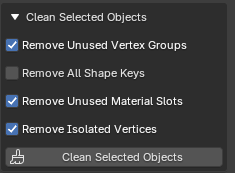
3. Clean Selected Objects
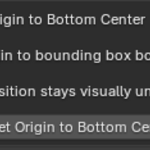
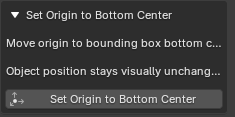
4. Set Origin to Bottom Center
Update History
June 19, 2026
- Added Move To World Origin Before Export option to the batch export tool.
- Added Move To Base Name Collection option to the rename tool.
- Updated the manual to include the newly added options.