 Skava
Skava





Download the .zip file and do not unpack it. In Blender open Edit > Preferences > Add-ons, click the drop-down arrow in the top-right corner and choose Install from Disk (in Blender 4.0 and 4.1 the button is called Install), then pick the downloaded file. Tick the checkbox next to Blender Collab Pro to enable it. Press N in the 3D Viewport and open the Collab tab in the sidebar. The documentation recommends restarting Blender after enabling it.
The product page lists Blender 4.0 – 5.0.
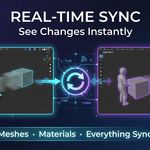
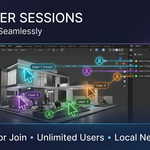
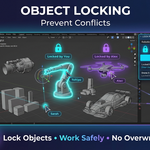
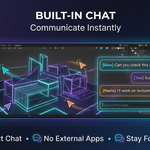
It lets several people work on the same Blender scene at once. One person clicks Host Session, the others click Connect and enter the host’s IP address and port. Object transforms, mesh edits, material assignments, modifier changes and object creation or deletion are synced. It also has object locking, a change history with undo and redo, a built-in chat and a list of connected users.
Yes, that is how it works. According to the documentation it connects computers over TCP, by default on port 5555, and the host’s firewall must allow incoming connections on that port. The documentation lists it as local network only, with no internet relay.
The documentation lists: up to 10 users recommended, large mesh edits may be delayed, the file must be saved by the host, and animation playback is not synced.
The documentation says Blender Collab Pro is licensed for personal and commercial use and that redistribution is prohibited.
Have questions about this product?
Login to message
| Sales | 10+ |
| Published | 9 months ago |
| Blender Version | 4.0 - 5.0 |
| Extension Type | N/A |
| Render Engine Used | Cycles, Eevee |
| License | Mit |
Discover more products like this
team real-time live editing remote work collaboration network multi-user Studio sync multiplayer