Blender Face Picker
 SouthernShotty LLC
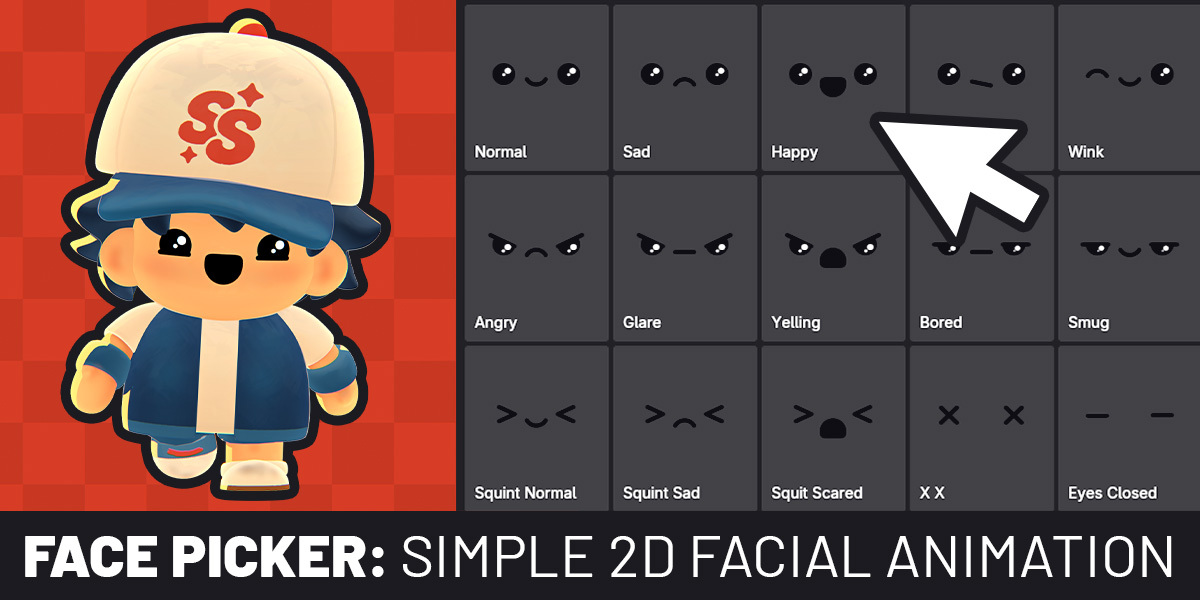
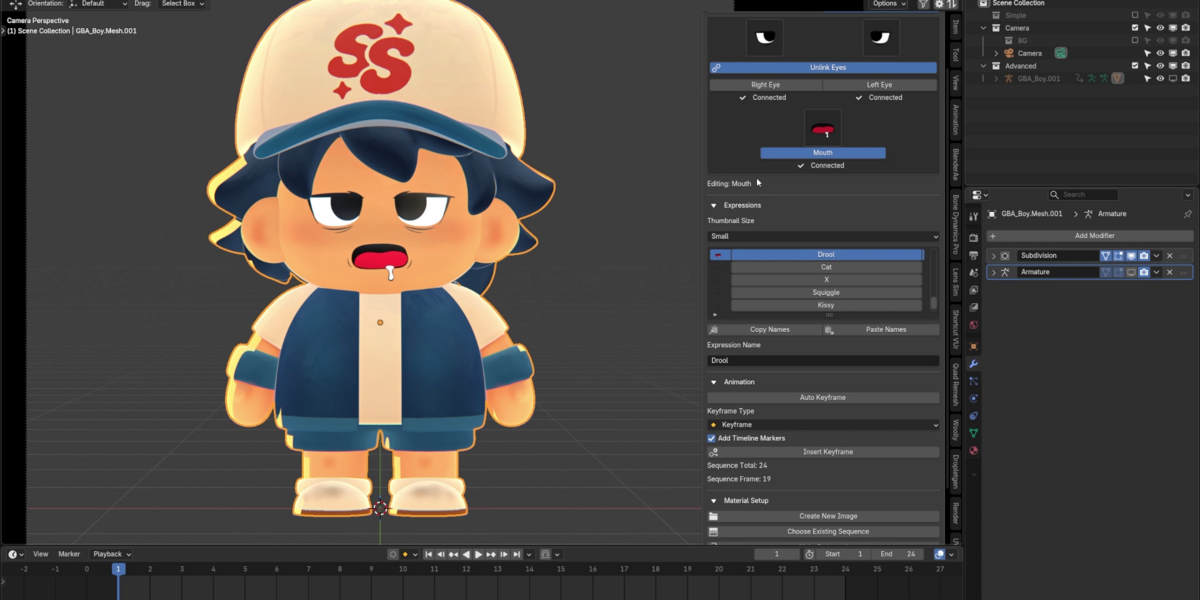
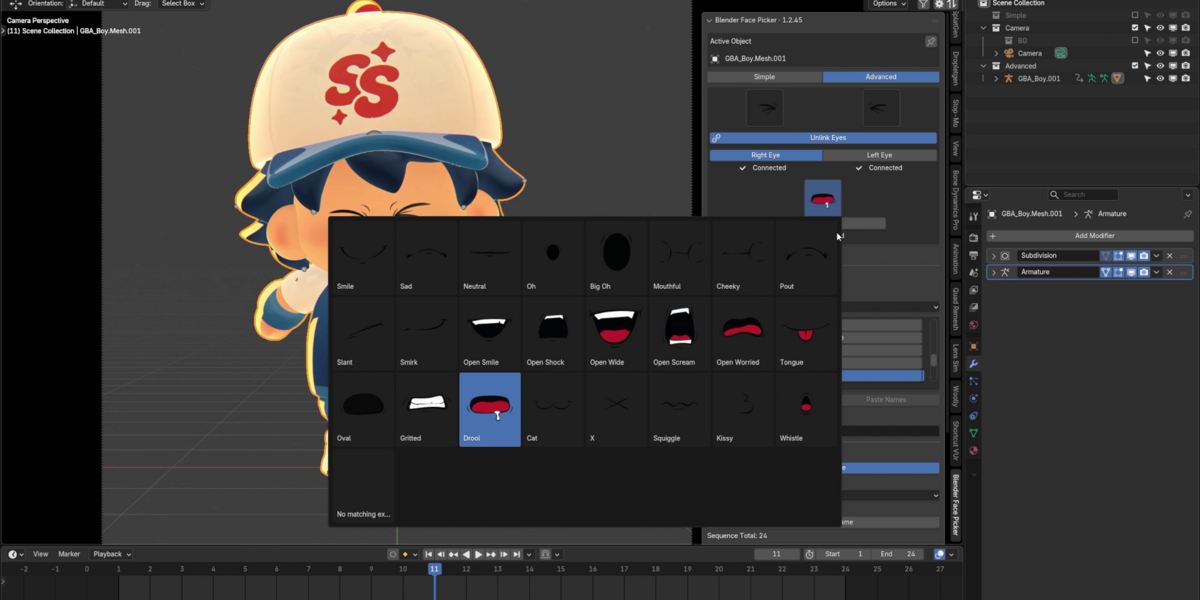
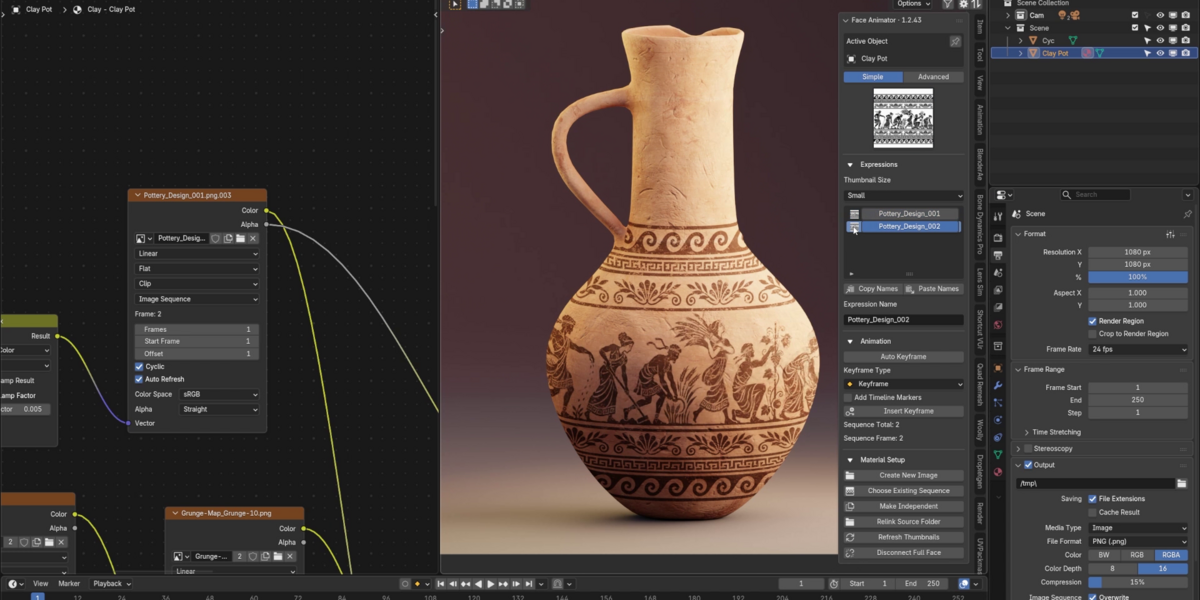
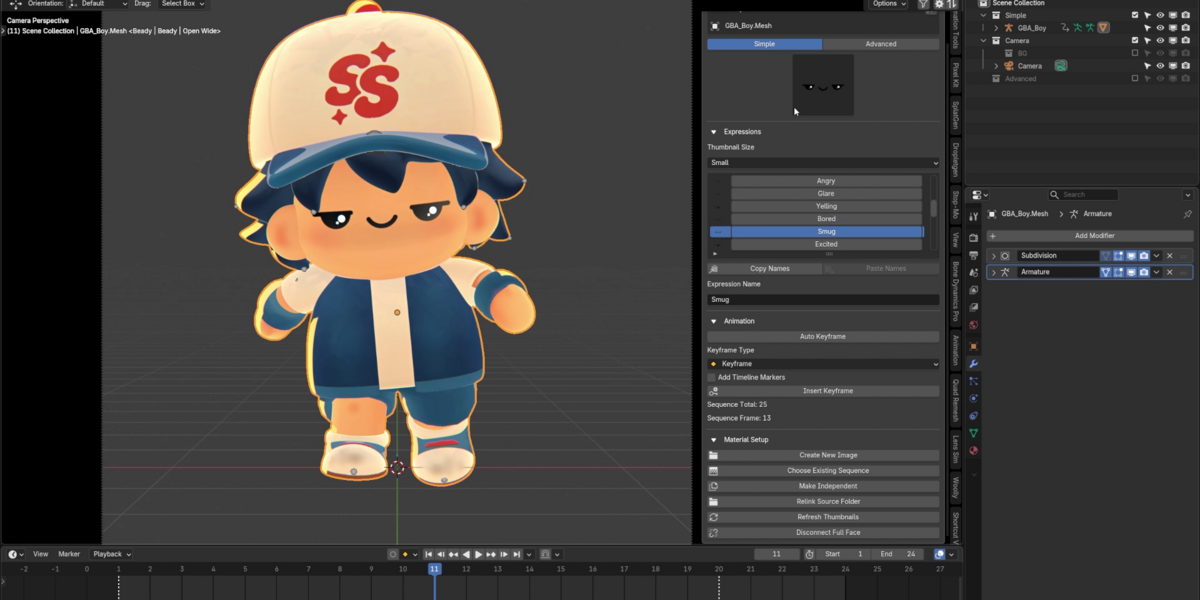
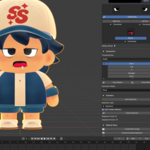
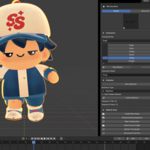
Head to the Documentation tab for the written manual and an overview video tutorial. They’ll walk you through setting up your first image sequence and keyframing expressions.
Send me a message on Superhive with screenshots and a short explanation of what happened. If you can, include your Blender version and the steps that led to the issue so I can reproduce it.
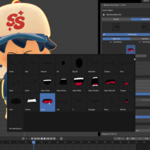
The Face Picker Asset Bundle includes 312 ready-to-use images for Advanced Mode: five eye styles with 24 matching left and right expressions per style, and three mouth styles with 24 expressions each. Editable vector source files compatible with Illustrator and Inkscape are also included.


Simple Face — Free Starter Set
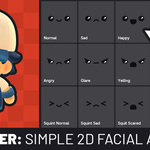
These 25 full-face expressions come with the free add-on and are ready to use in Simple Mode.

Have questions about this product?
Login to message
| Sales | 10+ |
| Downloads | 200+ |
| Published | 1 day ago |
| Blender Version | 5.3 |
| Extension Type | N/A |
| Render Engine Used | Cycles, Eevee |
| License | GPL |
