 SouthernShotty LLC
Overview
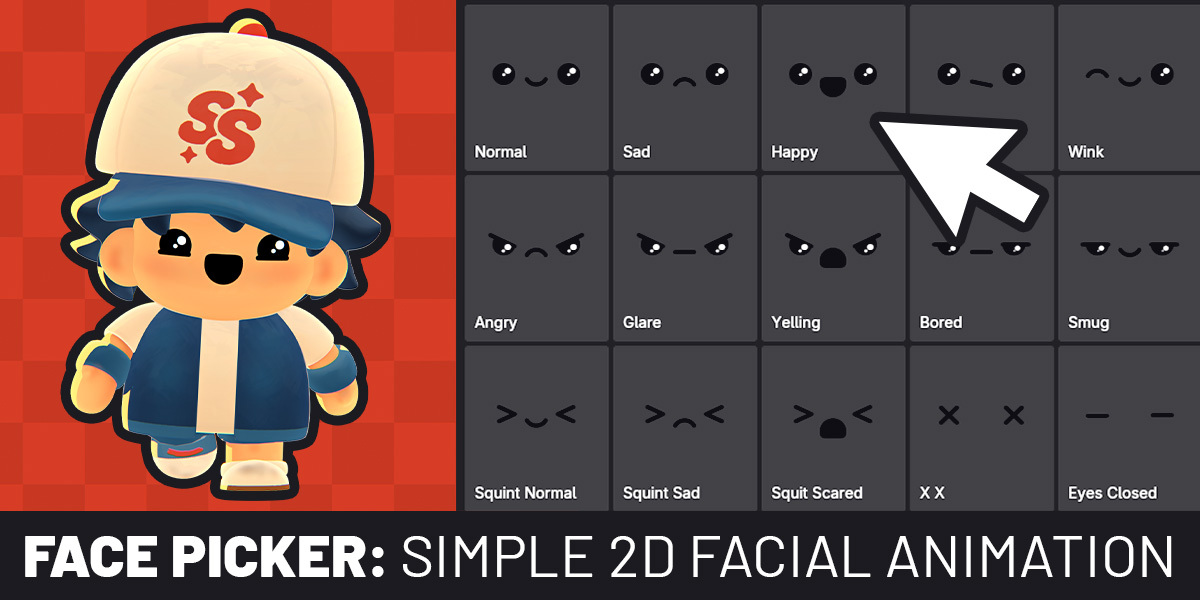
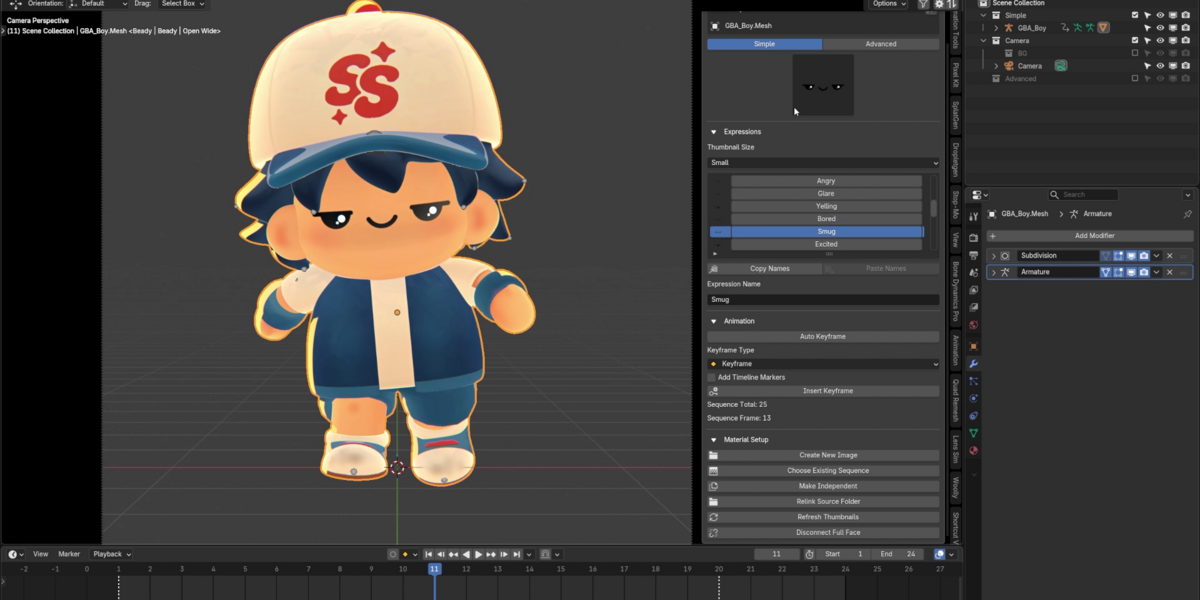
The easiest way to animate 2D faces in Blender
NEW FREE ADD-ON | Blender Face Picker |
No Rigs Necessary
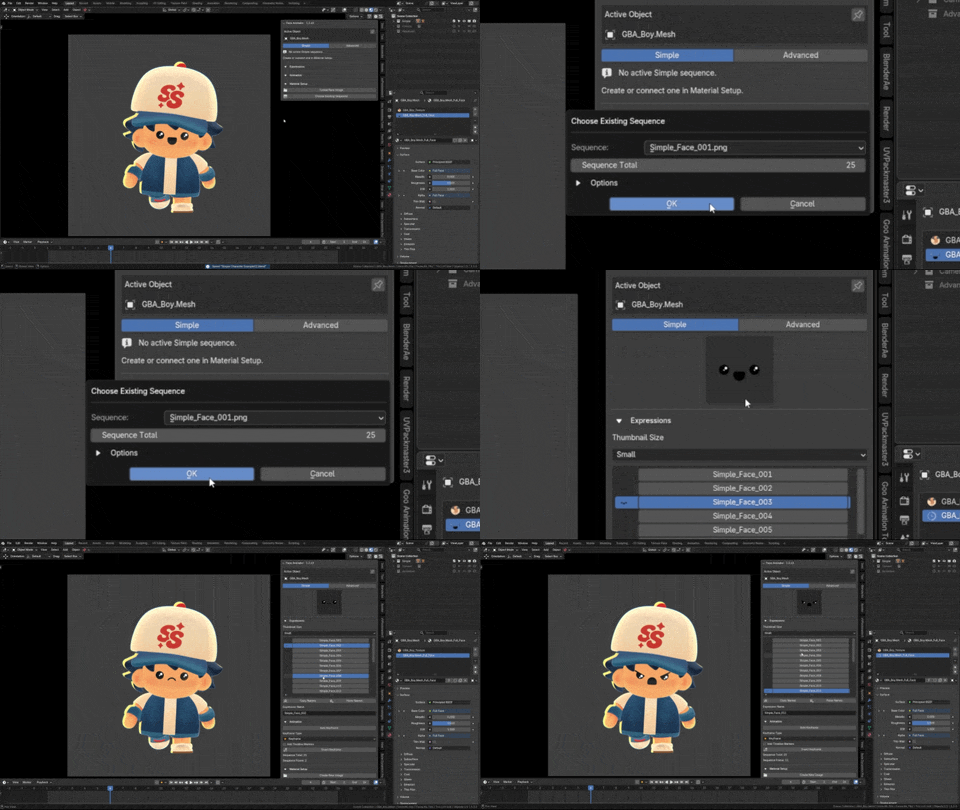
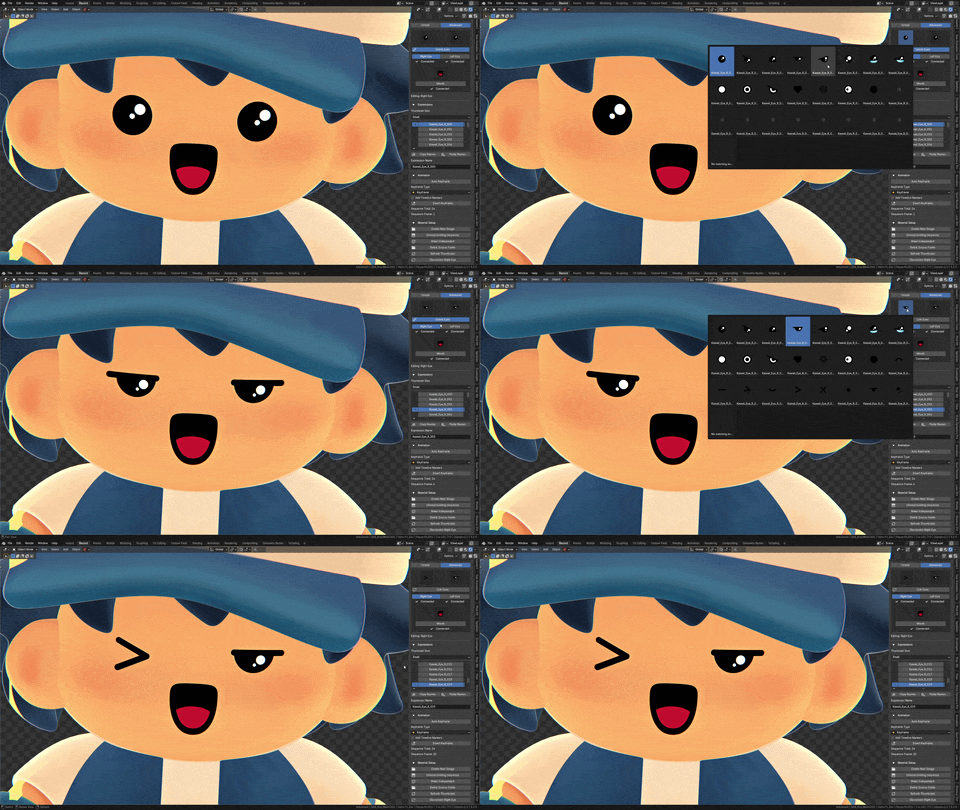
Import an image sequence as a plane or pick one already in your material. You’re ready to animate.
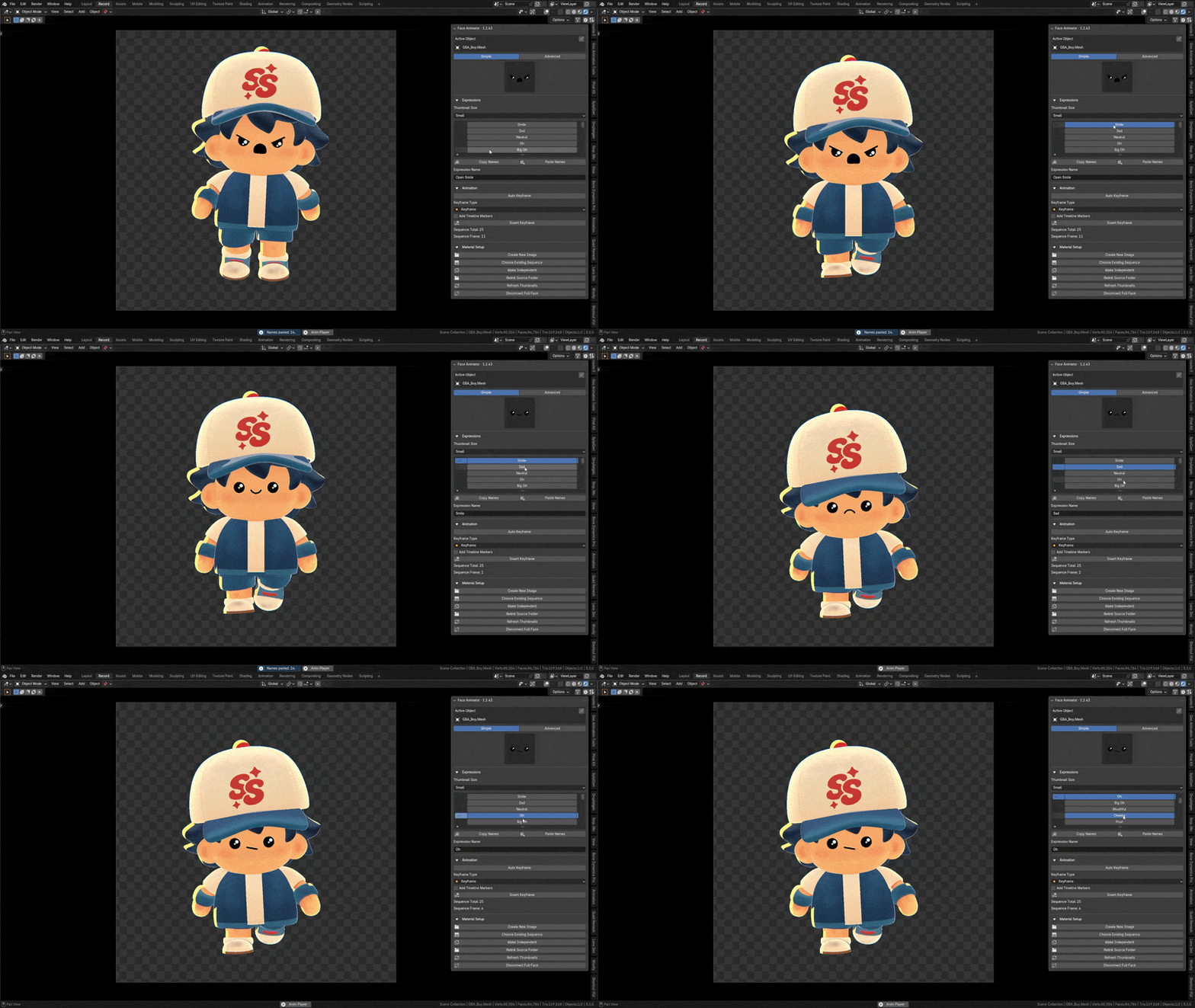
One-Click Animation
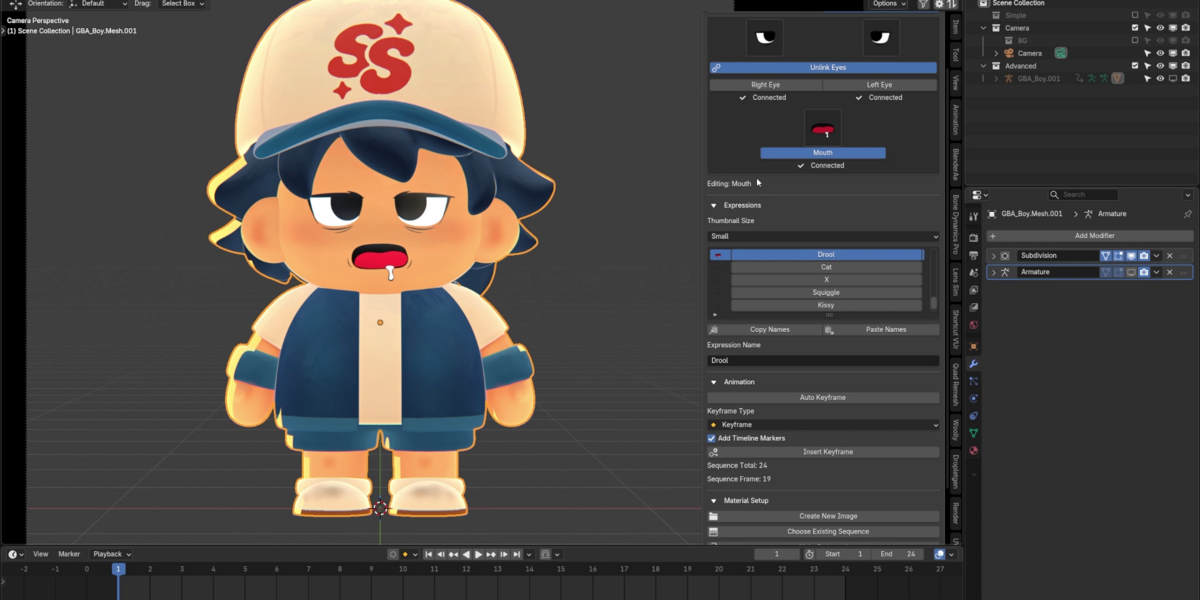
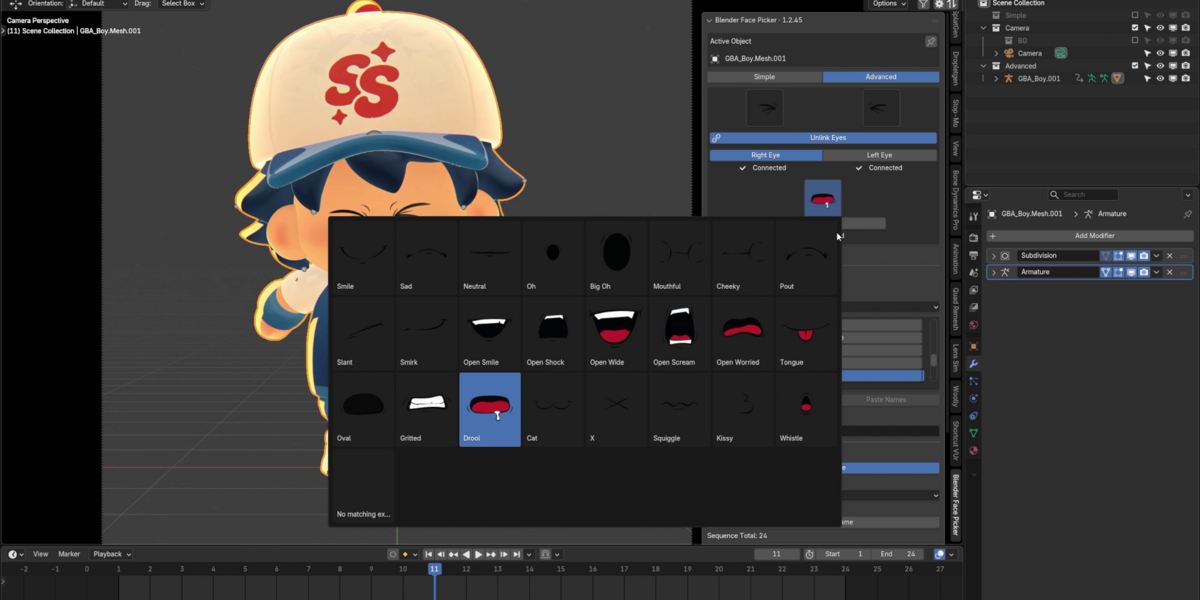
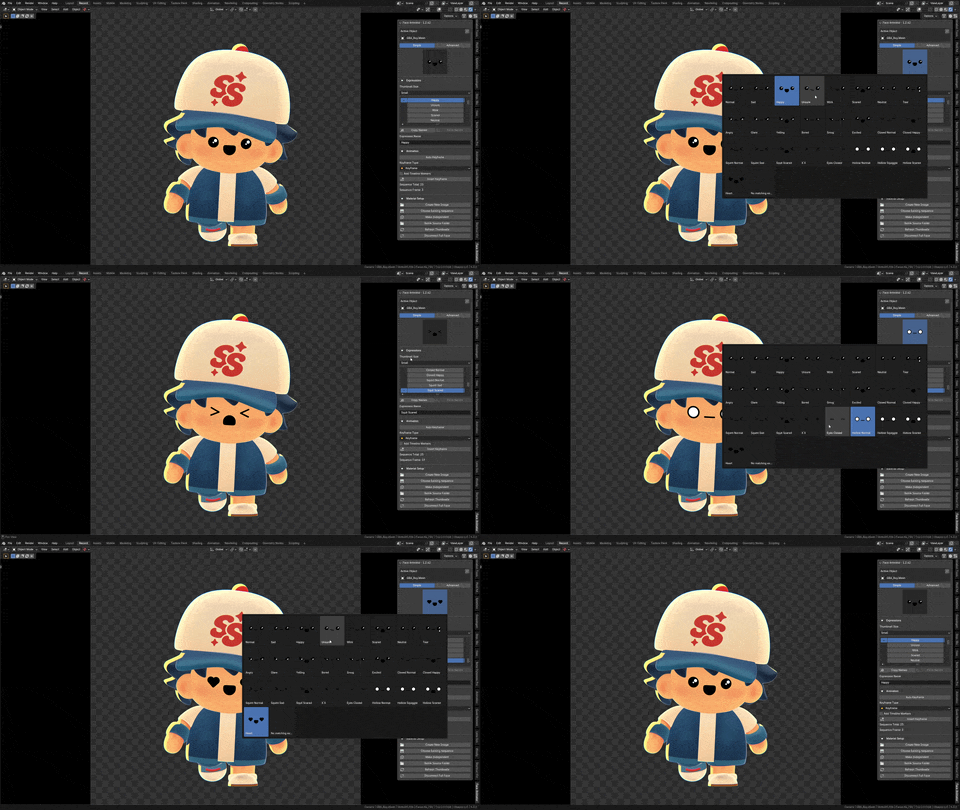
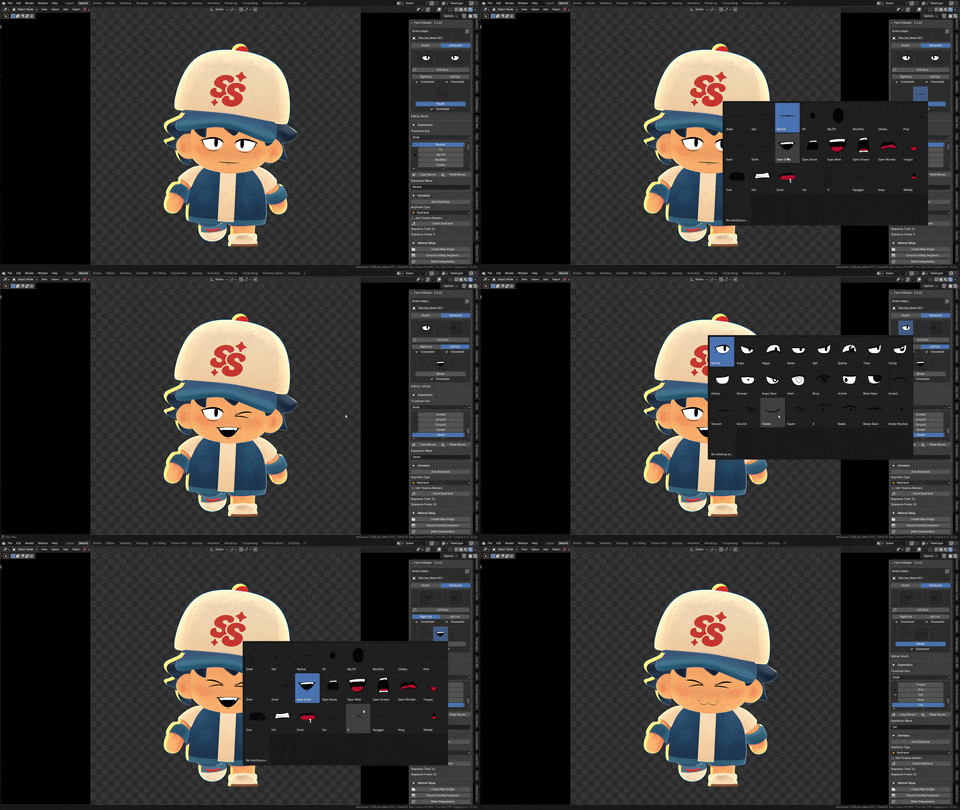
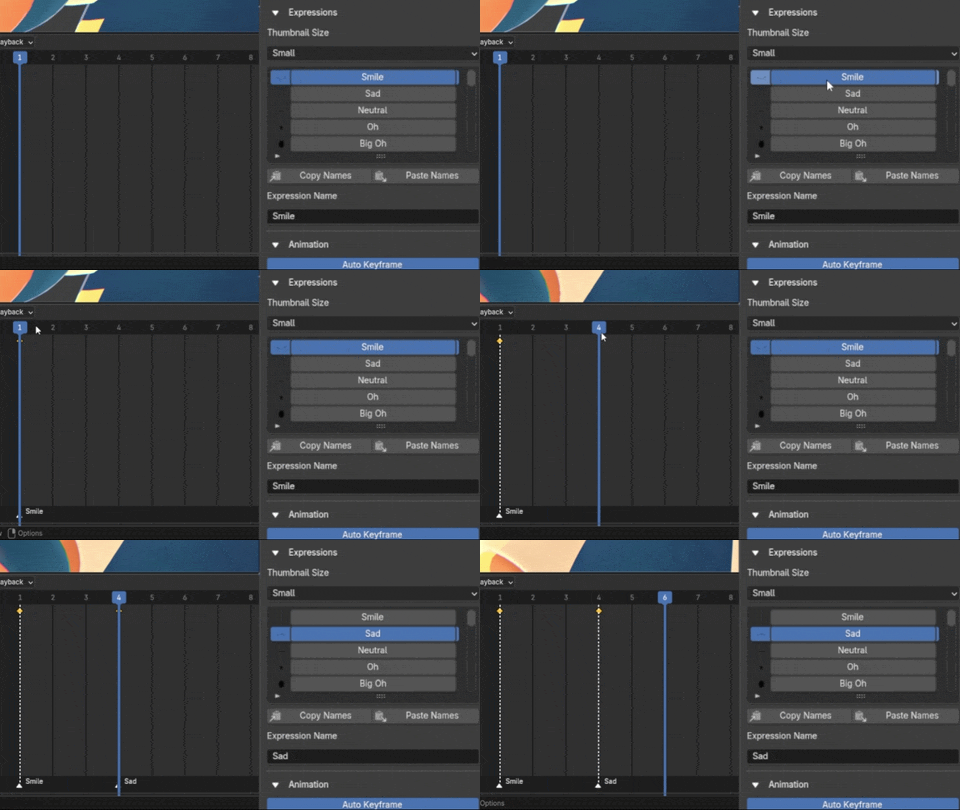
Click a thumbnail to change the expression. Turn on Auto Keyframe and Add Timeline Markers to key and label it in the same click.
Libraries Available
Try the included starter faces and basic model examples, or jump into the Face Picker Asset Bundle for hundreds of ready-to-use eye and mouth images.
Full Tutorial
Check out the documentation page for a full tutorial and manual.
Free Simple Face Texture Pack Included!
25 free face textures included, check out the asset bundle for over 300 images in varying styles!
Two Ways to Animate
| Simple ModeUse one image sequence for the whole face. Pick a complete expression for each beat. | Advanced ModeUse separate image sequences for the eyes and mouth. Give each part its own timing for more expressive animation. |
Face Picker Tools
|
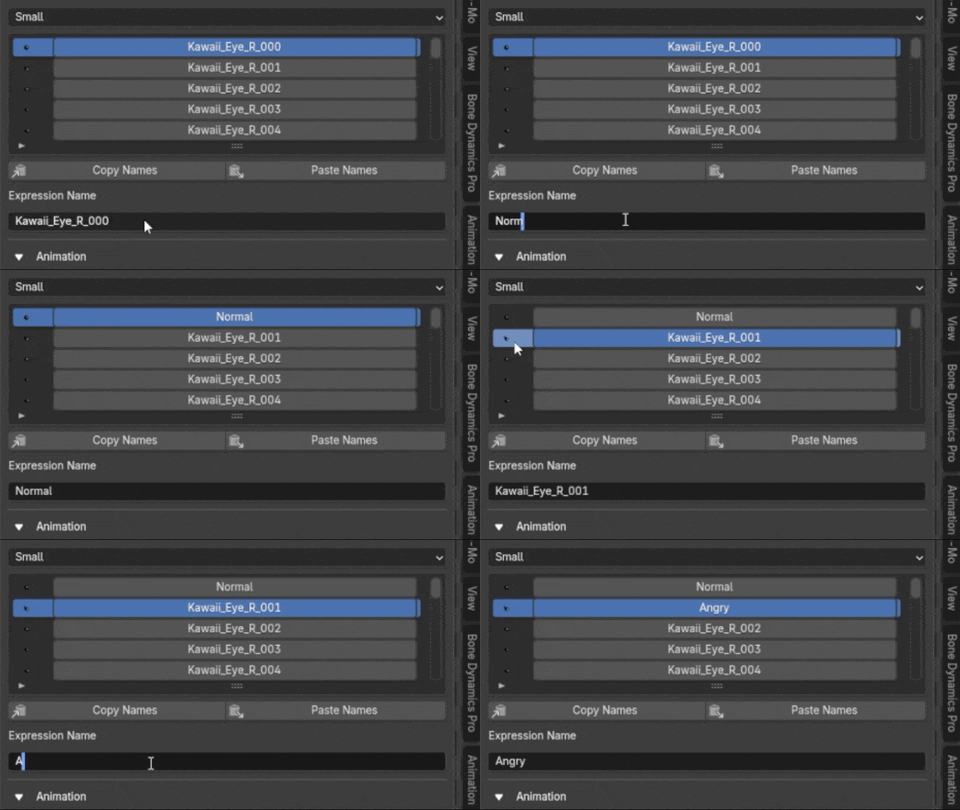
Visual Expression LibraryName your expressions so they’re easy to find. Copy and paste names between libraries when you set up another character. |
Keyframes & Timeline MarkersKey expressions manually or as you pick them. Turn on timeline markers to label keyed frames with the expression names. |
|
Set It Up Your WayCreate an image plane automatically, or connect compatible image sequences already in your materials. Multiple sequences can use the same material. |
Animator-Friendly ControlsLink the eyes for a blink, then unlink them for a wink. Pick from the thumbnail popup or animate from the expression list at the thumbnail size you prefer. |
Face Picker Asset Bundle
Give your next character a face without drawing every expression from scratch
The Face Picker Asset Bundle gives you 312 ready-to-use images for Advanced Mode. Mix eye and mouth styles to find a look that fits your character. Buying the bundle also supports the continued development of Face Picker.
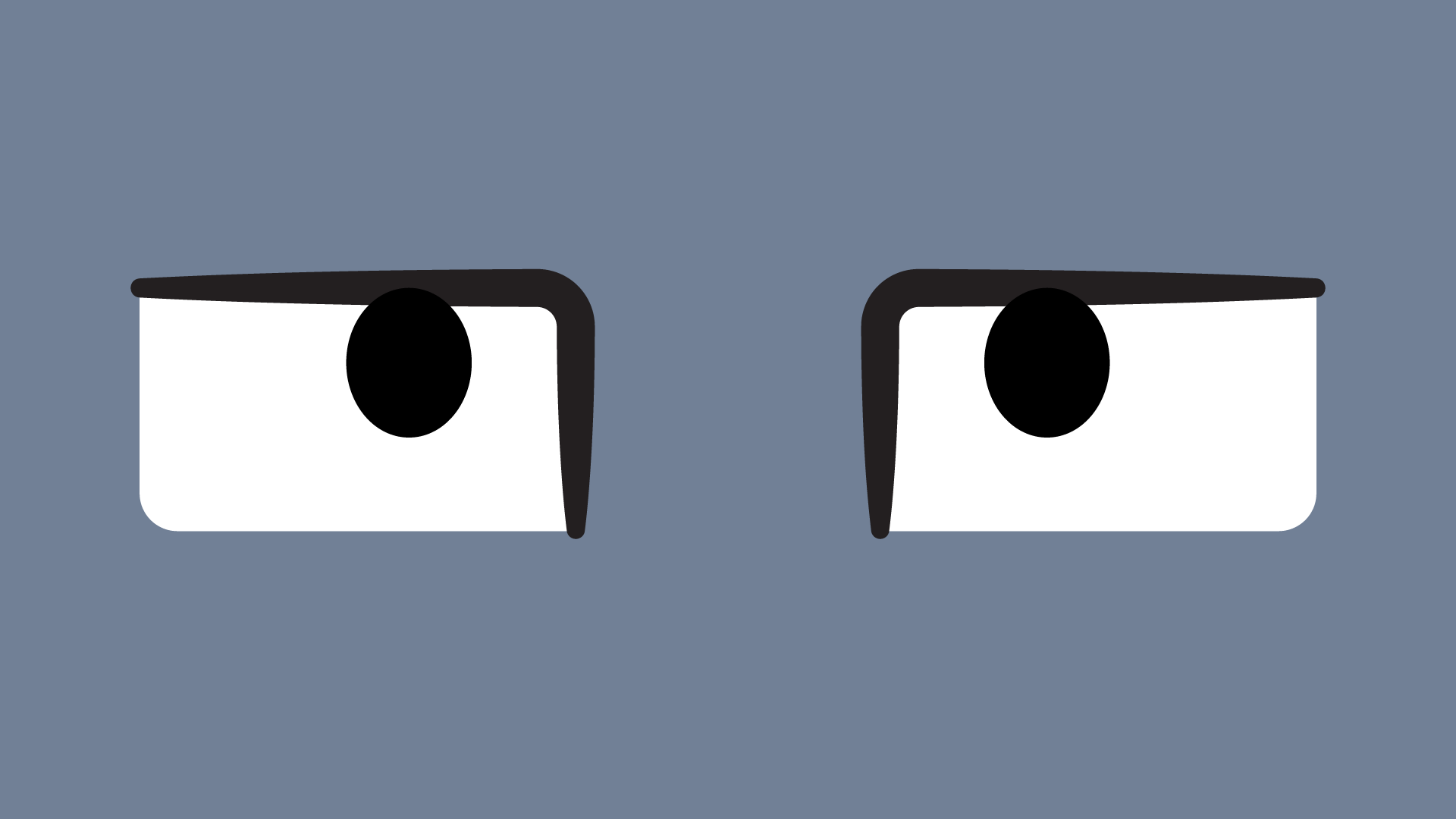
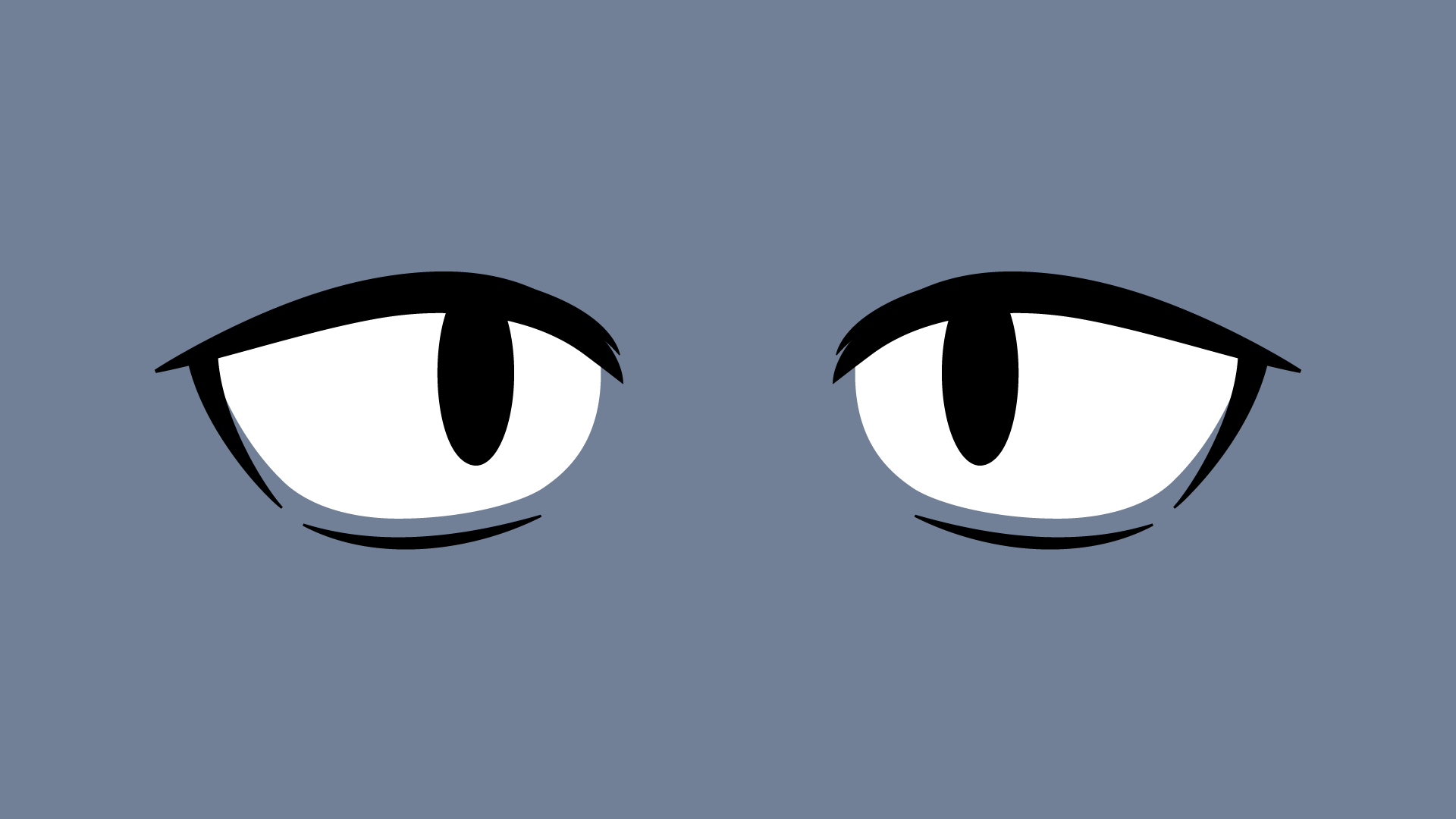
5 Eye Styles
|
Kawaii |
Round |
Square |
Anime |
Oval |



3 Mouth Styles
|
Kawaii |
Classic |
Anime |



Source Files Included
Editable vector source files compatible with Illustrator and Inkscape.
Thousands of combinations!
Mix and match 120 eye pairs with 72 mouths, or pick each eye independently for even more looks.
Get the Face Picker Asset Bundle to start animating with the full collection.
Preview the entire bundle on the FAQ page!
Get Creative
|
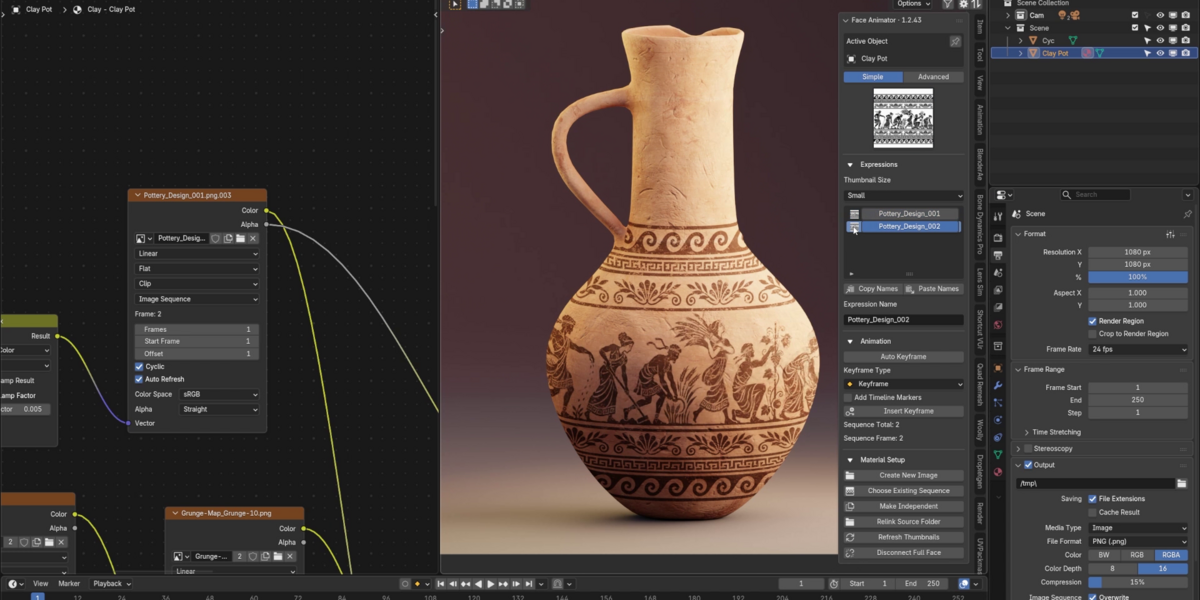
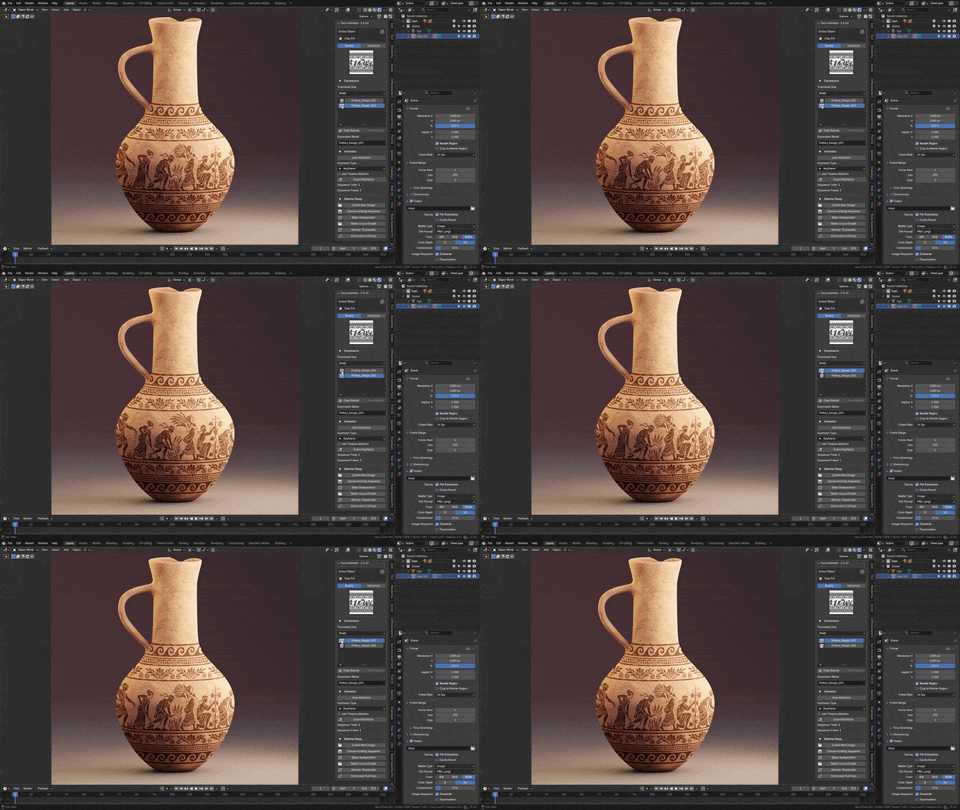
Go Beyond FacesUse numbered PNG sequences to animate anything from a display screen to a changing sign. |
Build a Bigger ReactionImport sequences with more frames to add quick transitions, subtle changes, and bigger reactions |

Blender Face Picker’s add-on code is licensed under the GNU GPL. Included textures, models, and vector artwork are licensed separately under the Superhive Standard Royalty Free license. See the included license files for full terms.
