Blender Notepad 2

Spencer Shade (shade.who) in Interface


Stay organized with Blender Notepad 2


This enhancement of the original notepad is now powered by a custom GPU-rendered interface for multiline editing, smooth scrolling, and features Blender's native UI simply can't support.
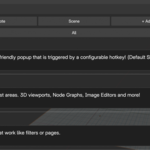
Use a simple hotkey to enable a notepad in most areas. Default hotkey is Shift+N. Configure a custom hotkey in preferences!
See documentation for in depth details and usage guide.

What you get: 

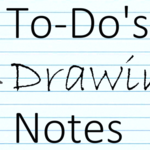
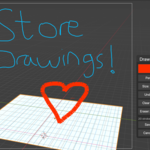
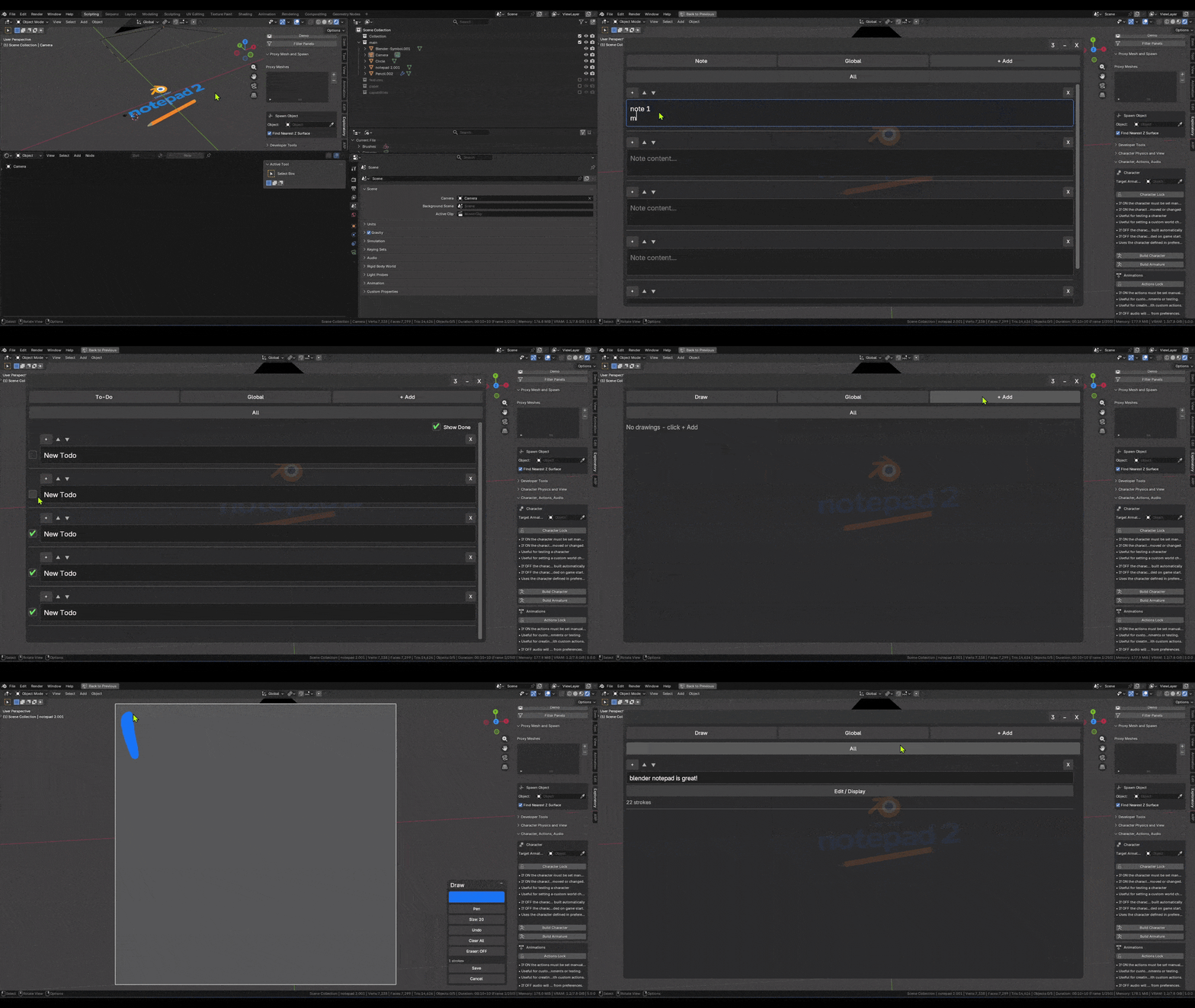
  • Create notes, to-do's, or drawings in most Blender areas!
  • Multiline notes and to-do items
  • Reorder notes and lists to your needs!
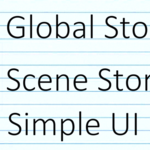
  • Store globally or per-scene so you can have notes for any context!
  • Add tags. Tags act as pages or filters. ALL item types can be assigned to a tag. Tags are also stored per scene or globally allowing for organization at any level.
  • Renders a real custom notepad template.
  • Works for Blender 4.x and 5.x
  • Tested and works on any screen size, resolution, orientation, Blender area size.
  • On-the-fly usage: Hotkey open -> Read or Edit -> Autosaves -> Close


$8

Have questions about this product?
Login to message

Details
Sales 10
Published 9 months ago
Blender Version 4.0 - 5.0
Extension Type N/A
Render Engine Used Blender-Internal, Cycles, Eevee
License GPL