What does Blender Preview do?
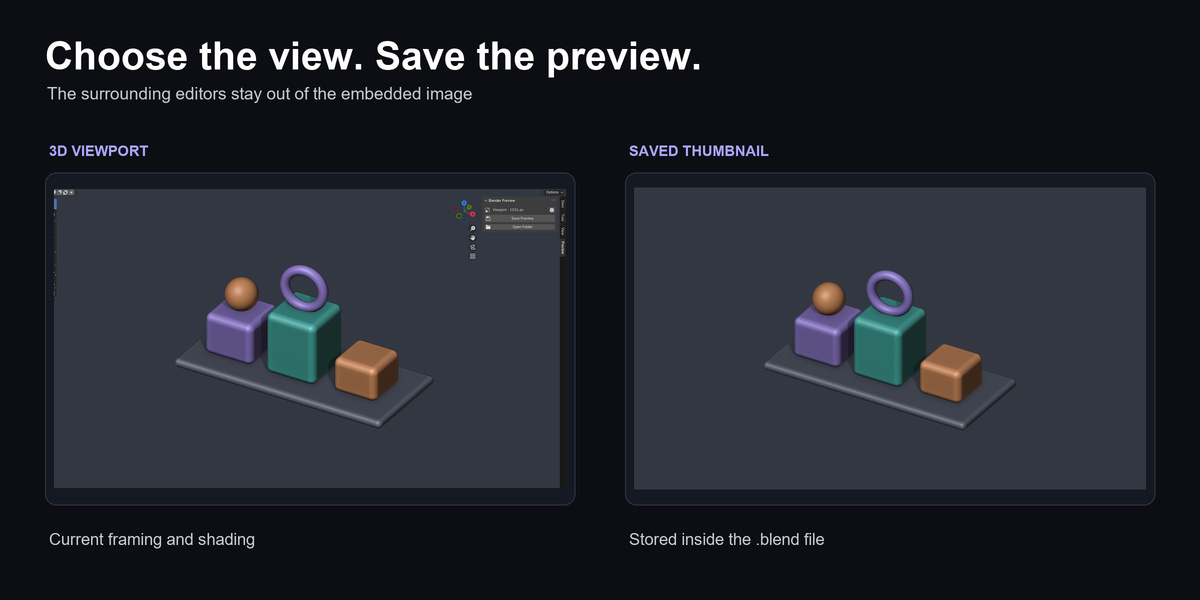
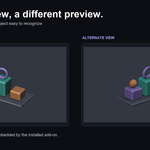
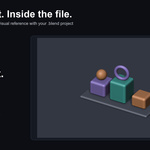
It embeds a thumbnail of your current 3D viewport when you manually save a .blend file and can enable Windows Explorer to display the stored image. It is designed for browsing saved projects and assets visually.
Which Blender versions and operating systems have been tested?
Blender 3.0–5.2 on Windows x64. Tested builds: 3.0.1, 3.1.2, 3.2.2, 3.3.21, 3.4.1, 3.5.1, 3.6.23, 4.0.2, 4.1.1, 4.2.23, 4.3.2, 4.4.3, 4.5.13, 5.0.1, 5.1.2, 5.2.0. Testing covers one patch build from every minor series in this range; other patch builds and future versions have not been individually verified. macOS, Linux and Windows ARM64 are unsupported. Windows 10 has not been tested separately from Windows 11.
Which ZIP should I install?
For Blender 3.0–4.1 install blender-preview-0.5.1-legacy-blender-3.0-4.1-windows-x64.zip through Preferences > Add-ons > Install. For Blender 4.2–5.2 install blender-preview-0.5.1-extension-blender-4.2-5.2-windows-x64.zip through Install from Disk. Install only one and do not extract it first. blender-preview-0.5.1-documentation.zip is reading material, not another installer.
Where do I find it after installation?
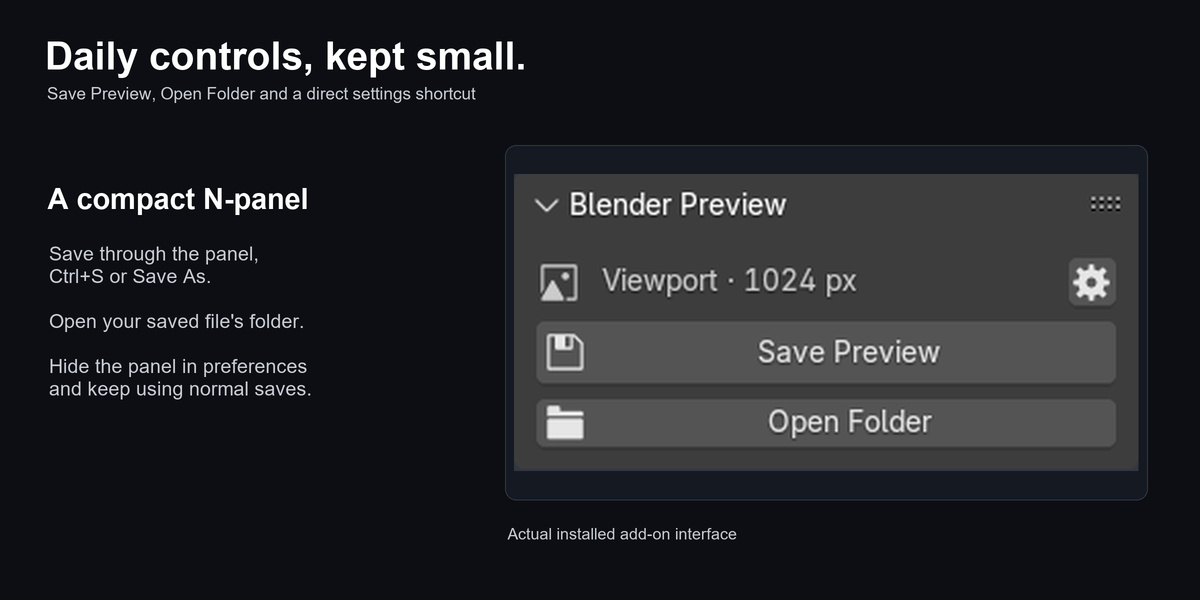
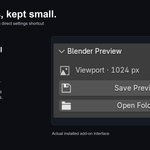
Press N in a 3D Viewport and select Preview. The gear opens the add-on's preferences. If the panel is hidden, open Edit > Preferences > Add-ons > Blender Preview and turn on Show sidebar panel.
Will it update all of my existing files automatically?
No. Open and save each file to replace its stored preview. There is no batch library conversion in this release. Explorer can continue showing an older cached thumbnail until refreshed.
Can I capture only the viewport at higher resolution?
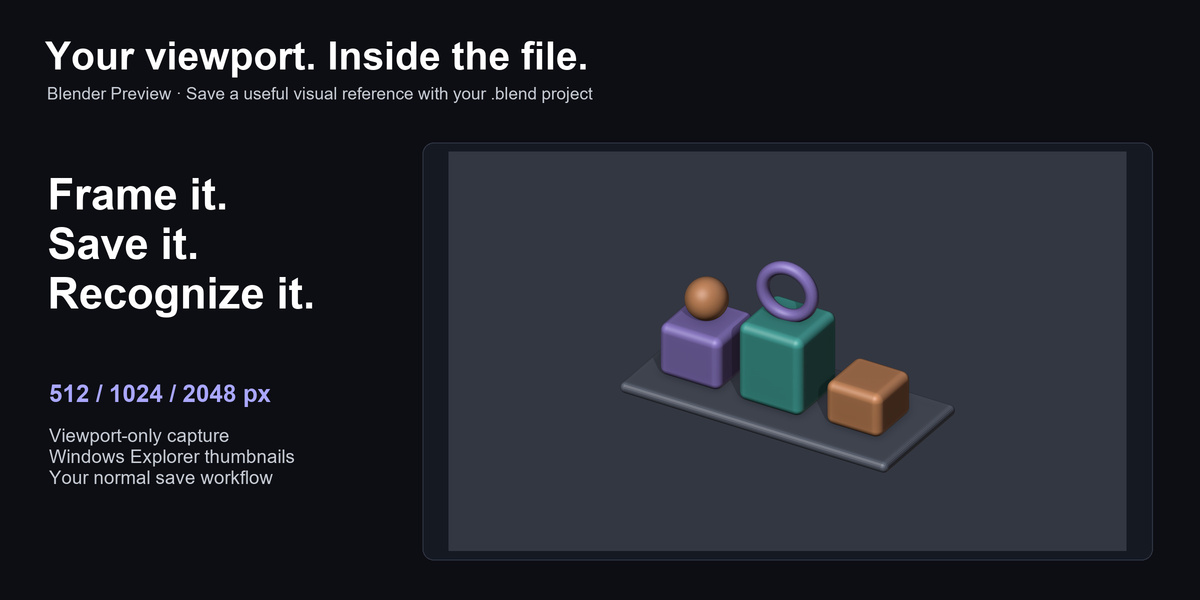
Yes. Enable Viewport on save and choose 512, 1024 or 2048 pixels on the longest edge. The default is 1024. The aspect ratio is preserved and the viewport is rendered at twice the selected dimensions before averaging down. Explorer chooses its own display size.
Why do grids or selection outlines appear?
Capture follows the viewport's visible overlays and shading. Turn off overlays before saving if you want a clean object image. Editor panels, the sidebar and toolbar are excluded.
Does it require a camera or change my scene?
A scene camera is not required for viewport capture. Capture follows your view and does not create a camera or change object data. The saved file's thumbnail block is replaced after normal saving; scene blocks are preserved.
How do I undo setup or replace a thumbnail?
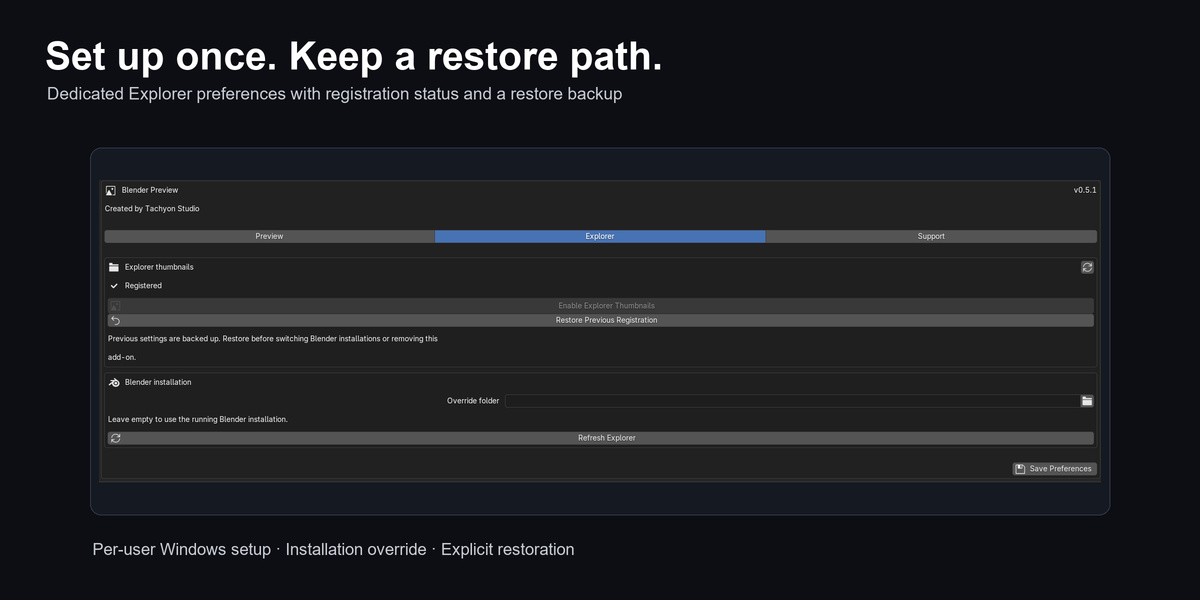
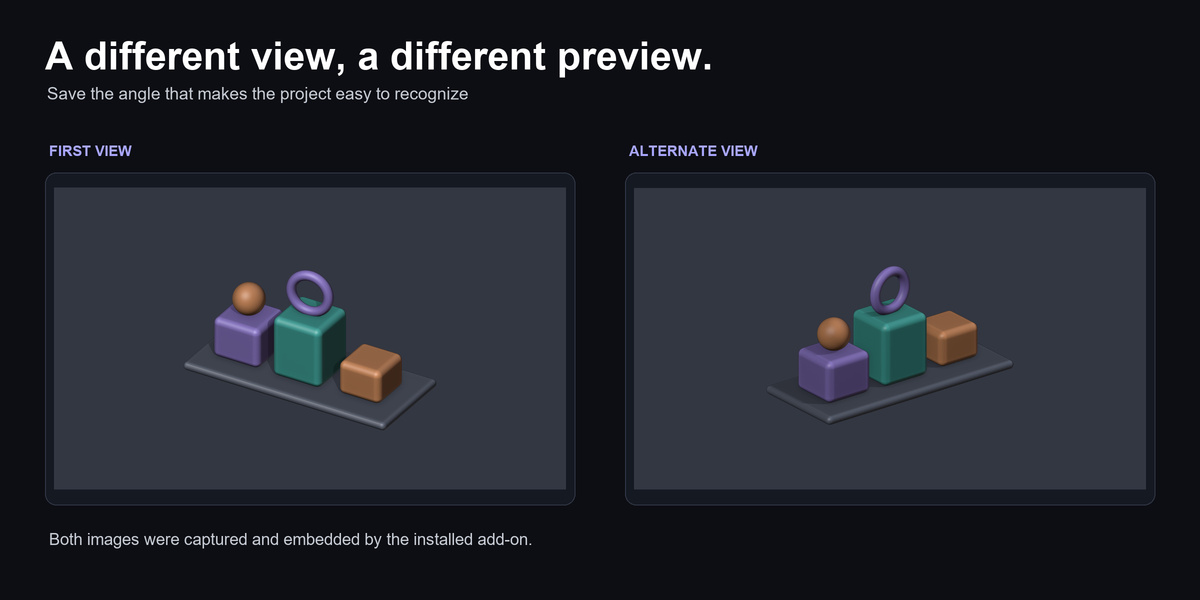
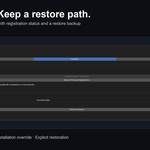
Use Explorer preferences > Restore Previous Registration to restore the stored Windows settings. These registry changes and saving are not scene Undo operations. To replace an embedded thumbnail, frame another view and save the file again.
Does it support compressed .blend files?
The writer supports uncompressed, gzip and Zstandard files. Compressed files are recompressed after saving, which needs extra disk space and can add save time. The required dependencies are bundled in both installer formats.
Does it need internet access, activation or administrator rights?
Capture and registration run locally without an external account, activation server or dependency download. Windows registration is per user and does not require administrator rights. Discord and product-page links need internet only when you choose to open them.
What is the difference between Individual and Business / Studio?
They are purchase options for individuals and studios. Both include the same complete add-on and documentation under GPL-3.0-or-later. The Business option does not add features, seat restrictions or additional support entitlement.
How do I update or remove the add-on?
Install the newer ZIP in the same format and restart Blender. When switching from legacy to Extension, note your settings, disable the legacy copy and reapply settings in the Extension; automatic preference transfer is not provided. Keep one active copy. Before uninstalling, use Restore Previous Registration if you want to undo Windows setup. Already saved thumbnails stay in their .blend files.
What should I know before buying?
A 3D Viewport must be open for capture. Existing files need to be saved again. Large previews increase file size and GPU work; compressed files are recompressed. Explorer caching can delay display. This is not a batch converter or interactive Preview pane.
How do I get help?
Message Tachyon Studio through Superhive or visit https://discord.gg/SuSqbZMDk5. Include the add-on version, exact Blender version, Windows version, reproduction steps and error text. Remove private information from diagnostics, screenshots and sample files. No paid support period or response-time guarantee is included.
 Tachyon Studio