 kunyongChen


SeamlessLab for Blender
The Ultimate Seamless Texture Solution for Procedural Artists
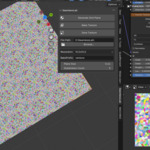
SeamlessLab is a premium Blender add-on that revolutionizes procedural texturing by automating seamless pattern creation. Designed for environment artists, material designers, and 3D professionals, it transforms Blender's native nodes into production-ready, tileable textures with unprecedented efficiency.
Why Choose SeamlessLab?
- Time-Saving Automation - Convert any procedural setup into perfectly repeating patterns in seconds
- Real-Time Visualization - Interactive tiling previews with adjustable grid density (2x2 to 8x8)
- Optimized Baking - Generate high-quality PNG textures (64px to 8K) with automatic UV padding
- Non-Destructive Workflow - Preserve original node setups while applying tiling modifications
- Unbeatable Value - Only $1, making professional-grade seamless texturing accessible to everyone!
How to Use SeamlessLab?
Generate Grid Plane
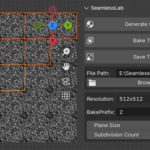
By clicking this option, a grid of identical planes is generated, forming an image matrix. These planes are placed under the "Plane Grid Collection." You can switch between Eevee or Cycles rendering modes to preview the material.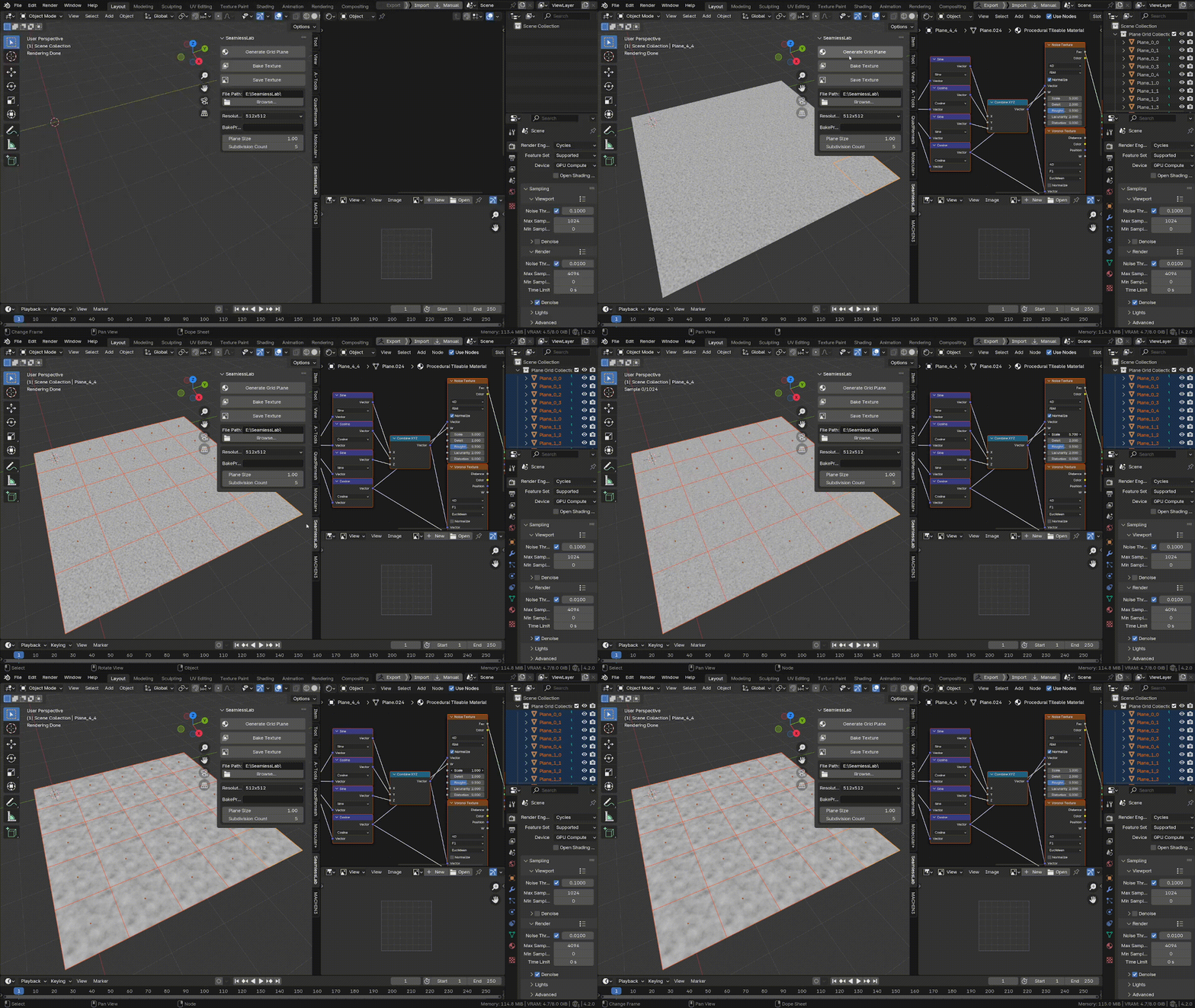
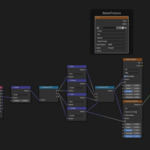
At this stage, you can enter the material settings and adjust various parameters of the procedural texture, such as Scale, Roughness, Distortion, and more.
Currently, NoiseTexture and VoronoiTexture are supported. Feel free to experiment with different parameters to achieve a wide range of unexpected effects.

Bake Texture
Once you're satisfied with the current result, select one of the planes in the viewport and click BakeTexture. The baked result will appear in the Image Editor, and at the same time, a corresponding ImageNode will be created in the material. You can connect this node to check if the image's resolution meets your needs.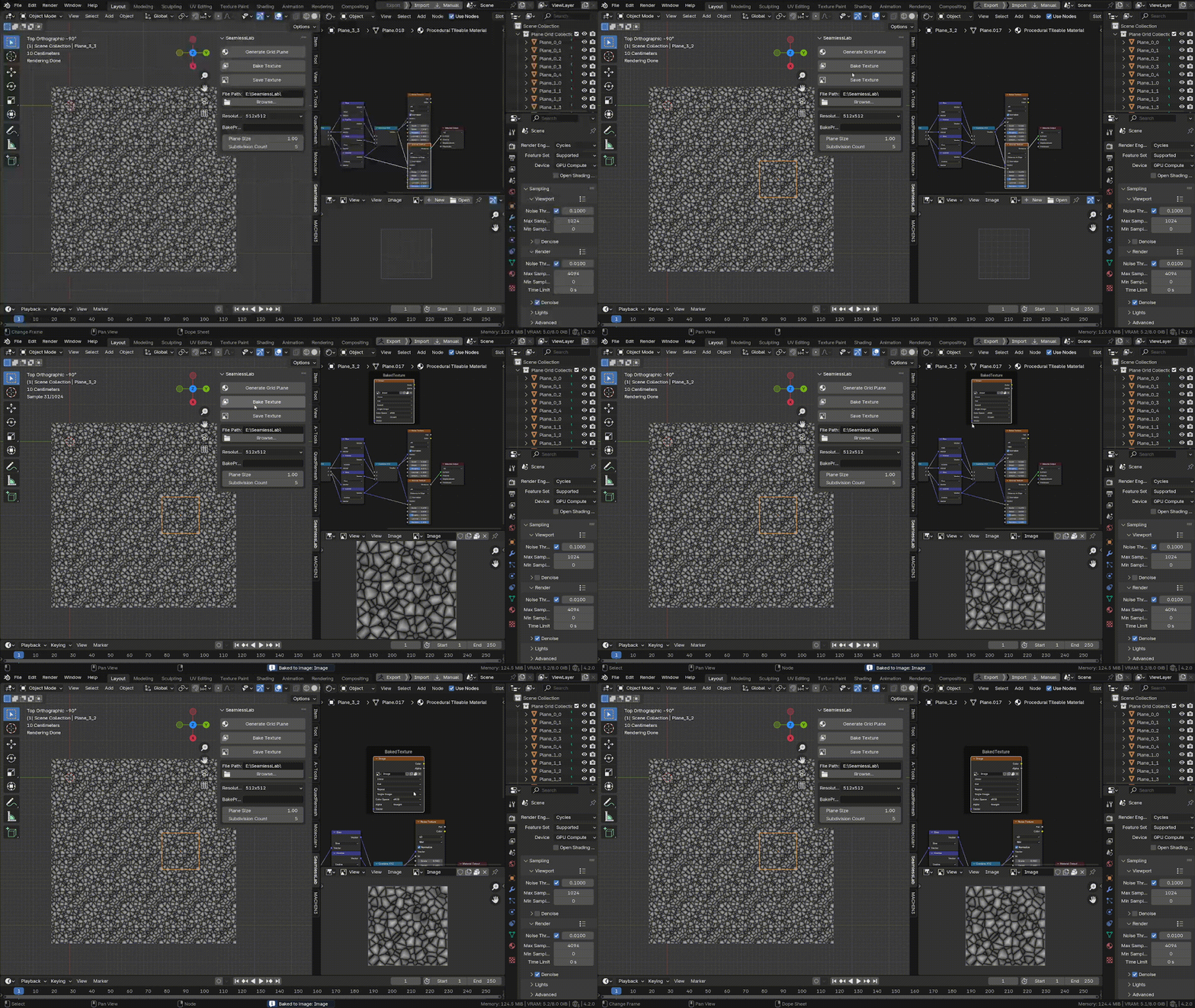
Save Texture
After completing the above steps, click this button to save the current image. The texture will be saved to the directory specified in the File Path . You can click the Browse button to choose your desired location.
Resolution
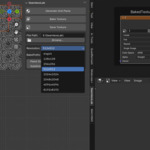
This option determines the resolution of the baked texture. The default resolution is 512x512, but you can adjust it based on your project’s needs. Keep in mind that a higher resolution will result in a longer baking time.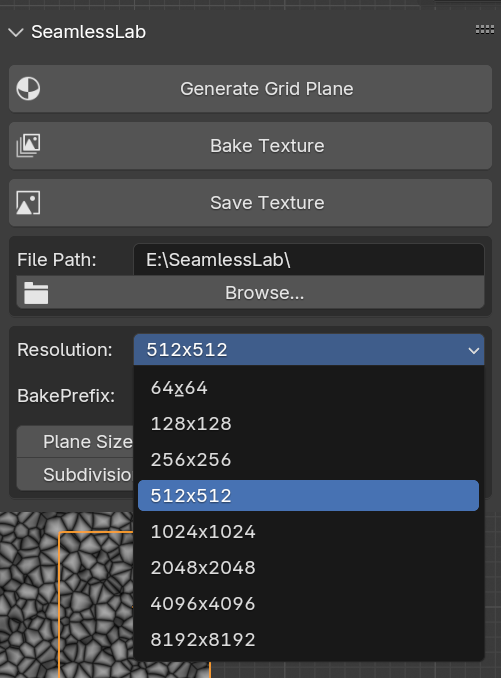
BakePrefix
This is an optional setting where you can define the prefix for the baked image file. When you click BakeTexture, the image will be named according to this prefix. If you want to compare different visual effects of various parameters, you can change the BakePrefix and bake multiple results. All baked images will be saved in the image gallery for easy access.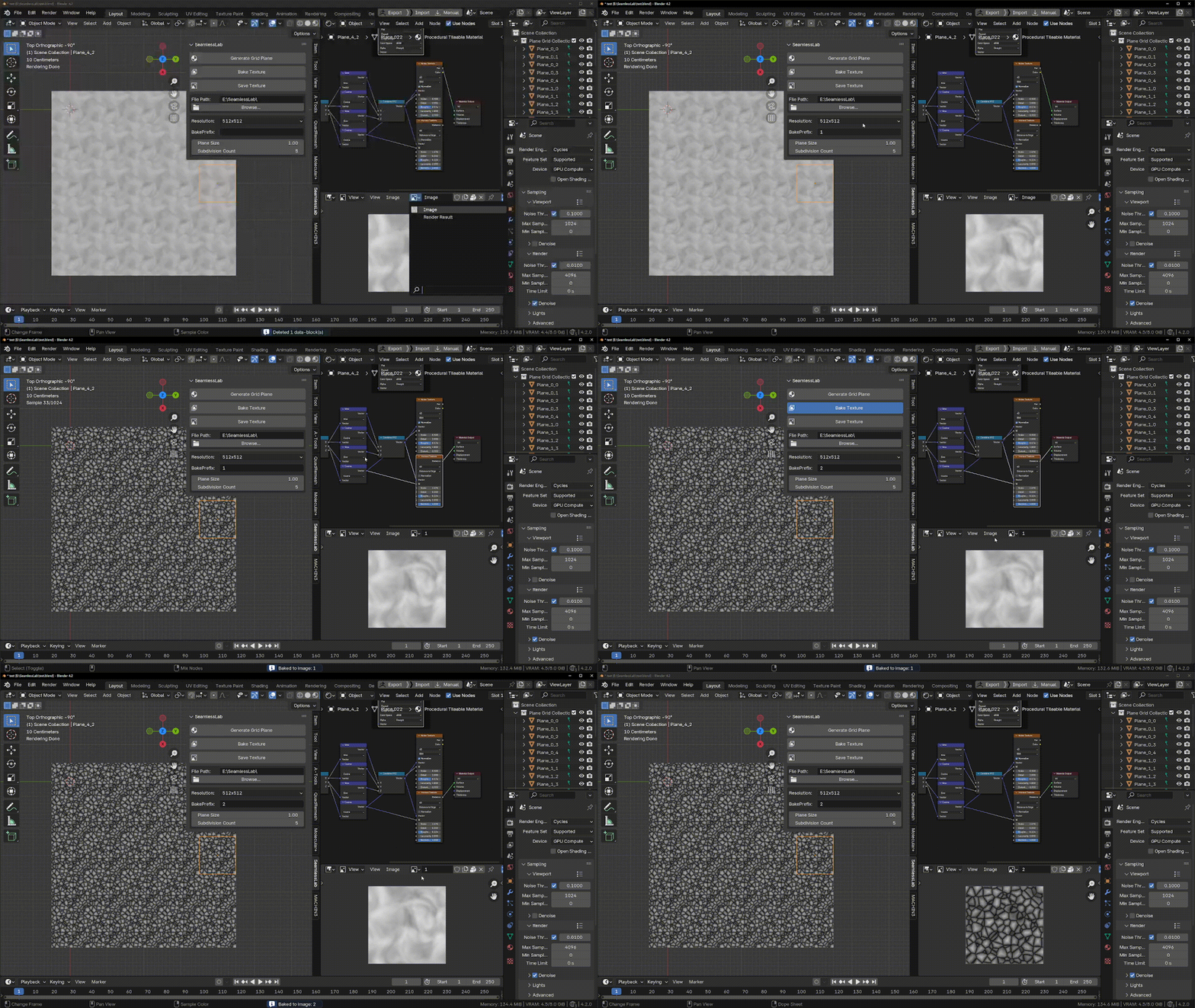
PlaneSize
This parameter controls the size of each individual plane, with the default value set to 1. If you’re working with a scene that requires a specific aspect ratio, you can adjust this value to fit your environment.Subdivision Count
This parameter determines the number of edge faces on the plane matrix. You can adjust this based on your specific needs.