 Irina Inkeroinen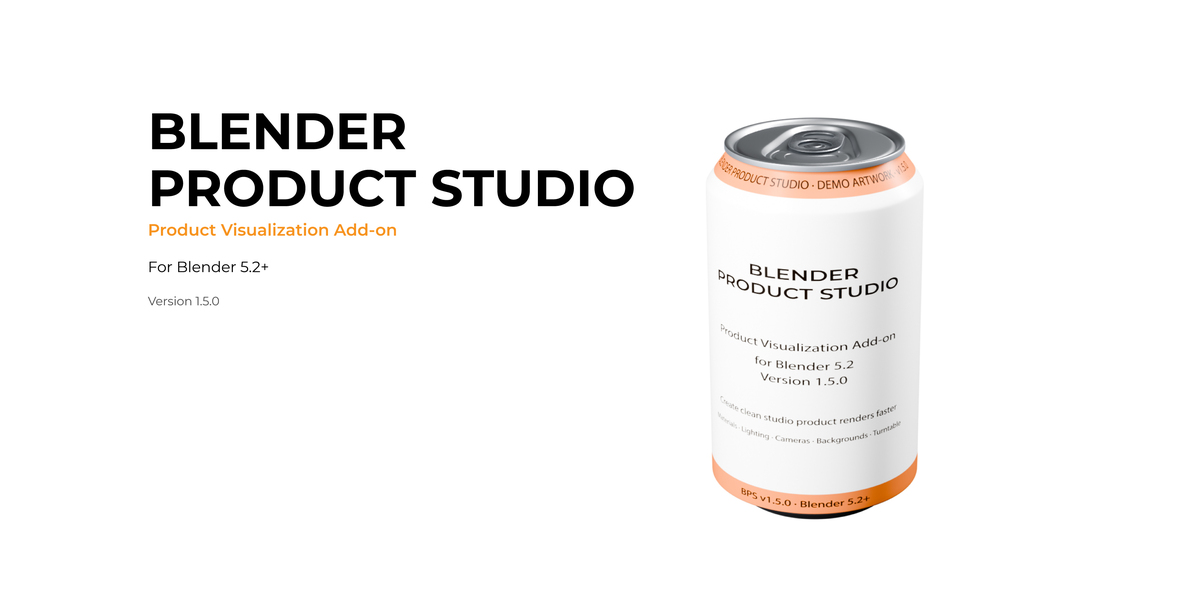
Blender Product Studio v1.5.1
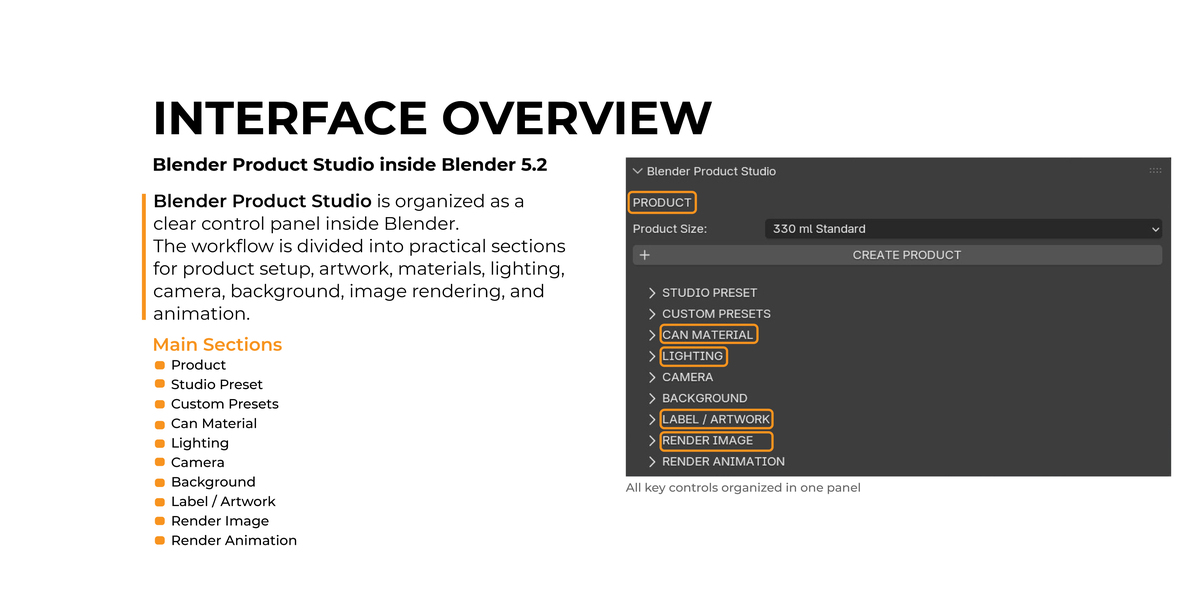
Blender Product Studio is a Blender extension designed to simplify beverage product visualization and bring the most common product-rendering tasks into one structured workflow.
Instead of manually preparing the same product scene, materials, lighting, camera, background, artwork, and render settings for every project, Blender Product Studio provides a guided setup directly inside Blender.
Main Features
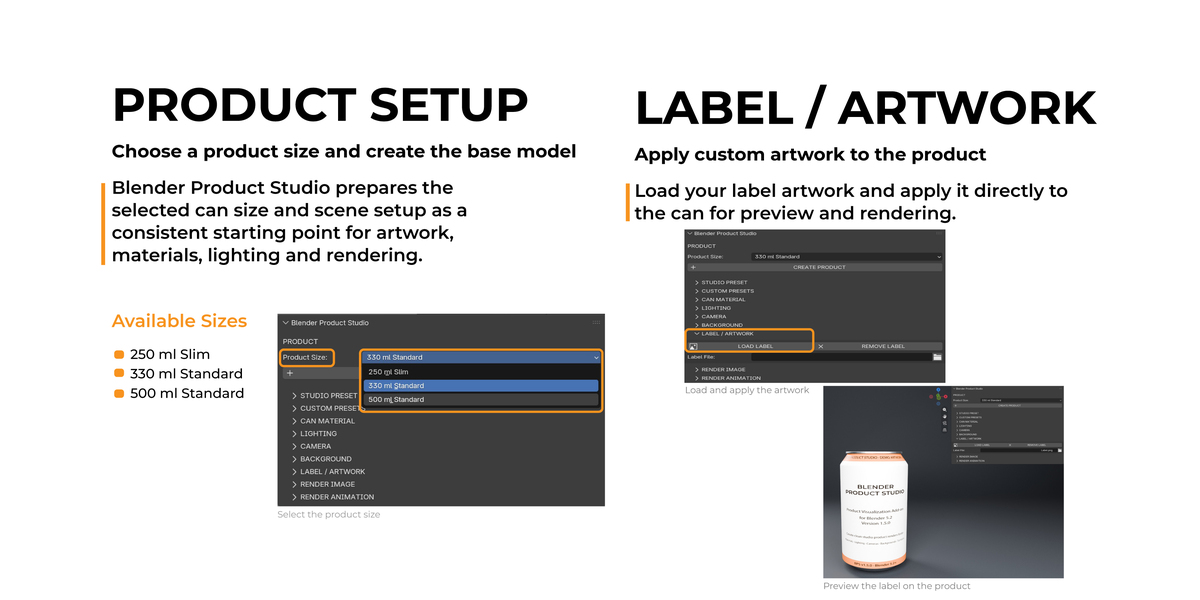
- 250 ml Slim, 330 ml Standard, and 500 ml Standard can formats
- Custom label and artwork application
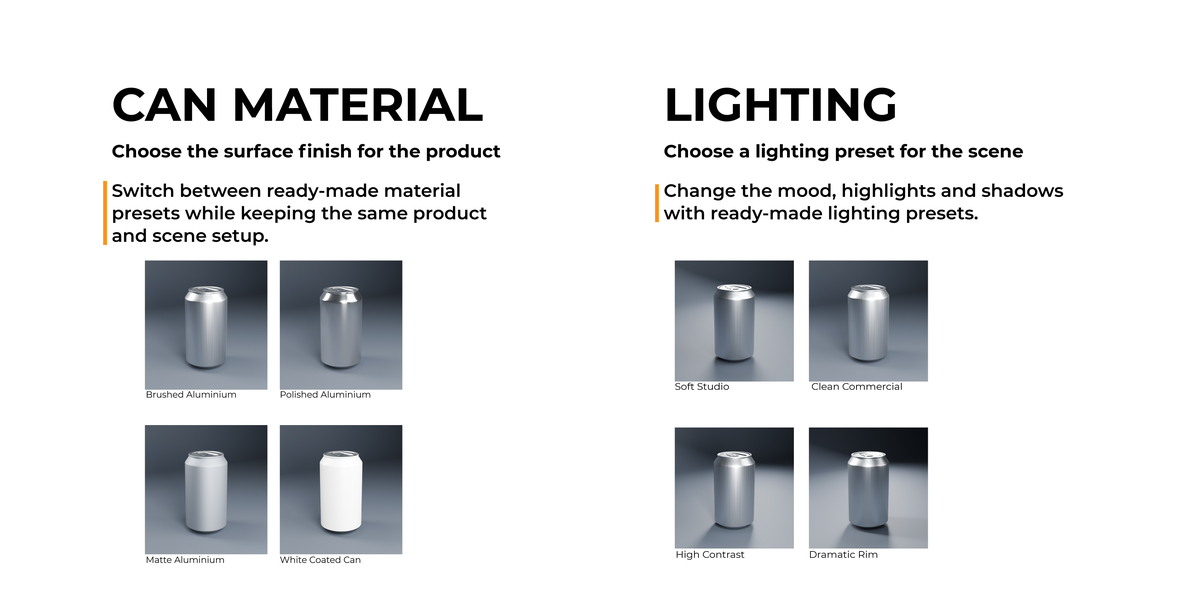
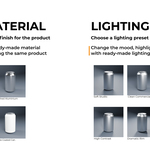
- Brushed Aluminium, Polished Aluminium, Matte Aluminium, and White Coated Can material presets
- Soft Studio, Clean Commercial, High Contrast, and Dramatic Rim lighting presets
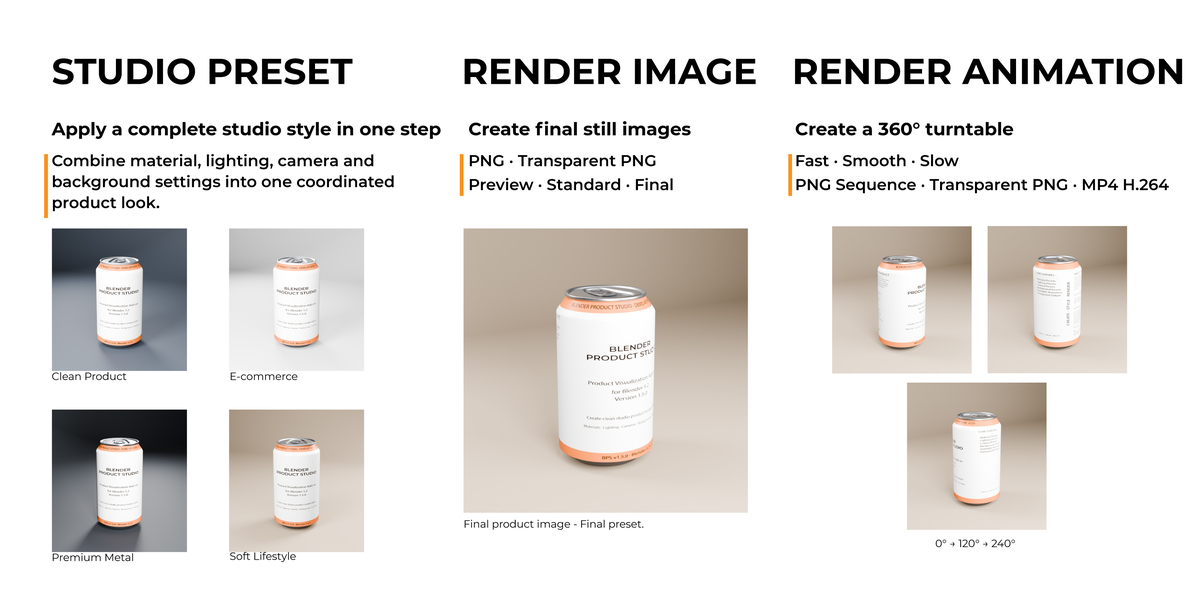
- Ready-made Studio Presets
- Camera and background controls
- Custom preset saving and reuse
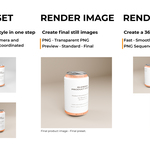
- Still image rendering
- PNG and Transparent PNG output
- Preview, Standard, and Final render quality presets
- 360° turntable animation
- Fast, Smooth, and Slow animation durations
- PNG Sequence, Transparent PNG Sequence, and MP4 H.264 animation output
Designed for Designers
Blender Product Studio is intended for graphic designers, packaging designers, freelancers, and Blender users who want a faster and more organized way to create beverage product visuals.
The workflow is designed to keep the most important controls in one panel and reduce repeated scene setup.
Typical Workflow
- Choose a product size
- Create the product
- Select a Studio Preset or adjust individual settings
- Choose the can material
- Adjust lighting, camera, and background
- Load your artwork
- Review the product
- Render a still image or turntable animation
Compatibility
Blender 5.2 or later.
Included
- Blender Product Studio v1.5.1 extension
- Product setup for three beverage can sizes
- Material, lighting, camera, background, and studio presets
- Still image rendering workflow
- Turntable animation workflow
- User documentation
Blender Product Studio was created to make beverage product visualization faster, more consistent, and easier to manage inside Blender.