Blender Product Studio V1.5.1
 Irina Inkeroinen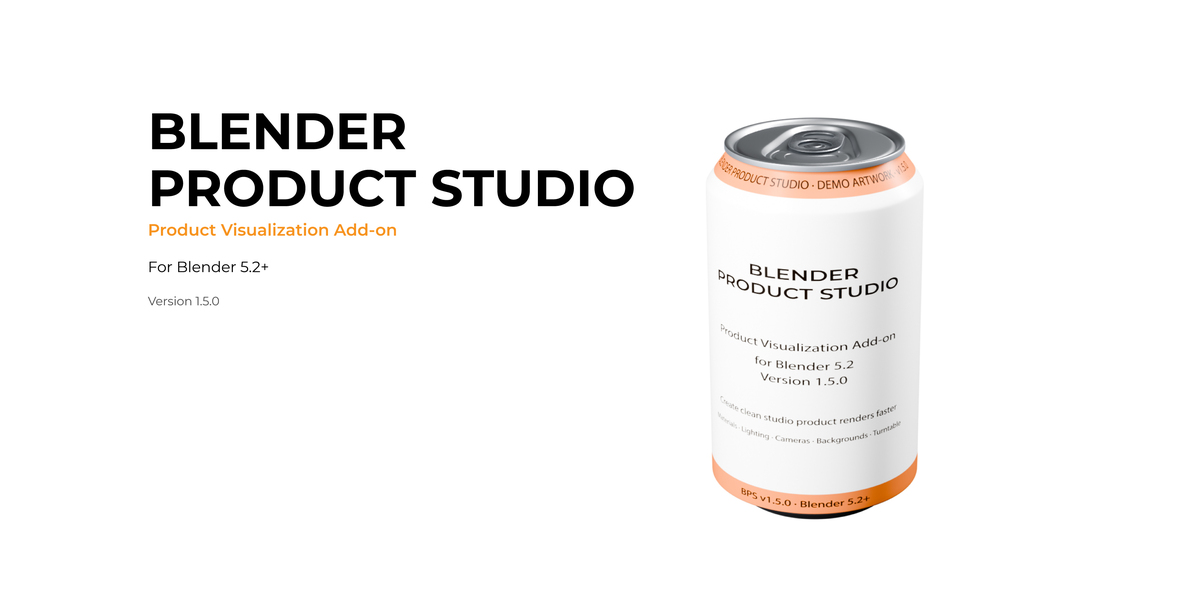
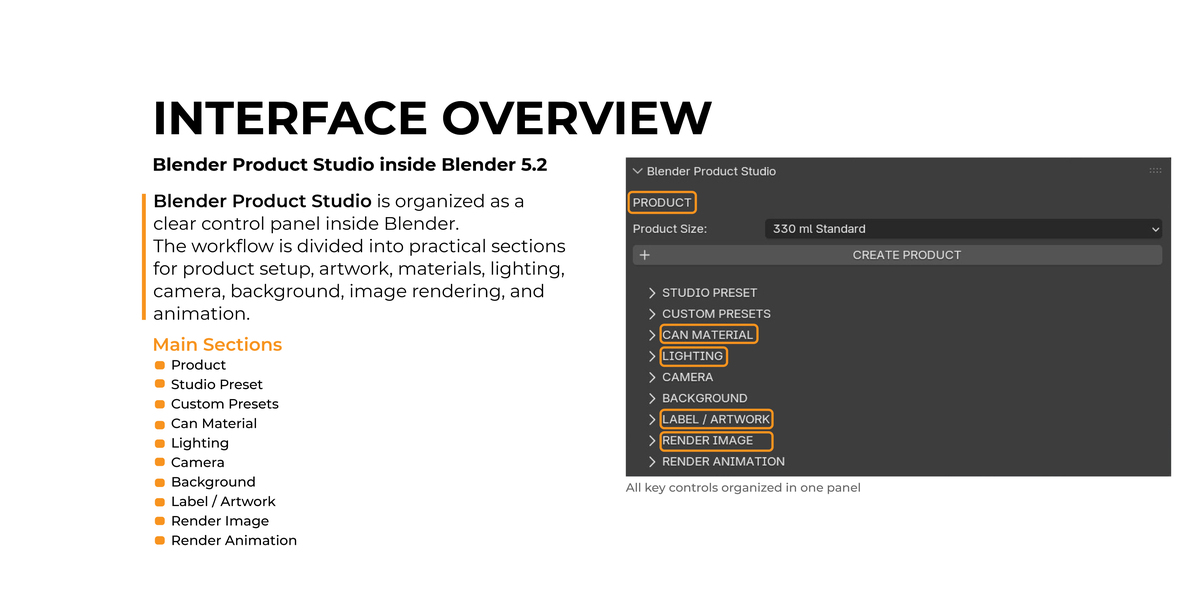
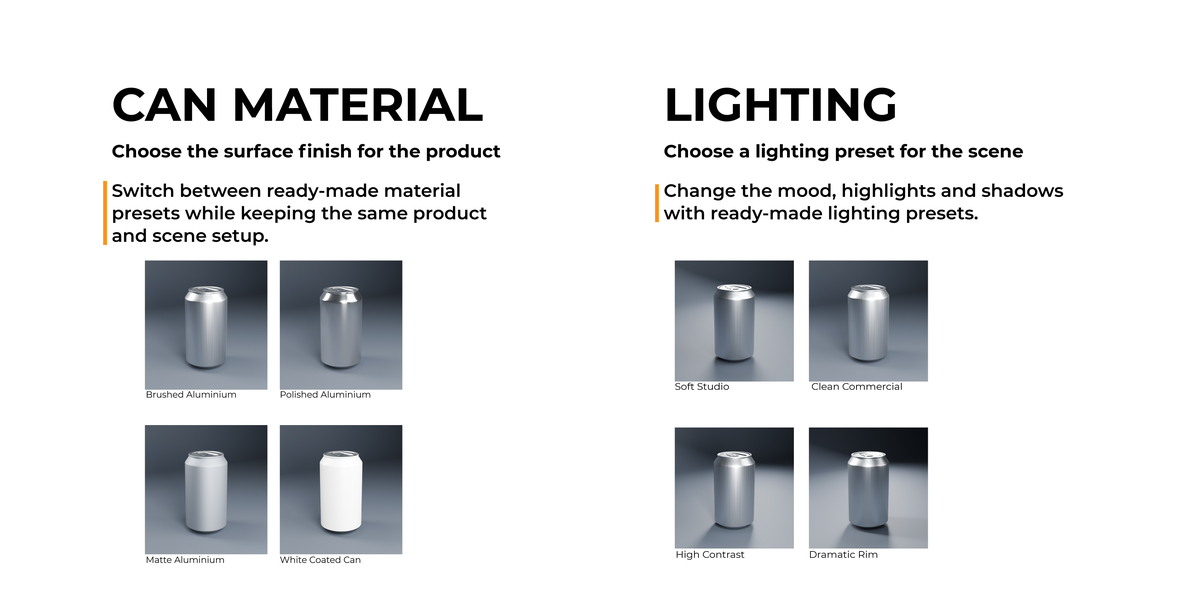
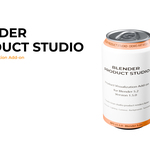
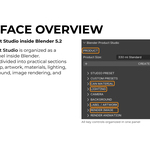
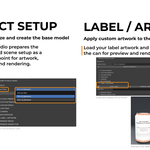
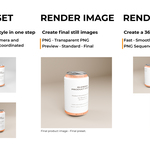
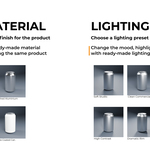
Blender Product Studio v1.5.1 is a Blender add-on designed to simplify product visualization and studio rendering workflows.
It provides a structured set of tools for preparing a product scene, assigning materials, adjusting lighting, configuring studio presets, and rendering still images or animations.
Main features include:
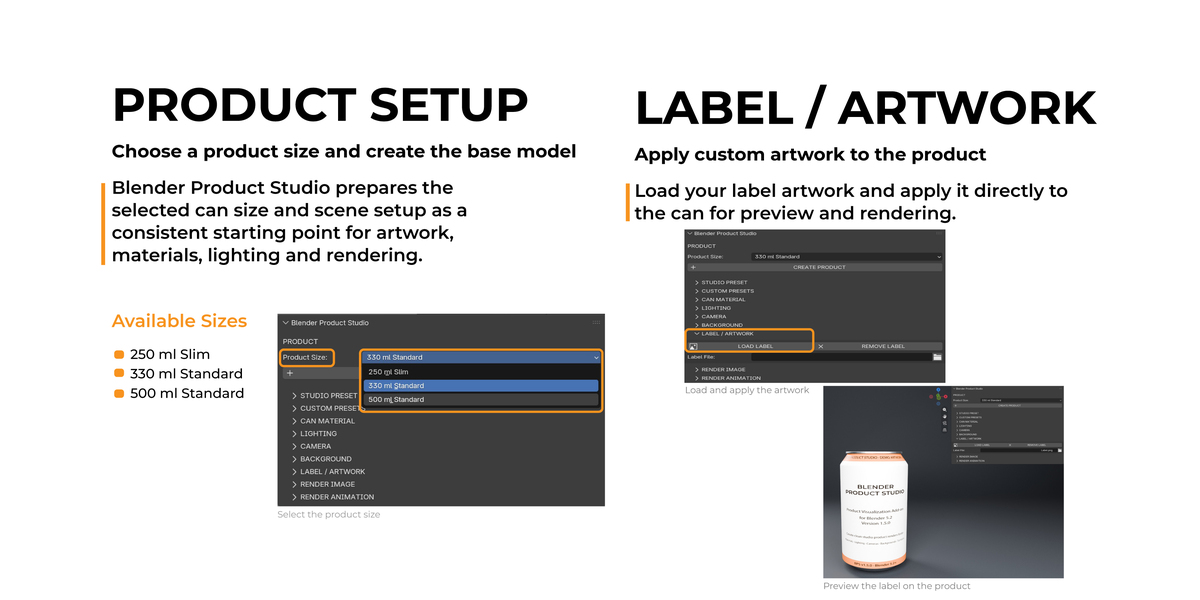
• Product setup tools
• Label / artwork workflow
• Material controls
• Studio lighting setup
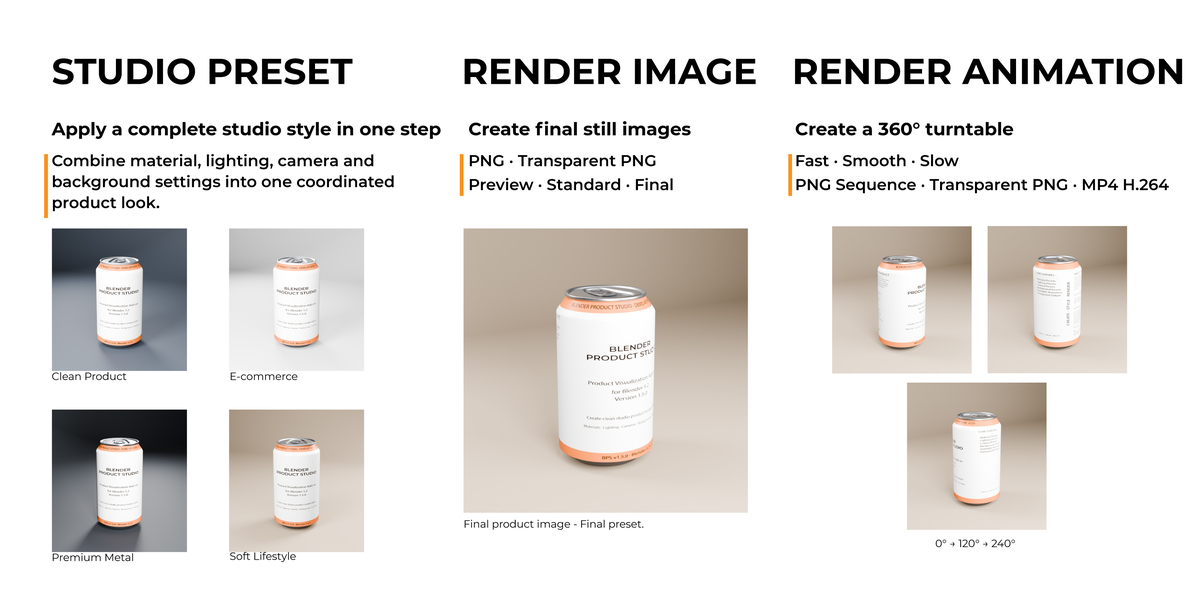
• Studio presets
• Camera and render configuration
• Still image rendering
• Turntable / product animation rendering
• Support for Cycles and Eevee
• Designed for Blender 5.2
INSTALLATION
Download Blender_Product_Studio_v1.5.1.zip.
Open Blender 5.2.
Go to Edit > Preferences > Add-ons.
Click the menu in the upper-right corner and choose Install from Disk.
Select Blender_Product_Studio_v1.5.1.zip.
Enable Blender Product Studio.
Open the Blender Product Studio panel in the 3D Viewport.
DOCUMENTATION
A complete Blender Product Studio v1.5.1 User Manual is included as a separate PDF file with the product.
The User Manual explains the interface, product setup, label and artwork workflow, materials, lighting, studio presets, rendering, and animation workflow step by step.
Blender Product Studio is recommended for product visualization, packaging presentations, mockups, product renders, and studio-style presentations.
Have questions about this product?
Login to message
| Blender Extension Compatible | Yes |
| Published | 5 days ago |
| Blender Version | 5.2 |
| Extension Type | Add-on |
| Render Engine Used | Cycles, Eevee |
| License | GPL |
Discover more products like this
Turntable animation blender addon render presets can mockup Studio Lighting materials Packaging Design product mockup product-visualization blender 5.2 product rendering camera presets