 Tri-vima Studio


BLENDER CREATOR PRO TOOLKIT
6 Professional Blender Addons for a Faster 3D Production Workflow
BUILD • ORGANIZE • SHAPE • BAKE • LIGHT • RENDER
Create Better. Render More.
Stop wasting time on repetitive Blender tasks.
The Blender Creator Pro Toolkit brings together 6 professional workflow addons designed to help Blender artists work faster, stay organized, improve accuracy, simplify Shape Key workflows, speed up UDIM baking, set up HDRI lighting, and configure render resolutions.
Whether you're creating characters, products, environments, ArchViz, game assets, animations, short films, or cinematic renders, this toolkit gives you practical tools for everyday production.
🔥 ONE PACK. 6 PROFESSIONAL TOOLS.
Get six specialized Blender addons in one production-focused toolkit.
INCLUDED:
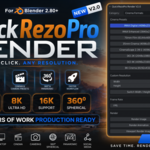
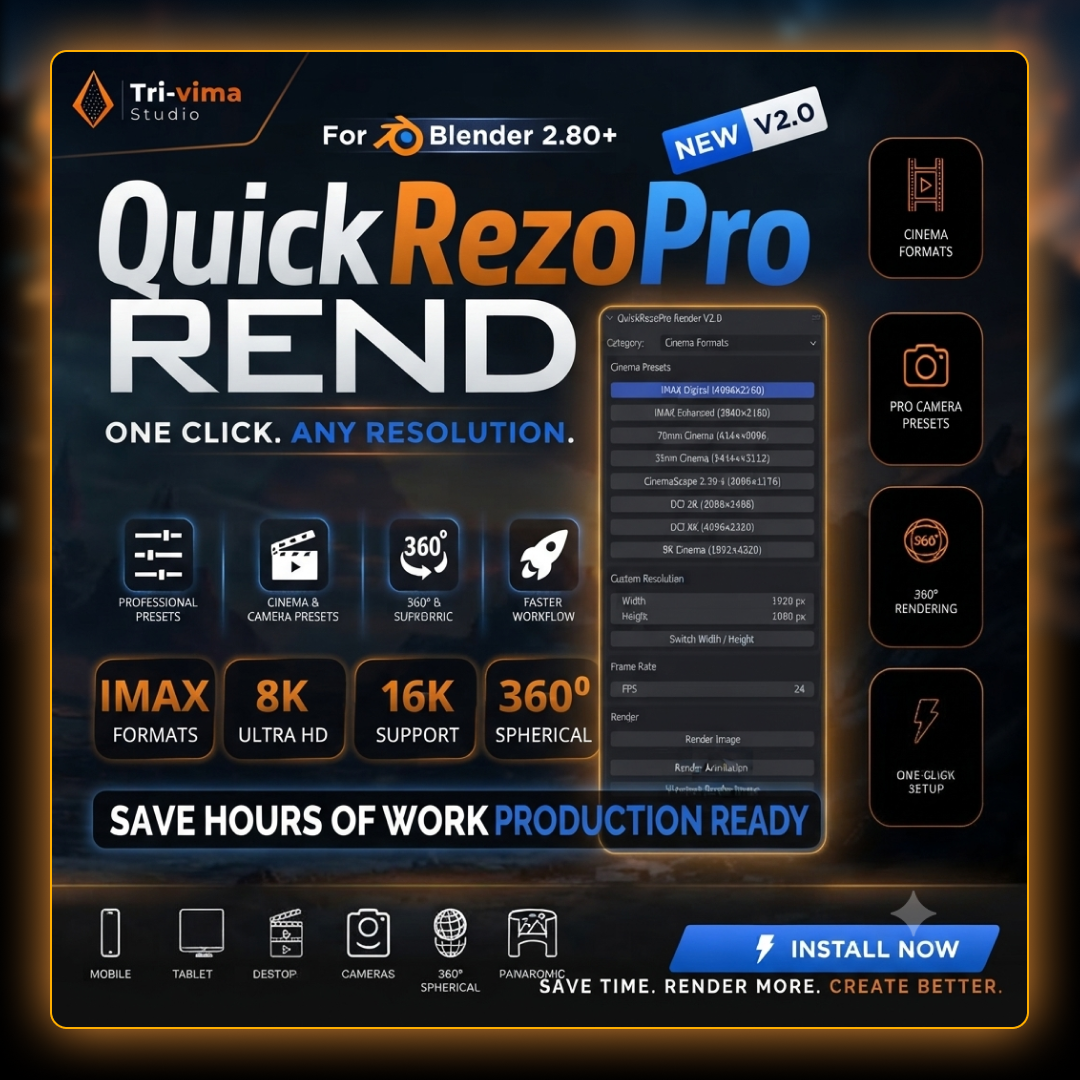
01 - QuickRezoPro Render V2.0
One Click. Any Resolution.
Quickly switch between mobile, desktop, cinema, camera, panoramic, 360°, 8K/16K and social-media render formats.
Perfect for:
Films & short movies
YouTube
Social media
Product visualization
ArchViz
360° content
-
Animation
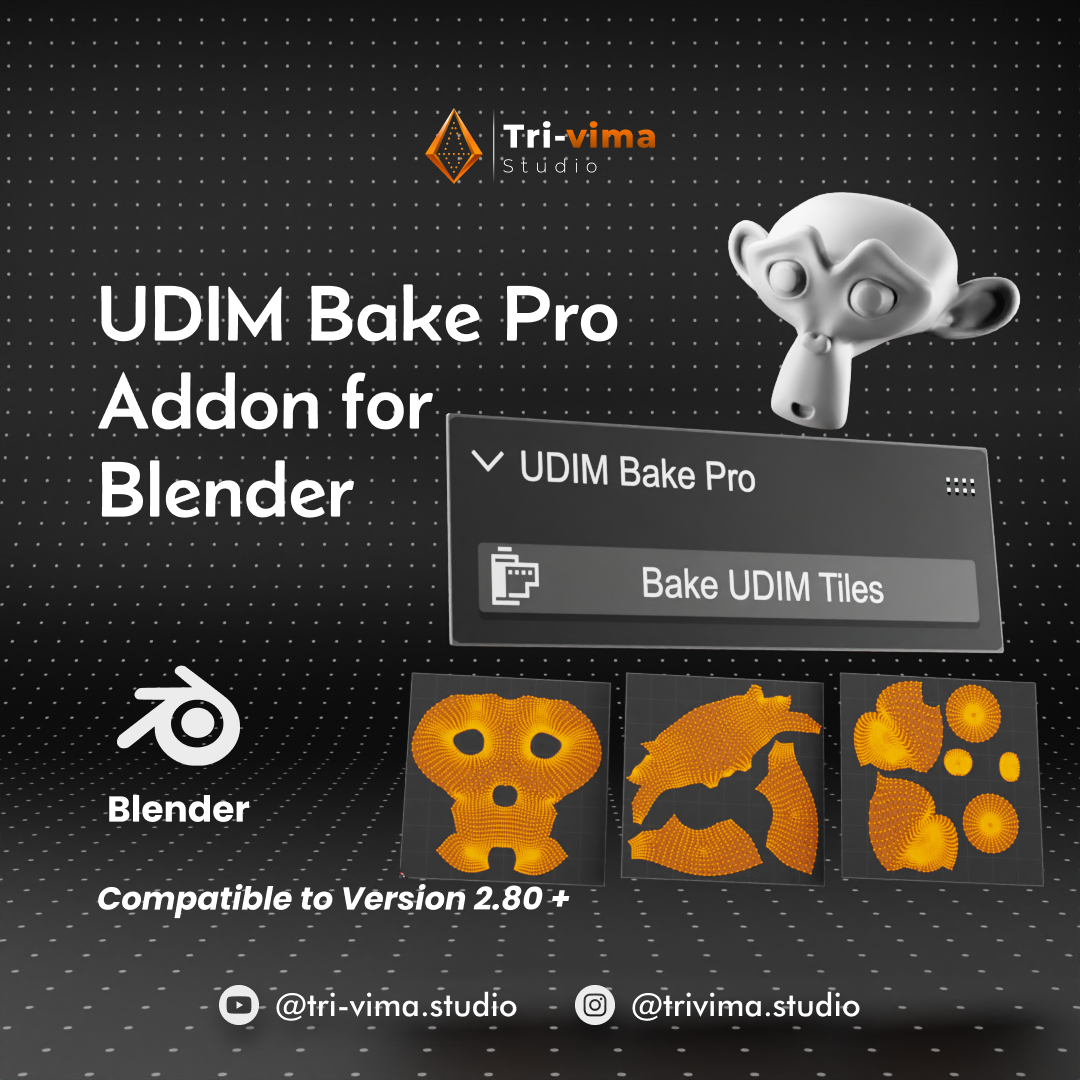
02 - UDIM Bake Pro
One-Click UDIM Texture Baking
Bake across multiple UDIM tiles with a streamlined workflow instead of manually switching between tiles.
Features:
One-click UDIM baking
Automatic image management
Production-friendly workflow
Automatic UV offset handling
Simple interface
Perfect for:
Characters
Game assets
Film assets
High-detail models
Texture baking
Note: UDIM Bake Pro uses Cycles for baking; Eevee baking is not supported.
03 - HDRI Environment Studio
Fast HDRI Lighting & Environment Setup
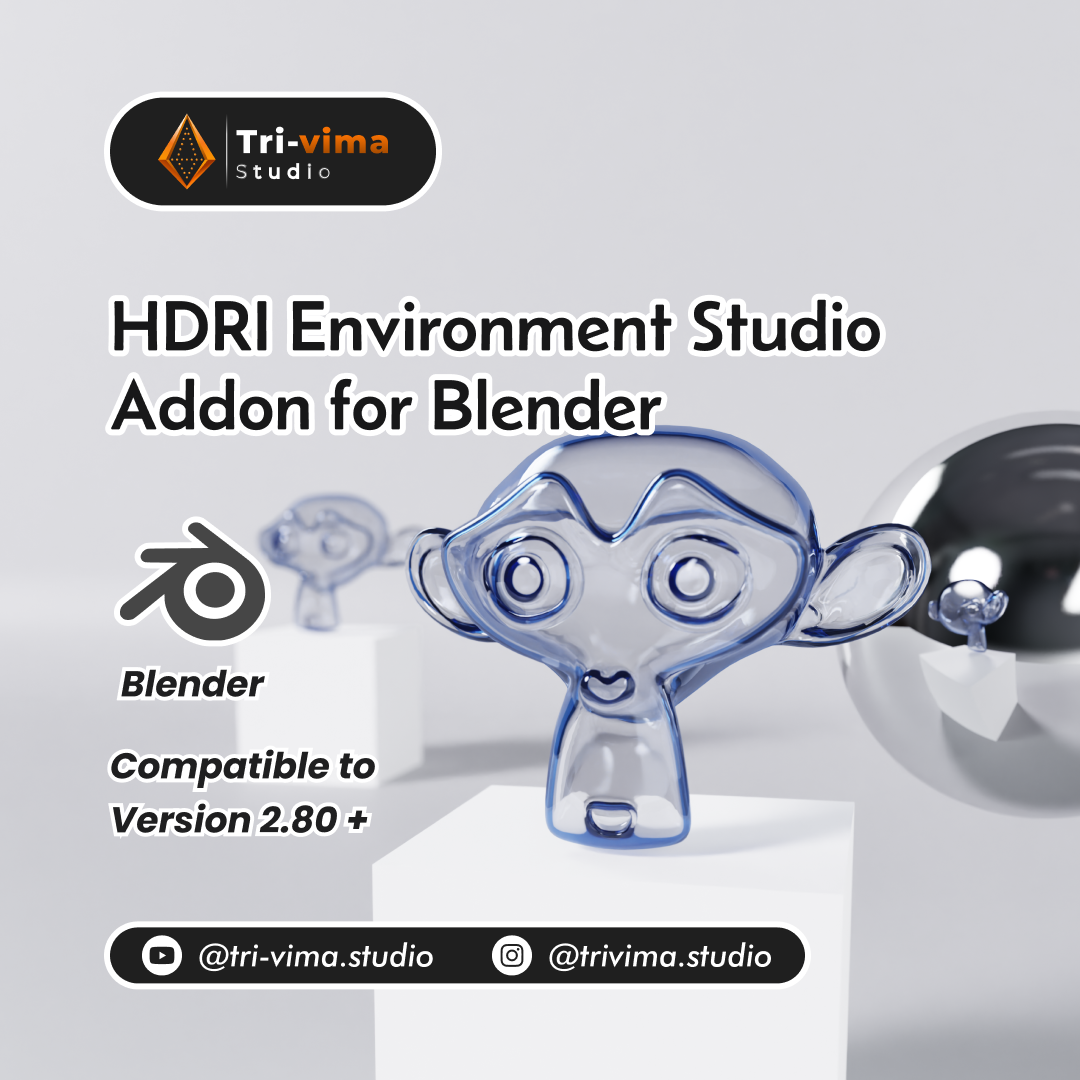
Load HDRI environments and control your lighting directly through an easy-to-use Blender interface.
Features:
HDRI folder browser
0°–360° Z rotation
Brightness control
Background blur
Automatic smart node setup
No manual node setup required
Perfect for:
Product renders
ArchViz
Character lighting
Animation
Studio renders
Stylized scenes
HDRI Environment Studio supports .HDR and .EXR environment images.
04 - Dimension Master Pro2
Real-Time Dimensions in Your Viewport
Keep your models accurate while working.
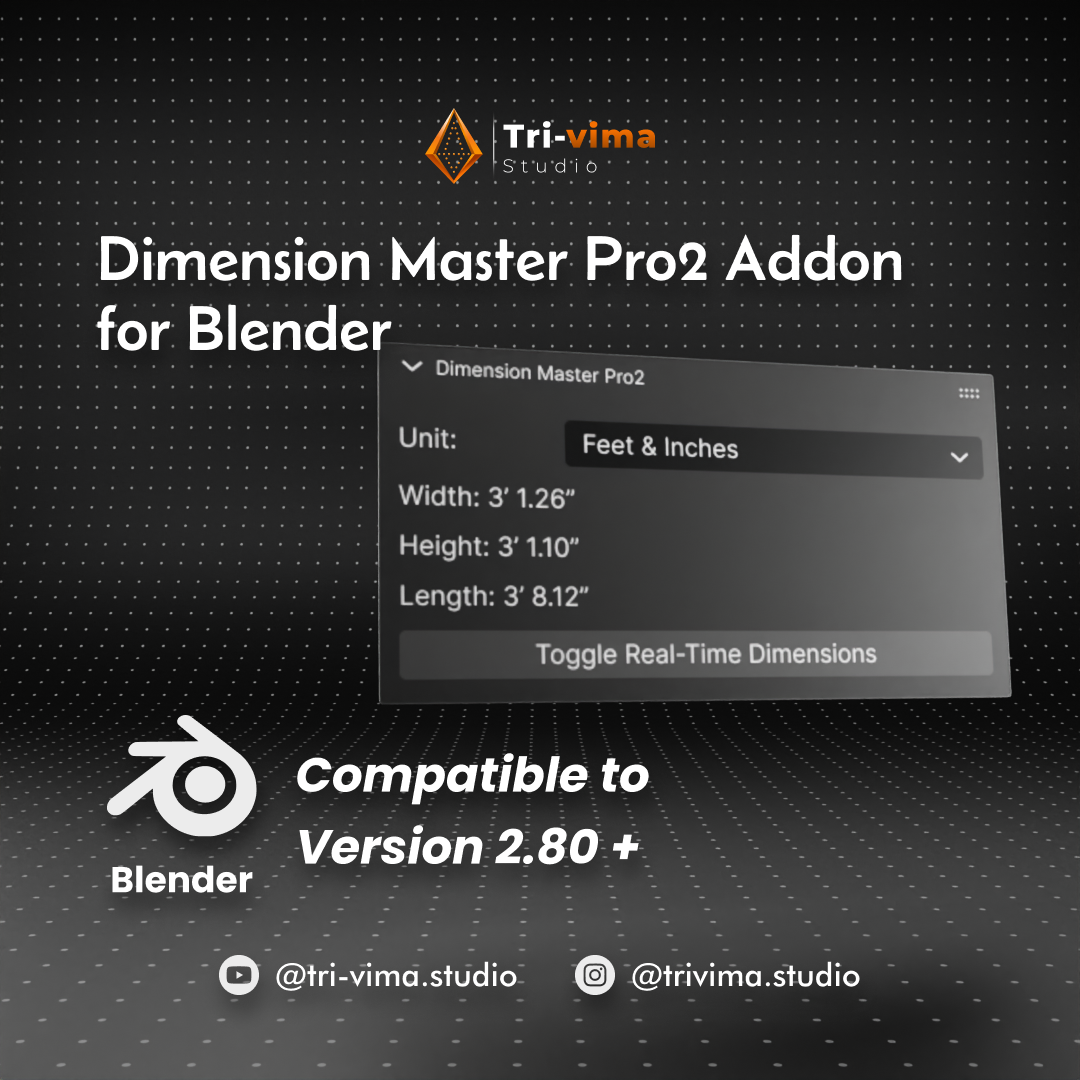
Dimension Master Pro2 displays the dimensions of selected mesh objects directly in the viewport.
Supported units:
Meters
Centimeters
Millimeters
Inches
Feet / Inches
Perfect for:
Product design
Furniture
Interior design
Architecture
Hard-surface modeling
Real-world scale projects
Dimensions update while you move, scale and transform your objects.
05 - Rename-Names Ease
Powerful Batch Renaming for Blender
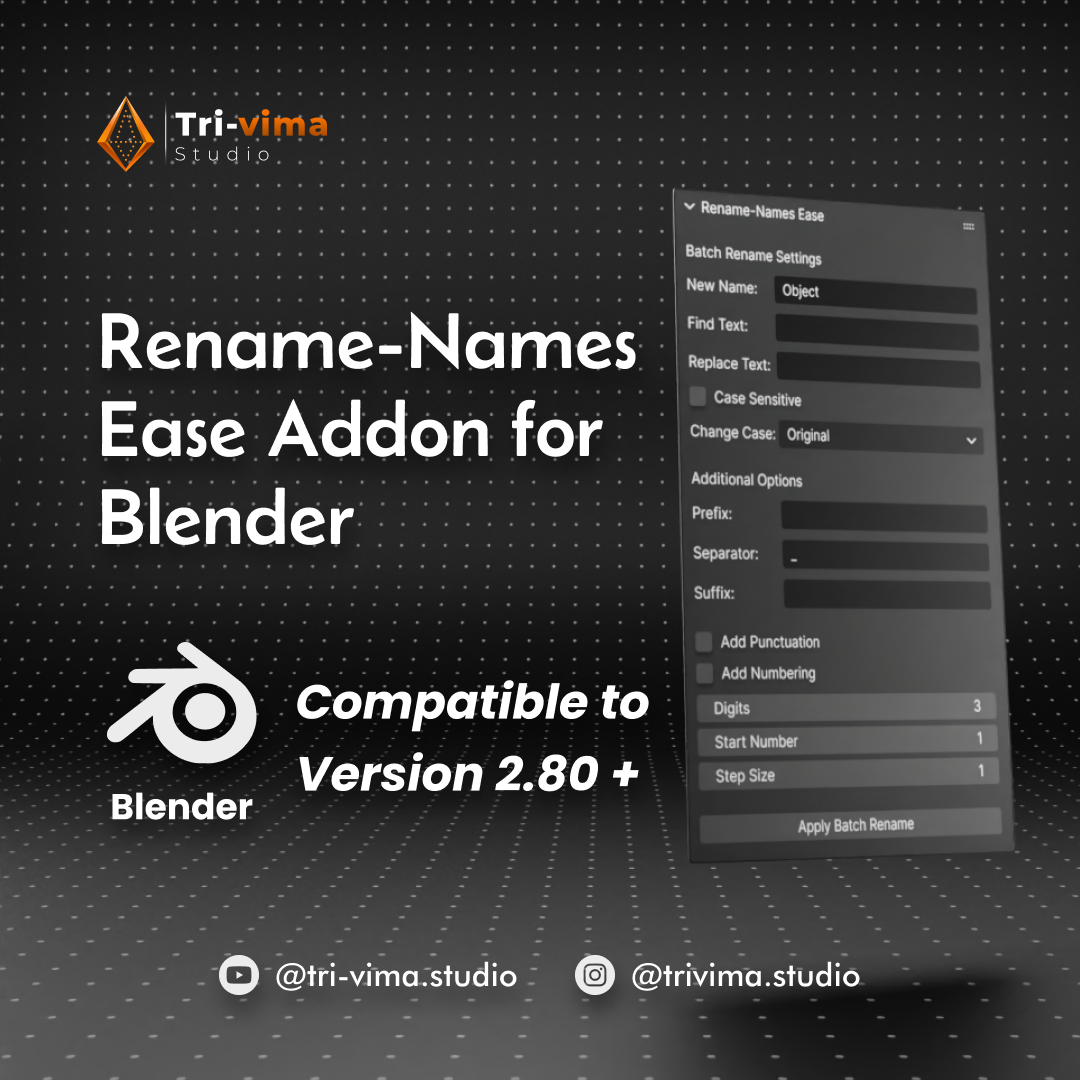
Clean and organize large Blender scenes with flexible batch-renaming controls.
Features:
Find & Replace
Case customization
Prefixes
Suffixes
Separators
Smart numbering
Starting number control
Numbering step control
Digit control
Punctuation options
Create clean, consistent and professional naming structures across your projects.
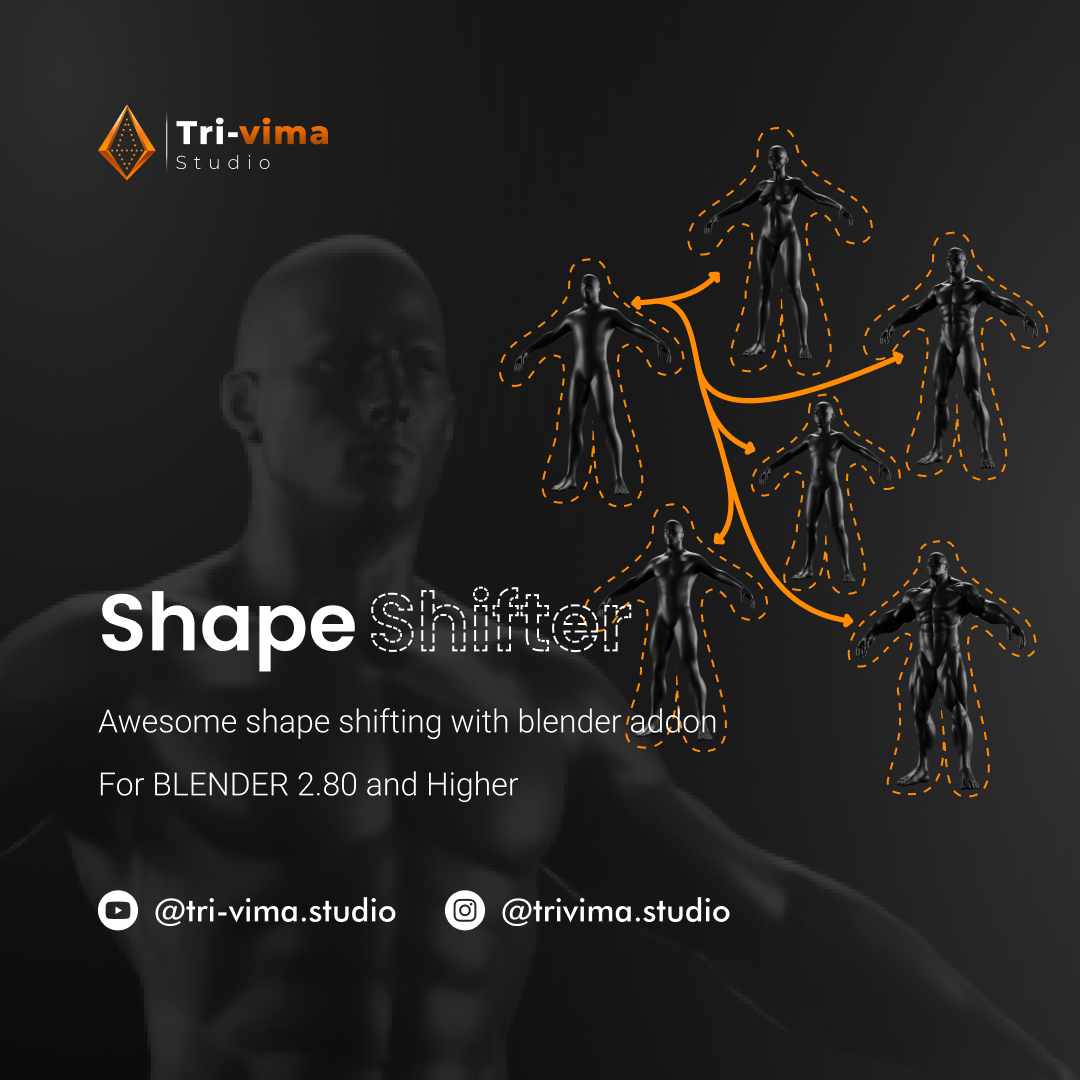
06 - Shape Shifter
Smart Shape Key Management
Make Shape Key workflows faster and easier.
Shape Shifter puts important Shape Key controls into an accessible workflow and allows you to transfer Shape Keys between objects.
Perfect for:
Character facial expressions
Facial animation
Morph targets
Character customization
Product variations
Animation workflows
Spend less time managing Shape Keys and more time creating.
⚡ WHAT YOU GET
When you purchase the Blender Creator Pro Toolkit, you get:
✔ QuickRezoPro Render V2.0
✔ UDIM Bake Pro
✔ HDRI Environment Studio
✔ Dimension Master Pro2
✔ Rename-Names Ease
✔ Shape Shifter
PLUS
✔ Installation instructions
✔ Product documentation
✔ Access to each included addon
✔ Product updates according to each addon
✔ Support according to the individual product support terms
✔ One complete production-focused addon collection
The individual addons currently list support/update periods according to their respective Superhive product pages, so support and update terms may vary between included addons.
🚀 KEY FEATURES
🎬 Faster Rendering
Quickly configure common render resolutions and formats instead of repeatedly entering settings manually.
🧩 Faster UDIM Baking
Simplify multi-tile UDIM baking and reduce repetitive tile-by-tile operations.
💡 Faster Lighting
Load HDRIs and adjust rotation, brightness and blur without manually building the environment setup.
📏 Better Accuracy
See real-time object dimensions while modeling and transforming your assets.
🗂️ Better Organization
Rename multiple objects using flexible naming and numbering controls.
🎭 Better Shape Key Workflow
Manage and transfer Shape Keys with a dedicated workflow.
🎯 BUILT FOR REAL BLENDER WORK
The toolkit is designed around common production situations where small repetitive tasks can consume valuable time.
CHARACTER ARTISTS
Shape Keys + UDIM baking + HDRI lighting + rendering.
PRODUCT DESIGNERS
Accurate dimensions + HDRI environments + fast render setup.
ARCHVIZ ARTISTS
Real-world measurements + HDRI lighting + optimized rendering workflows.
GAME ASSET ARTISTS
UDIM baking + asset organization + Shape Keys + rendering.
ANIMATION & FILMMAKERS
Shape Key workflows + scene organization + lighting + render configuration.
FREELANCERS & STUDIOS
A collection of practical tools for speeding up repetitive Blender tasks.
STUDENTS & LEARNERS
Useful production tools that can be introduced gradually as your Blender skills grow.
🛠️ PRODUCTION WORKFLOW
01 - BUILD
Create your model and establish your scene.
↓
02 - MEASURE
Check accurate dimensions while modeling.
↓
03 - ORGANIZE
Clean up and batch-rename your objects.
↓
04 - SHAPE
Manage Shape Keys and model variations.
↓
05 - BAKE
Bake UDIM textures efficiently using Cycles.
↓
06 - LIGHT
Load HDRI environments and adjust your lighting.
↓
07 - RENDER
Choose the required resolution and render format.
ONE TOOLKIT.
ONE WORKFLOW.
LESS REPETITION.
💻 COMPATIBILITY
The included addons do not all share the same Blender-version range, so compatibility should be checked per addon.
Current listed compatibility:
Compatibility information is based on the current individual Superhive product listings and may change as individual addons are updated.
📦 INSTALLATION
The toolkit contains individual Blender addons.
Each addon can be installed and used independently.
GENERAL INSTALLATION
Download the purchased addon files from your Superhive account.
Open Blender.
Go to Edit → Preferences → Add-ons.
Click Install.
Select the addon .zip or .py file.
Enable the addon.
Save Preferences if required.
Access the addon from its designated Blender interface panel.
QUICKREZOPRO
After installation, access QuickRezoPro from the Blender 3D Viewport sidebar.
Press N to open the sidebar and locate QuickRezoPro Render V2.0.
HDRI ENVIRONMENT STUDIO
Install the .zip or .py file through Blender Preferences, enable the addon, then provide a folder containing .HDR or .EXR environment images.
DIMENSION MASTER PRO2
Select a mesh object, open the 3D Sidebar, access the Dimensions panel and enable real-time dimensions.
RENAME-NAMES EASE
After activation, access the addon from the Blender 3D View interface and use its naming controls to organize your objects.
UDIM BAKE PRO
For UDIM baking, use a Cycles workflow with the appropriate UDIM Image Texture setup and access the addon from the Blender viewport interface.
SHAPE SHIFTER
After activation, use Shape Shifter's dedicated Shape Key workflow to manage and transfer Shape Keys between objects.
🎁 WHAT'S INSIDE?
6 ADDONS
1 PRODUCTION TOOLKIT
COUNTLESS WORKFLOWS
BUILD.
ORGANIZE.
SHAPE.
BAKE.
LIGHT.
RENDER.
❤️ CREATED FOR BLENDER ARTISTS
The Tri-Vima Blender Production Toolkit is built around one simple idea:
SAVE TIME ON THE TECHNICAL WORK. SPEND MORE TIME CREATING.
Whether you're a beginner learning Blender, a freelancer delivering client work, or a professional artist building production-ready assets, these tools are designed to become useful parts of your everyday workflow.
TRI-VIMA STUDIO
Create Better. Render More.
