 3DMAGIC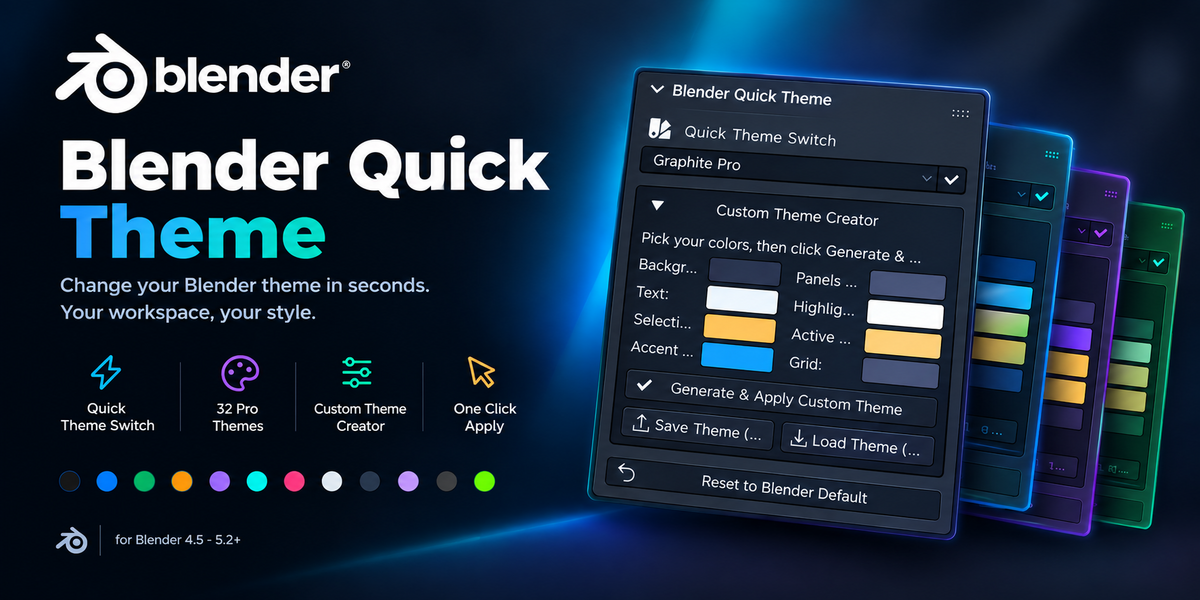
Blender Quick Theme
Change your Blender theme in seconds.
Your workspace. Your style.
◆ Make Blender Feel Like Yours
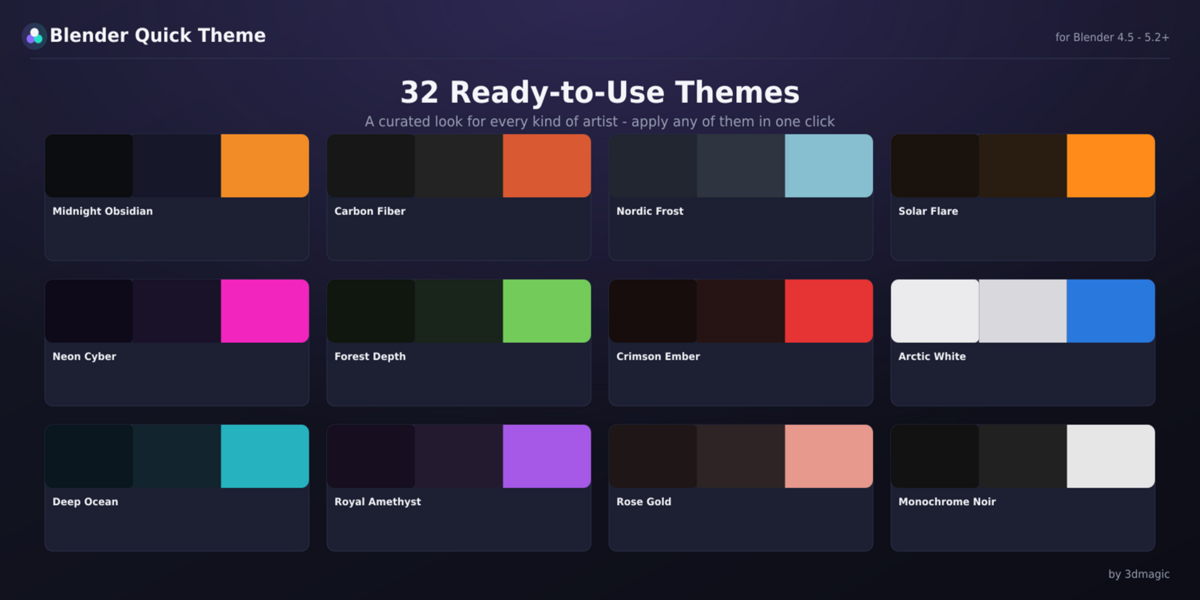
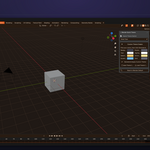
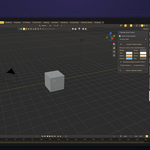
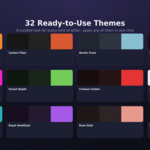
Stop wasting time tweaking dozens of tiny color sliders. Blender Quick Theme gives you 32 professionally designed themes you can apply in a single click, plus a full custom theme creator built right into the 3D Viewport sidebar — no trips to Preferences required.
◆ What You Get
From clean minimal looks to bold, high-energy designs.
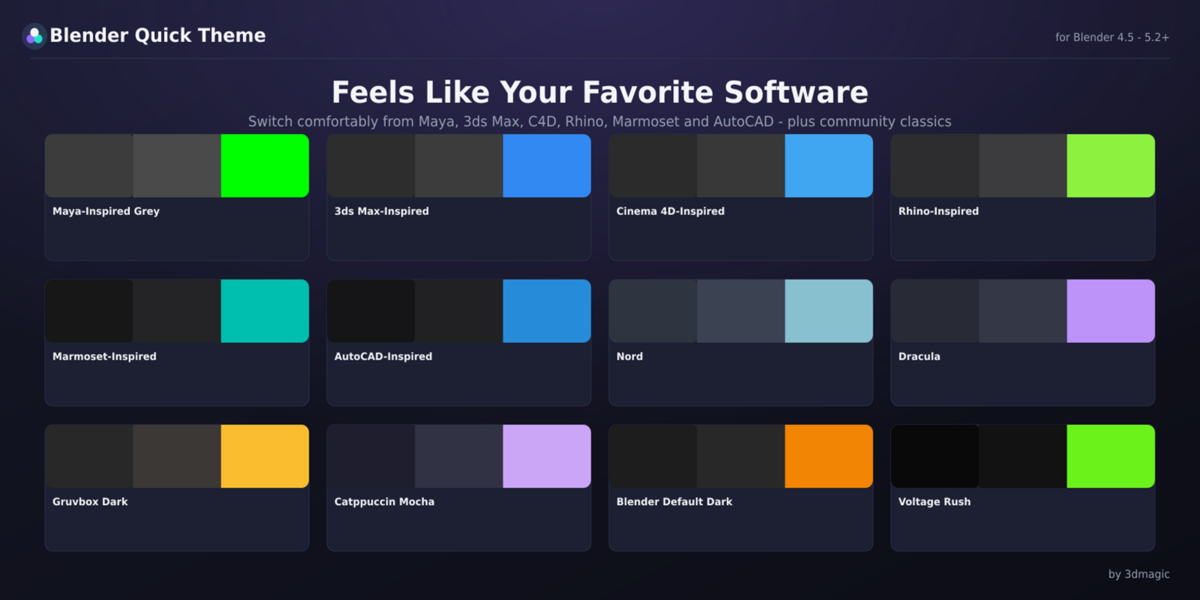
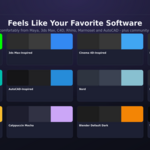
Original color recreations inspired by the general visual mood of Maya, 3ds Max, Cinema 4D, Rhino, Marmoset Toolbag, and AutoCAD.
Nord, Dracula, Gruvbox Dark, and Catppuccin Mocha.
A faithful default theme gives you a one-click way back to the familiar Blender look.
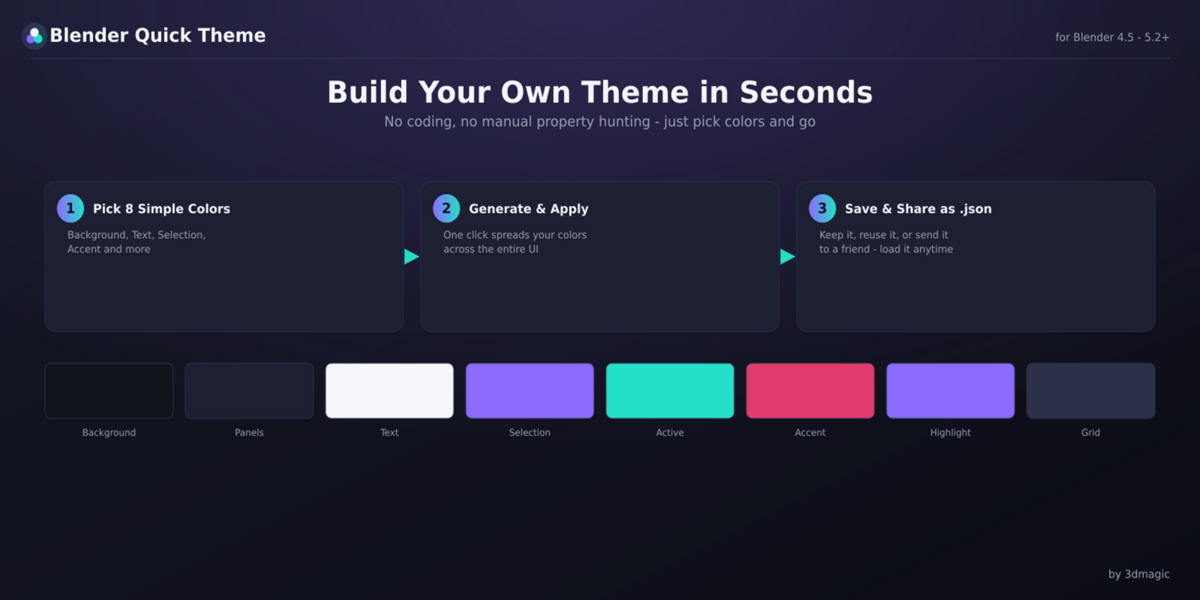
Pick 8 simple colors — Background, Panels, Text, Selection, Active Object, Accent, Highlight, and Grid — and Blender Quick Theme spreads them consistently across the entire interface.
Save your custom themes as simple .json files for backup, reuse, or sharing.
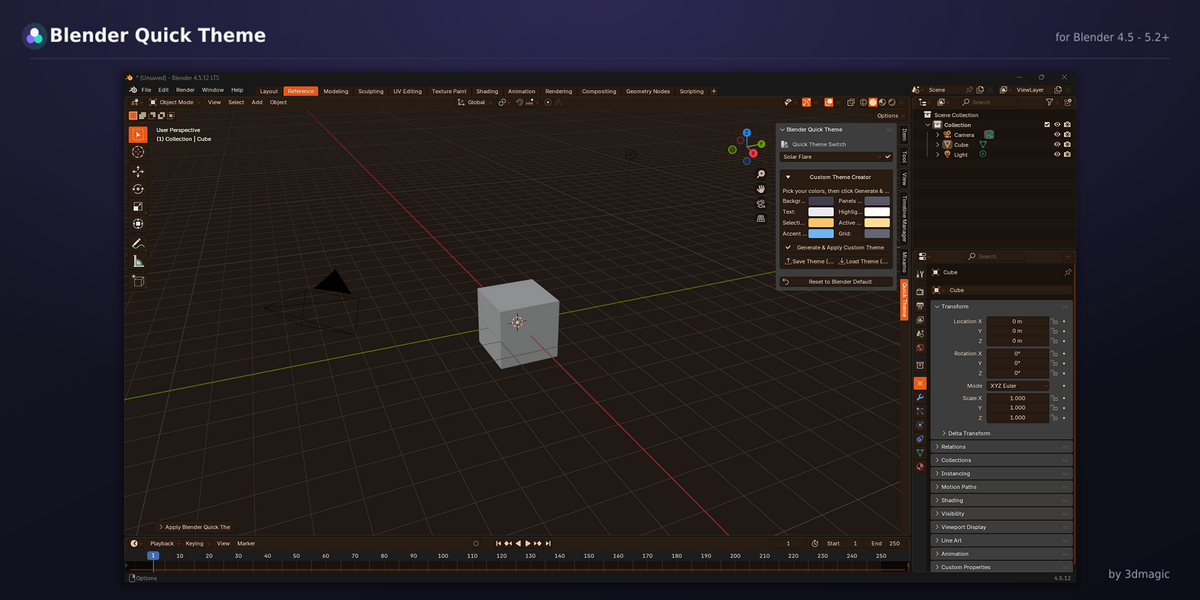
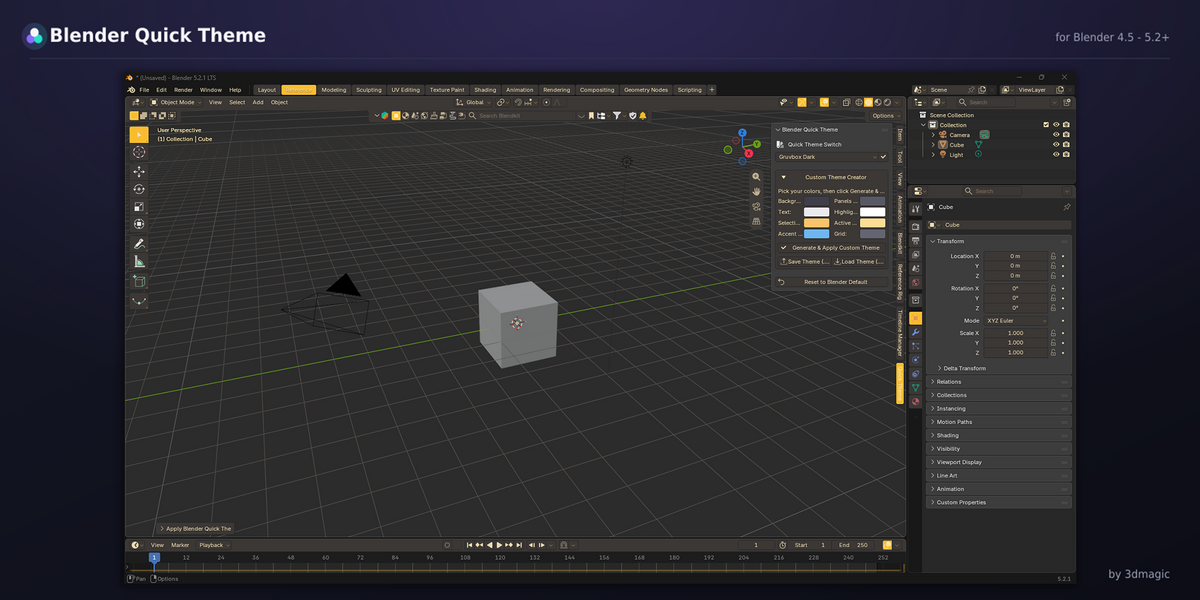
Access everything from the Quick Theme tab in the 3D Viewport sidebar. No Preferences required.
Instantly return to Blender's factory theme whenever you want.
◆ How the Custom Theme Creator Works
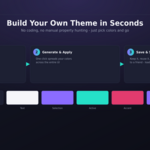
Choose 8 simple colors: Background, Panel, Text, Selection, Active Object, Accent, Highlight, and Grid.
Click Generate & Apply and your palette is instantly mapped across Blender's editors and button/widget types for a cohesive result.
Save your theme as a .json file and load it again whenever you need it.
◆ One Palette. Across Blender.
Your custom colors are applied consistently across:
Built for Blender 4.5 through the current 5.x line. Every color assignment automatically adapts to whatever format the running Blender version expects.
◆ A Quick Note
Blender Quick Theme controls every part of the interface exposed by Blender's Theme system: backgrounds, panels, tabs, buttons, text, grids, wireframes, and selection/active outlines.
◆ Frequently Asked Questions
No. Press N in the 3D Viewport, open the Quick Theme tab, and everything is right there.
Yes. Pick 8 colors in the Custom Theme Creator and click Generate & Apply. You can save it as a .json file to reuse or share.
It changes UI colors exposed through Blender's Theme system, including backgrounds, panels, buttons, outlines and selection highlights. It does not change an object's material or Solid-shading fill color.
Blender 4.5 and newer, including current 5.x releases.
Yes. Under the Regular License you can install it on any number of Blender installations you personally use. See the included LICENSE.txt for full terms, including the Extended/Team License for studio use.
The "familiar software" themes are original color recreations inspired by the general visual style of those applications' interfaces. They contain no copied assets, code, or trademarks. Maya, 3ds Max, and AutoCAD are trademarks of Autodesk, Inc. Cinema 4D is a trademark of Maxon Computer GmbH. Rhino is a trademark of Robert McNeel & Associates. Marmoset Toolbag is a trademark of Marmoset LLC. Blender Quick Theme is an independent product by 3dmagic and is not affiliated with, sponsored by, or endorsed by any of these companies.