Blender Quick Theme
 3DMAGIC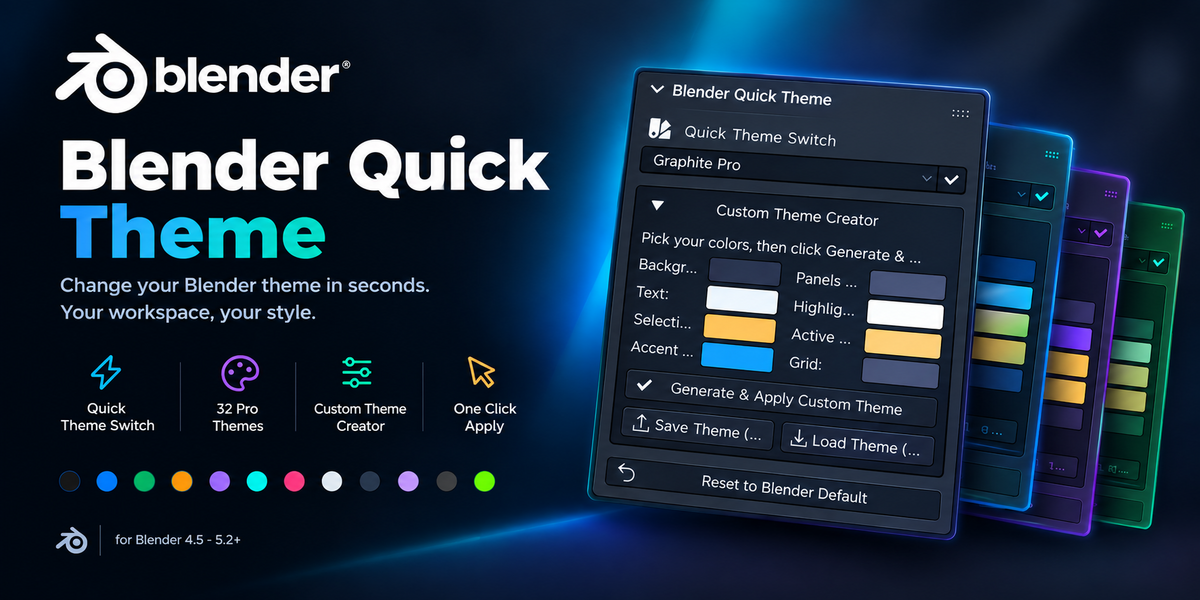
Blender Quick Theme
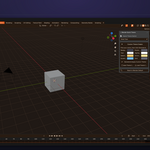
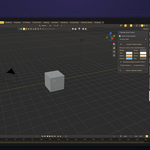
Blender Quick Theme is a lightweight Blender add-on for quickly changing and customizing the visual appearance of Blender's interface.
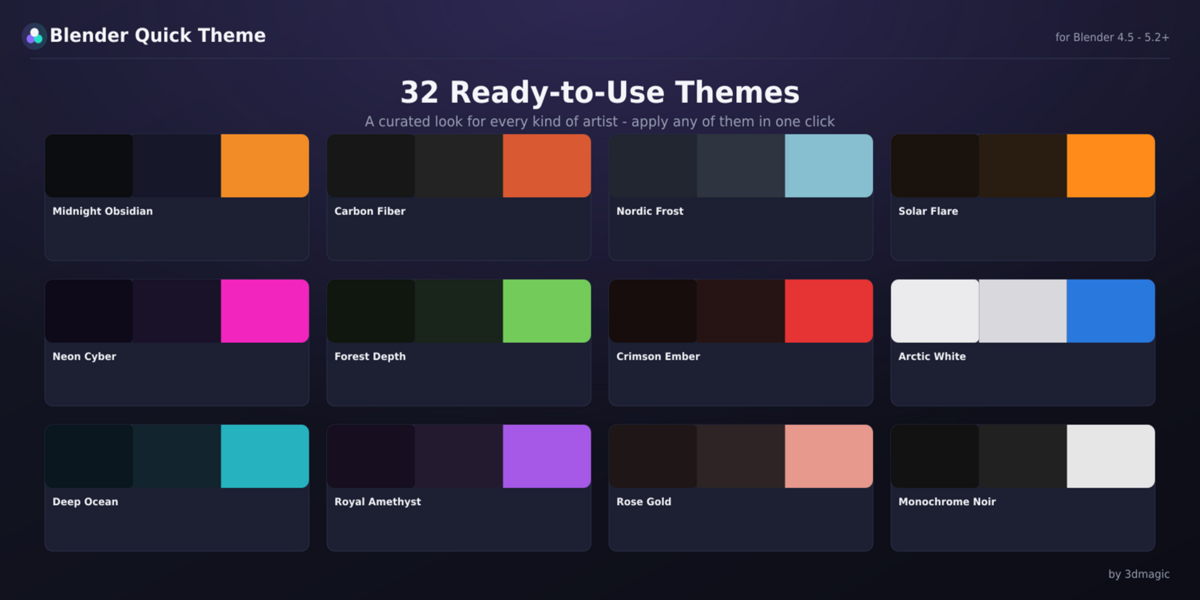
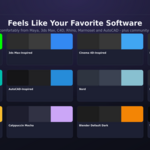
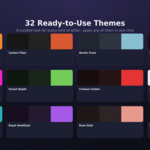
It includes 32 professionally designed themes, inspired by different visual styles and popular creative software, plus a Custom Theme Creator that lets you build your own Blender theme using just 8 colors.
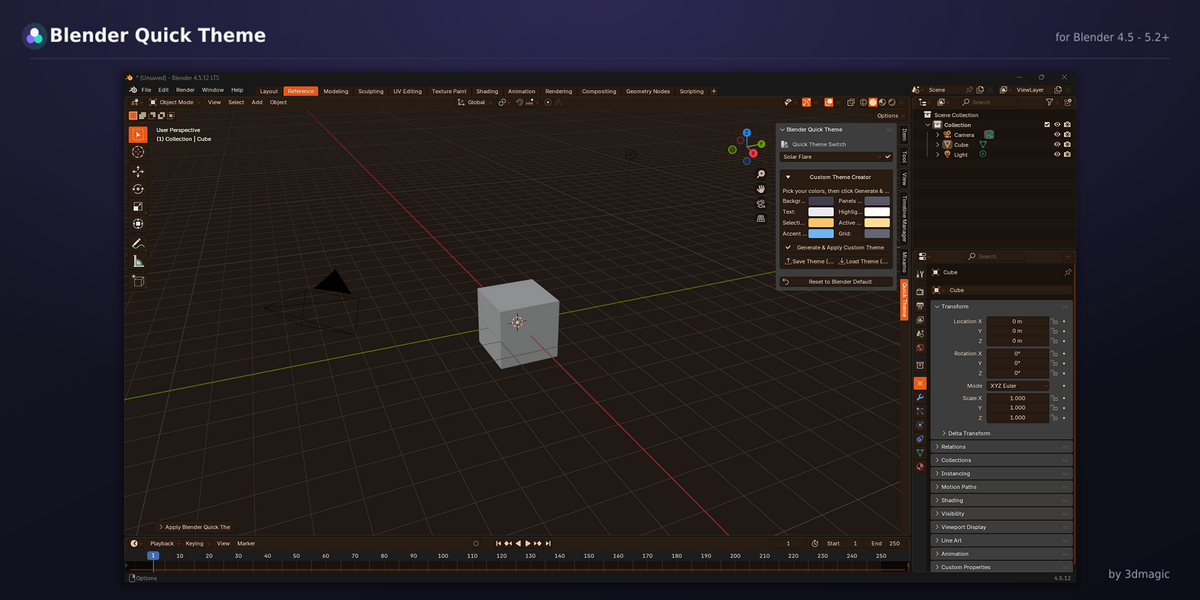
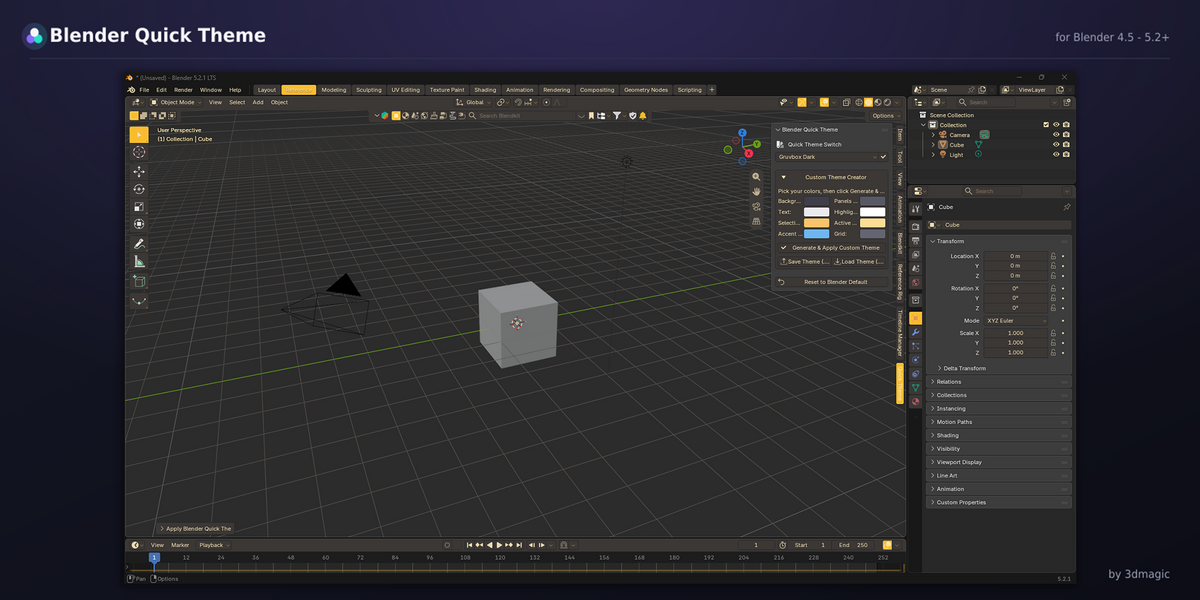
Everything is accessible directly from the 3D Viewport N-Panel, so you don't need to navigate through Blender Preferences.
Installation
Open Blender.
Go to Edit → Preferences → Add-ons.
Click the Install button.
Select the Blender Quick Theme
.zipfile.Enable the Blender Quick Theme add-on.
After installation, open the 3D Viewport, press N, and select the Quick Theme tab.
Important: Do not extract the
.zipfile before installing unless specifically instructed by the included installation documentation.
Quick Start
Apply a Ready-to-Use Theme
Open the 3D Viewport.
Press N to open the sidebar.
Select the Quick Theme tab.
Choose one of the available themes.
Click Apply.
The theme is applied immediately across Blender's supported interface elements.
No restart is required.
32 Included Themes
Blender Quick Theme includes 32 ready-to-use themes covering several visual styles:
Professional and minimal themes
Dark and high-contrast themes
Creative color palettes
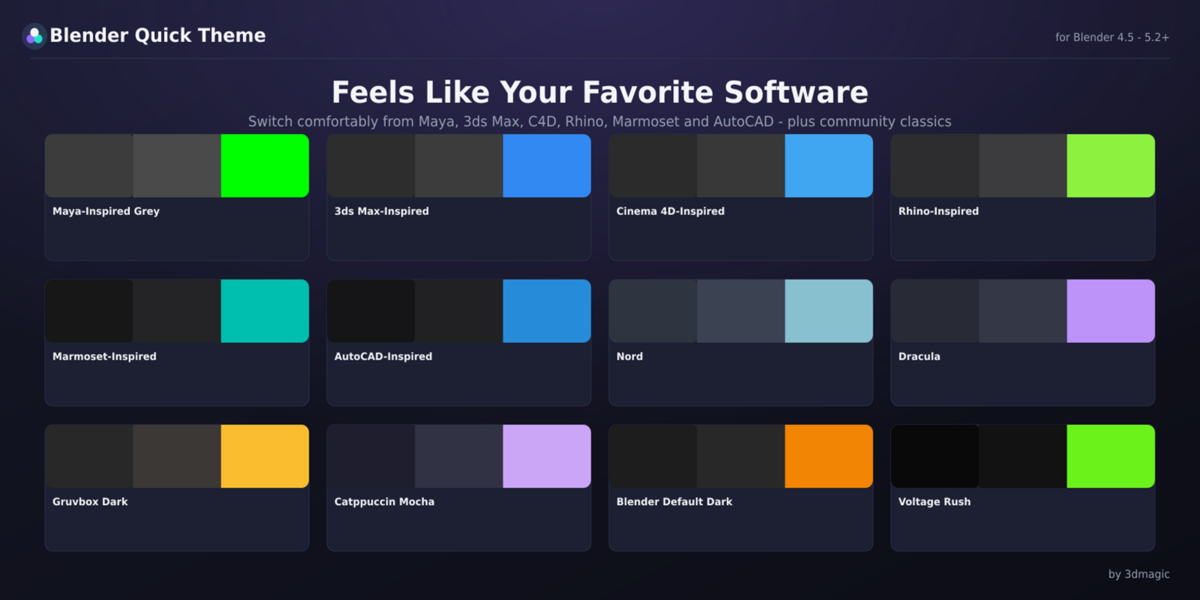
Familiar software-inspired themes
Community-inspired palettes
Blender Default Dark
The software-inspired themes are original color recreations inspired by the general visual mood of those applications. They do not contain copied assets, code, or proprietary UI elements.
Custom Theme Creator
Create your own Blender theme without manually editing dozens of individual color settings.
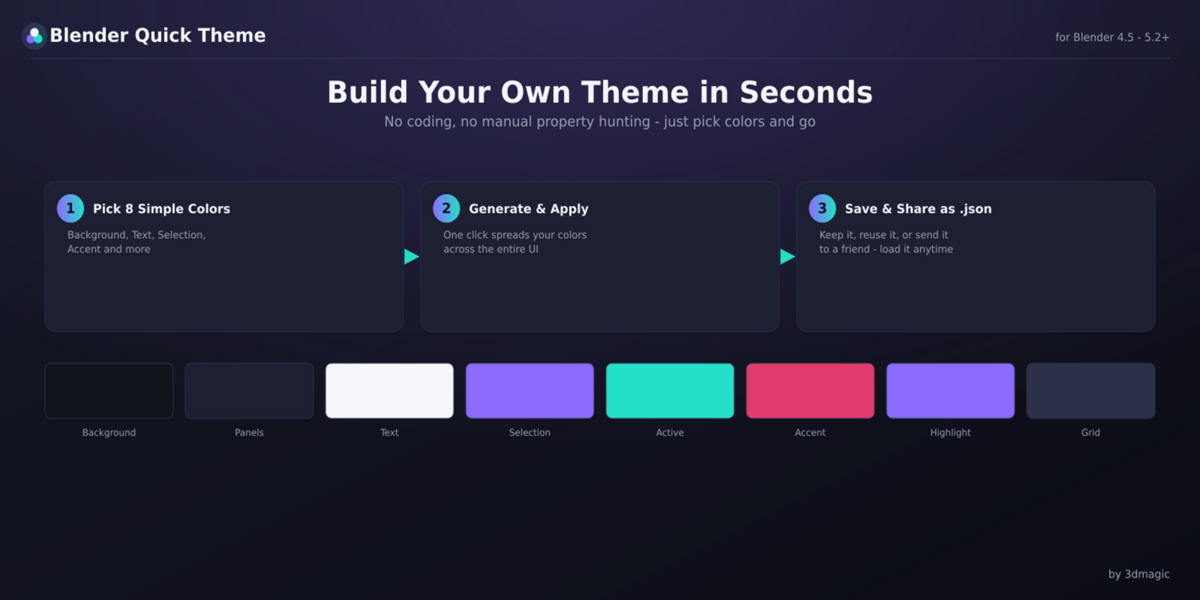
The Custom Theme Creator uses 8 simple color controls:
Background
Panel
Text
Selection
Active Object
Accent
Highlight
Grid
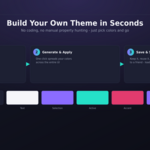
Choose your colors, then click Generate & Apply.
Blender Quick Theme automatically maps your selected palette across the supported areas of Blender's Theme system to create a consistent interface.
Save & Load Custom Themes
Custom themes can be saved as simple .json files.
This allows you to:
Back up your custom themes
Reuse themes between Blender installations
Share your custom palettes
Keep multiple personal themes
Use the Save and Load controls in the Quick Theme panel.
One-Click Reset
Want to return to Blender's familiar appearance?
Use Reset to Blender Default to quickly restore the factory theme.
What Does the Add-on Change?
Blender Quick Theme controls the parts of Blender's interface exposed through Blender's Theme system, including supported:
3D Viewport UI
Node Editor UI
Outliner
Properties
Timeline
Text Editor
File Browser
Panels
Buttons and widgets
Tabs
Grid and wireframe colors
Selection and active-object outlines
Interface backgrounds and text
The goal is to keep your chosen color palette visually consistent throughout Blender.
What Does It NOT Change?
Blender Quick Theme does not modify:
Object materials
Texture colors
Render appearance
Cycles or Eevee settings
The actual geometry of your objects
Solid viewport object fill colors controlled by Viewport Shading
Important: Solid Viewport Object Color
If an untextured object still appears with a flat gray color in Solid shading, this is expected.
That gray appearance is controlled by Blender's Viewport Shading settings or the object's material/display settings, not by Blender's Theme system.
Blender Quick Theme cannot override this limitation.
Compatibility
Minimum Blender Version: 4.5
Tested Up To: Blender 5.x
Blender Quick Theme is designed to automatically adapt its theme assignments to the theme structure used by the installed Blender version.
For the most reliable experience, always use a currently supported Blender release.
License
Blender Quick Theme is a commercial product developed and distributed by 3dmagic.
Please read the included LICENSE.txt file for the complete licensing terms, including the conditions for individual and team/studio use.
Support
If you encounter an issue:
Make sure you are using a supported Blender version.
Restart Blender and test the add-on again.
Make sure the add-on is enabled under Edit → Preferences → Add-ons.
-
If the problem persists, contact the seller through the marketplace support/contact system and include:
Your Blender version
Your operating system
A description of the issue
A screenshot if applicable
Providing this information helps diagnose problems much faster.
Have questions about this product?
Login to message
| Published | 4 days ago |
| Blender Version | 4.0 - 5.2 |
| Extension Type | N/A |
| License | GPL |
Discover more products like this
Blender customization blender addon color theme theme creator theme changer blender-ui Custom Theme blender-theme viewport theme theme Dark Theme Blender tool