Blender Quick Theme2
 3DMAGIC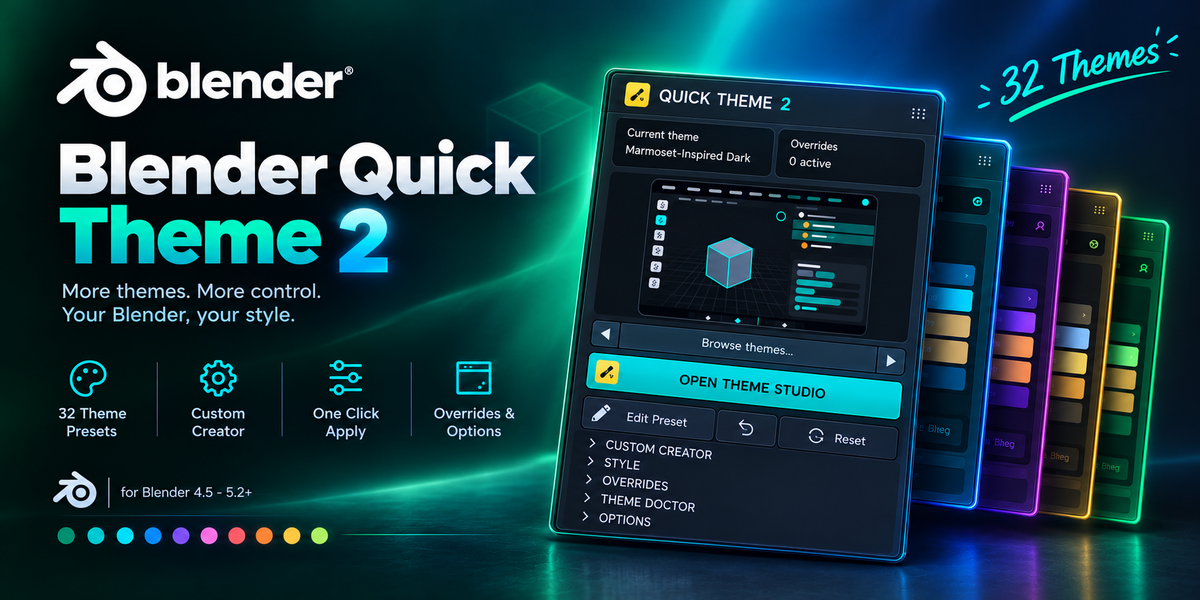
Can I create my own theme?
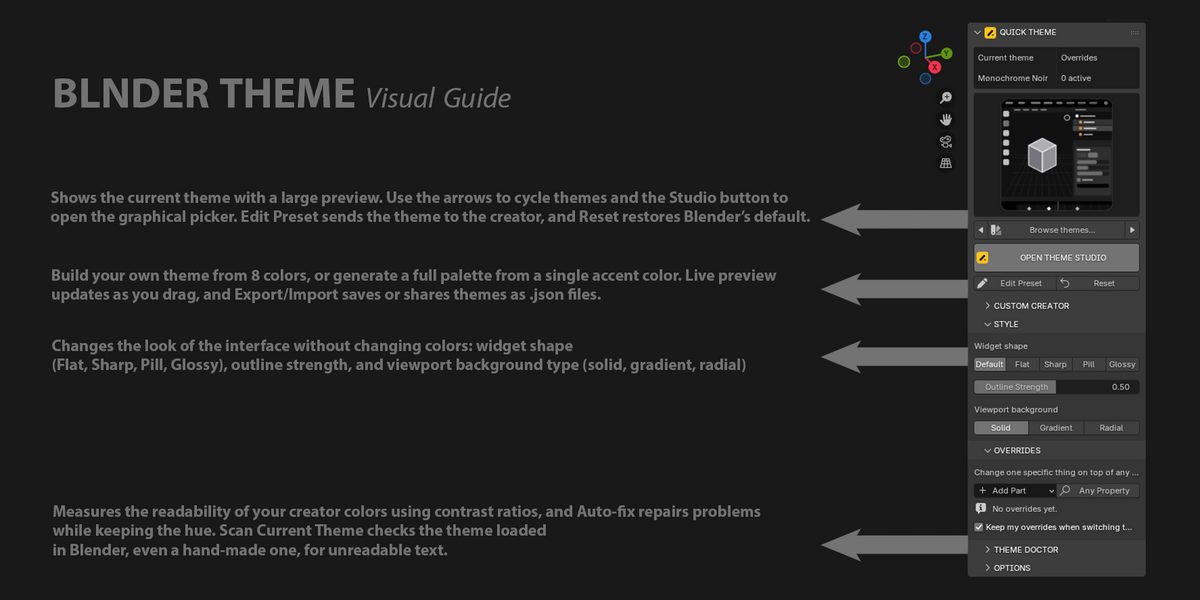
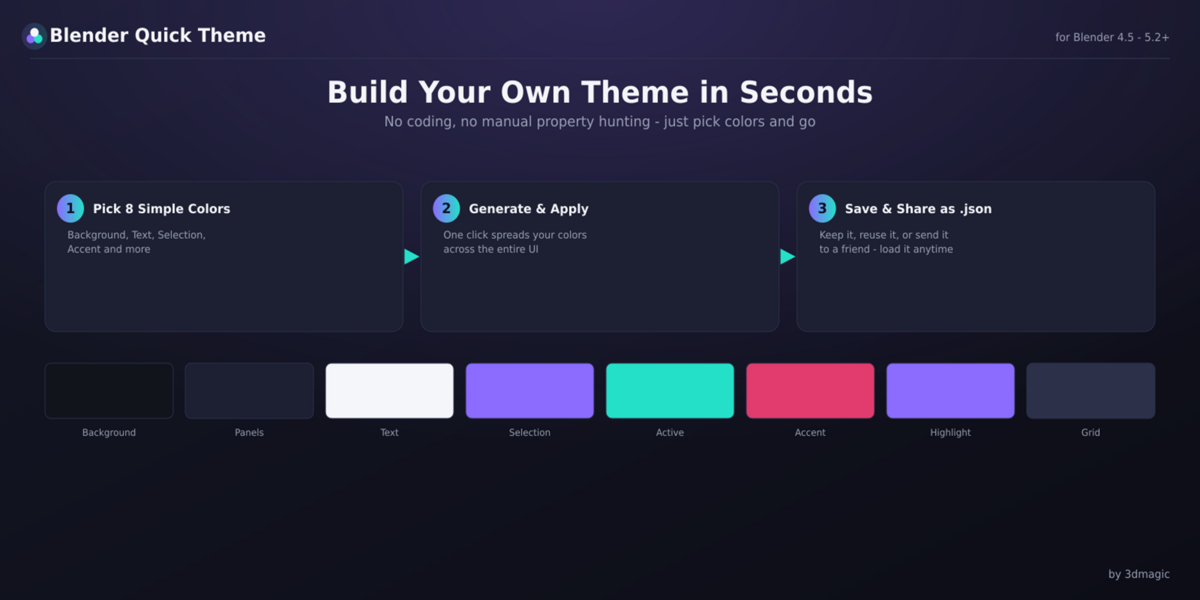
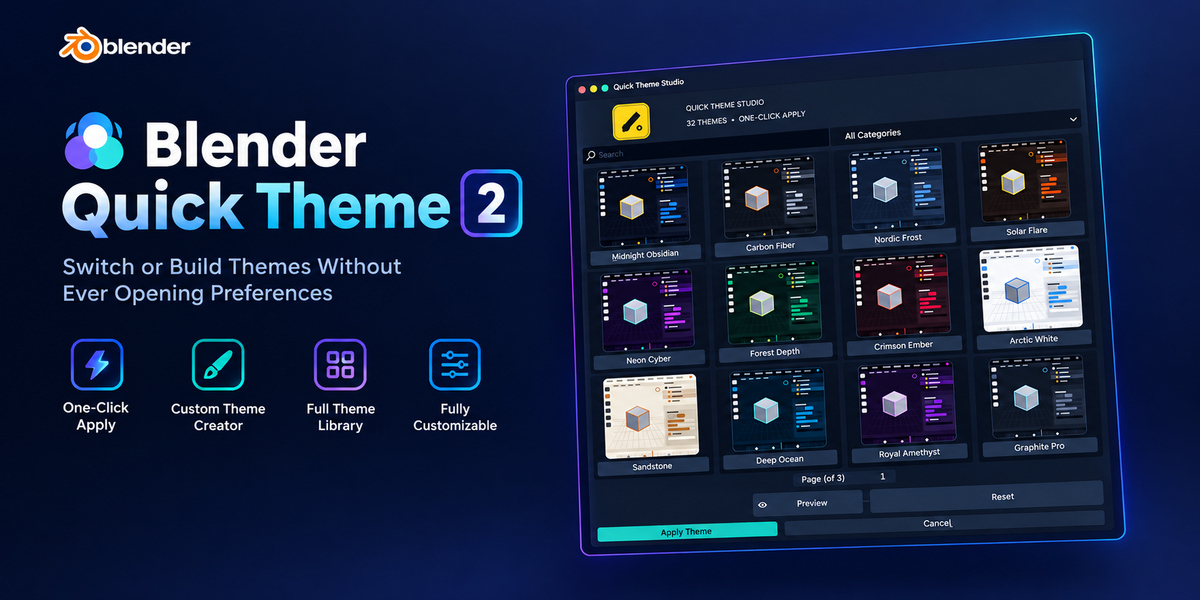
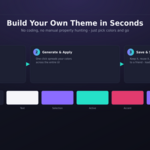
Yes. The Custom Theme Creator lets you choose 8 colors and automatically applies them across Blender's supported Theme system.
Can I save my custom themes?
Yes. Custom themes can be saved and loaded as .json files, making them easy to back up, reuse, or share.
Do I need to restart Blender after applying a theme?
No. Themes are applied immediately.
Why is my object still gray in Solid mode?

The flat gray appearance of an untextured object is controlled by Blender's Viewport Shading or object display settings. It is not part of Blender's Theme system.
Which Blender versions are supported?
Blender 4.5 and newer, including supported 5.x releases.
Does it work with Cycles and Eevee?
The add-on is independent of the render engine. It modifies Blender's interface Theme system and does not require Cycles, Eevee, or another render engine.
Can I use my custom theme on another computer?
Yes. Save your custom theme as a .json file and load it on another Blender installation.
Can I install the add-on on multiple computers?
Under the Regular License, you can install it on Blender installations you personally use. See the included LICENSE.txt for complete licensing terms and information about Extended/Team usage.
Are the Maya, 3ds Max, Cinema 4D, Rhino, Marmoset, and AutoCAD themes official themes?
No. These are original color recreations inspired by the general visual style of those applications. Blender Quick Theme is not affiliated with, sponsored by, or endorsed by those companies.
Where can I get support?
Use the marketplace's seller/contact system and provide your Blender version, operating system, and a clear description or screenshot of the issue.
Have questions about this product?
Login to message
| Published | 3 days ago |
| Blender Version | 4.0 - 5.2 |
| Extension Type | N/A |
| License | GPL |
Discover more products like this
workflow tools interface theme blender-theme theme editor blender-ui productivity Custom Theme blender tools ui customization Color Customization blender addon theme manager