Blender Scenes Manager
 Olivier Crespo Barrio
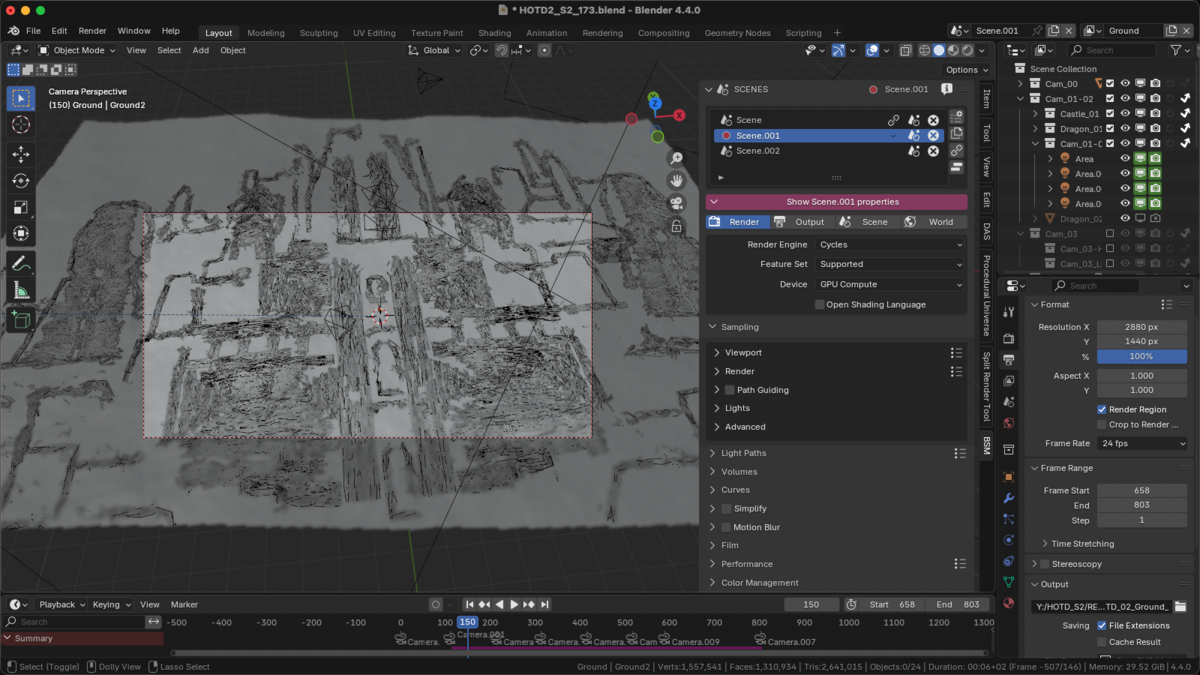
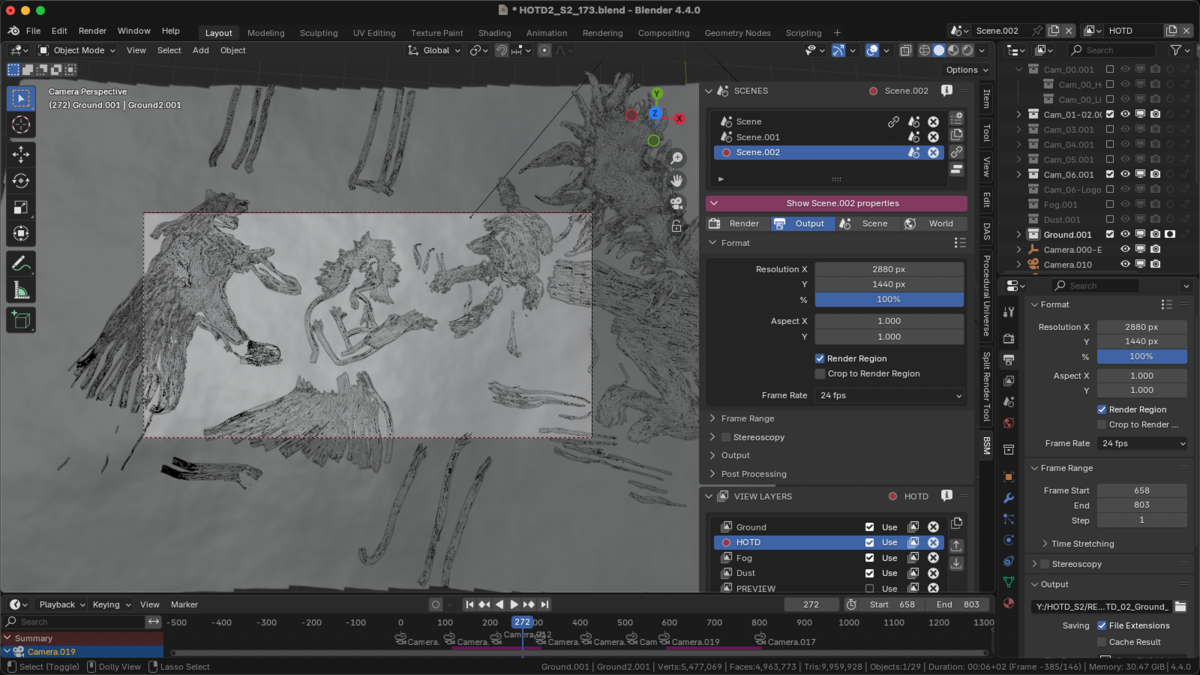
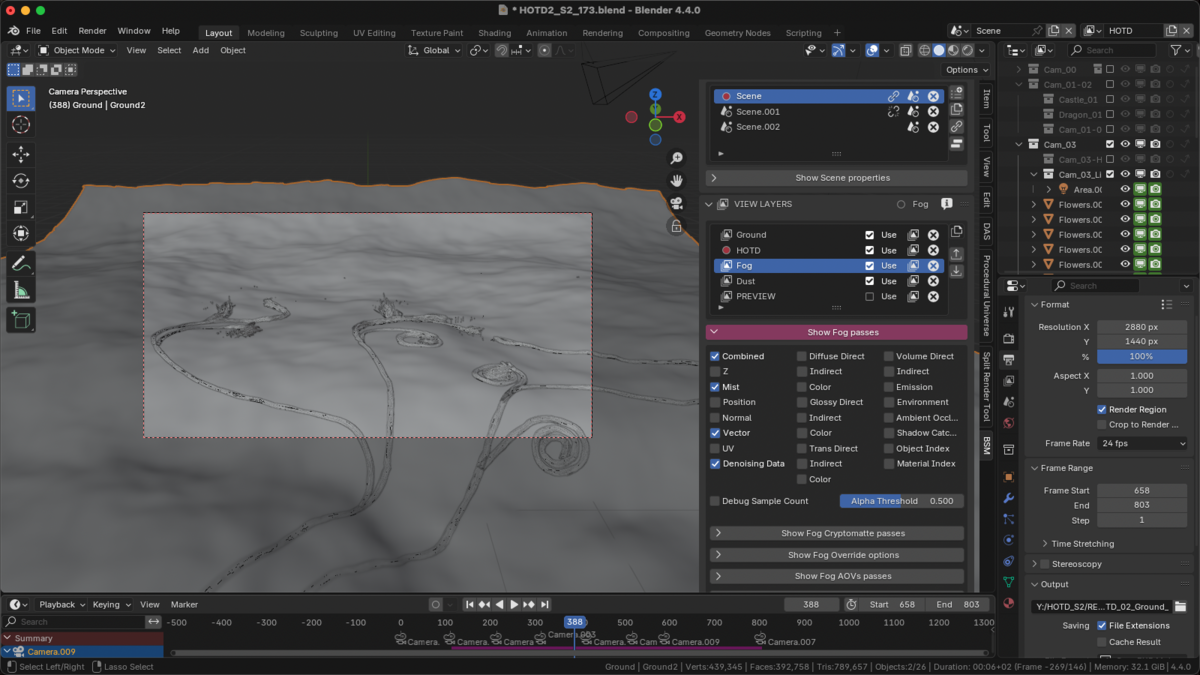
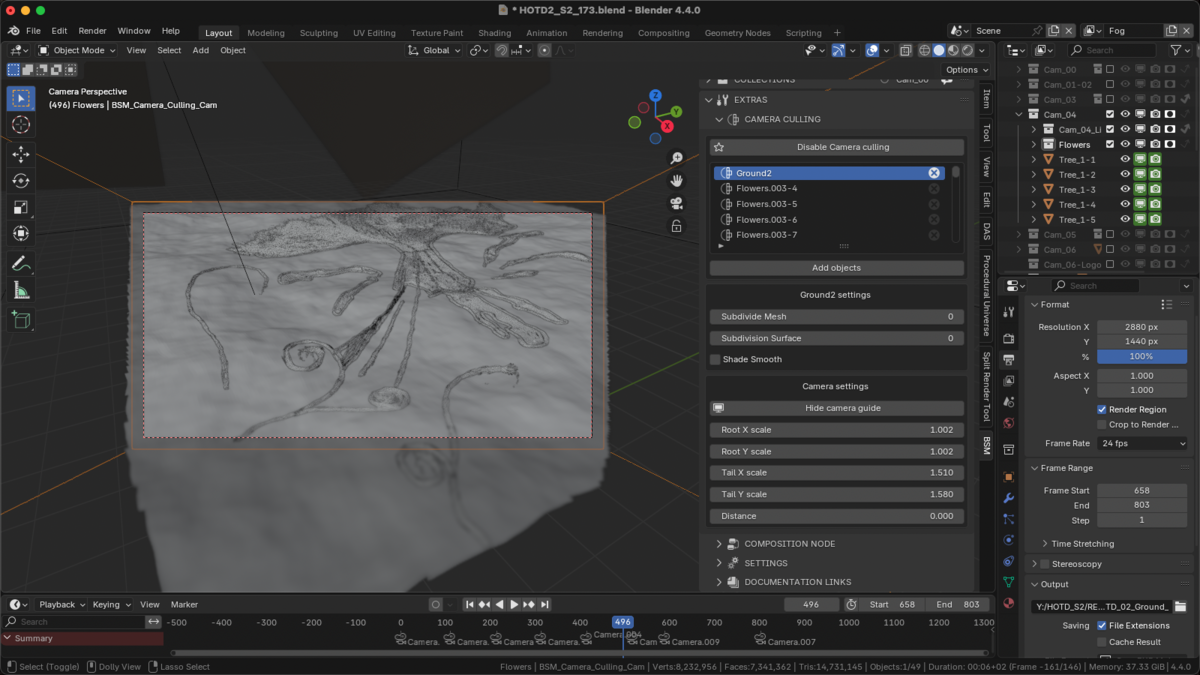
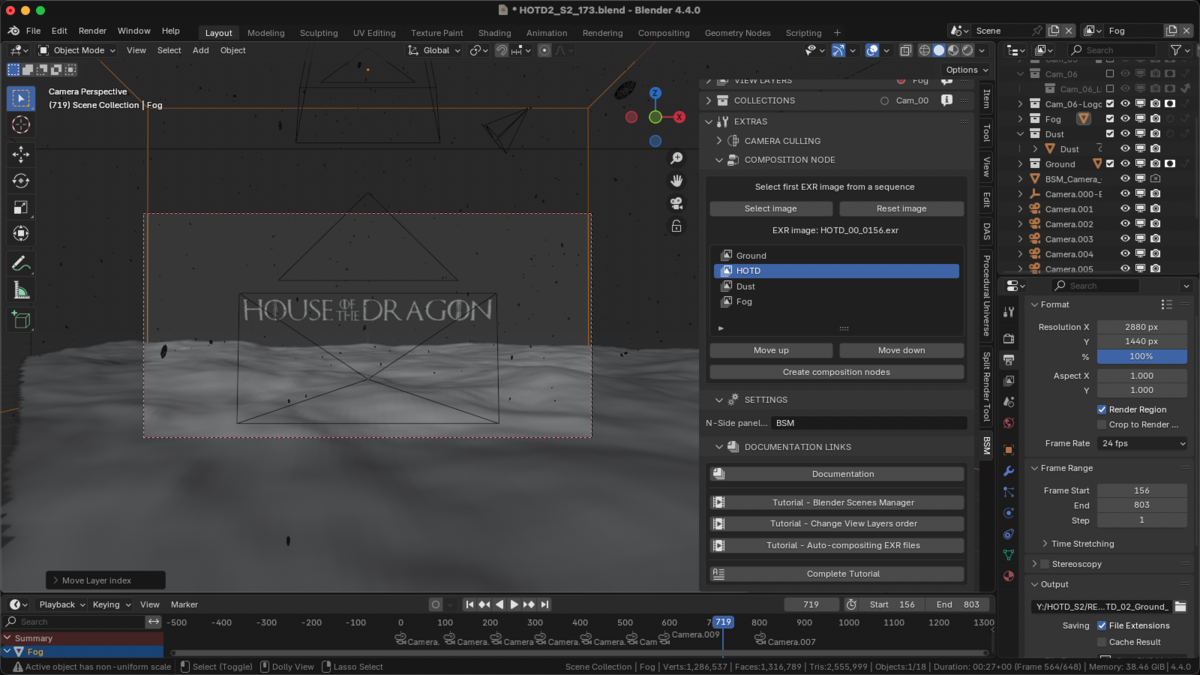
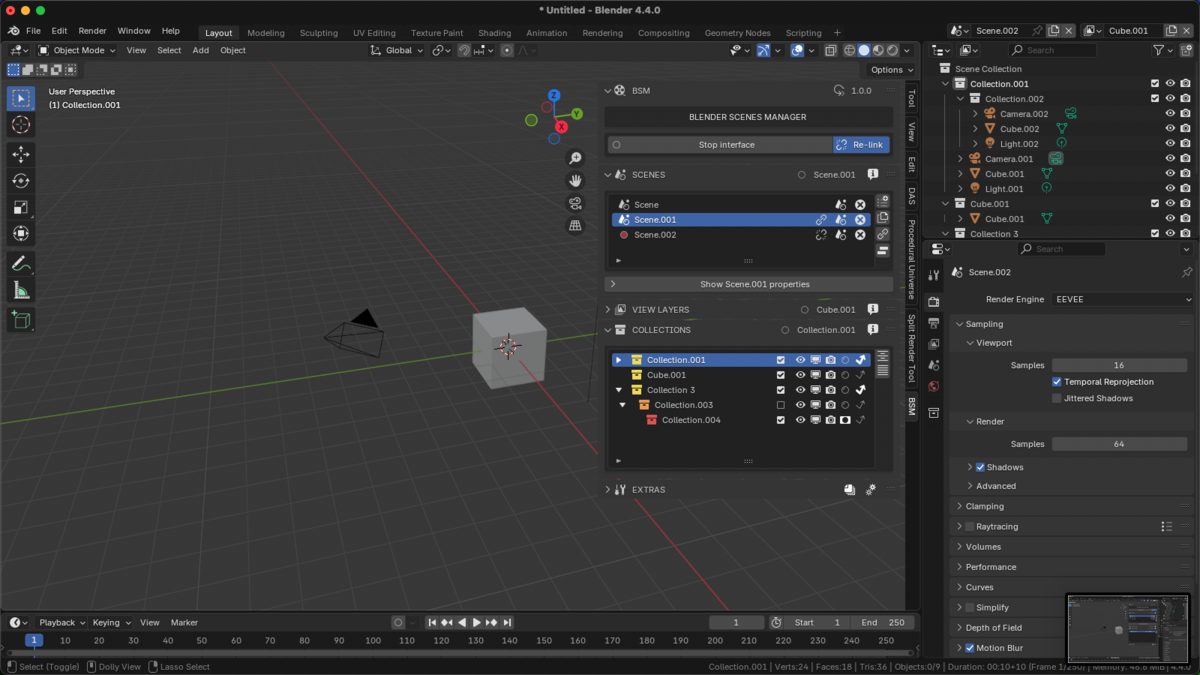

All documentation here:
CHANGELOG
v1.2.0
- Added Blender 5.2+ compatibility.
- "Change Category" setting re coded from scratch. Now is how it meant to be.
- "Set BSM as Tool" setting re coded from scratch. Now is how it meant to be. This fix a weird bug.
- "Set UI Landscape" setting re coded from scratch. Now is how it meant to be. This fix another weird bug.
- Added "Create Compositing Nodes from Layers" option. It is the same as "Create Compositing Nodes", but using current project View Layers.
- Added "Denoise Passes" node to "Create Compositing Nodes". Now a new node, with a Panel per Pass containing an Enable/Disable switch, its denoise options, and with its output, is created next to Layers node when Denoising is enabled.
- Added "Create automatically File Output nodes". User can set Output Directory and Name of File (optional). There are 3 different parts:
- - Original: It creates File Output EXR for each View Layer.
- - Basic Compositing: It creates File Output EXR with all View Layers already composited.
- - Compositing: It creates final File Output EXR composited with all effects.
- Added "Motion Blur Passes" node to "Create Compositing Nodes".
- Added (Compositing Editor) Enable/Disable options for All Denoise nodes, Diffuse Passes only, Color Passes only and AO nodes. If selected node is BSM_AO or BSM_Denoising nodes, this will apply only for selected node.
- Added (Compositing Editor) Enable/Disable Preview. This switches between Image node "Combined" pass to "Effects".
- Added (Compositing Editor) Enable/Disable Motion Blur Preview.
- Removed in "Create Compositing Nodes from EXR" 'Composite' View Layer from the list.
- Fixed bug: New View Layer "Copy Settings" mode not matching selected View Layer as source (from Blender 5.0+).
- Fixed bug: Some Compositing Effect nodes missing settings from Blender 5.0+.
- Fixed bug: Compositing Effect nodes initial values reset to 0.
- Fixed bug: Create Compositing Nodes error if there is no Compositing Tree.
- Fixed bug: ONLY on Windows! Random crashes while rendering. Reason: Windows is slower than MacOS, when Blender changes from a frame to the next one.
- Now in "Create Compositing Nodes" if Ambient Occlusion is enabled, it automatically uses it as output (instead of Combined/Noisy Image pass).
v1.1.1
- Fixed: 2 operators descriptions syntax error.
v1.1.0
- Added Blender 5.1 compatibility.
v1.0.4
- Added Blender 5+ compatibility.
- Fixed Blender 4.5 bugs related to nodes.
- Fixed random Blender crash when starts rendering
v1.0.3
- Added Blender 4.5+ compatibility.
- Added "change method" option to Camera Culling objects. It will duplicate the object instead of use the original one.
v1.0.2
- Added "Show BSM as Tool" option to BSM Settings. Disable this option to set BSM as regular add-on, in View3D - N-Side panel. Enabled it will be at Tool panel and in Properties window.
- Added "Landscape UI" option to BSM Settings. Enabled all three lists will be next to each other, in landscape mode. You can set "Auto scale", or "Manual scale" to control horizontal scale of each list.
- Fixed bug where BSM fails to start if user enable it from any other scene than the first one.
- Fixed some add-on preferences not showing (only in preferences panel).
v1.0.1
- Fixed bug where renaming a scene while BSM is disabled throws an error in Console.
- Fixed bug where Camera Culling shows error when enabling it, if the current camera object has not the same name as the camera data.
- Fixed Blender Culling panel showing its 2 options twice.
- Removed wrong Video Tutorial link from Documentation panel.
$10
Have questions about this product?
Login to message
| Blender Extension Compatible | Yes |
| Sales | 10 |
| Dev Fund Contributor | |
| Published | over 1 year ago |
| Blender Version | 4.3 - 5.2 |
| Extension Type | Add-on |
| Render Engine Used | Blender-Internal, Cycles, Eevee |
| License | GPL |