 Aman3D


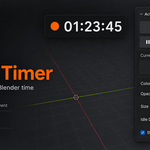
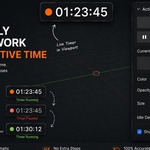
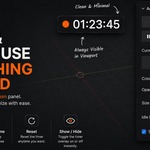
Blender Screen Timer tracks your active working time directly inside Blender.
Features
- Start/Stop Timer — Track your Blender work time.
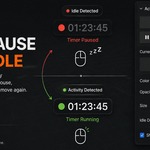
- Auto Pause — Pauses automatically when mouse activity stops.
- Auto Resume — Continues when activity is detected again.
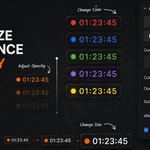
- Customization — Adjust timer settings to fit your workflow.
Quick Start
- Open the Blender Screen Timer panel.
- Click Start.
- Customize the settings if needed.
- Work normally — the timer handles idle time automatically.
Have questions about this product?
Login to message
| Blender Extension Compatible | Yes |
| Published | about 2 months ago |
| Blender Version | 4.2 - 5.2 |
| Extension Type | Add-on |
| Render Engine Used | Blender-Internal, Cycles, Eevee |
| License | GPL |