Blender SkillUp — Interactive in-Viewport Blender Course With Guided Lessons & Final Skill Challenge
 Salman Animator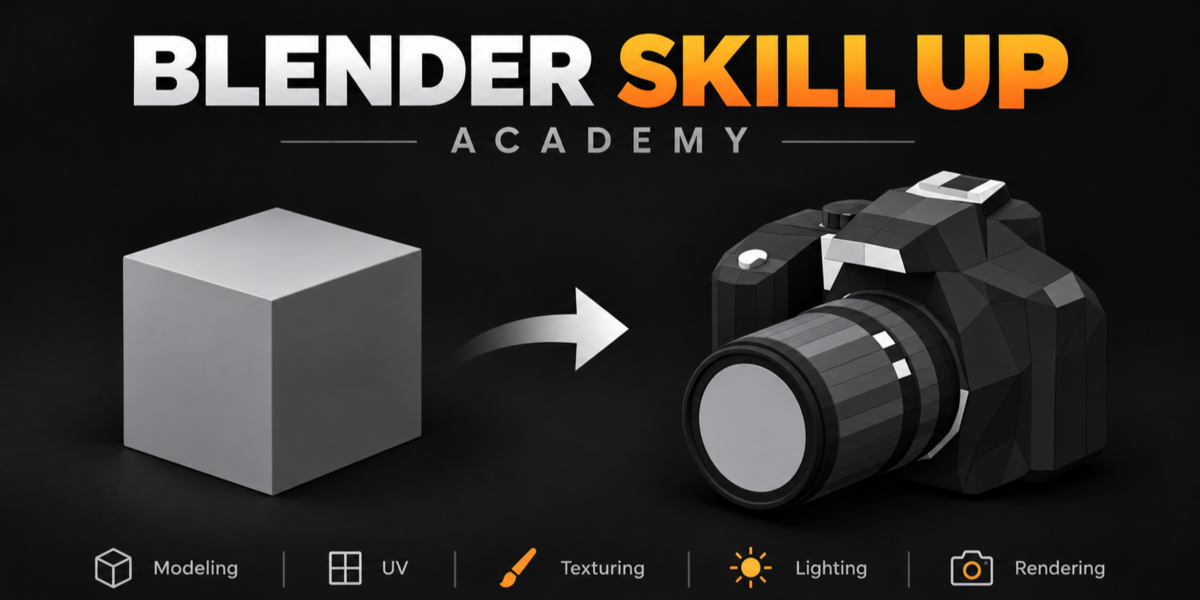
Documentation
Requirements
Blender 4.3 or newer
Installation
- Download the ZIP file. Do not extract it.
- Open Blender and go to Edit → Preferences.
- Open Add-ons or Extensions, depending on your Blender version.
- Select Install from Disk or Install.
- Select the downloaded ZIP file.
- Enable Blender SkillUp if it is not enabled automatically.
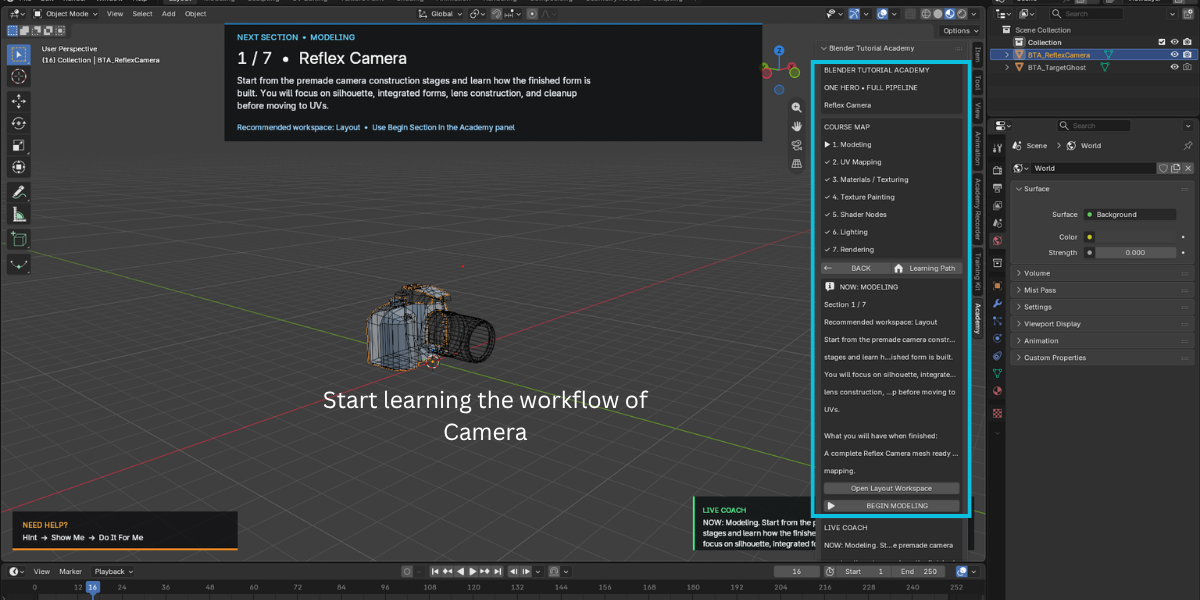
- Open the 3D Viewport, press N to open the sidebar, and select the SkillUp tab.
Getting Started
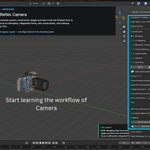
- Open the SkillUp tab to view the course map.
- Start with the Modeling section, which is initially unlocked.
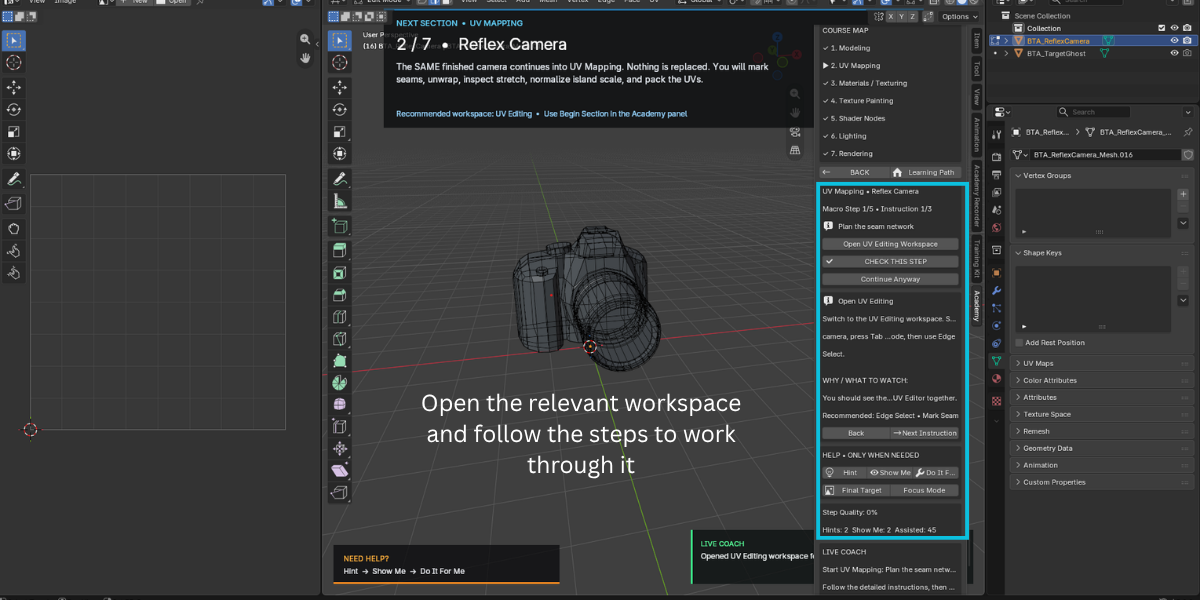
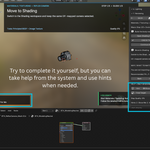
- Follow the instructions and complete each task directly in the viewport.
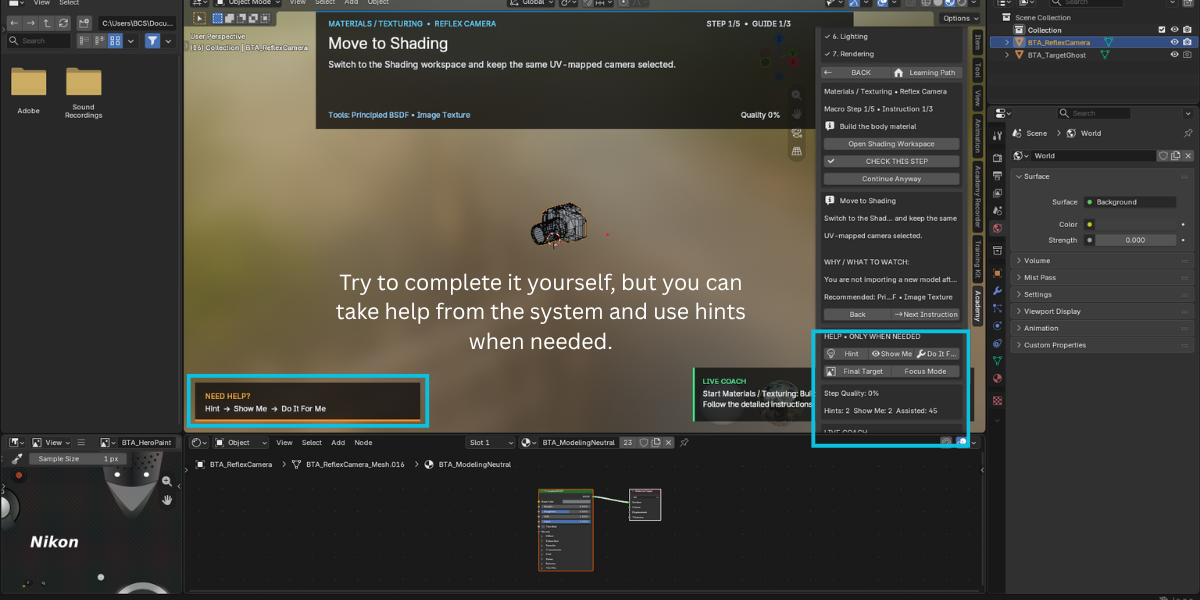
- Click Check Step to evaluate your work.
- Use Hint, Show Me, or Do It For Me whenever you need assistance.
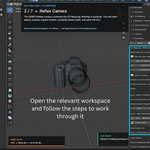
- Use Open Recommended Workspace to switch to the appropriate Blender workspace.
- Complete each section to automatically unlock the next one.
- Use Back to return to previous instructions, steps, or sections.
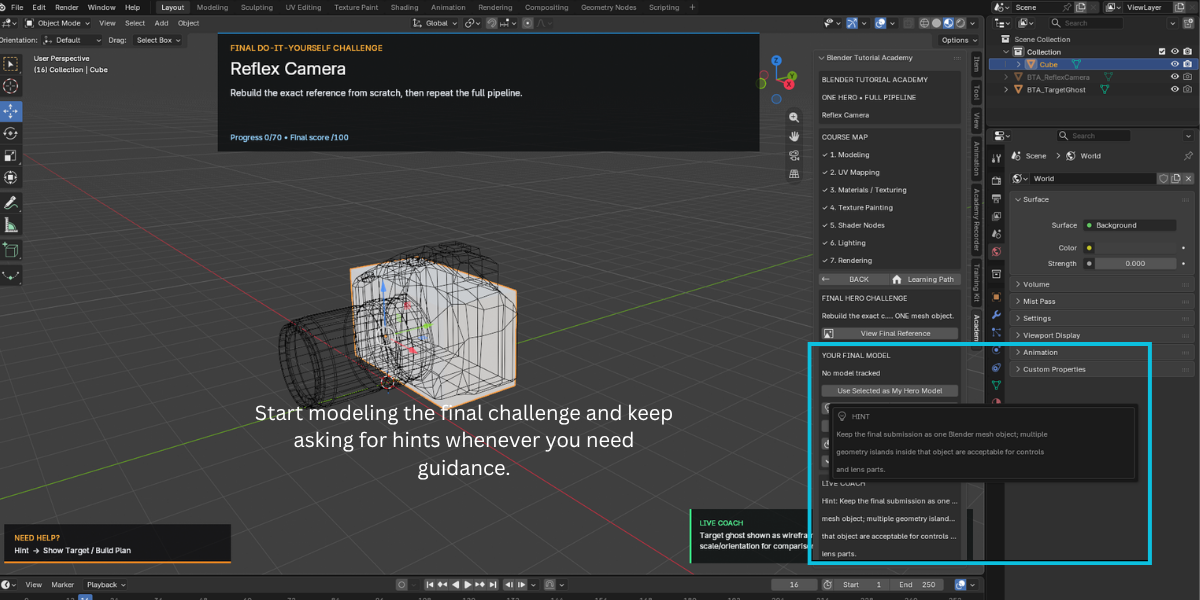
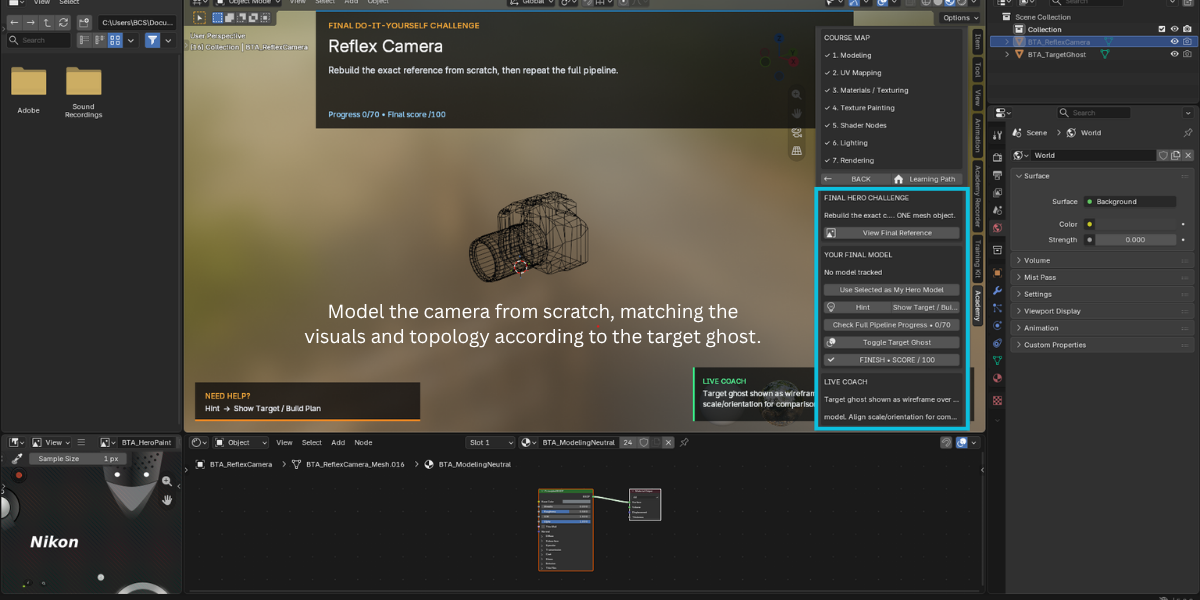
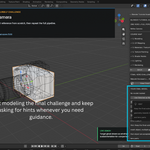
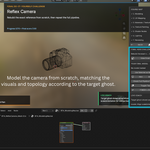
- After completing all seven sections, start the Final Challenge.
- Select Use Selected as My Hero Model to choose the object being evaluated.
- Use Check Full Pipeline Progress to monitor your progress.
- Use Toggle Target Ghost to compare your model with the target.
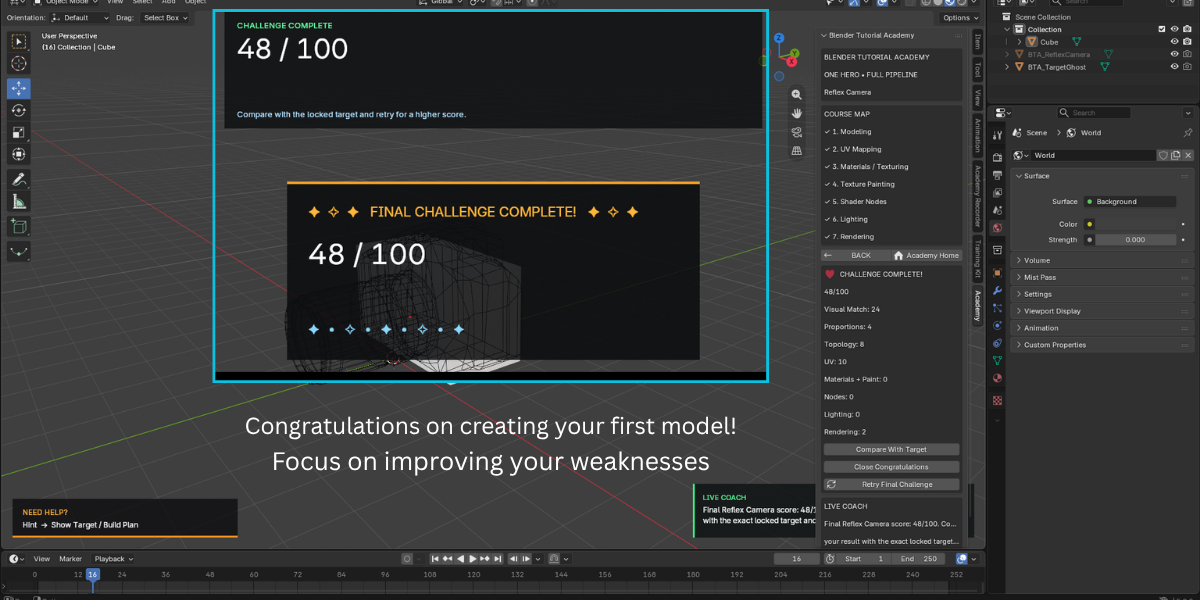
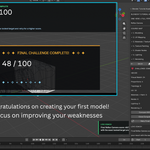
- Select Finish • Score / 100 to receive your final result.
- Use Retry Final Challenge to attempt the challenge again and improve your result.
Notes
- Your completed sections and best challenge score are stored in the Blender scene and saved with your
.blendfile. - The bundled Reflex Camera reference asset includes its own license and attribution information. See
THIRD_PARTY_NOTICES.mdandsource_assets/LICENSE.TXT. - The add-on's own code is licensed under GPL-3.0-or-later.
Maintainer: Salman Animator
Superhive Creator Page: https://superhivemarket.com/creators/salmananimator
Have questions about this product?
Login to message
| Blender Extension Compatible | Yes |
| Published | about 2 months ago |
| Blender Version | 3.3 - 5.2 |
| Extension Type | Add-on |
| Render Engine Used | Blender-Game-Engine, Cycles |
| License | GPL |

Discover more products like this
blender learning tool blender shader nodes tutorial blender rendering tutorial blender UV unwrapping practice learn blender addon blender step by step course blender hard surface modeling practice blender skill test blender for beginners blender training addon blender texture painting tutorial