Blender SkillUp — Interactive in-Viewport Blender Course With Guided Lessons & Final Skill Challenge
 Salman Animator
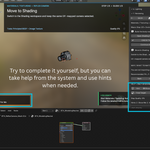
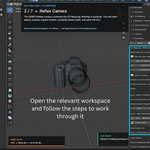
Do I have to complete the course in one session?
No. Your progress is saved with the Blender scene. Completed sections remain marked as completed, allowing you to continue later.
Can I go back if I make a mistake?
Yes. Modeling checkpoints allow you to return to an earlier modeling stage and retry a step without rebuilding the entire project.
What if I get stuck?
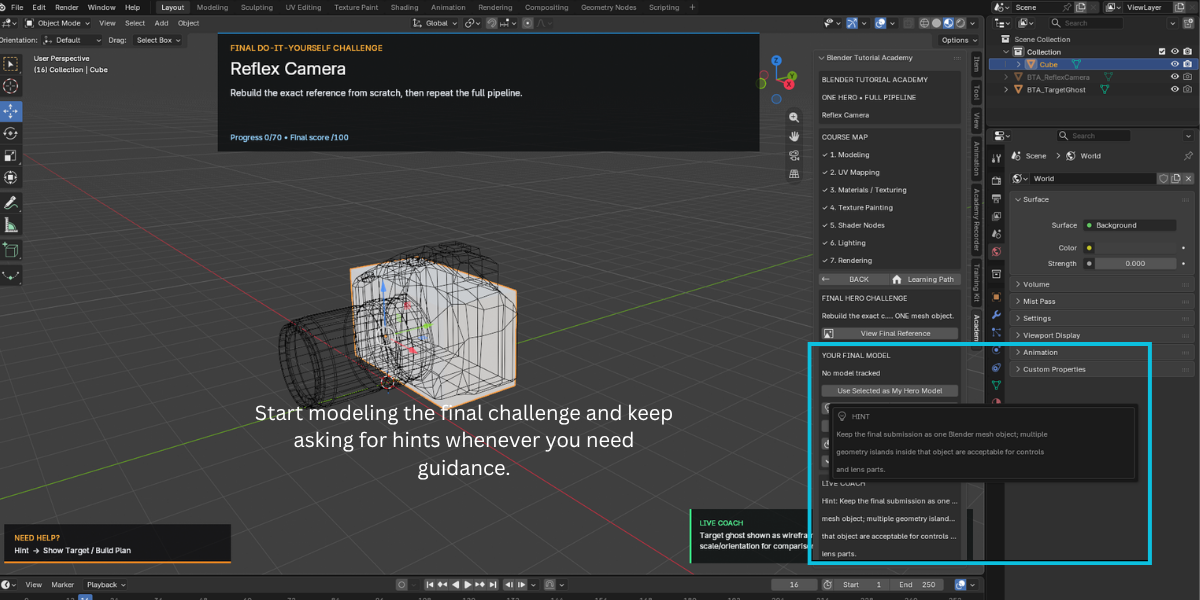
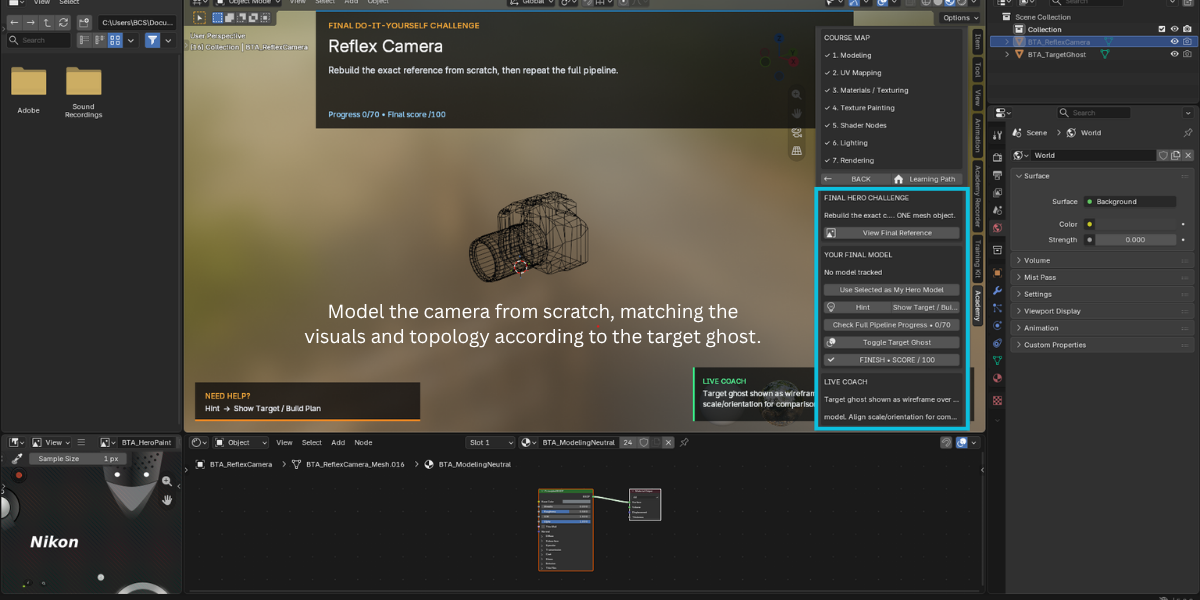
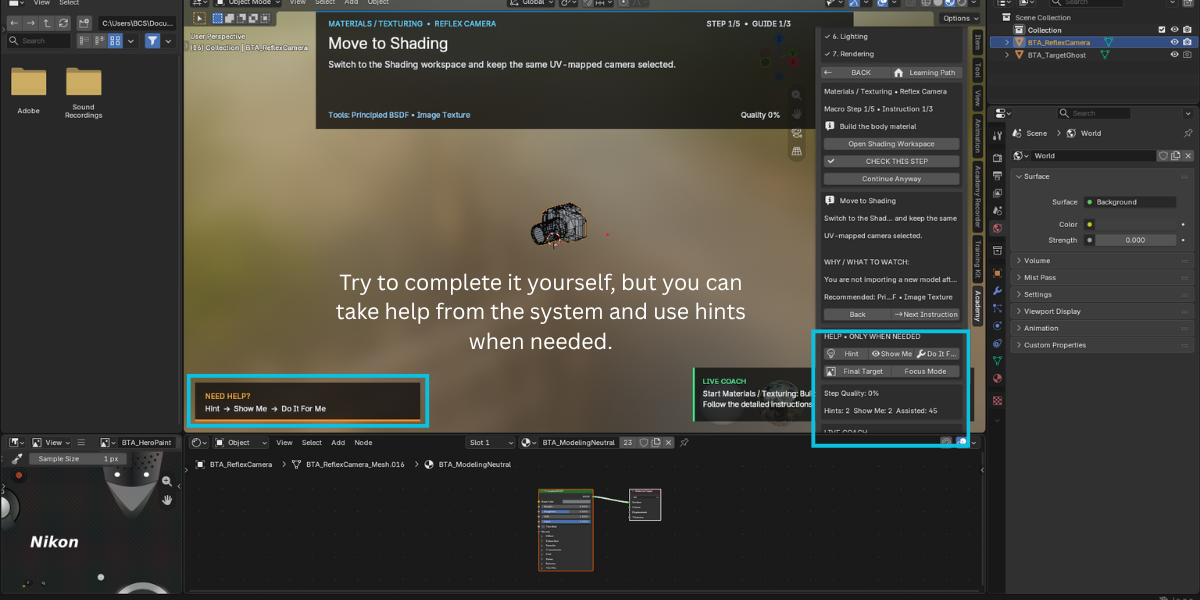
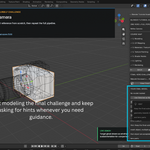
You have three levels of assistance: Hint provides a short clue, Show Me displays the target reference and repeats the instruction, and Do It For Me completes the current step so you can observe the technique and continue.
How does Blender SkillUp check my work?
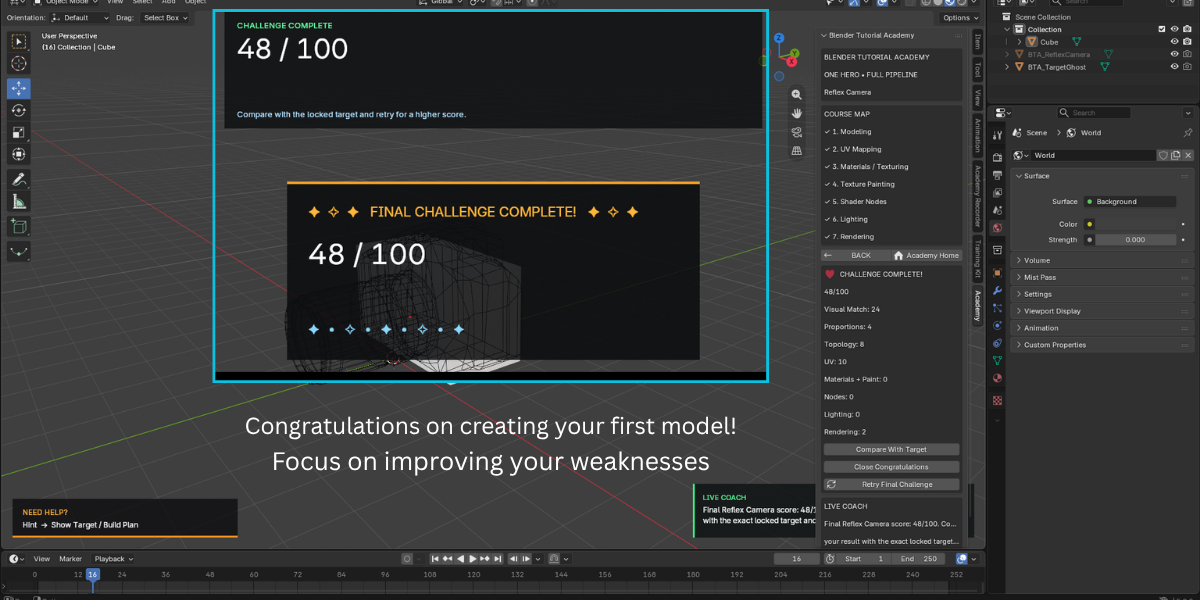
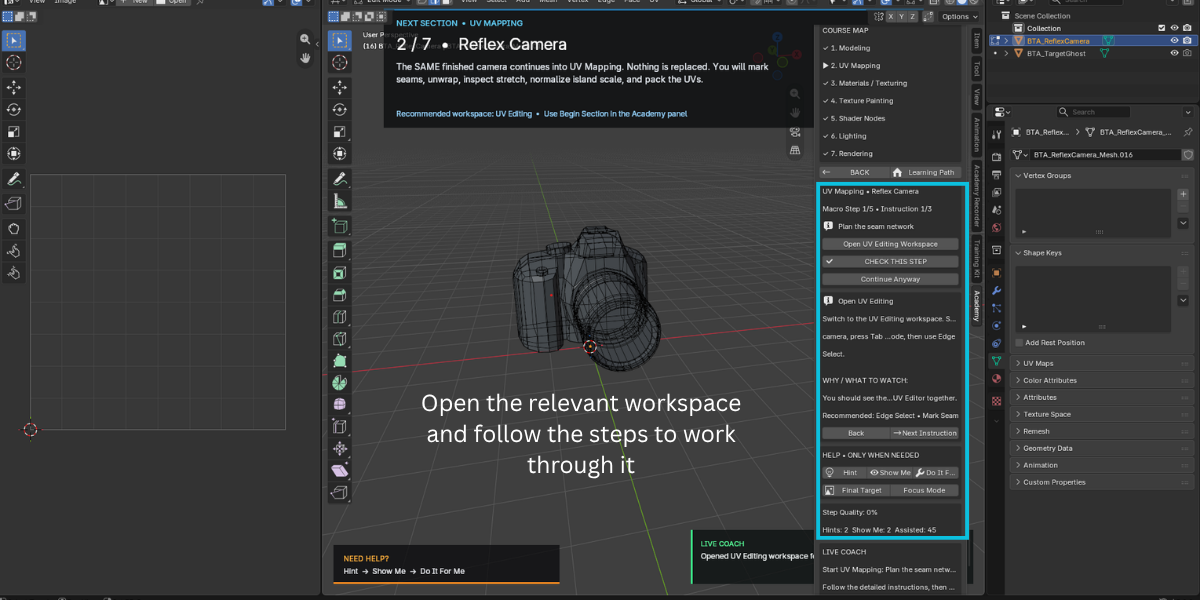
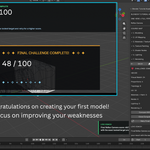
When you press Check Step, the add-on evaluates relevant information from your actual Blender scene. Depending on the lesson, this can include mesh shape and topology, UV coordinates, materials, image nodes, texture-paint changes, procedural nodes, lighting, and render settings.
Q: Is Blender SkillUp a video course?
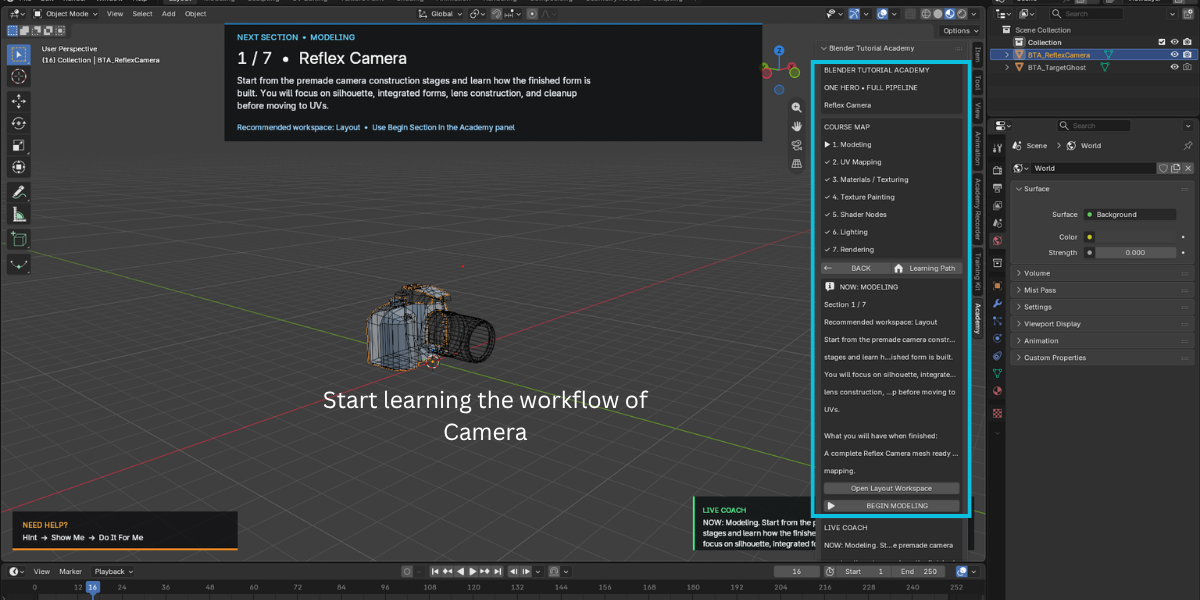
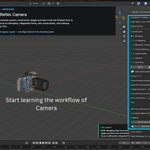
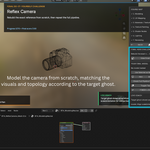
No. Blender SkillUp is an interactive learning experience inside Blender. Lessons are presented through written instructions and reference images in the sidebar, while you perform the modeling, UV mapping, painting, shading, lighting, and rendering yourself.
Have questions about this product?
Login to message
| Blender Extension Compatible | Yes |
| Published | about 2 months ago |
| Blender Version | 3.3 - 5.2 |
| Extension Type | Add-on |
| Render Engine Used | Blender-Game-Engine, Cycles |
| License | GPL |

Discover more products like this
blender step by step course blender for beginners blender skill test blender shader nodes tutorial blender training addon learn blender addon blender UV unwrapping practice blender texture painting tutorial blender learning tool blender hard surface modeling practice blender rendering tutorial