 TopoPen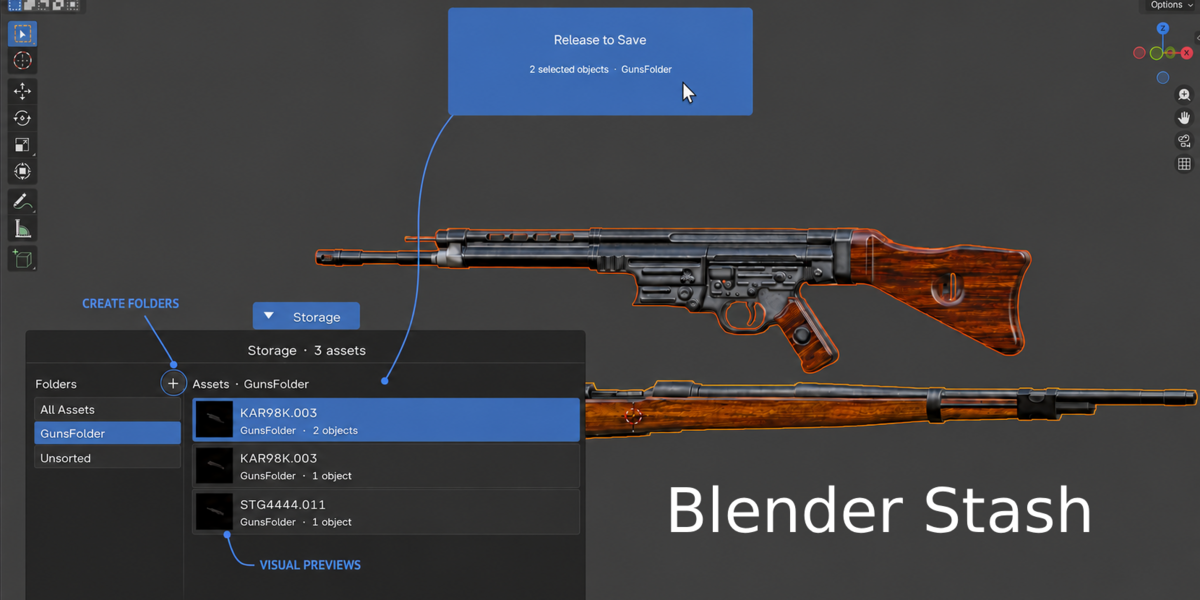
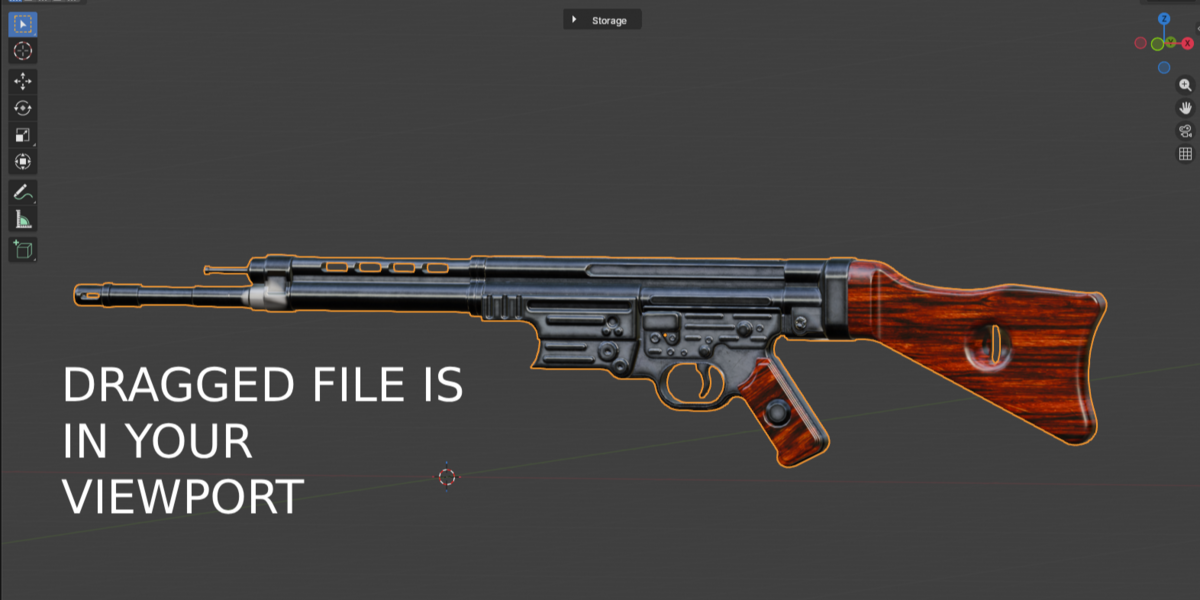
BLENDER ASSET STORAGE ADD-ON
SAVE IT ONCE.
DRAG IT INTO ANY SCENE.
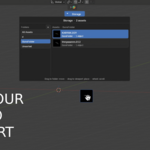
Turn objects, models, and complete hierarchies into a visual reusable library directly inside Blender. Drag an asset into Storage, then drag it back whenever you need it.
No more hunting through random folders, importing the same files, or reconnecting missing parts every time you start a new project.

YOUR ASSETS. READY WHEN YOU ARE.
Importing one OBJ is easy. Repeating the same search, import, texture setup, naming, and organization process across every project is not.
Blender Stash turns that repeated file management into a visual drag-and-drop workflow.
FROM VIEWPORT TO REUSABLE ASSET
Store a complete asset and bring back a fresh editable copy in three simple steps.
01 · SELECT
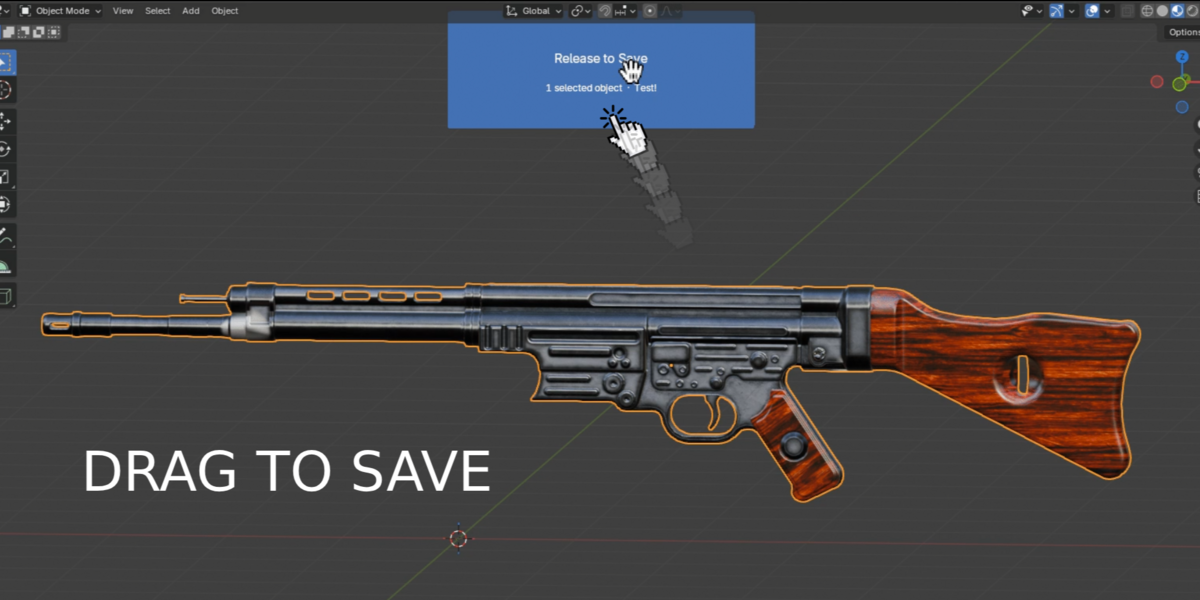
Select one object, several objects, or a complete hierarchy in the viewport.

02 · STORE
Drag it into Storage. Blender Stash saves it and creates a visual preview automatically.

03 · REUSE
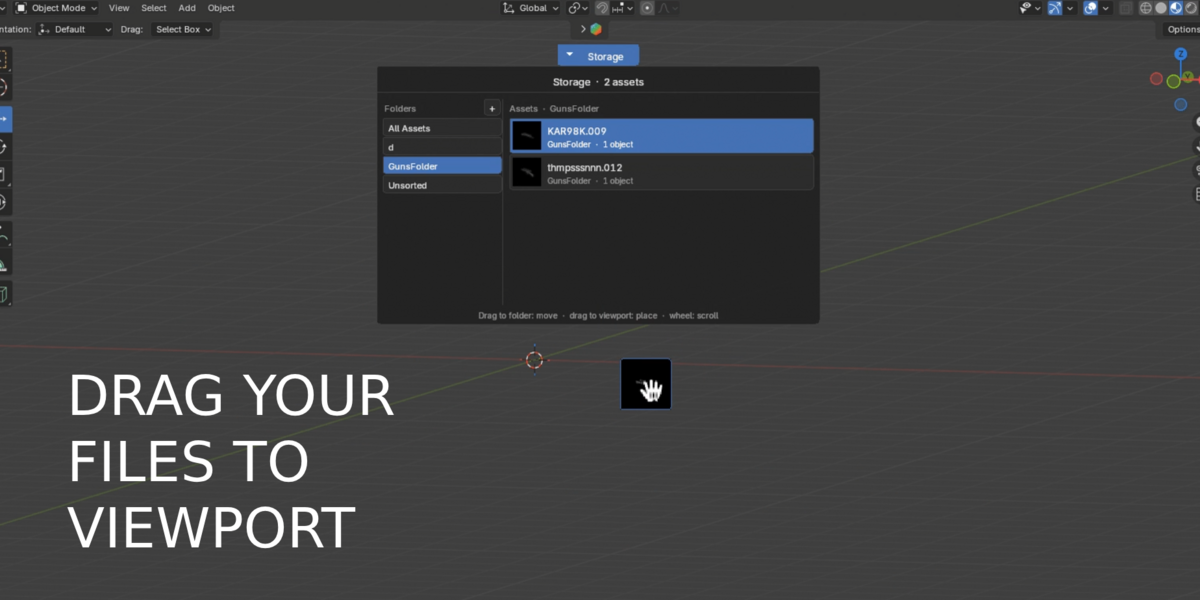
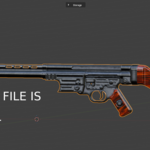
Drag its preview back into the viewport and continue working with an editable copy.

MORE THAN A MESH IMPORT
Blender Stash keeps the parts that make the asset useful instead of reducing it to a disconnected mesh.
Complete Structure
Preserve parent-child hierarchies, transforms, constraints, armatures, and current poses.
Materials Included
Keep materials and supported file-based textures together with the stored asset.
Editable Blender Data
Reuse modifiers, Geometry Nodes dependencies, instanced collections, and regular Blender objects.
ORGANIZE WITHOUT LEAVING BLENDER
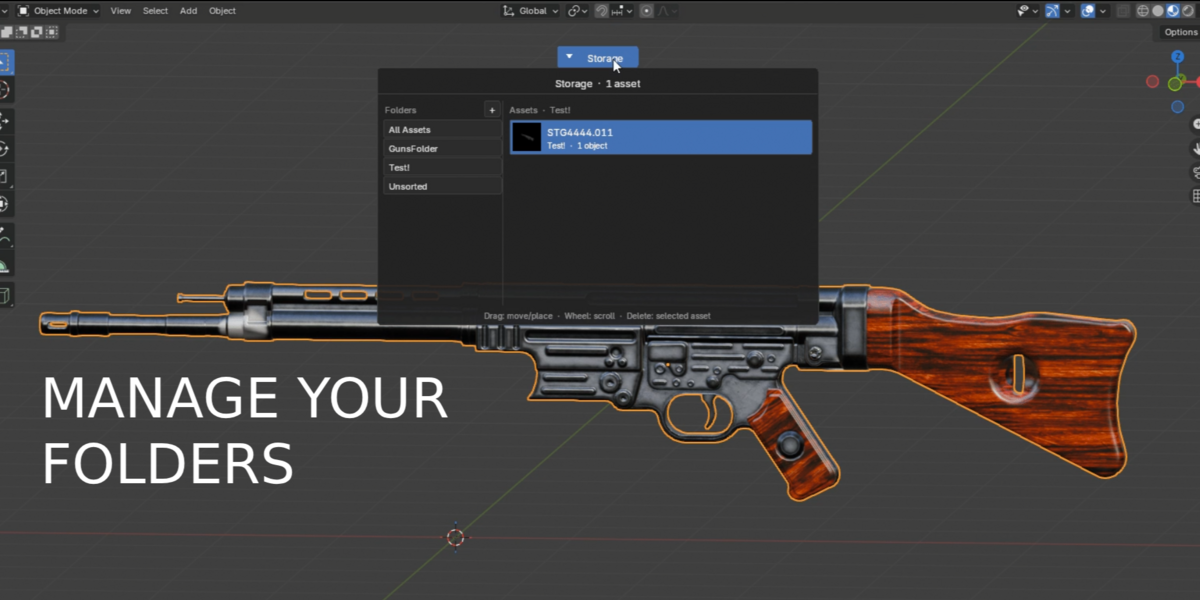
Create folders, browse automatic previews, search your library, rename assets, and drag them between categories directly inside the Storage interface.
Delete individual assets or complete categories with a confirmation warning. Removed assets are moved into a recoverable trash directory.
BUILT FOR ASSET-HEAVY WORKFLOWS
Use Blender Stash for game development, environment art, kitbashing, architectural visualization, product visualization, and multi-project freelance work.
If you regularly reuse props, characters, furniture, vegetation, scene pieces, or complete object setups, Blender Stash keeps them one drag away.
WHY BLENDER STASH?
Because your time should go into building the scene—not repeatedly managing the same files.
Faster Reuse
Prepare an asset once instead of repeating the same import and setup in every project.
Visual Library
Find models by preview instead of trying to understand forgotten filenames.
Local Ownership
Your library stays locally on your computer without a cloud account or subscription.
