 MiM
MiM


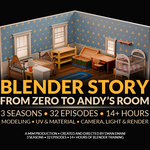

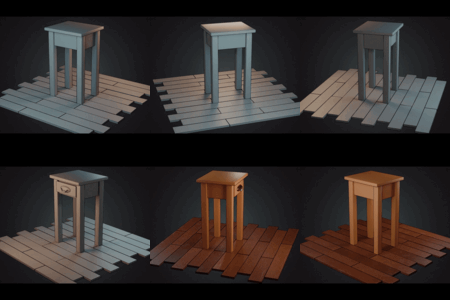
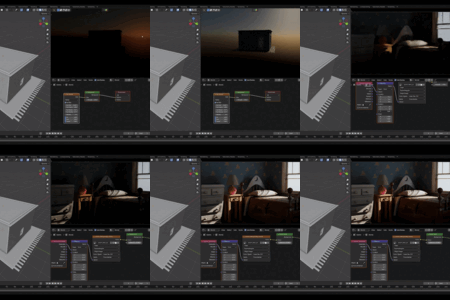
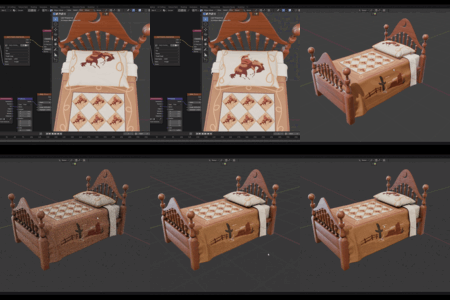
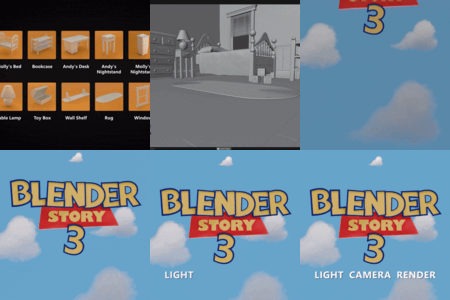
Learn Blender by rebuilding Andy’s Room from Toy Story 1 — step by step, from modeling to final render.
Watch the full 14 + hour course ad-free, support the creator, and download all lessons in a structured format for offline learning.
Blender Story: From Zero to Andy’s Room is a complete 3-season Blender course that guides you from absolute beginner to building a full Pixar-style 3D scene.
You’ll model, UV unwrap, texture, light, and render Andy’s iconic Toy Story room — all inside Blender, using clean and professional workflows.
💡 The entire course is available for free on YouTube!
This paid edition is for those who want to support the creator, watch ad-free, and download all episodes and files in one organized package.
🎥 Watch the free YouTube version:
🧩 What You’ll Learn
- 3D modeling fundamentals
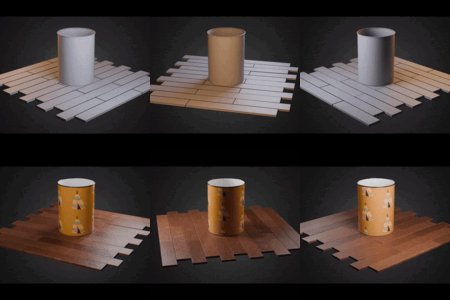
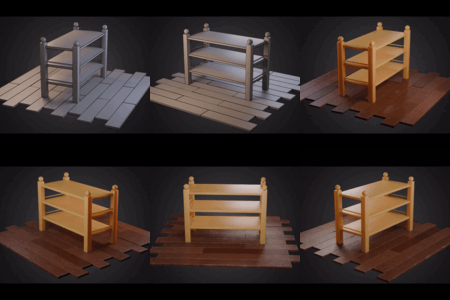
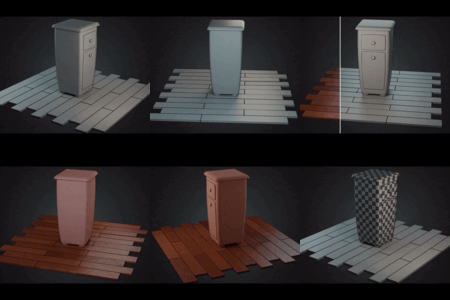
- UV unwrapping and smart material setup
- Creating stylized textures and shaders
- Lighting, camera work, and cinematic rendering Scene organization and workflow optimization
- Building a complete 3D environment from start to finish
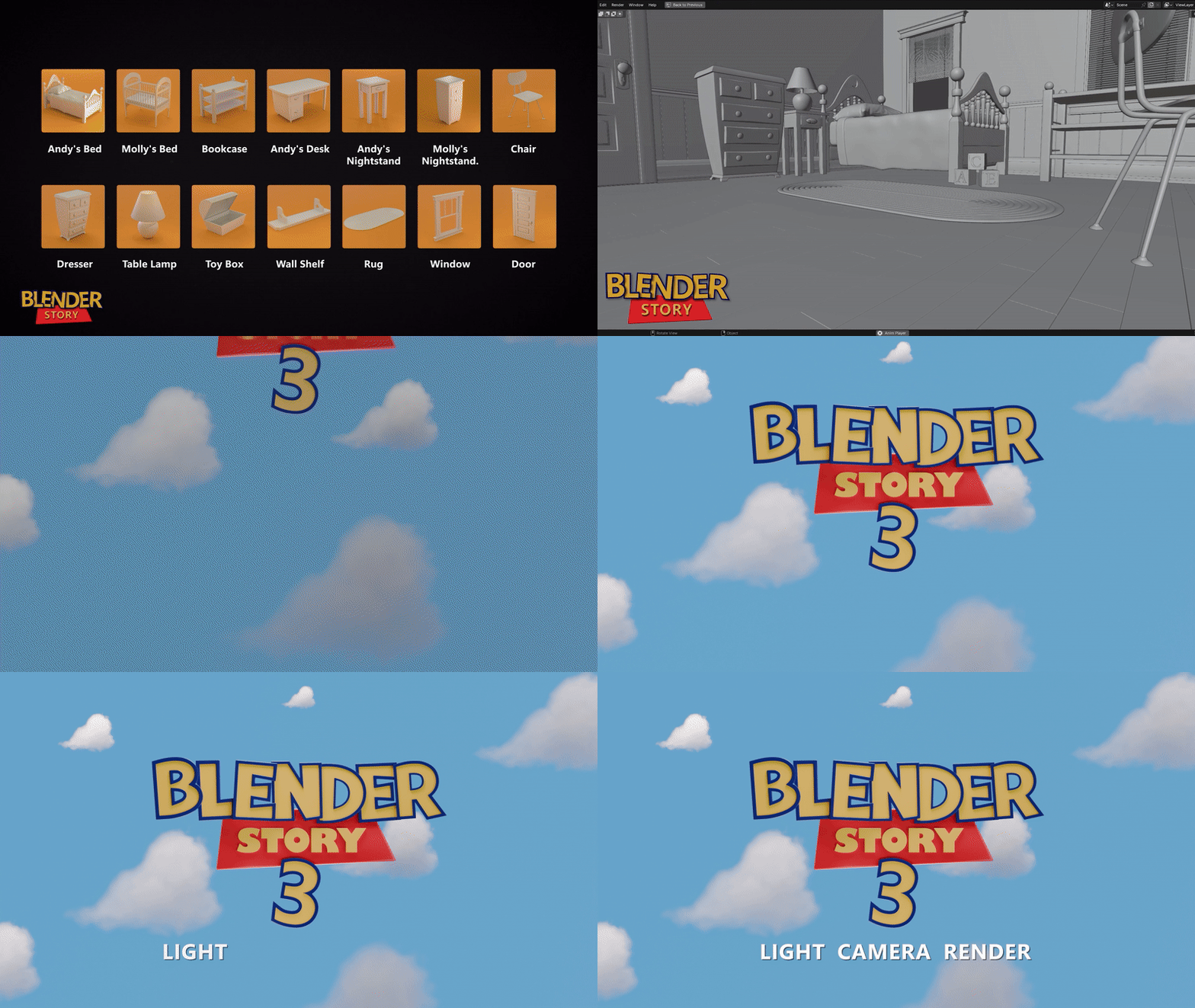
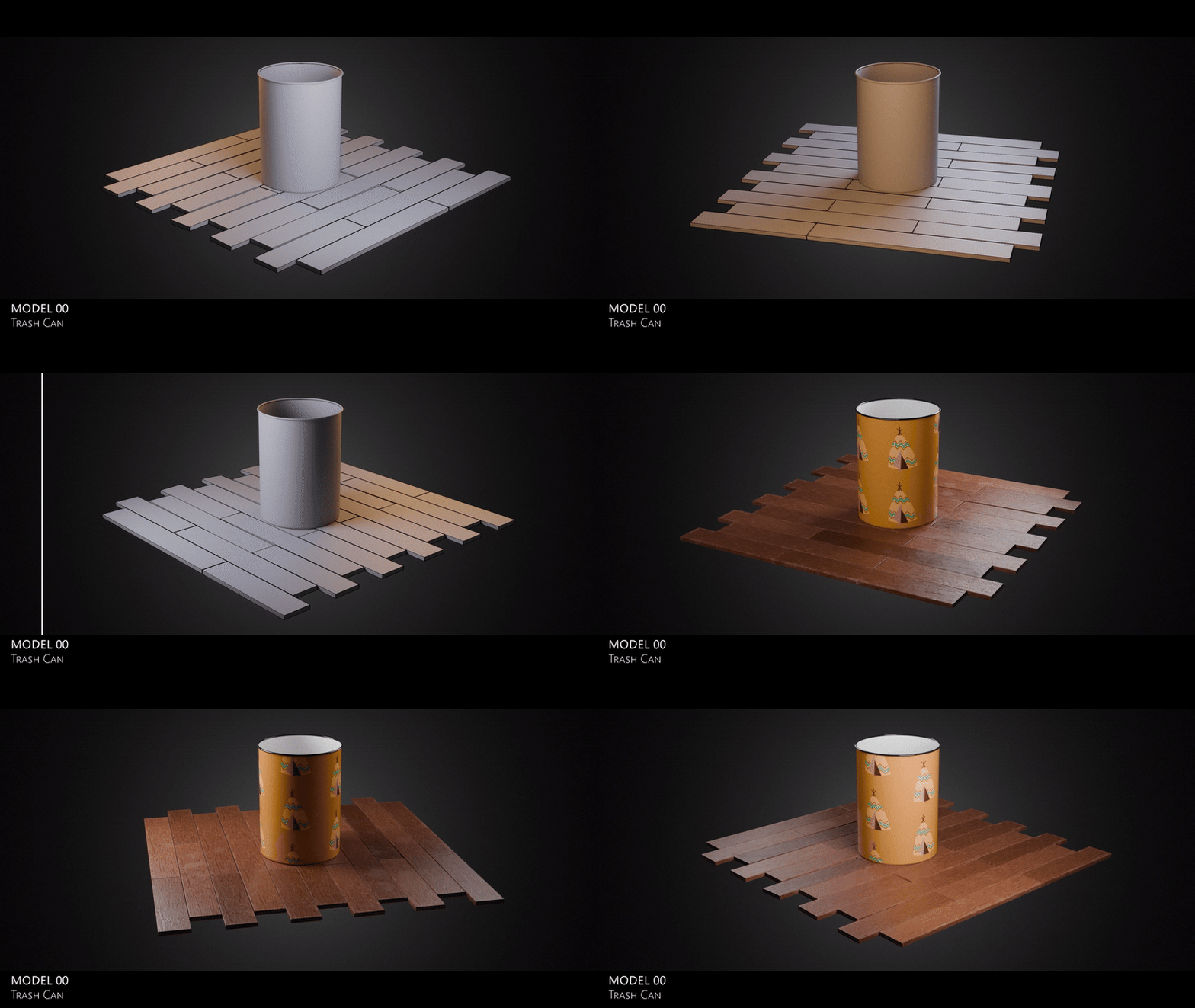

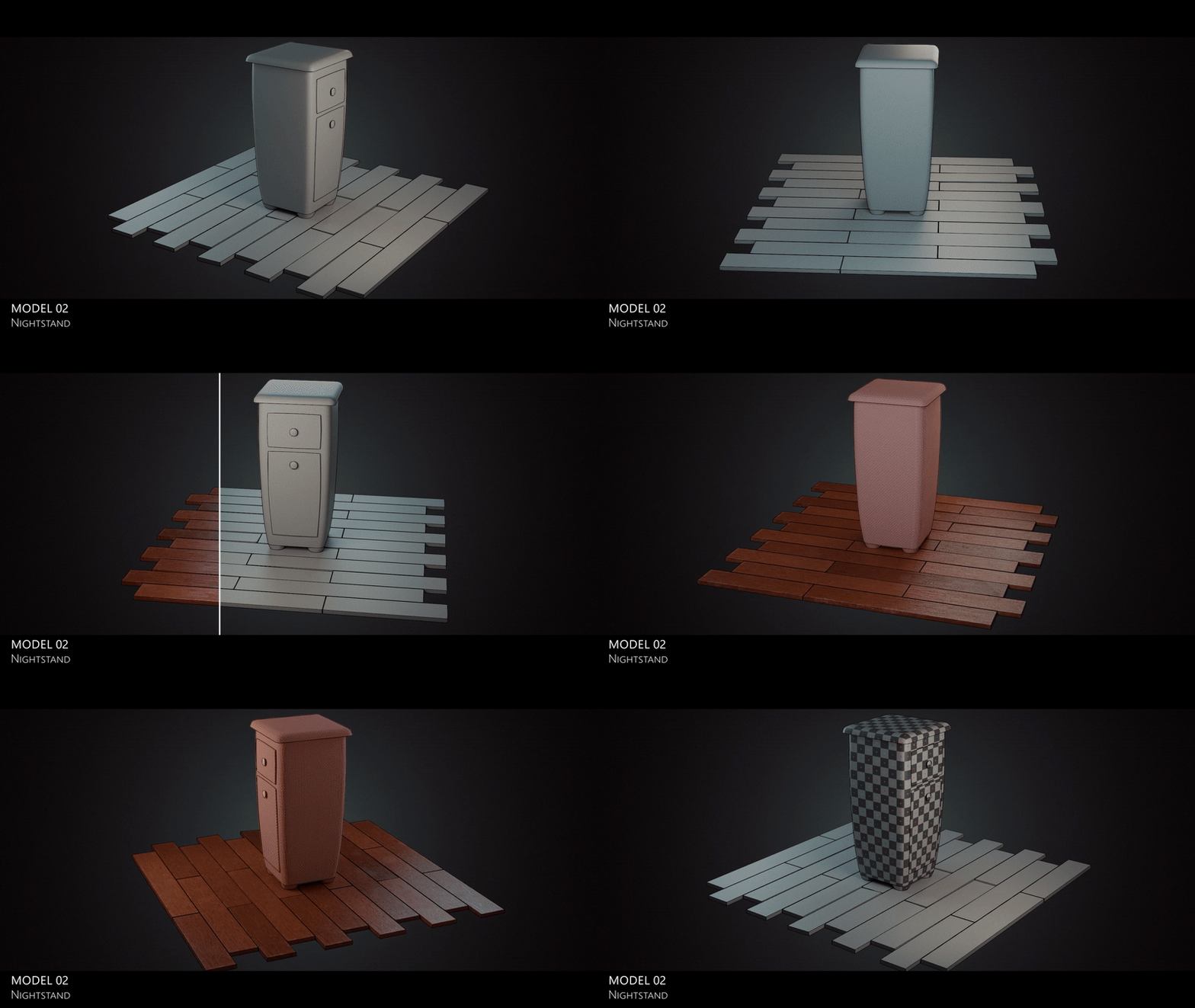
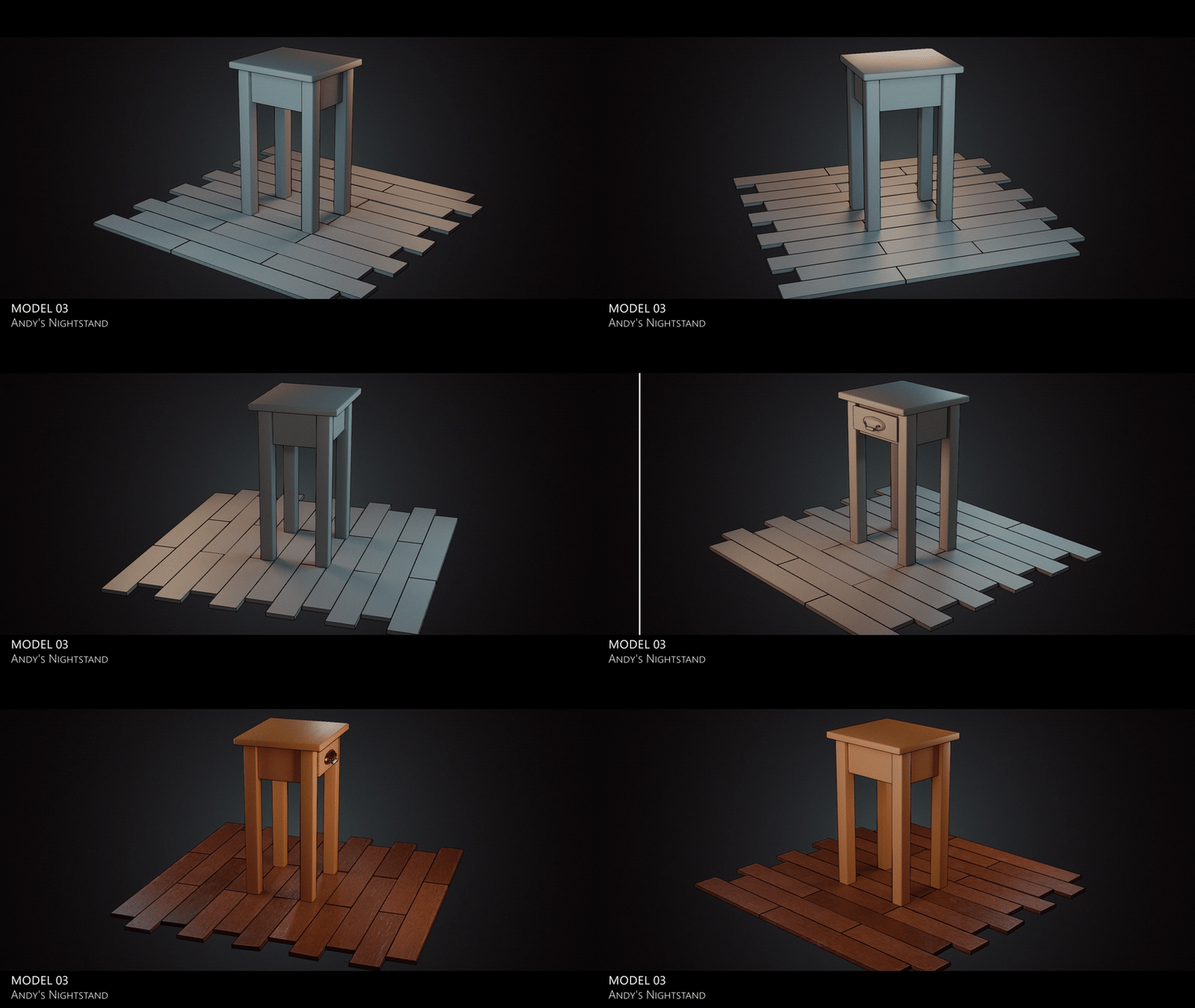

🎓 Course Structure
- Season 1 (16 Episodes – 6 h 25 m) → Modeling
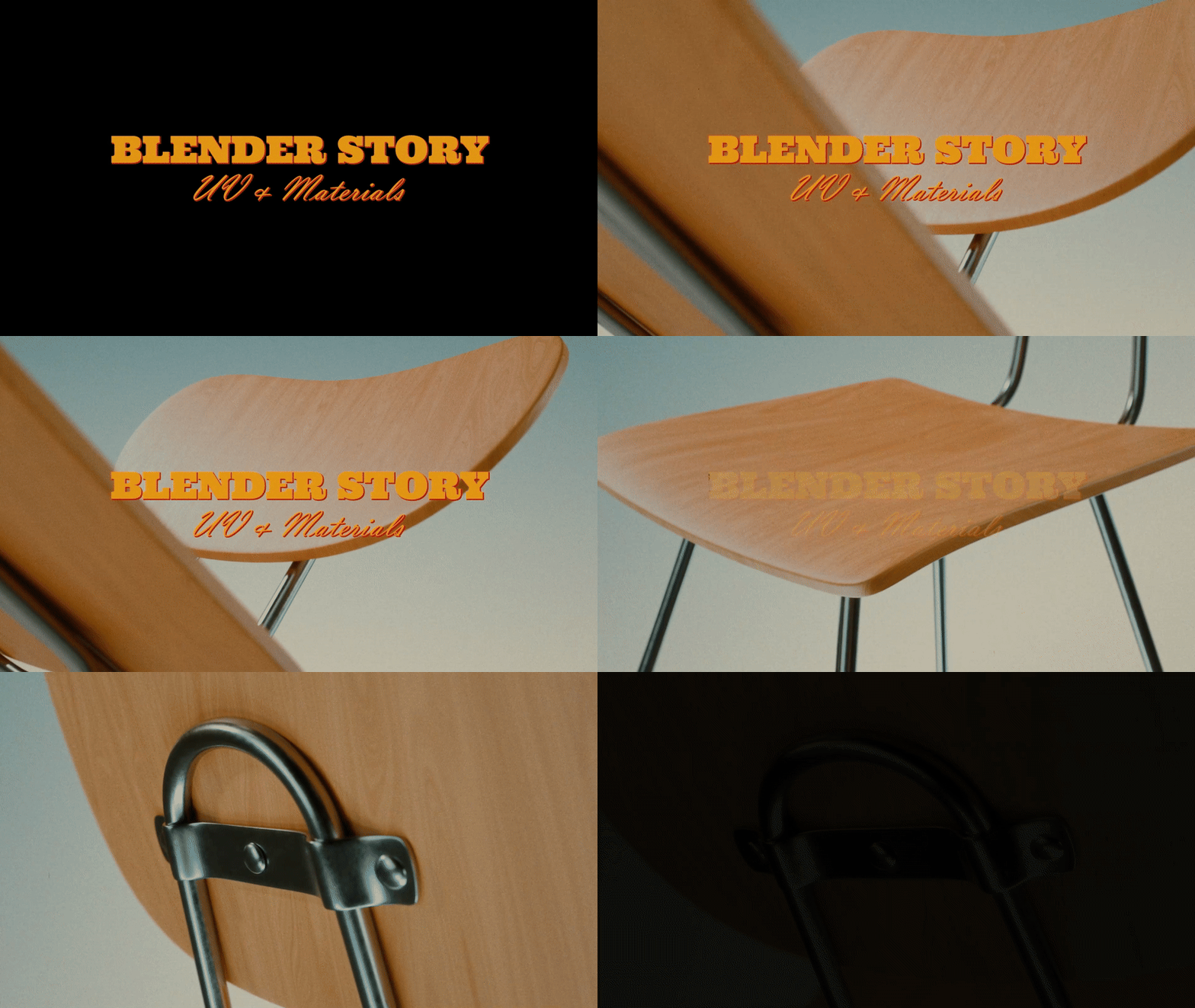
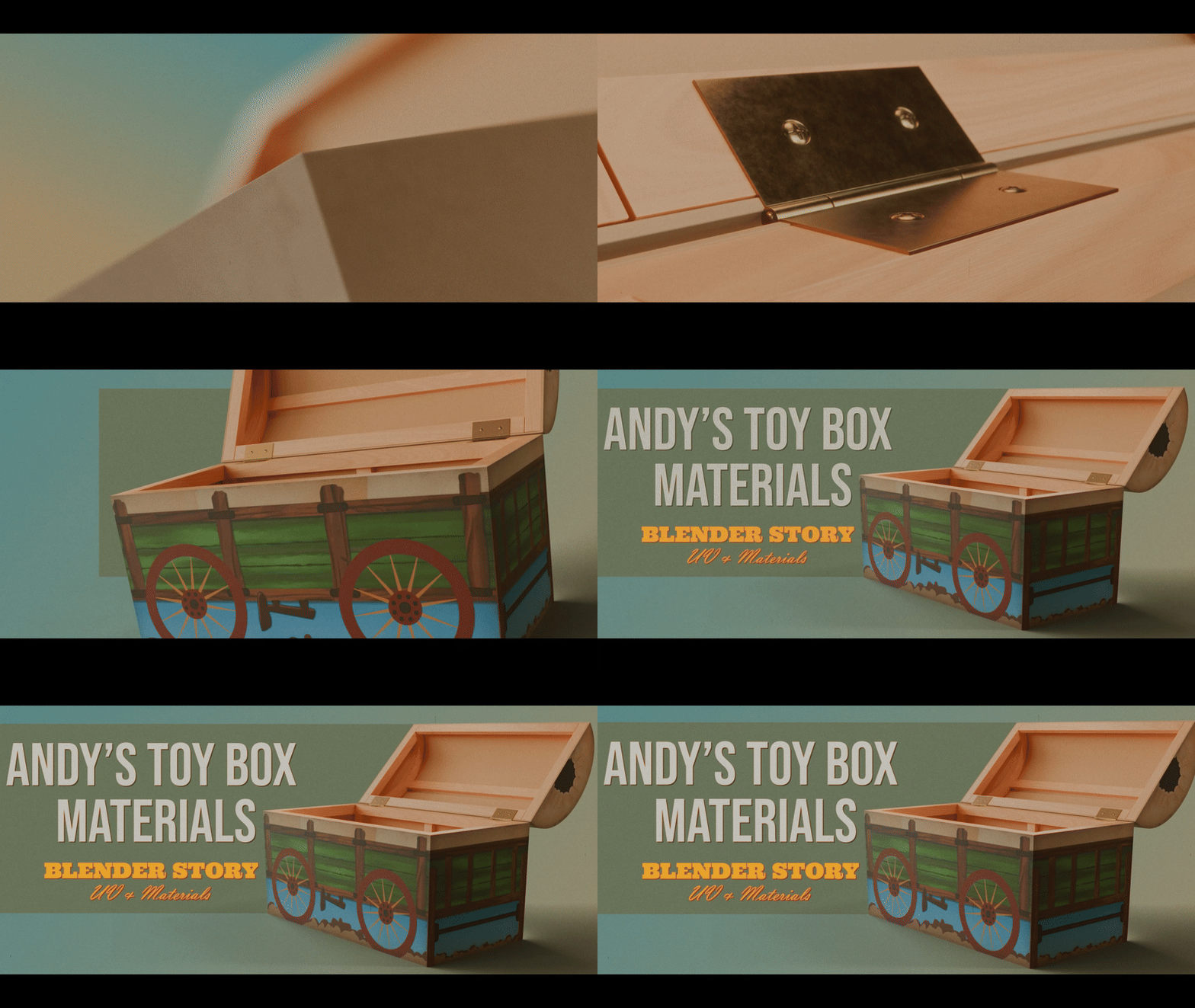
- Season 2 (13 Episodes – 6 h) → UV & Materials
-
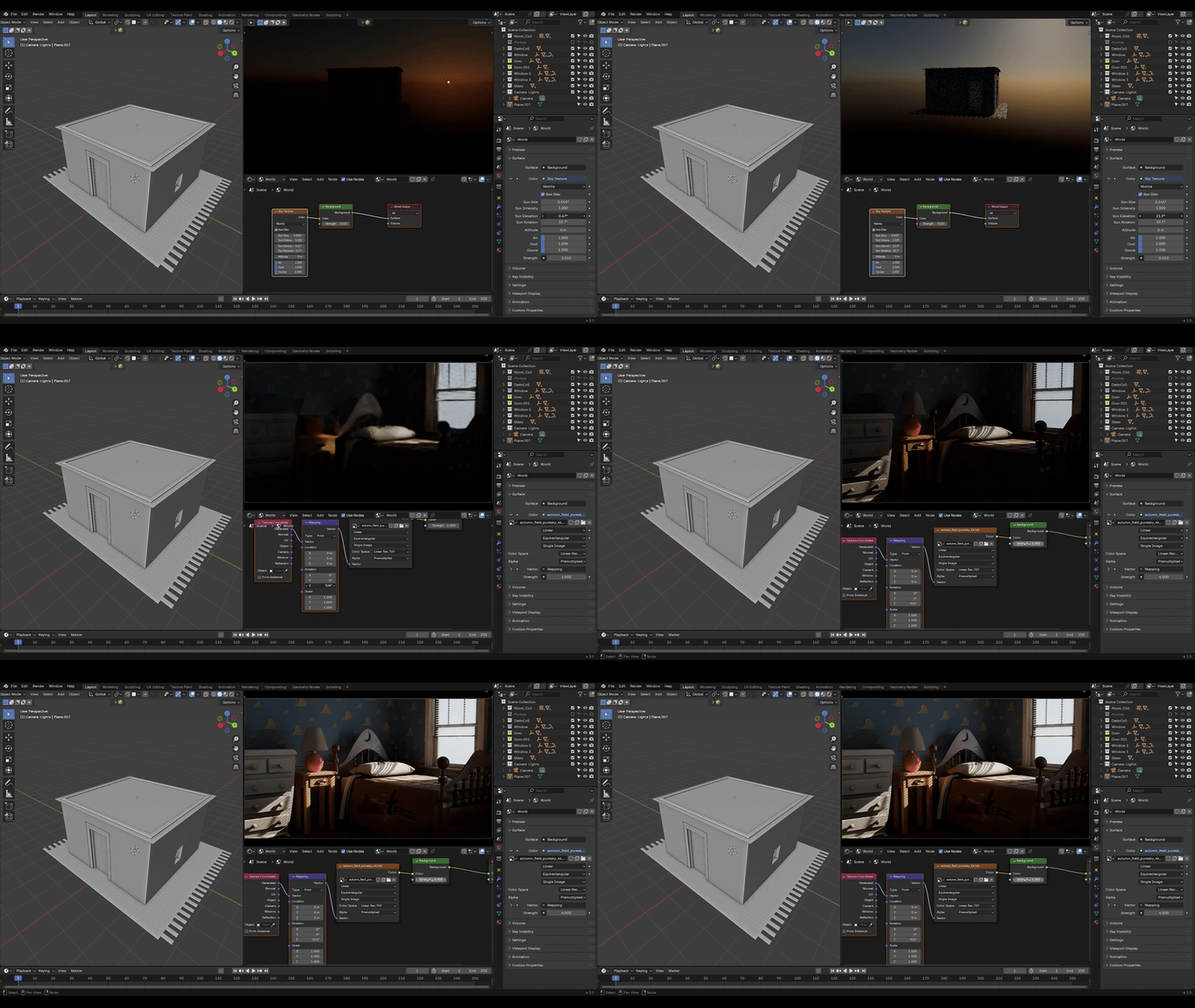
Season 3 (4 Episodes – 1 h 50 m) → Lighting & Rendering
Total: 32 Episodes – 14 + Hours of Training
📦 Supporter Edition Includes
- Ad-free offline viewing (all 32 episodes downloadable)
- Structured, organized project folders for every episode
- Free practice files + final Andy’s Room project
🧠 Perfect For
- Beginners who want to learn Blender through a real, complete project
- Intermediate artists refining workflow and efficiency
- Environment-art enthusiasts
By purchasing this edition, you’re directly supporting the continued development of free Blender education from MIM Repository — helping future courses, tools, and open files reach more creators worldwide.
🔥 Looking to Transfer IMM Brushes from ZBrush to Blender Easily? Check This Out!
VDM Brush Maker for Blender: Ultimate VDM Brush Creation Suite
How it works 👇
https://www.youtube.com/watch?v=IZpk2D0e-f8
🛠️ Want to speed up your asset placement workflow in Blender?
Check out our Smart Flow add-on:
How it works 👇
https://www.youtube.com/watch?v=fys7YMluD9g