 smice
smice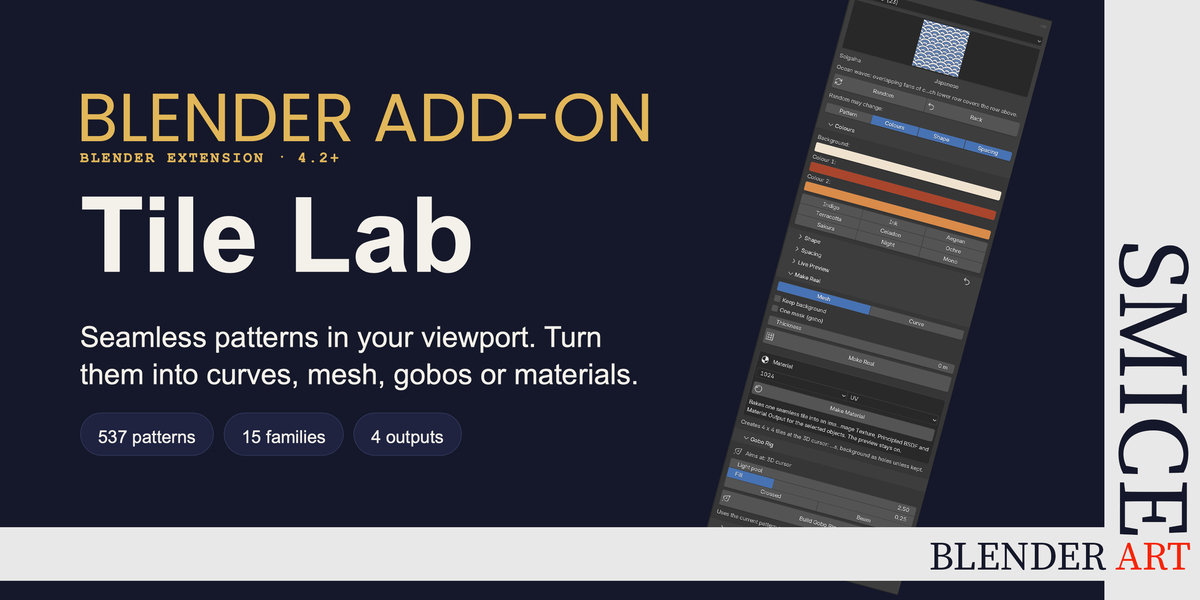
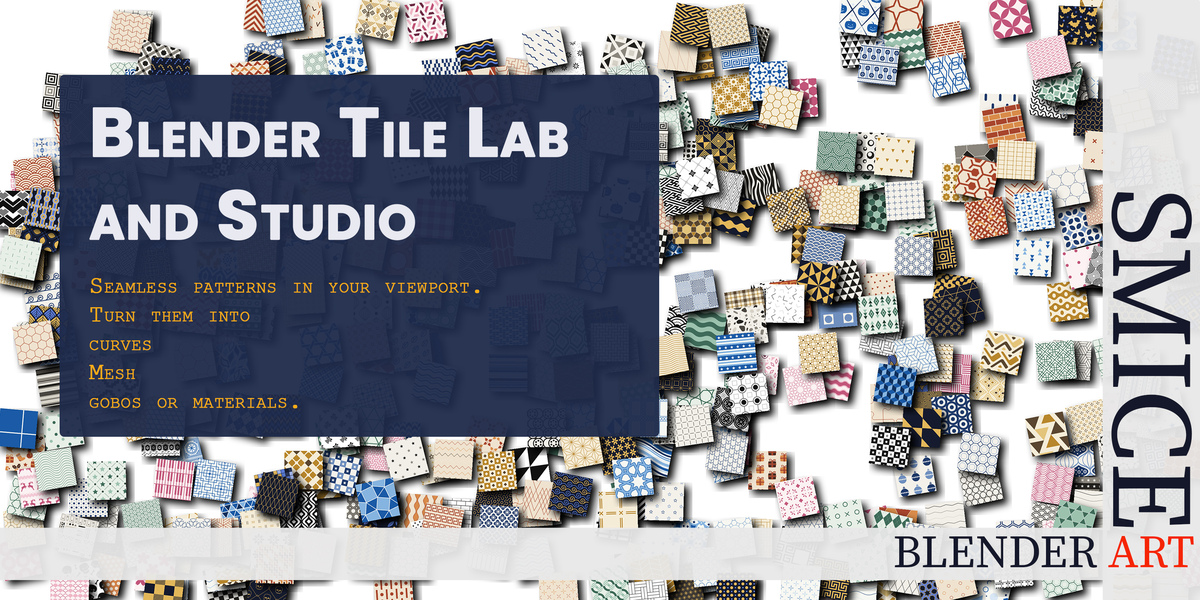
Blender Tile Lab: seamless patterns, built right inside Blender
What can you do with it?
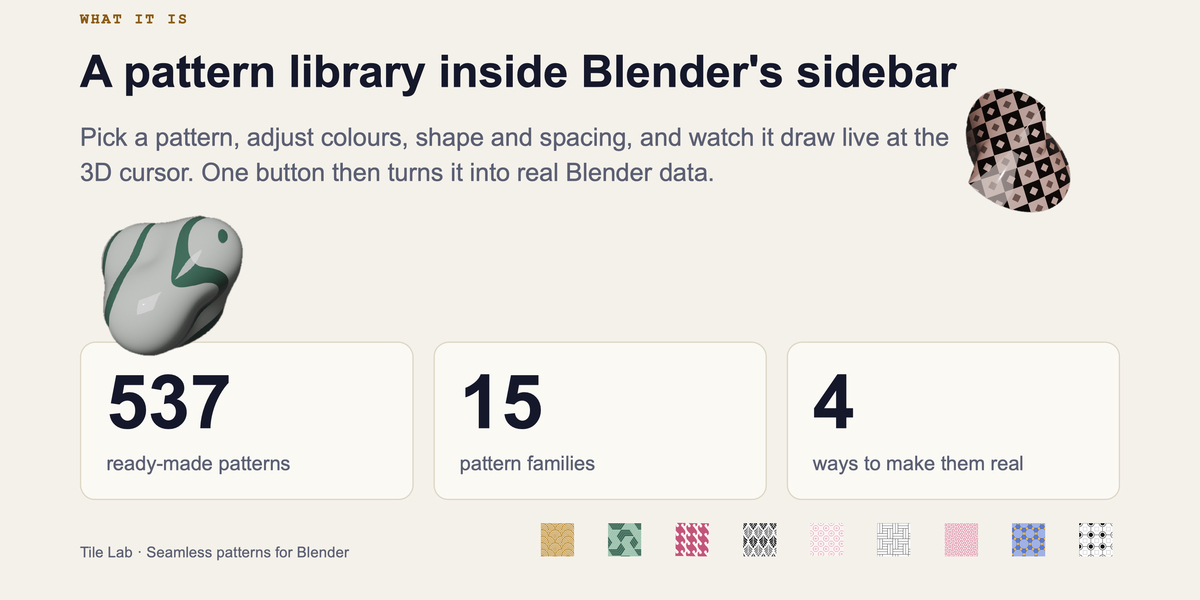
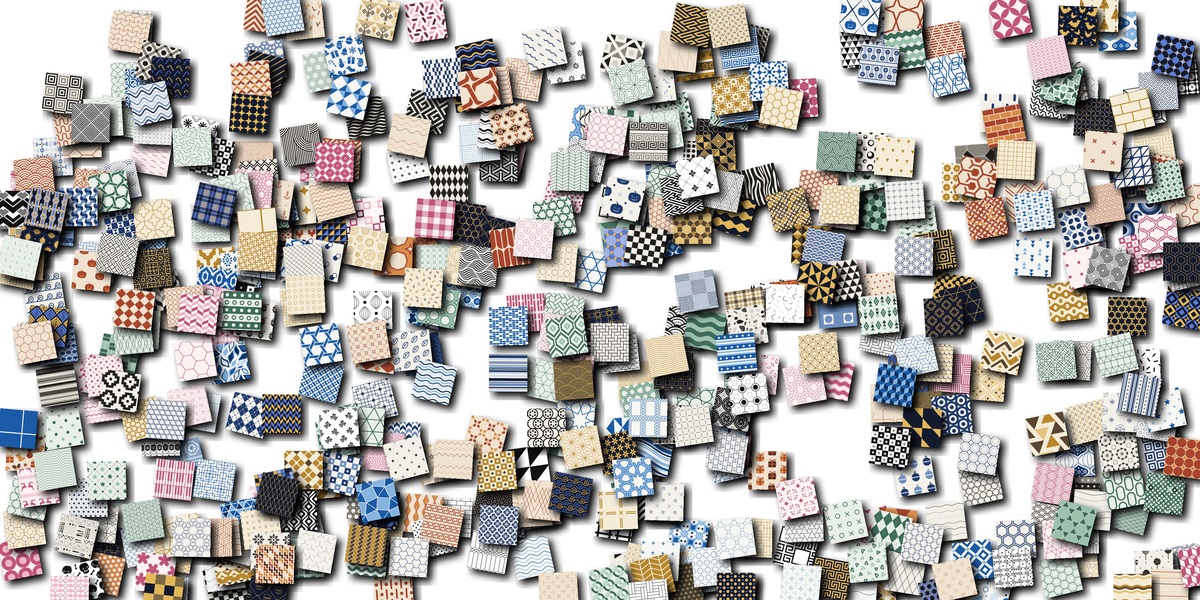
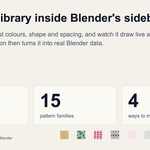
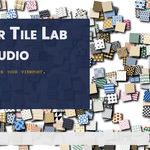
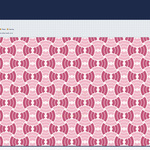
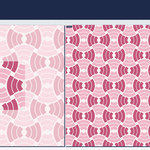
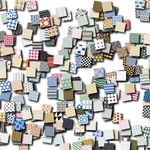
Ornament, wallpaper, floor and wall tiles, perforated screens, cut-out panels, fabric and packaging textures, patterned light: all of these start with a repeating tile. Tile Lab gives you a library of ready-made tiles (waves, stars, geometric, floral, Truchet and more) that repeat seamlessly in every direction. Recolour with one click, change size, rotation and spacing, or press Random to explore, and see the result live at the 3D cursor before anything is created.
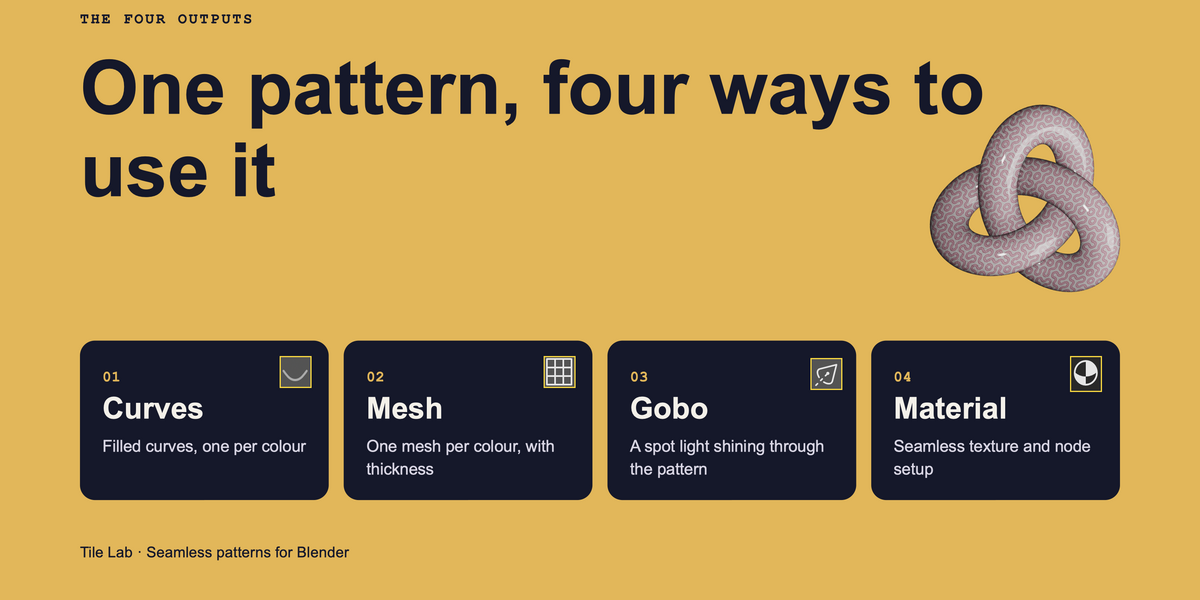
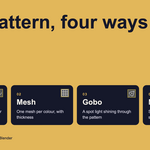
Four ways to use a pattern
CURVESMESHGOBOMATERIAL
Make Real creates editable filled curves or clean mesh with optional thickness, one object per colour (or merged into a single mask). Build Gobo Rig lights your pattern with a spot light, and Make Material bakes one seamless tile into a ready-made node setup.
Made to work with Blender Tile Studio
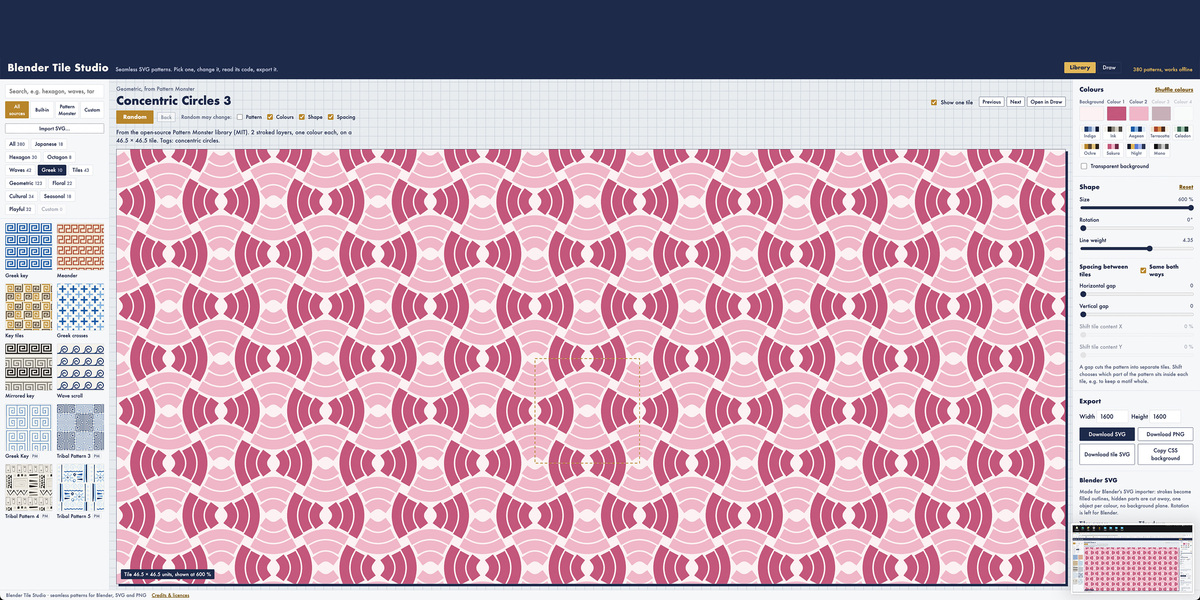
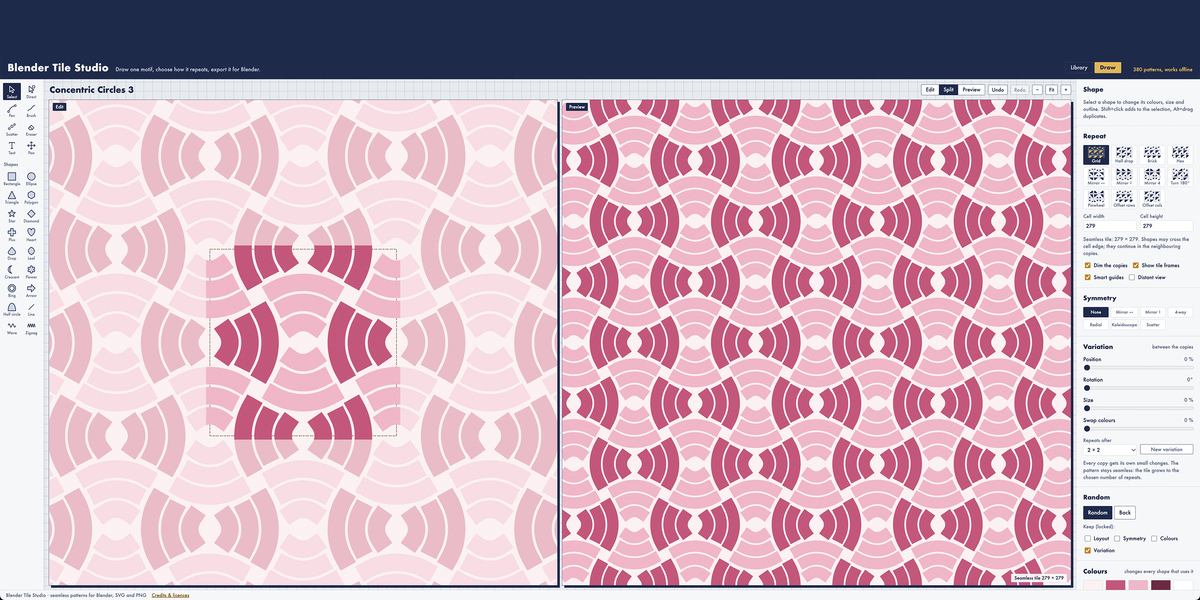
Tile Lab has a companion browser tool, Blender Tile Studio, where you create your own tiles and patterns: start from a preset, press Open in Draw, draw one motif, choose how it repeats, and export it with Download Tile Lab tile. Drop that file into the Custom Tiles folder, press Reload, and your tile appears in the Custom category, ready for everything above.
Who will like Blender Tile Lab?
3D artists and motion designers
Ornament, wallpaper, tiles and panels, built and tuned without leaving Blender.
Archviz and interior artists
Floors, facades, screens and cut-out panels as clean curves or mesh.
Lighting and set artists
Gobo-style light patterns for stills, animation and virtual sets.
Product and surface designers
Seamless textures for fabric, packaging and products with Make Material.
Game and tech artists
Tileable textures and flat, clean geometry for real-time projects.
Pattern lovers and teachers
Explore tilings, star patterns and Truchet tiles live and see how repeats work.