Matronius
almost 2 years ago
Thank you so much for the feedback!!! I will introduce additional exciting features in future versions of the plug in!!! Best wishes, Matronius
This item has an average rating of 5 from 14 ratings by the community.
Purchase this item to leave a review!
This product is exactly what I was looking for and it's worth every penny. The creator has put a lot of work and effort in this product and it shows.
Matronius
almost 2 years ago
Thank you so much for the feedback!!! I will introduce additional exciting features in future versions of the plug in!!! Best wishes, Matronius
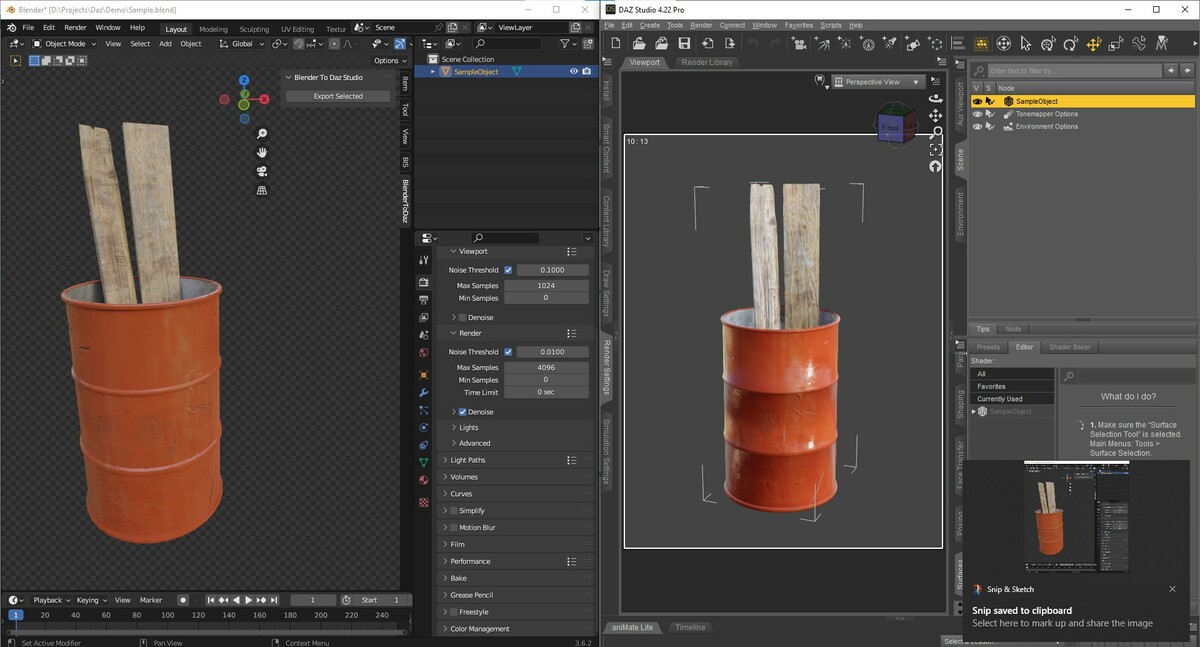
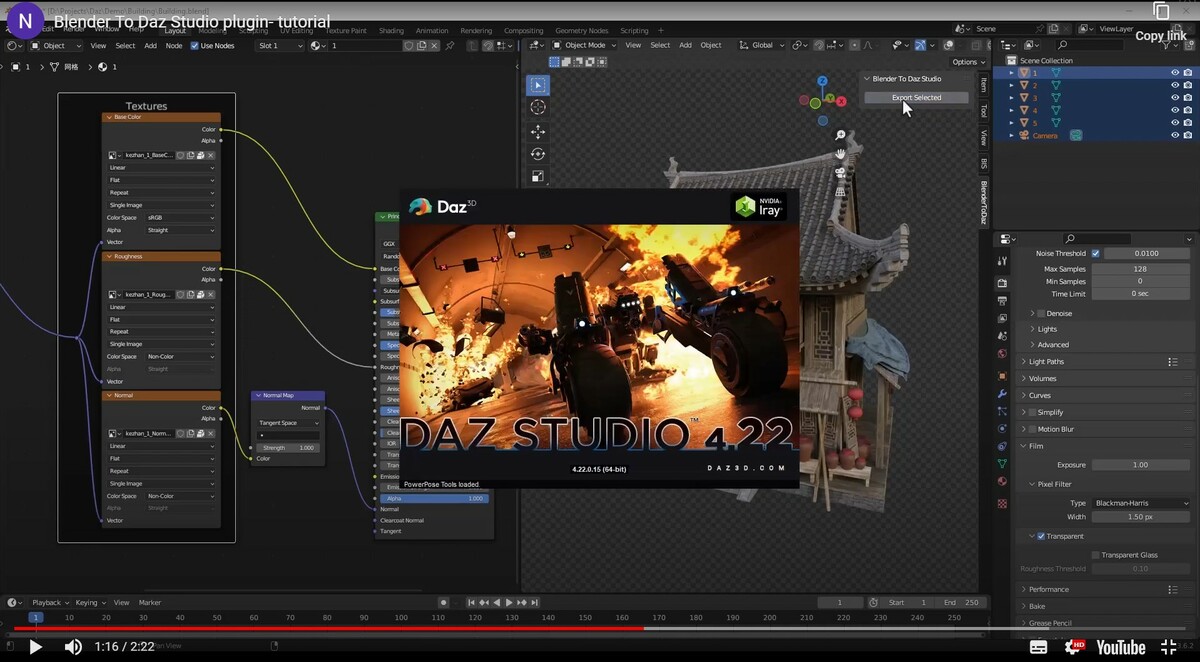
I'm looking for simple and one-click to Daz exporter, this plugin is it. Thank you.
Matronius
almost 2 years ago
Thanks a lot for your feedback!!! Best wishes, Matronius

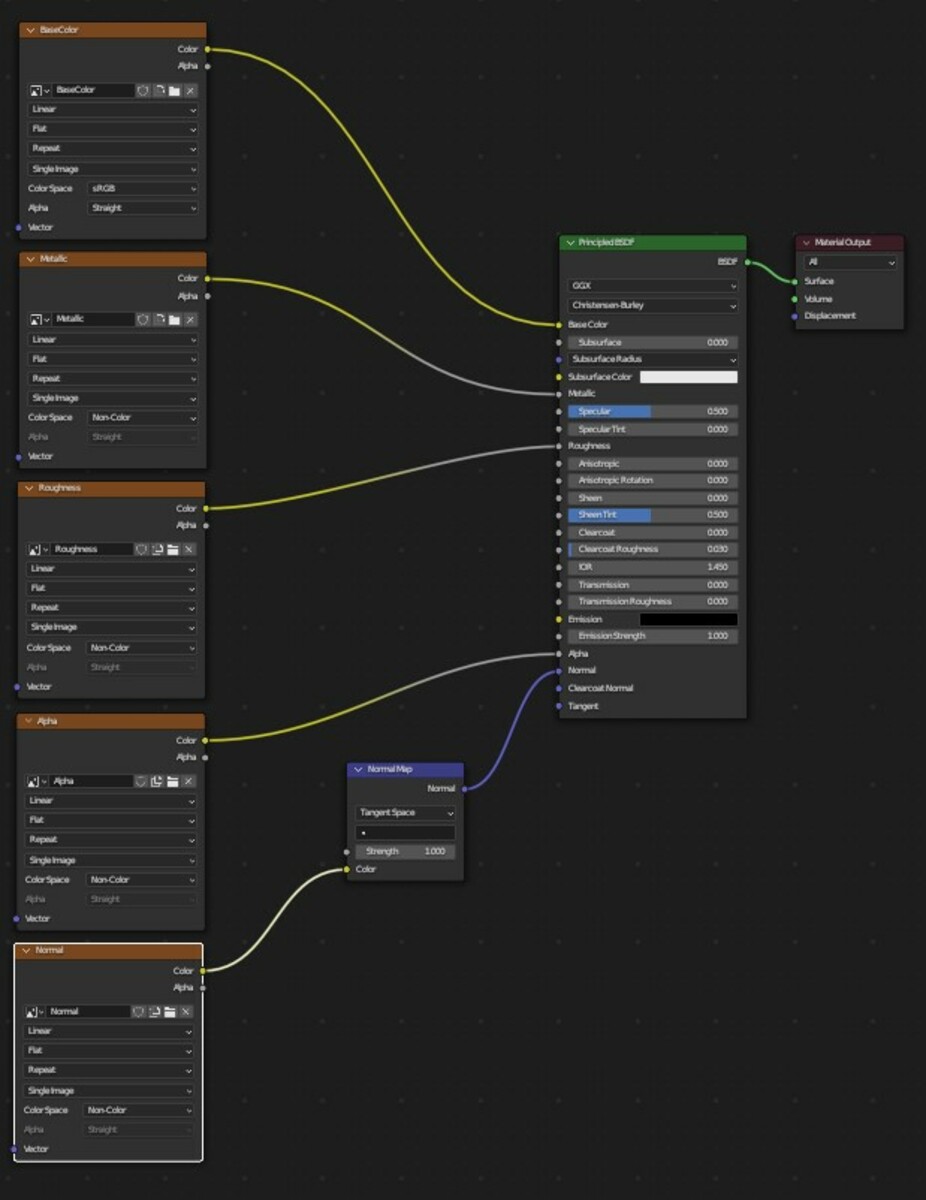
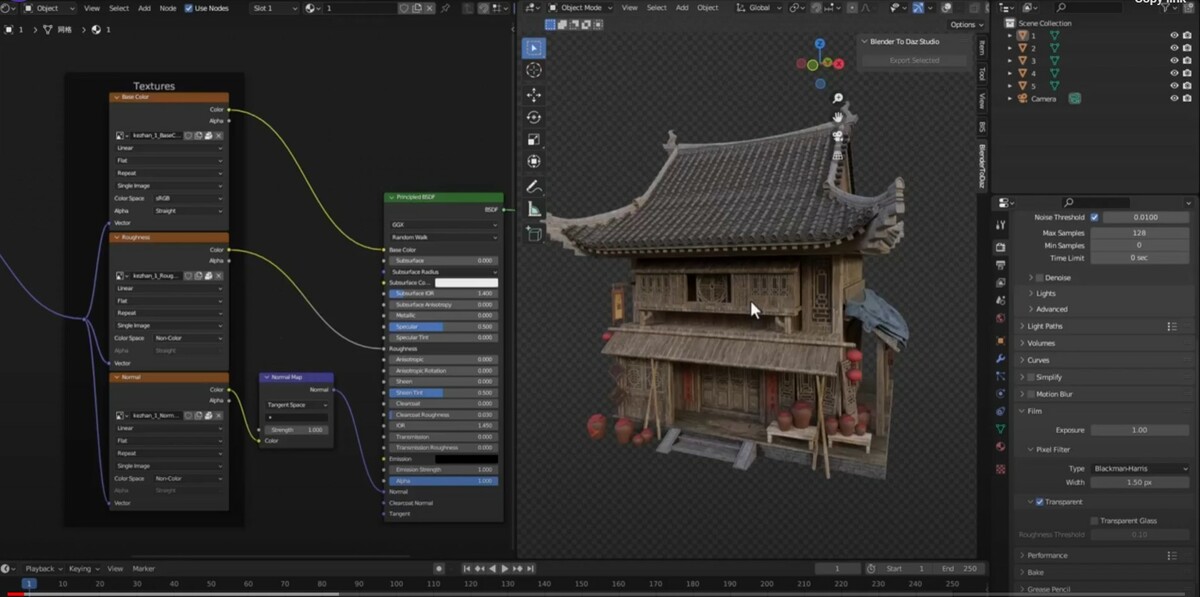
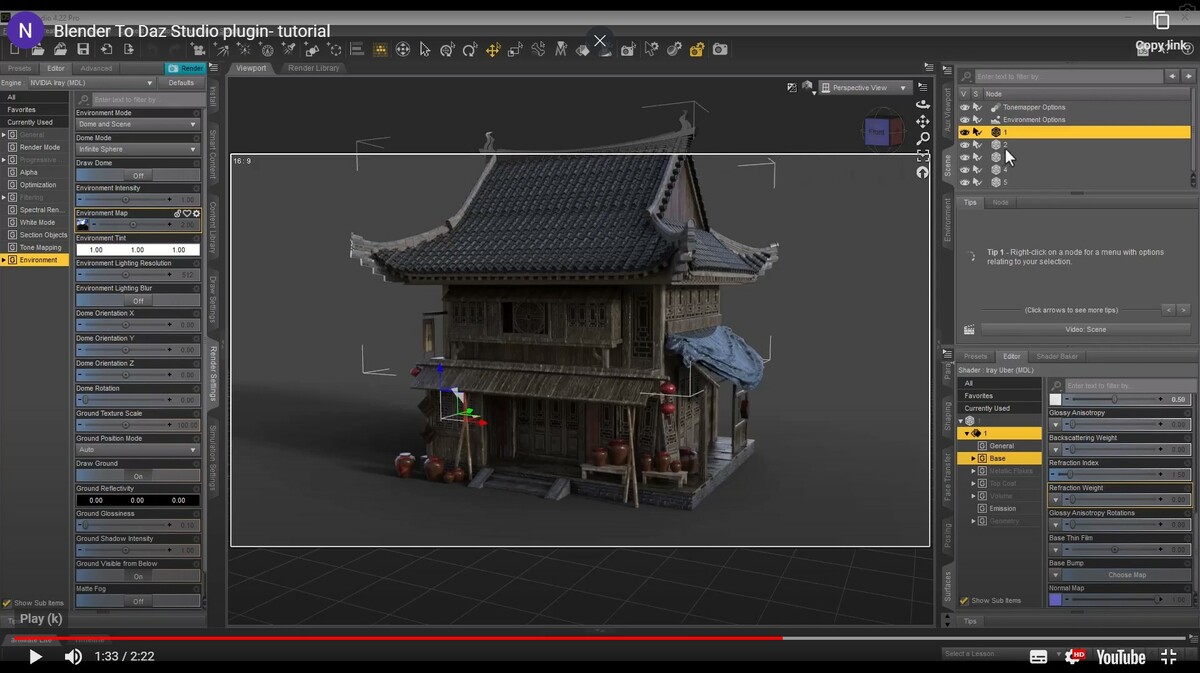
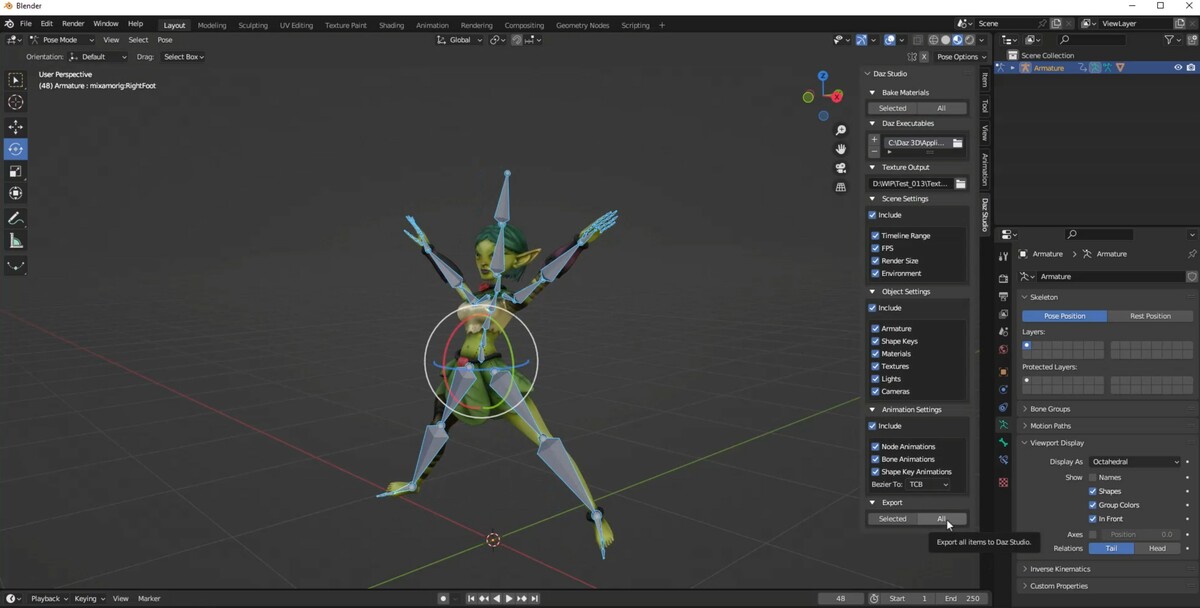
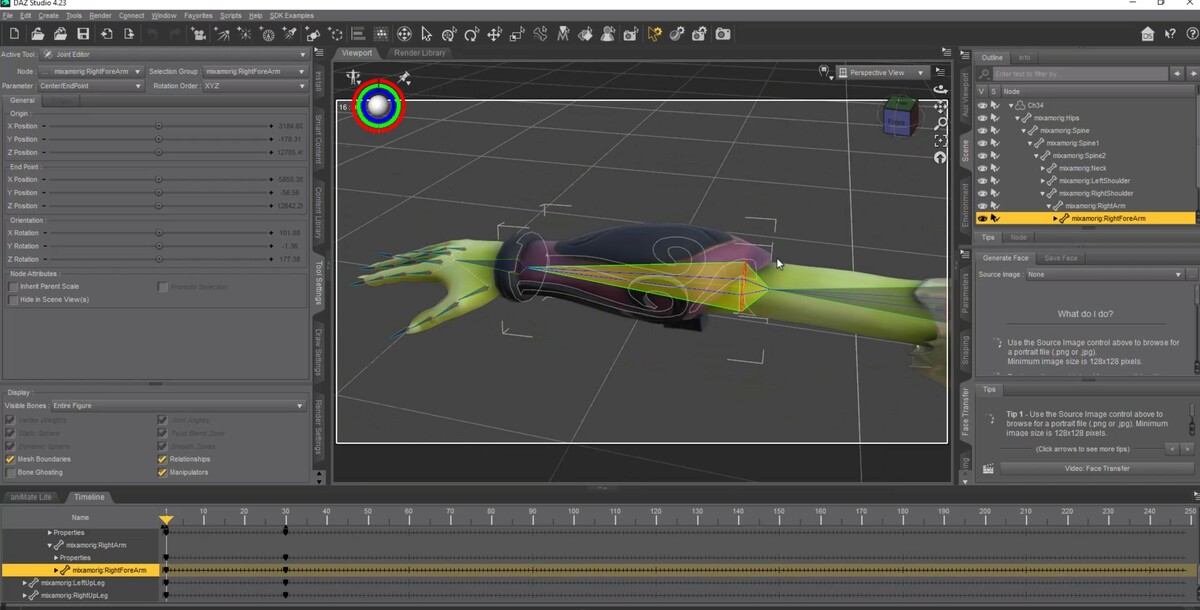
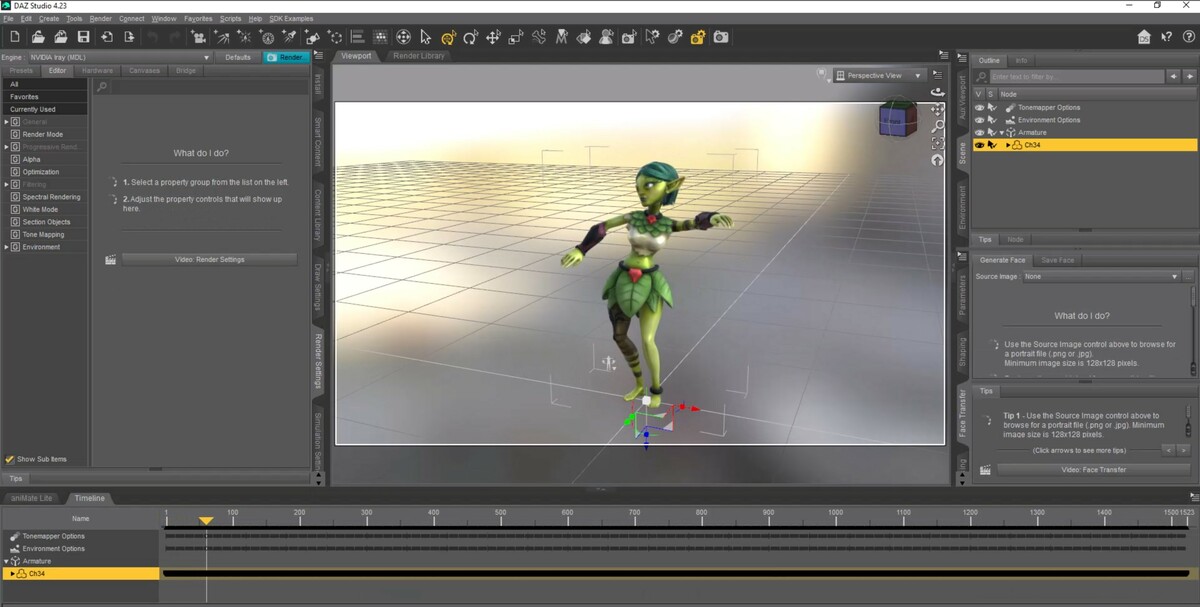
This plugin has Alot going for it, compared to exporting an FPX and importing it in DAZ it was a TREMENDOUS upgrade and its a nice touch that it carries over a basic PBR material for you and preserves the quads in your base mesh. and basic character rigs and morphs can carry over nicely.
however there are Huge pinch points that prevent me from giving it five stars. these could be patched in the future but as i am writing this they go as follows:
- there is no Collection export option. you have to select the objects manually if youre exporting from a scene with multiple things in it.
- it doesnt detect and export Subsurface modifier. only the raw mesh seems to come trough, and you dont get a toggle to apply modifiers which should be a given for an export plugin. Daz does support a subsurface model so ideally the mesh should have it applied trough daz upon export. some modifiers like mirror could be detected and applied too.
-when exporting rigs it doesnt filter out non deform bones meant for controls and IK and what not. this means thousands of unused bones are included with your Daz export. these bones are not going to be used by Daz anyways since something like Riify rigs dont carry over.
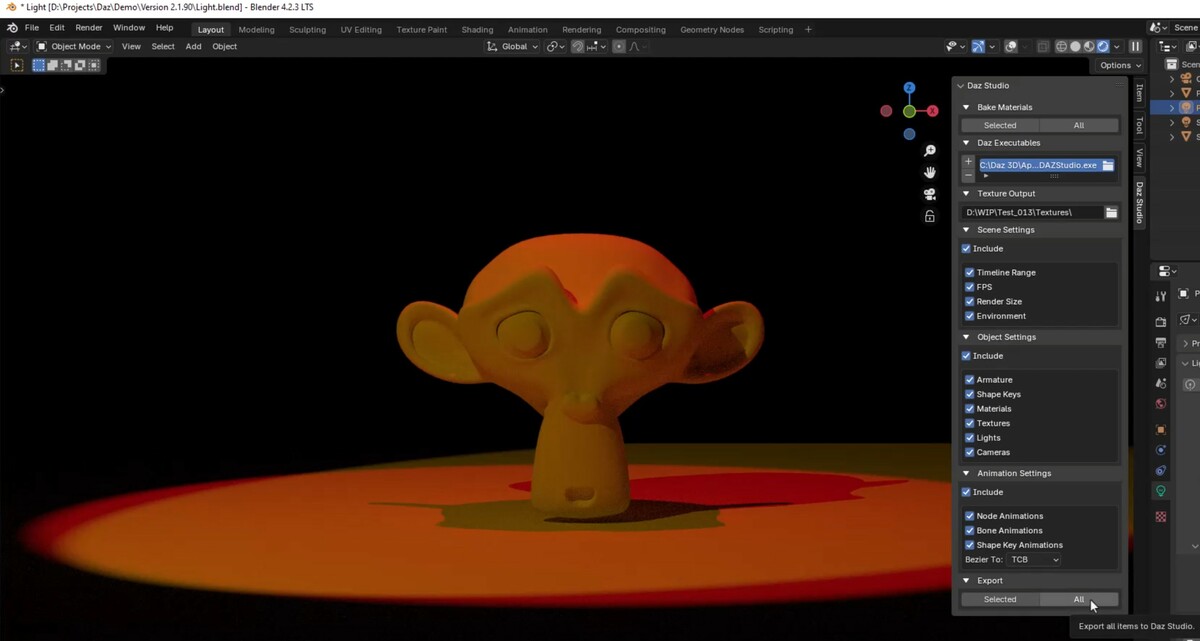
-it integrates in a weird non standard way, it should be in the export settings but its a tab in the N panel for some reason ? thats an odd design choice since it could be in both places.
-the merge textures option can be finnicky and my materials didnt work with it. it also doesnt expose many options for how it should behave.
- i dont expect a miracle and 1 to 1 compatibility, as mentioned above Rigify rigs dont carry their features over, so if you have a facial rig planned then do it in Daz instead. it would be nice if we could dictate how bones should translate over by marking the function of a bone and letting this plugin interpert it to something in DaZ's ERC system. this would be great for bone based facial rigs.
- it doesnt do asset organization, thats up to you. on Daz's end you have to sort it out into the figure and prop folders and what not
- any complex material that's not a PBR texture set will have to be baked. thats pretty much standard for any export to any engine but its worth mentioning here too.
Verdict: this plugin works best for Props and environments as well as a jumping point for custom characters. and it does a banging job at that. but your assets must be prepared to be used in Daz. your non destructive complex rigs wont carry over.
its great if you want to make an asset pack for Daz.
This is an useful addon to carry things over to DAZ! But be aware that, at this point in time, it is a decent starting point more than a complete solution.
For example, it doesn't support, among other things: multiple UVs, UV mappings in materials, materials with nodes that aren't basic (this is noted in the FAQ but some nodes could be trivially supported tbh), collection exports, top coat/sheen, or little details like if the material has unused BSDF nodes not connecting to anywhere or some non-ascii filenames. It also won't export correctly certain object orientations, due to the coordinate system change between Blender & Daz not being 100% correct -- to be fair, this does work for most orientations, and part of that problem is due to Daz's API for being downright buggy.
It will work smoothly for basic objects and small scenes. For more complicated objects/large scenes (including imports from other sources into Blender), either expect to do a bunch of post-work in Daz or to invest your time into addressing all the things I mentioned above in the Python code -- at this point, I've modified a LOT of the logic. Keep in mind the Daz import script is a DLL starting in v3+, so it'll be harder to fix or improve upon the import part of the process.
All in all, it did save more than $50 worth of my time due to laying the groundwork to learn from and build upon, so I do not regret this purchase, but for this price point and rating it was not the 5-star silver bullet that the rest of the reviews made it out to be.
Matronius
over 1 year ago
Thanks Alex. We are happy to accept criticism, but we would have appreciate a constructive criticism through a contact message to give us the opportunity to implement any possible changes rather than giving us a 3-star review. Our tool is unique in the market and supports several unique features, including hair export, light export, animation export, bone export, etc. There is always room for improvement and we will continue to develop the product moving forward. I have to disagree, however, on the "basic objects and small scenes" comment. We have successfully exported several huge environments with hundreds of objects with no issues. Several customers have successfully used our tool to do so. Some of your comments are also self-promotional and not really constructive or helpful. Thanks anyway for the part of the feedback that can be used for improvement. Best wishes, Matronius
Have questions about this product?
Login to message
| Sales | 100+ |
| Rating |
14 ratings
|
| Published | about 2 years ago |
| Blender Version | 4.3, 4.2, 4.1, 4.0 |
| Extension Type | N/A |
| License | GPL |
daz studio blendertodazstudio blender converter blender Blender Export