Blender to Obs
 Bevel Graphics

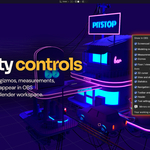
Can I hide the interface in OBS while keeping it visible in Blender?
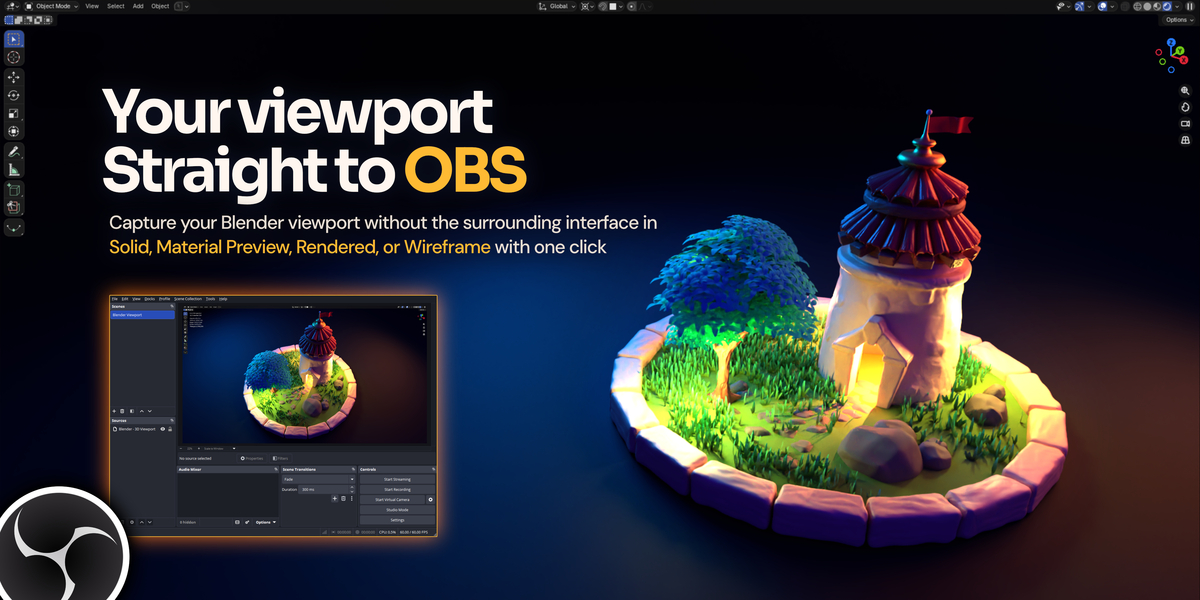
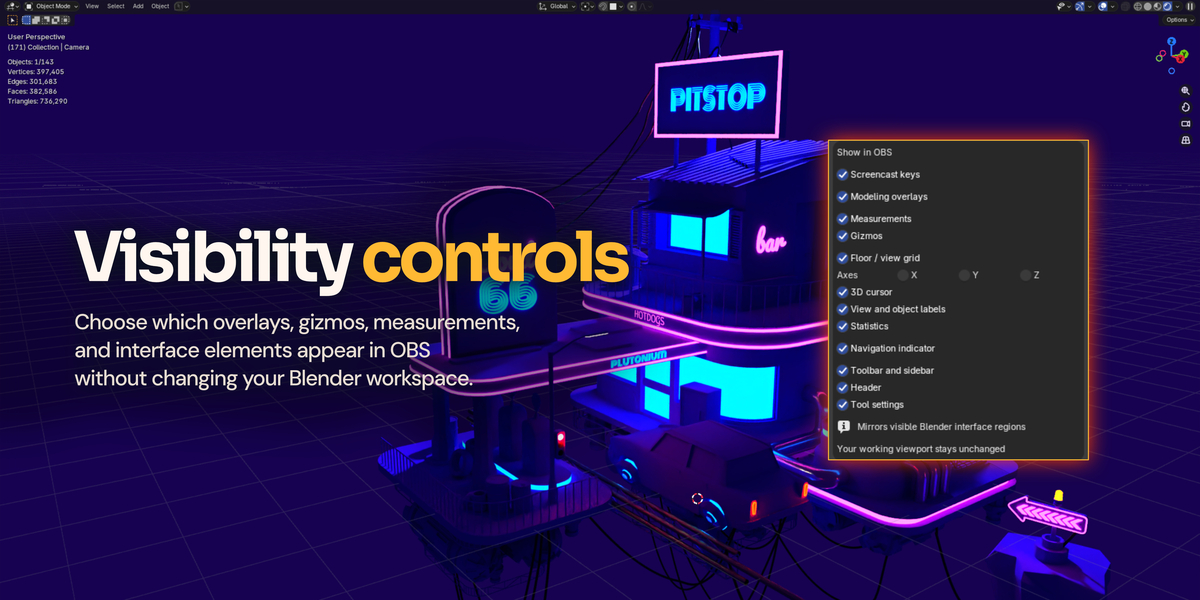
Yes. Choose which overlays, gizmos, measurements and interface elements appear in OBS. These visibility controls leave your working viewport unchanged.
Does it capture my actual Blender viewport?
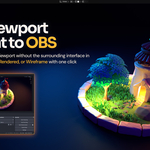
Yes. It captures the viewport you’re working in, without opening another view or rendering the scene twice.
Do I need a launcher or a saved Blender file?
No. After the initial setup and one Blender restart, open Blender normally and click Open in OBS. Unsaved scenes work too.
Can I capture other Blender editors separately?
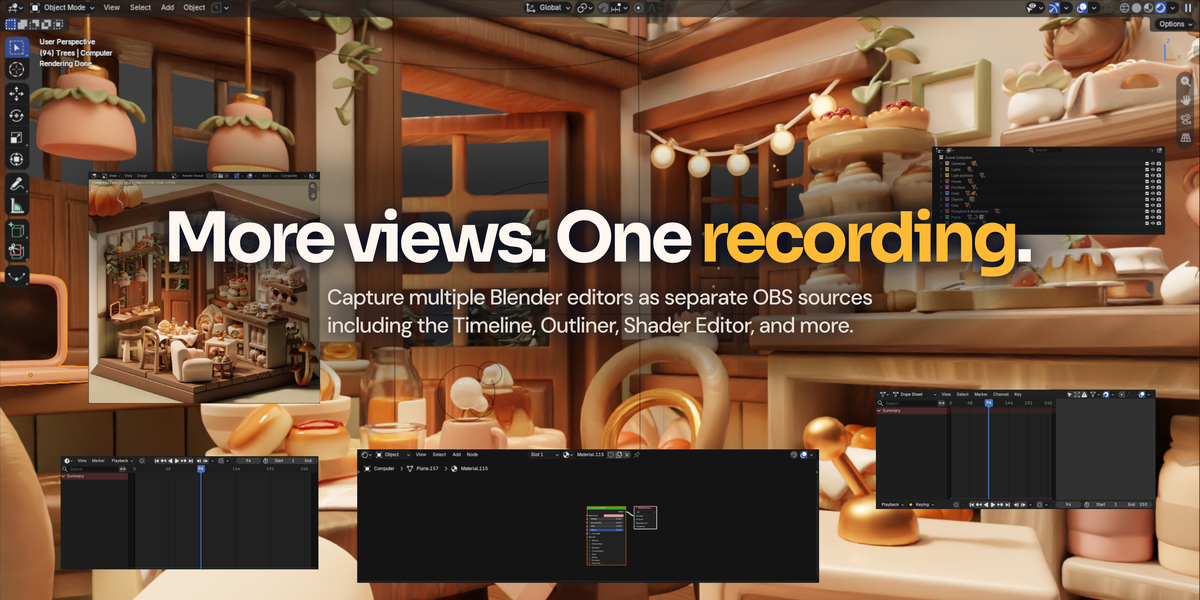
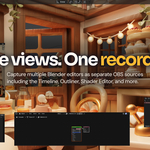
Yes. Add open editors such as the Timeline, Outliner, Properties or Shader Editor as separate OBS sources, each with its own format and framing settings.
 Included
Includes 12 months of
- Support from Bevel Graphics
- Product updates
Extend this product’s Support Period +12 months: 100% of product price
Have questions before purchasing?
Login to message
| Blender Extension Compatible | Yes |
| Published | 41 minutes ago |
| Blender Version | 4.2 - 5.2 |
| Extension Type | Add-on |
| Render Engine Used | Cycles, Eevee |
| License | GPL |
Discover more products like this
viewport screencast keys blender obs recording streaming screenrecording OBSSTUDIO capture Screencast Blender content creation tutorials