 VK Gamedev


Blender to Unreal Animation Exporter
Export Blender scenes, FBX files, character folders, animations, materials, textures, static collision, and Unreal PhysicsAssets with fewer manual import steps. model by pxltiger
| FBX Files & Full Folders | Anim Shared Skeleton Imports | UE5 Bridge Installer Included |
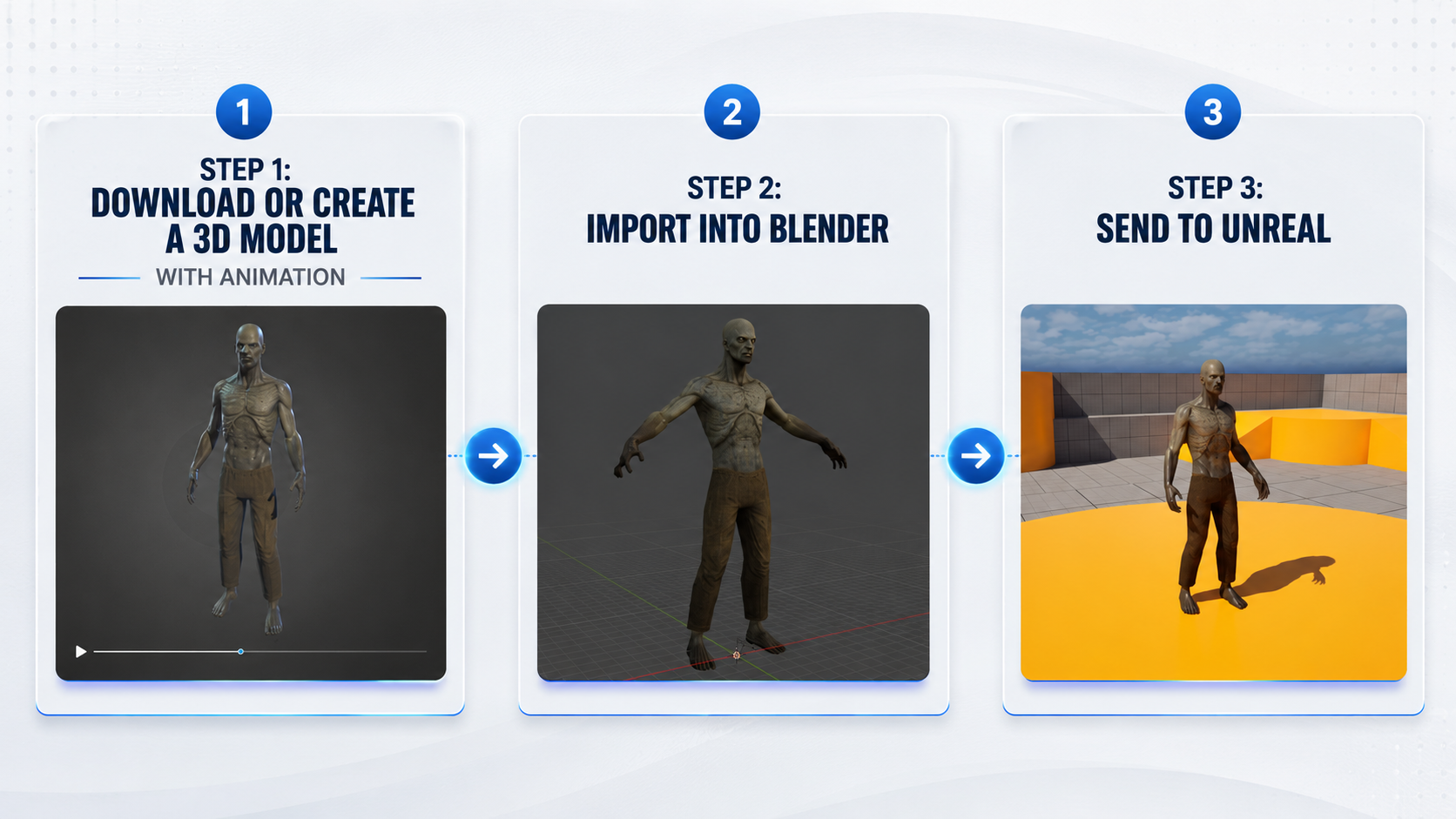
Move Animation Assets from Blender to Unreal Faster
A practical pipeline tool for artists and technical artists who work with skeletal meshes, FBX animation packs, character folders, materials, collision, and Unreal import setup.
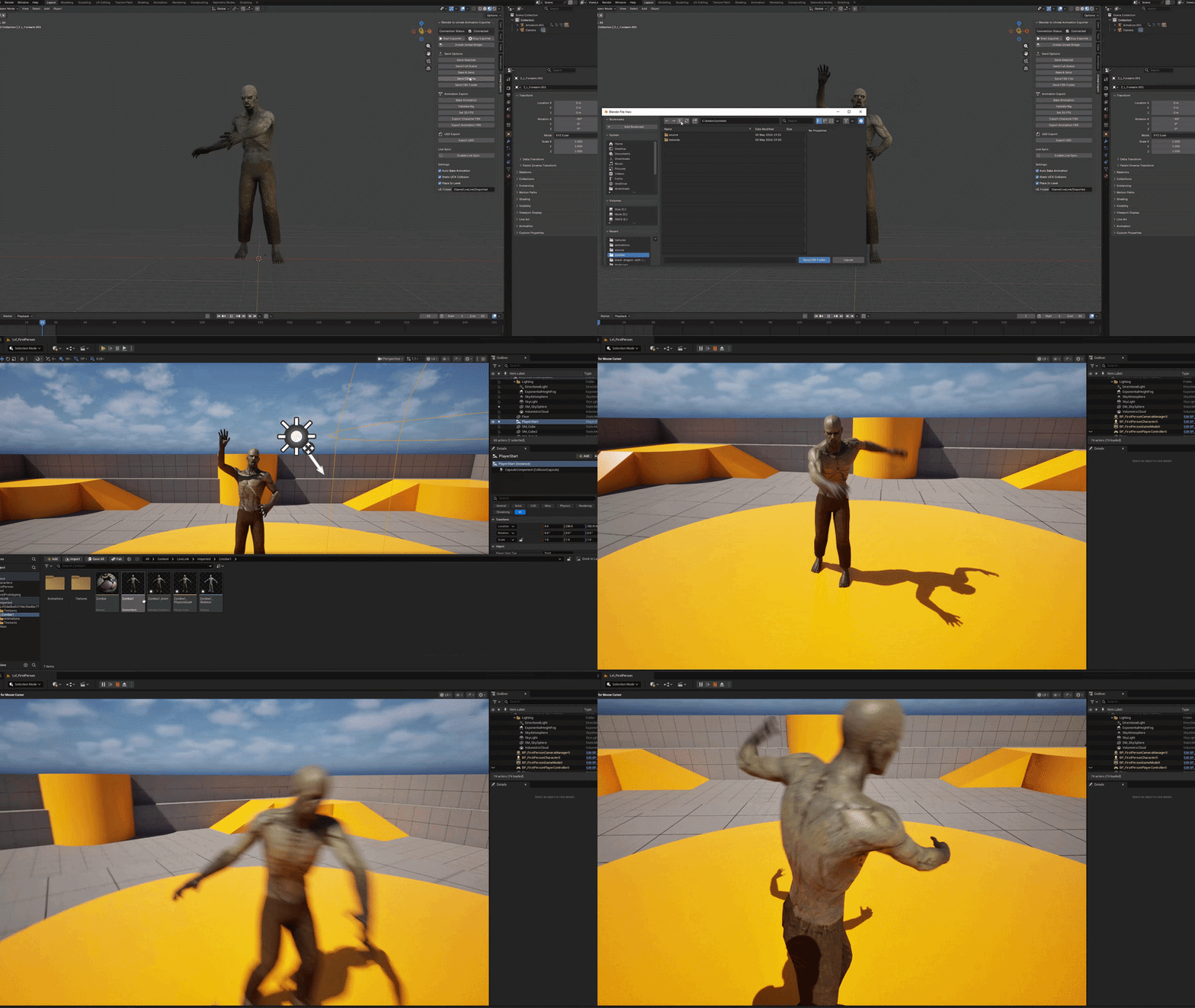
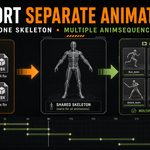
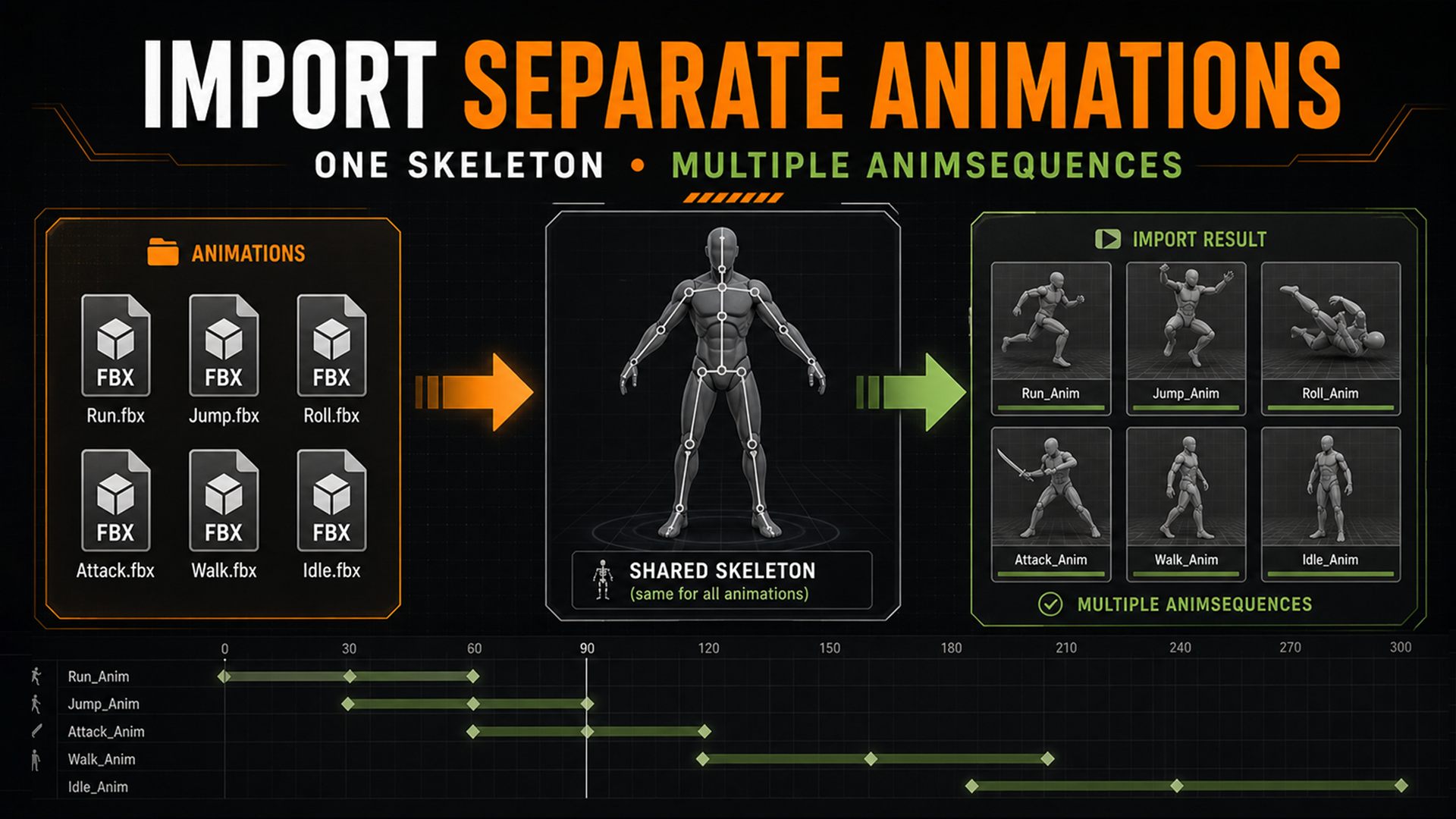
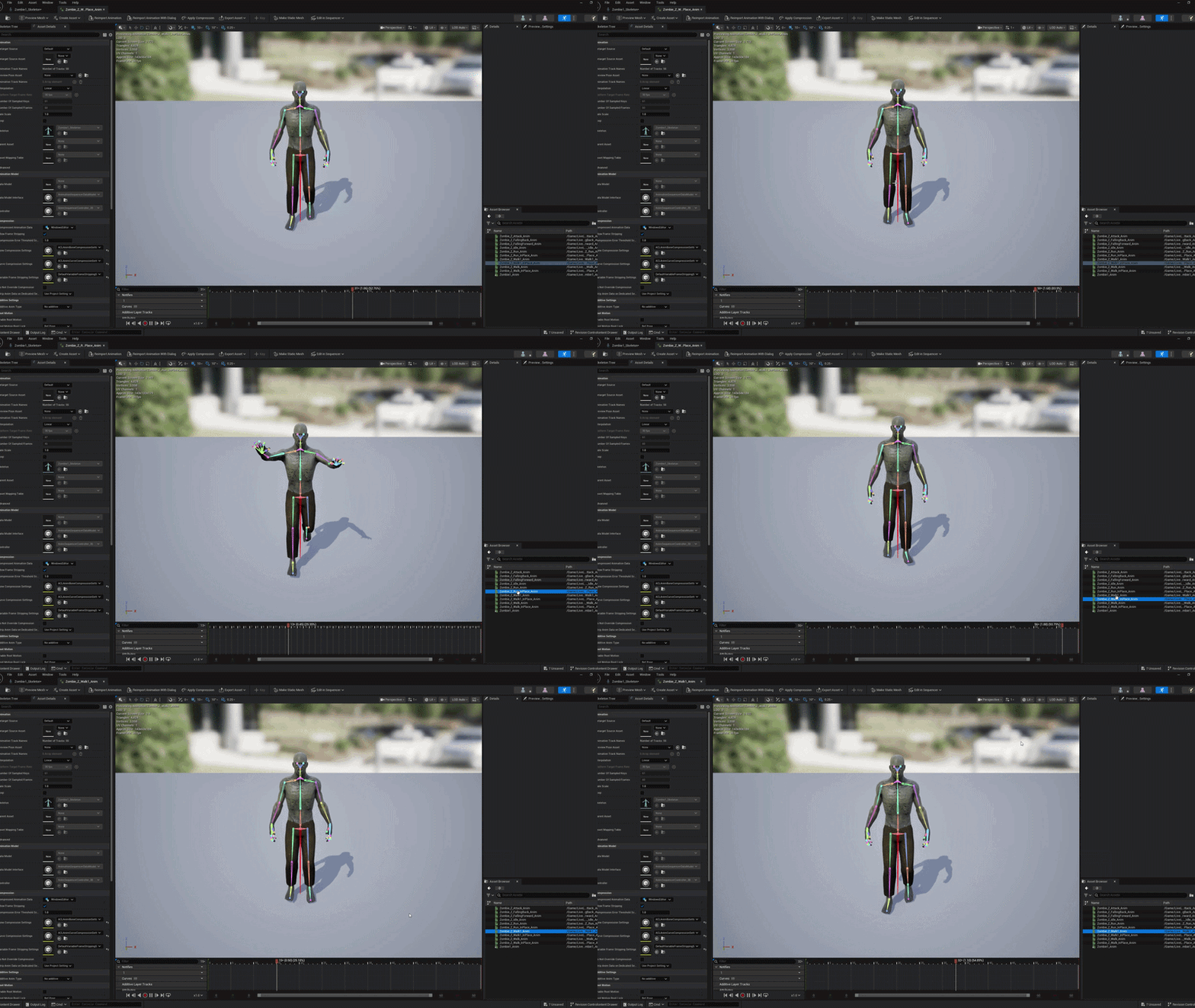
| Separate Animation FBX
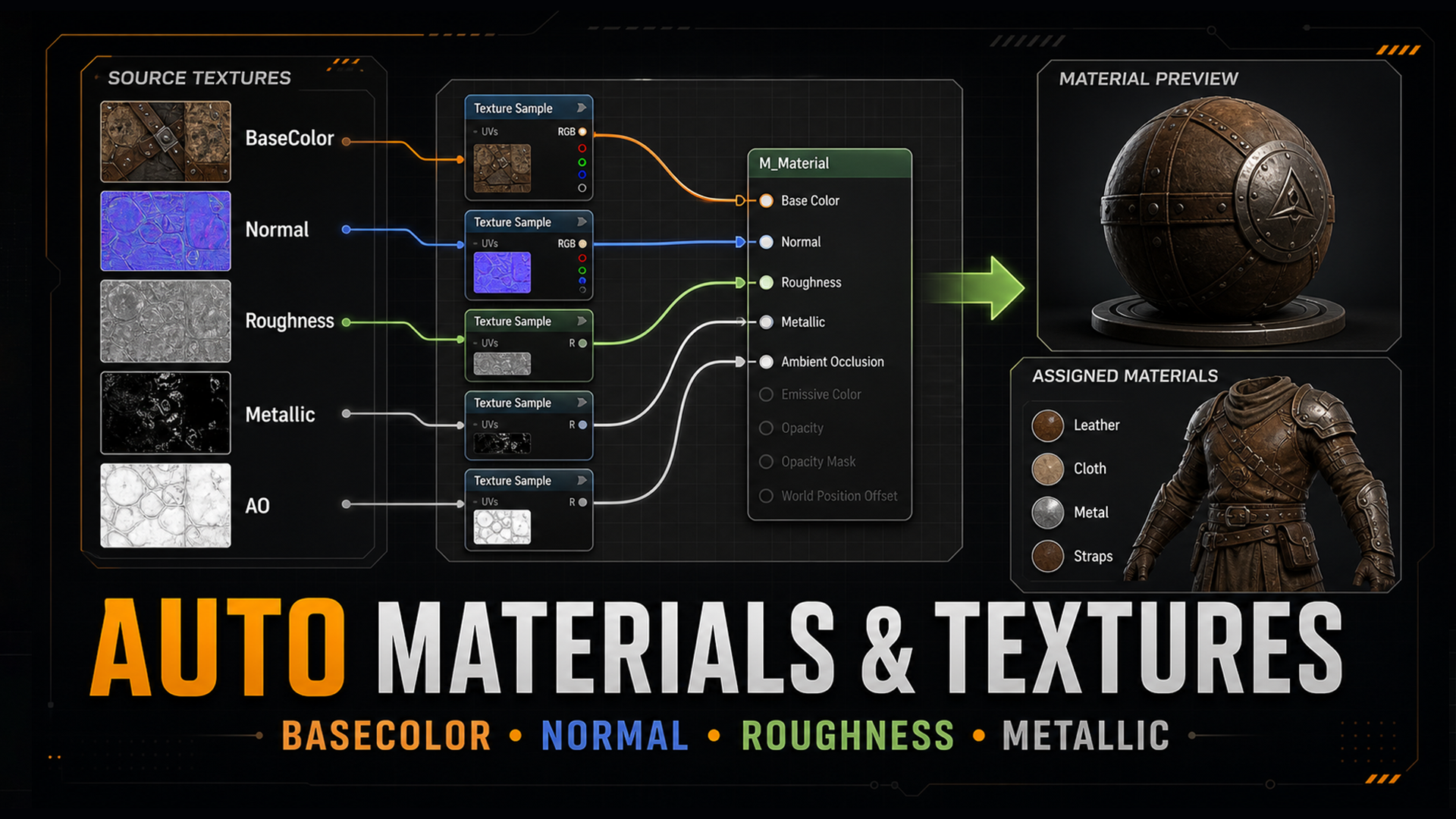
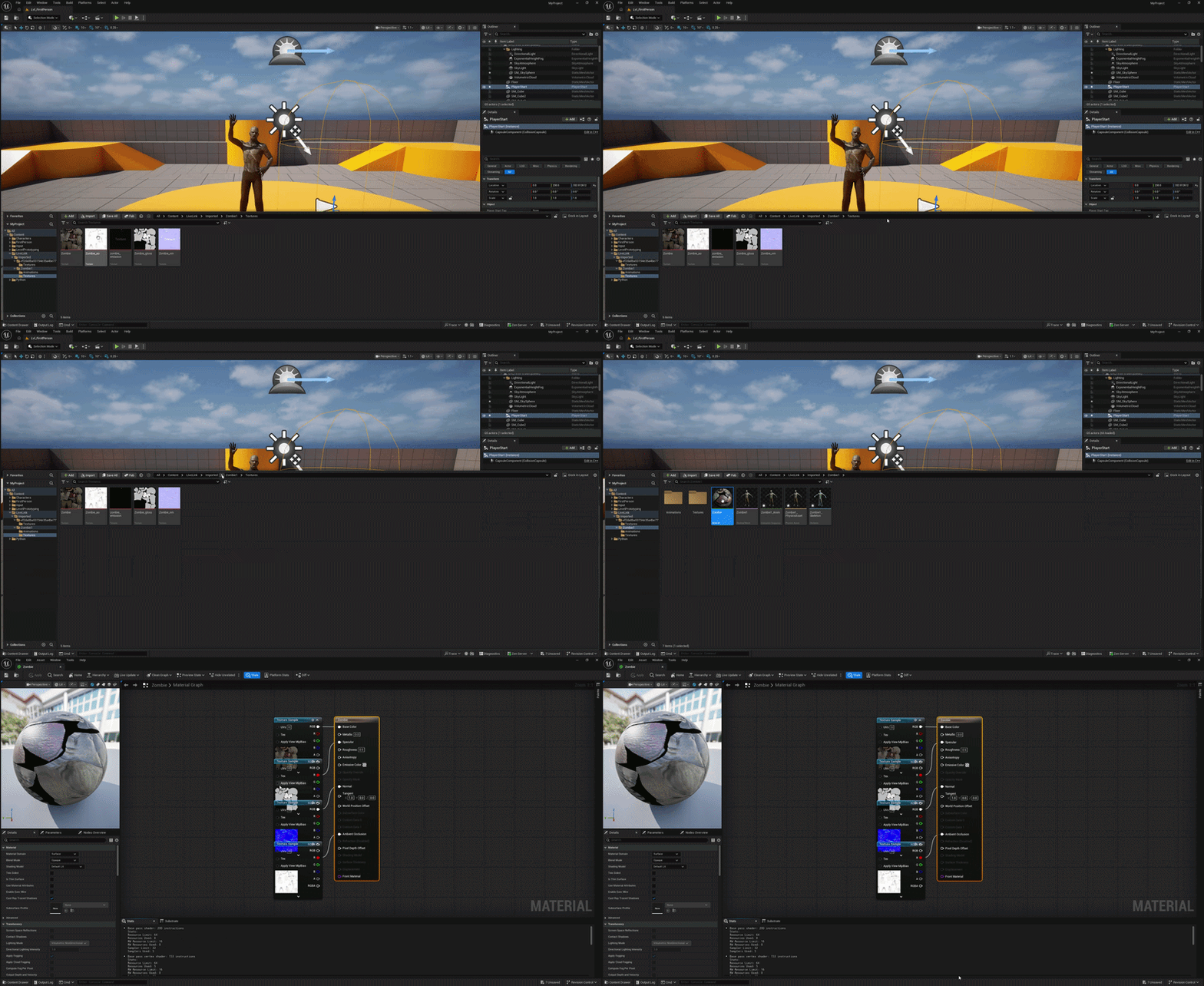
 | Materials & Textures
 |
Built for Character Animation Workflows
Import the base character once, then bring separate animation FBX files into Unreal as AnimSequence assets using the same Skeleton.
- Detects common character package layouts
- Imports a base skeletal mesh before animation files
- Uses the same Unreal Skeleton for animation-only imports
- Helps avoid duplicate broken skeletal mesh imports for every animation FBX
- Saves imported assets and prints validation information in Unreal
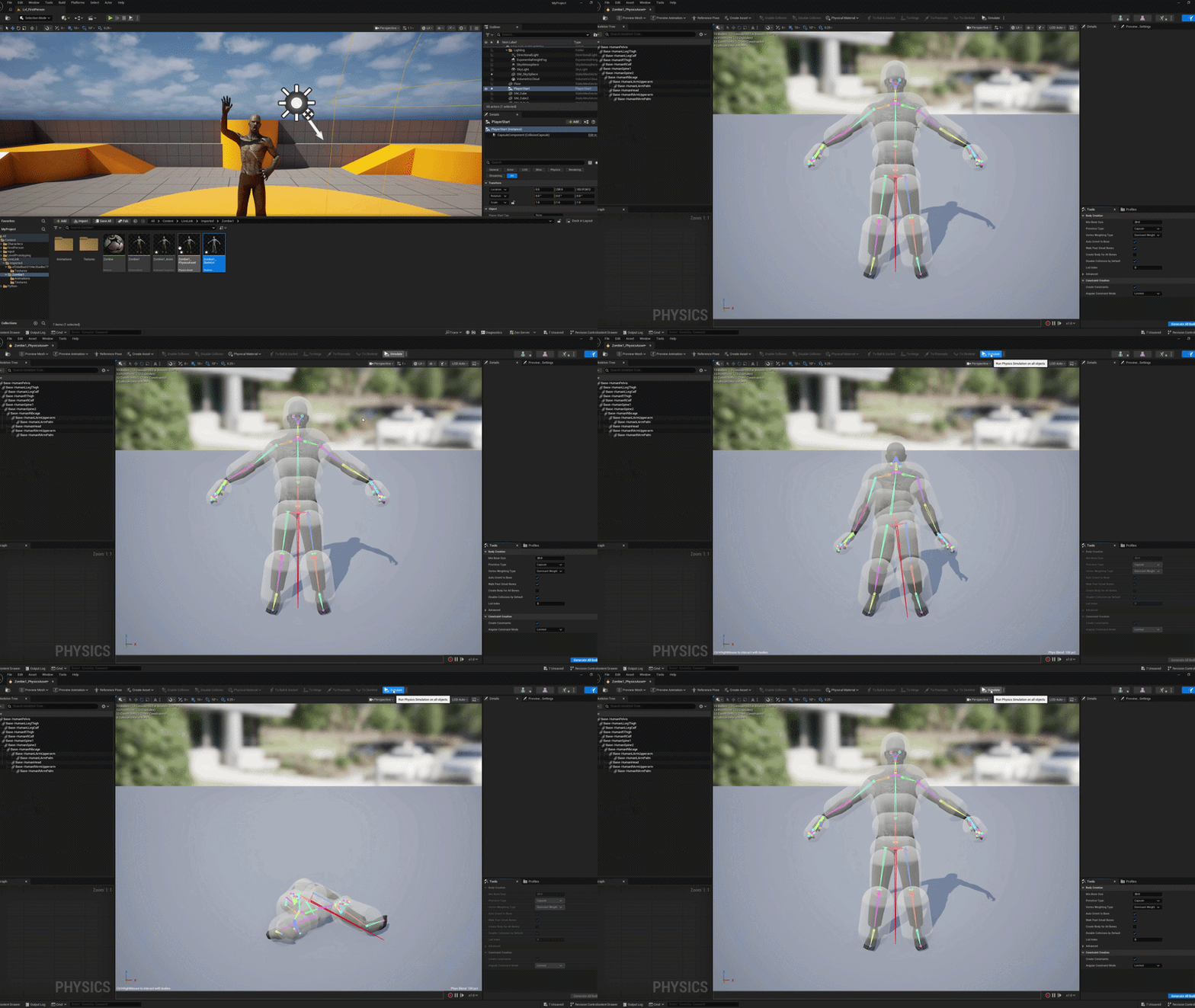
When you import a model into Unreal, a PhysicsAsset is automatically created!
Supported Import Workflows
Use the mode that matches your source asset.
| Selected Blender Objects | Send Selected |
| Full Blender Scene | Send Full Scene |
| Single Original FBX | Send FBX File |
| Complete FBX Folder | Send FBX Folder |
| Character with Separate Animations | Shared Skeleton |
| Static Mesh Collision | UCX Helpers |
Recommended Character Folder Structure
The add-on can automatically detect a base character FBX and separate animation FBX files.
CharacterName/
  source/
    Base.fbx
    animations/
      Idle.fbx
      Walk.fbx
      Attack.fbx
  textures/
    Body_BaseColor.png
    Body_Normal.png
    Body_Roughness.png
Materials & Texture Setup
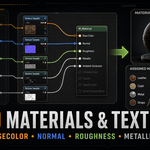
The Unreal bridge imports related texture files and tries to repair common material setups automatically.
- BaseColor / Albedo / Diffuse map detection
- Normal map setup with proper texture handling
- Roughness, Metallic, AO, Specular, and Emission map support
- sRGB correction for utility maps
- Material assignment to imported mesh slots
Collision & PhysicsAsset
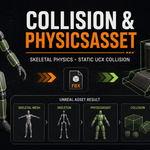
Static meshes and skeletal meshes need different collision workflows. The add-on handles both in a practical Unreal-friendly way.
Static MeshesOptional UCX box collision helpers can be generated for selected static mesh objects before export. | Skeletal MeshesUnreal PhysicsAsset creation is requested for imported skeletal characters. |
Included Files
- Blender add-on package
- Unreal Python bridge
- Detailed PDF manual
- Installation guide
- User manual
- FAQ and support checklist
- Preview images for marketplace/product presentation
- GPL license notice
Installation
Blender Add-on Installation
- Open Blender.
- Go to Edit > Preferences > Add-ons.
- Click Install.
- Select the product ZIP file.
- Enable Blender to Unreal Animation Exporter.
- Open the 3D Viewport sidebar with N.
- Open the Unreal Export tab.
Unreal Bridge Installation
- Open your Unreal project.
- Go back to Blender.
- Click Install Unreal Bridge.
- Select your Unreal .uproject file.
- Wait for the success message.
- Restart Unreal.
- Click Start Exporter Bridge in Blender.
Software Requirements
- Blender 4.5 or newer
- Unreal Engine 5.5 or newer
- Python Editor Script Plugin enabled in Unreal
- Windows is the primary tested platform
FAQ
Does this use the official Unreal Live Link plugin?
No. This product uses its own local Python bridge for asset and animation transfer.
Can it import separate animation FBX files?
Yes. Use a character folder with a base FBX and animation files inside a source/animations folder.
Does it create PhysicsAssets?
The Unreal bridge requests PhysicsAsset creation for skeletal mesh imports. Complex characters may still need manual PhysicsAsset cleanup.
Does it set up materials?
It imports common texture maps and tries to connect them to Unreal materials using common texture naming patterns.
Does it upload my files online?
No. Blender and Unreal communicate locally on your computer through localhost.
Questions or installation help? Message me anytime.
