 3D Tudor


Blender to Unreal Engine 5: Build a Stylized Greek Island Environment
A complete 67-lesson modular environment-art workflow, from a reusable Blender kit to a cinematic Unreal Engine 5 scene.
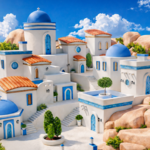
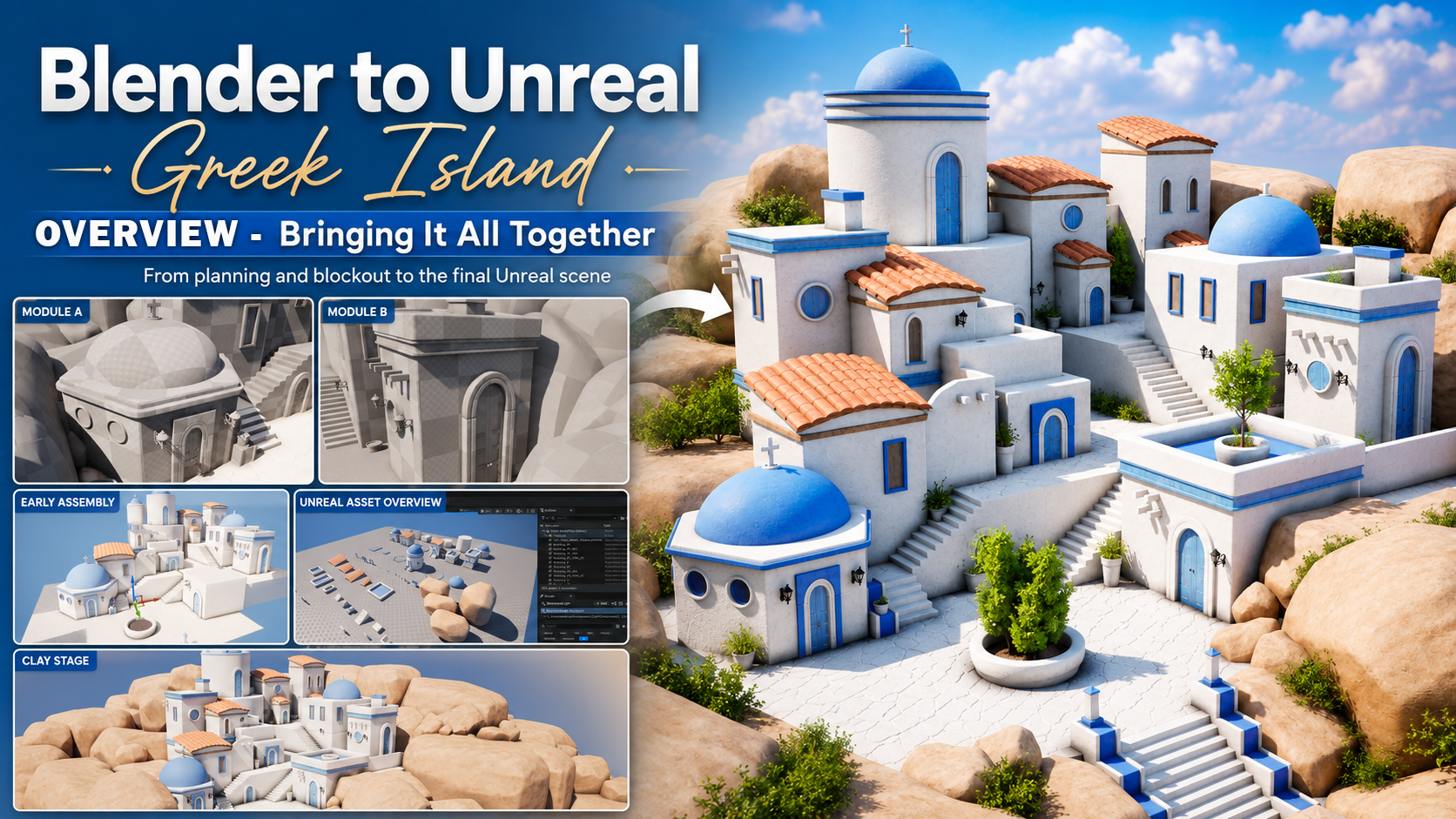
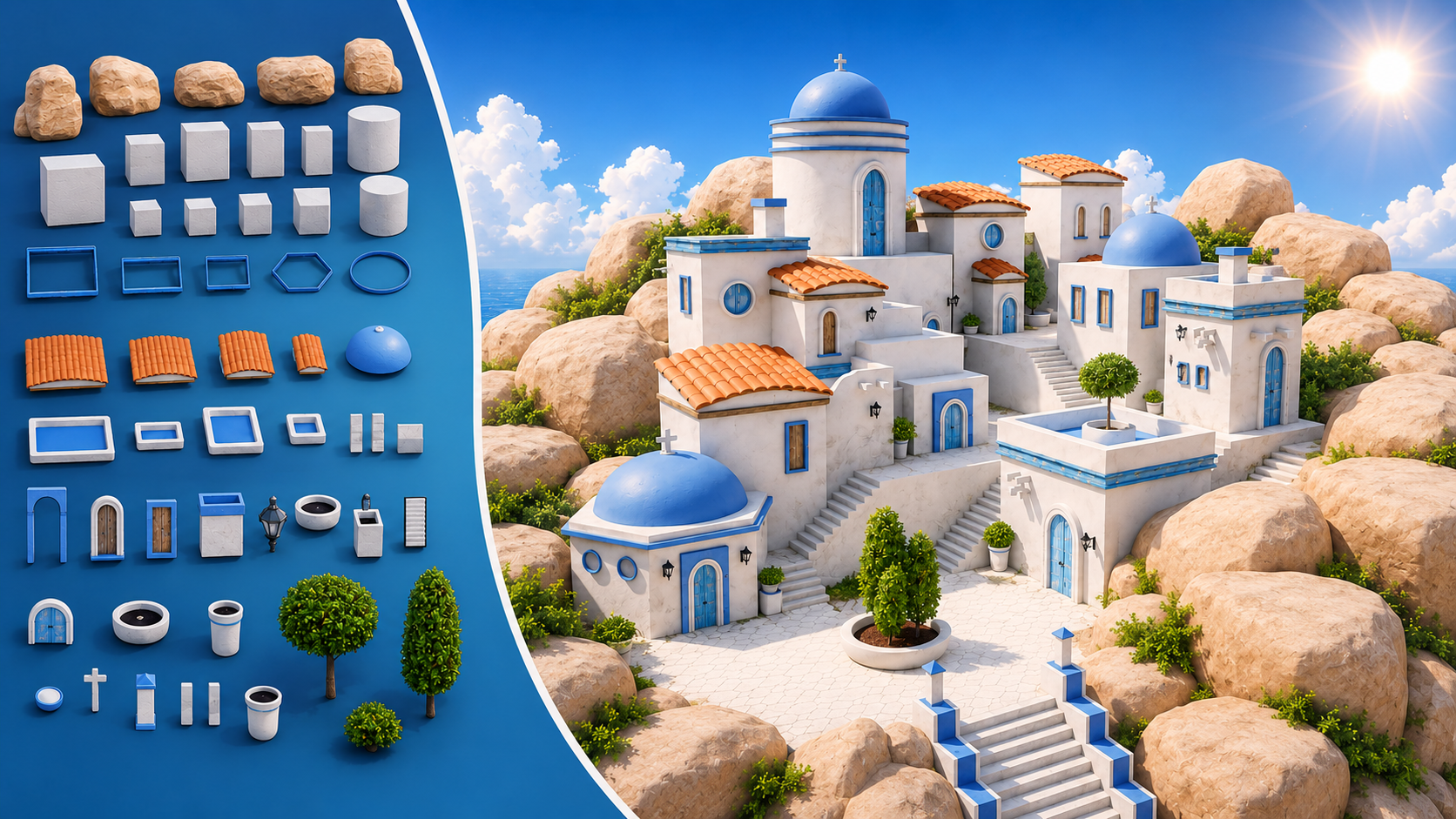 The finished village and the kit behind it: White plaster architecture, cobalt domes, terracotta roofs, warm rocks and fresh foliage — all assembled from one reusable kit of blocks, roofs, domes, doors, windows, stairs, pots and trees.
A Modular Environment Course Built Around the Hand-Off
A beautiful environment is only half the job. The other half is making sure the kit is fast to build, simple to reuse, and clean enough to survive the move from Blender into Unreal Engine 5.
This course takes you through the complete production of a bright, stylized Greek-island-inspired village. You will begin with references, human scale, and large compositional forms in Blender. From there, you will create a reusable family of buildings, roofs, domes, stairs, doors, windows, walls, props, rocks, and foliage-ready assets. You will then prepare the kit for GLB export and rebuild the final scene inside Unreal Engine 5, where the focus shifts to modular assembly, material readability, sky and sun setup, ambient occlusion, foliage, colour grading, and camera presentation.
The finished result is a compact white-and-blue village with terracotta roofs, layered stairs, warm rock foundations, greenery, a clear church landmark, and a wide cinematic hero shot. More importantly, you will finish with a repeatable environment workflow rather than a single scene that only works once.
Quick Answer
What is this?
A 67-lesson Blender-to-Unreal Engine 5 environment-art course built around modular modelling, reusable assets, and final real-time presentation.
What will you create?
A bright stylized Greek island environment with white plaster architecture, blue domes and accents, terracotta roofs, stepped terraces, rocks, foliage, lighting, and a cinematic camera.
What makes it different?
The course treats origins, pivots, scale, names, UVs, normals, attachment points, and export settings as part of the creative workflow—not as boring cleanup saved for the final ten minutes.
Who is it for?
Confident beginners, intermediate Blender artists, environment artists, indie developers, and anyone who wants a practical Blender-to-Unreal pipeline.
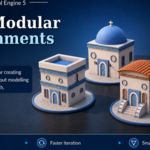
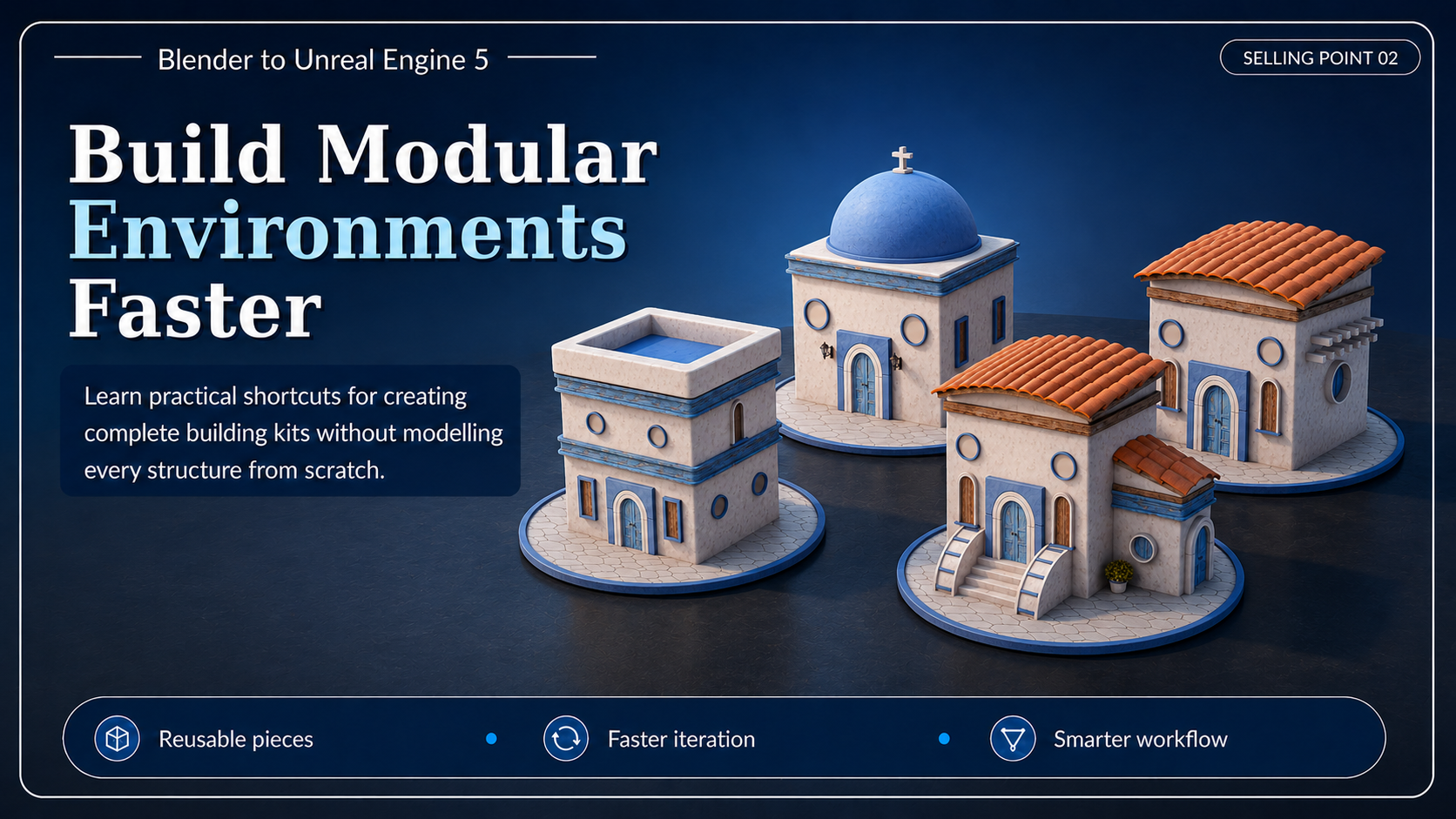 Modular by design: Shared primitives, modifier stacks, arrays and lattice cages let you produce several compatible buildings without modelling every structure from scratch.
What You Will Learn
- Plan the environment before over-modelling it. Use visual references, a human scale guide, blockouts, camera checks, and silhouette tests to decide what the village needs before committing to small detail.
- Build a reusable modular architecture kit. Create scalable building bodies, roof systems, domes, floor rings, walls, stairs, doors, windows, lanterns, pots, beams, pillars, chimneys, and decorative pieces that can be recombined into multiple structures.
- Model faster by repurposing what already works. Reuse modifier stacks, duplicate and adapt architectural sections, reshape complete roof systems with lattice cages, and turn existing doors, windows, vegetation, and materials into new variants instead of starting from zero.
- Create clean UVs for simple seamless materials. Use Smart UV Project, manual seams, Follow Active Quads, Minimum Stretch, UV scaling, grain-direction control, and roof-tile randomisation to keep every surface consistent.
- Build assets that behave like real building blocks. Set practical origins, pivots, dimensions, names, scales, and attachment points so the kit can snap, rotate, stack, and remain understandable inside Unreal Engine 5.
- Export and import through a controlled GLB workflow. Apply transforms, verify normals, clean the Outliner, export UVs, normals, tangents, and modifiers, preserve pivots on import, keep meshes separate, and fix common tangent or normal-map problems.
- Assemble the village inside Unreal Engine 5. Create tiered buildings, alleys, terraces, stairs, courtyards, roof rhythms, focal landmarks, and controlled negative space instead of importing one monolithic finished mesh.
- Make simple materials read with more depth. Improve contact, separation, and form using ambient occlusion controls, correct tangents, lighting, fog, exposure, skybox adjustments, colour grading, and cloud-shadow variation.
- Build rocks and foliage as part of the composition. Shape the island with overlapping rock masses, then repurpose vegetation into varied shrubs and bushes that soften transitions without hiding the main silhouette.
- Finish with a cinematic presentation. Frame a wide hero shot, create a simple camera move in Sequencer, refine the sun and sky, and render a polished final presentation.
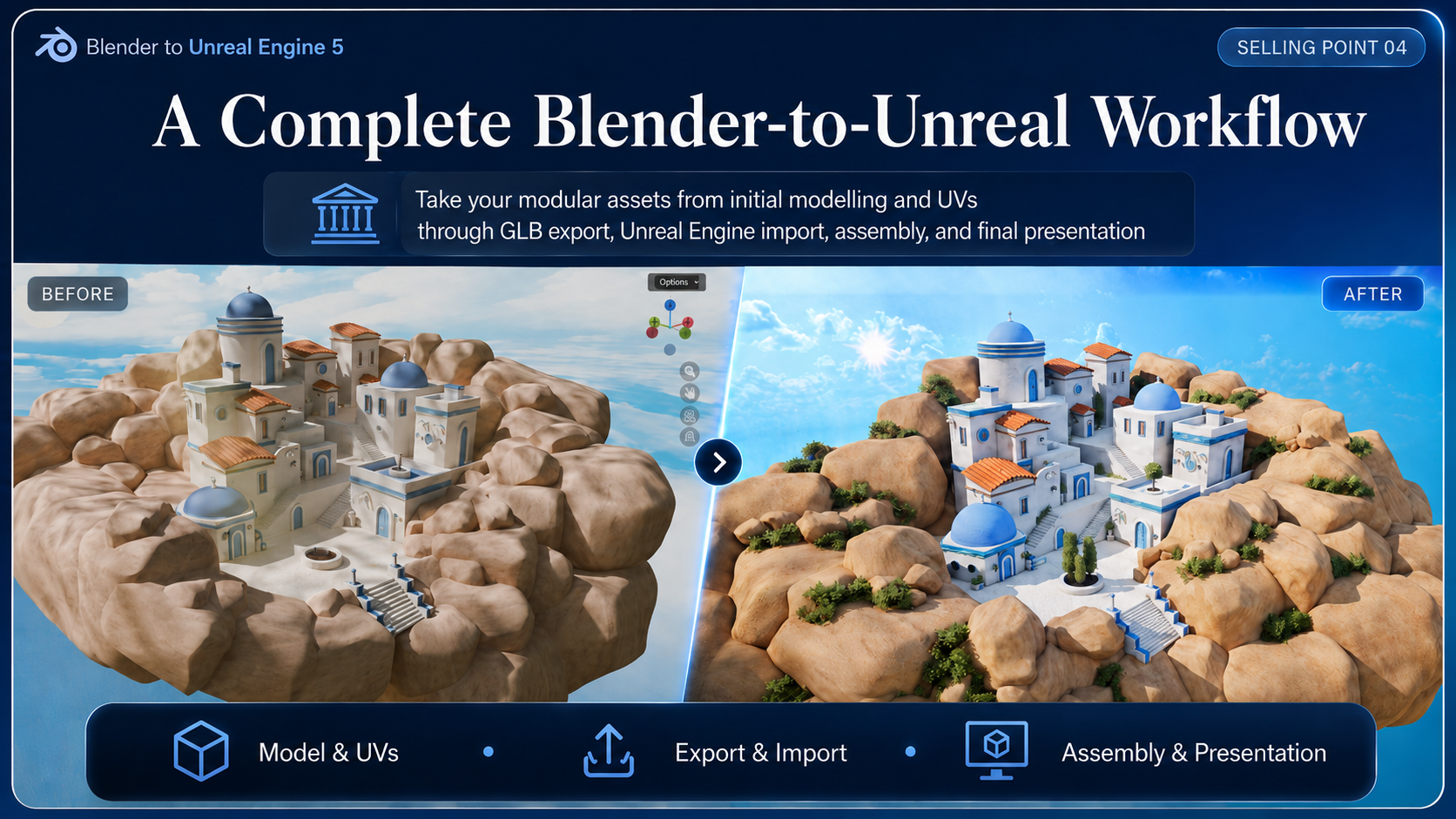 One connected workflow: Take the modular assets from first modelling and UVs, through GLB export and Unreal import, all the way to final assembly and presentation.
Six Reasons This Workflow Is Useful
- Complete resource pack. Prepared materials, references, Geometry Nodes setups, vegetation, a 4K skybox, sun plane resources, example assets, and finished project material.
- Build modular environments faster. Practical shortcuts for generating compatible building variants without modelling every structure independently.
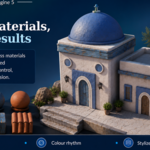
- Simple materials, strong results. Controlled UVs, bevel highlights, ambient occlusion, contact shadows, and lighting make a restrained material set feel rich and readable.
- A complete Blender-to-Unreal workflow. Move from initial modelling and UVs through GLB export, Unreal Engine import, scene assembly, final lighting, and presentation.
- Assets designed to snap together. Scale, origins, pivots, names, and attachment points are part of the asset design, so the kit is enjoyable to use rather than a folder of meshes that still need repair.
- Custom foliage from reusable source vegetation. Repurpose existing vegetation into bushes and shrub clusters, then vary scale, rotation, overlap, and placement for natural-looking results.
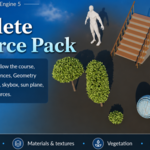
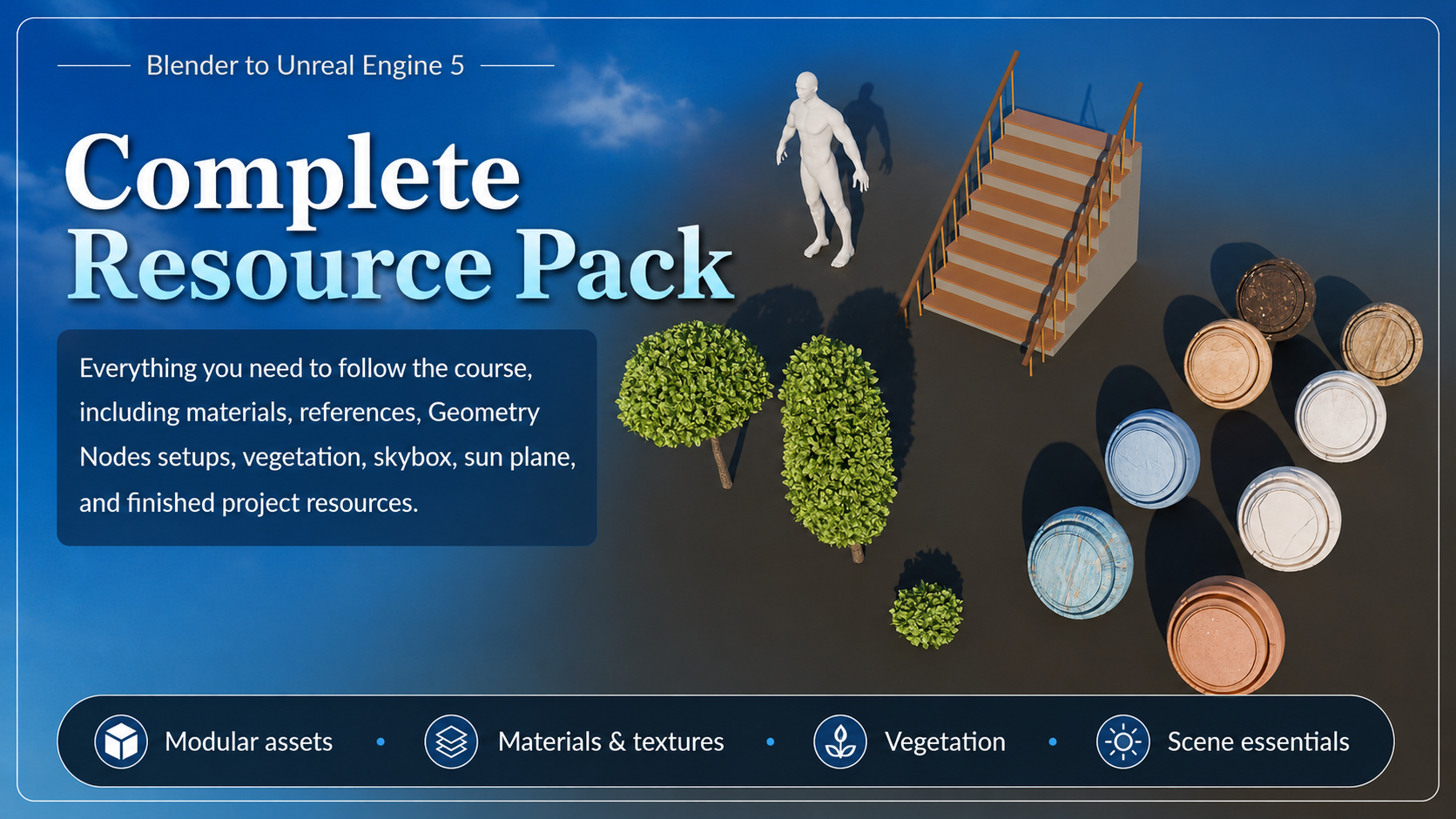 Complete resource pack: Materials, references, Geometry Nodes setups, vegetation, a 4K skybox, sun plane resources, a human scale reference, and finished project files — so you can focus on the workflow rather than rebuilding every asset first.
Included files and resources
- 67 structured lessons covering the full Blender-to-Unreal Engine 5 production route.
- A main Blender resource-pack file with organised materials, reusable assets, and Geometry Nodes setups.
- A references folder with contact sheets, prop references, building previews, and the final visual target.
- Prepared PBR materials for the white-and-blue Mediterranean material language.
- A human scale reference for checking stairs, doors, platforms, buildings, and props.
- A Geometry Nodes stairs setup and a Blender-focused hedge setup.
- A finished Blender-side reference scene.
- A 4K skybox plus sun plane and sun texture resources for the Unreal presentation.
- The complete lesson workflow for modelling, UVs, organisation, optimisation, GLB export, Unreal import, scene assembly, foliage, lighting, colour grading, and camera rendering.
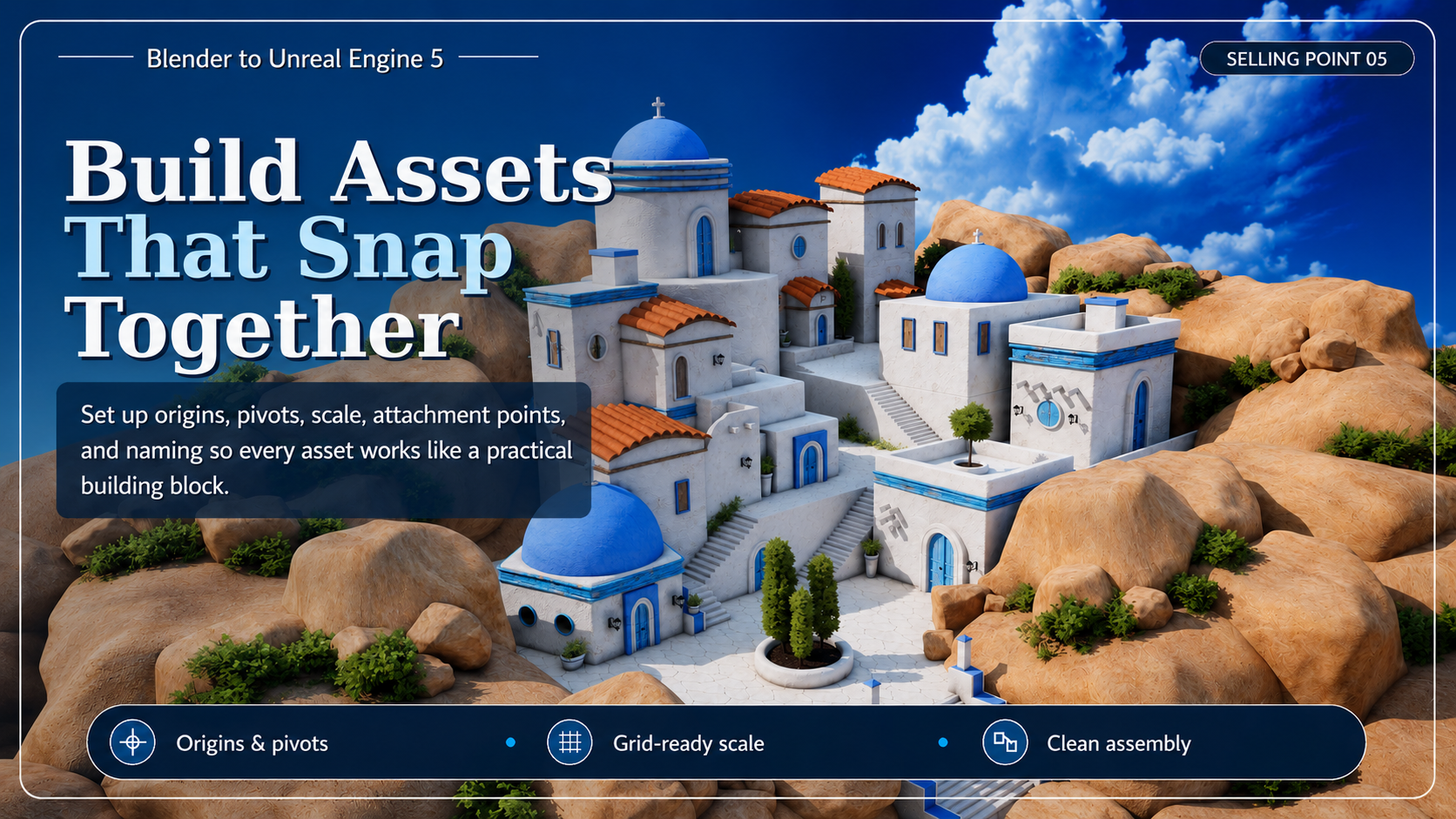 Assets that snap together: Origins, pivots, scale, names, and attachment points are treated as design decisions, so every piece behaves like a practical building block instead of a mesh that needs repairing.
Course roadmap at a glance
1. Resource pack and project setup
Organise the supplied files and choose the Asset Browser, Append, or copy-and-paste workflow that suits your project.
2. Modular building foundations and roof systems
Build reusable architectural primitives, floor rings, rounded roofs, terracotta tile systems, curved roof variants, and clean preview materials.
3. Doors, windows, and architectural props
Create reusable variants, shutters, lanterns, pots, supports, crosses, pillars, and a chimney while keeping materials and UV direction under control.
4. Stairs, walls, rocks, and kit variations
Build modular stairs and platforms, curved walls, seamless corners, optimised rocks, and additional reusable detail variants.
5. Export, import, sky, and lighting setup
Clean and name the kit, export through GLB, import with preserved pivots, correct material issues, and establish the Unreal sky, sun, Skylight, fog, and exposure.
6. Village assembly and material readability
Rebuild the village from separate pieces, develop the silhouette and focal hierarchy, add architectural detail, and strengthen material depth.
7. Rock foundations and foliage
Frame the settlement with large rock masses and build interior and exterior vegetation clusters that support the composition.
8. Final colour and cinematic presentation
Complete colour grading, cloud-shadow variation, CineCamera framing, simple animation, and final rendering.
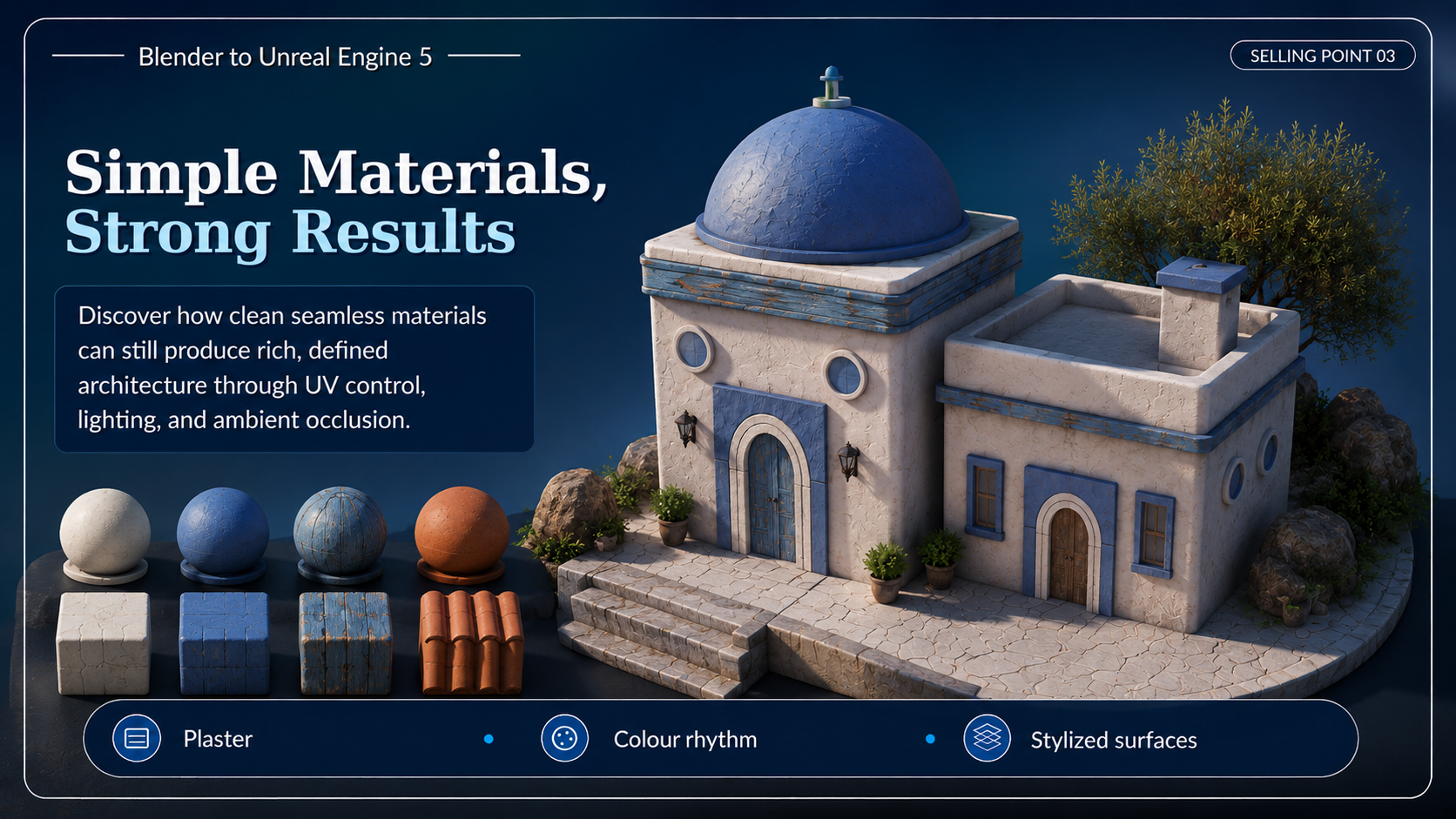 Simple materials, strong results: Clean seamless materials still produce rich, defined architecture through UV control, bevel highlights, colour rhythm, lighting, and ambient occlusion.
Who this is for
Blender artists ready to build beyond isolated props
You have modelled individual objects, but you want a practical system for turning them into a complete environment.
Environment artists who care about reusable kits
You want assets that can be recombined, snapped, rotated, renamed, exported, and handed off without mystery.
Unreal Engine learners who need a cleaner Blender bridge
You want to understand why pivots, normals, UVs, tangents, mesh separation, and material response matter once the assets leave Blender.
Stylized worldbuilders
You enjoy clean shapes, strong colour separation, readable silhouettes, bright architecture, and scene storytelling through stairs, courtyards, rocks, props, and foliage.
Portfolio builders
You want a complete hero environment that demonstrates modelling, UVs, modular design, engine assembly, lighting, foliage, composition, and presentation in one project.
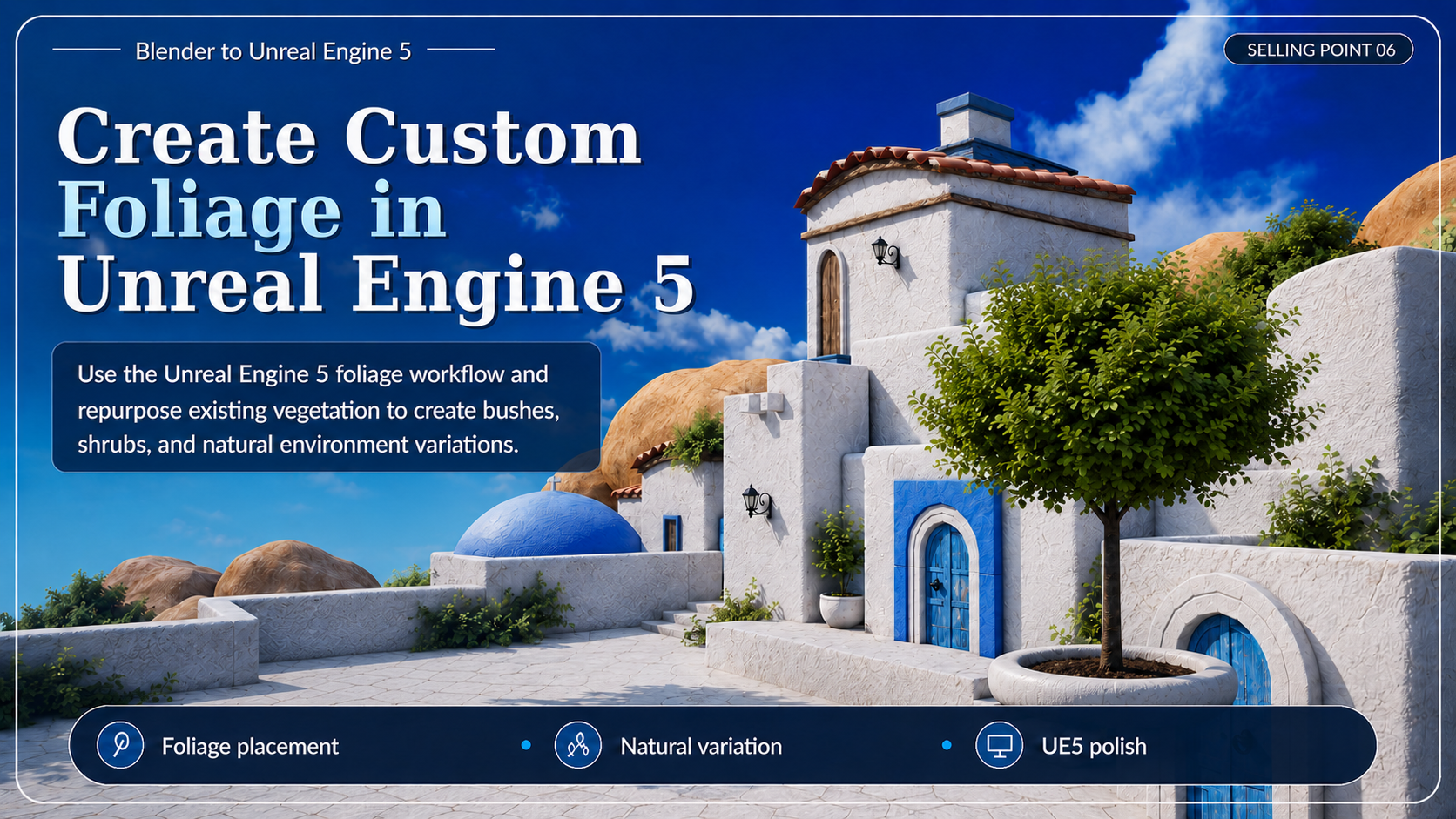 Custom Unreal foliage: Use the Unreal Engine 5 foliage workflow to repurpose existing vegetation into bushes, shrubs, and natural variation that softens transitions without hiding the silhouette.
Why this course stands out
This is not a “model one pretty building and call it a village” workflow.
The course teaches the part that usually decides whether a modular environment becomes enjoyable or infuriating: how the pieces are designed to work together. You will see how origins affect placement, how a roof system can become several roofs, how one door can become multiple variants, how simple materials can still hold up under a bright sky, and why the final Unreal scene should remain editable instead of arriving as one baked object.
In other words, the final render matters—but the system underneath it is the real asset.
Requirements and compatibility
- You will need access to Blender and Unreal Engine 5.
- The course is best suited to confident beginners and intermediate artists. Core steps are demonstrated, but the project is substantial and rewards patience.
- A computer capable of running Blender and Unreal Engine 5 is recommended.
- Assets are handed off from Blender to Unreal Engine 5 through a GLB export workflow.
- Extract the zip before opening the project files so linked resources stay stable.
Before you buy
- This is a stylized environment-art workflow. It is not a photoreal architectural-visualisation course, a character course, or a one-click village generator.
- The resource files are included to support the learning workflow shown in the course.
- You do not have to copy the demonstrated village exactly — the reusable building-block logic is the important part.
- The final published file list should be checked before checkout.
- For best results, extract the full zip before opening the project files.
Common questions
Is this beginner-friendly?
It is best for confident beginners and intermediate artists. The workflow is explained step by step, but the project is substantial and designed to build real environment skills.
Do I need both Blender and Unreal Engine 5?
Yes. Blender is used for modelling, UVs, materials, organisation, optimisation, and export. Unreal Engine 5 is used for the final scene assembly, material refinement, lighting, foliage, colour grading, camera work, and rendering.
Do I have to copy the final village exactly?
No. You can follow the demonstrated scene, use the kit to create your own layout, or combine both approaches. The reusable building-block logic is the important part.
Are the materials highly complex?
No. The course intentionally shows how a relatively simple seamless-material setup can still produce a polished environment when the UVs, forms, bevels, ambient occlusion, lighting, and colour design are working together.
Is the final scene imported as one object?
No. Import tests are used for checking, but the final course workflow keeps the modular pieces separate and rebuilds the environment inside Unreal Engine for greater control.
Can I use the workflow for a different theme?
Yes. The Greek island art direction is the project, but the modular construction, origin and pivot logic, UV methods, GLB hand-off, scene assembly, foliage, and presentation principles transfer to many stylized environment themes.
License note
This product includes course resources to support your learning inside the Blender to Unreal Engine 5: Build a Stylized Greek Island Environment course. Unless the final Superhive license states otherwise, the supplied assets are for course learning and personal non-commercial projects only.
The source files may not be resold, redistributed, repackaged, uploaded publicly, or included as raw downloadable resources inside another marketplace product, asset pack, template, course resource pack, or tool.
Build the village. Keep the workflow.
Learn how to take a simple Blender blockout and turn it into a complete stylized Greek island environment with modular architecture, rocks, foliage, lighting, colour grading, and a cinematic camera in Unreal Engine 5.
Follow the full 67-lesson workflow, inspect the included resources, and leave with a modular kit you can reuse on the next project instead of a scene that only works once.
Until next time, happy modelling everyone!
Luke - 3D Tudor