Blender to Unreal Engine 5: Fantasy River 3D Diorama Boat Scene
 3D Tudor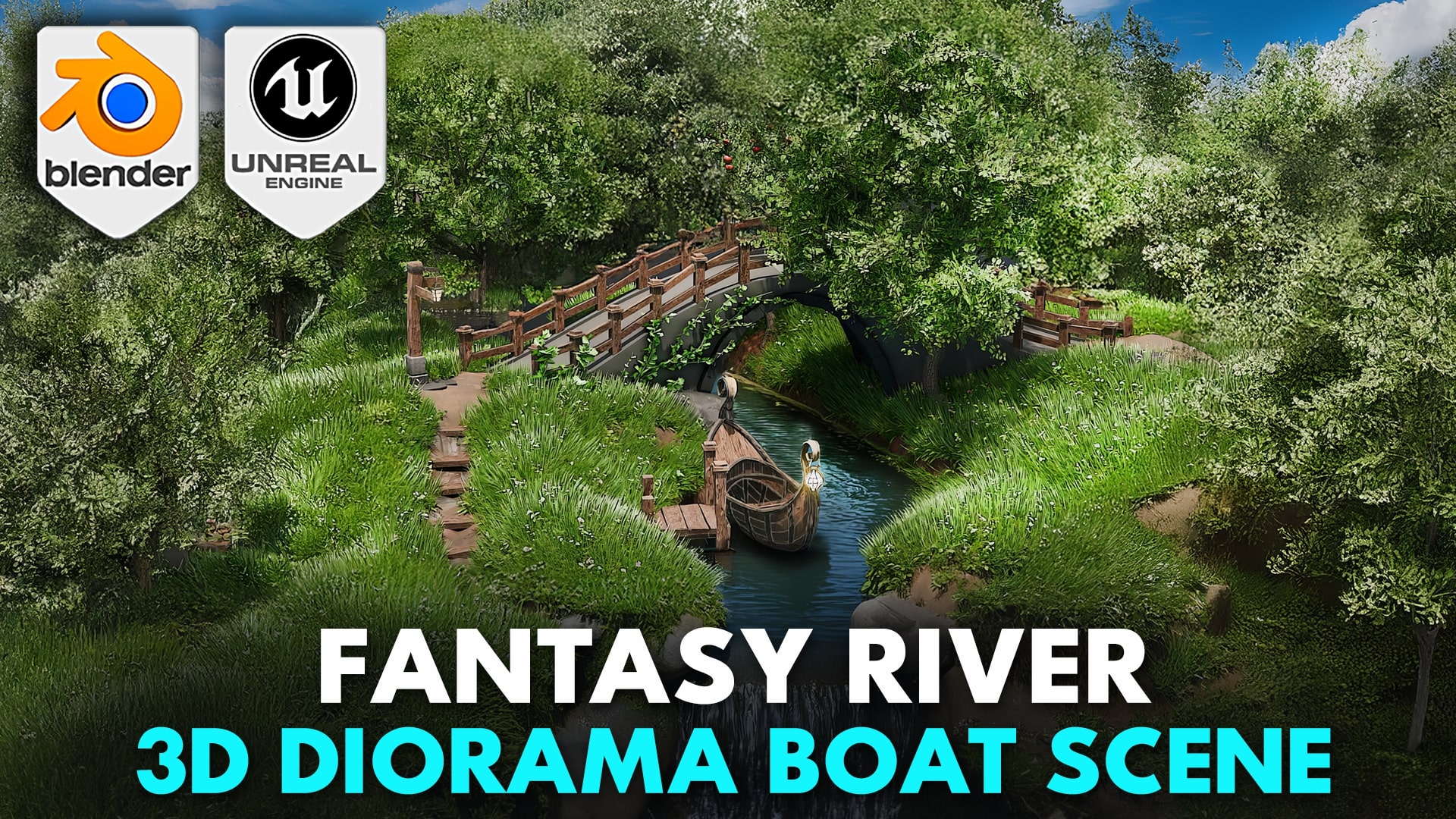
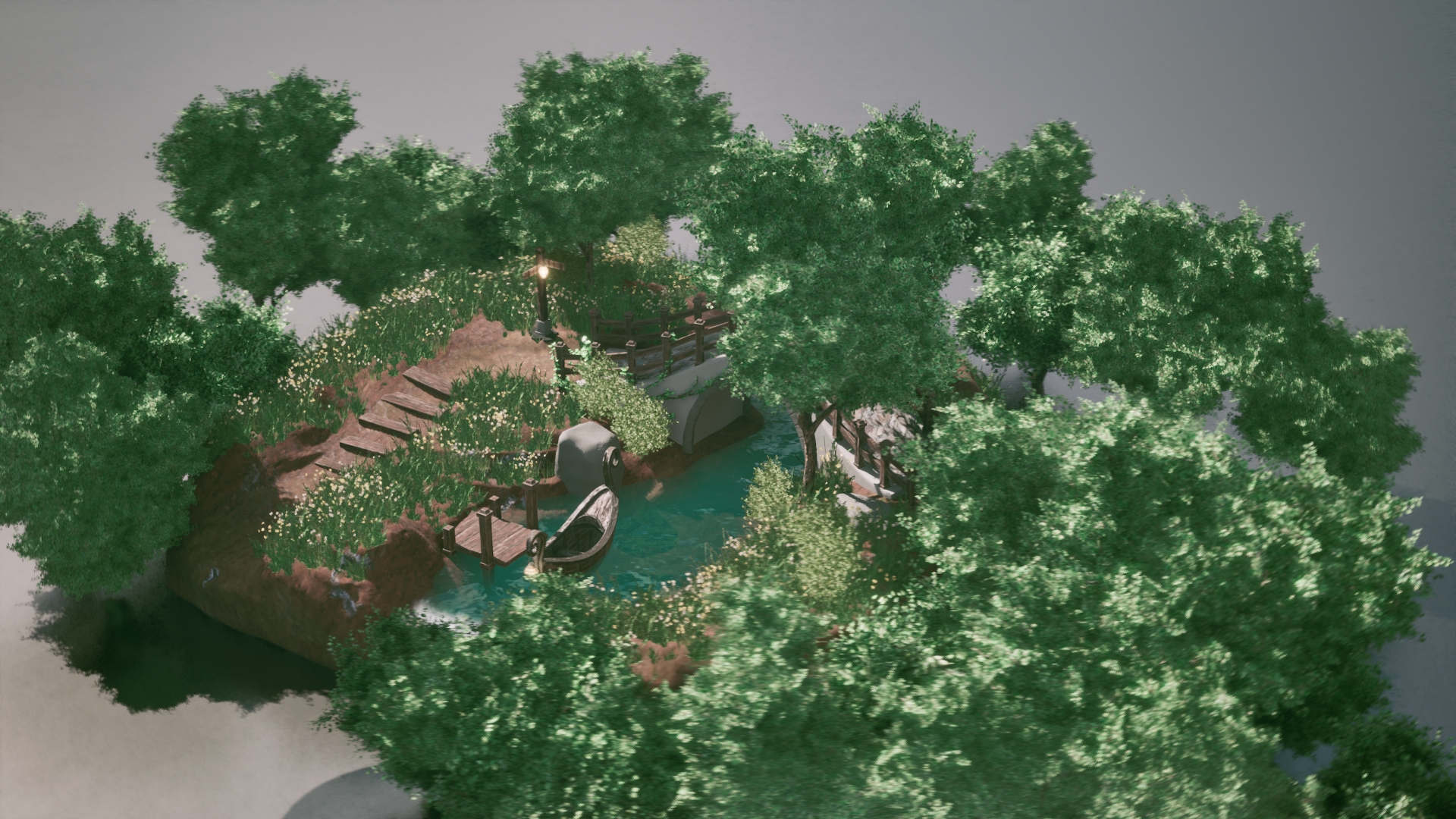
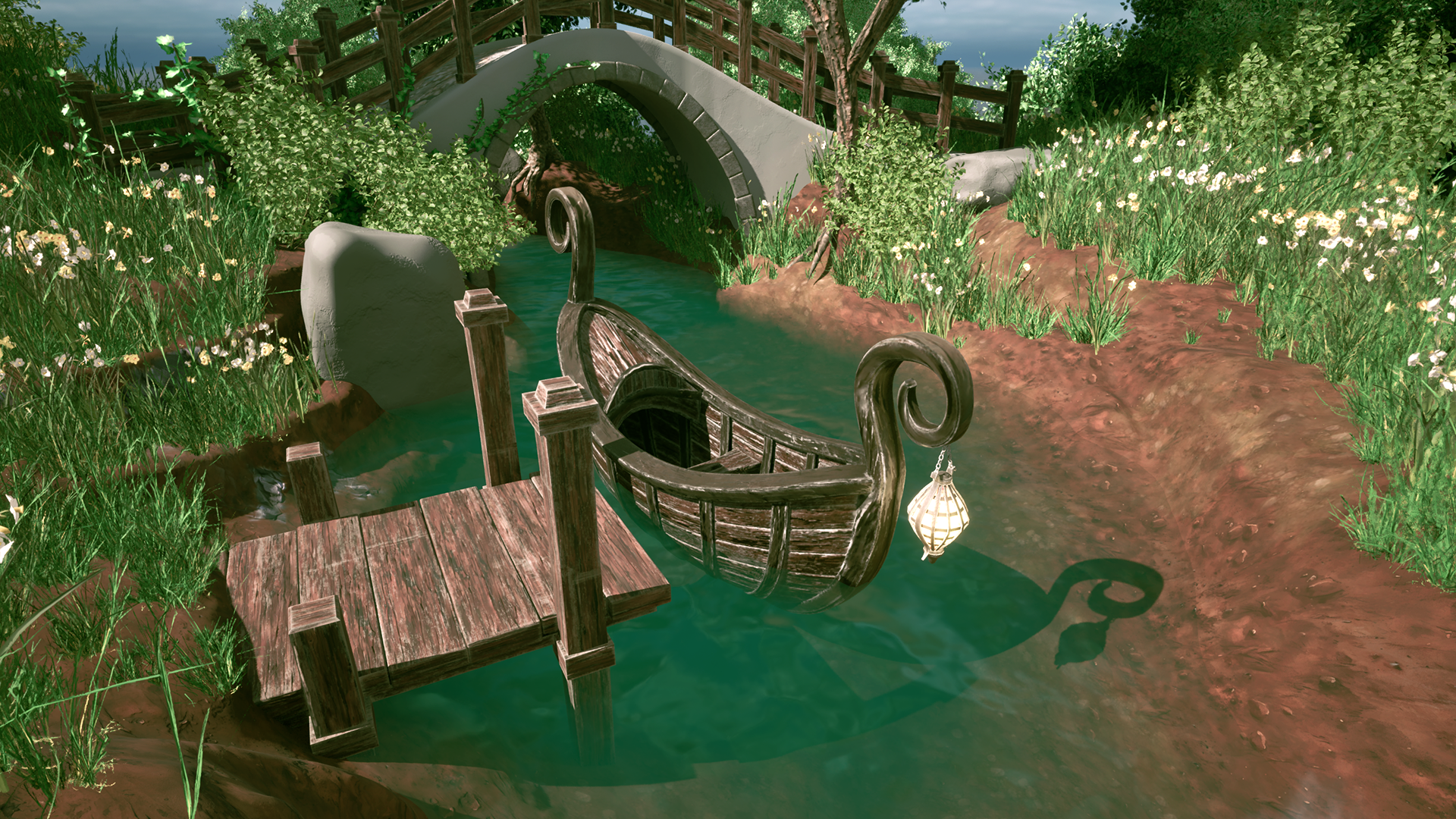
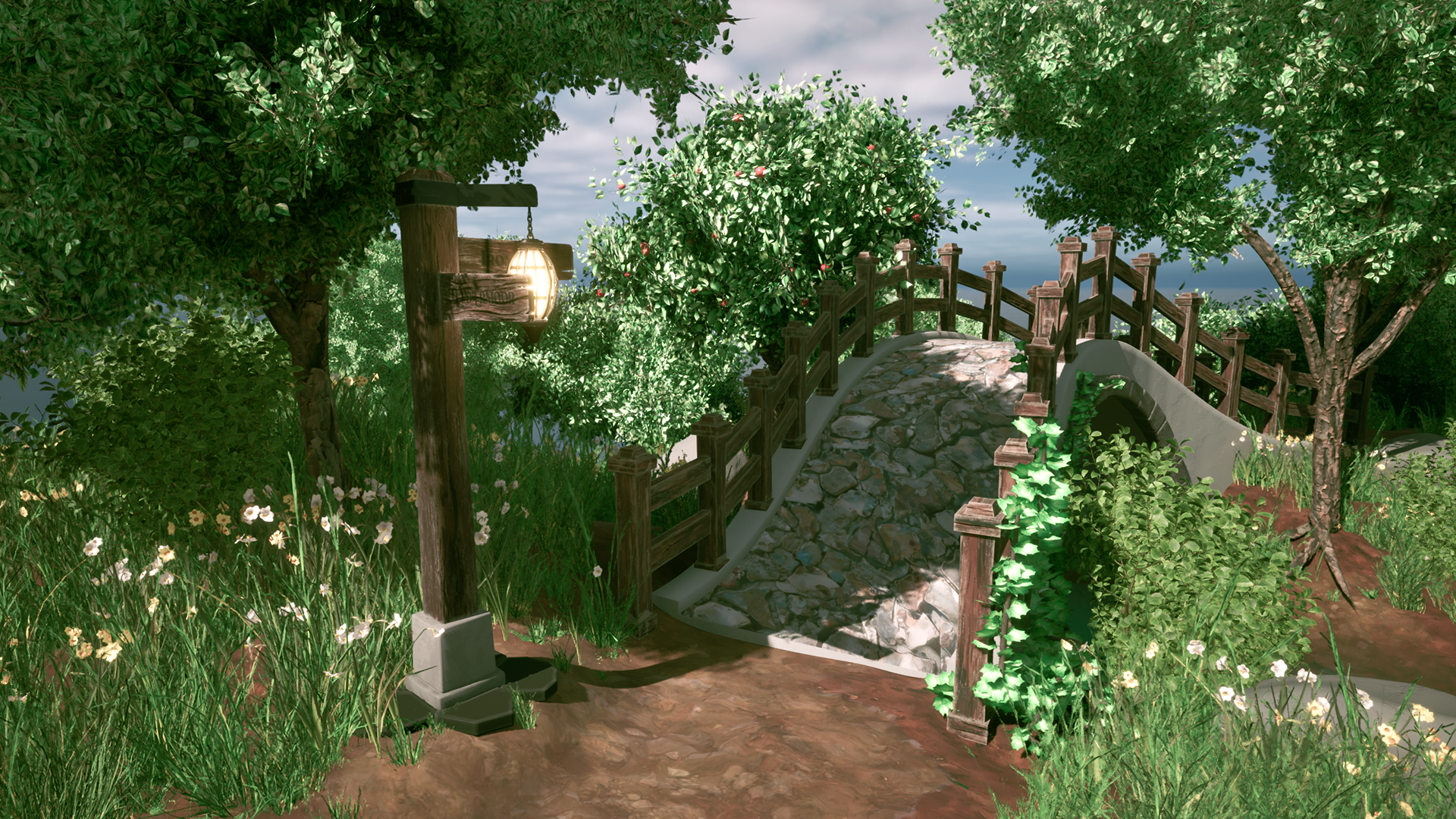
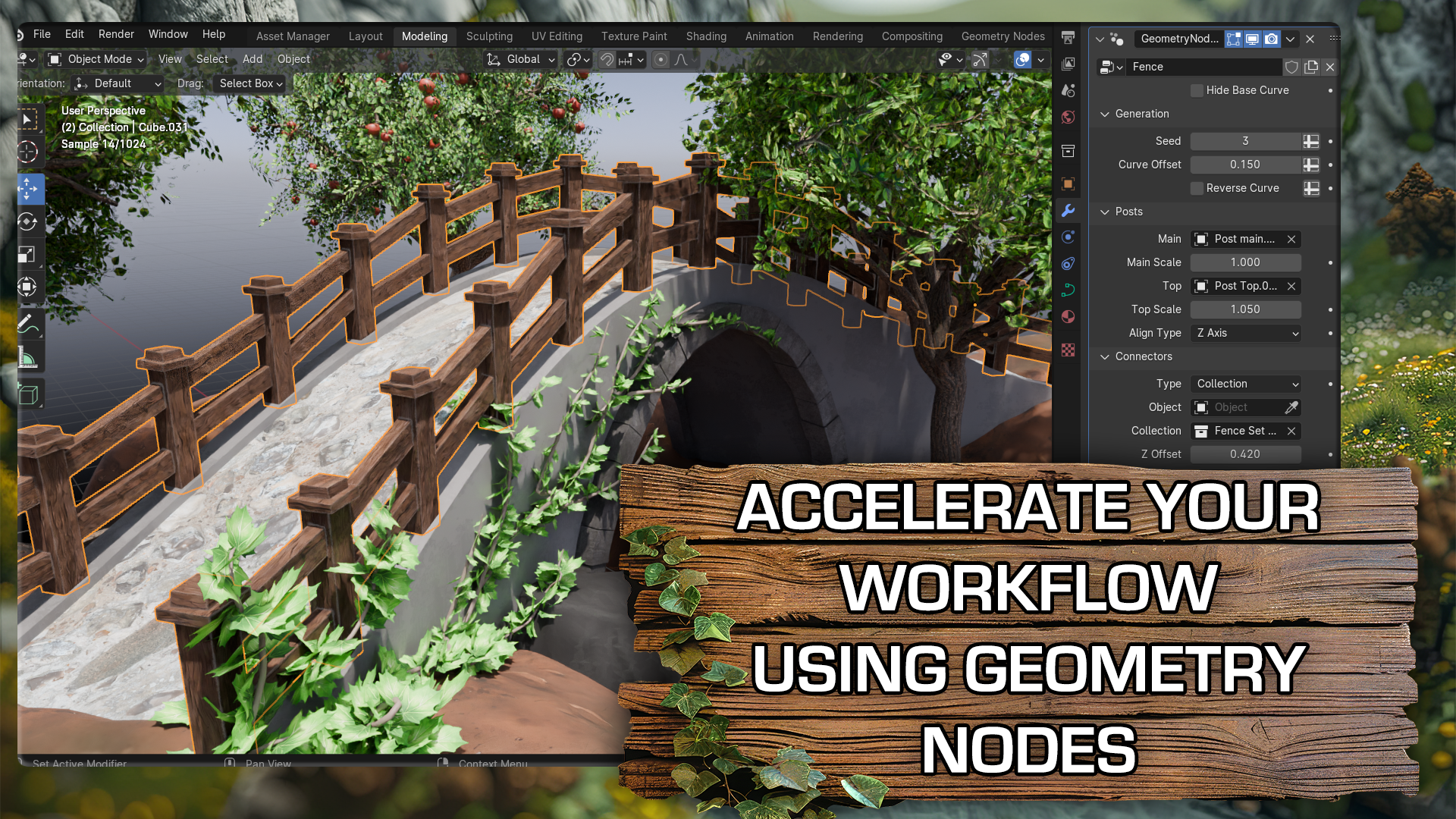
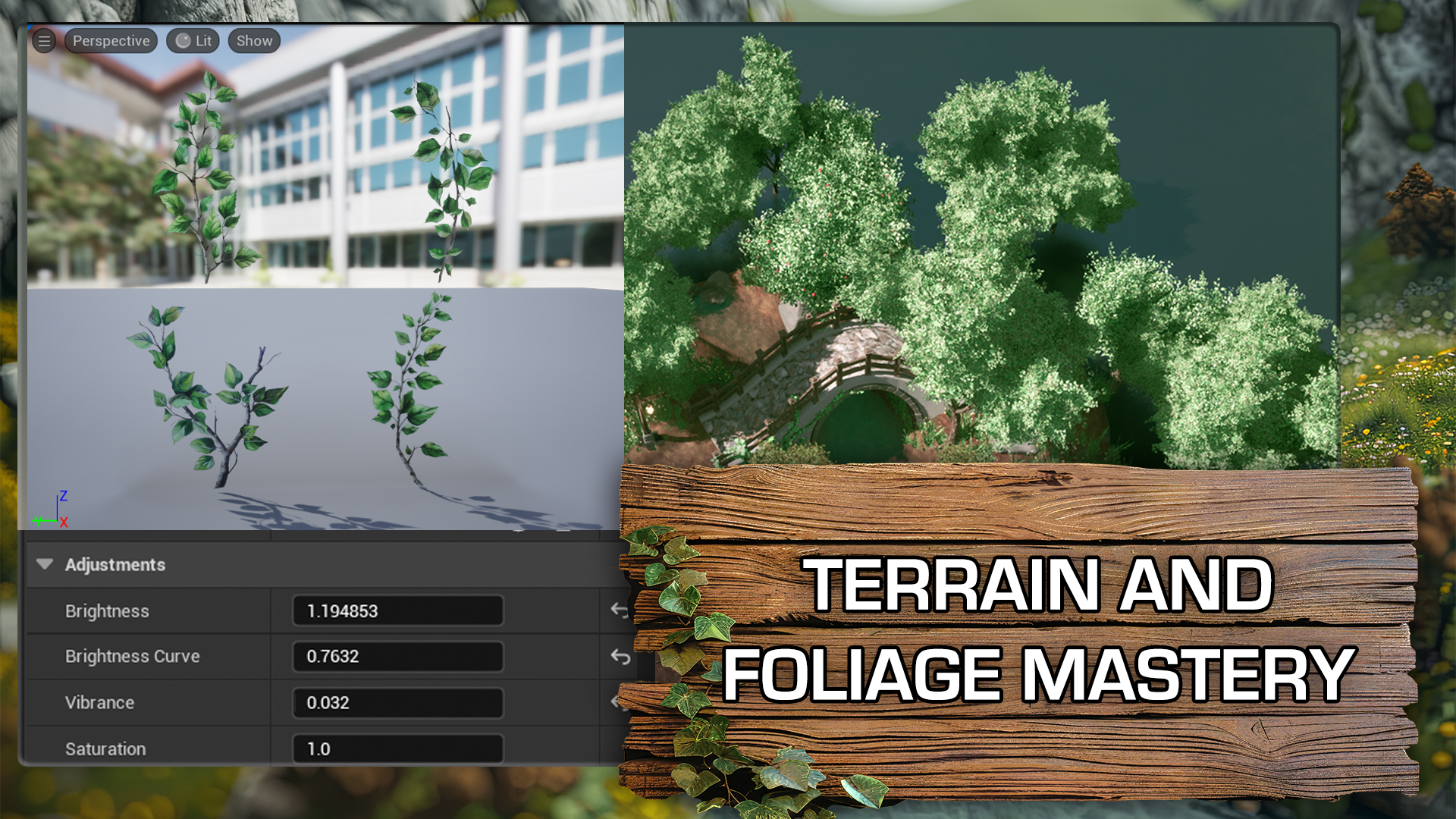
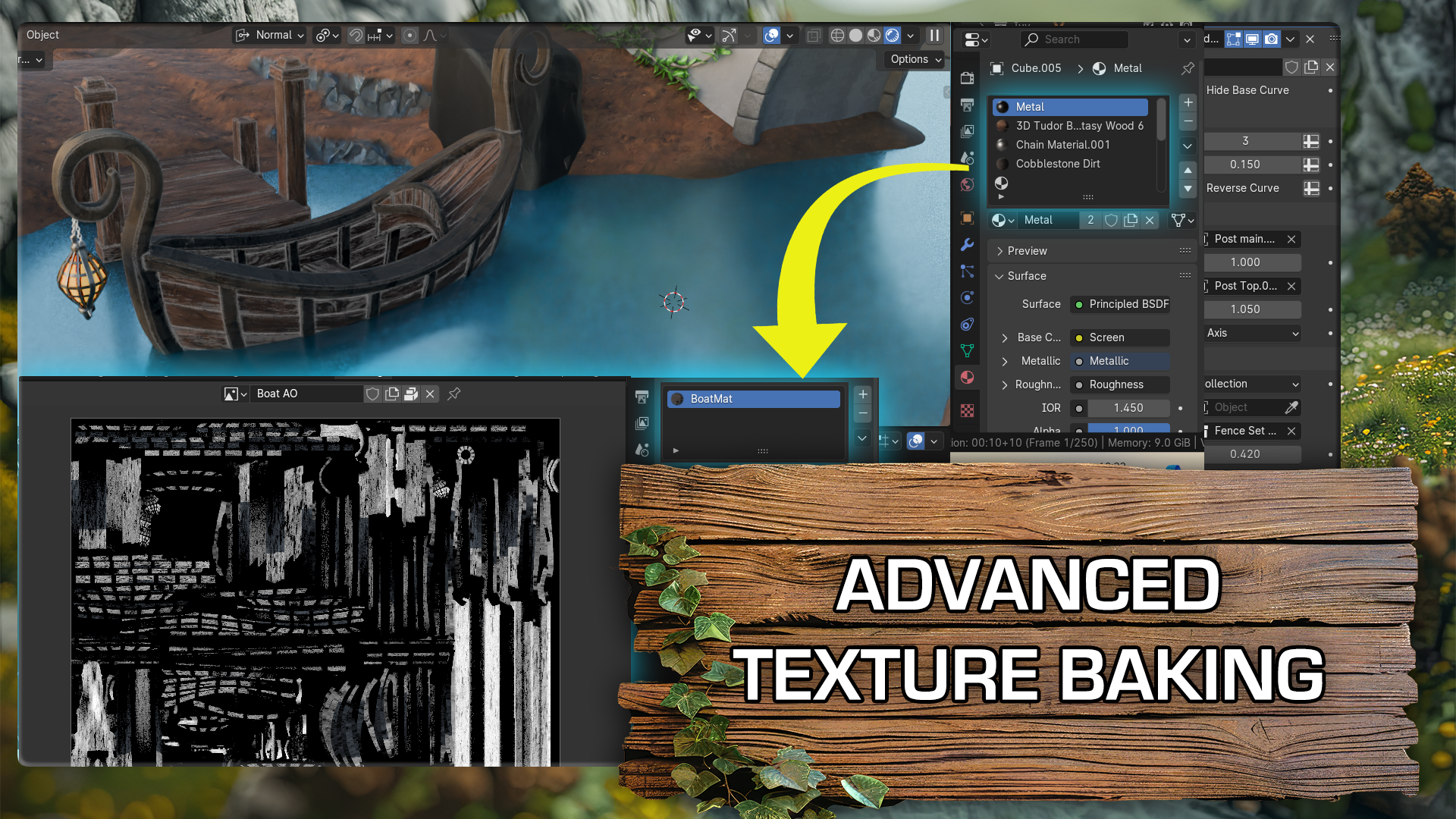
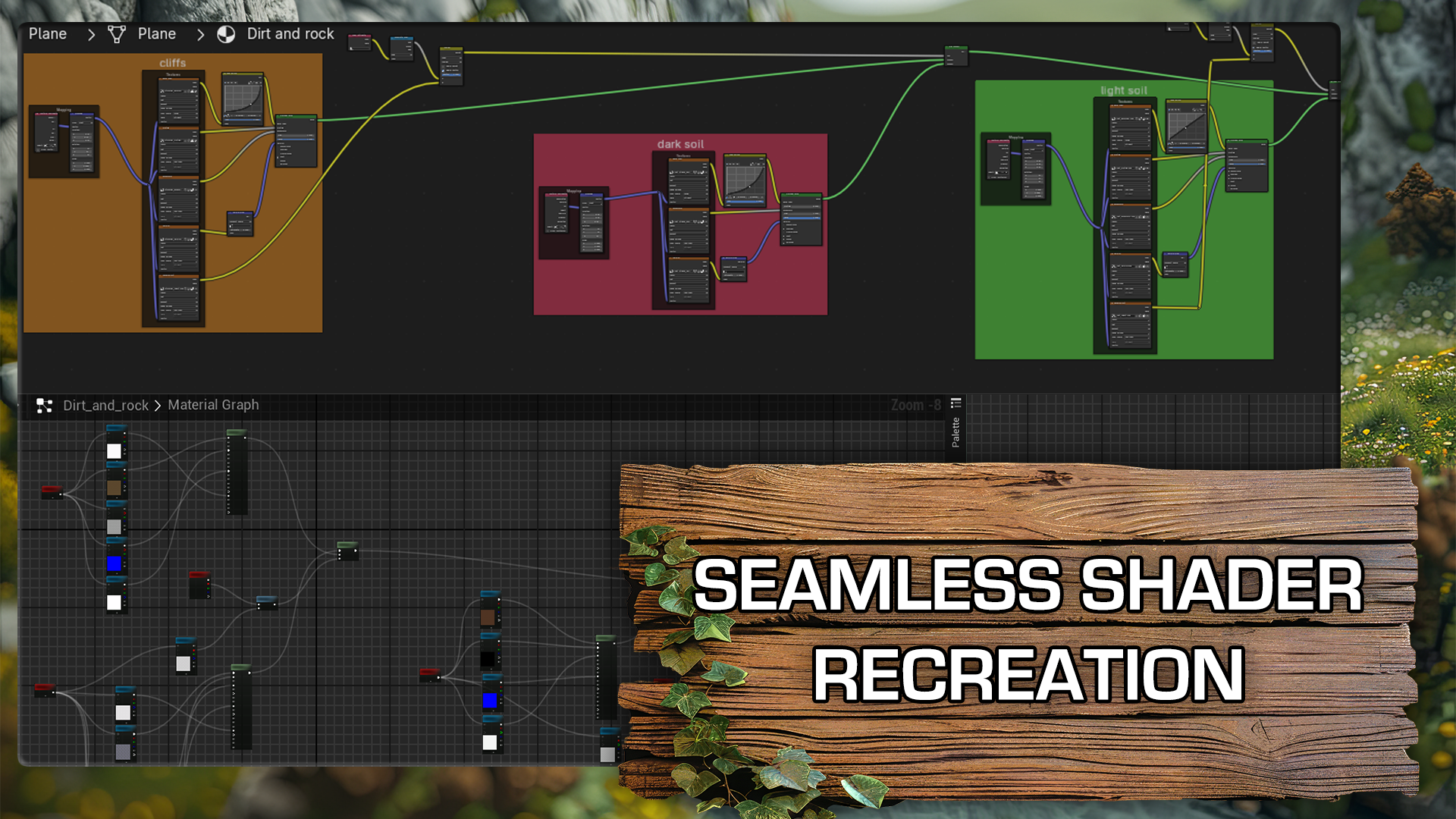
Blender to Unreal Engine 5: Fantasy River 3D Diorama Boat Scene Documentation
Blender to Unreal Engine 5: Fantasy River 3D Diorama Boat Scene is a 3D Tudor product for practical Blender and game art workflows. Use this documentation as a quick start after purchase.
Getting started
- Download the product files after purchase and keep the included Blender, Unreal Engine, texture, preview, and source folders together where supplied.
- Open the asset or kit in a clean scene first, then check scale, naming, materials, origins, and any game-engine setup before merging it into a production project.
- Use the product with Blender, Unreal Engine 5 where those tools are listed on the product page.
Best workflow
Bring the asset into a test scene, confirm that materials and scale behave as expected, then duplicate or instance the pieces into your final environment. This keeps your main project clean while you evaluate the pack.
Compatibility and support
Use the formats and software requirements shown on the product page. For help, use the product FAQ or contact 3D Tudor through the creator support route shown on Superhive.
About 3D Tudor
3D Tudor is a Blender and game art education studio founded by Neil I. Bettison in 2019. We teach over 250,000 students worldwide through project-based courses, books, asset packs, and tutorials for Blender, Unreal Engine 5, Geometry Nodes, environment art, and game-ready workflows. Our goal is to make high-quality 3D education approachable, affordable, and immediately useful for artists, students, hobbyists, and indie creators.
Neil I. Bettison is co-author of a #1 Amazon Best Seller in Blender, published by Packt.
Have questions about this product?
Login to message
| Sales | 70+ |
| Dev Fund Contributor | |
| Published | over 2 years ago |
| Blender Version | 4.2, 4.1 |
| License | Royalty Free |
Discover more products like this
3d environments 3d-stylized ultimate guide blender 3d Unreal Engine river 3d