 3D Tudor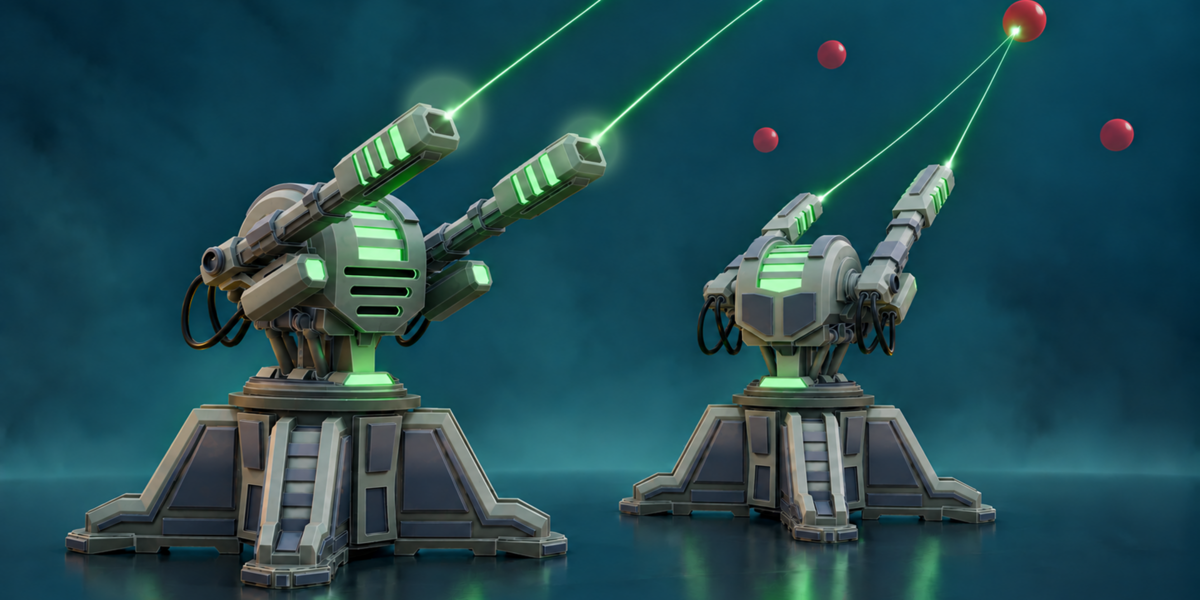
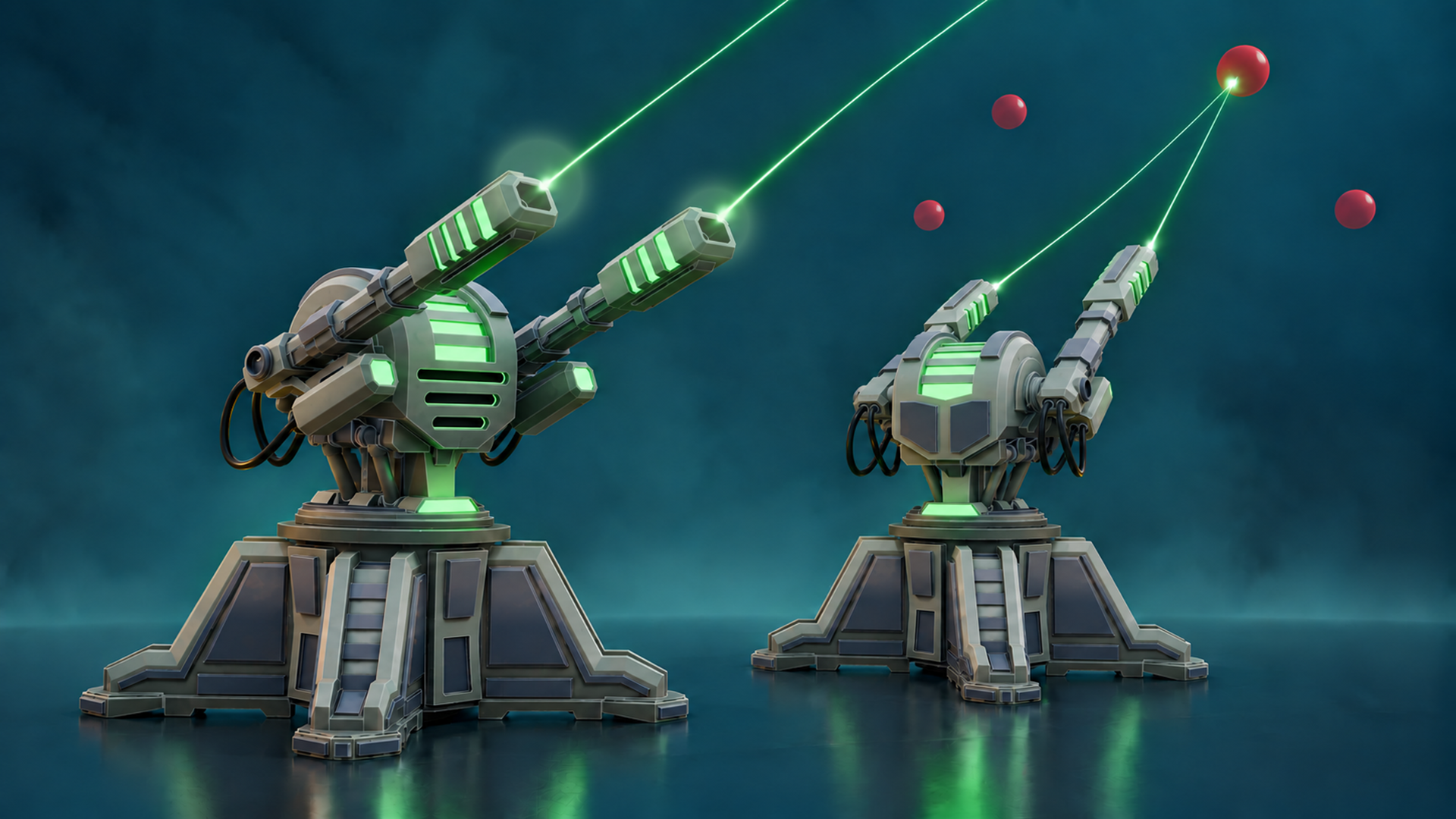
Create a stylized sci-fi turret in Blender and turn it into a playable Unreal Engine 5 project.
Blender to Unreal Engine 5: Playable Stylized Turret
Take a sci-fi turret from its first Blender shapes to a player-controlled Unreal Engine 5 target range.
31video lessons
|
5½+ hoursof instruction
|
Blender 5.2Unreal Engine 5.8
|
Playableaiming and shooting
|
Blender to Unreal Engine 5: Playable Stylized Turret is a project-led course taught by Luke from 3D Tudor using Blender 5.2 and Unreal Engine 5.8. You will model one complete stylized hard-surface turret, prepare it as separate moving components, generate AO and edge masks, configure the supplied Unreal materials and turn the asset into a fixed-base player-controlled Pawn.
The visual course sequence is explicit: detailed modelling, Unreal preparation, UV packing, AO and edge masks, Material Instance shading, responsive controls, dual-muzzle target shooting and a dedicated starter-plus-reference resource pack.
The course is aimed at confident beginners and intermediate artists. Basic Blender navigation and Edit Mode familiarity are helpful, while basic Unreal Editor navigation will make the engine stages easier. No Python or C++ authoring is required.
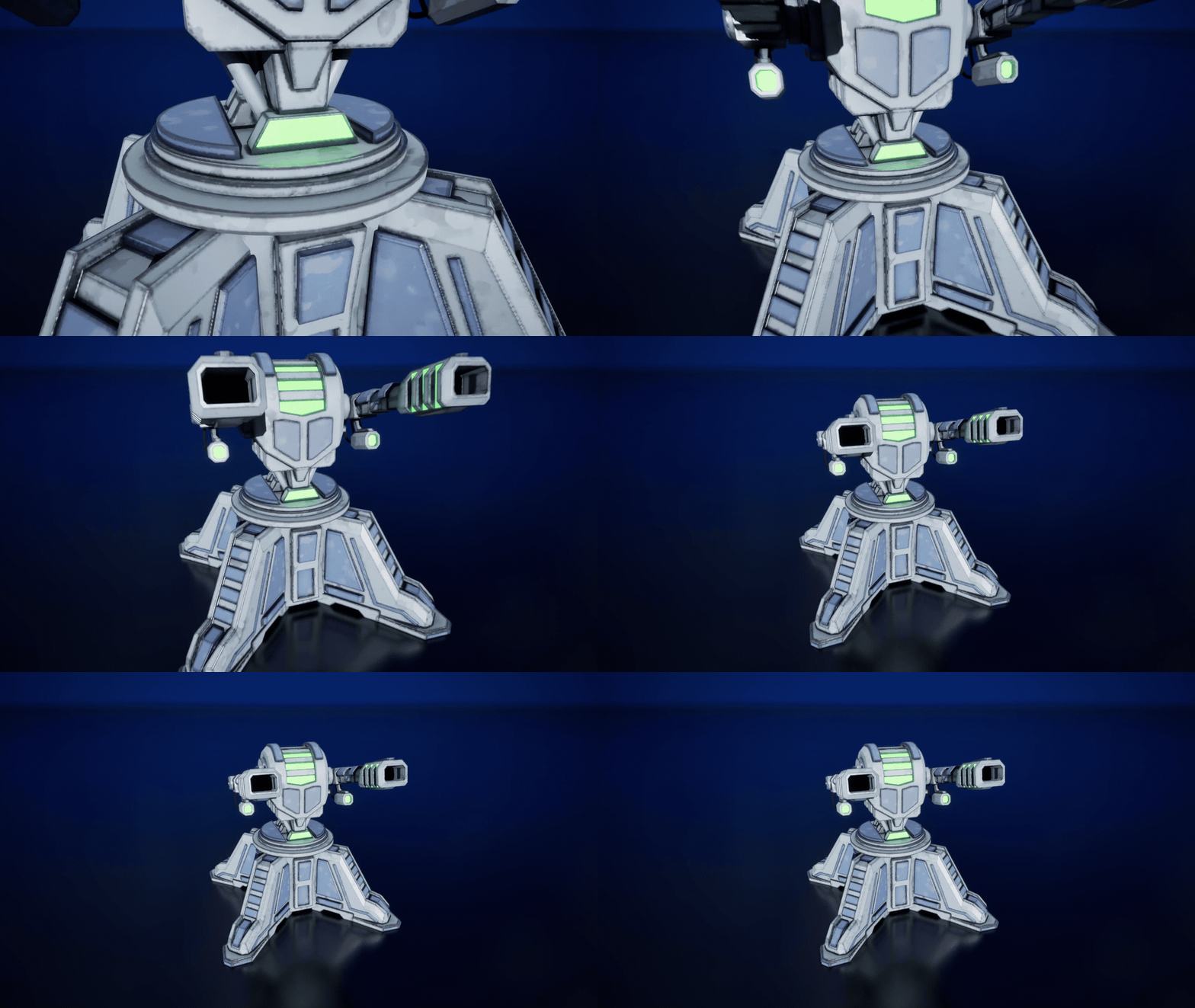
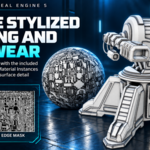
Explore the finished turret’s mechanical details, worn surfaces and glowing green accents.
Software, Formats and Technical Scope
- Blender 5.2 for hard-surface modelling, material regions, shared UV preparation, AO and edge-mask generation, and FBX export.
- Unreal Engine 5.8 for separate Static Mesh setup, supplied Material Instances, Blueprint controls and target-range testing.
- FBX as the described interchange format, with moving sections kept separate.
- Blender Python tool supplied for 2048 × 2048 AO and edge-mask baking.
- Unreal Engine Blueprint Pawn components, keyboard input, Delta Seconds, angle clamps and dual line traces.
- Prepared material textures, custom AO and edge masks, and exposed colour, gradient, edge-strength and roughness controls.
Model the Mechanical Body in Blender
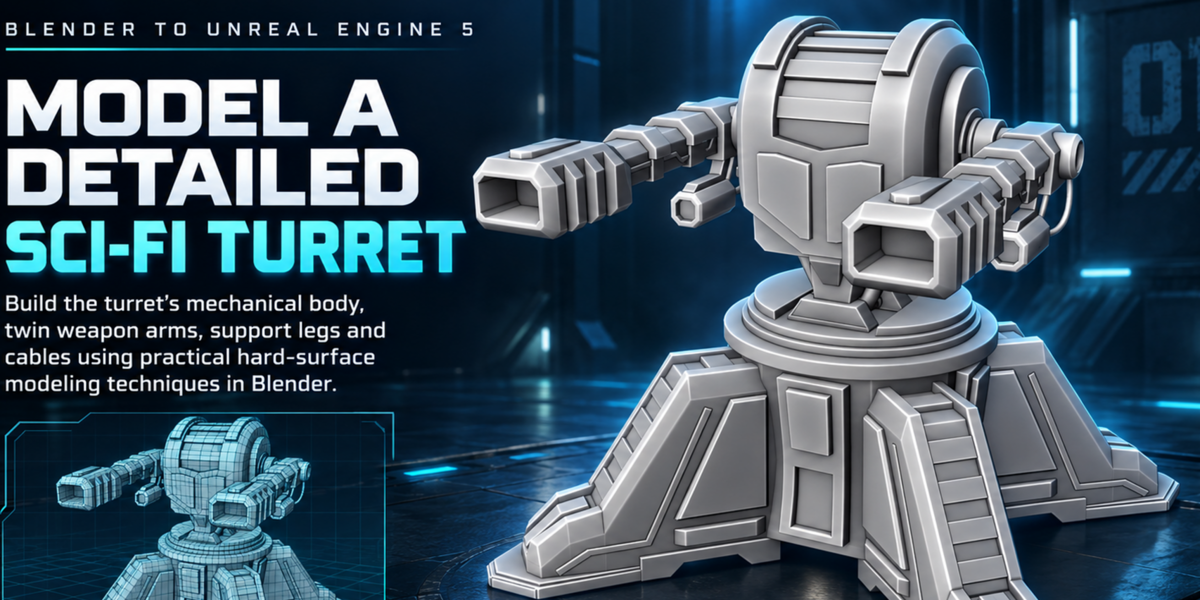
Use the eight supplied renders to establish the silhouette and proportions, then build the foundation, stepped circular platform, central housing, twin weapon arms and support legs from clear primary forms.
Add openings, panels, hinges, hydraulic-style supports, cables, connectors and repeated detail with bevels, Boolean operations, mirrors, arrays and curves. Clean topology where Boolean operations require it and keep repeated parts editable until the final UV stage.
The visual treatment uses light and dark metal regions, blue accent panels and green emissive details. Material boundaries are corrected around bevelled areas so colour and emissive assignments remain controlled.
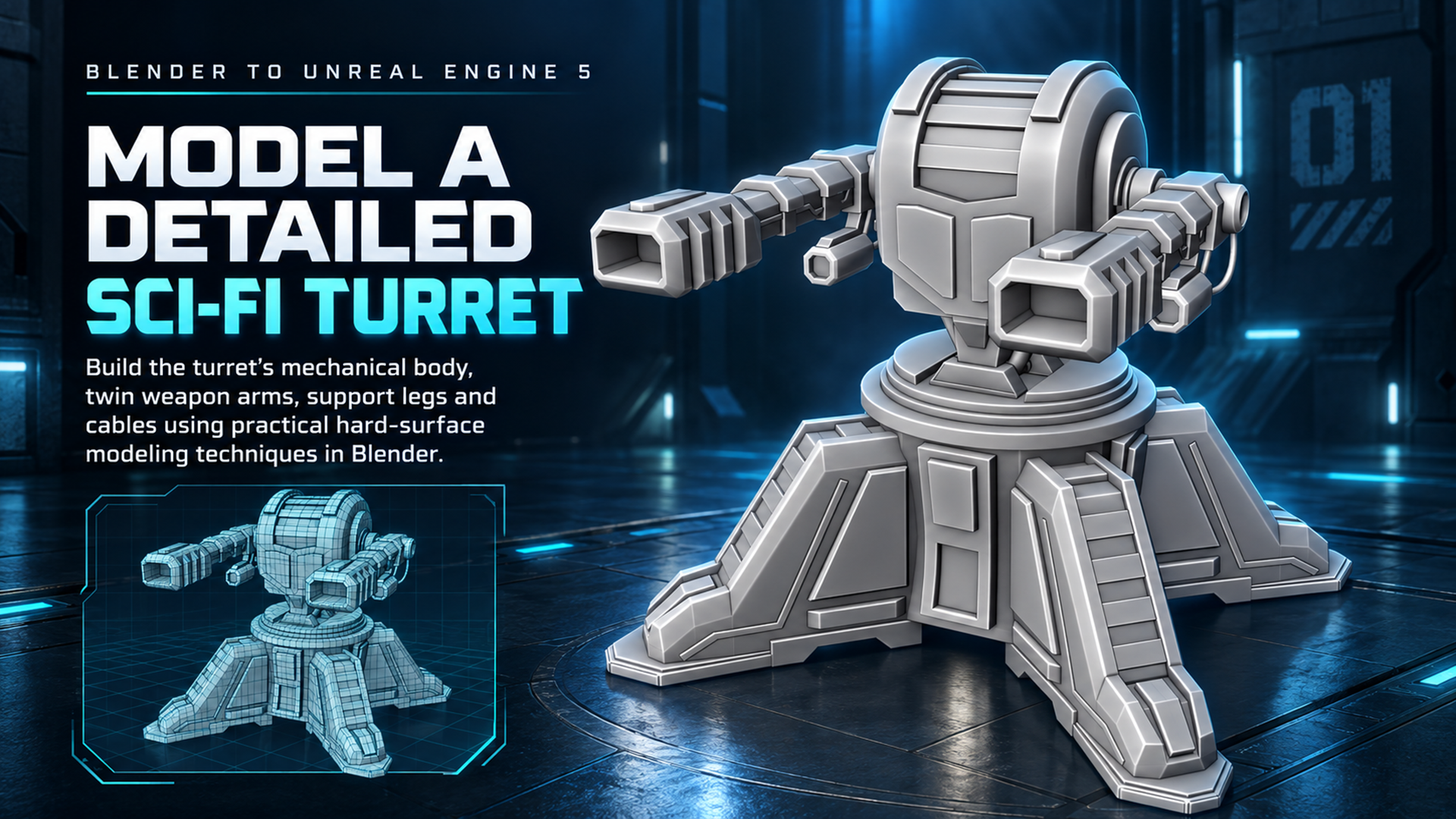
Build the turret in Blender, from its mechanical body and twin barrels to the support legs and cables.
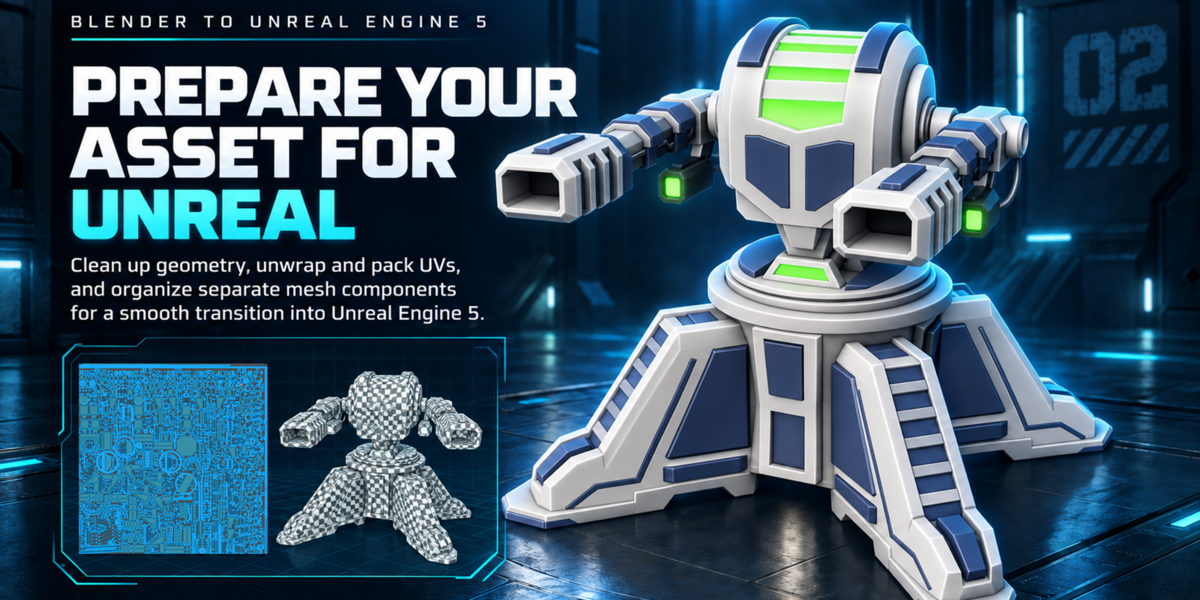
Prepare Separate Mesh Components for Unreal
The fixed base, upper rotating assembly and pitching weapon groups remain separate. Useful origins are preserved so the imported mesh components can form a working hierarchy without rebuilding the model around bad pivot positions.
Remove unnecessary hidden faces where appropriate, inspect normals and export only the intended selected mesh objects with modifiers applied. Import into Unreal with Combine Meshes disabled, then verify scale, placement and pivot behaviour.
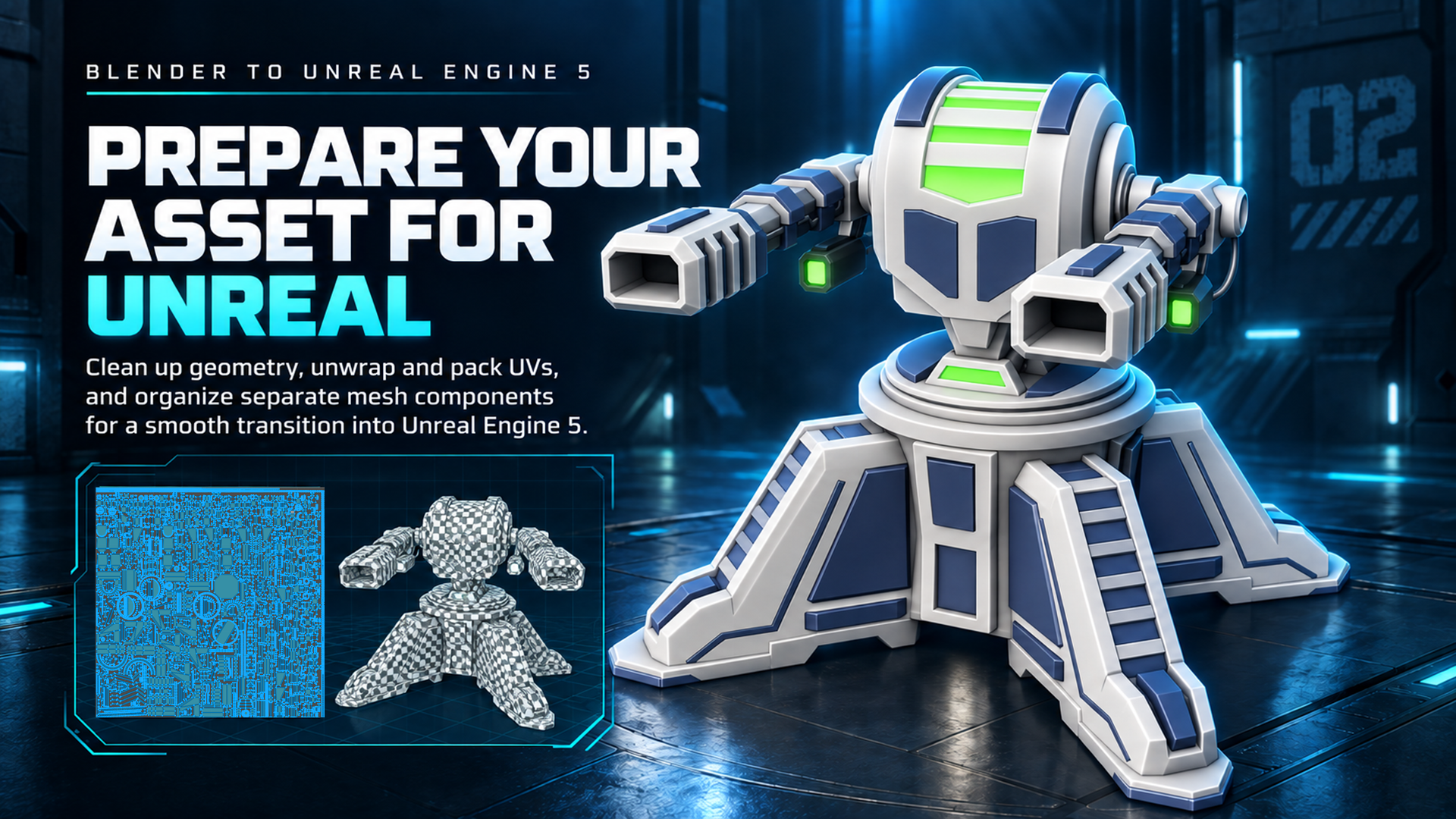
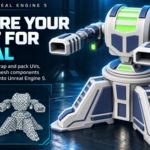
Clean up the mesh, unwrap and pack the UVs, and prepare separate parts for Unreal Engine 5.
Create a Shared UV Layout and Bake AO and Edge Masks
Inspect the model with a checker material, apply scale where required, refine seams around curved parts and cables, apply relevant repeated geometry before final unique packing, average island scale and pack the turret into one shared UV layout.
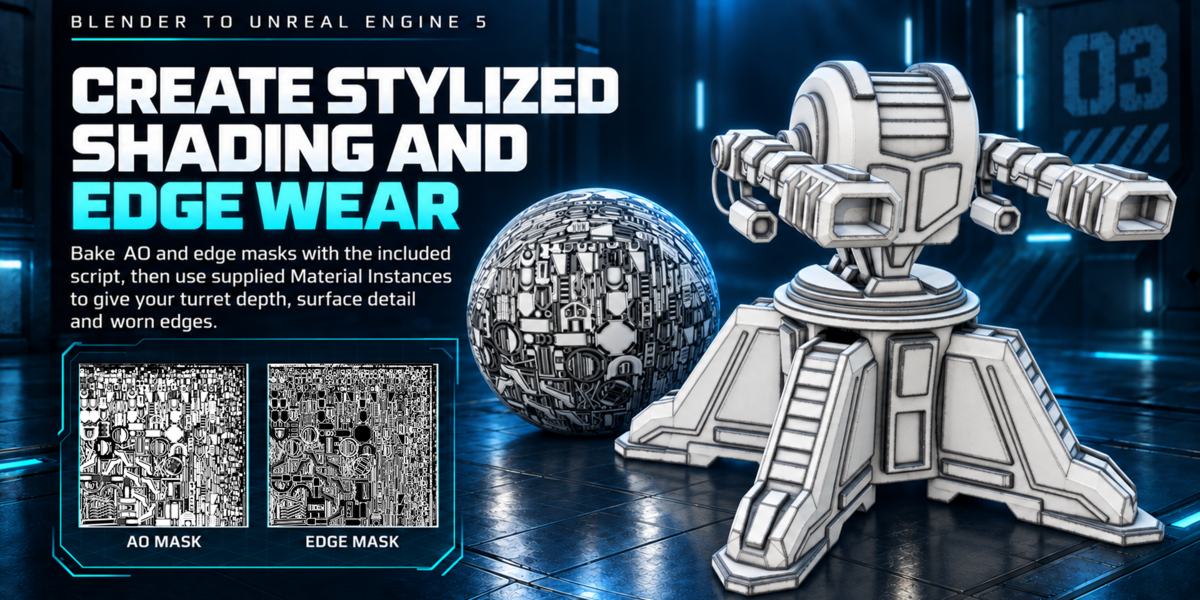
Run the included bake_ao_edge.py script on the selected meshes. It produces 2048 × 2048 PNG maps in a Bakes folder beside the saved .blend file.
The AO map supplies recessed and contact shading. The second output is a binary bevel-difference edge mask used by the supplied stylized material for worn edges. The edge-mask image uses the filename 3DT_Asset_Cavity.
Configure Stylized Material Instances
The target-range project includes prepared turret materials and Material Instances for light and dark surface regions, plus black, satin-black and emissive materials.
Assign the supplied materials to the relevant surface regions, then replace the AO and edge-mask inputs with your custom bakes. Adjust the exposed colour, gradient, edge-strength and roughness controls, and set the emissive intensity for the green details.
The course teaches the artist-facing Material Instance workflow and the relationship between the shared UVs, generated masks, recessed shading and stylized edge wear. It does not teach the master material from an empty graph.
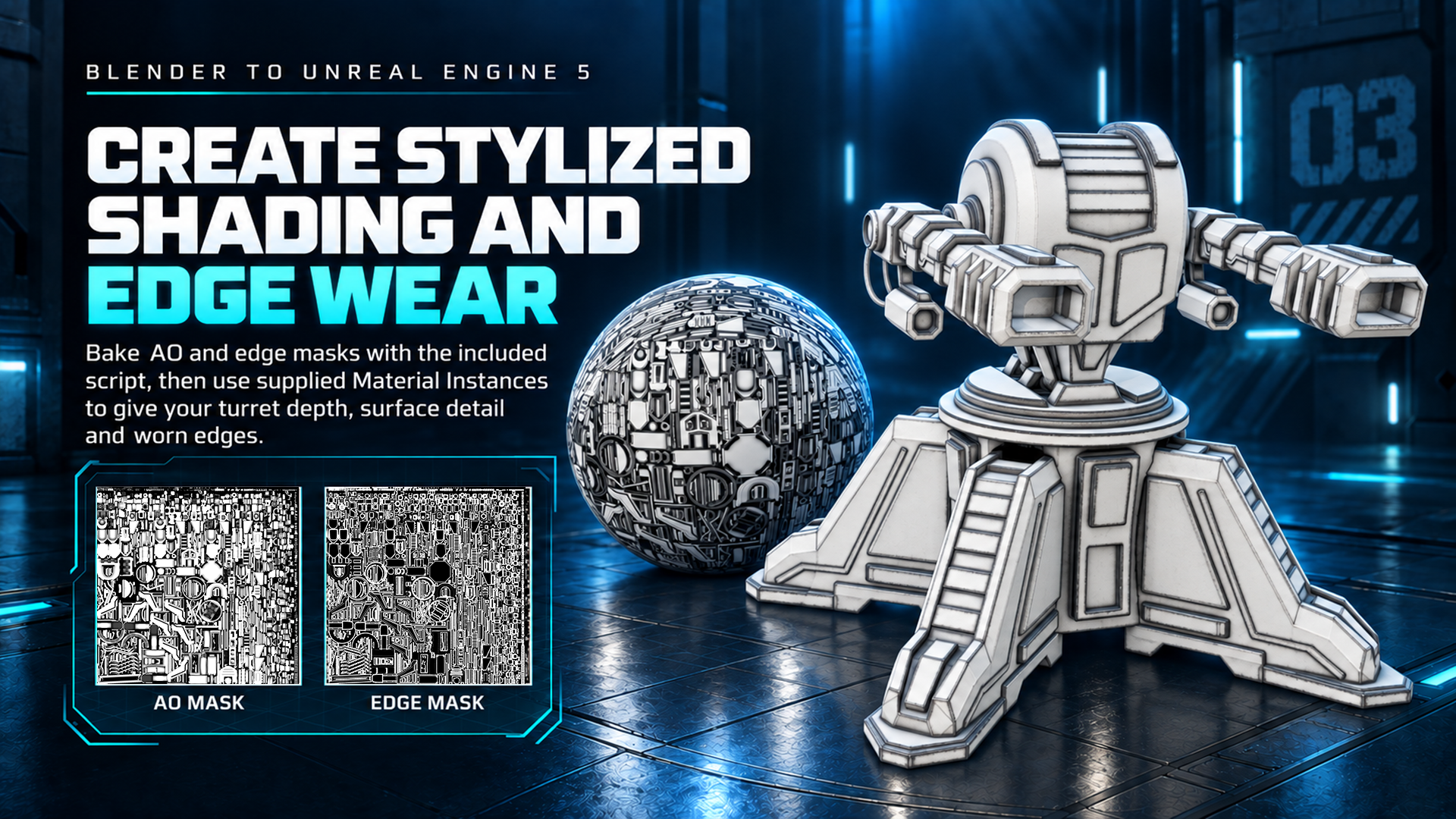
Bake ambient occlusion and edge masks, then use the supplied materials to bring out surface detail and worn edges.
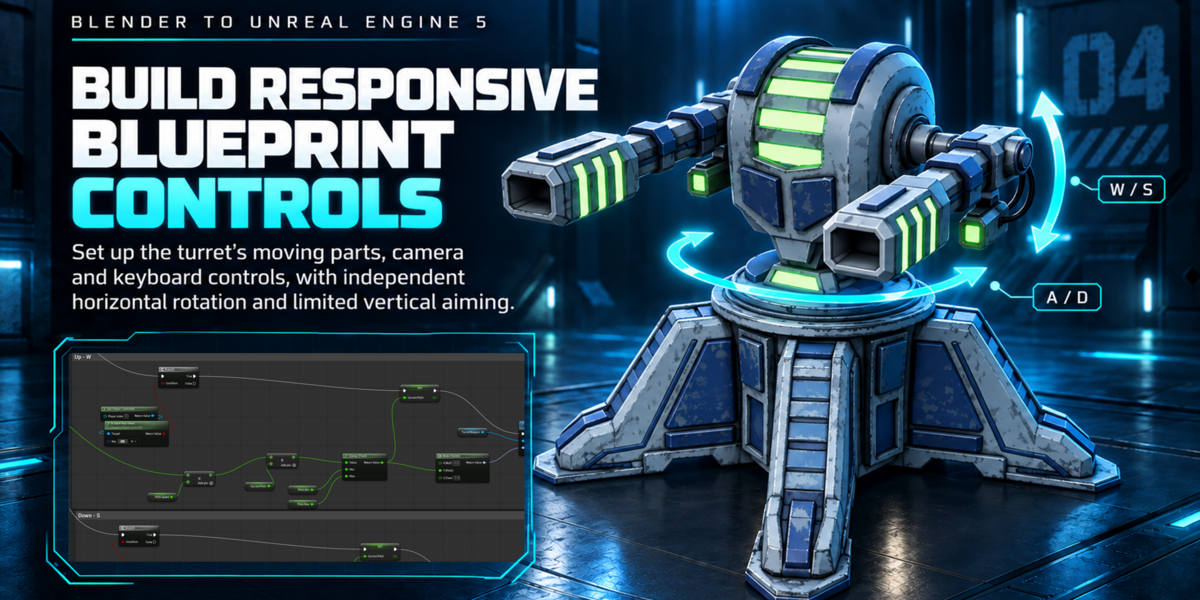
Build Responsive Blueprint Controls
Assemble the imported meshes as a Pawn with a fixed base, Turret Rotator for the upper assembly, Turret Weapon for vertical aiming, a player camera and an Arrow component at each muzzle.
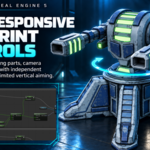
A and D rotate Turret Rotator. W and S adjust Turret Weapon. Space fires. Movement speed is multiplied by Delta Seconds and the vertical weapon angle is clamped to a useful range.
The base stays fixed; this is not a driveable turret vehicle. The control setup focuses on the asset’s actual mechanical movement and keeps the hierarchy easy to inspect.
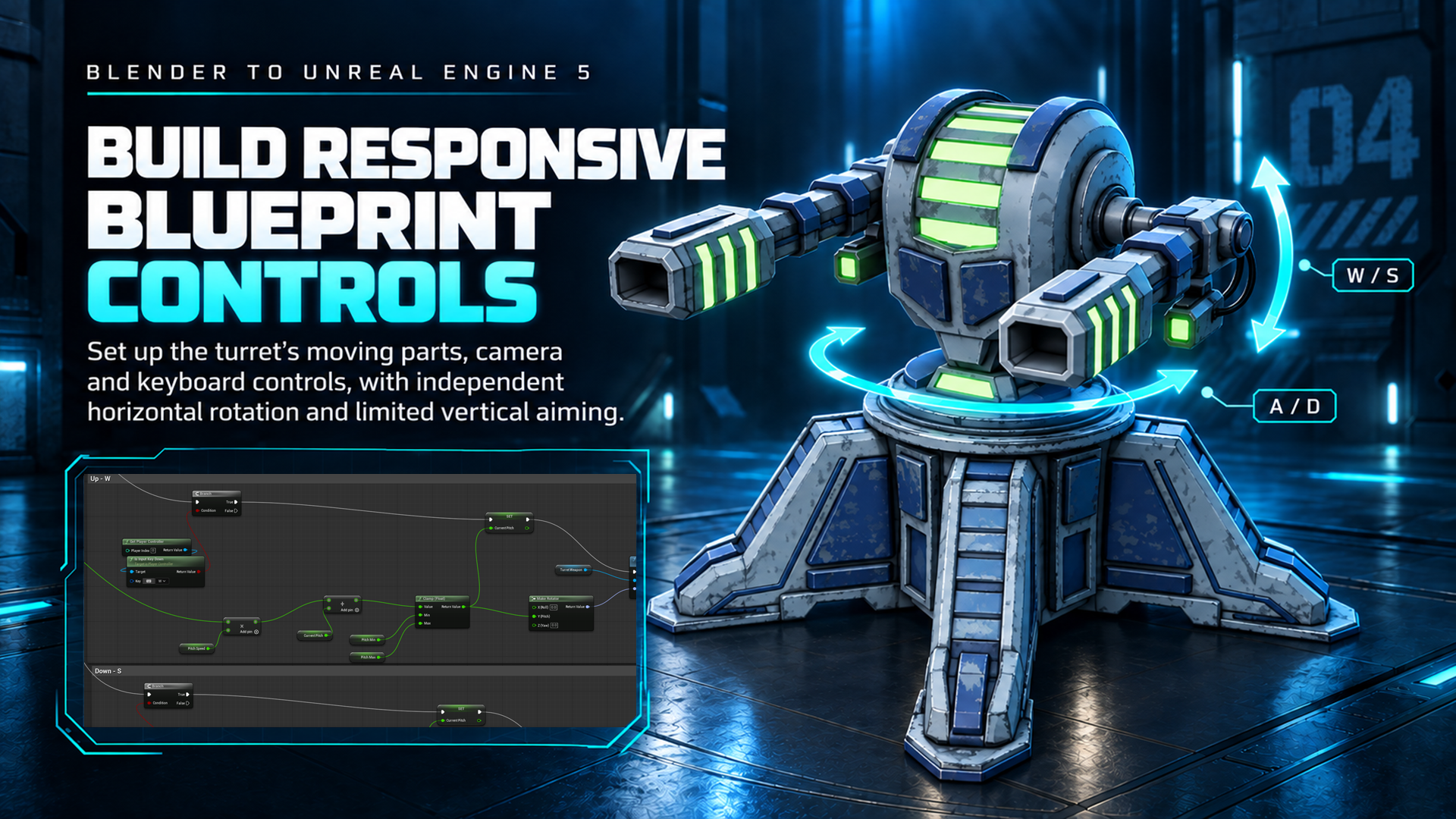
Bring the turret to life with Blueprint controls for horizontal rotation and limited vertical aiming.
Connect Dual-Muzzle Shooting to the Target Range
For each muzzle, read World Location and Forward Vector, calculate the trace end, run Line Trace by Channel with Ignore Self enabled, gate hit handling with the trace result and pass the Hit Actor into Apply Damage.
The supplied practice-target Blueprint receives the damage event and runs its existing response. The supplied GameMode, HUD and target systems handle score, countdown and respawning. Some targets move or disappear and return, while valid hits add one point and one second within the configured round limits.
The course uses visible debug traces for its hit-testing demonstration. Separate production laser effects, audio and recoil are outside its scope.
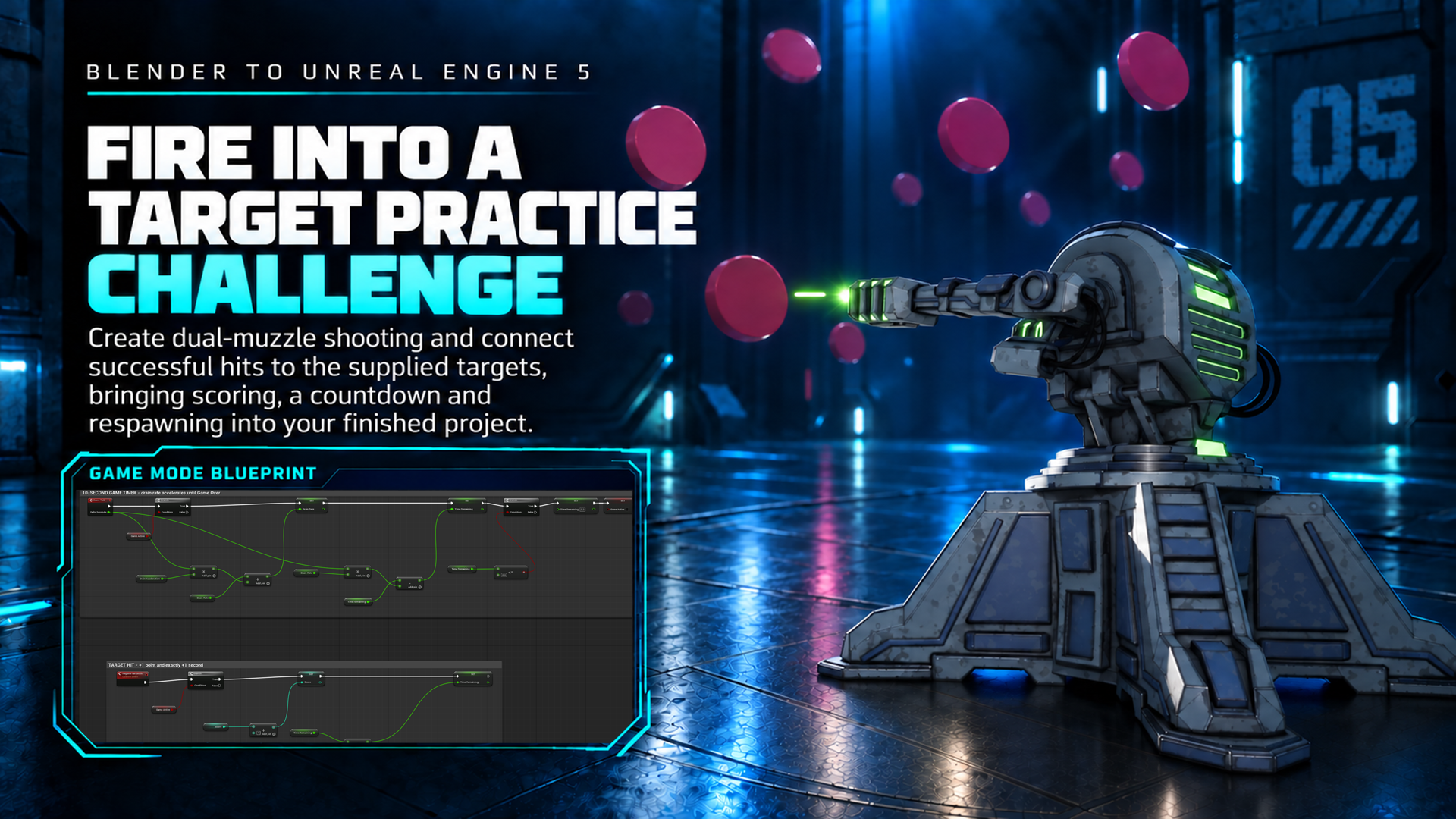
Connect dual-muzzle shooting to the supplied targets and turn the turret into a scoring challenge.
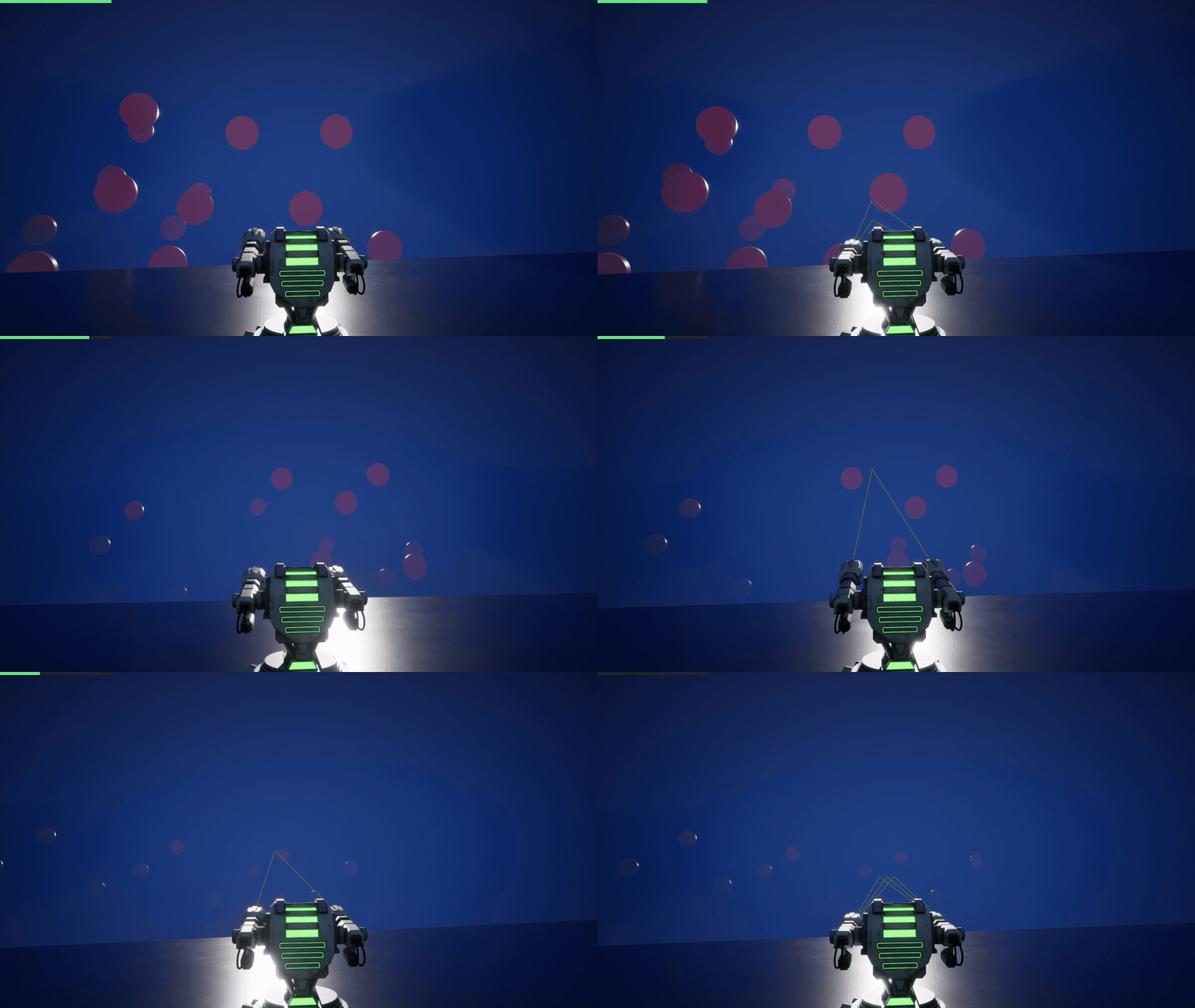
Put the finished turret to work in a playable target-practice scene.
Included Resources
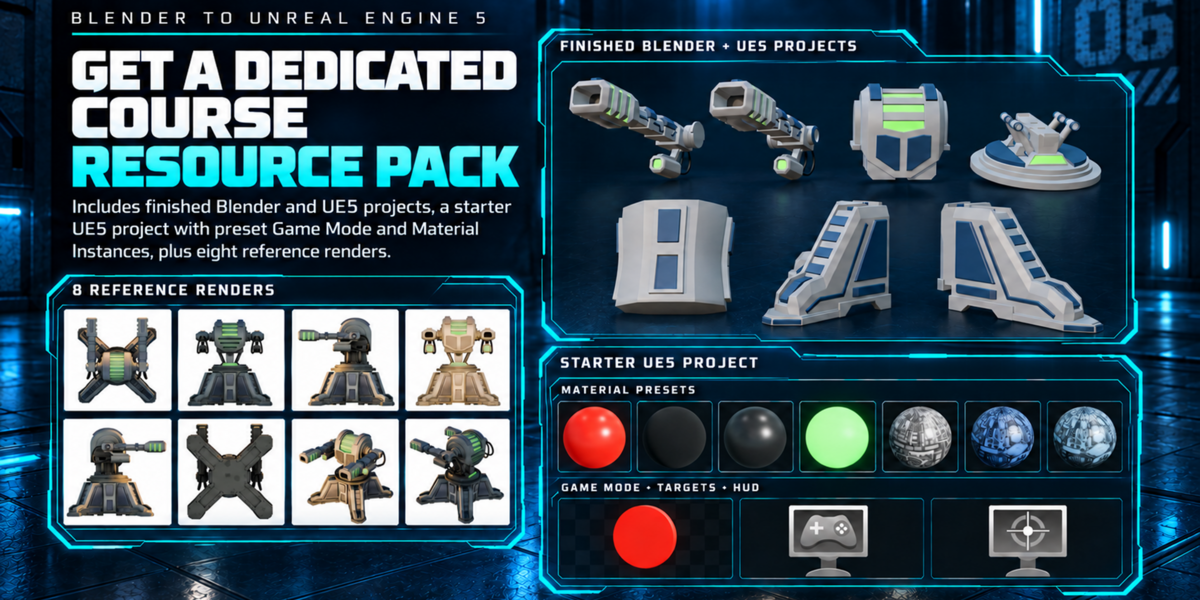
- Eight PNG turret render references.
- Blender AO and edge-mask baking script.
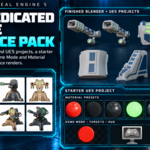
- Unreal Engine 5.8 target-range starter project with the level, practice-target Blueprint, GameMode, HUD, target-impact curve, prepared turret materials, Material Instances and example textures.
- Finished Blender 5.2 project for inspecting the completed model, UV layout, material regions and moving components.
- Finished Unreal Engine 5.8 reference project showing the completed playable turret.
The starter project does not contain the finished student turret Static Meshes or completed player-turret Blueprint. Students create those parts during the course and use the finished reference projects for inspection and comparison. A standalone FBX is not included.
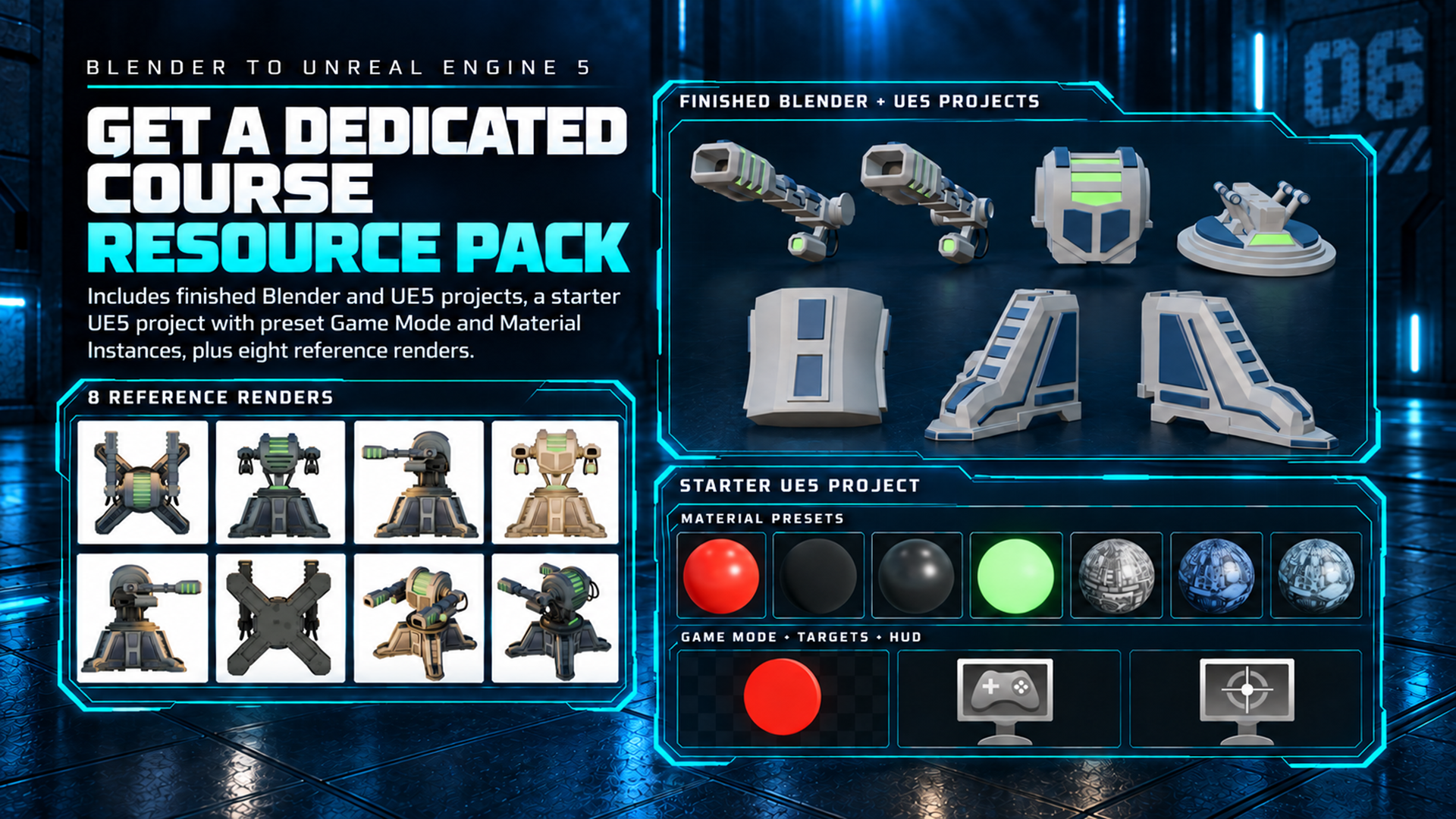
Follow along with reference renders, finished projects and a starter Unreal Engine 5 project.
Who This Course Is For
Blender artists who want to take a stylized hard-surface prop through a practical engine hand-off.
Game-art learners who want one continuous project linking modelling, UVs, generated masks, Material Instances and gameplay.
Unreal Engine users who want to assemble imported Static Meshes into a clear Pawn hierarchy with direct keyboard controls.
Confident beginners and intermediate artists who prefer a focused playable asset over a broad full-game curriculum.
Scope Boundaries
The turret base remains fixed. The target range, targets, score, countdown, HUD and respawning behaviour are supplied systems.
The course does not cover autonomous aiming, AI enemies, networking, skeletal rigging, visible laser VFX, sound, recoil or a complete game framework.
The master material is supplied; students configure the Material Instances rather than constructing the full shader from scratch.
Frequently Asked Questions
Does the package include completed examples? Yes. The learner download includes a finished Blender 5.2 project and a finished Unreal Engine 5.8 reference project, alongside the separate starter target-range project.
Do I need to write Python? No. The baker is supplied and run as a tool inside Blender.
Do I need C++? No. The interaction is created with Blueprint visual scripting.
Which controls are demonstrated? A and D turn, W and S aim vertically, and Space fires from the two muzzle points.
Which versions are used? Blender 5.2 and Unreal Engine 5.8. Using those versions provides the closest match to the lessons and supplied files.
Build it in Blender. Play it in Unreal.
Follow 31 lessons and more than 5½ hours of instruction, then take your finished turret into the supplied target range.
Happy modelling everyone!
Luke - 3D Tudor
What 3D Tudor Customers Say
Verified 5-star feedback from 3D Tudor customers across our Blender tools, assets and training.
|
"Super easy to use, great results, and saved me a lot of time!" ★ ★ ★ ★ ★ |
"This is helping a lot when doing concept art. Nice add-on!" ★ ★ ★ ★ ★ |
|
"This creator's tools work, and they are usable products." ★ ★ ★ ★ ★ |
"Day and night scenes, vegetation and nodes, animated fire and water, and so much more." ★ ★ ★ ★ ★ |
Explore More 3D Tudor Courses and Assets
Continue learning with more practical Blender courses, production tools and focused material packs from 3D Tudor.

Join the 3D Tudor Community
For support, inspiration, updates, giveaways, feedback threads and community builds, join the 3D Tudor spaces below.