 3D Tudor




Blender to Unreal Engine 5: Stylized Interactive Pirate Chest
Build, texture, export and animate a customisable stylized pirate chest through one connected Blender-to-Unreal Engine production workflow.
44step-by-step lessons
|
7.5 Hourscomplete workflow
|
Blender 5.2modelling and preparation
|
UE 5.8materials and interaction
|
One Asset, Complete Production Workflow
This training course and resource pack takes one stylized game prop from its first Blender shapes to a reusable Unreal Engine interaction. Luke from 3D Tudor covers modelling, UVs, decals, mask baking and export before rebuilding the chest with procedural materials and Blueprint behaviour.
The course is beginner-friendly, while its generated-mask workflow, separate mesh states, reusable master materials and precisely timed Blueprint swap provide a focused production study for intermediate artists.
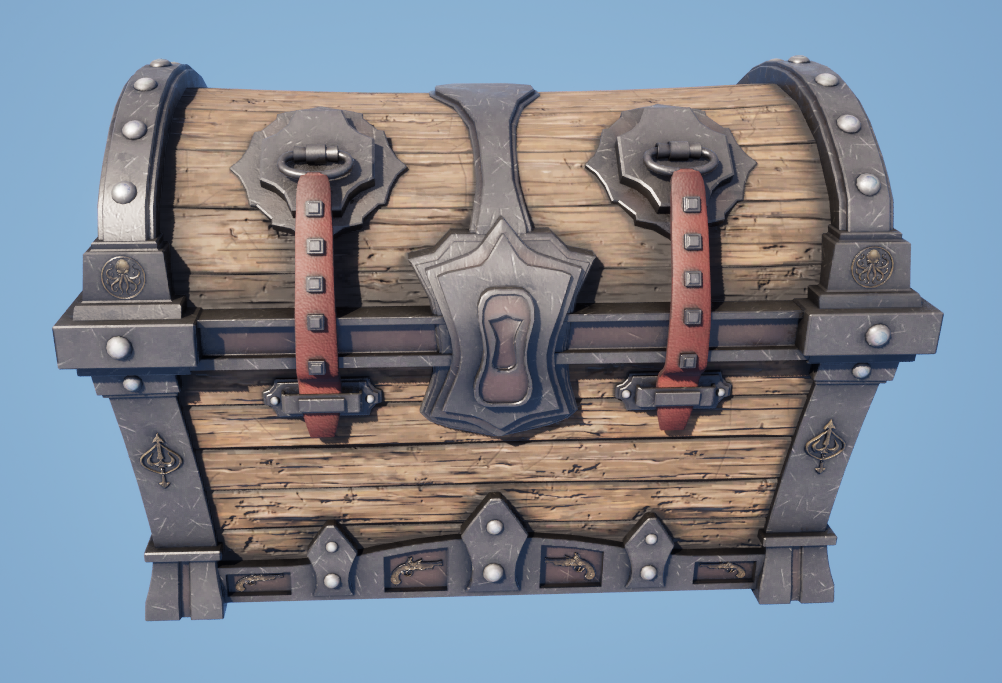
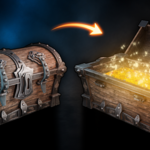
The finished interactive chest in Unreal Engine 5, combining the Blender model, generated masks, procedural material controls and animated state change taught in the course.
Course Result
You will finish with a complete stylized pirate chest, dedicated closed and open meshes, organised UVs, generated masks, GLB and FBX exports, reusable Unreal Engine materials, adjustable wood, metal, gold, wear, ageing, cavity and moss controls, and a Blueprint that opens and closes the chest through an animated mesh swap.
The result is a polished game prop and, more importantly, a production method you can adapt to other stylized containers, reward props, doors and interactive environment assets.
Software, Versions and Formats
|
|
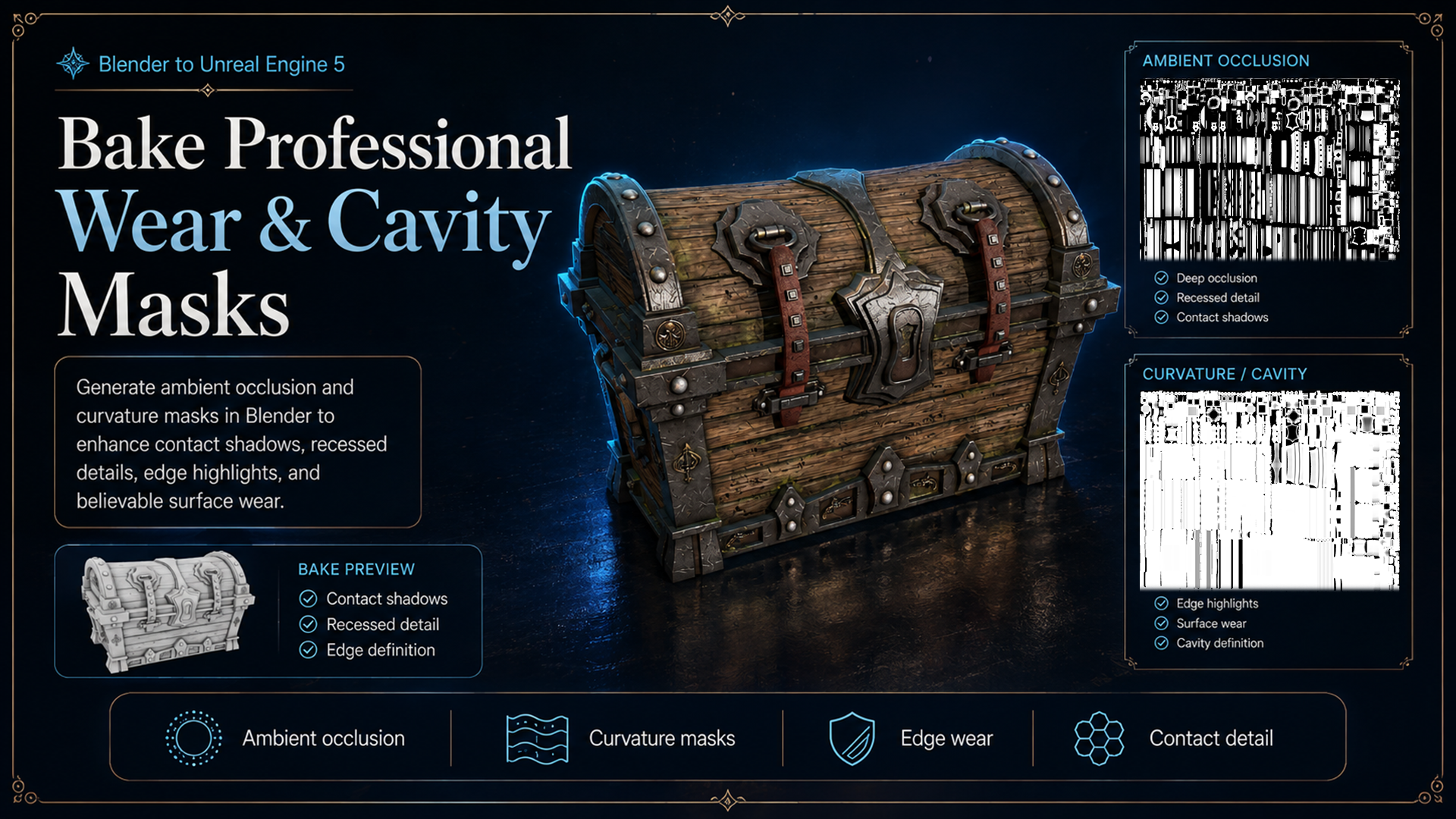
Bake reusable wear and cavity information in Blender, then use those masks to drive readable edges, recessed detail, ageing and material variation in Unreal Engine.
Model a Stylized Pirate Chest from Scratch
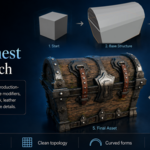
Begin with simple shapes in Blender 5.2, then develop the prop through soft bevels, strong curvature and clearly separated materials. The build covers wooden body planks, a curved lid, metal reinforcement, corner structures, leather belts, lever flaps, bolts, hinges, a central lock and pirate-themed decorative detail.
Non-destructive methods are used where they help, while the topology remains practical for unwrapping, mask preparation and export.
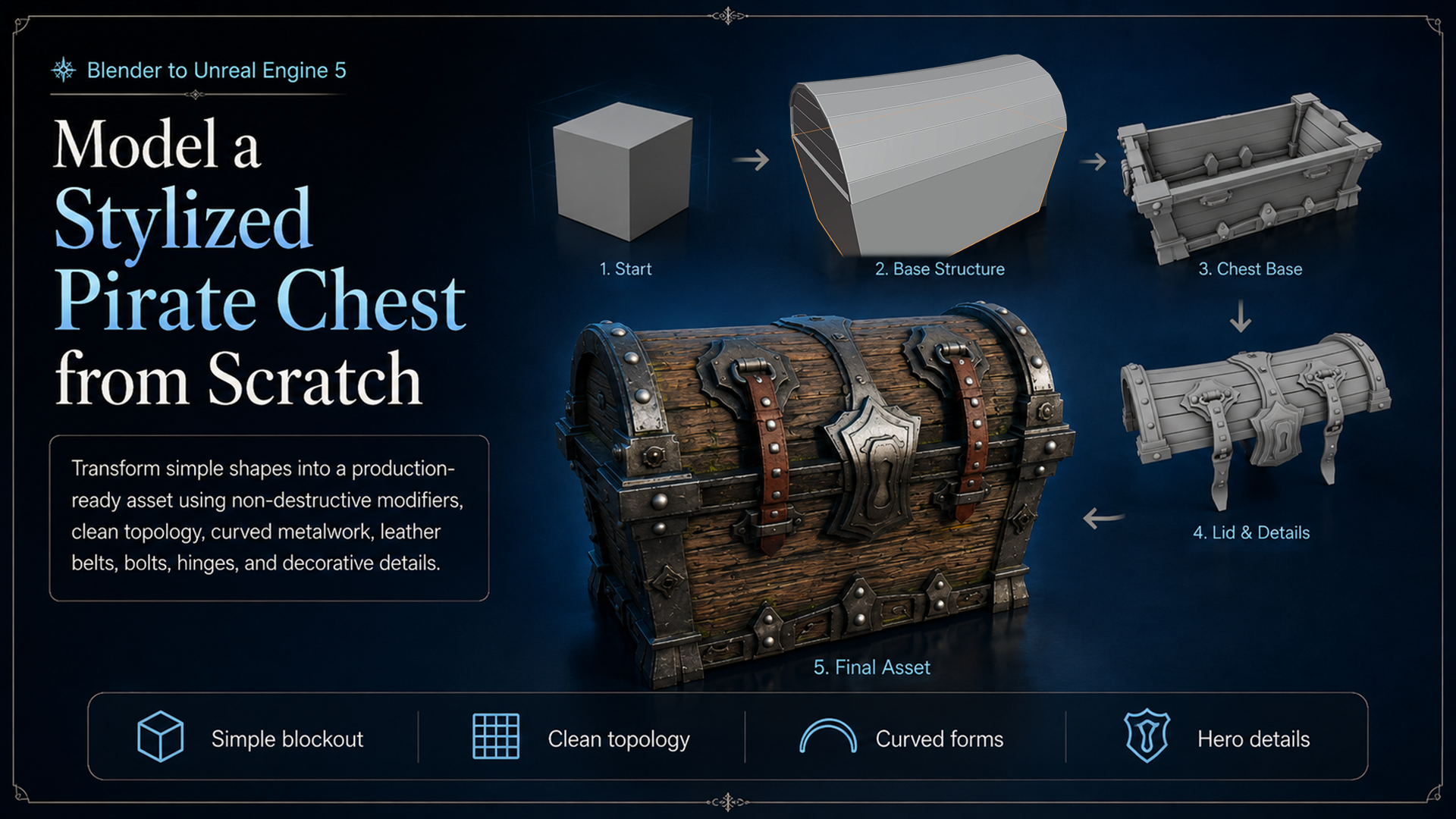
Build the chest from the blockout upward, developing readable wood, metal, leather and decorative forms while keeping the mesh practical for the stages that follow.
Separate Open and Closed Mesh States
A simple lid rotation creates visible problems on this design: the lock can intersect, straps can cut through the lid and flexible-looking parts can hang in unconvincing directions. Solving every overlap with a full rig or physics system would add complexity that is not needed for this result.
Instead, the course creates dedicated open and closed meshes. Each state is art-directed directly in Blender, then a short Unreal Engine scaling animation hides a precisely timed swap between them for a responsive arcade-style transition.
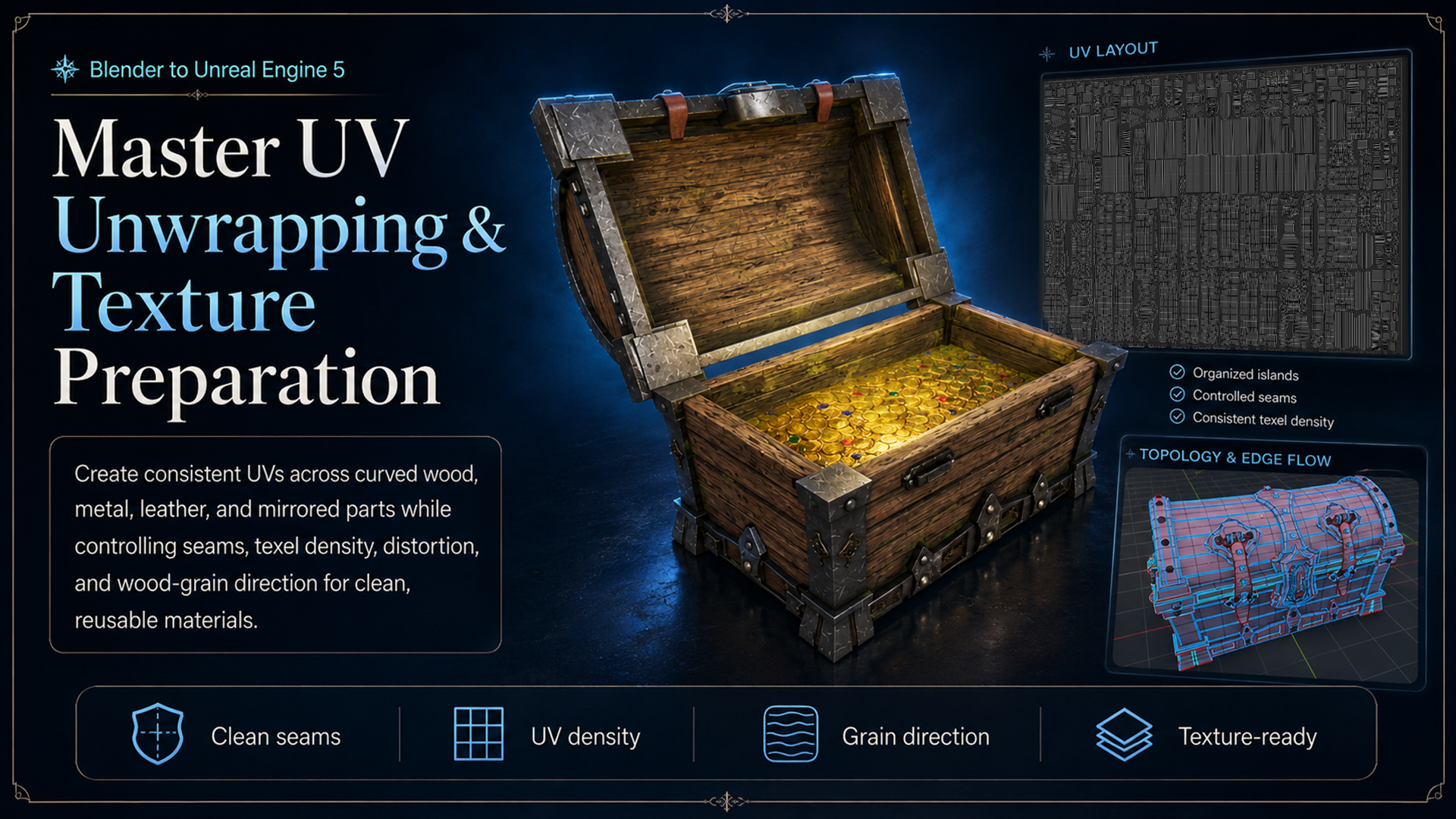
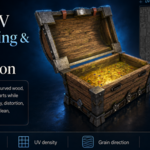
Organise curved, mirrored and multi-material parts into practical UVs while controlling seams, stretching, density and wood-grain direction.
UVs, Decals and Mask Baking
Unwrap curved, mirrored and multi-material components while controlling seams, stretching, UV density and orientation. Wood-grain direction is treated as a design decision so the texture supports the chest construction rather than crossing the planks at random.
The supplied pirate emblems are organised as decorative decals. The resource pack contains 8 emblems with Base Color, Alpha, Displacement and generated OpenGL Normal maps, creating 32 decal files in total.
You will also generate ambient occlusion and curvature or cavity information in Blender. The included Python mask-baking utility supports contact detail, recessed forms, edge definition, ageing and wear inside the Unreal Engine material system.
GLB and FBX Export
Prepare the material assignments, organise both mesh states and transfer the asset through GLB and FBX. The Blender structure connects directly to the material and Blueprint work that follows, giving you a repeatable hand-off rather than a one-click export promise.
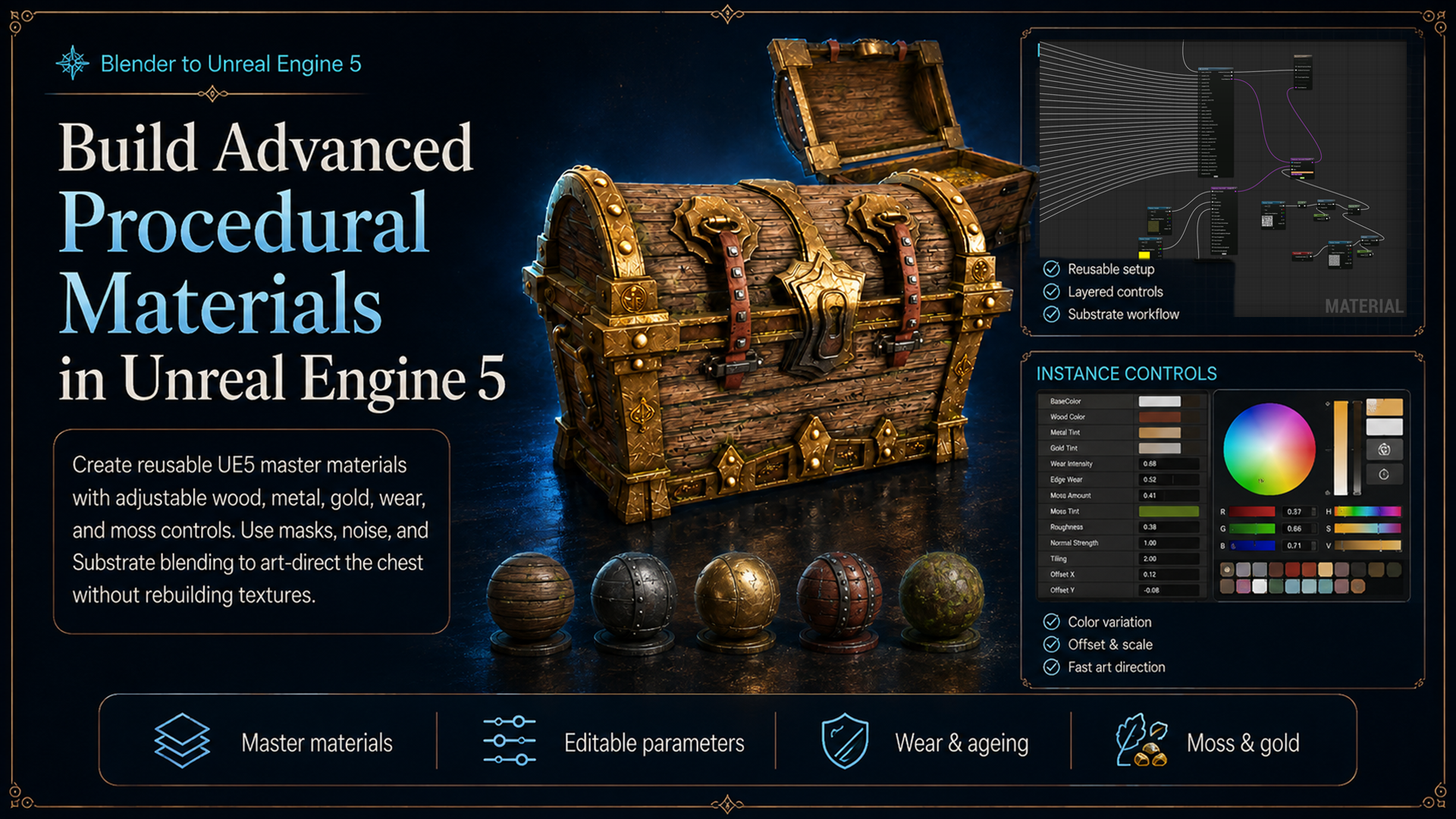
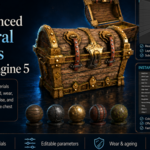
Build reusable Unreal Engine master materials and instances so wood, metal, gold, wear, ageing, cavity detail and moss remain adjustable after import.
Advanced Procedural Materials in Unreal Engine 5.8
Build reusable master materials and material instances instead of locking the chest to one appearance. Generated masks, ambient occlusion, curvature, cavity data and noise expose practical controls for wood colour, metal response, gold treatments, edge definition, ageing, wear and procedural moss.
Substrate blending is used where it supports the layered result. The same material system can create cleaner, worn, gold-accented or moss-covered variations without rebuilding the entire graph.
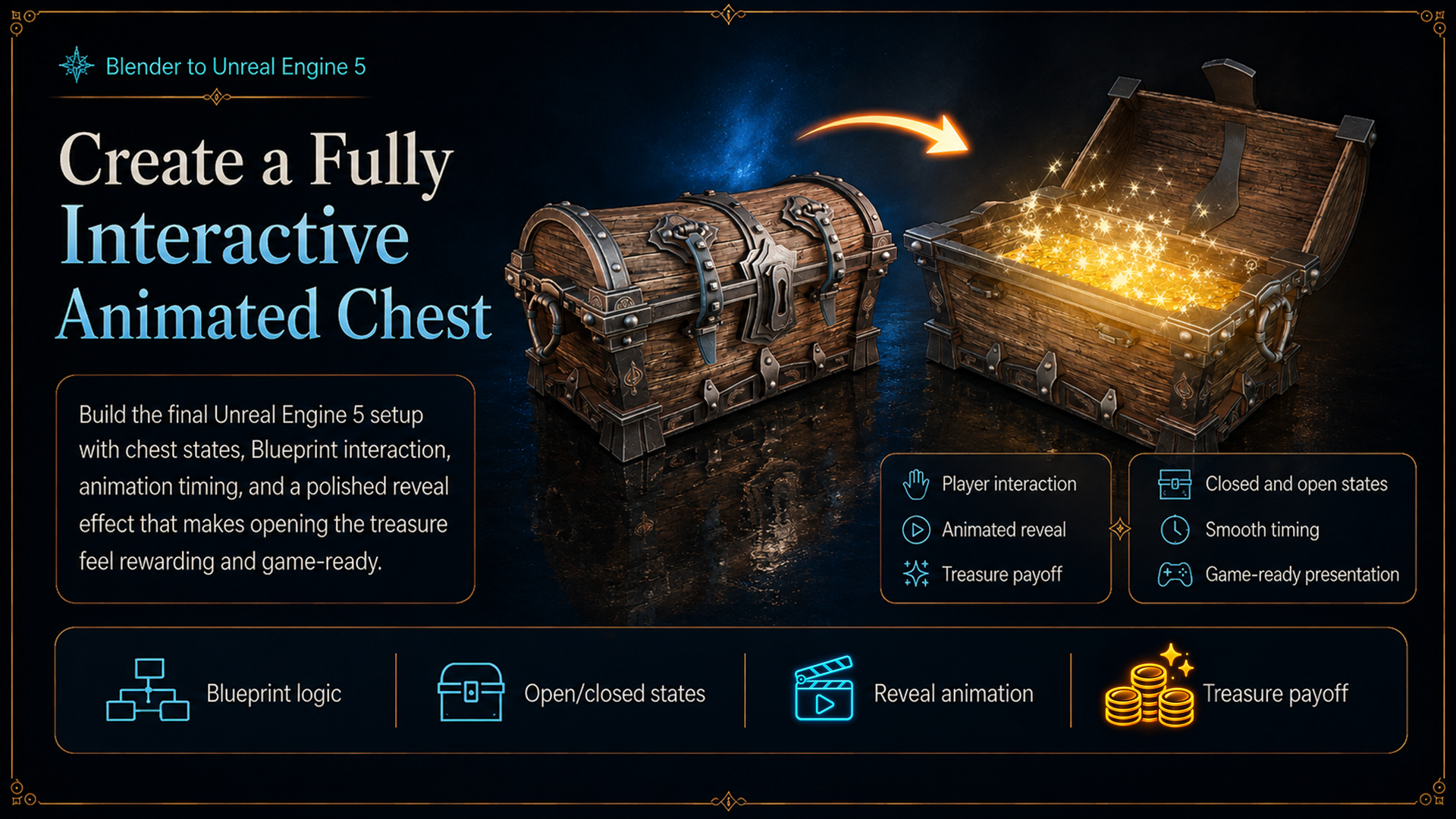
Combine proximity detection, player input, state tracking, a timeline and a timed mesh swap to create both opening and closing behaviour.
Create a Fully Interactive Animated Chest
The final Blueprint uses player proximity detection, input, Boolean state tracking, branches, a timeline, scaling or squash-and-stretch motion, and a precisely timed open and closed mesh swap. Both opening and closing behaviour are supported before the chest is tested in an example Unreal Engine scene.
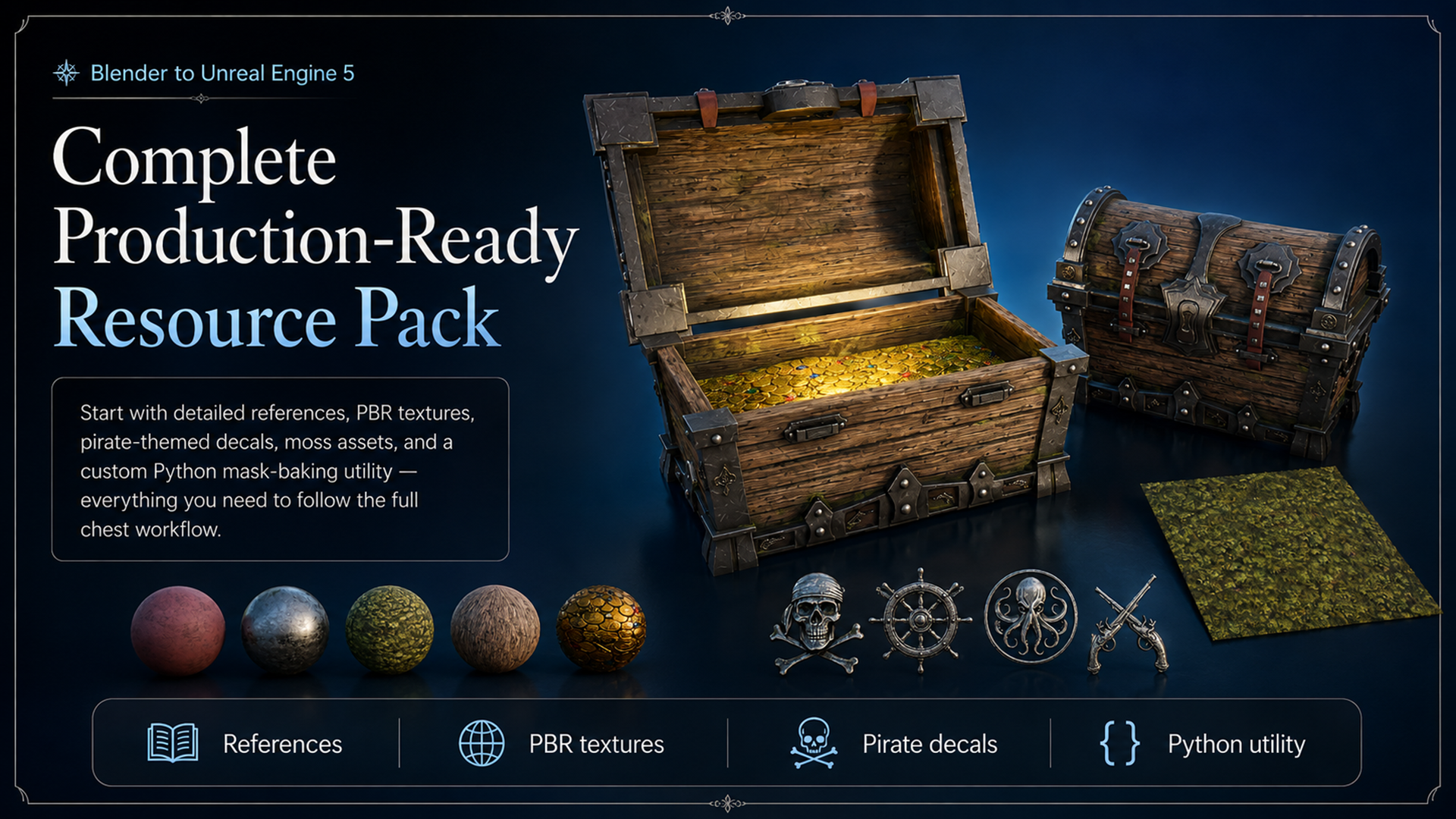
The accompanying resource pack supports the complete workflow with the Blender source, references, PBR textures, pirate decals and mask-baking utility.
Verified 65-File Resource Pack
|
|
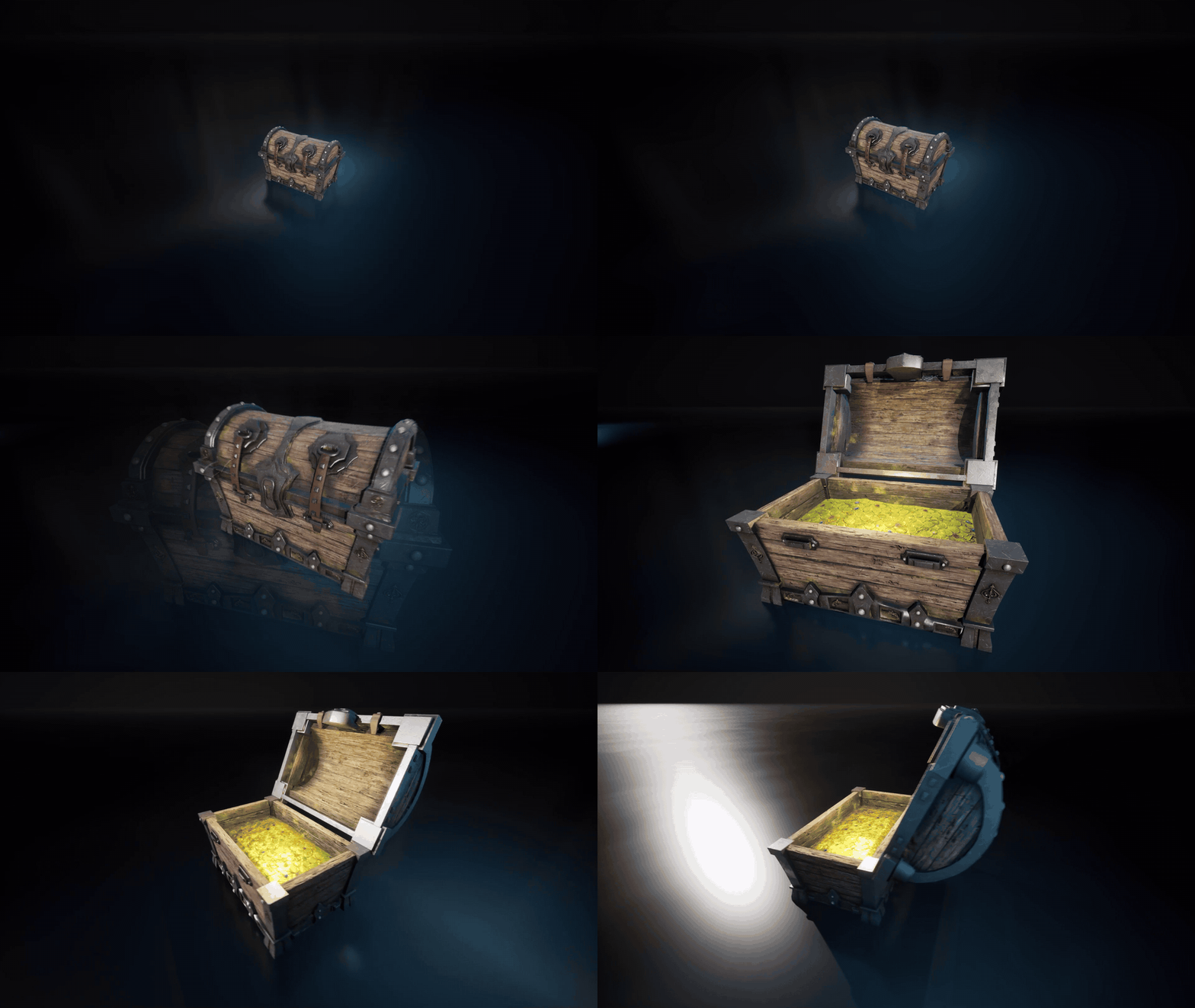
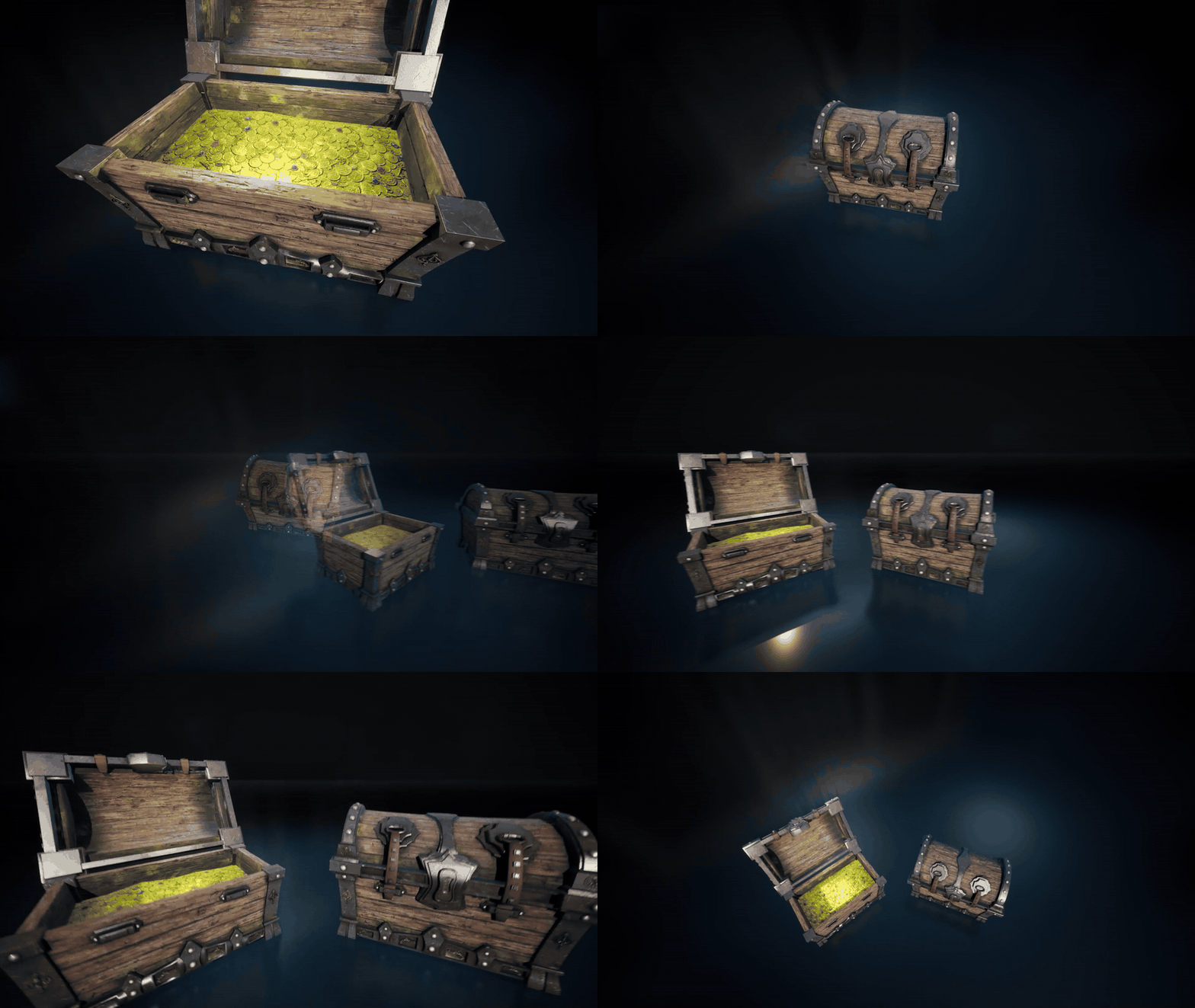
Close-up presentation of the chest in both states, showing how the dedicated meshes preserve the art direction while supporting a responsive interaction.
Who This Course Is For
- Blender users who want to create a polished stylized prop and organise it for a real-time engine.
- Prop and environment artists who need a complete Blender-to-Unreal Engine workflow.
- Unreal Engine users who want editable materials and a practical interactive prop.
- Complete beginners who need step-by-step guidance and intermediate artists who want the generated-mask, material-instance and state-swap methods.
Scope and Honest Limits
This course builds the pirate chest, not the complete jungle-temple environment shown in the presentation image. It does not create a skeletal rig, simulate the straps with physics or use a hinge-only lid rotation. The two-state workflow is an intentional choice that keeps the interaction approachable and the art direction under direct control.
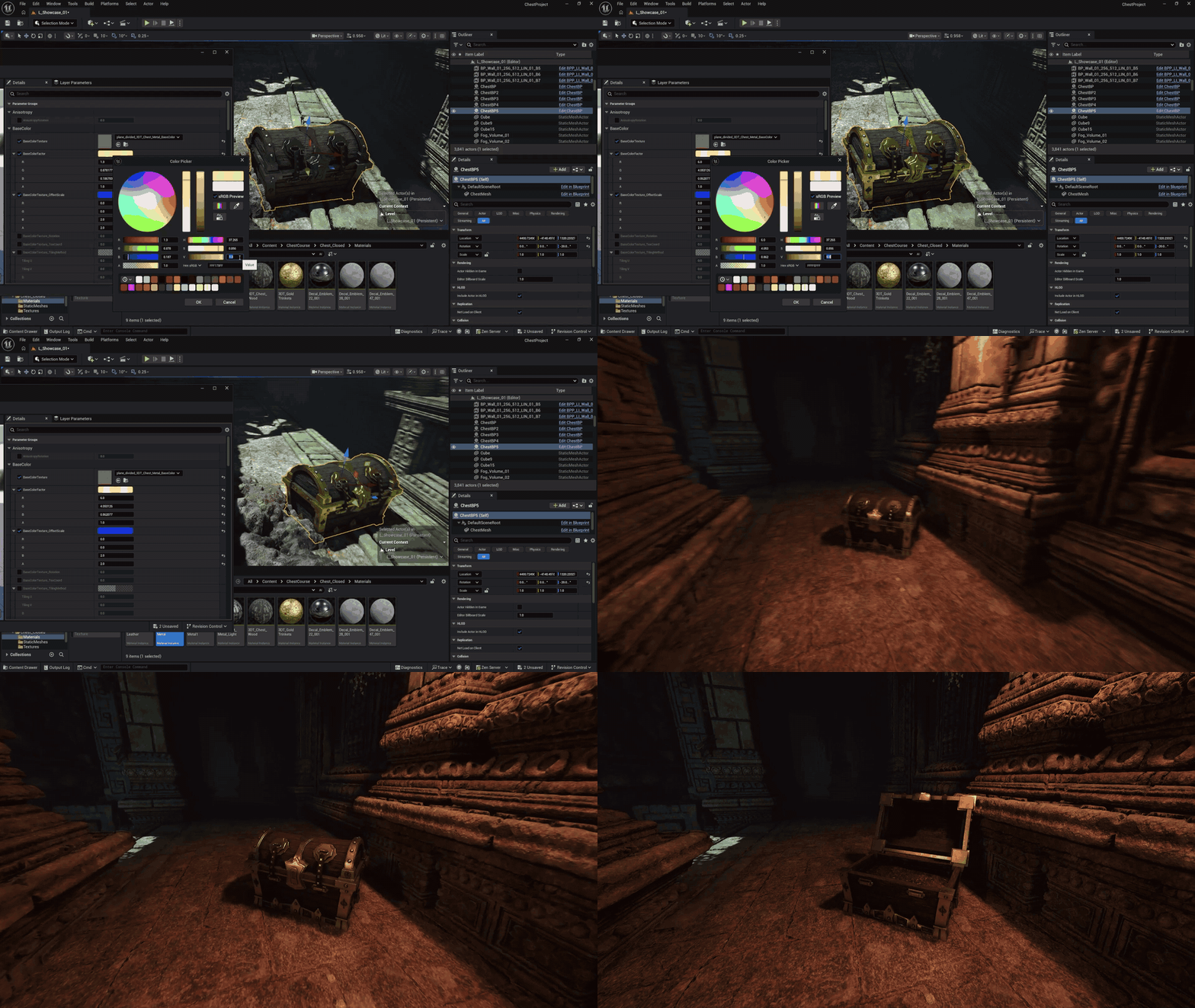
The Unreal Engine material showcase demonstrates how the same imported asset can move between cleaner, worn, gold-accented and moss-covered looks through editable controls.
Common Questions
Is a finished Blender file included?
A Blender resource file is included as part of the 65-file pack, together with references, textures, decals and the mask-baking utility. The course still teaches the modelling and preparation workflow step by step.
Do I need previous Blender or Unreal Engine experience?
No. On-screen key displays show the shortcuts and inputs used throughout the lessons. The course is structured for beginners while retaining useful intermediate material and Blueprint work.
Can I use the workflow for other assets?
Yes. The UV, generated-mask, procedural material and state-swap methods can be adapted to other stylized containers, reward props, doors and interactive environment assets.
Does the product teach a full Unreal Engine environment?
No. The final chest is tested in an example scene, but environment construction is outside the course scope.
Build one asset properly from Blender blockout to Unreal Engine interaction.
Follow the complete project, understand the reasoning behind each production choice, then reuse the same process on the next stylized prop in your own project.
Until next time, happy modelling everyone!
Luke - 3D Tudor
What 3D Tudor Customers Say
Verified 5-star feedback from 3D Tudor customers across our Blender tools, assets and training.
|
"Super easy to use, great results, and saved me a lot of time!" ★ ★ ★ ★ ★ |
"This is helping a lot when doing concept art. Nice add-on!" ★ ★ ★ ★ ★ |
|
"This creator's tools work, and they are usable products." ★ ★ ★ ★ ★ |
"Day and night scenes, vegetation and nodes, animated fire and water, and so much more." ★ ★ ★ ★ ★ |
Explore More 3D Tudor Courses and Assets
Continue learning with more practical Blender courses, production tools and focused material packs from 3D Tudor.

Join the 3D Tudor Community
For support, inspiration, updates, giveaways, feedback threads and community builds, join the 3D Tudor spaces below.