 Salman Animator


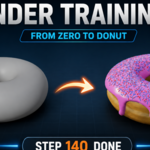
Learn Blender without leaving Blender
Most beginners learn the donut from a video in another window. You pause, you scrub back, you lose your place, and you switch tabs a hundred times. The Blender Training Kit moves the whole lesson into Blender itself.
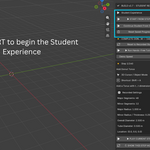
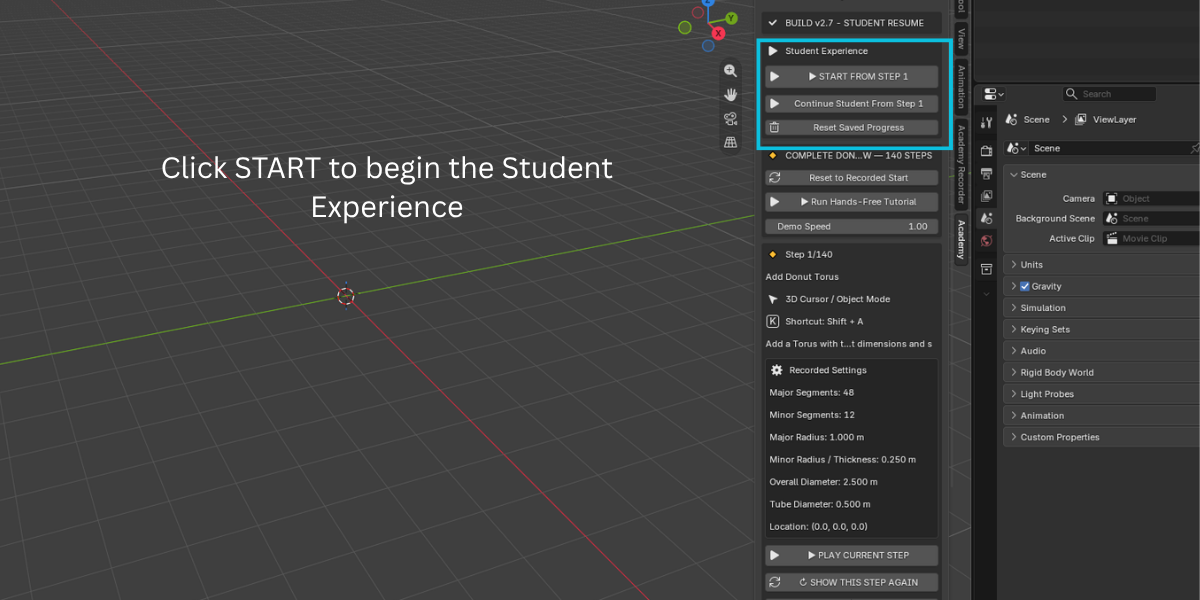
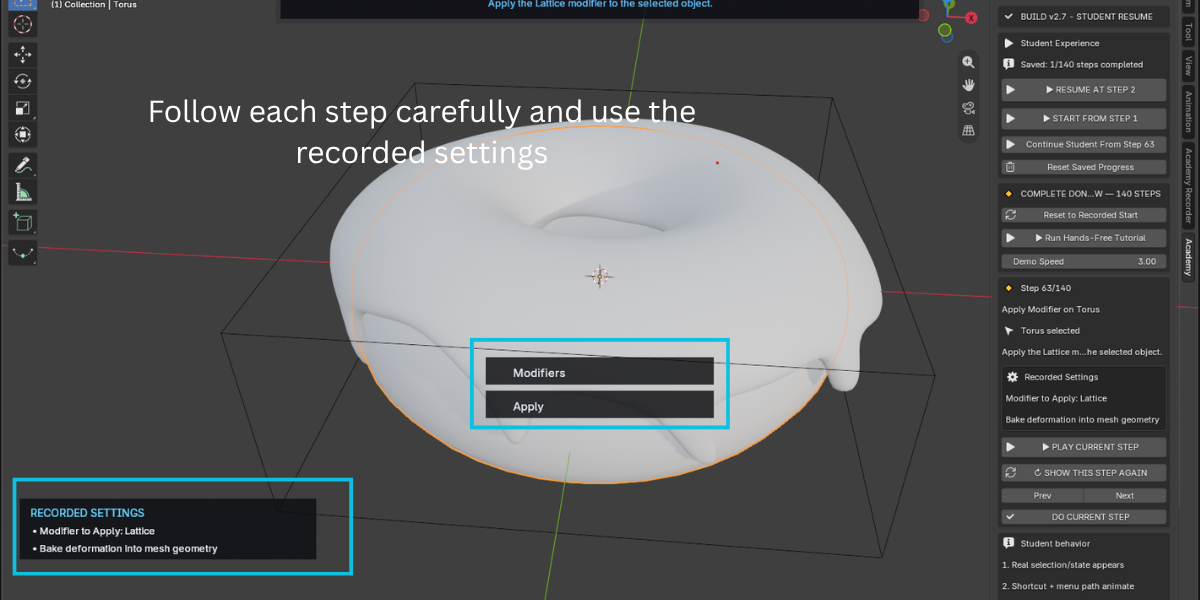
After you install the addon, open the 3D View sidebar and click the Training Kit tab. You get the full Donut Course as 140 short, ordered steps. Each step has a title, the exact tool or shortcut, and the recorded settings. You can watch the step play out in your own scene, then repeat it with your own hands.
Three ways to use each step
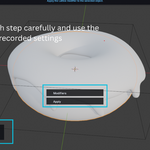
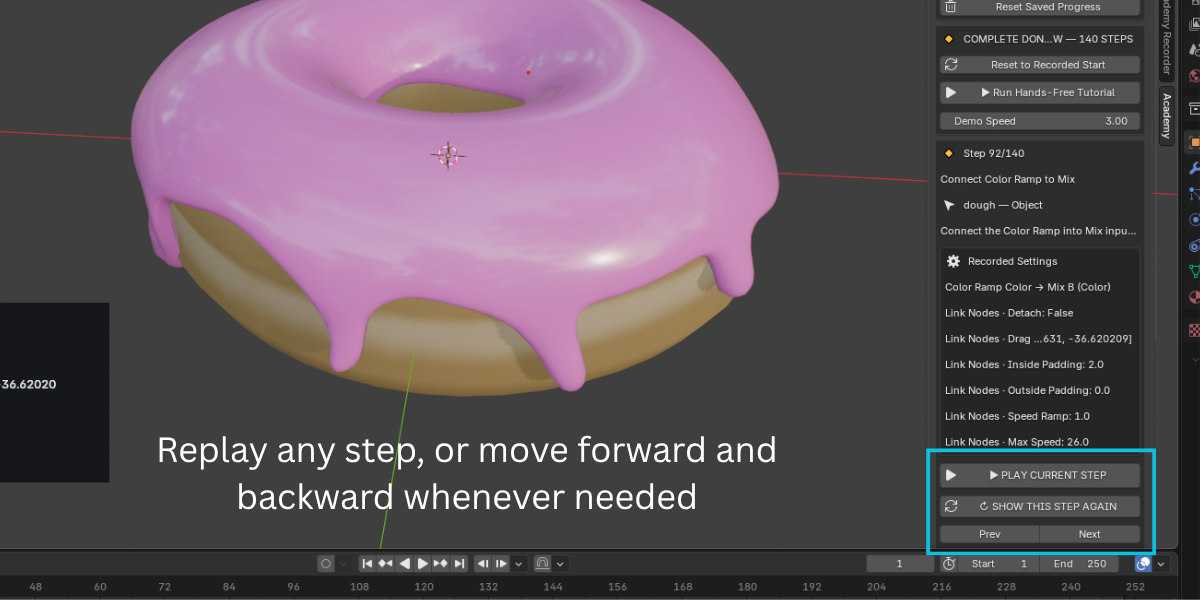
Watch the current step live. Press Play on the current step. The addon selects the right object, shows the shortcut and menu path, and performs the action in your viewport so you can see the result. Then it restores the scene to the before state.
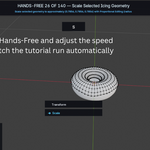
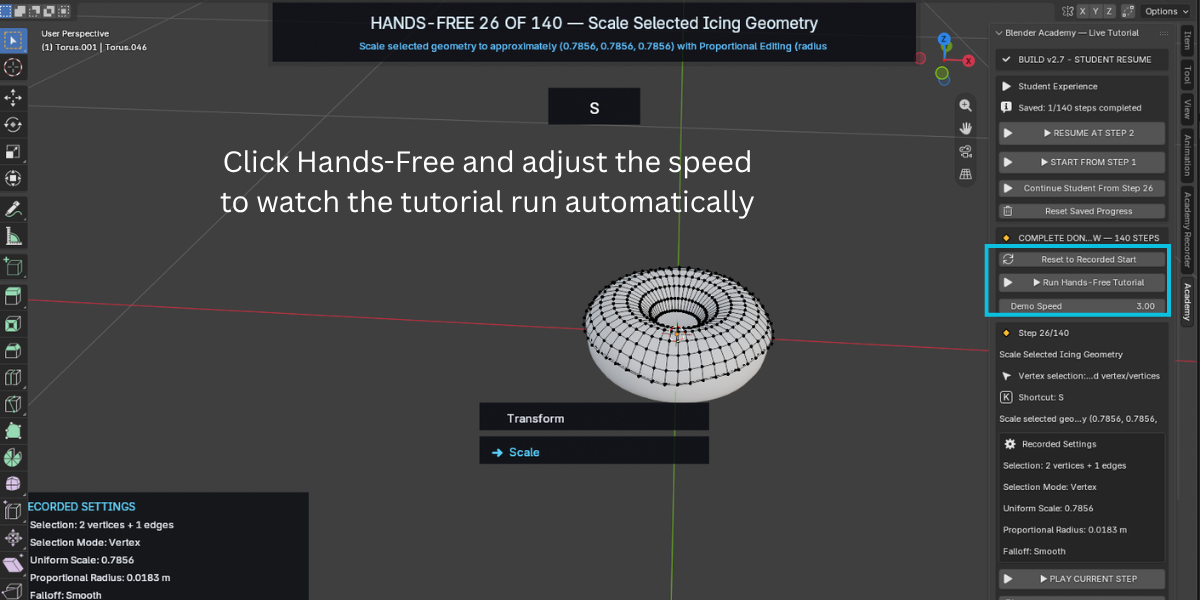
Run the hands-free tutorial. Let the course play from start to finish on its own. Use the Demo Speed slider to slow it down while you take notes or speed it up for a quick review.
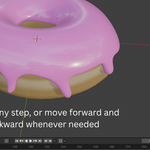
Practice with Student Tutorial. This is the core of the kit. The addon demonstrates one step, puts the scene back the way it was, and then waits for you. You do the real action yourself. It checks your result, accepts close-enough work, and only then moves to the next step. It never finishes the step for you.
Progress that survives a restart
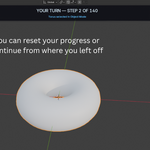
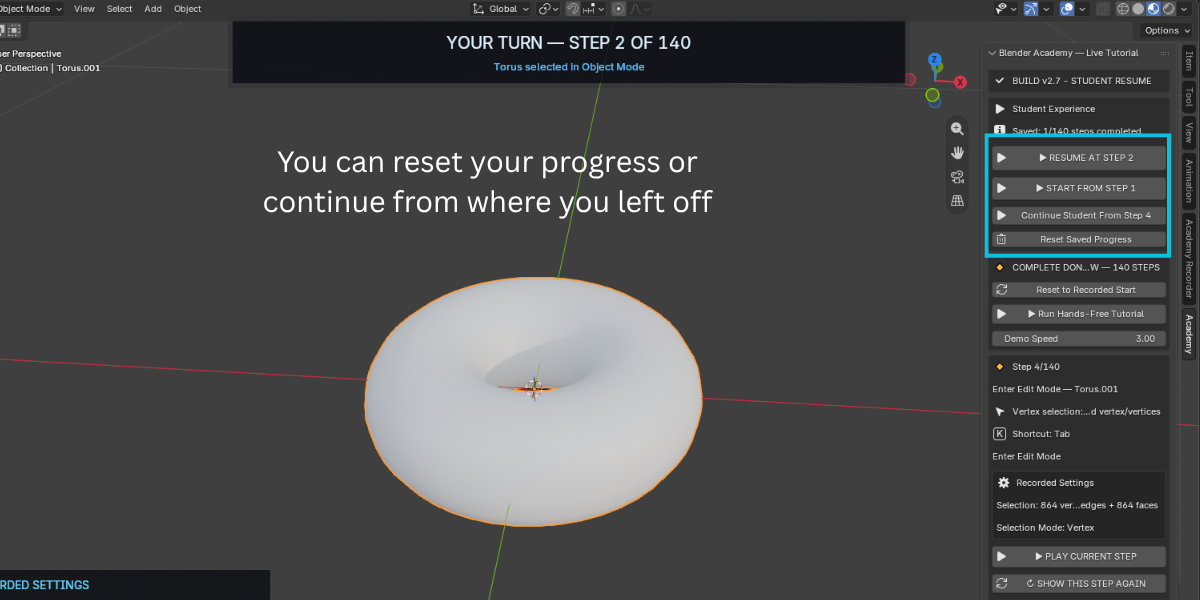
Student progress is saved to a small file outside your .blend project. Close Blender, restart your computer, come back next week, and the panel shows "Resume at Step X". Press ESC at any time to pause, and your place is saved automatically. You can also pick any step in the list and continue from there.
What the Donut Course within addon covers
The 140 steps walk through a complete stylized donut from an empty scene:
- Donut dough from a torus with exact segment counts and radius values
- Shade smooth and a duplicate for the icing
- Delete lower icing geometry and add a Solidify modifier
- Proportional editing to shape a natural icing drip
- Extrude, Subdivision Surface, Shrinkwrap, and modifier reordering
- A Lattice deformer to give the whole donut an organic, uneven shape
- Applying the modifier stack and cleaning up the lattice
- Light sculpting to break up the icing surface
- The pink topping material with reduced roughness
- A dough image texture node and hands-on texture painting with the Airbrush across several passes
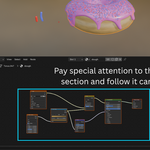
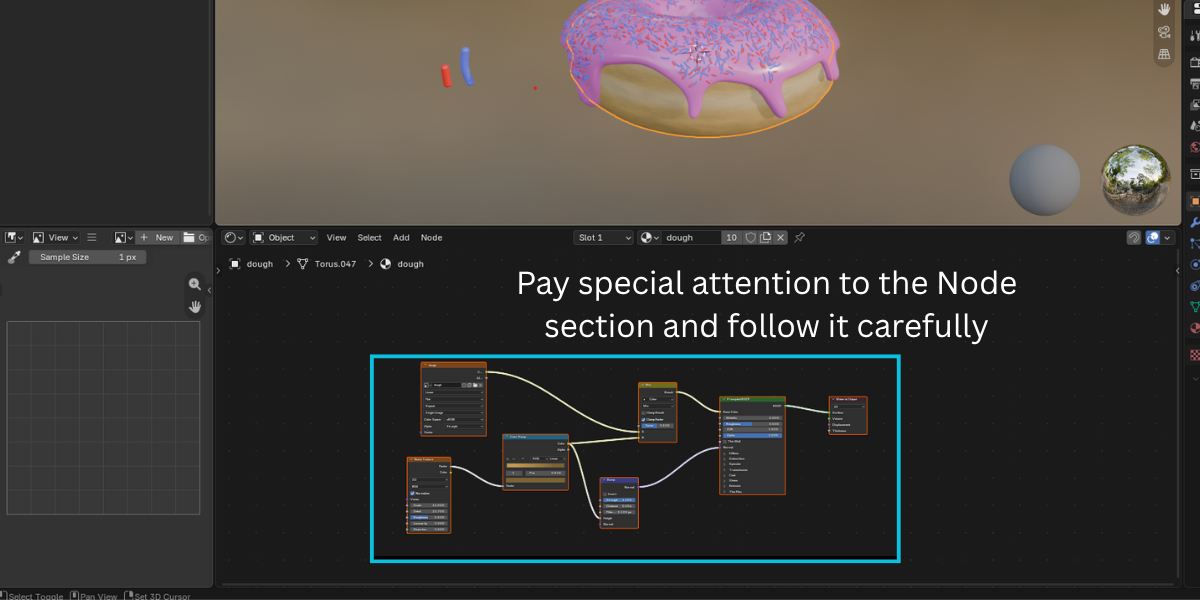
- A dough shader built from Mix Color, Color Ramp, Noise Texture, and Bump nodes
- A sprinkle prototype modeled from a sphere and shaped with proportional editing
- A classic hair particle system for the sprinkles, with interpolated children, rotation phase, and randomization
- Two vertex groups to control where sprinkles land
- Two sprinkle materials and colors, grouped into a sprinkle collection rendered as a collection instance
Everything uses standard Blender tools. There is no Geometry Nodes dependency and no external asset pack to manage.
Who it is for
- Complete beginners who want a first project with less friction
- Self-taught artists who never finished the donut and want a clean restart
- Teachers and lab instructors who need a repeatable lesson every student can pace themselves through
- Studios onboarding junior artists who should learn Blender's real modeling and shading tools, not shortcuts
Key Features and Benefits
- 140-step guided Donut Course
- Watch the step run live in your scene
- Student practice mode
- Close-enough checking
- Automatic progress saving
- Resume from any step
- Show This Step Again
- Hands-free playback with Demo Speed control
- Reset options
- Covers modeling, modifiers, lattice deform, sculpting, materials, texture painting, and particle sprinkles
- No Geometry Nodes dependency
- Built for Blender 5.0 and newer
Workflow Benefits
- Stay in one window.
- Learn by doing, not by watching.
- Never lose your place.
- Move at your speed.
- Build transferable habits.
- Teach without repeating yourself.
Use Cases
- Your first Blender project
- A clean restart
- Classroom or workshop
- Studio onboarding
- Skill refresh
- Teaching proportional editing, modifiers, and particle hair
