Water Shader & Terrain Generator Addon + Assets
 ChuckCg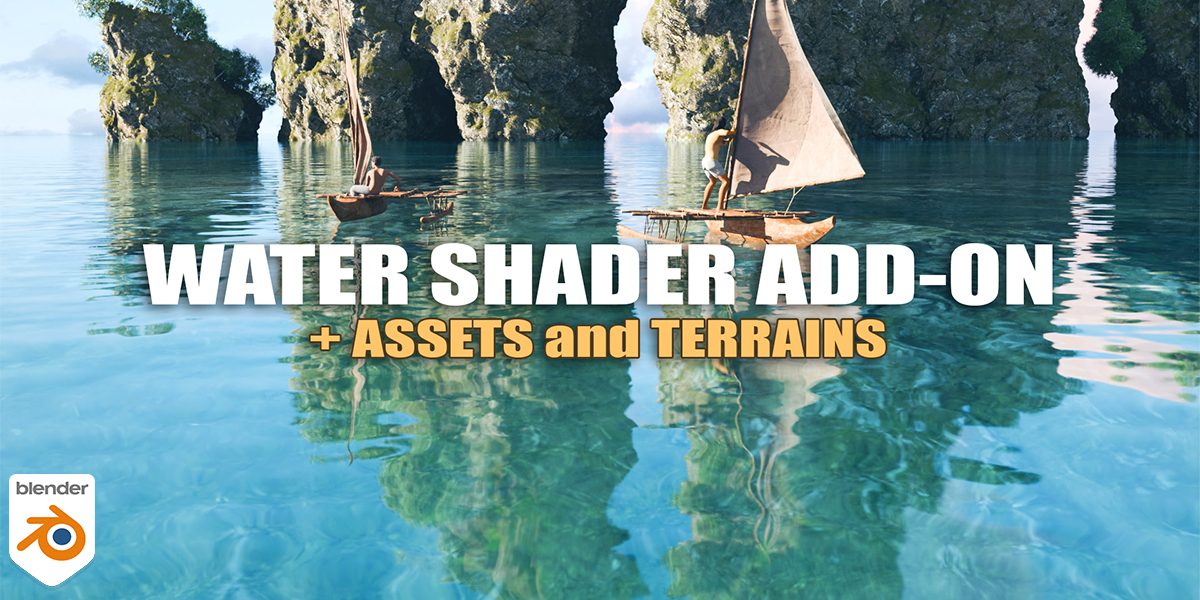

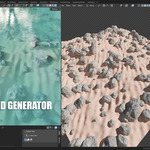
How to install the addon:
In blender go to Edit/Preferences/Addons
Install water_shader_addon_2.1.2.zip and save preferences.
After installing the addon you can find it in the N panel
For a detail guide on how to install and use the addon, check the following videos.
How to customize the material:
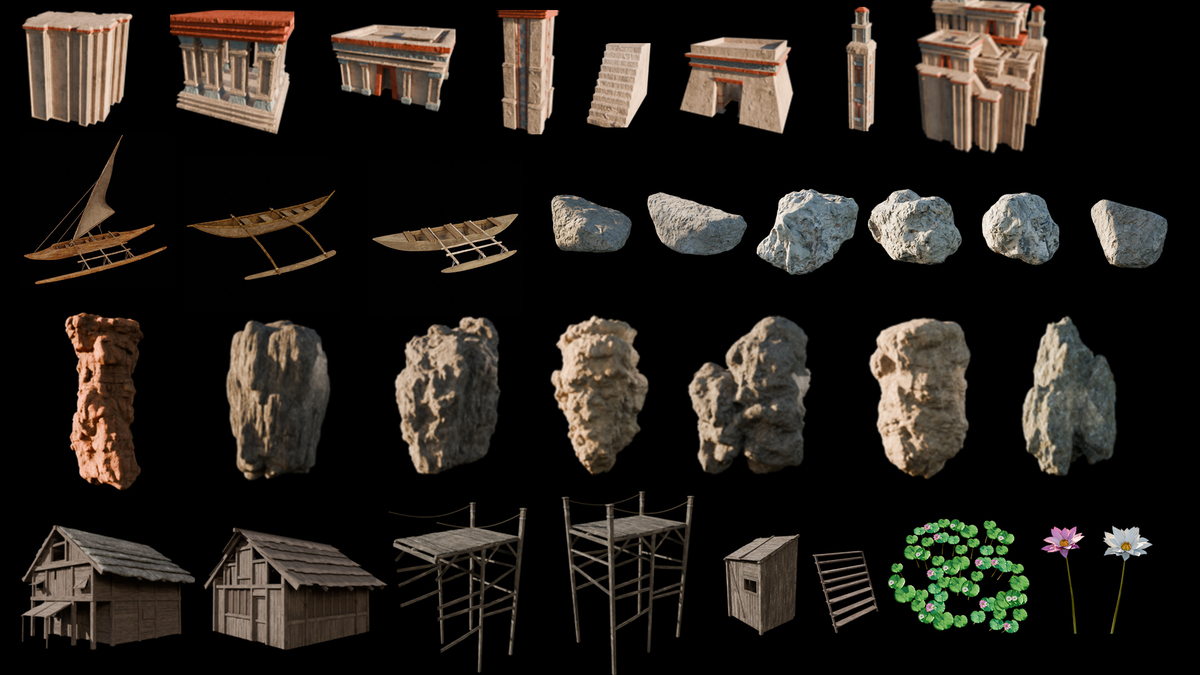
ASSET LIBRARY
To add the assets simply unzip the Asset Browser Assets.zip and add the folder to Preferences/File paths in blender, check the step-by-step tutorial
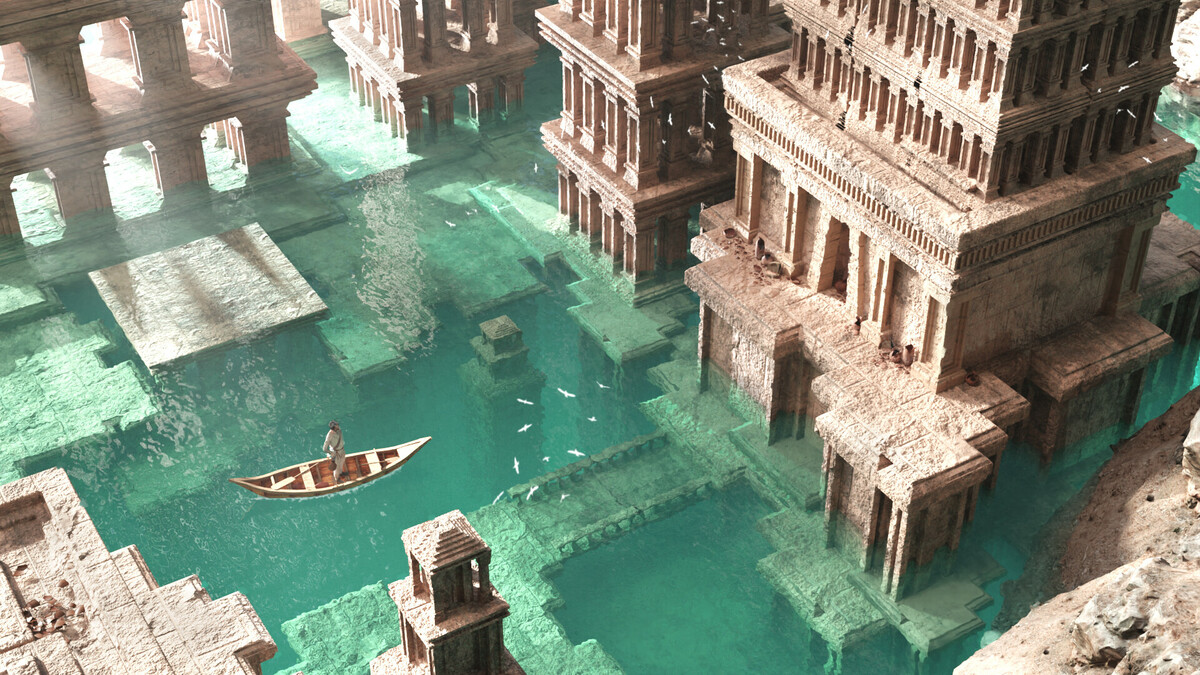
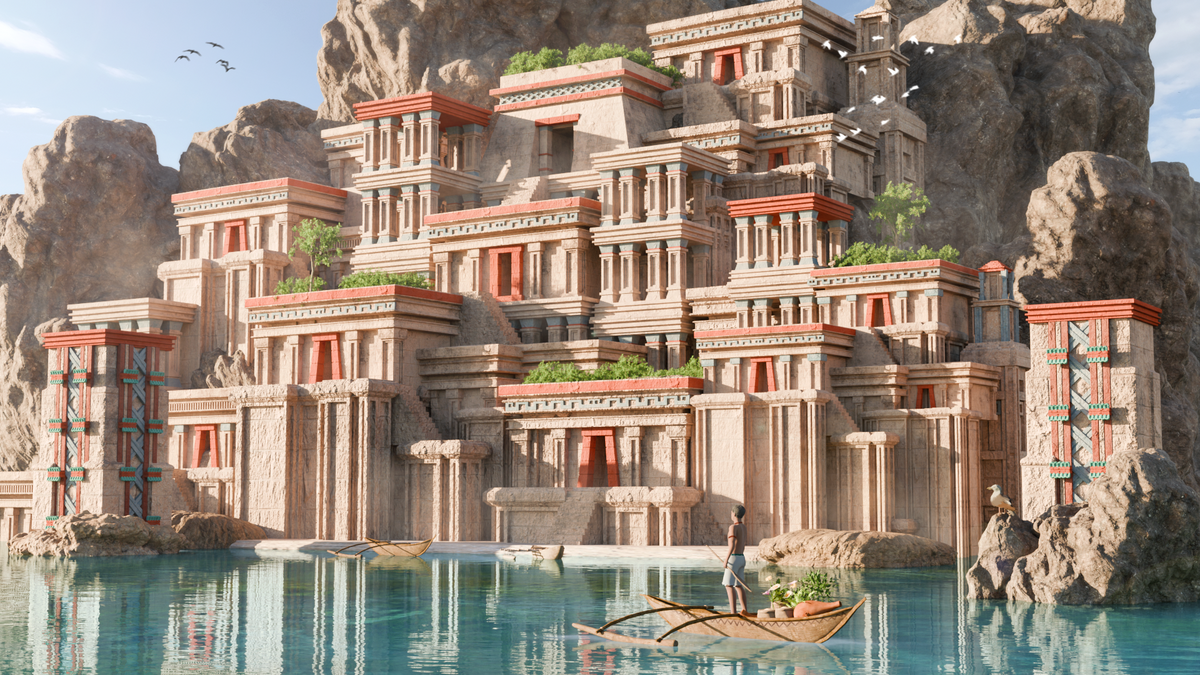
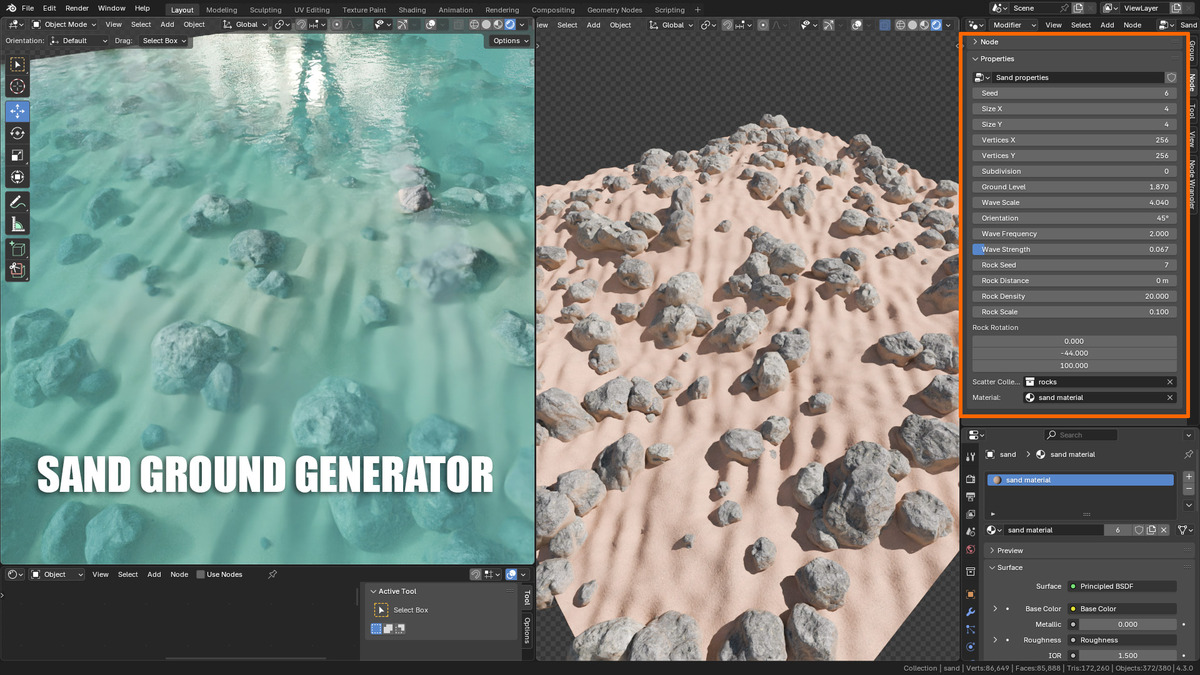
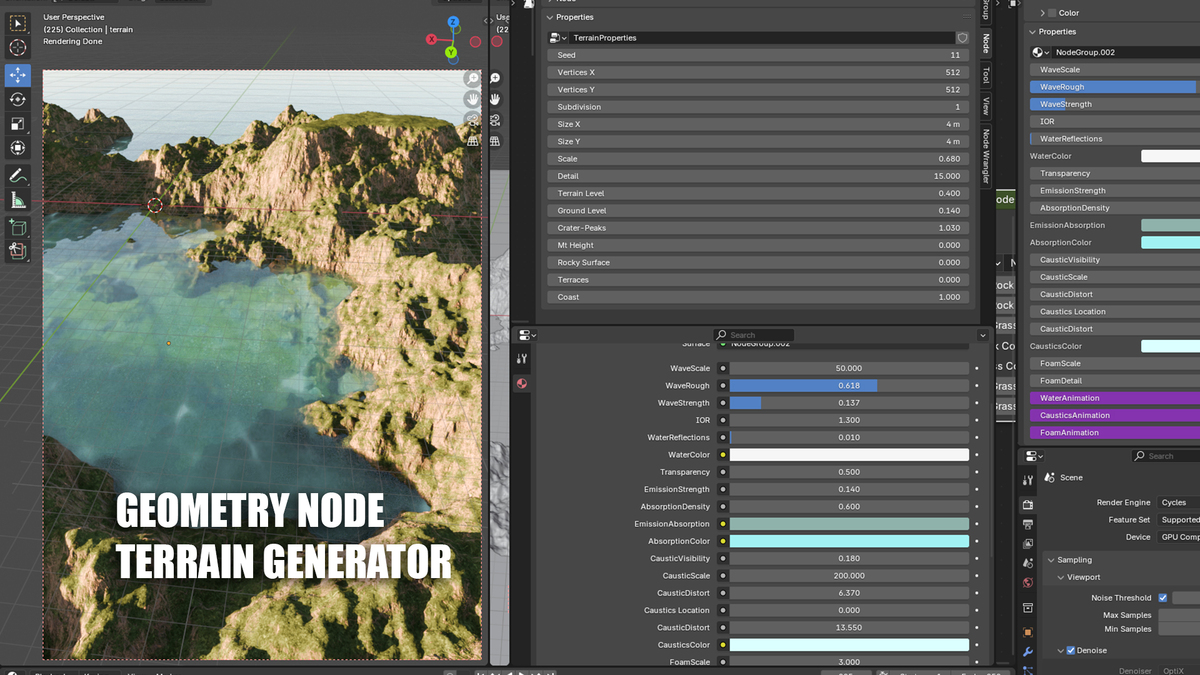
TERRAIN GENERATORS
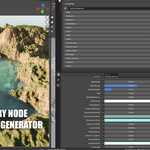
Please Note: the terrain generators use geometry nodes, so they will only work in Blender 4.3 and up
How to use the generators:
FOAM
To see the foam on the edge of the objects you will need to add those objects to the " Foam collection " that will be created when you add the "Water Cube", then make sure to select the water and go to modifiers and increase the Foam value in the geometry node modifier.
How to add foam:
SCATTER ACUATIC PLANTS
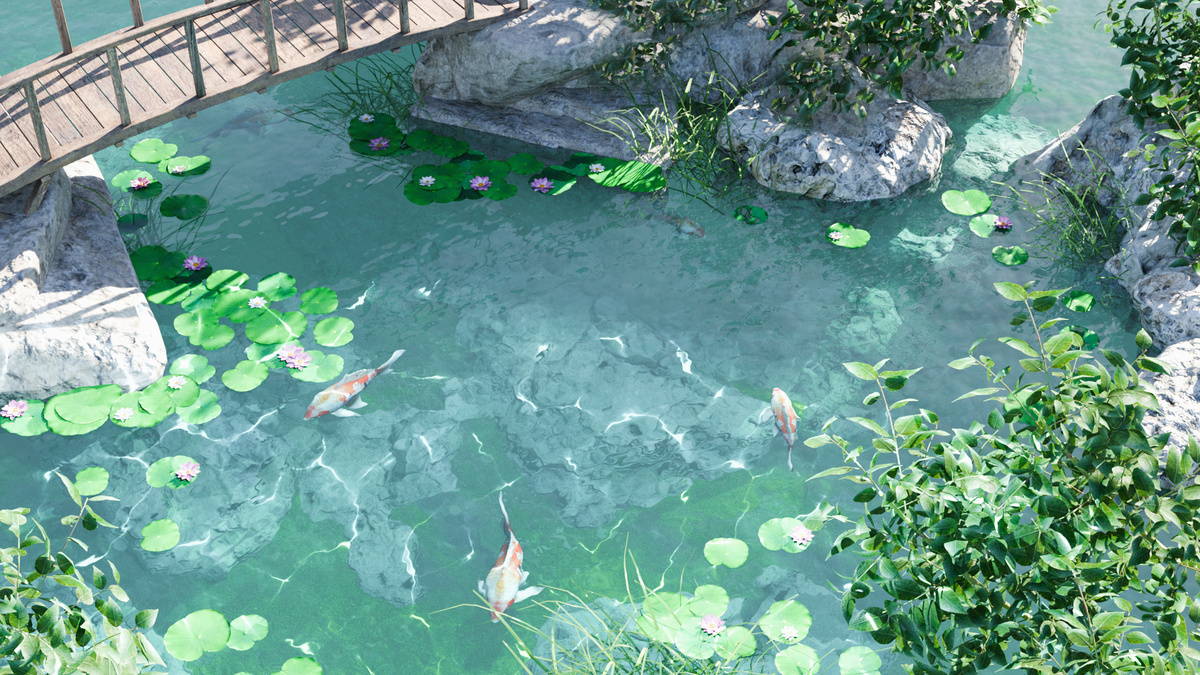
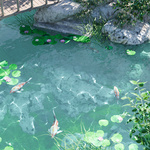
Scatter water lilies drawing lines on the surface, simply add the plants or flowers, in edit mode delete all vertices and select the "Draw Tool" then draw lines to distribute the plants.
CAUSTIC LIGHT
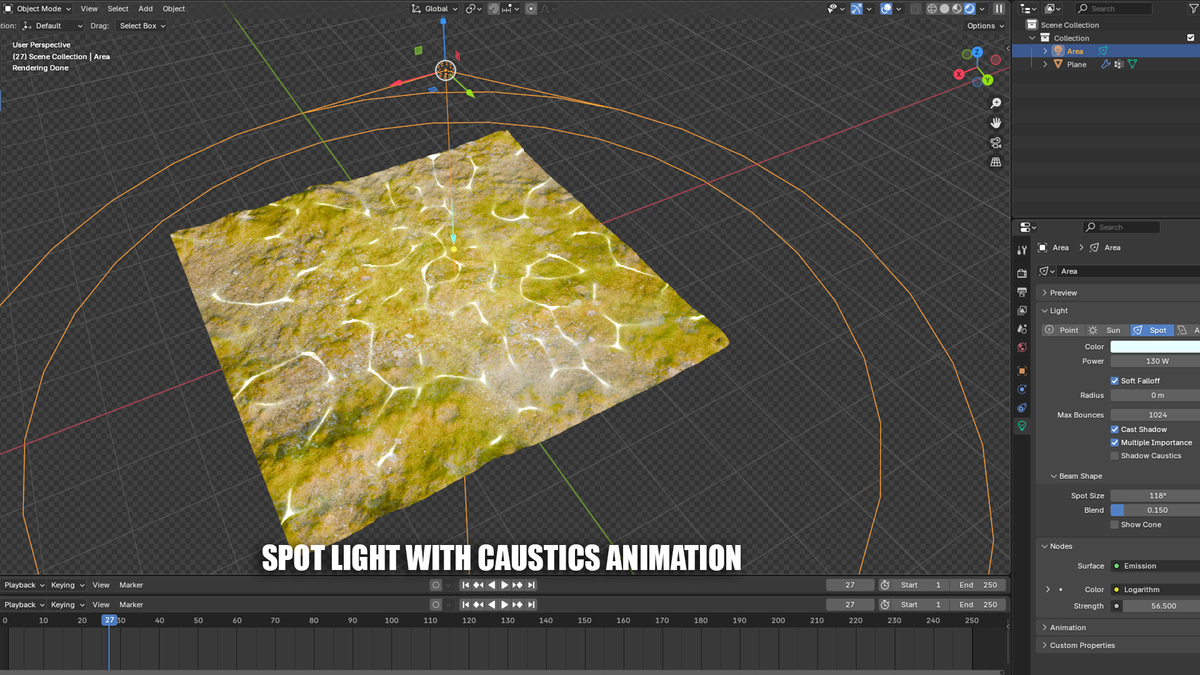
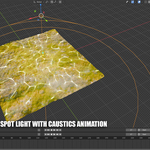
A spot light with caustics texture is included, simply click on "Caustic Light"
you can adjust the light in the data panel
The strength can be adjusted
You can pick a color
The spot size can be changed
Blend will fade the edge to make it smooth
It's a seamples texture so you can scale it
It's animated, to see it simply play the animation.
Have questions about this product?
Login to message
| Blender Extension Compatible | Yes |
| Sales | 60+ |
| Dev Fund Contributor | |
| Published | over 1 year ago |
| Blender Version | 4.3 - 5.0 |
| Extension Type | Add-on |
| Render Engine Used | Cycles |
| License | GPL |
